



Buddha Mega Menu & Navigation
- 요금제
-
무료 플랜 사용 가능. 무료 체험 이용 가능.
- 하이라이트
- 미국의 비즈니스에서 인기 있는 앱
- 최신 테마와 작동
- 평점
- 4.7 (1,306)
추천 이미지 갤러리


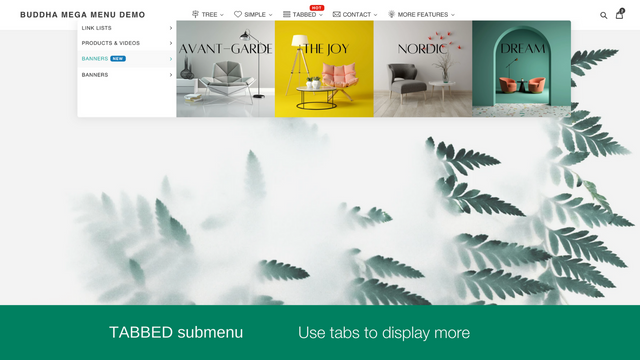
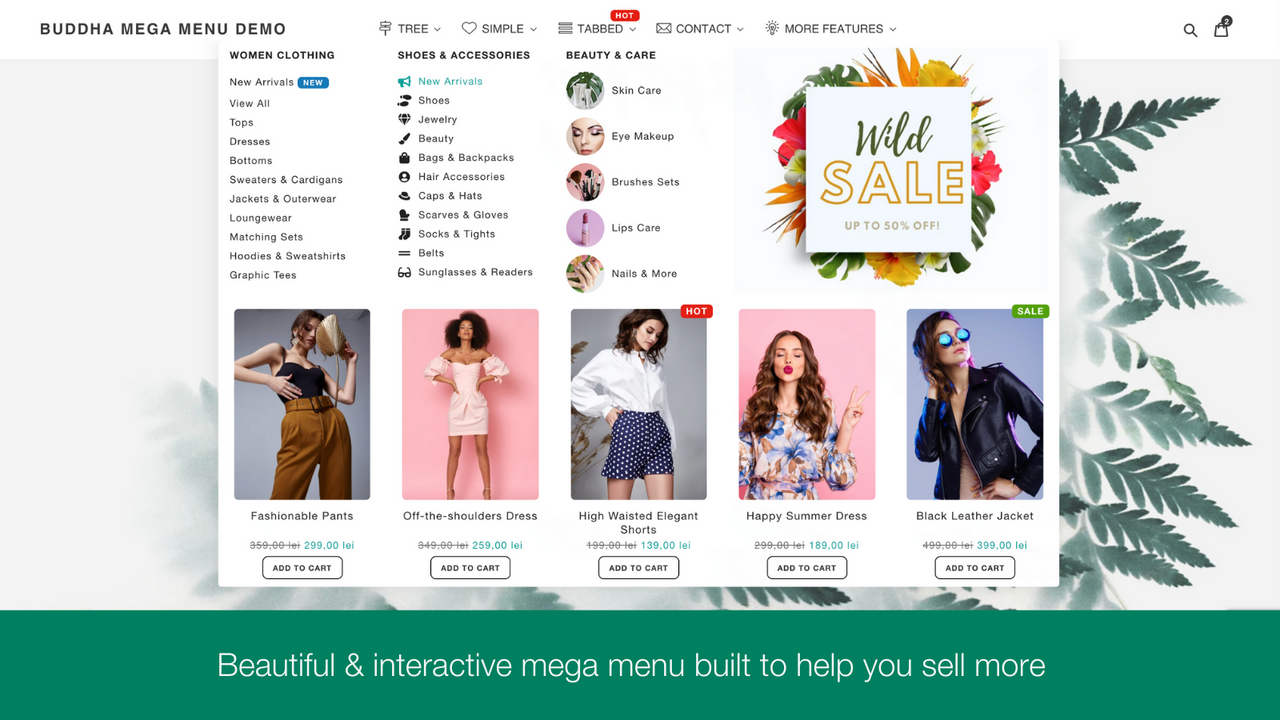
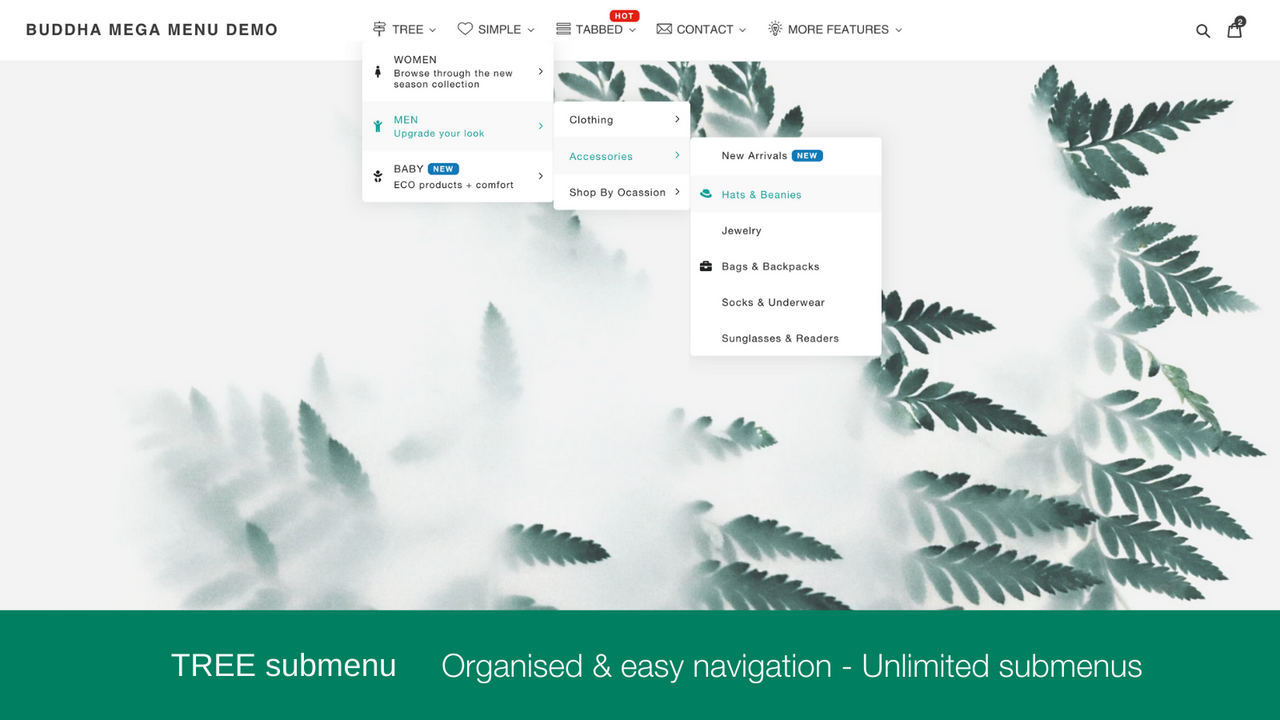
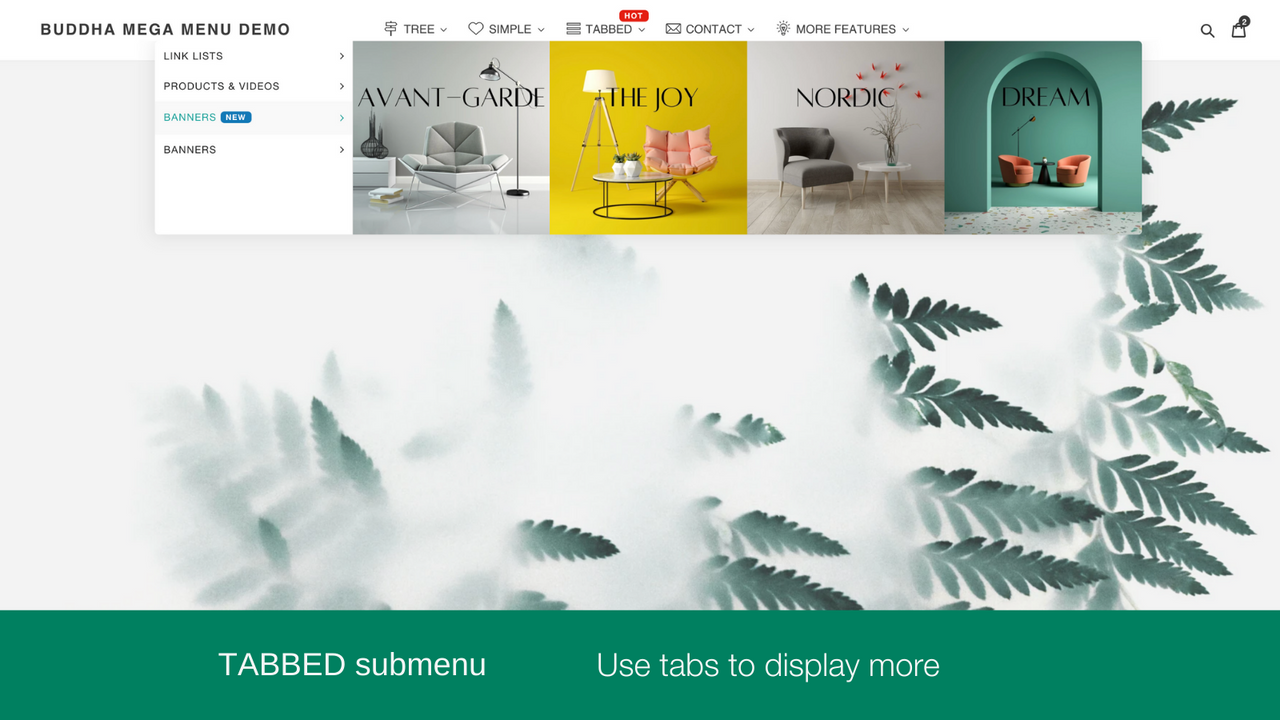
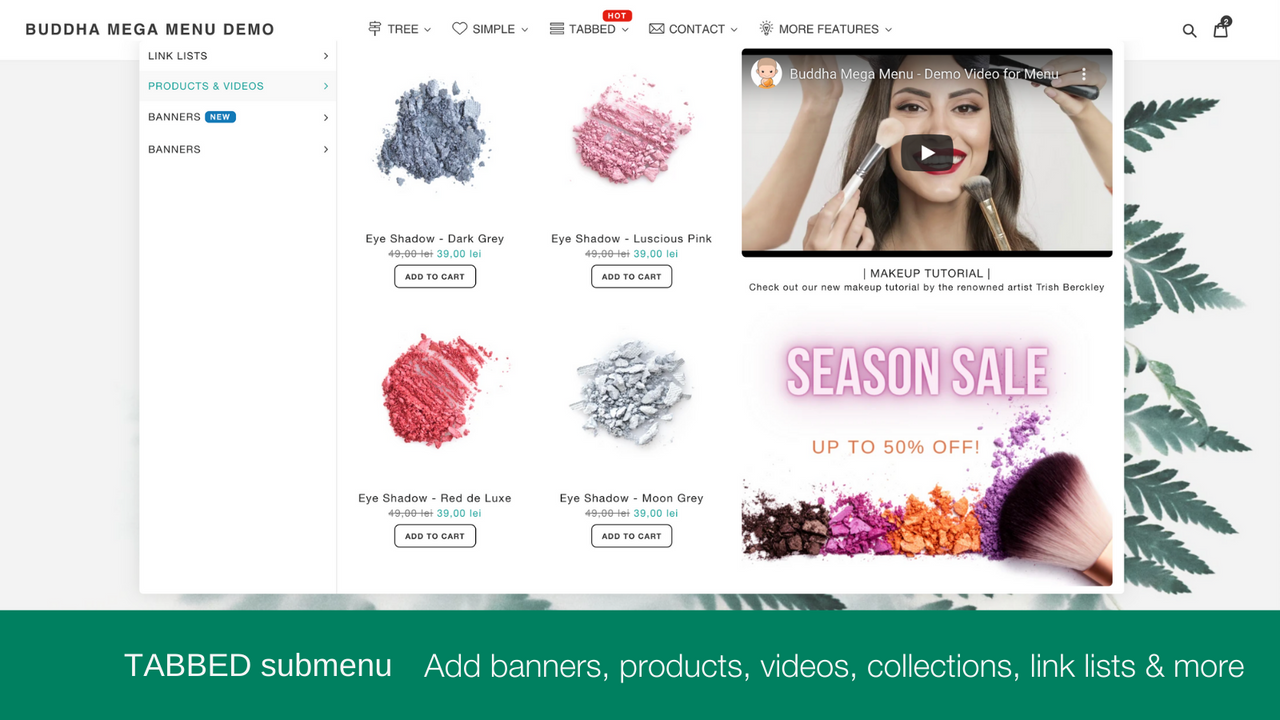
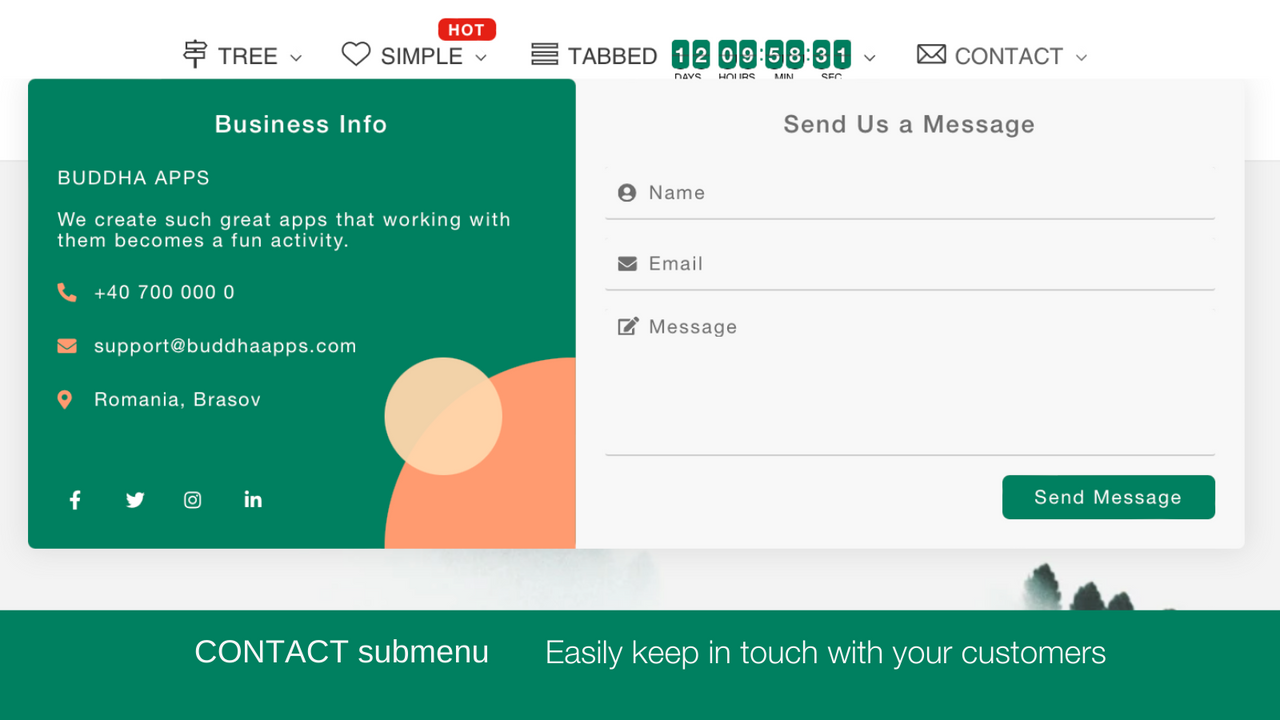
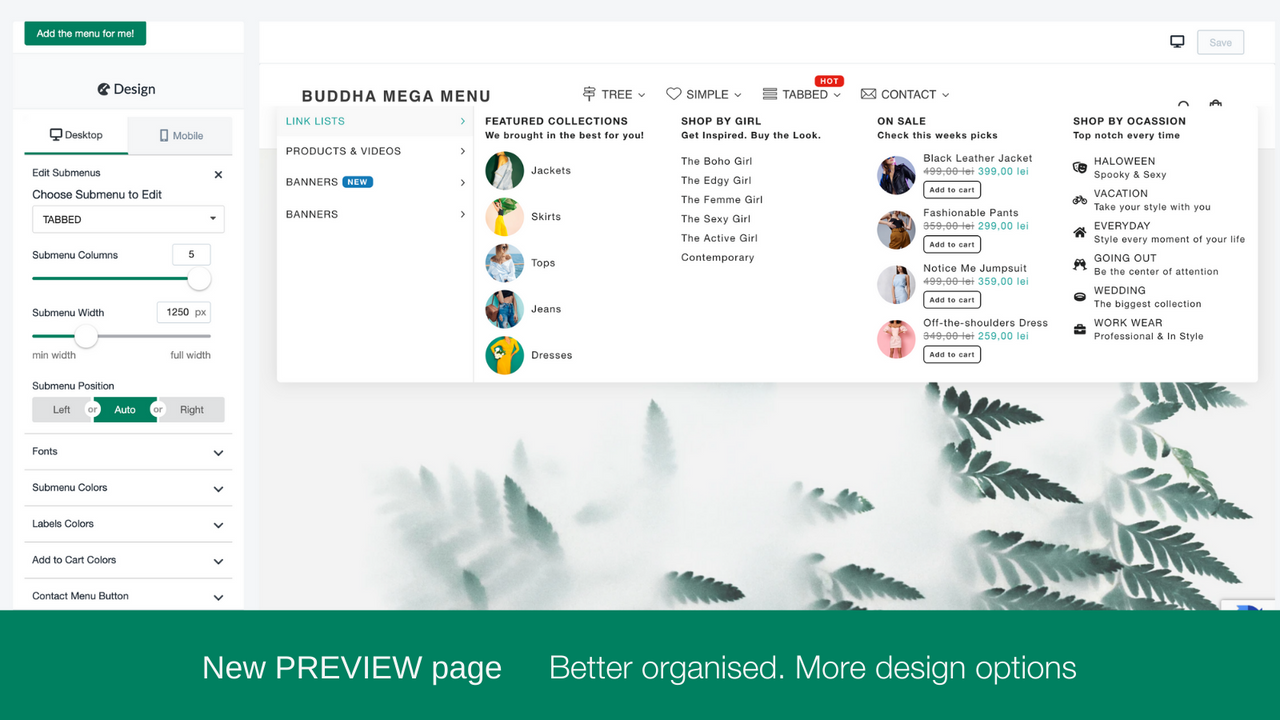
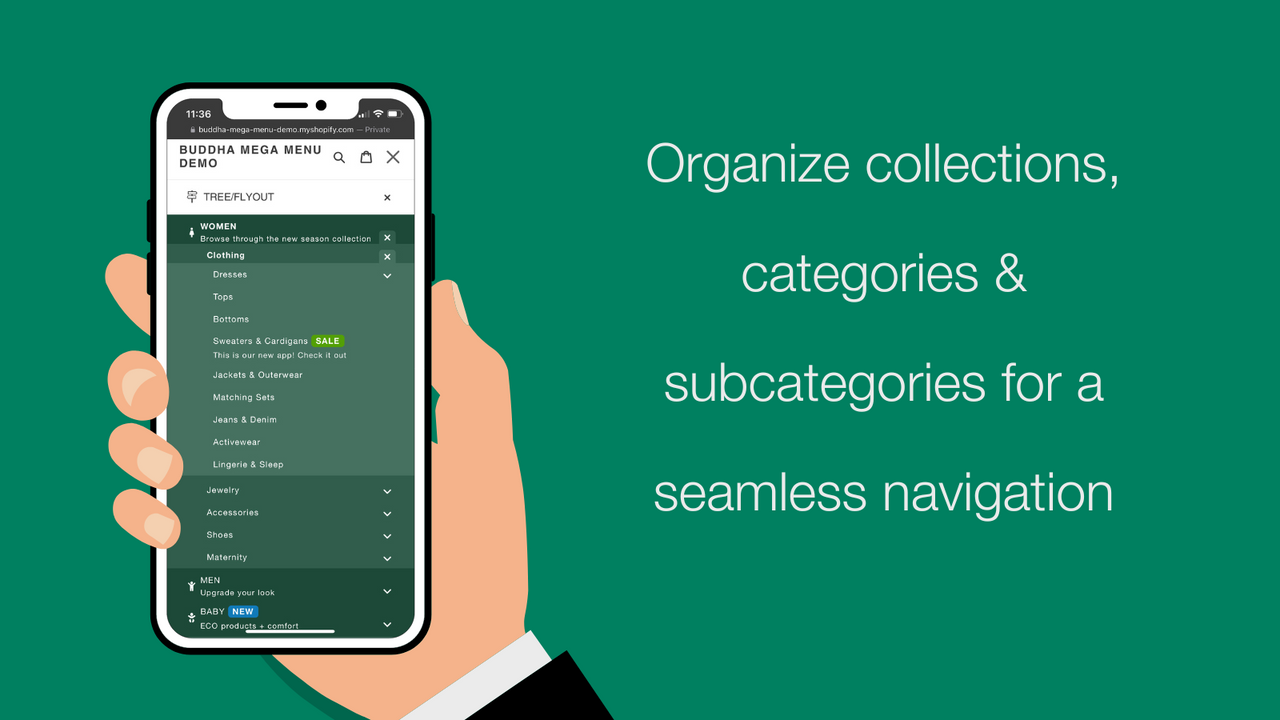


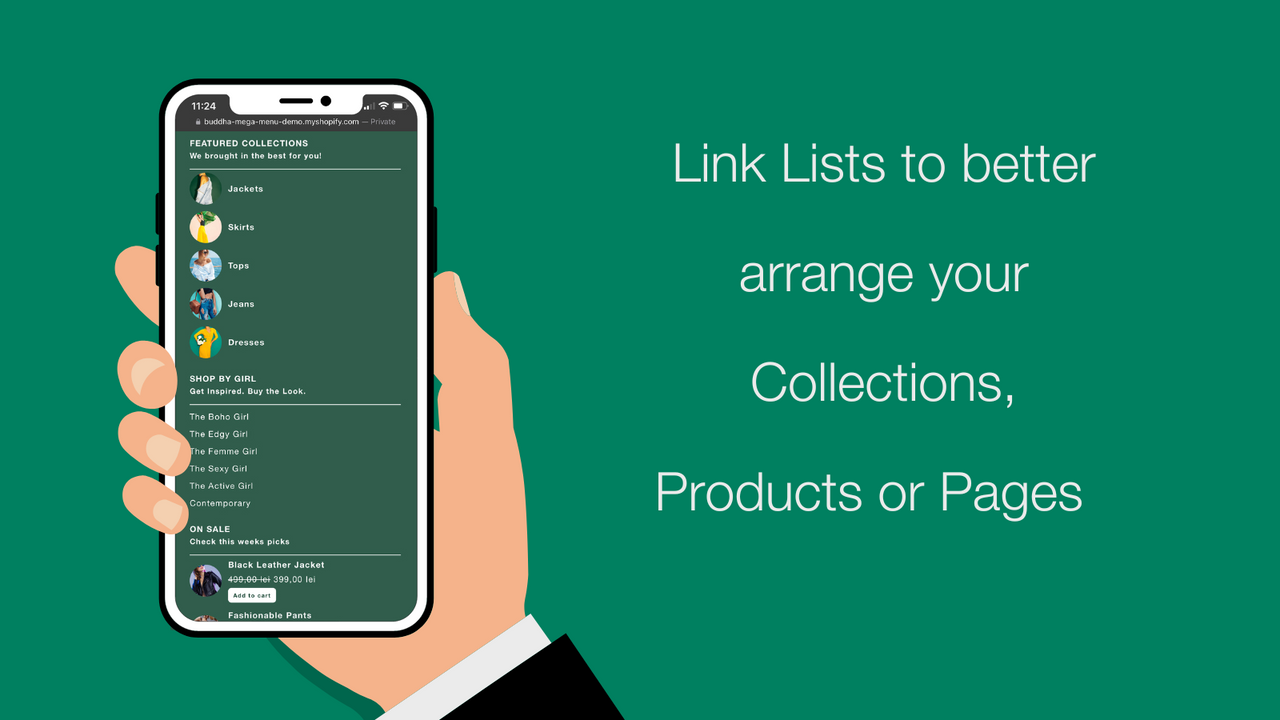
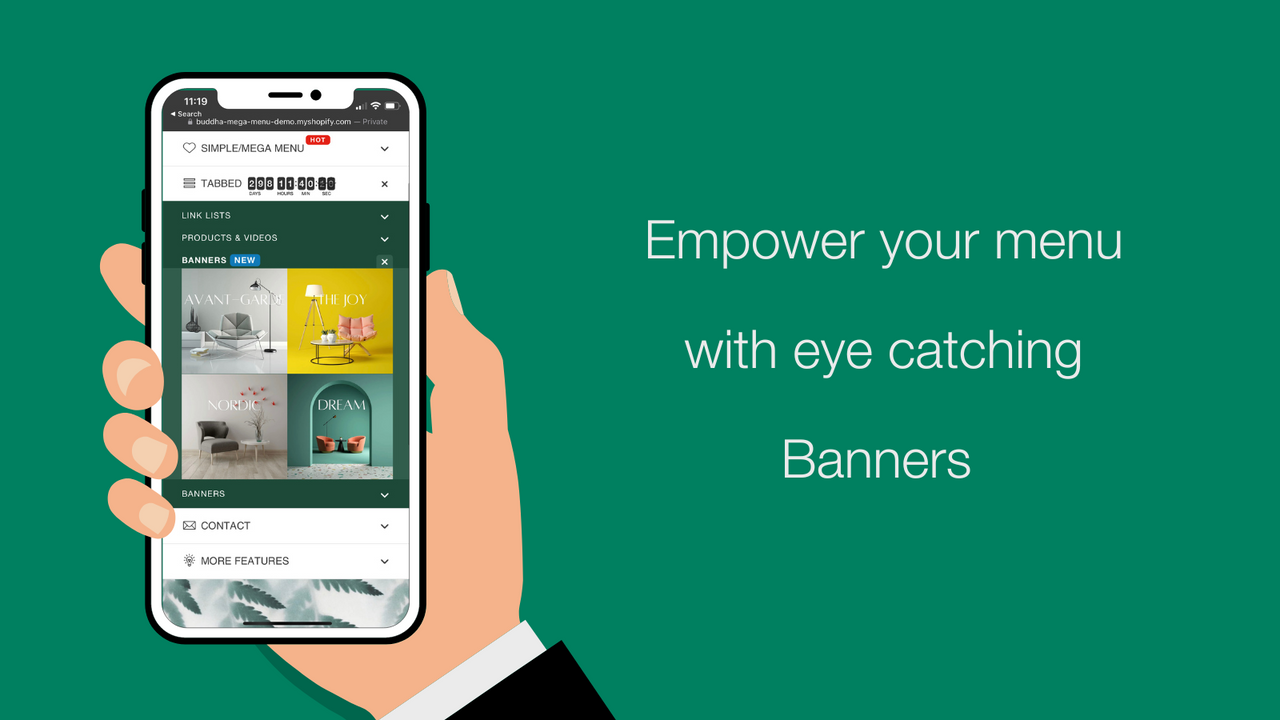
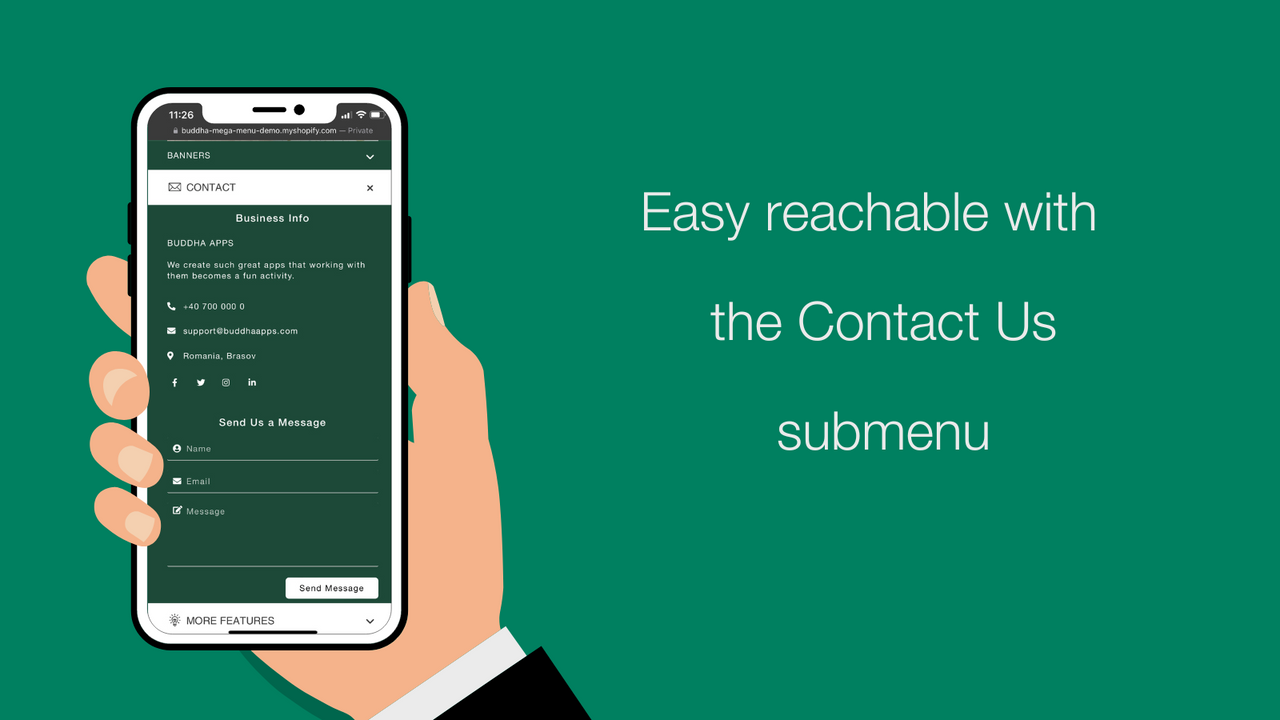
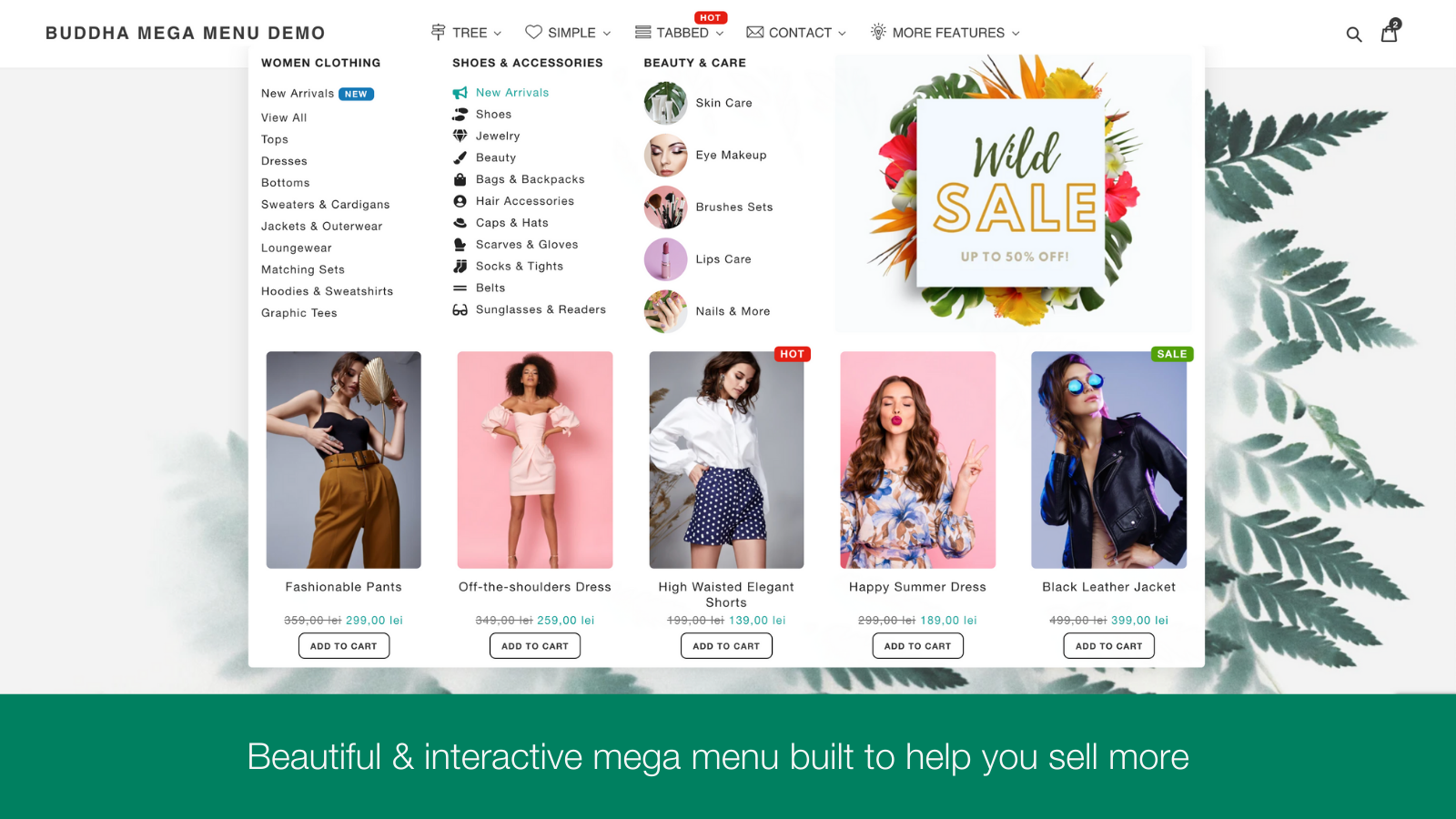


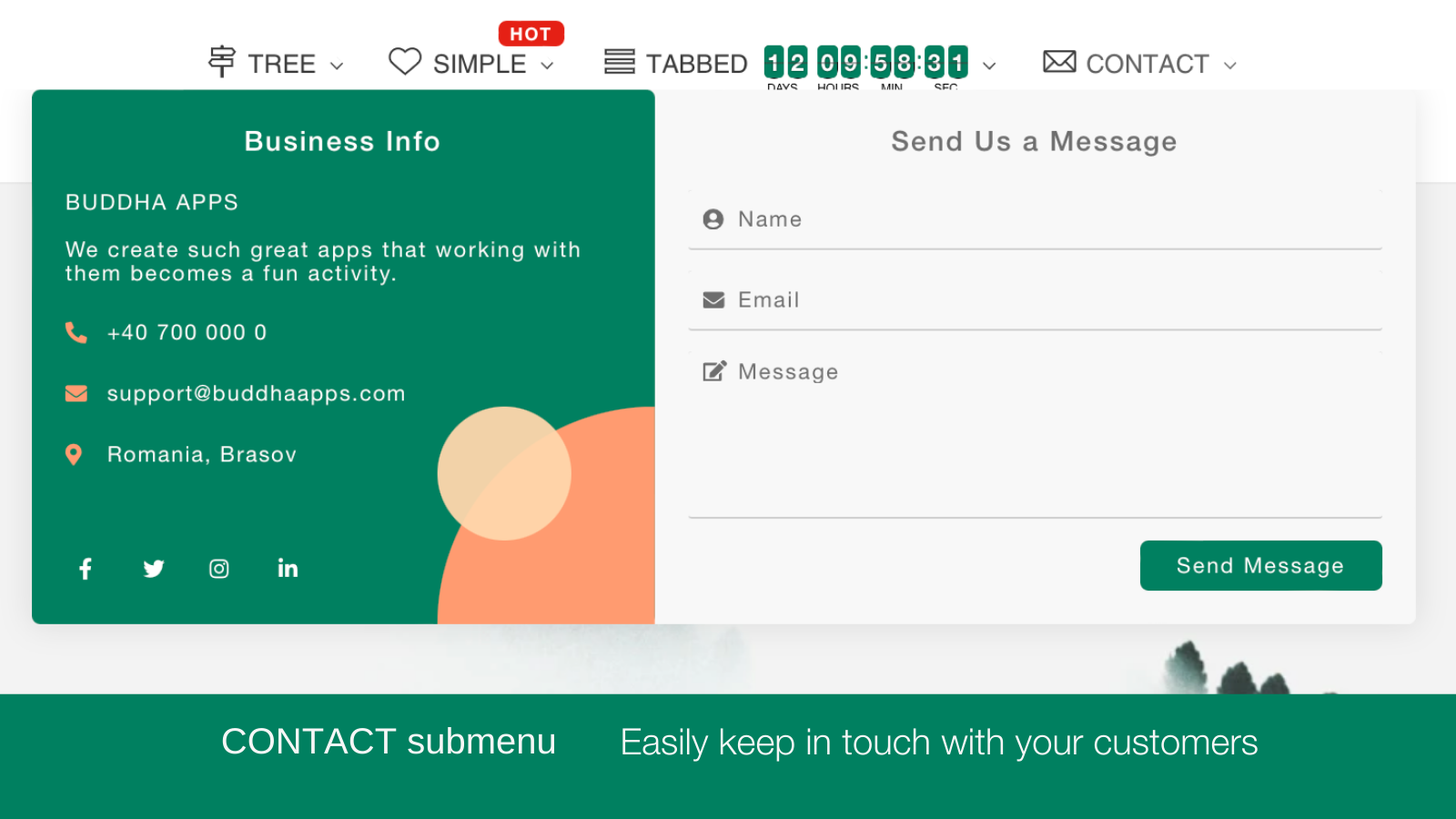





Beautiful drop down menu in minutes. Navigate easily through Products, Collections & Pages
This is not any drop down menu app. You can easily create an advanced mega menu in minutes. Also, we made the menus look really good using the latest design trends. This menu will improve the look of your store. Your customers can add to cart their favourite products & navigate through your categories straight from the menu.
- 4 submenu designs: Tree, Simple, Tabbed, Contact
- Simple menu items or lists linked to any product, collection, page of your store
- Image on Collections, Products, Blogs, Pages, Custom, Banner
- Countdown timer, labels, badges, icons, videos to showcase your promotions
- Multi-language: translate the menu in any language of your shop with 1 click
- 하이라이트
- 미국의 비즈니스에서 인기 있는 앱
- 최신 테마와 작동
언어
영어
이 앱은 한국어로 번역되지 않았습니다
다음과 호환:
- 2048 Variants
요금제
Free
무료
- Unlimited Tree / Flyout & Mega Menus
- Unlimited Menu Items & Link Lists
- Collection, Product & Page Image -5 each
- Icons
- NO WATERMARK
Mega Zen
$9.95 /월
또는 연 $95.52 및 20% 할인
- 14 days Free Trial
- All from FREE+
- FREE for dev. stores
- TABS, CONTACT
- Unlimited Images, Videos
- Badges, Add to Cart
- Countdown
- TRANSLATE menu
14일 무료 체험
모든 비용은 USD(으)로 청구됩니다. 반복 요금 및 사용 기반 요금은 30일마다 청구됩니다. 모든 요금제 옵션 보기
리뷰 (1,306)
We've been using this app for a few years now without issues. We just updated our site and got great customer service to have our menus up and running quickly.
Thank you for this amazing review and for being with us for the past 7 years! We’re always trying to offer best experience with our app and feedback like this makes it all worth it.
We're hoping to bring more benefits to your store in the years to come.
Glitchy and customer support never got back to me. I tried out a few different menu apps and Qikify ended up being the best by far!
Works great, and customer service has been on point also!
Thank you so much for taking the time to leave us a 5 star rating! It's so much appreciated!
We’re so glad that our app and our support team is what you’re expecting and feedback like this makes it all worth it.
This app works very well for our store. The support is great and also did some small changes to fit our needs.
Thank you so much for taking the time to leave us a 5 star rating! It's much appreciated!
We’re so glad that our app and technical support is what you’re expecting and hopefully with the future developments we can exceed your expectations.
Have an amazing day!
Excellent! If you're creative, the options are endless. I had some questions at the beginning of the setup, but the support team is efficient.
Thank you for this amazing review and for being with us for the past year!
We’re so glad we were able to help you.
Please don’t hesitate to contact us if you ever need further assistance with our app.
지원
앱 지원은 Buddha Apps (Zero Carbon)에서 제공합니다.
개발자
Zero Carbon SRL Str Stefan Baciu, nr 7, bl 7, et 7, ap 55, VAT ID RO 33047042, Brasov, BV, 500170, RO
출시됨
2016년 8월 19일
이 앱과 비슷한 더 많은 앱 보기