
IPS ‑ Contact Form to Any API
- 定價
-
提供免費方案
- 特色
- 可與最新佈景主題搭配使用
- 評分
- 4.1 (2)
主要圖片圖庫





Build powerful custom forms like contact us, connect with any third party APIs. No coding required.
This all-in-one contact form builder can help you capture more leads & boost sales. You can connect these forms with any 3rd party apps like Mailchimp, Mailbuster, Hubspot, Klavio or your custom CRM. You can create any type of professional looking form like Contact us, Survey form, Registration form, Application form, Inquiry form, Quote request form, Booking form, Order form, File upload form, Newsletter etc with zero coding knowledge. Easy to edit, comes with Google recaptcha for security.
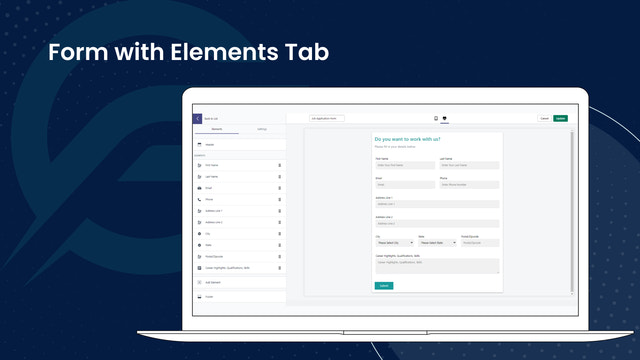
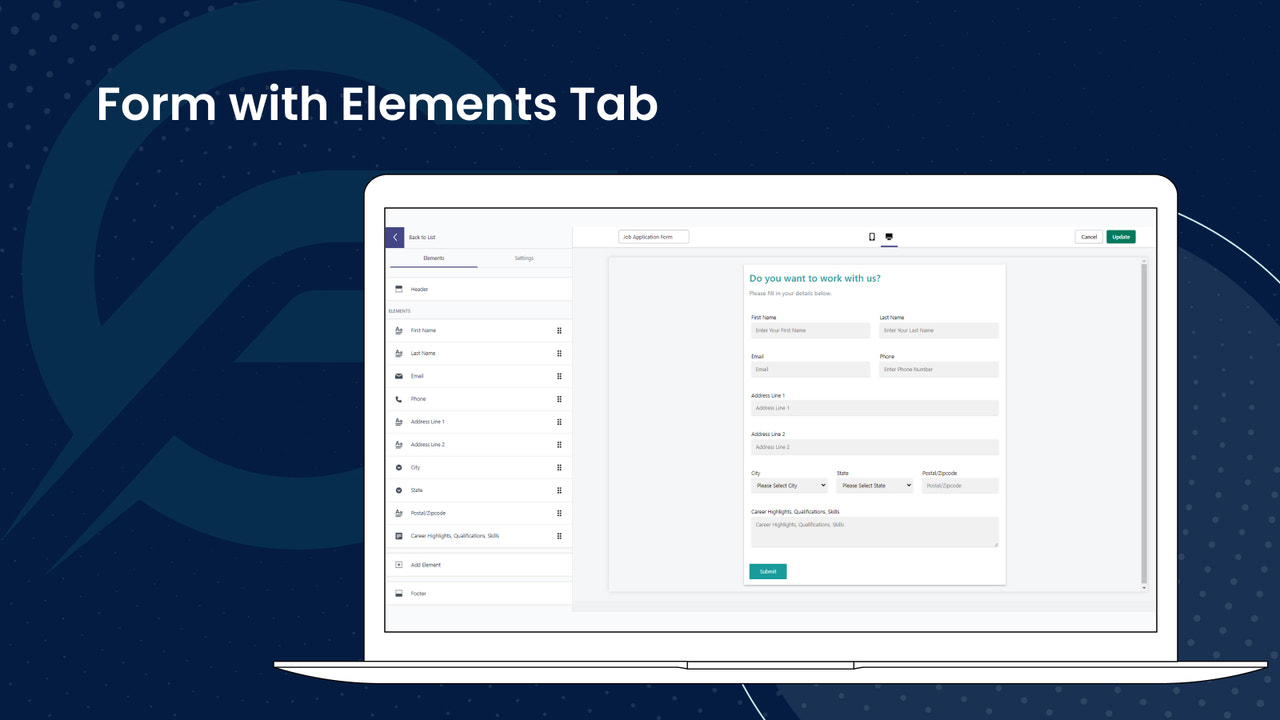
- Easy to build personalised forms with no technical skills. Unlimited fields.
- Connect forms to 3rd party apps like Mailchimp, HubSpot etc using API Connector.
- Supports all types of forms including file uploads with google ReCaptcha.
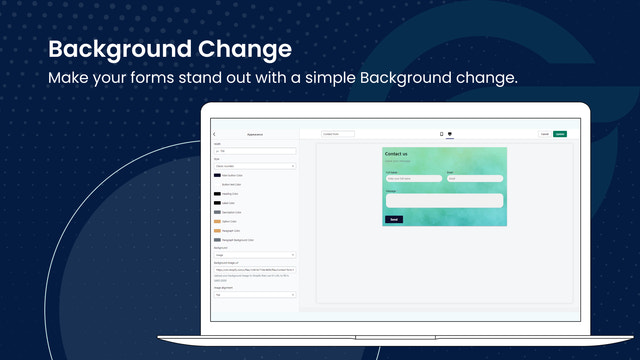
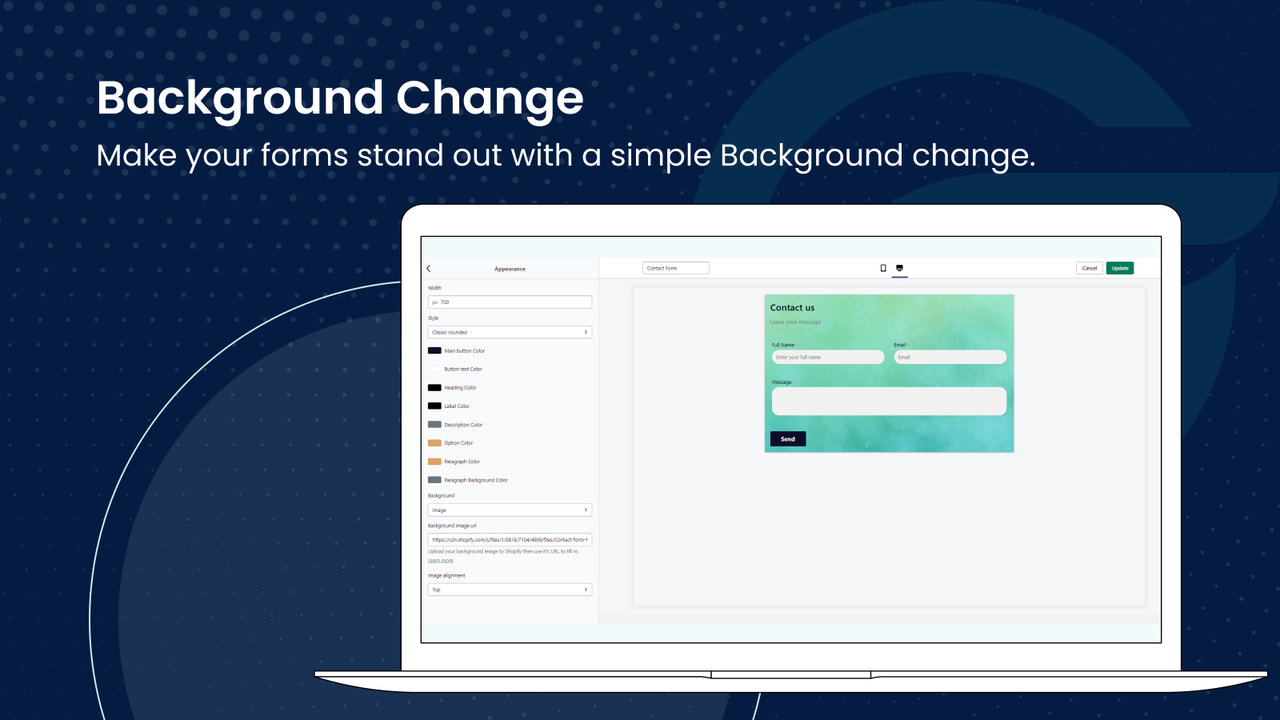
- Apply custom styles to your form. Personalize appearance of individual fields.
- Unlimited submissions - view in-app or via email with ability to Export in CSV.
- 特色
- 可與最新佈景主題搭配使用
語言
英文
這項應用程式尚未翻譯成繁體中文
定價
Free
免費
- Unlimited forms & fields
- Unlimited submissions
- Real time form preview
- Customize form & fields UI
- File Upload
- Customize email content
Premium
$5.99 /月
- Everything in FREE
- reCaptcha v2
- Date & Time field
- HTML & URL field
- Export submissions
- Integration with 3rd party API
所有費用均以 USD 計價。 定期費用和依使用量計費方案,均以 30 天為週期收費。
Highly recommended! It's very easy to create and customize forms, there are many options to choose from. Setting up the app has been a bit difficult for me, but customer service has helped me a lot and has answered all my questions.
I have set up Google mail in the plugin, but I can't get any messages.
Thank you for your review. We have checked the Gmail SMTP configuration, and it is working fine with the correct details.
Upon double-checking, it seems that incorrect username and password details are being added. You can see the SMTP error log from our app.
I suggest verifying the following details and rechecking everything to ensure SMTP works correctly:
1. Verify Integration Steps:
- Double-check that you have correctly set up the Google Mail integration. Ensure that your API keys and OAuth credentials are properly configured.
- Confirm that the Gmail API is enabled in the Google Cloud Console.
2. Check Permissions:
- Ensure that our app has the necessary permissions to access your Gmail account. Make sure you have granted the required permissions during the OAuth flow.
3. Review Error Messages:
- If you encounter any error messages or logs from the Gmail API or our Shopify app, please review them. These messages can provide valuable insights into the issue.
4. Test with a Different Account:
- Try setting up the integration with a different Gmail account to determine if the issue is specific to a particular account.
5. Inspect Spam/Junk Folder:
- Check your spam or junk folder in Gmail. Occasionally, legitimate messages may be mistakenly filtered out.
6. Network Issues:
- Verify that there are no network-related issues preventing the connection between our app and the Gmail servers.
We hope these steps help resolve any issues you're experiencing with Google Mail integration. If you have any further questions or need additional support, please don't hesitate to contact us.
Thank you for your patience and understanding.
支援服務
應用程式支援由 IT Path Solutions Private Limited 提供。
或瀏覽他們的支援服務入口網站資源
開發者無法直接以繁體中文提供支援。
開發者
IT Path Solutions, Binori B Square 1, 801, 8th floor, BRTS road, Ambli, Ahmedabad, GJ, 380058, IN
發布日期
2023年10月6日
其他同類型應用程式