
MPO ‑ Multiple Product Options
- 定價
-
每月 $1.99 起。 提供免費試用。
- 特色
- 可與最新佈景主題搭配使用
- 評分
- 4.9 (101)
主要圖片圖庫
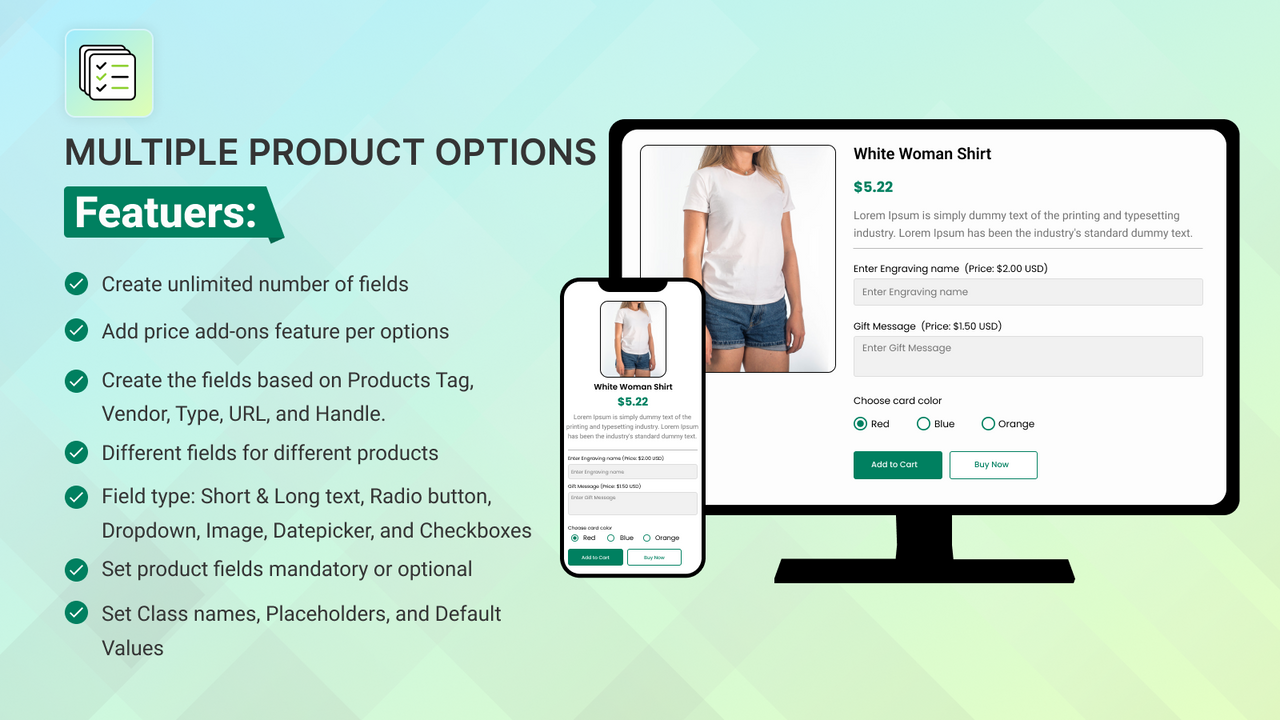
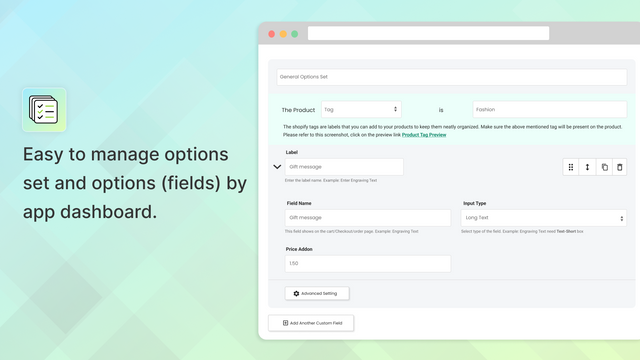
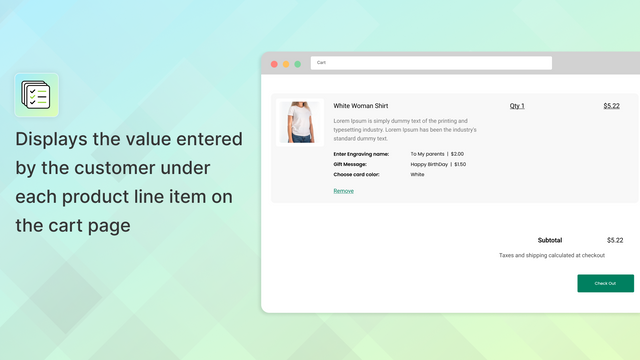
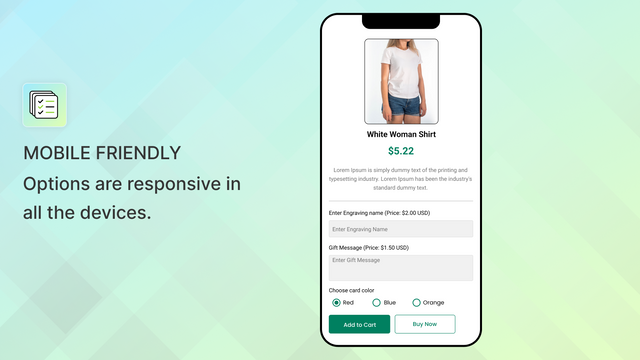
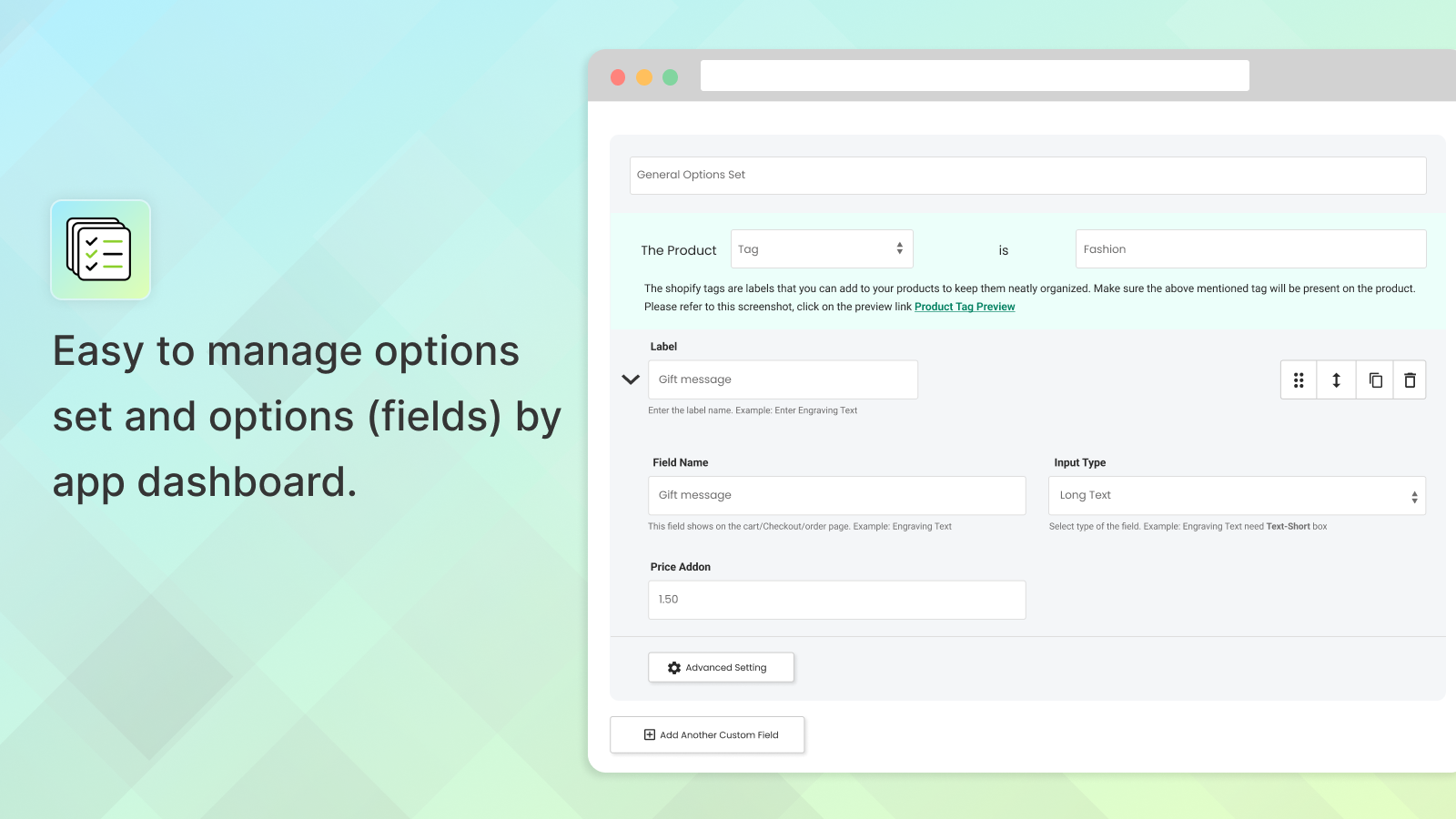
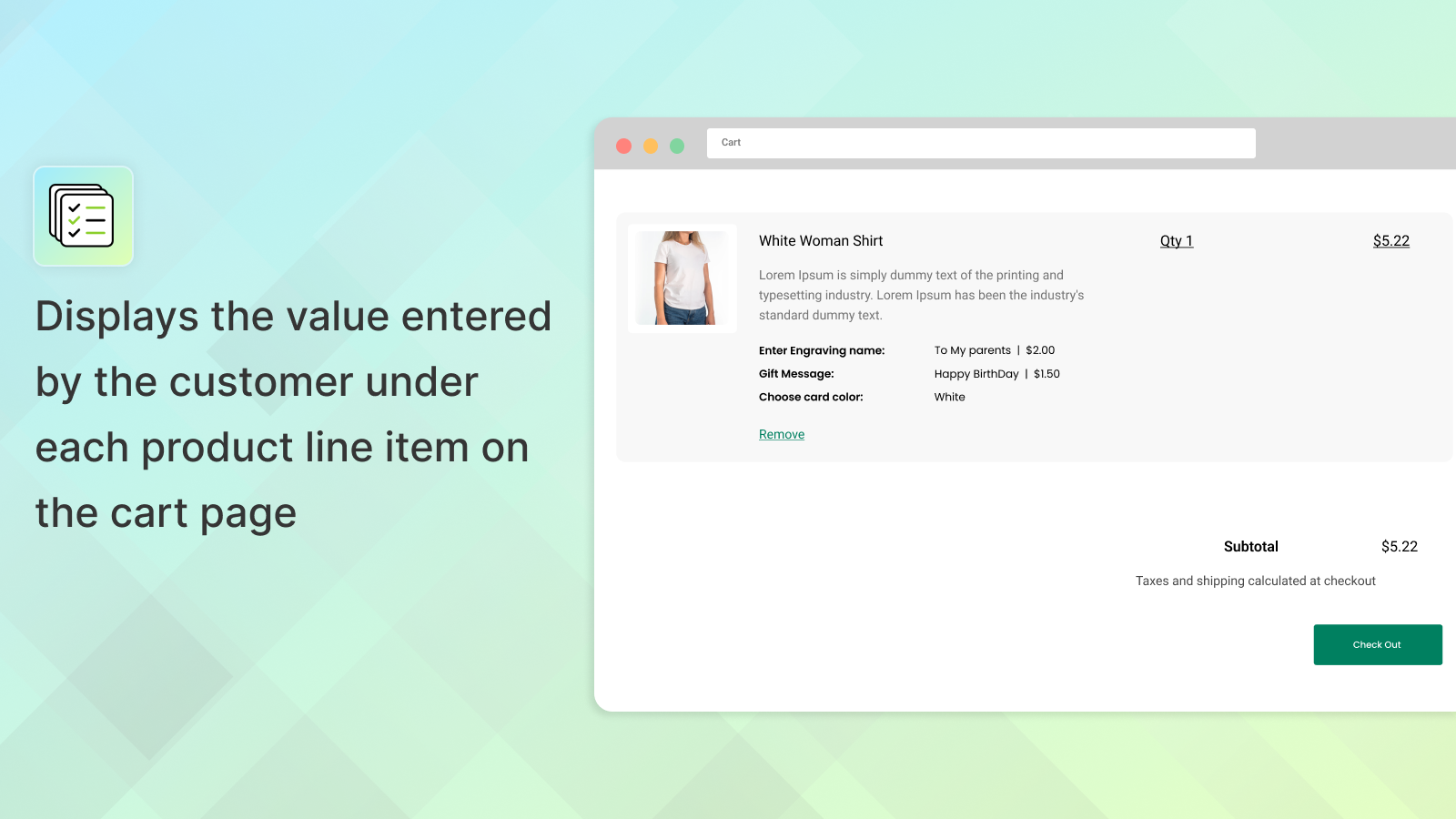
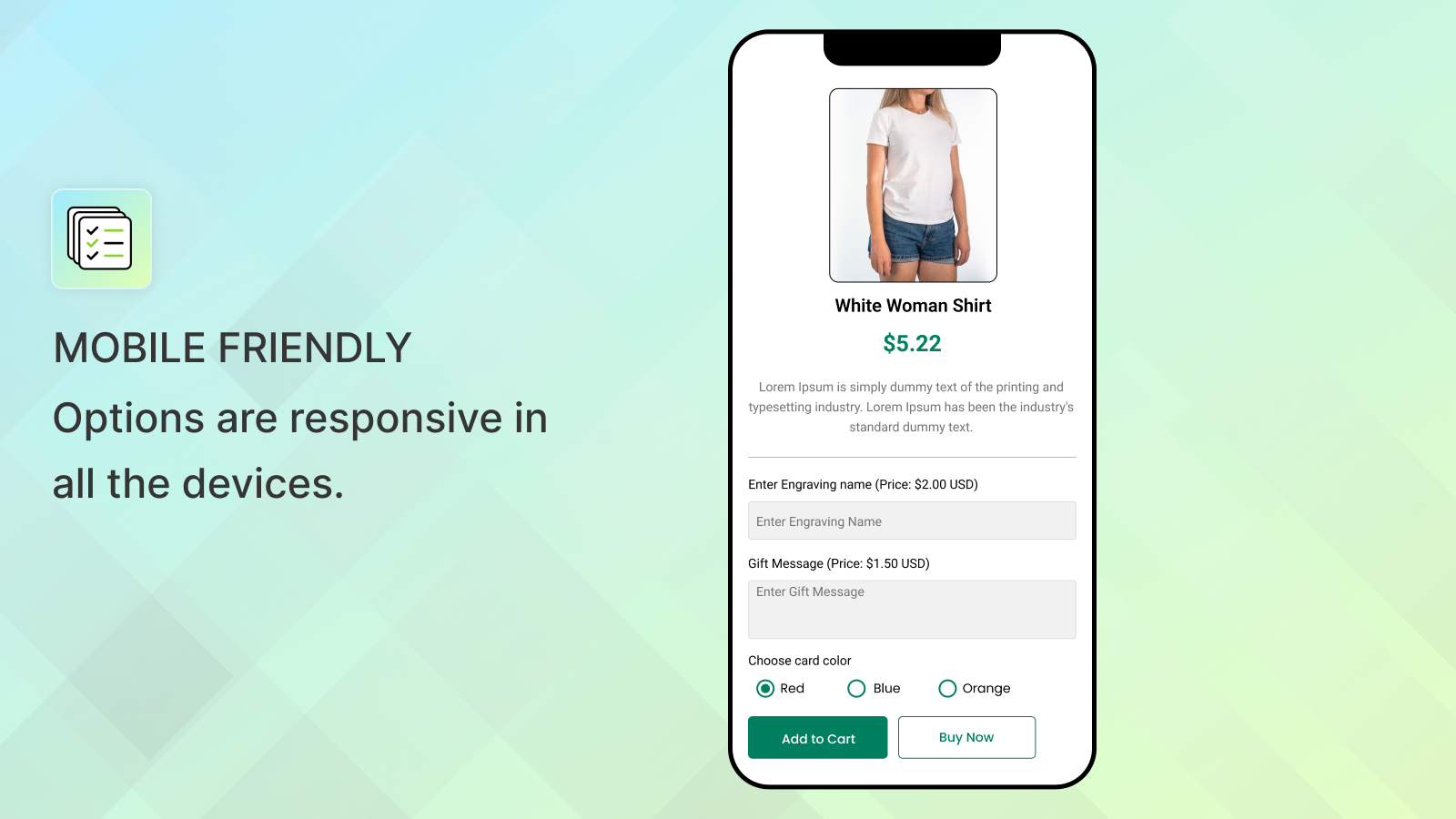
Add multiple product options with price addons & conditional logic with zero knowledge of coding.
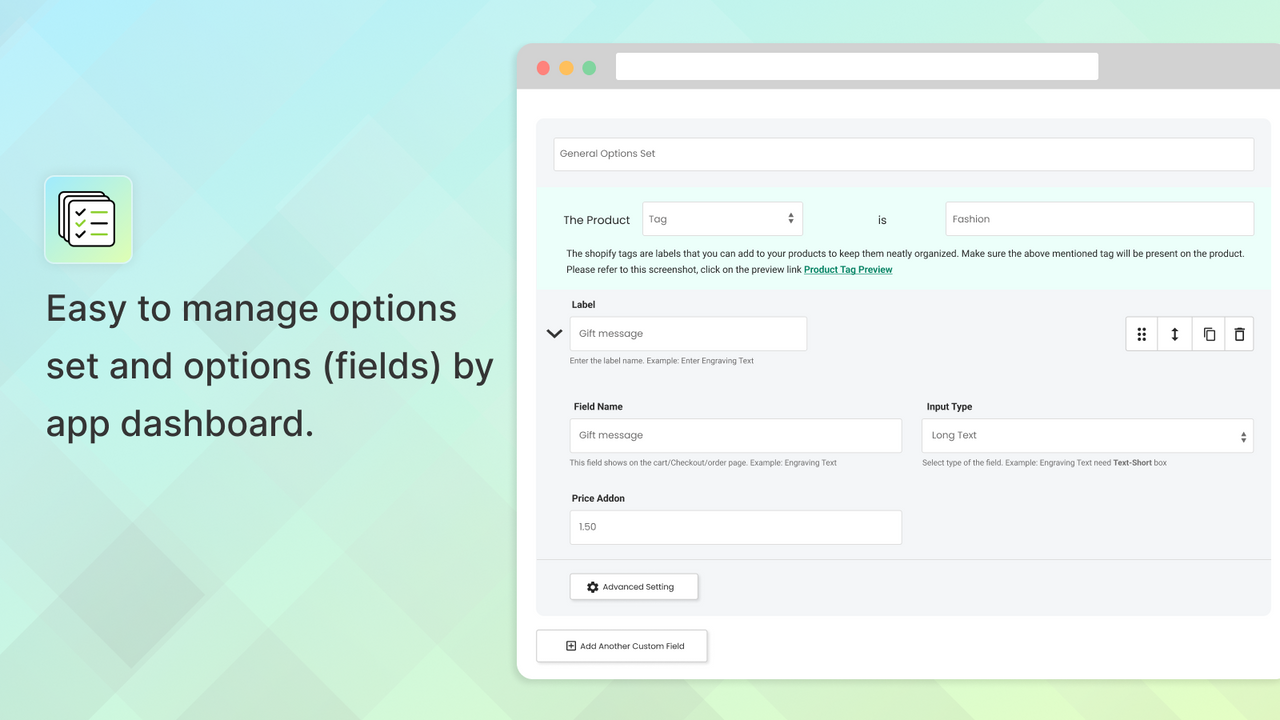
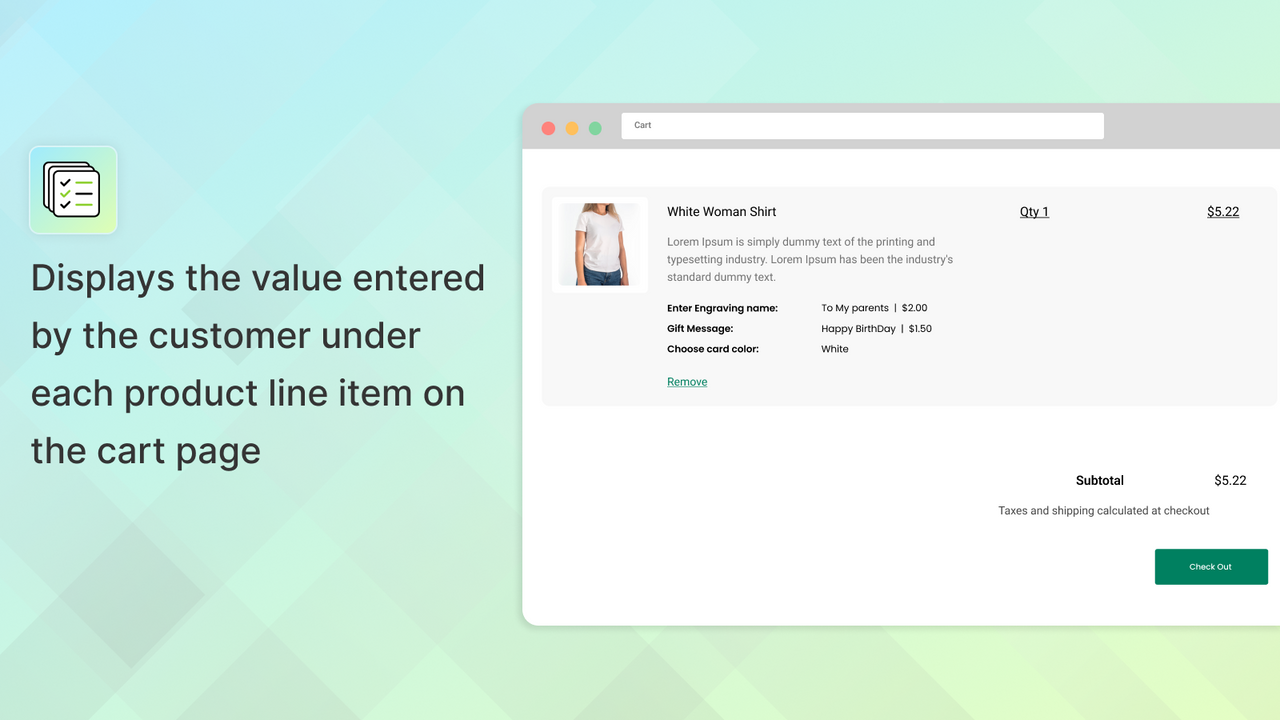
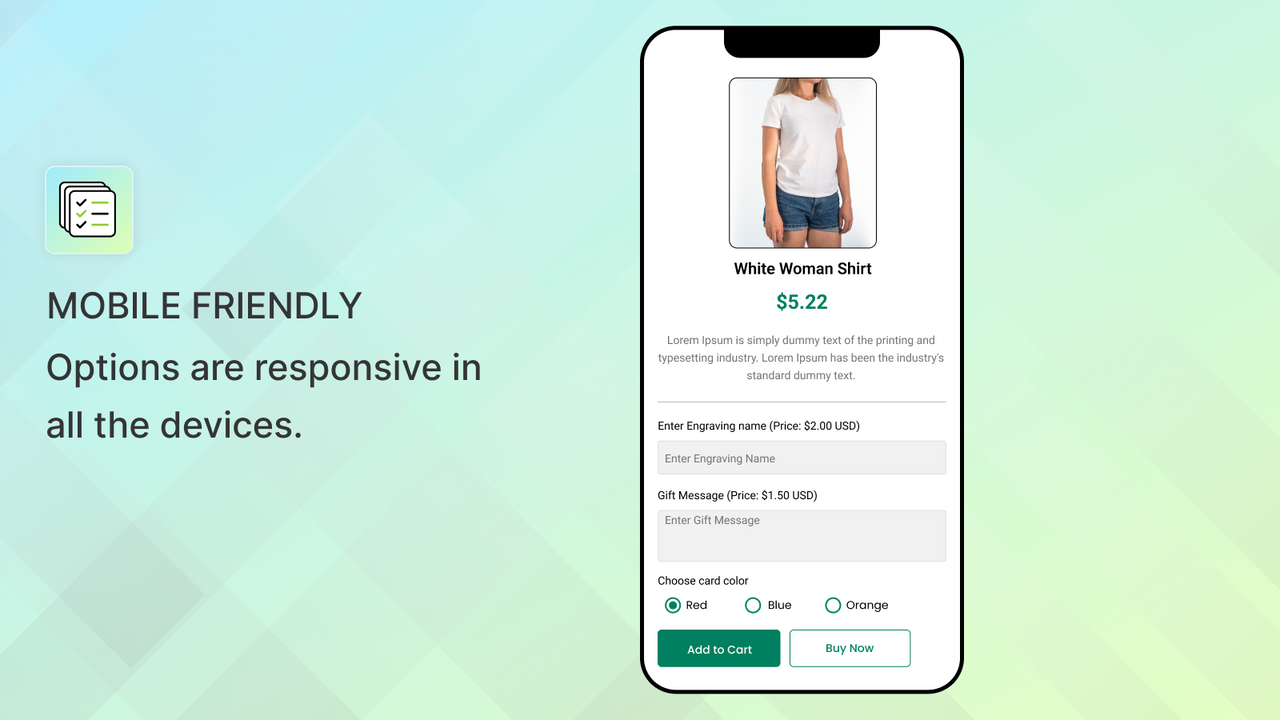
Most e-commerce products require data input from the customer before they make their purchase. These data inputs may be anything from shoe sizes to shirt colors. Certain customizable products also need extra information from the customer, like a name or logo to print. This app allows you to add unlimited options to your Shopify store. You can then see the collected data in the order in admin! Field types include: Short text box, Long text box, Radio buttons, Dropdown, Image upload & Datepicker.
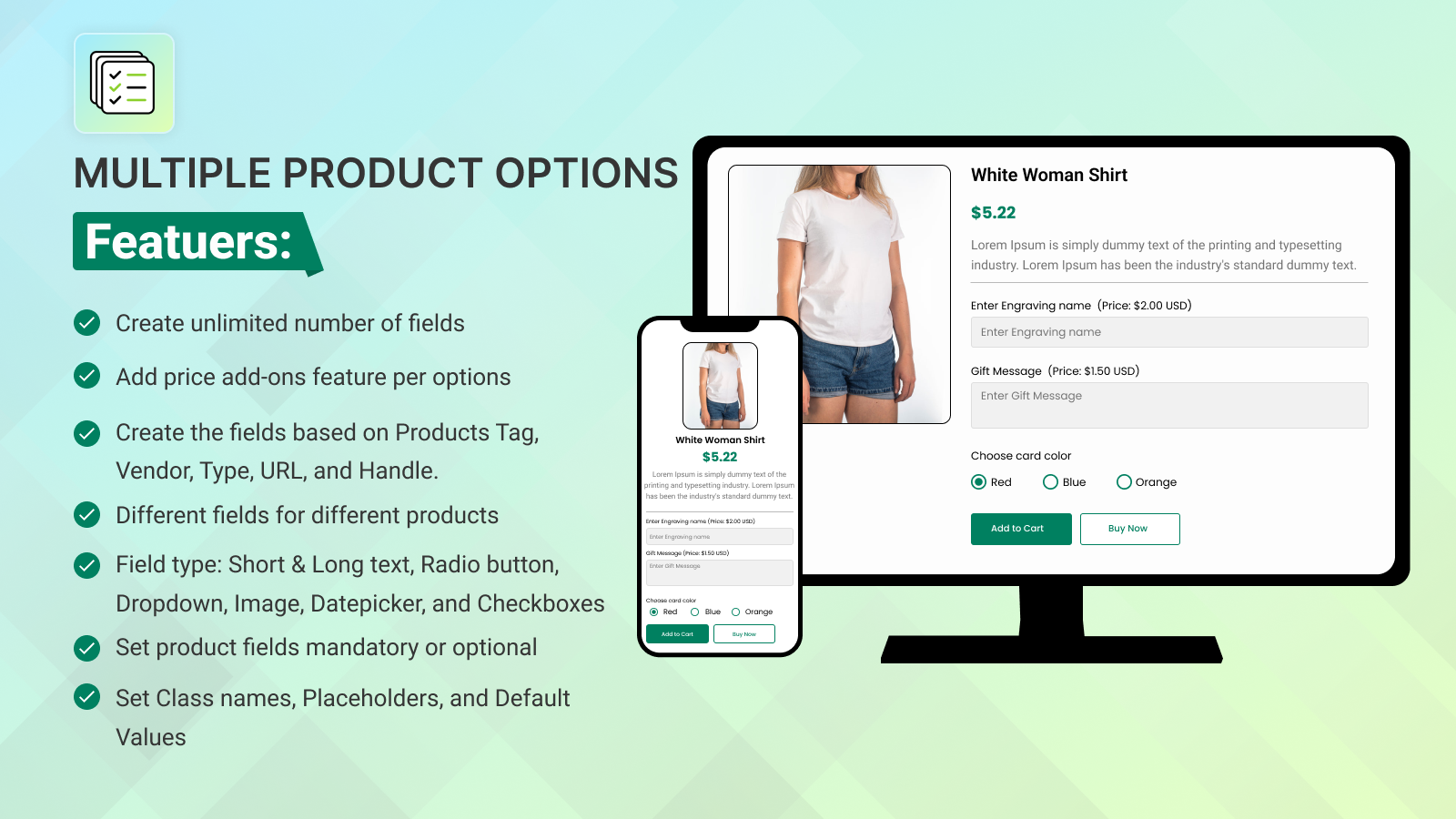
- Create the fields based on tag, vendor, type, URL, and handle.
- Create different fields for different products based on your choice.
- Field type: Short & Long text, Radio button, Dropdown, Image, Datepicker, etc.
- Price add-ons feature available for per field/option
- Set the class name, placeholder and default value without any hassle.
- 特色
- 可與最新佈景主題搭配使用
語言
英文
這項應用程式尚未翻譯成繁體中文
定價
Basic Plan
$1.99 /月
- Supports multiple options
- Different fields for different products
- Conditional logic
- Better frontend fields UI
- Supports Buy Now button
7 天免費試用
Advance Plan
$2.99 /月
- All Basic Plan Features
- Multiple Language Translation Support
7 天免費試用
Professional Plan
$3.99 /月
- Everything in the Basic & Advance Plan
- Price Add-ons for per field/option
7 天免費試用
所有費用均以 USD 計價。 定期費用和依使用量計費方案,均以 30 天為週期收費。
評論 (101)
Thank you very much for your help, quick understanding, and accurate troubleshooting at the same time. Let me put the product right away, thanks
Thank you for your kind words! We're thrilled to hear that you found our support helpful and efficient. Your satisfaction is our priority, and we're glad we could assist you promptly. If you have any further questions or need assistance in the future, please don’t hesitate to reach out.
Good support from the team. The app was causing some problems to my page however the dev team were knowledgeable and responsive and sorted it for me.
Thank you for your feedback! We're delighted to hear that our support team could assist you effectively. If you have any more questions or need further assistance, feel free to reach out. We appreciate your business!
thank you for the fantastic service!!!
it was very quick and helpful!!!
thank you, dear Richa! EMILI
This app is exactly what we were after and the customer service was amazing when we needed help with a couple of things! I would recommend this app.
I've used this app for years and am very happy with it. Every time I reach out to support I'm answered within a day and any help I needed is resolved within two. Highly recommend.
支援服務
應用程式支援由 Centous Solutions 提供。
開發者
發布日期
2018年5月1日
其他同類型應用程式