معرض الصور المميزة
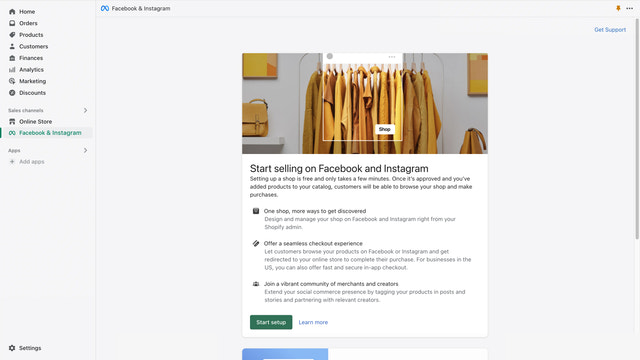
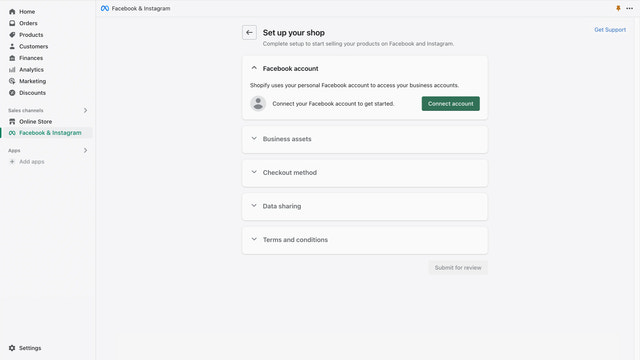
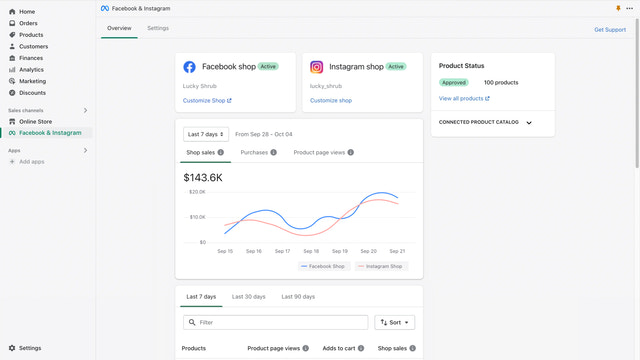
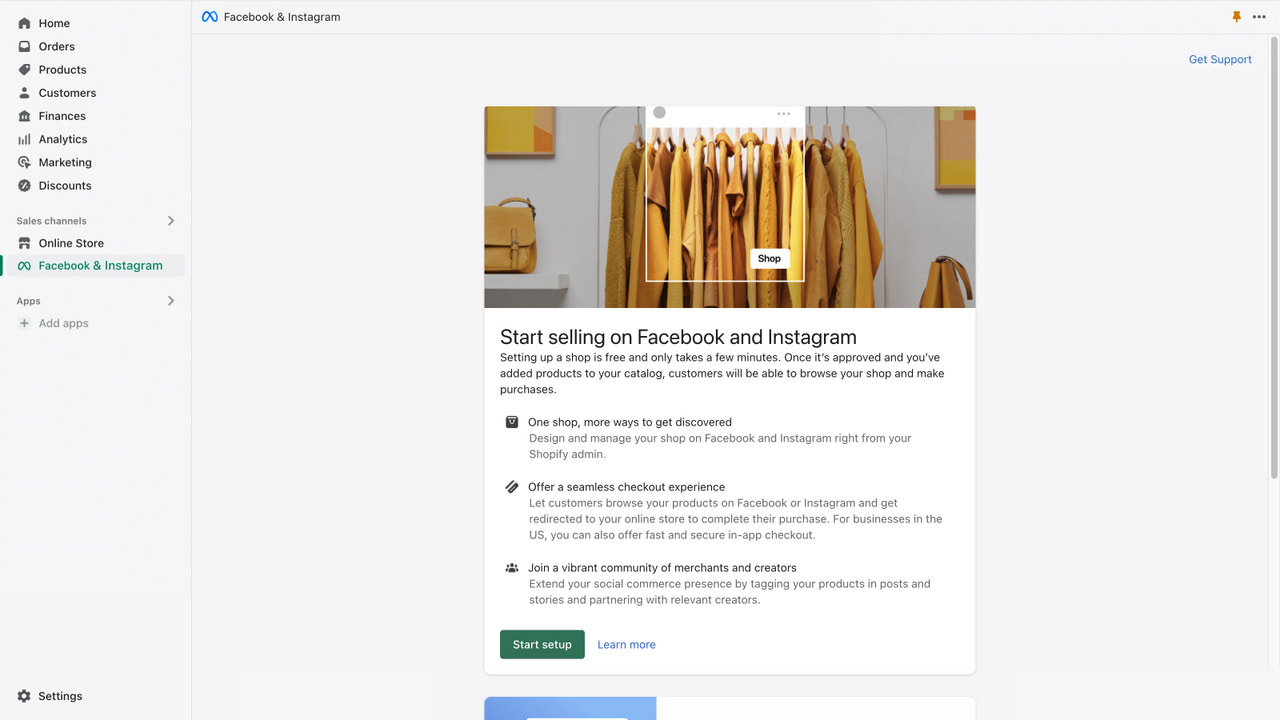
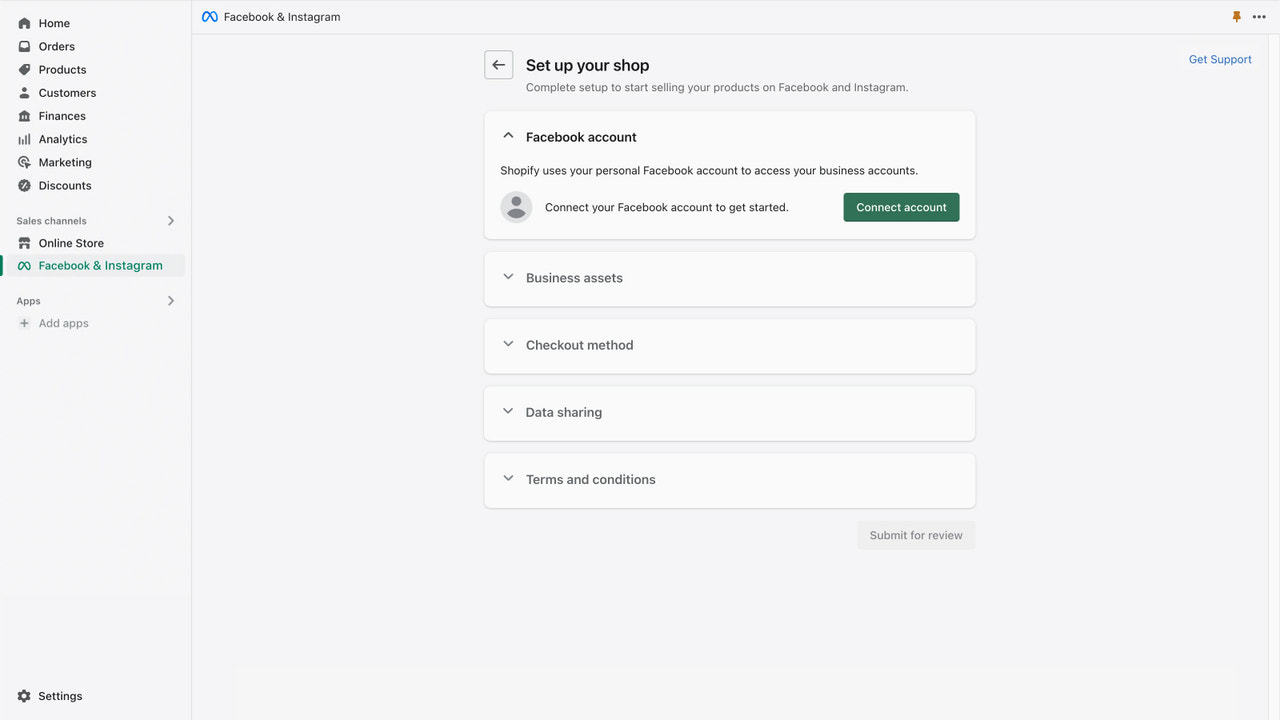
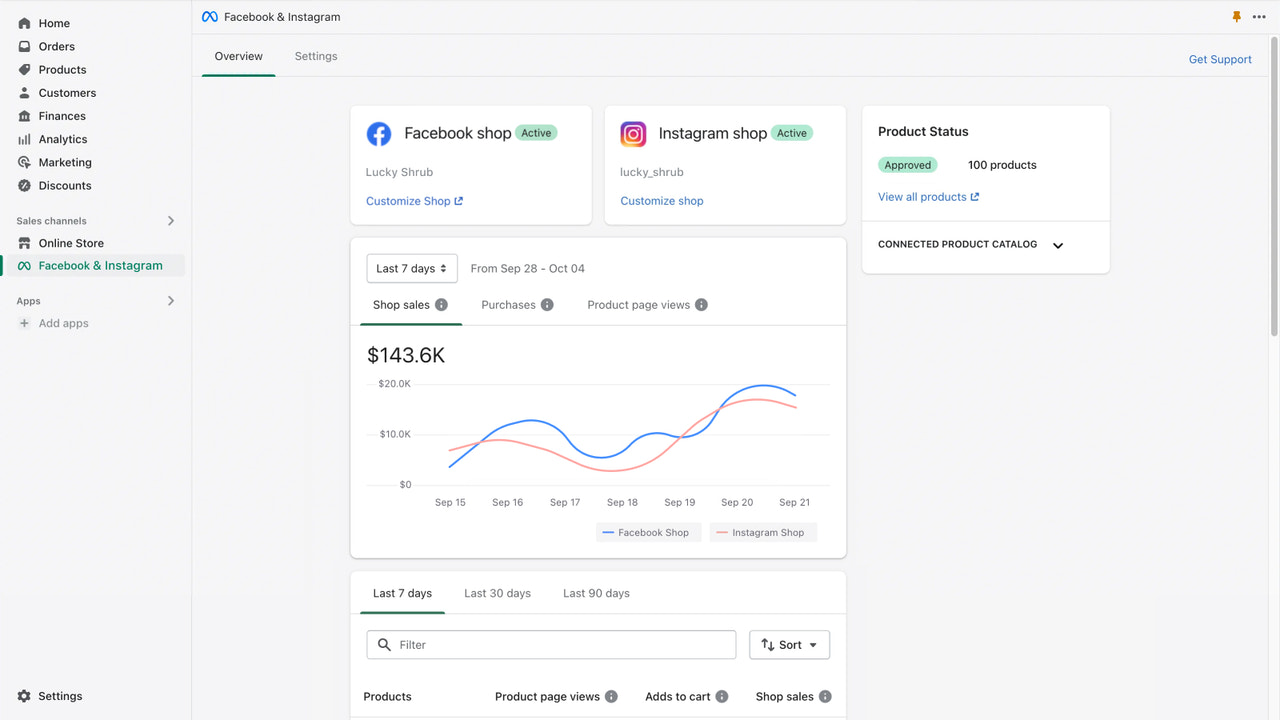
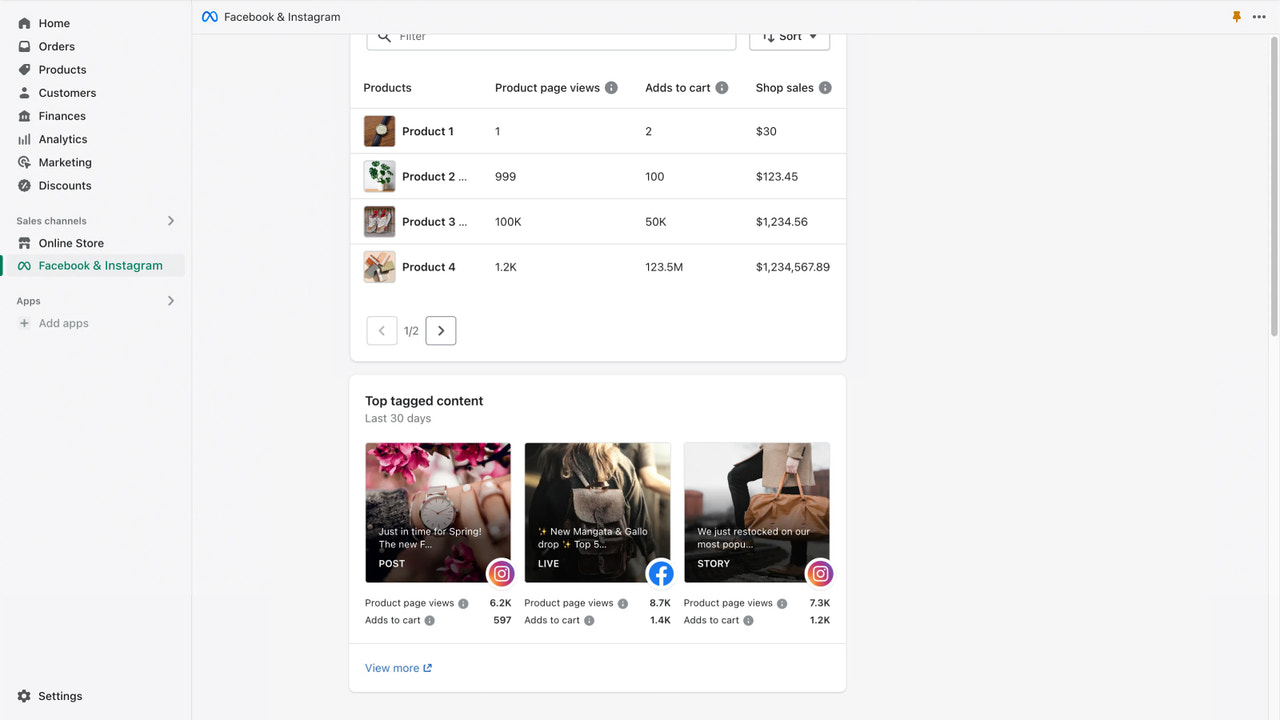
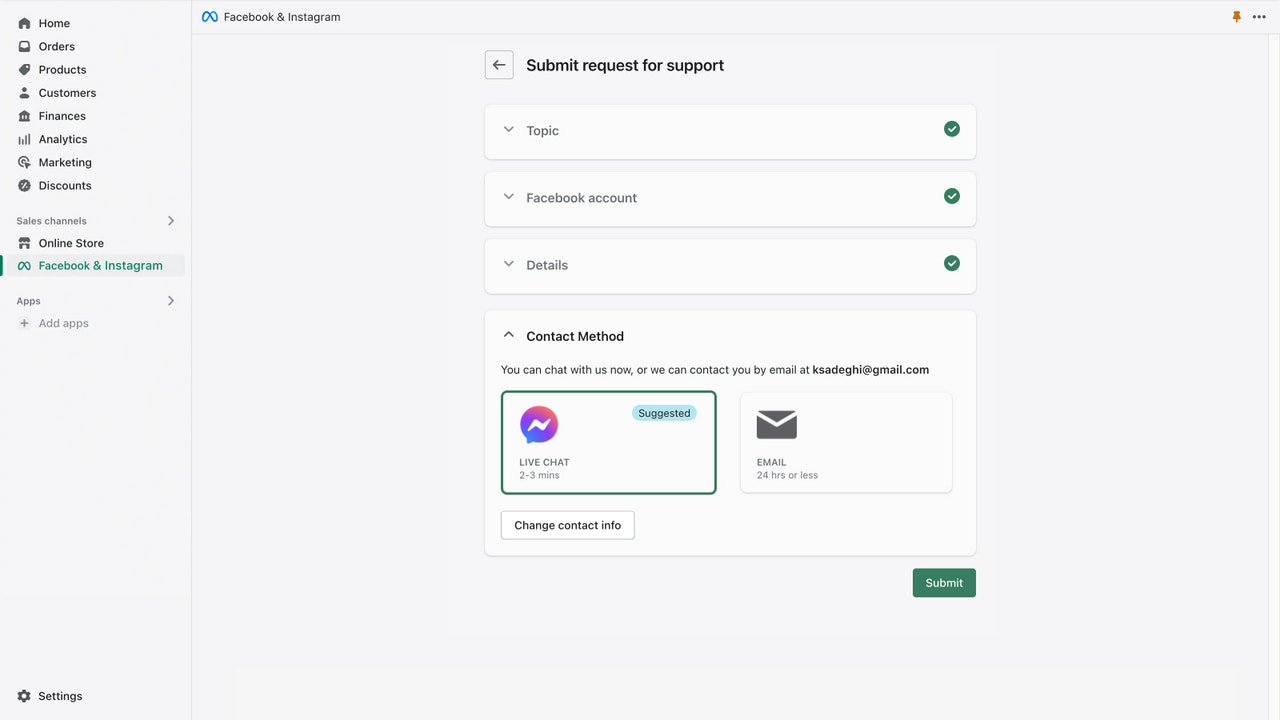
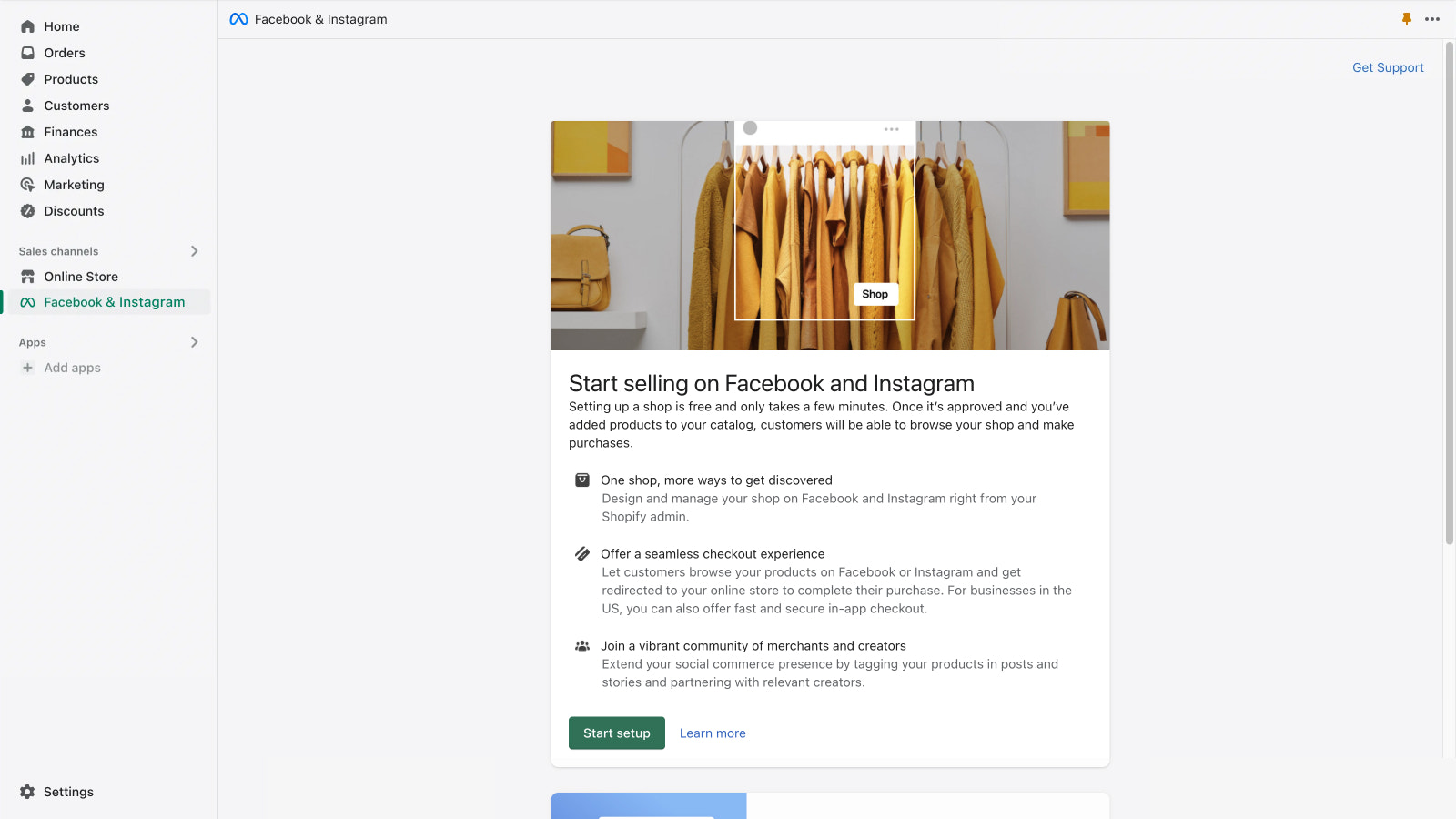


التطبيق الرسمي من Meta. أدر تواجدك على فيسبوك وإنستغرام بسلاسة من مكان واحد.
نمِّ عملك التجاري على فيسبوك وإنستغرام أثناء إدارة الطلبات والمرتجعات والمزيد. روّج لمنتجاتك بسهولة واستهدف بدقة باستخدام أدوات مبيعات وتسويق قوية. تمكّن من الوصول إلى عملاء جدد وقدم تجربة تسوق سلسة داخل التطبيق، بدءًا من الاكتشاف وحتى الدفع. قم بمزامنة منتجاتك المؤهلة تلقائيًا مع متجرك على فيسبوك وإنستغرام، حتى تتمكن من البيع من مخزون واحد بينما تنشئ الإعلانات والمنشورات القابلة للتسوق بسهولة في نفس مكان تواجد عملائك.
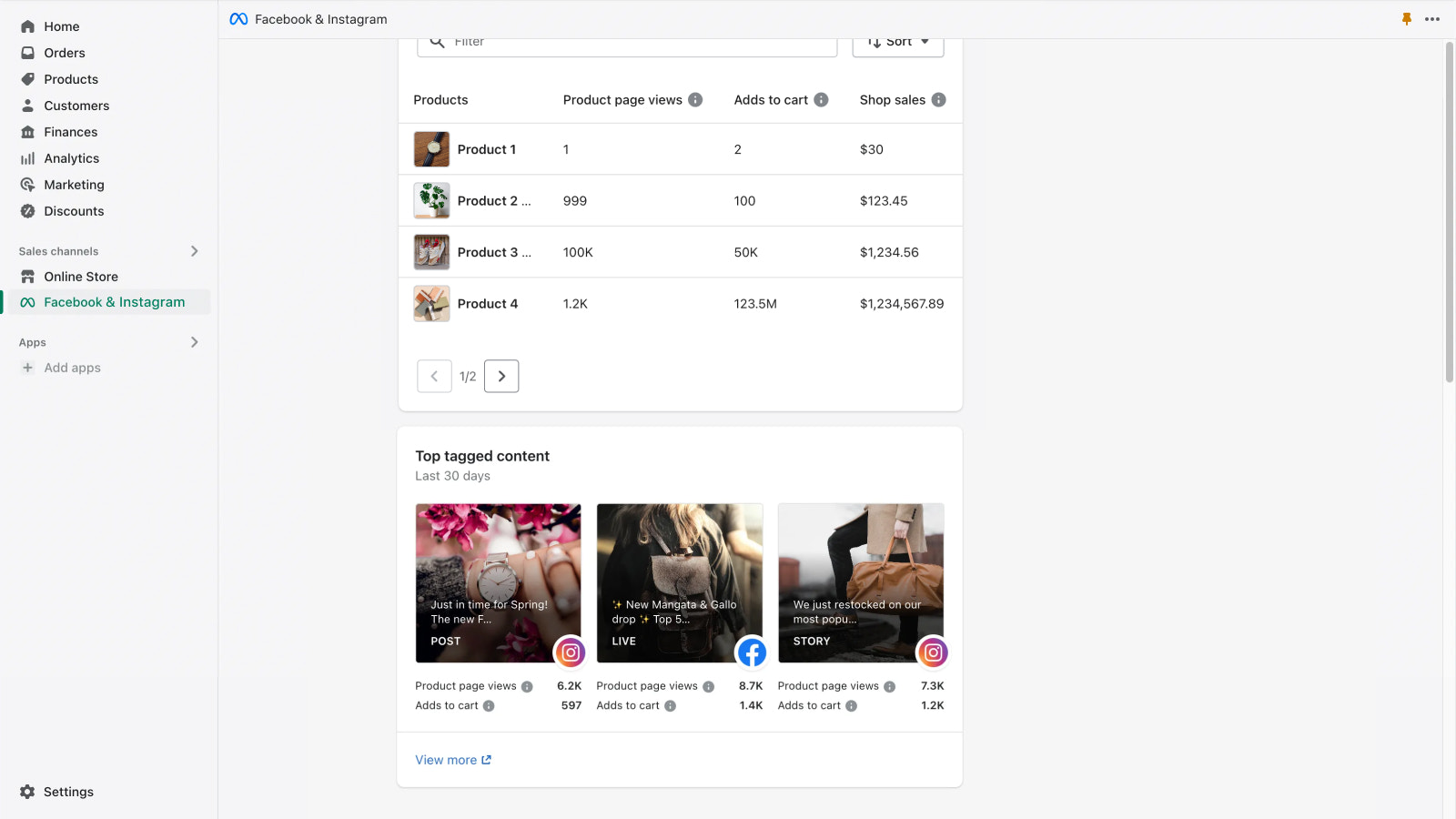
- الحصول على رؤى المتجر، بما في ذلك المنتجات الأفضل أداءً وأهم المحتوى المُشار إليه
- المساعدة في تحسين أداء الإعلان عبر إعداد بكسل التحويل
- إعداد متجرك بسهولة عبر ربط الحساب لمرة واحدة
- البيع من مخزون واحد يتزامن تلقائيًا مع متجرك
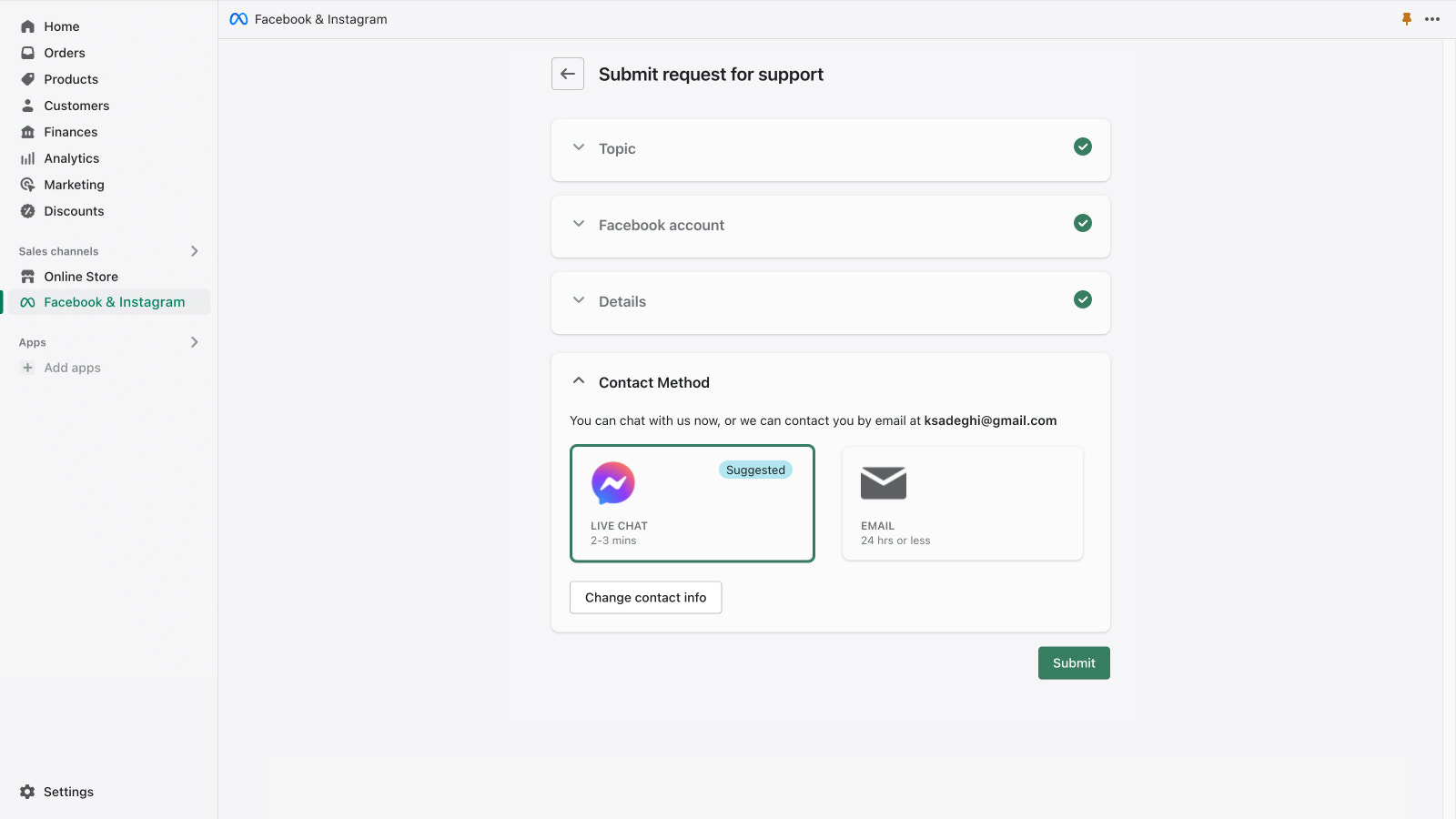
- الحصول على دعم عبر البريد الإلكتروني والدردشة المباشرة من Meta
يحتوي على نص مترجم آليًا
- شائع بين المتاجر المشابهة لمتجرك
- مقرّه في الولايات المتحدة
اللغات
الإنجليزية، التشيكية، الدانمركية، الألمانية، الإسبانية، الفنلندية، الفرنسية، الإيطالية، اليابانية، الكورية، النرويجية بوكمال، الهولندية، البولندية، البرتغالية البرازيلية، البرتغالية الأوروبية، السويدية، التايلاندية، التركية، الفيتنامية، الصينية المبسطة، و الصينية التقليدية
هذا التطبيق غير مترجم إلى اللغة العربية
يعمل مع
- صفحة الدفع
- مسؤول Shopify
الفئات
الاستهداف
إدارة الحملات
إدارة القوائم
إدارة الطلبات
التسعير
اختر الباقة الأنسب لنشاطك التجاري.
مجانًا
تثبيت مجاني
عند تشغيل حملة، فإنك تحدد الميزانية وتُفوتر نفقات الإعلان مباشرةً على حسابك الإعلاني على فيسبوك.
يحتوي على نص مترجم آليًا
تُحصّل جميع الرسوم بعملة USD.
المراجعات (5,814)
We've been using this for years, and def it brings in business... but beware, about 2 weeks ago it started advertising a private friend and family code from years ago on one of the campaigns we had been running for awhile -- 75 sales went through before we caught it. Cost us hundreds and if we hadnt caught it early, it couldve been wayyy worse.
Not sure why the ad campaign was searching through our private codes for one to use... seems accidental and not malicious... but... still very very bad. Presumably, they changed some permissions/policies or behaviors and that was the outcome. I guess they moved fast and broke something... but it was something that they didnt own.
The app listing now shows Facebook & Instagram as installed, which differs from the earlier check. I’ll check what’s connected before recommending another integration.
Checked installed apps and web pixel settings
I recommend the supported Facebook & Instagram integration, but I couldn’t connect or validate it here. The checks conflict: the app listing says it’s installed, while the complete installed-app list doesn’t include it. The pixel query only checks the calling app, so its null result does not establish that Meta tracking is absent. Google tracking is unchanged.
shopify和ins之间的关联太复杂了,总是各种报错,导致一直无法在ins上显示商铺,而且出现问题,找meta的客服也没人客服支持,填写的问题都是石沉大海,新世界居然还有这种服务,简直无语。
الدعم
يُقدَّم دعم التطبيق من خلال Meta.
مميز في


المزيد من التطبيقات المشابهة