גלריית תמונות מוצגות
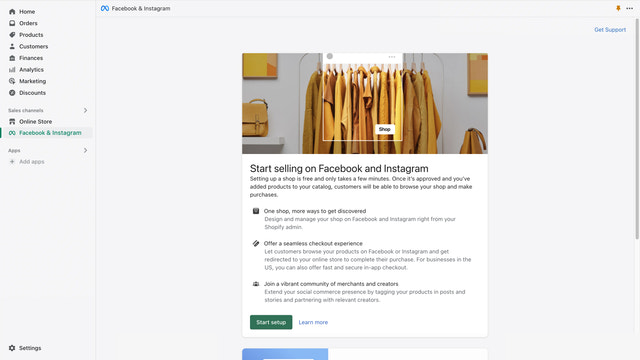
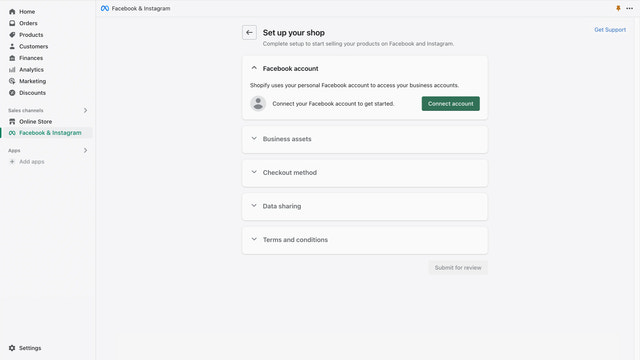
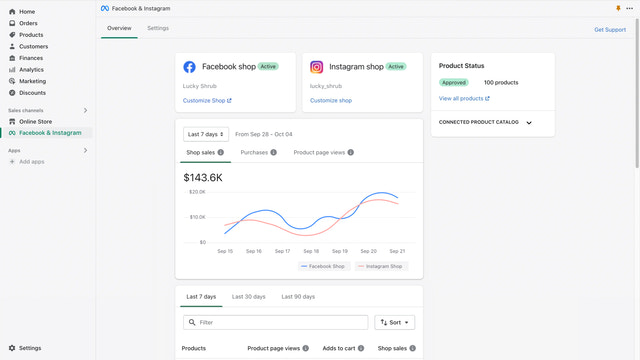
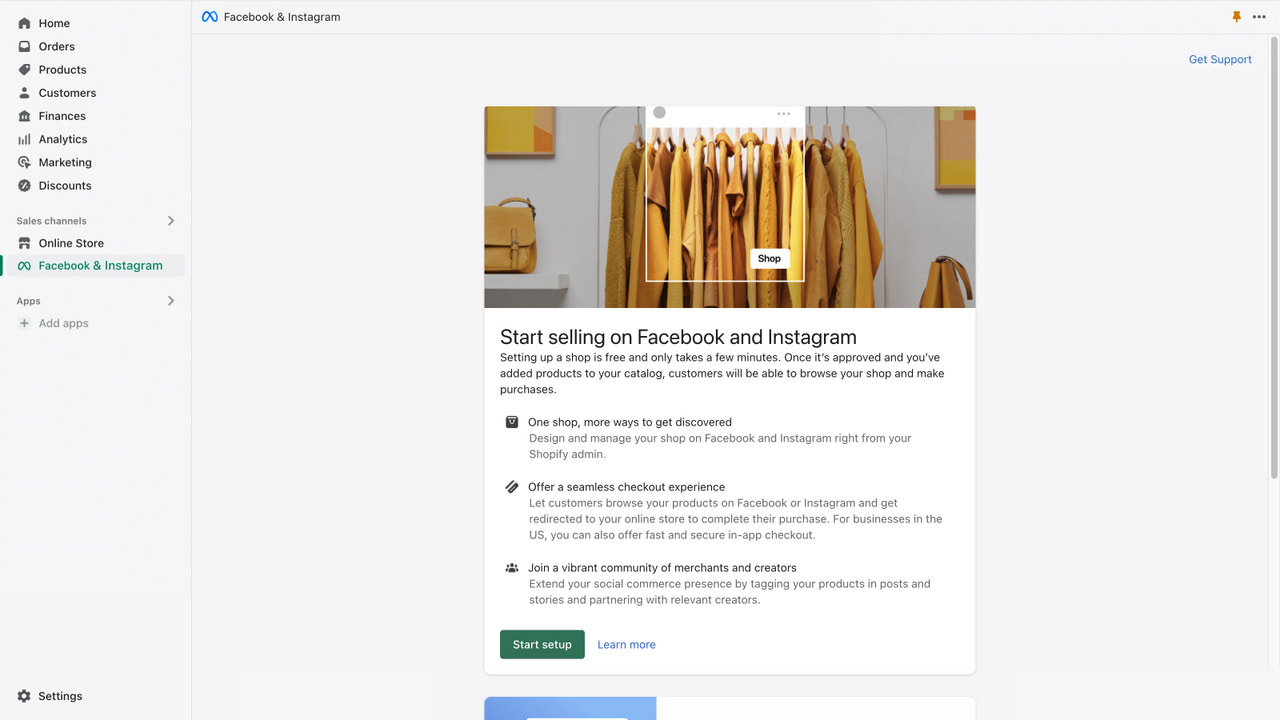
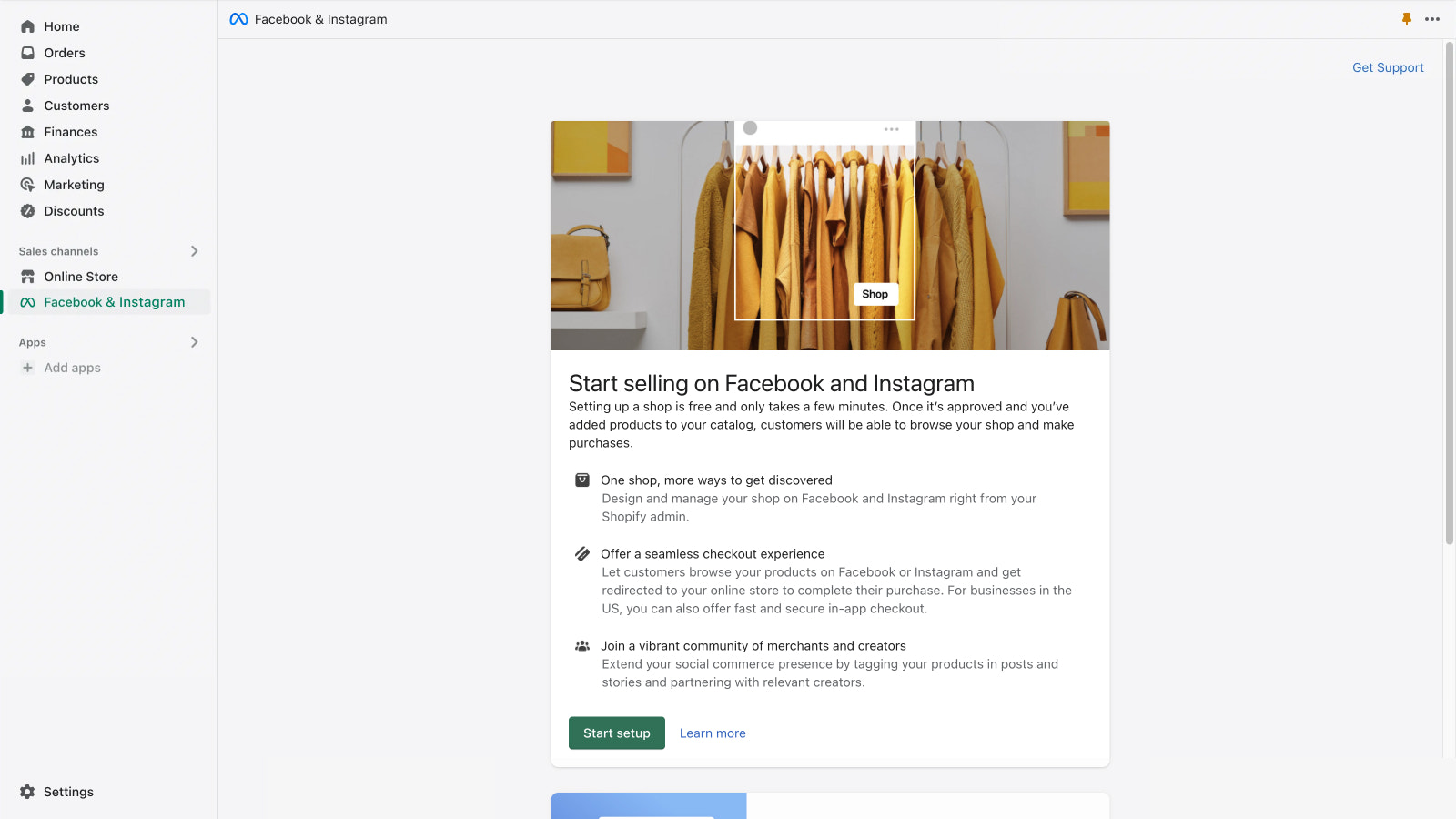


האפליקציה הרשמית של Meta. ניהול חלק של הנוכחות שלך ב-Facebook וב-Instagram ממקום אחד.
להגדיל את העסק ב-Facebook וב-Instagram תוך ניהול הזמנות, החזרות ועוד. לקדם את המוצרים בקלות ולמקד את קהל היעד במדויק בעזרת כלי מכירות ושיווק עוצמתיים. להגיע ללקוחות חדשים ולהציע חוויית קנייה רציפה באפליקציה, משלב הגילוי ועד לתשלום בקופה. לסנכרן אוטומטית את המוצרים העומדים בתנאים לחנות שלך ב-Facebook וב-Instagram, כדי למכור ממלאי אחד וליצור בקלות מודעות ופוסטים הניתנים לרכישה, בדיוק איפה שהלקוחות שלך נמצאים.
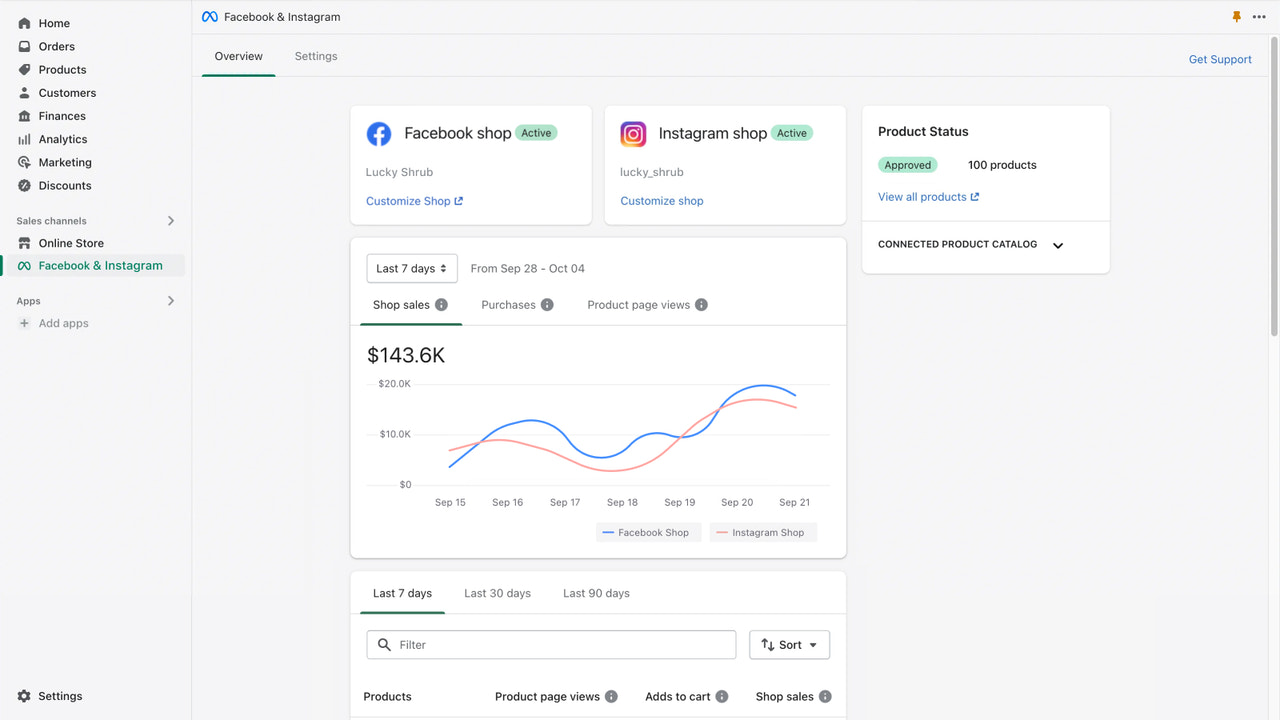
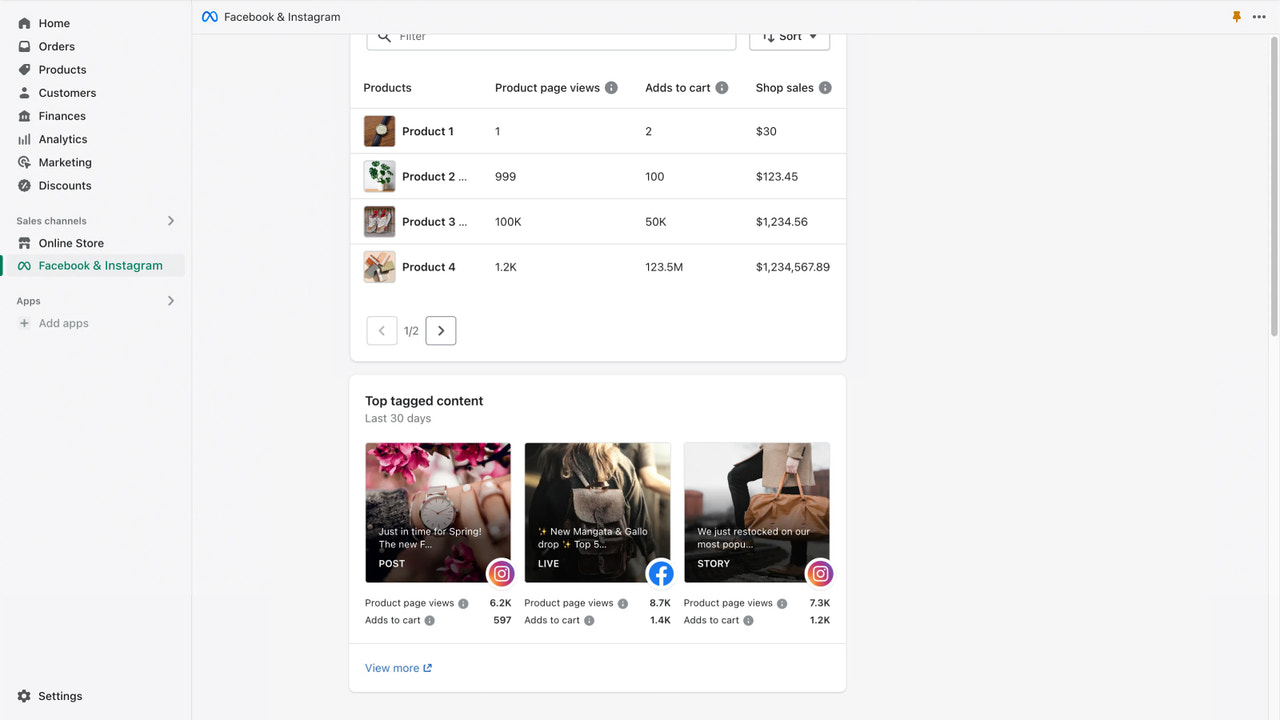
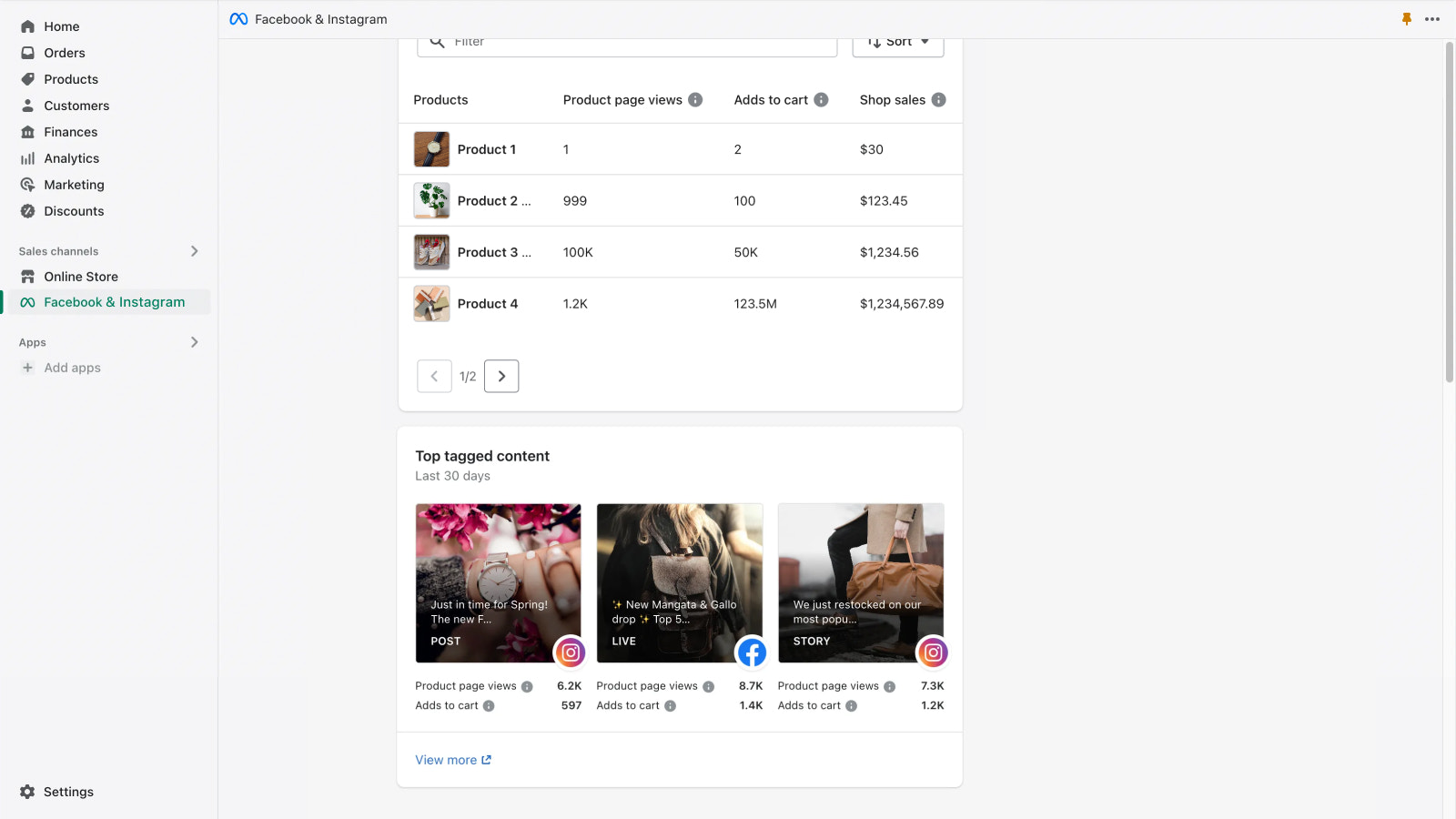
- קבלת תובנות על החנות, כולל המוצרים עם הביצועים הטובים ביותר והתוכן המתויג המוביל
- עזרה בשיפור ביצועי המודעות באמצעות הגדרת פיקסל המרות
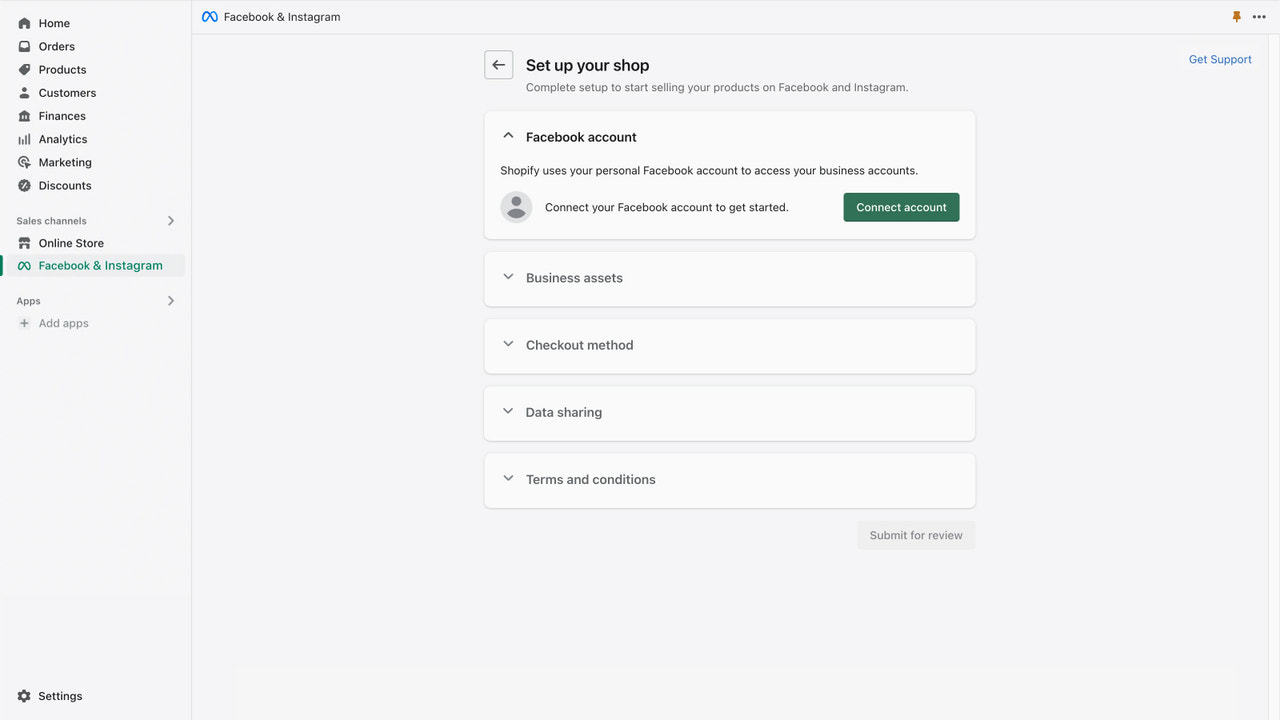
- הגדרת החנות בקלות באמצעות חיבור חשבון חד-פעמי
- מכירה ממלאי אחד שמסתנכרן אוטומטית לחנות שלך
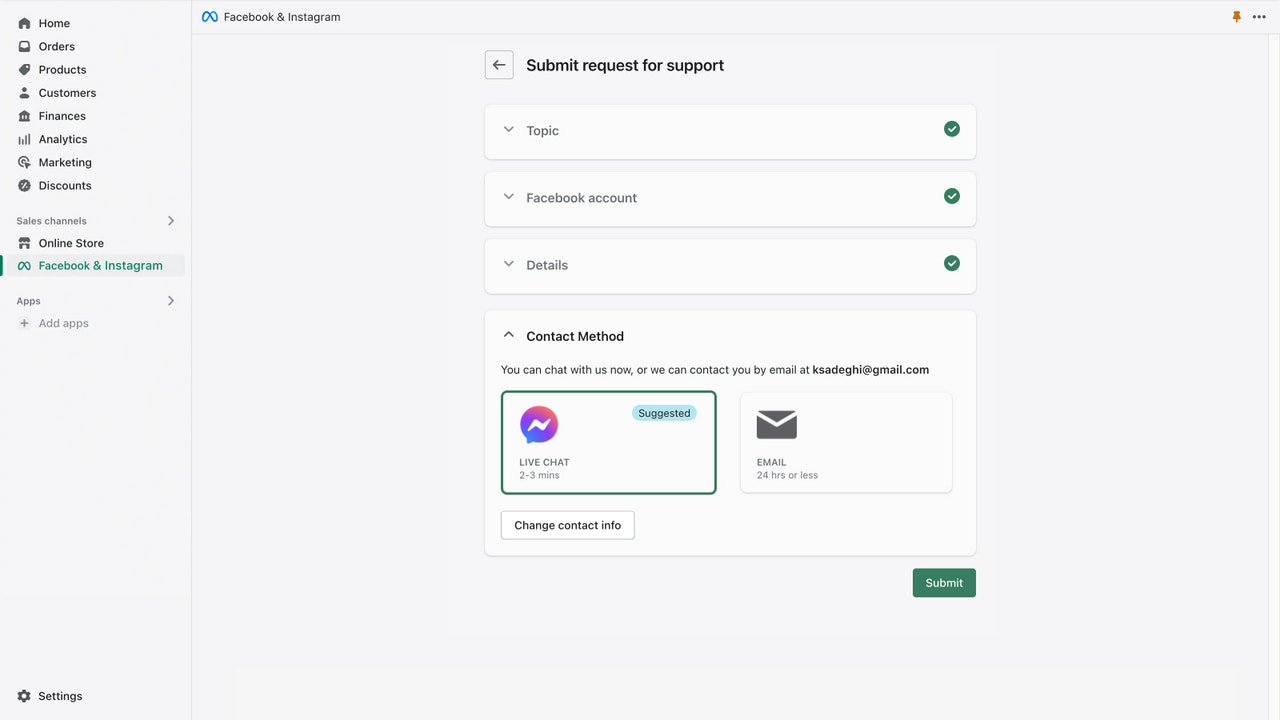
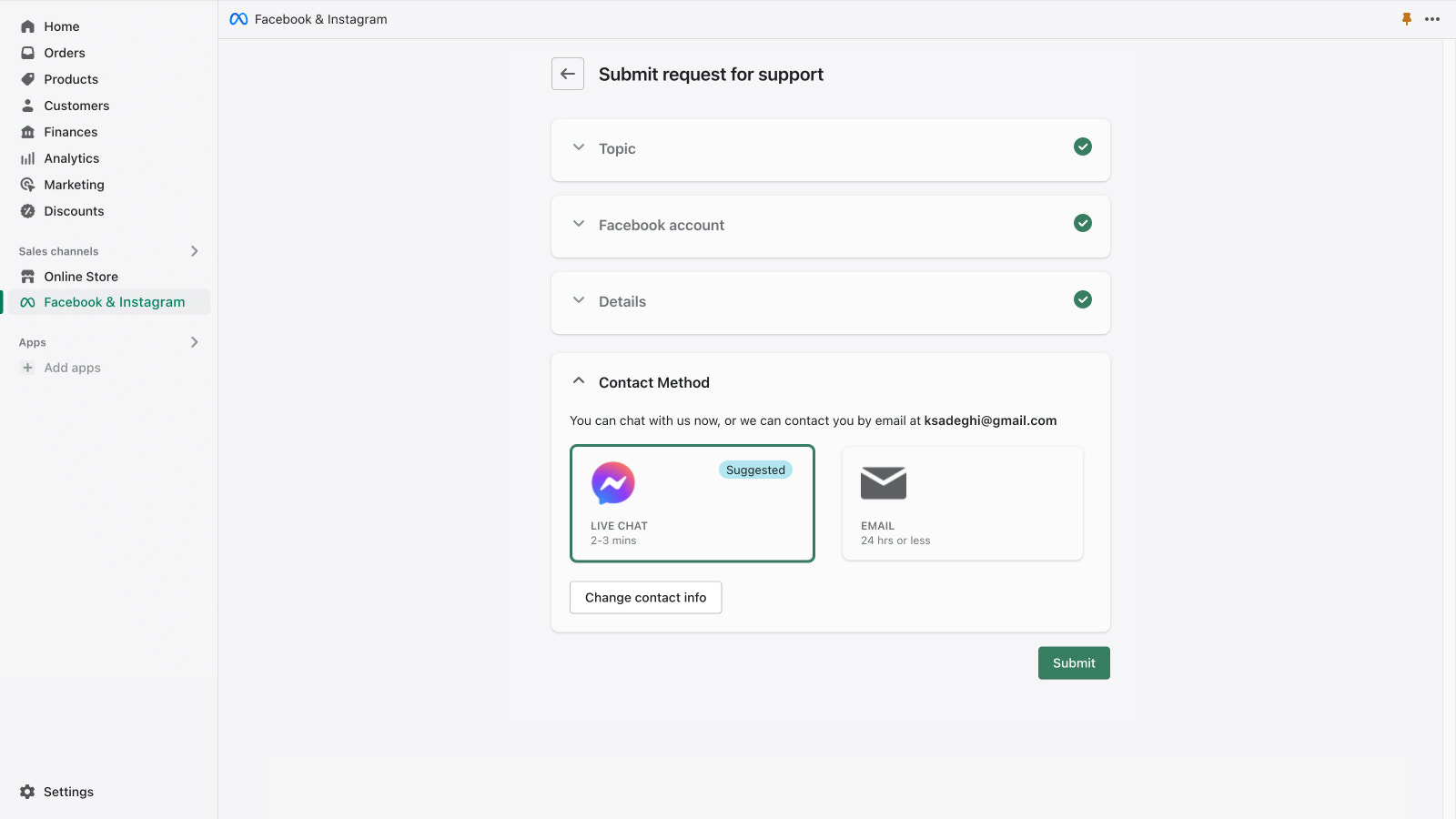
- קבלת תמיכה מ-Meta באימייל ובצ'אט חי
מכיל טקסט שתורגם באופן אוטומטי
- פופולרי בקרב חנויות כמו שלך
- מבוסס בארצות הברית
שפות
אנגלית, צ׳כית, דנית, גרמנית, ספרדית, פינית, צרפתית, איטלקית, יפנית, קוריאנית, נורווגית ספרותית, הולנדית, פולנית, פורטוגזית (ברזיל), פורטוגזית (פורטוגל), שוודית, תאית, טורקית, וייטנאמית, סינית פשוטהו- סינית מסורתית
יישום זה אינו מתורגם ל-עברית
עובד עם
- תשלום
- Shopify Admin
קטגוריות
מיקוד
ניהול קמפיינים
ניהול רישומים
ניהול הזמנות
תמחור
בחר את התוכנית המתאימה ביותר לעסק שלך.
חינם
התקנה בחינם
בעת הפעלת קמפיין, יש להגדיר את התקציב, והוצאות הפרסום יחויבו ישירות בחשבון המודעות שלך ב-Facebook.
מכיל טקסט שתורגם באופן אוטומטי
כל החיובים מחושבים ב-USD.
ביקורות (5,690)
Easy to set up and makes managing Facebook and Instagram through Shopify much more convenient. Product syncing and account integration are straightforward, and having everything connected in one place saves a lot of time. Overall, a useful app for running and promoting an online store.
Shopify locks your Facebook Page in their portfolio – 4 months without a solution
"When I connected my store to the Facebook & Instagram app, Shopify automatically created a Business Portfolio and placed my Facebook Page inside it. Now I cannot manage my own page, run ads, or verify my domain – because Shopify owns the portfolio, not me.
I have contacted both Shopify Support and Meta for 4 months without resolution. Neither takes responsibility. Shopify refers to Meta and Meta refers to Shopify.
This has directly impacted my sales and Instagram Shopping does not work. Be aware of this risk before connecting your store to this app."
Viel zu hohe Kosten für die Ads. Ich erhalte keine Hilfe und habe fast 80.000€ an Werbegeld ausgegeben. Ich wünsche mir mehr Unterstützung.
תמיכה
התמיכה ביישום מסופקת על ידי Meta.
מופיע ב:


יישומים נוספים מסוג זה