
추천 이미지 갤러리

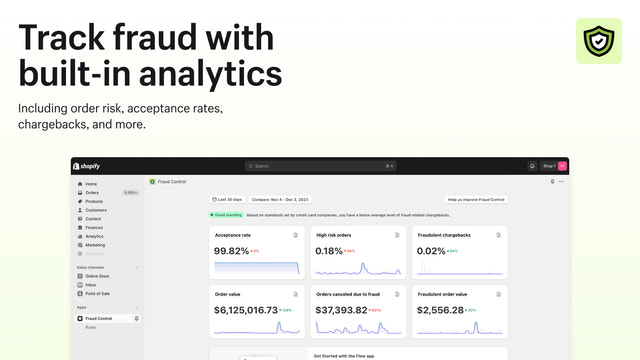
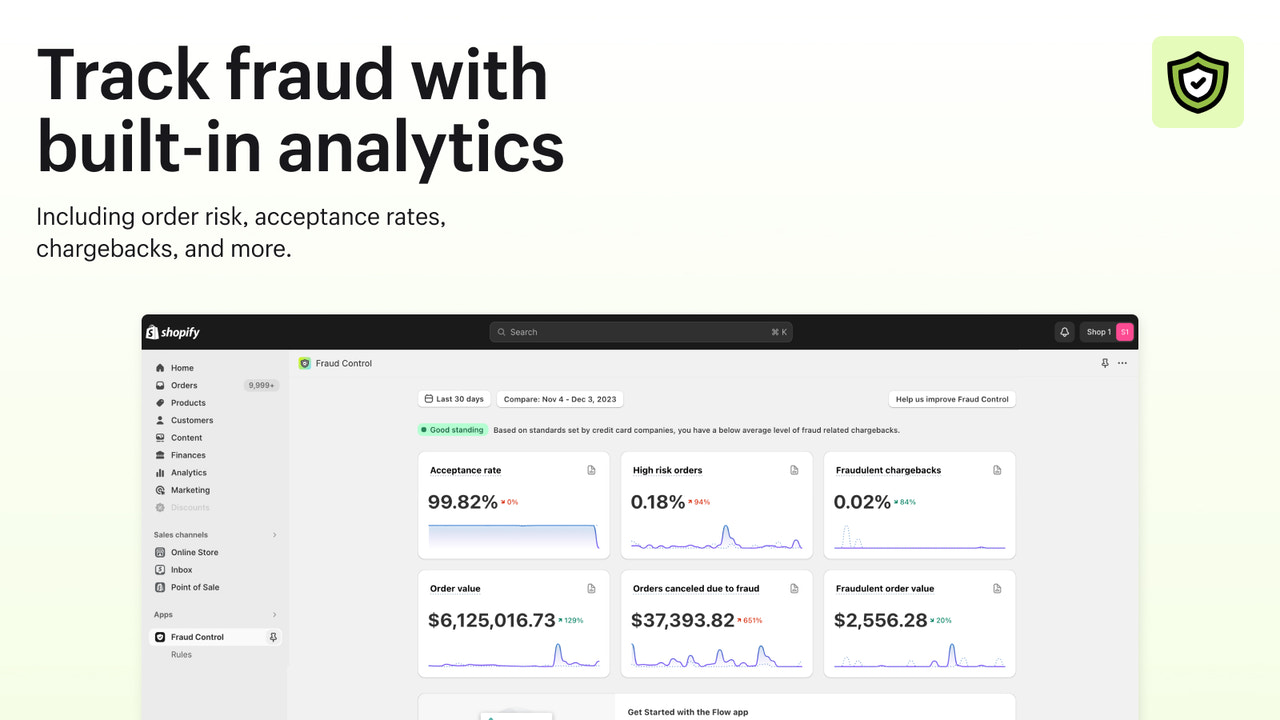
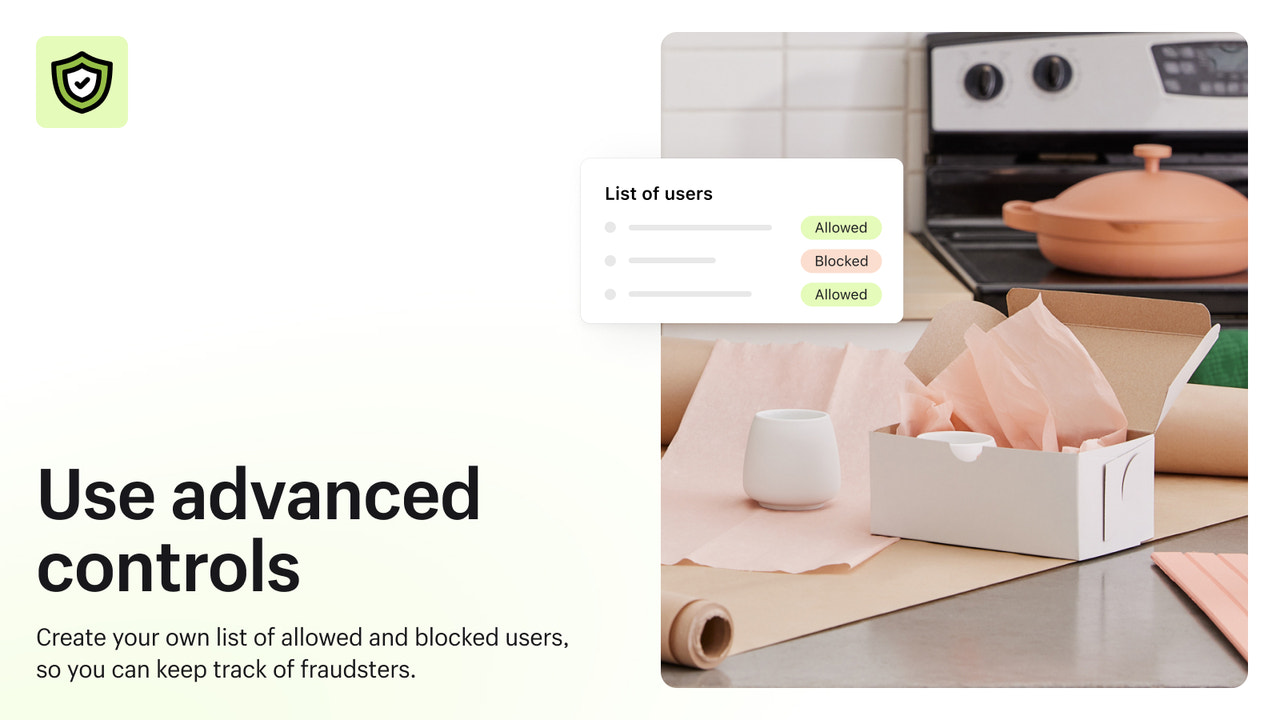
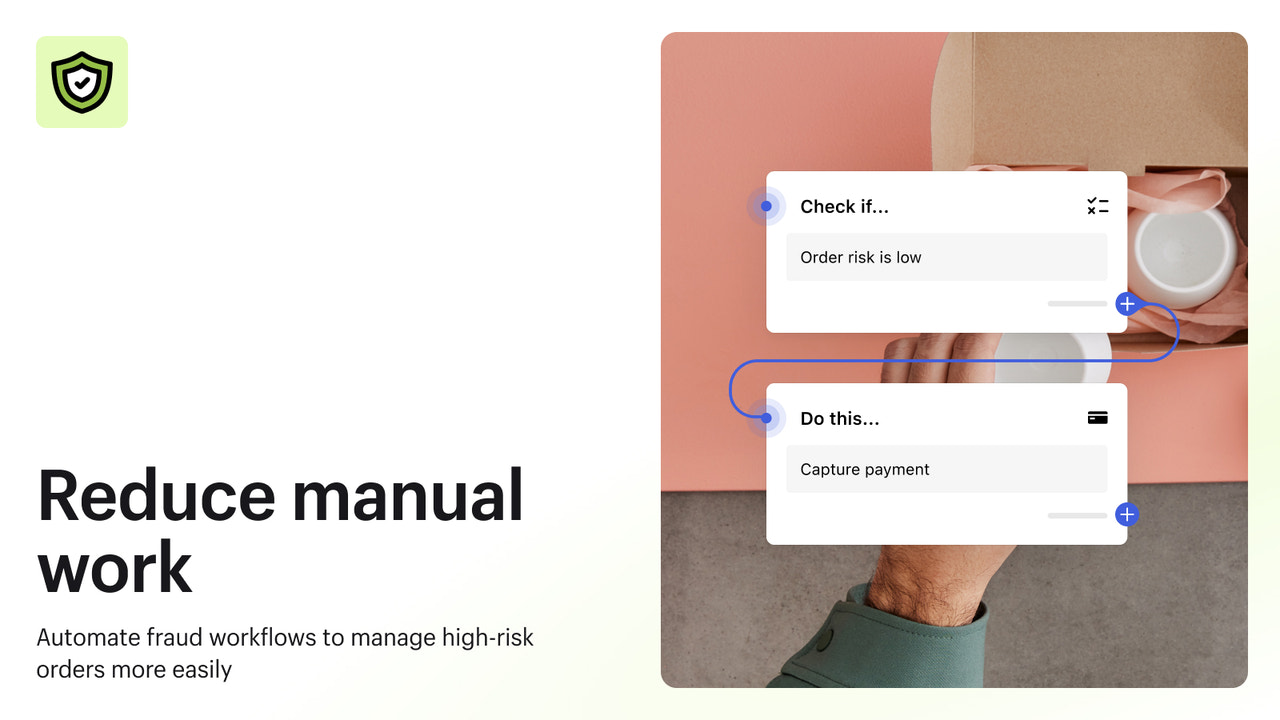

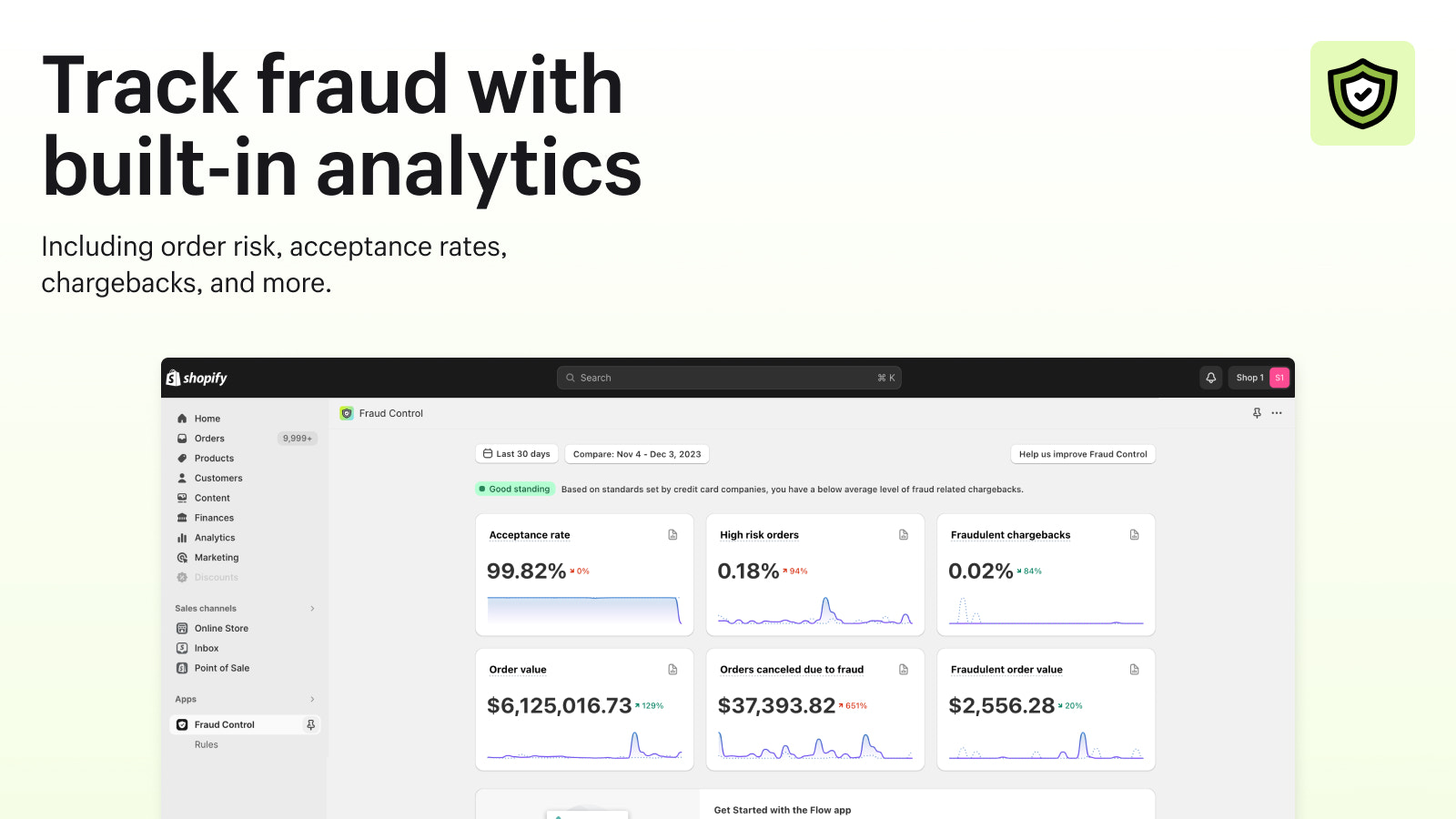


사기 위험을 파악하고 알려진 사기를 차단하며, 작업을 자동화하여 수익을 극대화하세요.
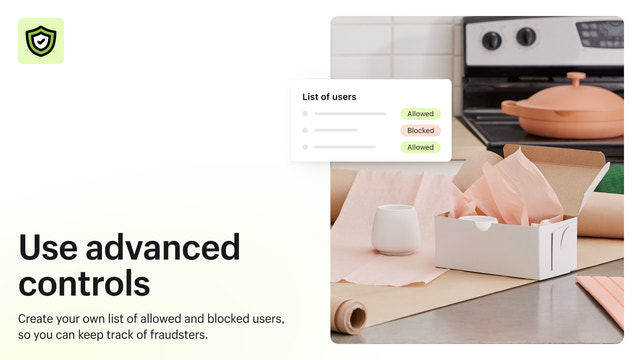
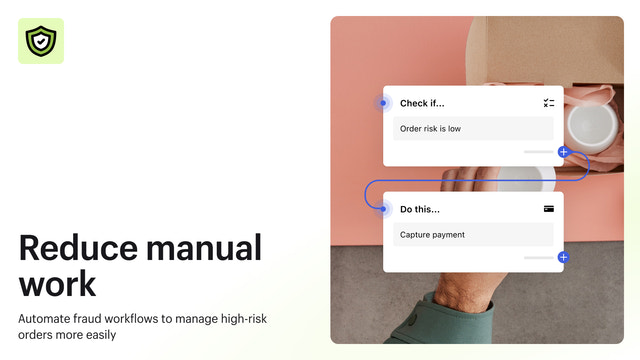
Fraud Control은 사기 대응 작업을 자동화하고 수익을 극대화할 수 있는 도구를 제공합니다. 주문 승인율 및 고위험 주문 비율과 같은 분석 데이터를 통해 스토어의 사기 위험을 파악하세요. Fraud Control이 권장하는 사전 정의된 규칙을 사용하거나 사용자 지정 규칙을 생성하여, 알려진 사기꾼이 주문을 완료하기 전 결제 단계에서 미리 차단할 수 있습니다.
- 스토어 사기 위험 보고서
- 기간별 사기 추세를 보여주는 분석
- Flow를 통한 자동화로 사기 대응 시간 단축
- 주문이 생성되기 전 결제 단계에서 차단
자동으로 번역된 텍스트 포함
- 판매자님과 비슷한 스토어에서 인기
- 미국 소재
언어
영어, 체코어, 덴마크어, 독일어, 스페인어, 핀란드어, 프랑스어, 이탈리아어, 일본어, 네덜란드어, 폴란드어, 포르투갈어 (포르투갈), 스웨덴어, 중국어(간체), 그리고 중국어(번체)
이 앱은 한국어로 번역되지 않았습니다
다음과 호환:
- Shopify 관리자
리뷰 (23)
Ne bloque absolument rien !
J'ai créé une règle qui devait bloquer les commandes qui ont toujours la même adresse. Le lendemain, 5 nouvelles commandes que je dois rembourser pour risque élevé de fraude.
Cette appli ne marche pas.
Elle nous fait perdre du temps plus qu'autre chose.
Turns out, this just sets up or has templates for FLOWS, which I am already using.
My store is being used to test stolen credit cards. It only blocks high risk transactions. I cannot block medium risk transactions. I've had multiple chargebacks and considering shutting down my store. No help from Shopify.
지원
앱 지원은 Shopify에서 제공합니다.
데이터 액세스
이 앱이 회원님의 스토어에서 작동하려면 다음 데이터에 액세스해야 합니다. 개발자의 개인정보처리방침 에서 그 이유를 알아보세요.
고객 데이터 보기:
민감한 데이터, 장치 및 활동 데이터
-
민감한 데이터
이름, 이메일 주소, 전화번호, 실제 주소
-
장치 및 활동 데이터
위치 정보, IP 주소, 브라우저 및 운영 체제
직원 및 참여자 데이터 보기:
스토어 소유자, 직원
-
스토어 소유자
이름, 이메일 주소, 전화번호, 실제 주소
-
직원
이름, 이메일 주소, 전화번호
스토어 데이터 보기 및 편집:
고객, 제품, 주문, 스토어 분석, 직원 계정, Shopify Payments, 기타 서비스
-
고객 보기
고객 데이터
-
제품 보기
재고, 제품, 컬렉션
-
주문 보기
주문 처리, 모든 주문 기록
-
스토어 분석 보기
분석, 보고서
-
직원 계정 보기
직원 계정
-
Shopify Payments 보기
Shopify Payments 계정
-
기타 서비스 편집
결정 규칙
-
기타 데이터 편집
결제 설정
포함 대상

이 앱과 비슷한 더 많은 앱 보기

성능, 디자인, 통합 면에서 모두 최고 수준을 자랑합니다. 새 창에서 열기 자세히 알아보기