
Galleri med fremhevede bilder

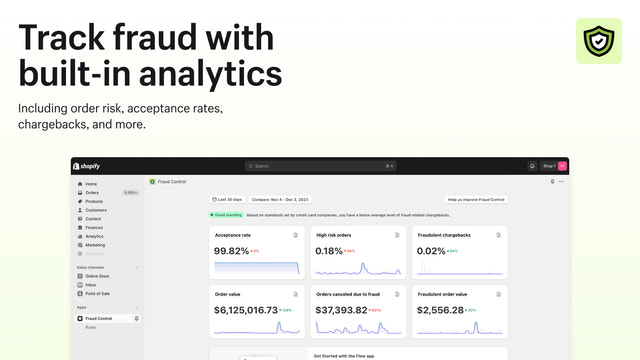
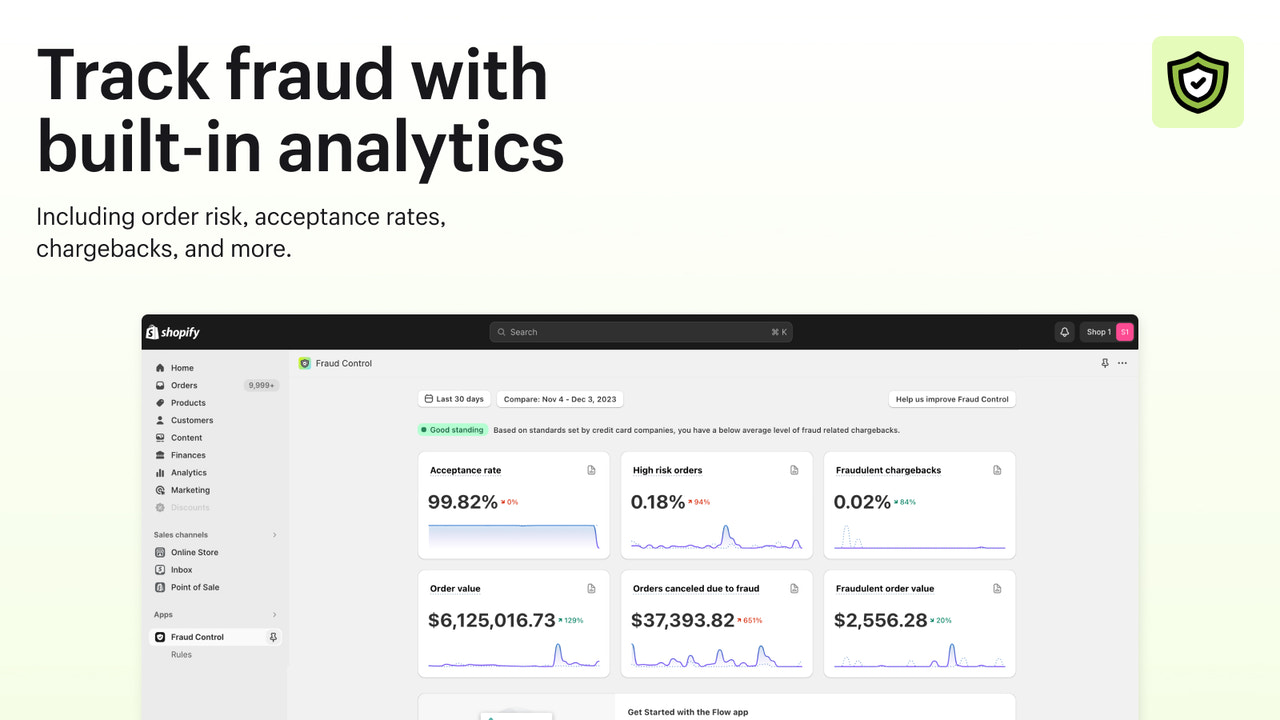
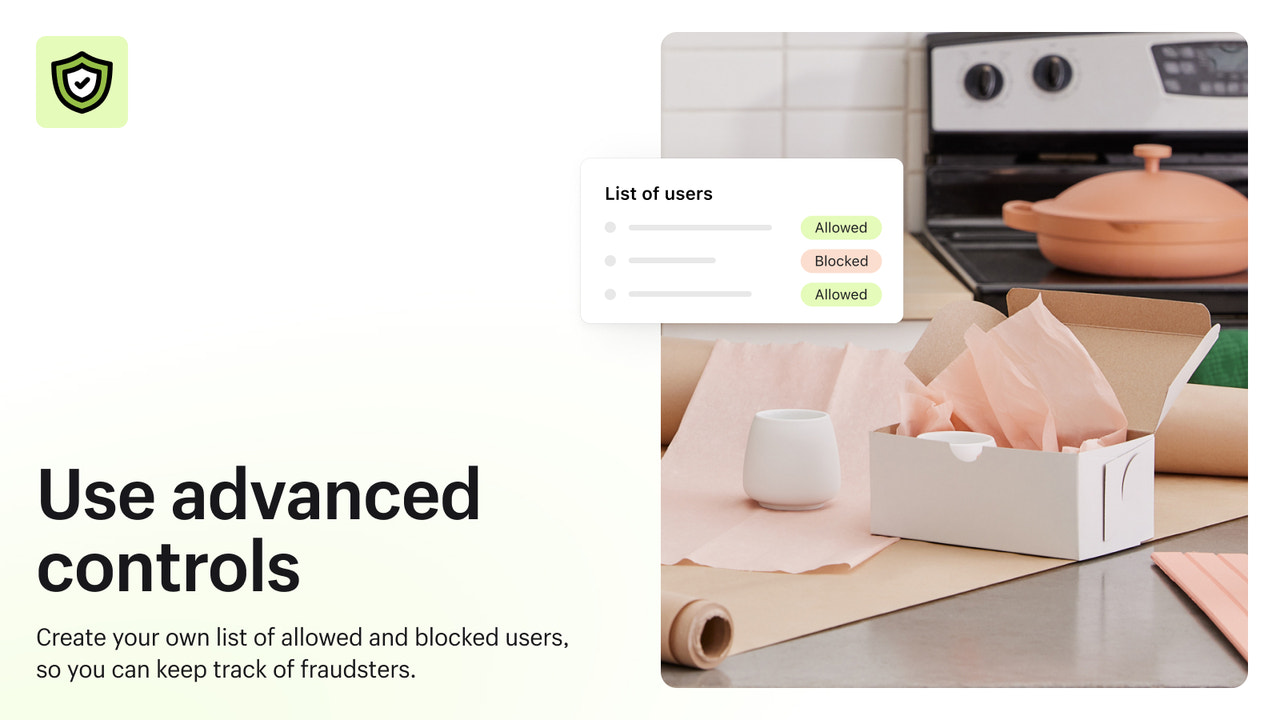
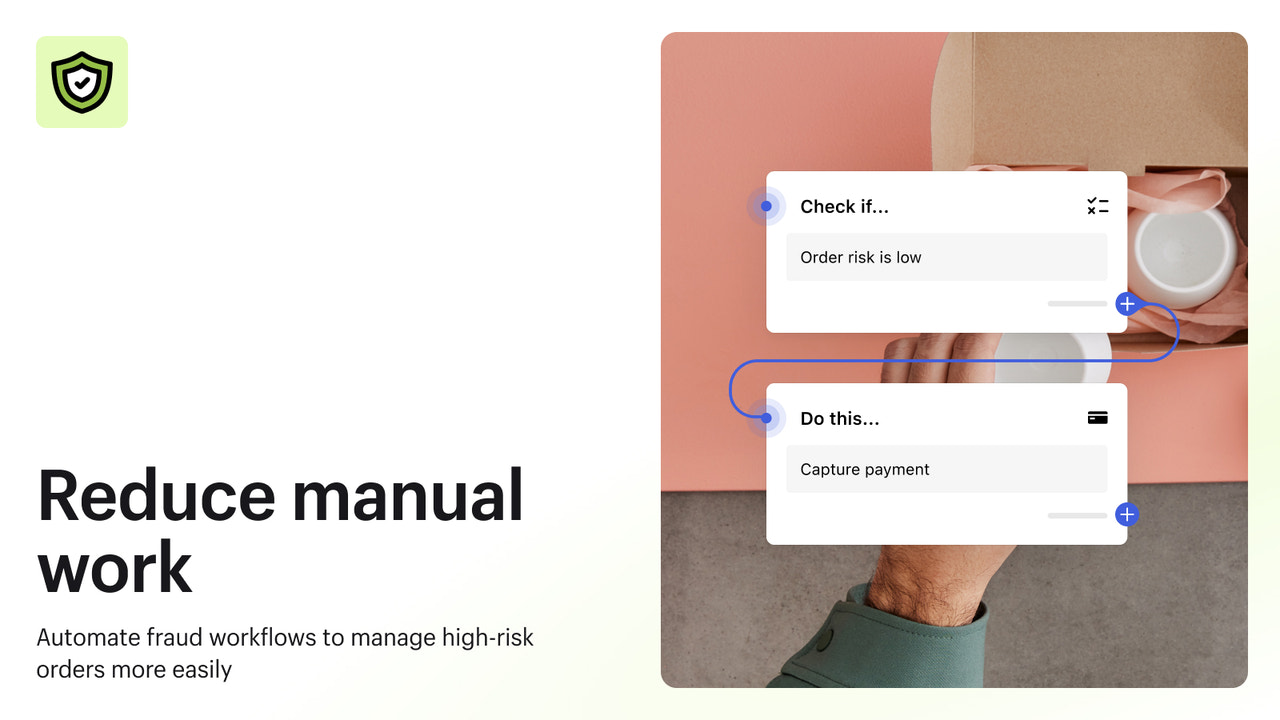



Forstå svindelrisikoen, blokker kjent svindel og automatiser driften for å maksimere inntektene.
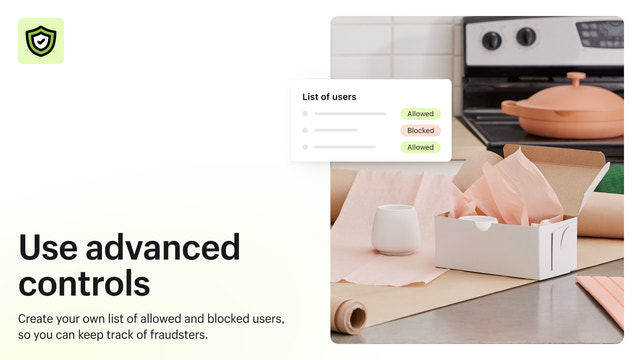
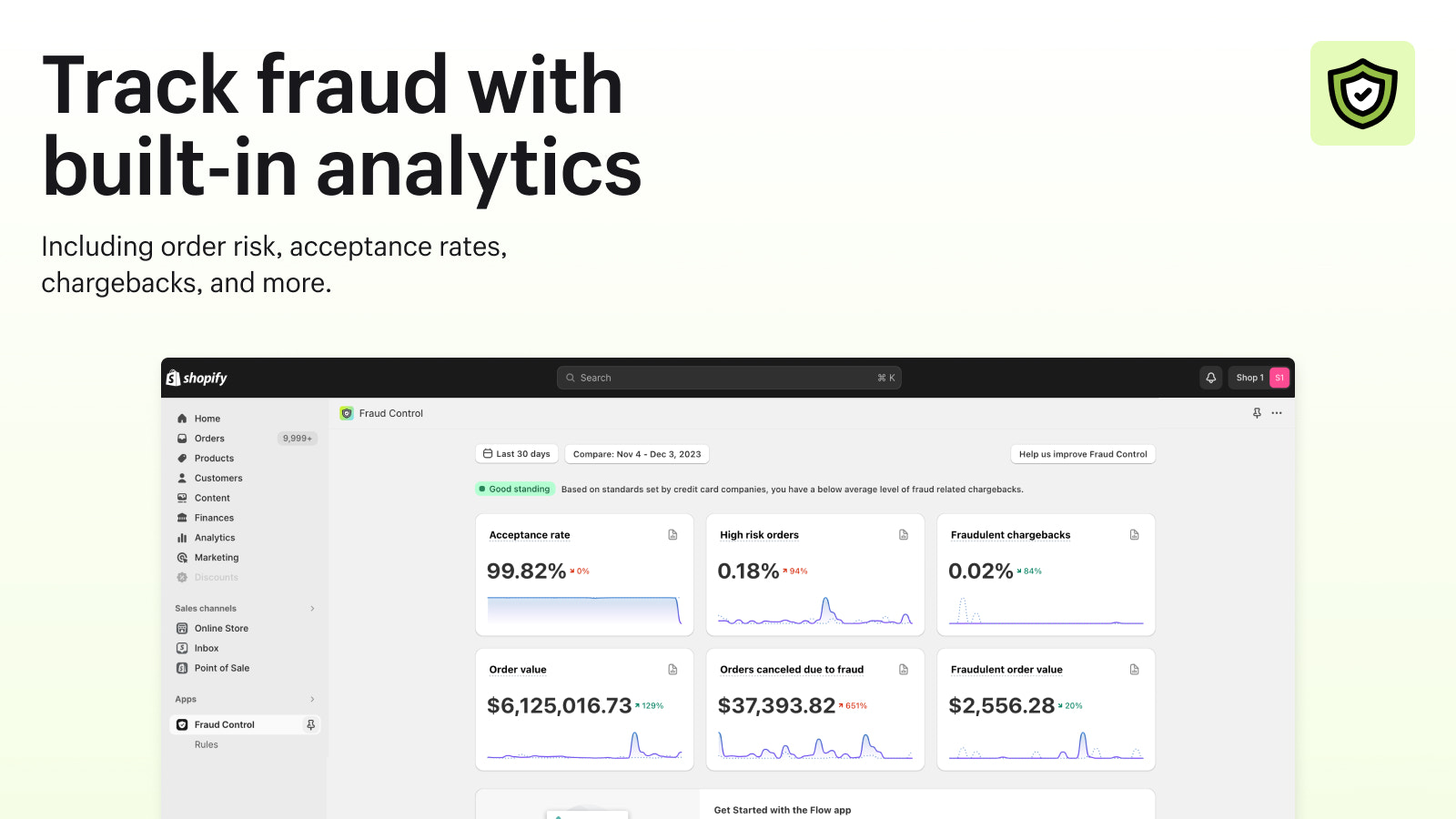
Fraud Control gir deg verktøy for å automatisere svindelhåndtering og maksimere inntektene. Forstå butikkens svindelrisiko med analyser, som for eksempel godkjenningsfrekvens og andel høyrisikobestillinger. Fraud Control anbefaler forhåndsdefinerte regler, eller du kan opprette egendefinerte regler for å blokkere kjente svindlere i kassen før de blir til bestillinger.
- Rapporter om svindelrisiko for butikken.
- Analyser som viser svindeltrender over tid.
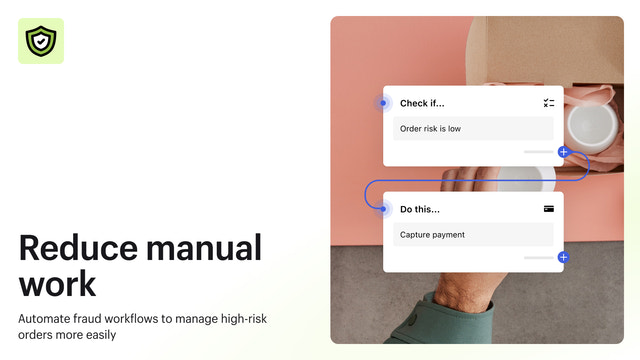
- Automatisering via Flow for å redusere tidsbruk på svindel.
- Blokker betalinger før de blir til bestillinger.
Inneholder tekst som er automatisk oversatt
- Populært blant butikker som din
- Basert i USA
Språk
Engelsk, Tsjekkisk, Dansk, Tysk, Spansk, Finsk, Fransk, Italiensk, Japansk, Nederlandsk, Polsk, Portugisisk (Portugal), Svensk, Kinesisk (forenklet), og Kinesisk (tradisjonell)
Denne appen er ikke oversatt til Norsk (bokmål)
Fungerer med
- Shopify-administrator
Kategorier
Svindeltyper
Verktøy for forhindring
Varslinger og analyse
Omtaler (22)
Ne bloque absolument rien !
J'ai créé une règle qui devait bloquer les commandes qui ont toujours la même adresse. Le lendemain, 5 nouvelles commandes que je dois rembourser pour risque élevé de fraude.
Cette appli ne marche pas.
Elle nous fait perdre du temps plus qu'autre chose.
Turns out, this just sets up or has templates for FLOWS, which I am already using.
My store is being used to test stolen credit cards. It only blocks high risk transactions. I cannot block medium risk transactions. I've had multiple chargebacks and considering shutting down my store. No help from Shopify.
Brukerstøtte
App-støtte leveres av Shopify.
Tilgang til data
Denne appen trenger tilgang til følgende data for å fungere i butikken. Finn ut hvorfor i utviklerens personvernerklæring .
Se kundedata:
Sensitive data, data om enhet og aktivitet
-
Sensitive data
Navn, e-postadresse, telefonnummer, fysisk adresse
-
Data om enhet og aktivitet
Geolokalisering, IP-adresse, nettleser og operativsystem
Se data om ansatte og bidragsytere:
Butikkeier, medarbeidere
-
Butikkeier
Navn, e-postadresse, telefonnummer, fysisk adresse
-
Medarbeidere
Navn, e-postadresse, telefonnummer
Se og rediger butikkdata:
Kunder, produkter, bestillinger, butikkanalyse, personalkontoer, Shopify Payments, andre tjenester
-
Se kunder
Kundedata
-
Se produkter
Varelager, produkter, samlinger
-
Se bestillinger
Distribusjon av bestillinger, all bestillingshistorikk
-
Se butikkanalyse
Analyse, rapporter
-
Se personalkontoer
Personalkontoer
-
Se Shopify Payments
Shopify Payments-kontoer
-
Rediger andre tjenester
Beslutningsregler
-
Rediger andre data
Betalingsinnstillinger
Utvalgt hos

Flere apper som denne


Oppfyller våre strengeste krav til ytelse, design og integrasjon. Finn ut mer Åpnes i et nytt vindu