
แกลเลอรีรูปภาพที่แสดง

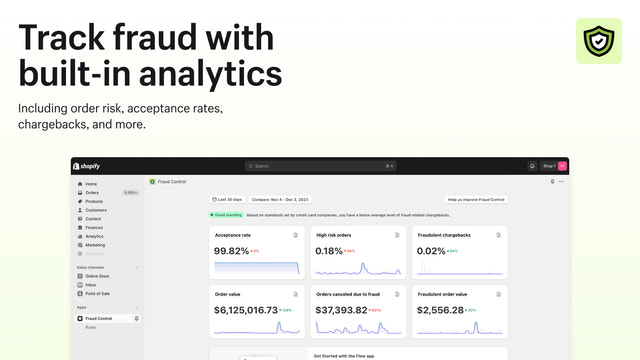
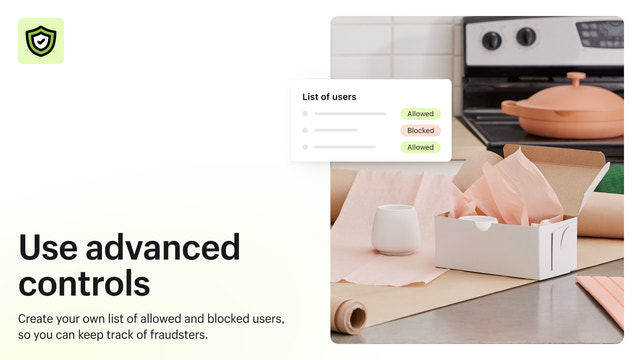
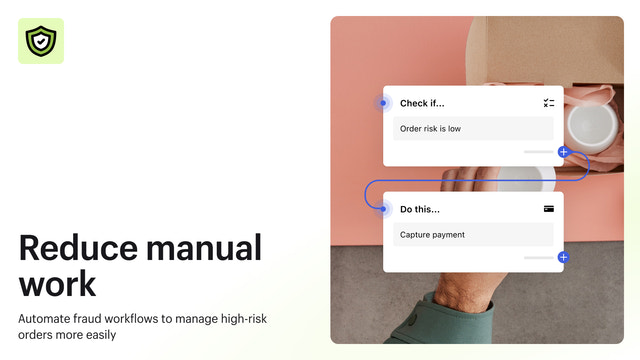
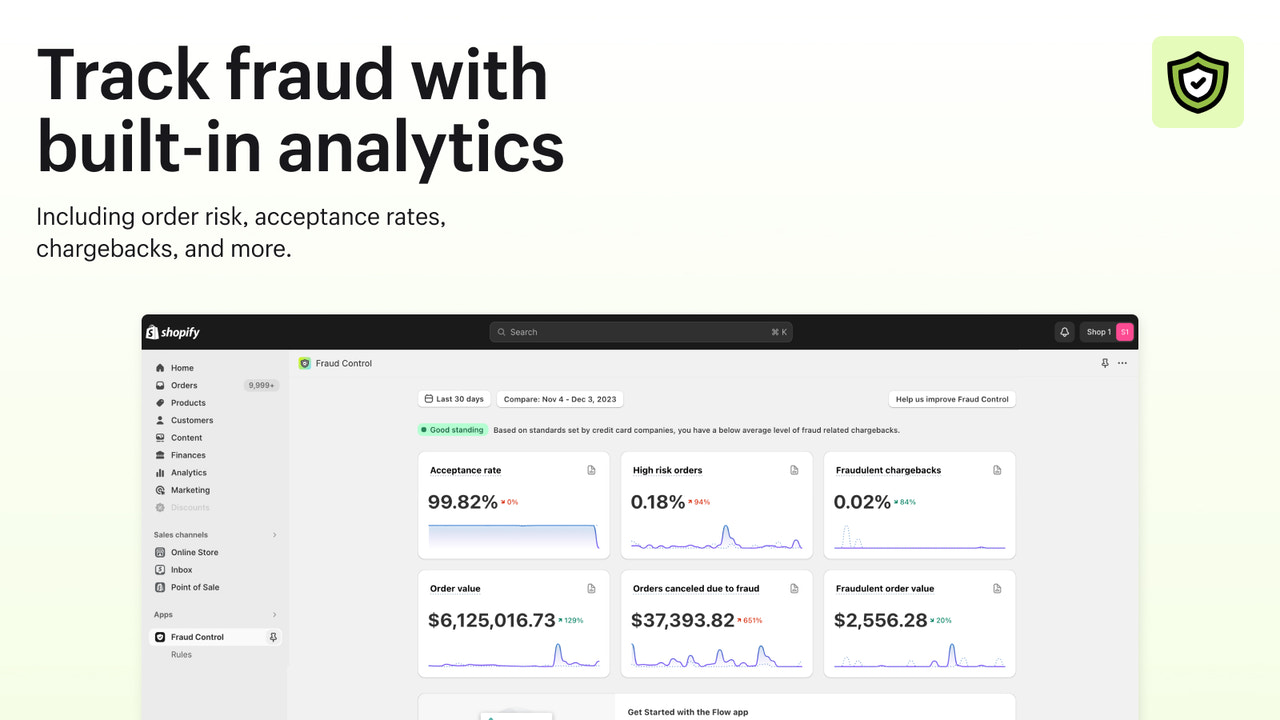
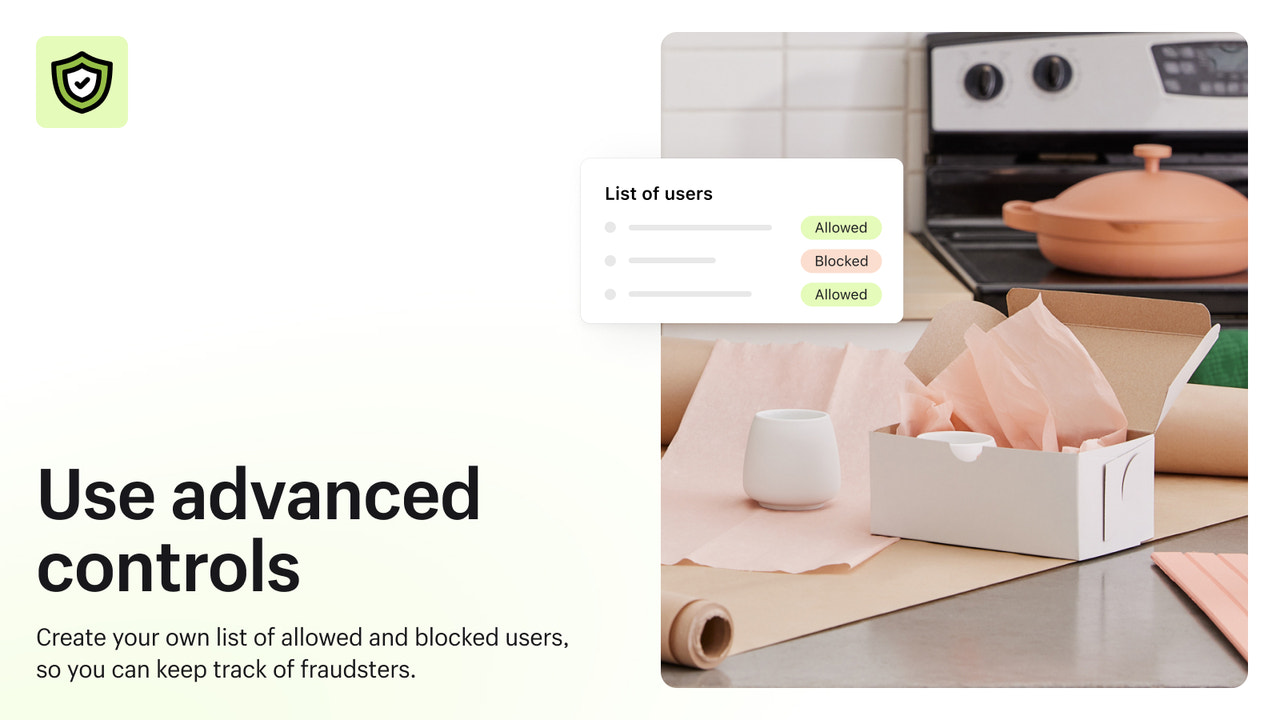
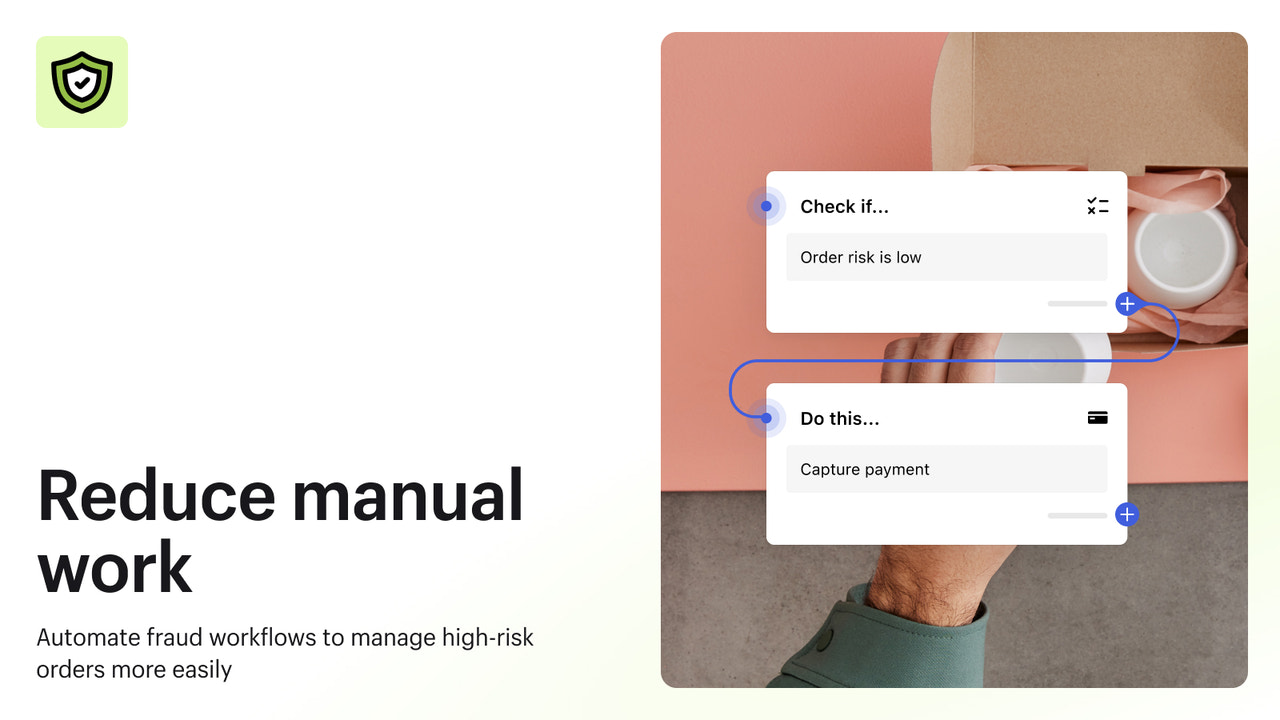



ทำความเข้าใจความเสี่ยงในการฉ้อโกงของคุณ บล็อกการฉ้อโกงจากผู้ที่มีประวัติ และทำให้การดำเนินการเป็นแบบอัตโนมัติเพื่อเพิ่มรายได้ให้สูงสุด
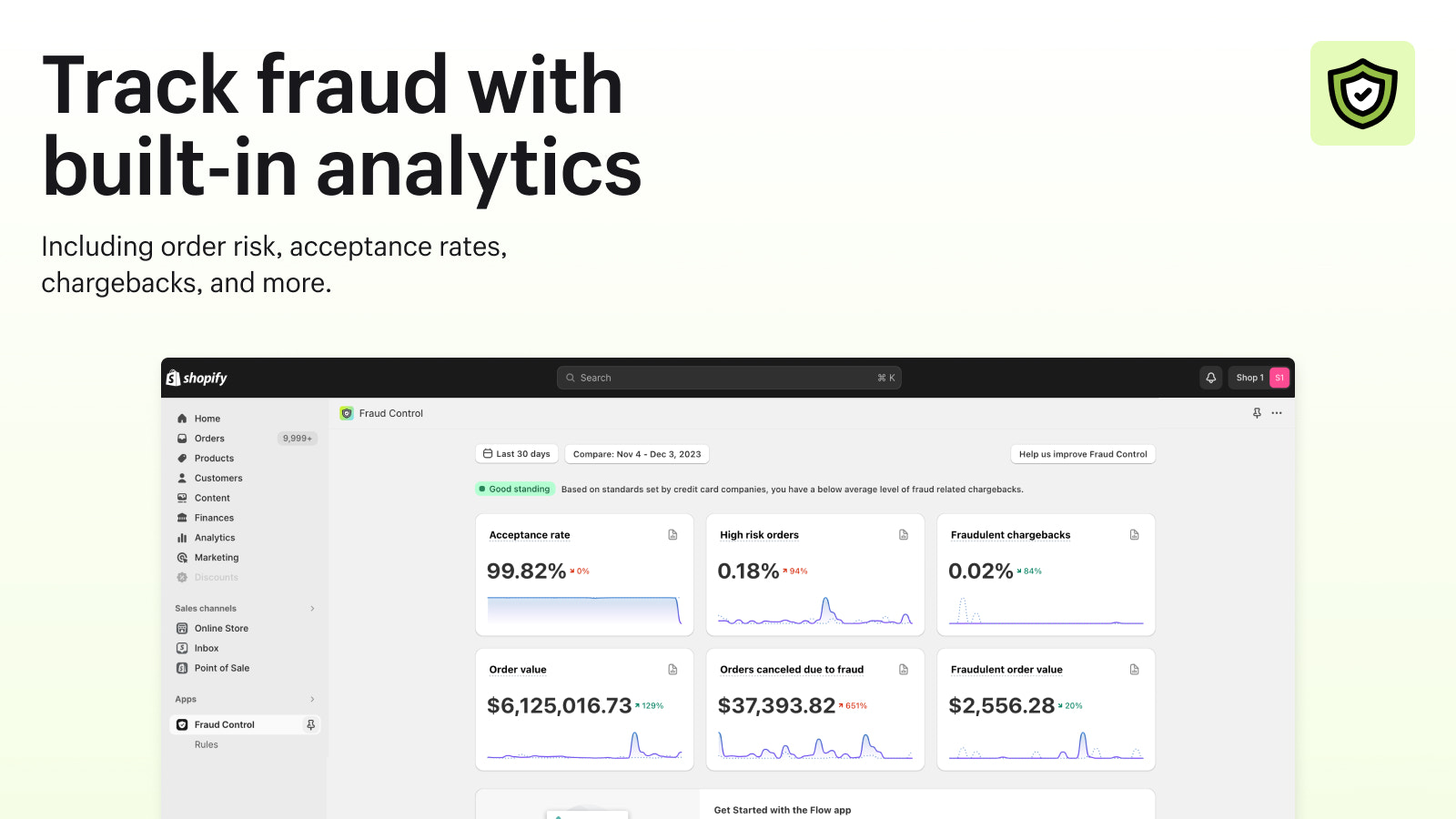
Fraud Control มีเครื่องมือที่จะช่วยให้การดำเนินการเกี่ยวกับการฉ้อโกงเป็นแบบอัตโนมัติและช่วยเพิ่มรายได้ให้สูงสุด ทำความเข้าใจความเสี่ยงในการฉ้อโกงของร้านค้าด้วยระบบวิเคราะห์ข้อมูล เช่น อัตราการยอมรับและอัตราคำสั่งซื้อที่มีความเสี่ยงสูง Fraud Control จะแนะนำกฎที่กำหนดไว้ล่วงหน้า หรือคุณสามารถสร้างกฎแบบกำหนดเองเพื่อบล็อกผู้ที่มีประวัติการฉ้อโกงในขั้นตอนการชำระเงินก่อนที่จะกลายเป็นคำสั่งซื้อ
- รายงานความเสี่ยงในการฉ้อโกงสำหรับร้านค้าของคุณ
- ระบบวิเคราะห์ข้อมูลเพื่อแสดงแนวโน้มการฉ้อโกงเมื่อเวลาผ่านไป
- การทำงานอัตโนมัติผ่าน Flow เพื่อลดเวลาที่ใช้ในการจัดการการฉ้อโกง
- บล็อกการชำระเงินก่อนที่จะกลายเป็นคำสั่งซื้อ
มีข้อความที่แปลอัตโนมัติ
- เป็นที่นิยมในร้านค้าแบบคุณ
- ในสหรัฐอเมริกา
ภาษา
ภาษาอังกฤษ, ภาษาเช็ก, ภาษาเดนมาร์ก, ภาษาเยอรมัน, ภาษาสเปน, ภาษาฟินแลนด์, ภาษาฝรั่งเศส, ภาษาอิตาลี, ภาษาญี่ปุ่น, ภาษาดัตช์, ภาษาโปแลนด์, ภาษาโปรตุเกส, ภาษาสวีเดน, ภาษาจีน (ตัวย่อ)และ ภาษาจีน (ตัวเต็ม)
แอปนี้ไม่ได้แปลเป็นภาษาไทย
ใช้ได้กับ
- ส่วนผู้ดูแล Shopify
ประเภท
ประเภทการทุจริต
เครื่องมือป้องกัน
การแจ้งเตือนและการวิเคราะห์
รีวิว (22)
Ne bloque absolument rien !
J'ai créé une règle qui devait bloquer les commandes qui ont toujours la même adresse. Le lendemain, 5 nouvelles commandes que je dois rembourser pour risque élevé de fraude.
Cette appli ne marche pas.
Elle nous fait perdre du temps plus qu'autre chose.
Turns out, this just sets up or has templates for FLOWS, which I am already using.
My store is being used to test stolen credit cards. It only blocks high risk transactions. I cannot block medium risk transactions. I've had multiple chargebacks and considering shutting down my store. No help from Shopify.
ความช่วยเหลือ
ให้ความช่วยเหลือสำหรับแอปโดย Shopify
สิทธิ์เข้าถึงข้อมูล
แอปนี้ต้องมีสิทธิ์เข้าถึงข้อมูลต่อไปนี้เพื่อดำเนินการในร้านค้าของคุณ ดูข้อมูลในนโยบายความเป็นส่วนตัว ของนักพัฒนา
ดูข้อมูลลูกค้า:
ข้อมูลที่ละเอียดอ่อน, ข้อมูลอุปกรณ์และกิจกรรม
-
ข้อมูลที่ละเอียดอ่อน
ชื่อ, ที่อยู่อีเมล, หมายเลขโทรศัพท์, ที่อยู่จริง
-
ข้อมูลอุปกรณ์และกิจกรรม
ตำแหน่งที่ตั้งทางภูมิศาสตร์, ที่อยู่ IP, เบราว์เซอร์และระบบปฏิบัติการ
ดูข้อมูลพนักงานและผู้มีส่วนร่วม:
เจ้าของร้าน, พนักงาน
-
เจ้าของร้าน
ชื่อ, ที่อยู่อีเมล, หมายเลขโทรศัพท์, ที่อยู่จริง
-
พนักงาน
ชื่อ, ที่อยู่อีเมล, หมายเลขโทรศัพท์
ดูและแก้ไขข้อมูลร้านค้า:
ลูกค้า, สินค้า, คำสั่งซื้อ, การวิเคราะห์ร้านค้า, บัญชีผู้ใช้ของพนักงาน, Shopify Payments, บริการอื่นๆ
-
ดูข้อมูลลูกค้า
ข้อมูลลูกค้า
-
ดูสินค้า
สินค้าคงคลัง, สินค้า, คอลเลกชัน
-
ดูคำสั่งซื้อ
การจัดการคำสั่งซื้อ, ประวัติคำสั่งซื้อทั้งหมด
-
ดูการวิเคราะห์ร้านค้า
การวิเคราะห์, รายงาน
-
ดูบัญชีผู้ใช้ของพนักงาน
บัญชีผู้ใช้ของพนักงาน
-
ดู Shopify Payments
บัญชี Shopify Payments
-
แก้ไขบริการอื่นๆ
กฎการตัดสินใจ
-
แก้ไขข้อมูลอื่นๆ
การตั้งค่าการชำระเงิน
แนะนำ

พบกับแอปที่น่าสนใจ


ตรงตามมาตรฐานสูงสุดของเราในด้านประสิทธิภาพ การออกแบบ และการผสานการทำงาน ดูข้อมูลเพิ่มเติมเกี่ยวกับ เปิดในหน้าต่างใหม่