



主要圖片圖庫
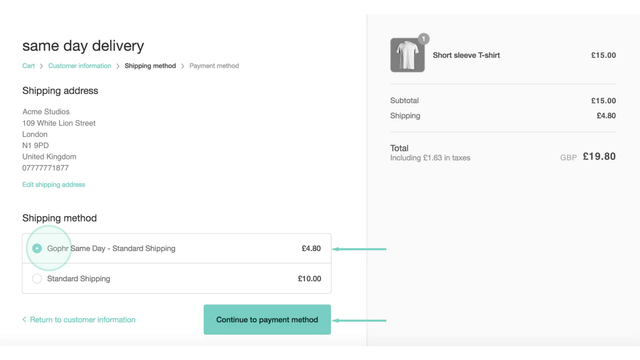
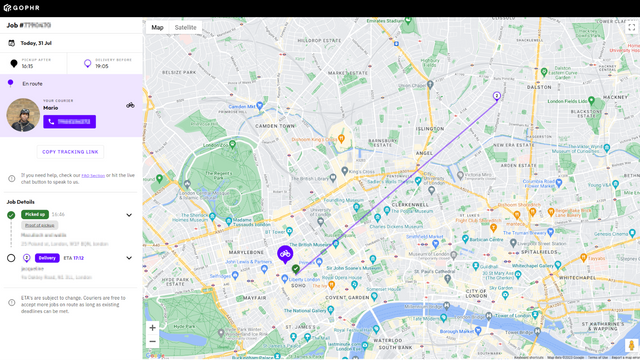
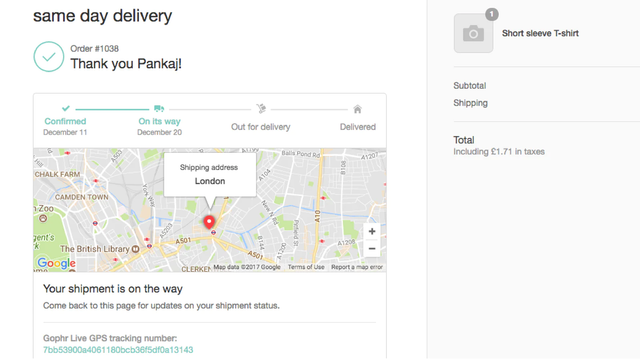
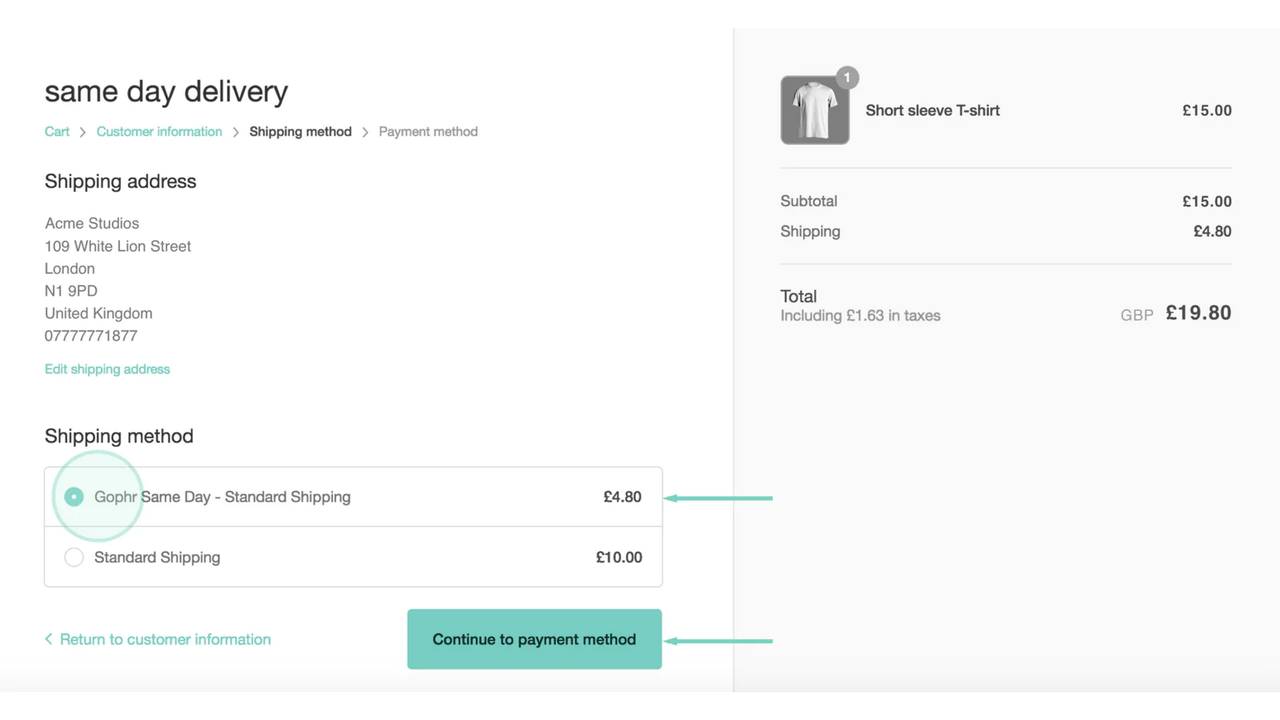
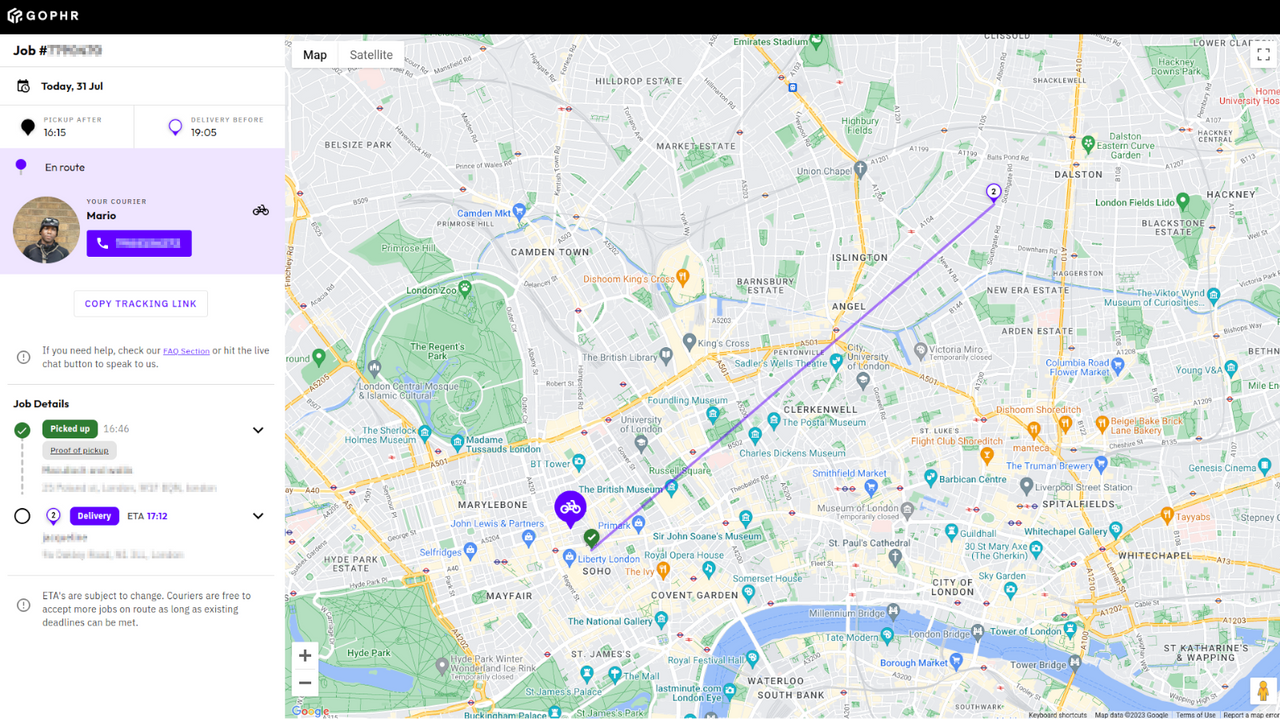
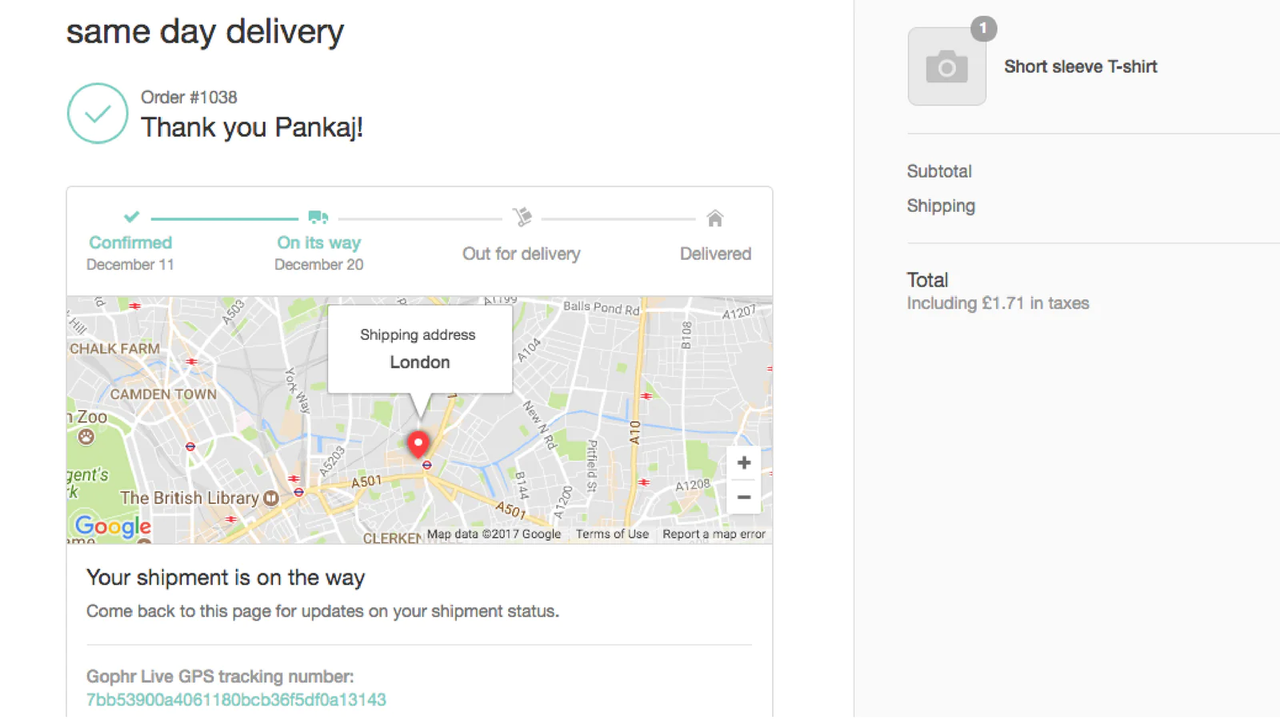
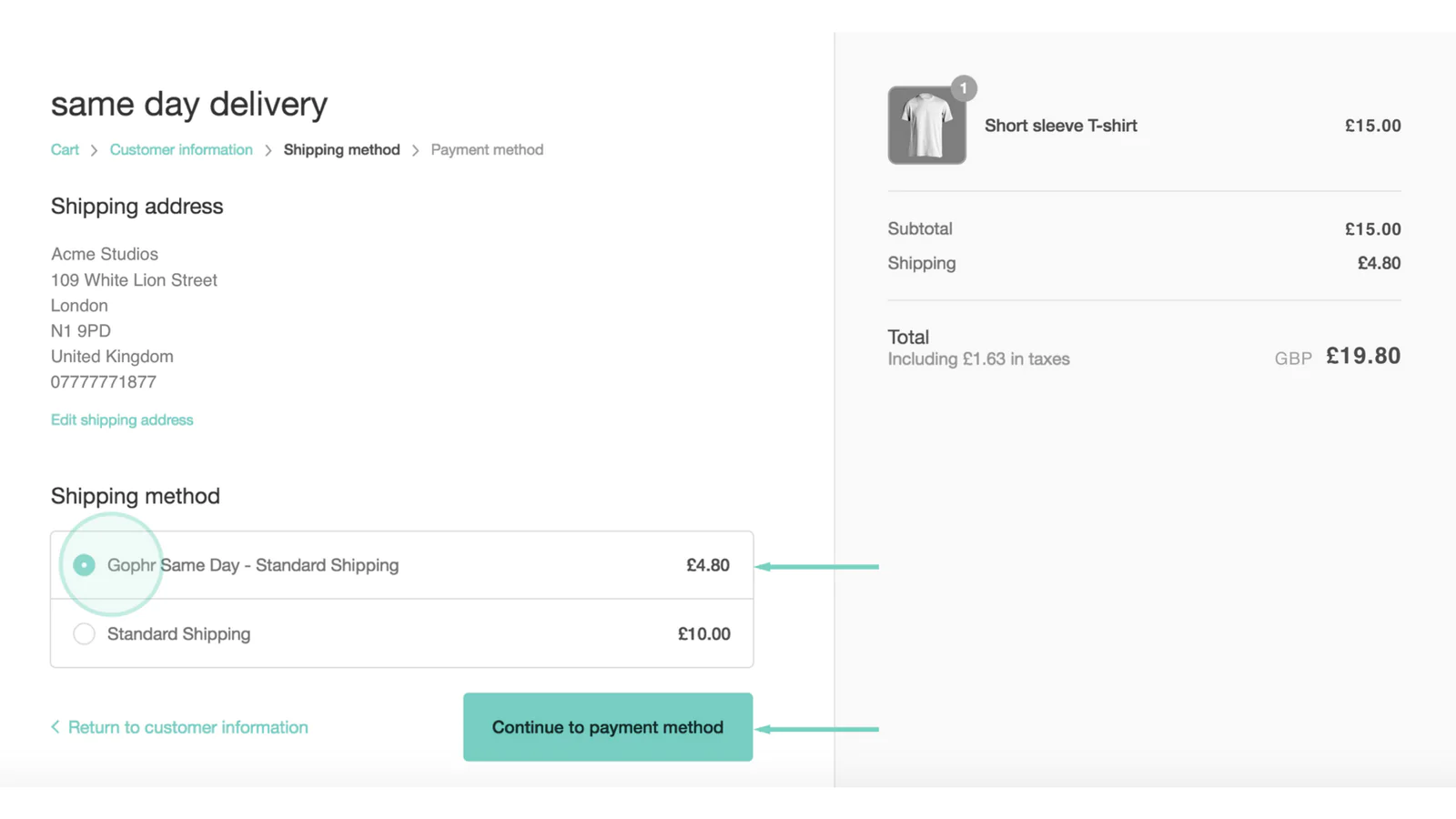
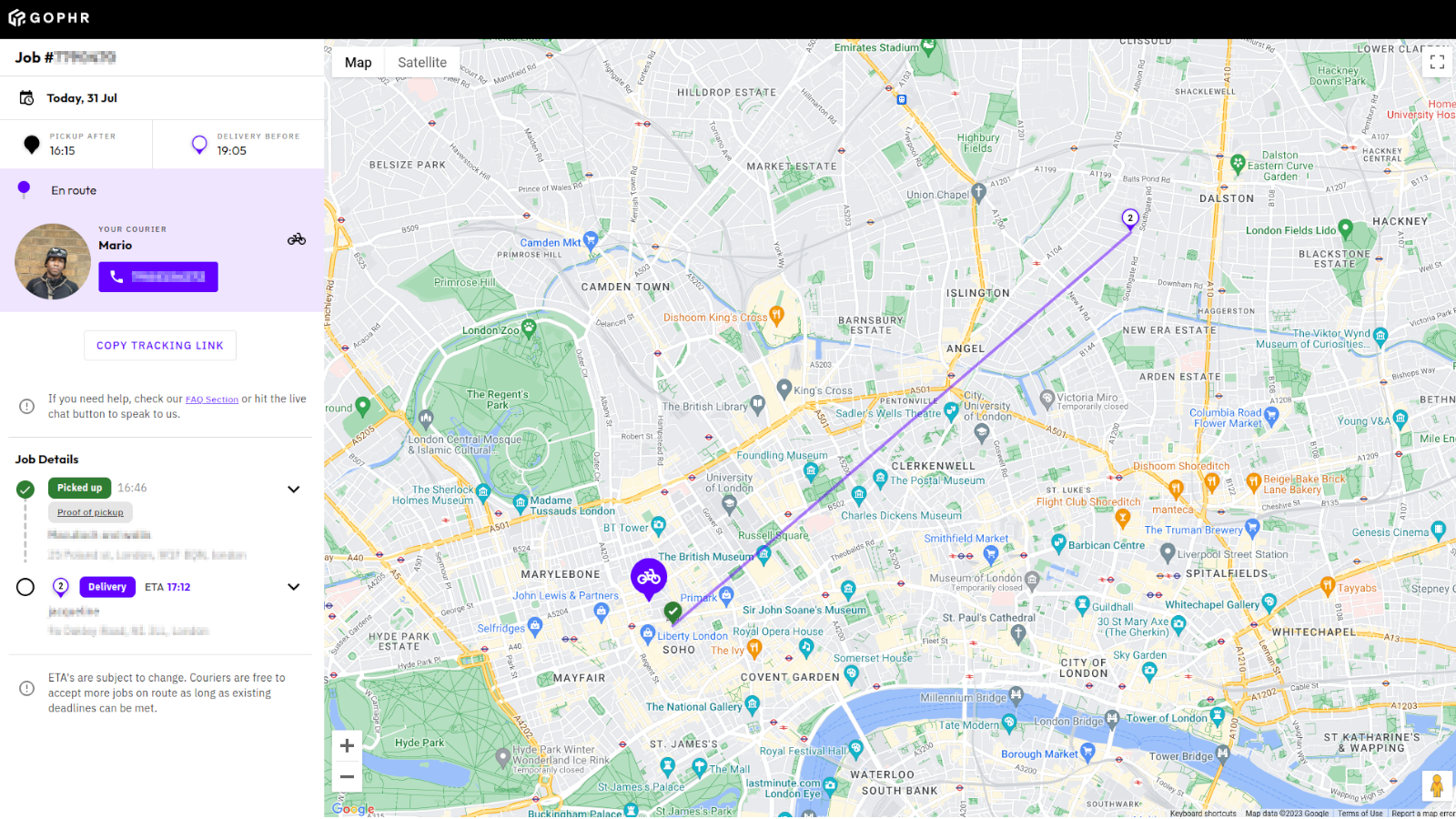
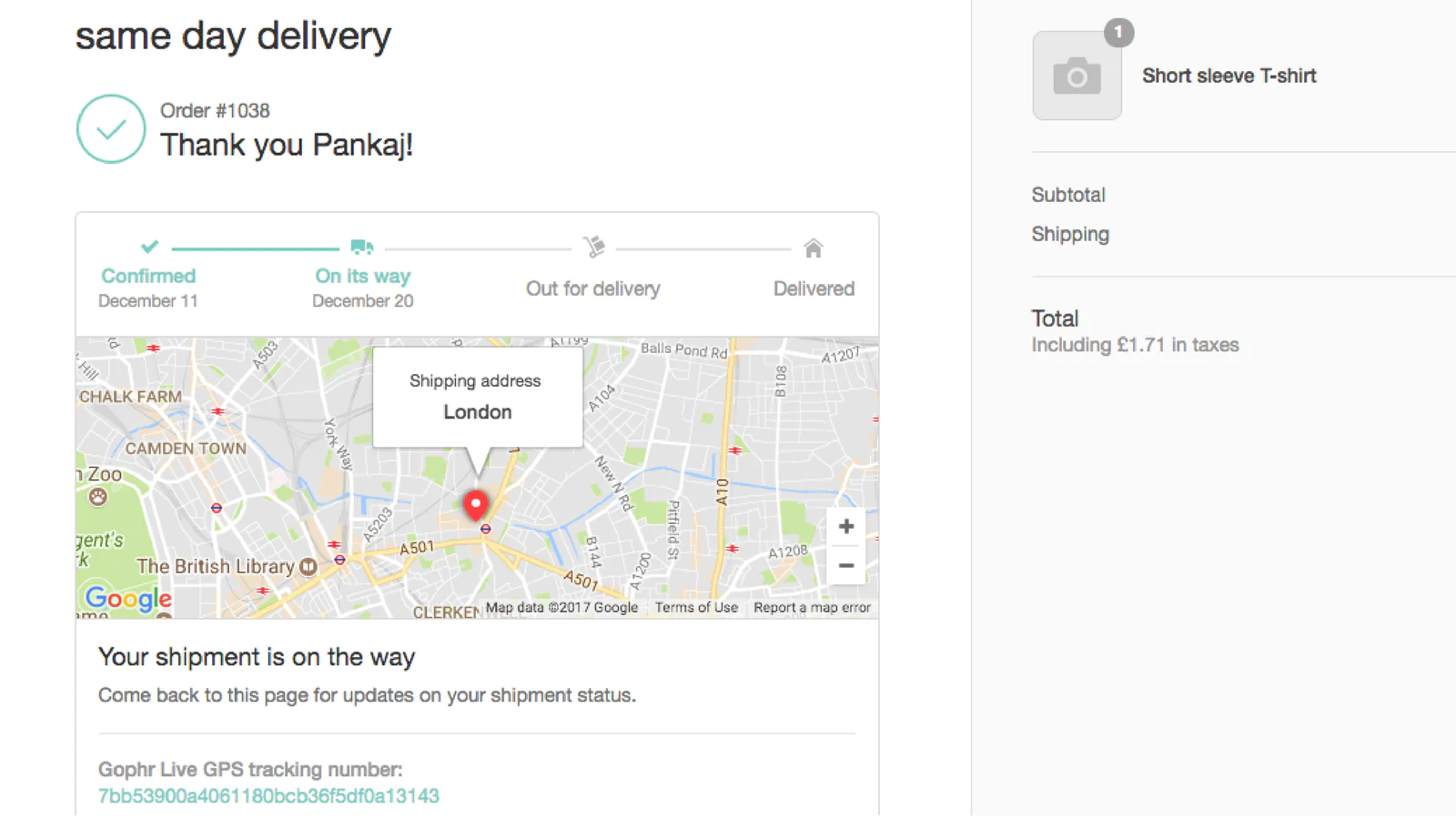
Same day delivery for all types of businesses. Easily book, manage and live track every delivery.
👉 Simple booking options choices including the all important "Direct" job. 👉 Easy delivery + account management with all jobs and invoices made simple to find and view 👉 Favourite locations To save you time adding in the same addresses again and again 👉 Made for your mobile Optimised on mobile and tablets 👉 Improved ‘multi’ parcel tracking Add individual parcel details to each location
- Live shipping rates - customers get access to Gophr quick quotes and live prices
- Customise your account - set your delivery radius and add office hours
- Easy to setup: sign up, add API key & payment method, and you're good to go!
語言
英文
這項應用程式尚未翻譯成繁體中文
類別
定價
Free
免費安裝
Prices vary based on vehicle used, parcel information (size and weight) and distance travelled
所有費用均以 USD 計價。 查看所有定價選項
This is an under developed app. We had issues during install. Support did assist. Once working but there are no settings or admin. Once the app is installed it's GO GO GO on the front end. Not great for a production environment. After uninstall (to turn off), we can't re-install because the API key the app generates is locked. API keys can't be toggled or even deleted manually. I'm sure support could assist as they have been responsive but this has all the hallmarks of an under resourced app and we're sadly not going to trust our logistics with this implementation in it's current form. A lot of work has gone into the Gophr platform but the simplicity of this integration suggests they're not aiming this at professional ecommerce brands.
支援服務
應用程式支援由 Gophr 提供。