


Magic 360
- 요금제
-
$169부터
- 평점
- 4.5 (30)
- 개발자
- Magic Toolbox
추천 이미지 갤러리
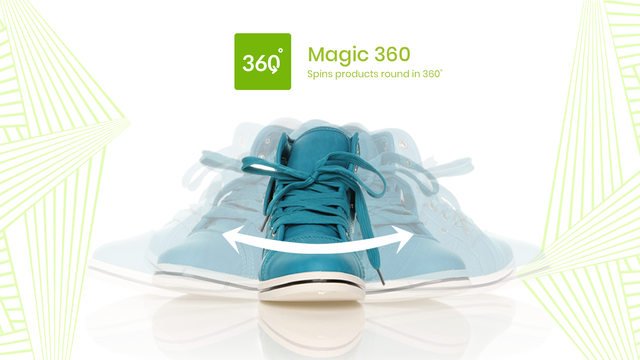
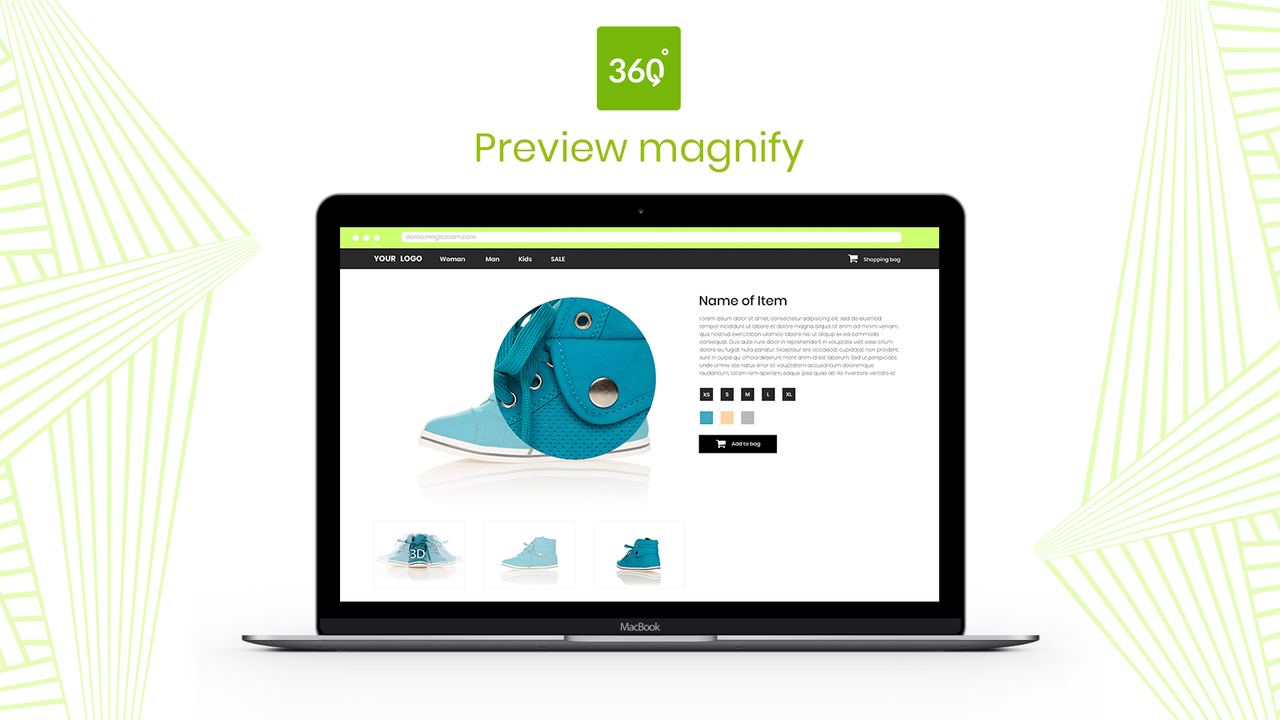


제품을 360도로 보여주세요. 고객의 신뢰가 높아지면 매출이 증가하고 반품이 감소합니다.
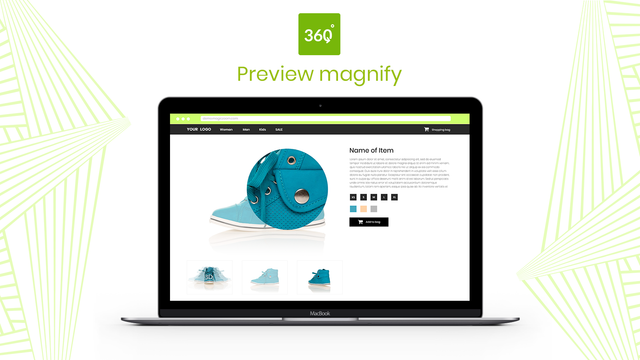
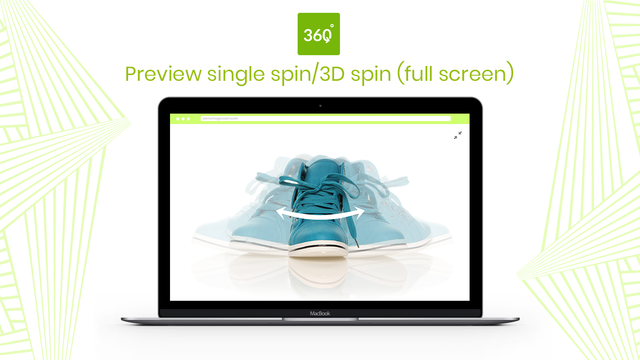
360도 회전 이미지로 고객에게 제품의 모든 세부 사항을 보여주세요. 화면을 확대하거나 전체 화면으로 볼 수도 있습니다. 모든 각도를 보여주는 일련의 JPG 사진이 필요합니다. 360도 효과를 주려면 각 사진에서 제품이 아주 조금씩 움직여야 합니다. 이미지 가로 크기는 1200px~1500px을 권장합니다. 이러한 고해상도 이미지는 멋진 회전, 확대 및 전체 화면 효과를 연출합니다. Magic 360은 iPad, iPhone 및 대부분의 Android 기기에서 작동하므로 고객이 언제 어디서나 제품을 확인할 수 있습니다.
- 360도 회전 이미지와 함께 정적 이미지를 표시합니다.
- Magic 360은 모든 Shopify 테마를 지원합니다.
- 앱 설정 페이지에서 속도, 자동 회전 등의 옵션을 쉽게 사용자 지정할 수 있습니다.
자동으로 번역된 텍스트 포함
언어
영어
이 앱은 한국어로 번역되지 않았습니다
요금제
비즈니스에 가장 적합한 요금제를 선택하세요.
일회성 결제
$169 일회성 청구
설치는 무료입니다. 라이선스 구매 비용은 $169입니다('체험판' 메시지 제거됨)
자동으로 번역된 텍스트 포함
모든 비용은 USD(으)로 청구됩니다.
리뷰 (30)
After trying several 360 spin apps I stumbled upon magic 360 and it is a game changer!
Very simple to use and the one-time fee is refreshing, and totally worth it.
My only gripe would be that on mobile devices the zoom feature on the front end is a little buggy but apart from that such a great piece of software that does the job effectively!
Overall an easy app. Love how its only a one time charge. We got professional photos of our products taken by a company they recommended that did a great job (The Spin Guys). Compiling all 36 photos in the app is super easy and the spins turn out flawless.
Only downside is I wish photos would load in the background so I can continue adding photos to other products. When uploading just be aware it will take some time if you have a lot of products.
Hello Waveband Communications!
We're thrilled your love your flawless spins! TOP TIP: Shopify has 2 ways to bulk upload images to your Shopify admin:
i) Shopify admin > Settings > Files.
ii) CSV file (although article states you will need public urls, not from local machine).
The information for both options is shown on the Shopify community discussion board below:
https://community.shopify.com/c/shopify-discussions/can-i-bulk-upload-images-on-shopify-using-server-paths/m-p/2220911
Once all your spin images have been bulked uploaded to your Shopify products, Magic 360 will automatically use the last 36 images in each product Media list to create the spin effect on the product page.
Hope this helps!
Gallery works very well.
Support was great and helped us set up the app in our custom theme.
Even helped us to match some functionality our regular gallery has. We really appreciate the extra effort the app team offered. Thanks :)
Great
지원
앱 지원은 Magic Toolbox에서 제공합니다.
리소스
이 개발자는 한국어(으)로 직접 지원을 제공하지 않습니다.
개발자
9 Cowley Road, Oxford, ENG, OX4 1HP, GB
출시됨
2012년 9월 7일
데이터 액세스
이 앱이 회원님의 스토어에서 작동하려면 다음 데이터에 액세스해야 합니다. 개발자의 개인정보처리방침 에서 그 이유를 알아보세요.
직원 및 참여자 데이터 보기:
스토어 소유자
-
스토어 소유자
이름, 이메일 주소, 전화번호, 실제 주소
스토어 데이터 보기 및 편집:
제품, 온라인 스토어, Shopify 관리자
-
제품 편집
제품, 컬렉션
-
온라인 스토어 보기
테마
-
Shopify 관리자 편집
파일
이 앱과 비슷한 더 많은 앱 보기


성능, 디자인, 통합 면에서 모두 최고 수준을 자랑합니다. 새 창에서 열기 자세히 알아보기

성능, 디자인, 통합 면에서 모두 최고 수준을 자랑합니다. 새 창에서 열기 자세히 알아보기

