


Galerie d’images vedette

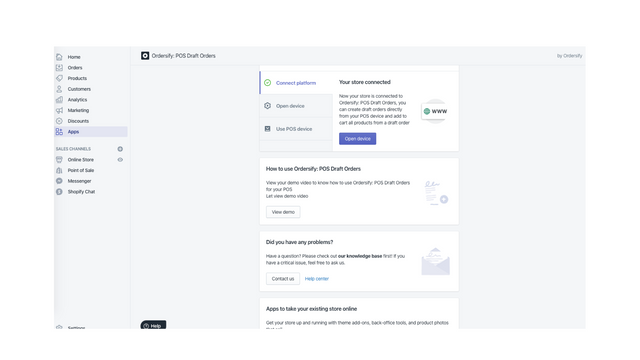
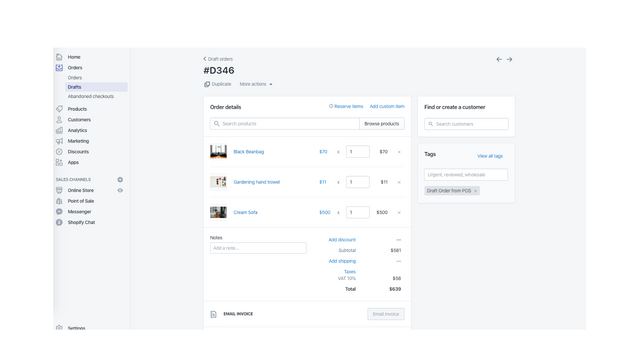
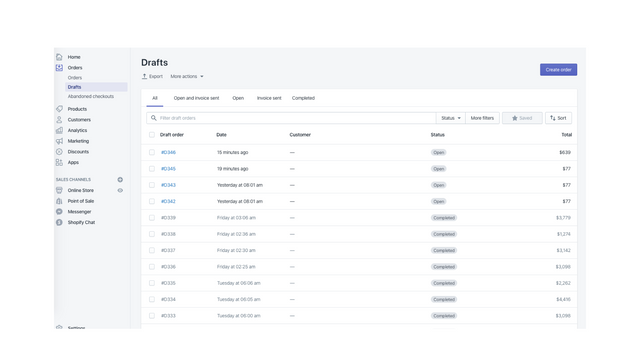
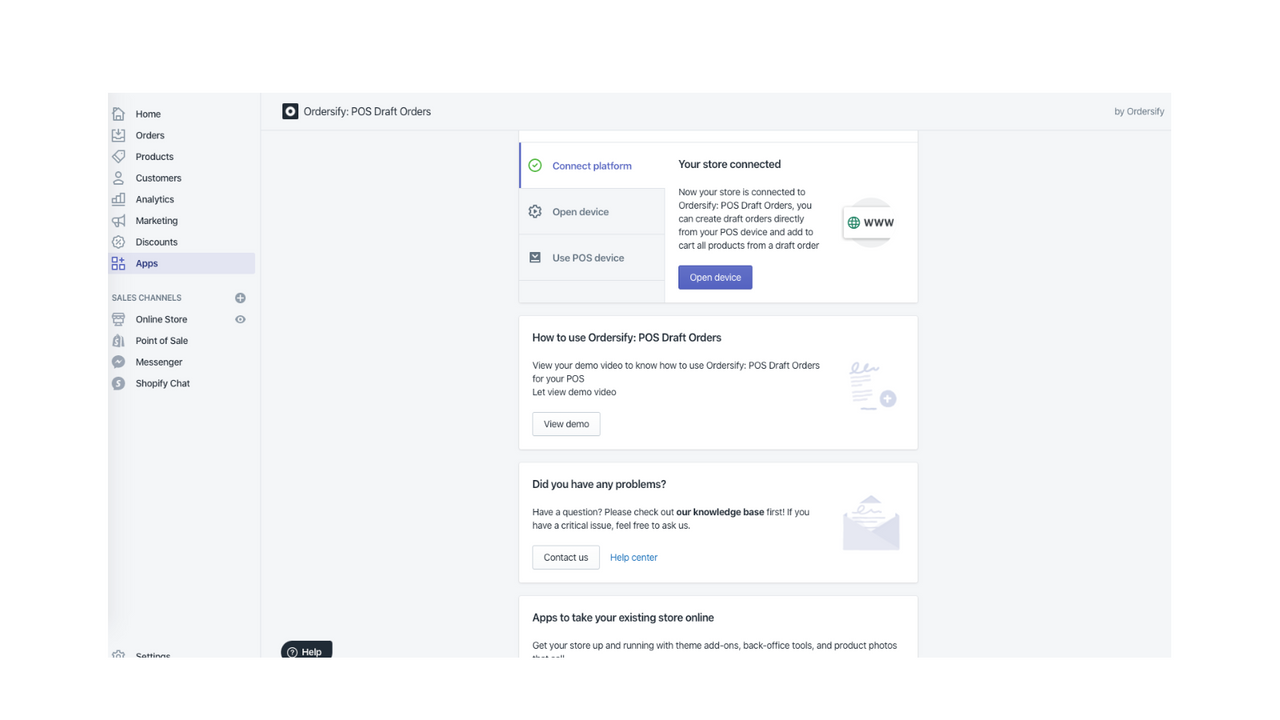
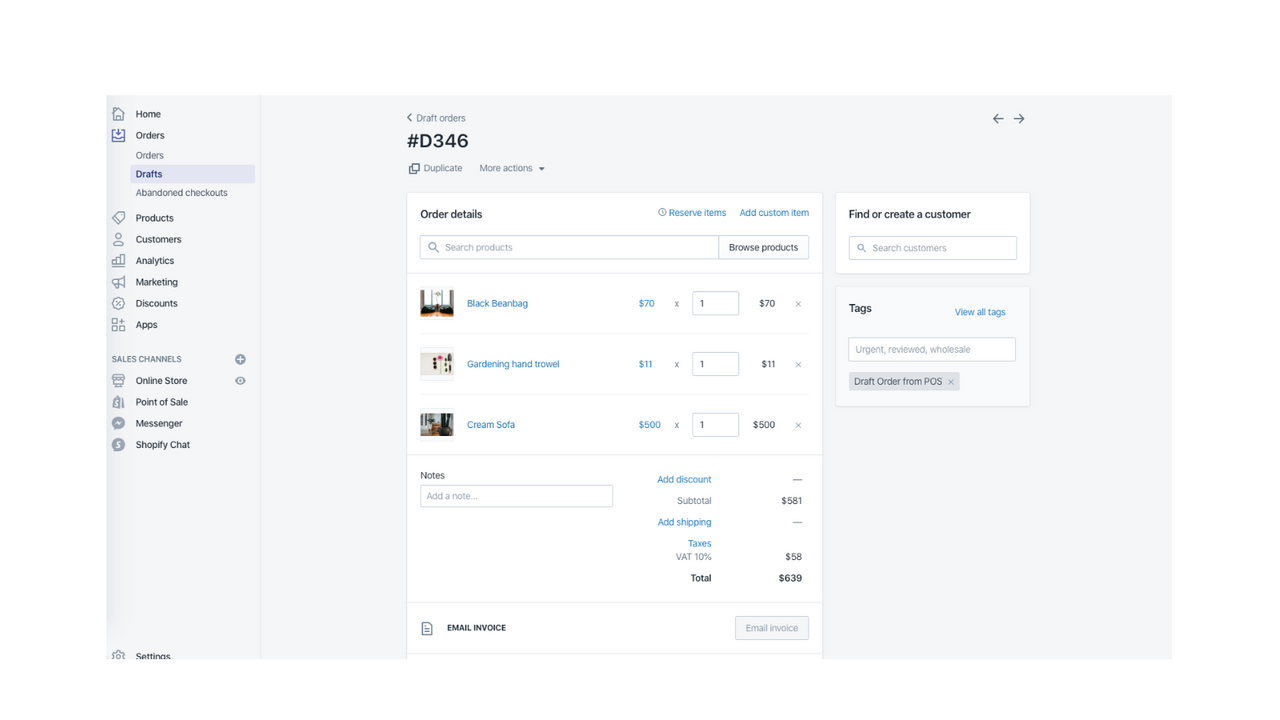
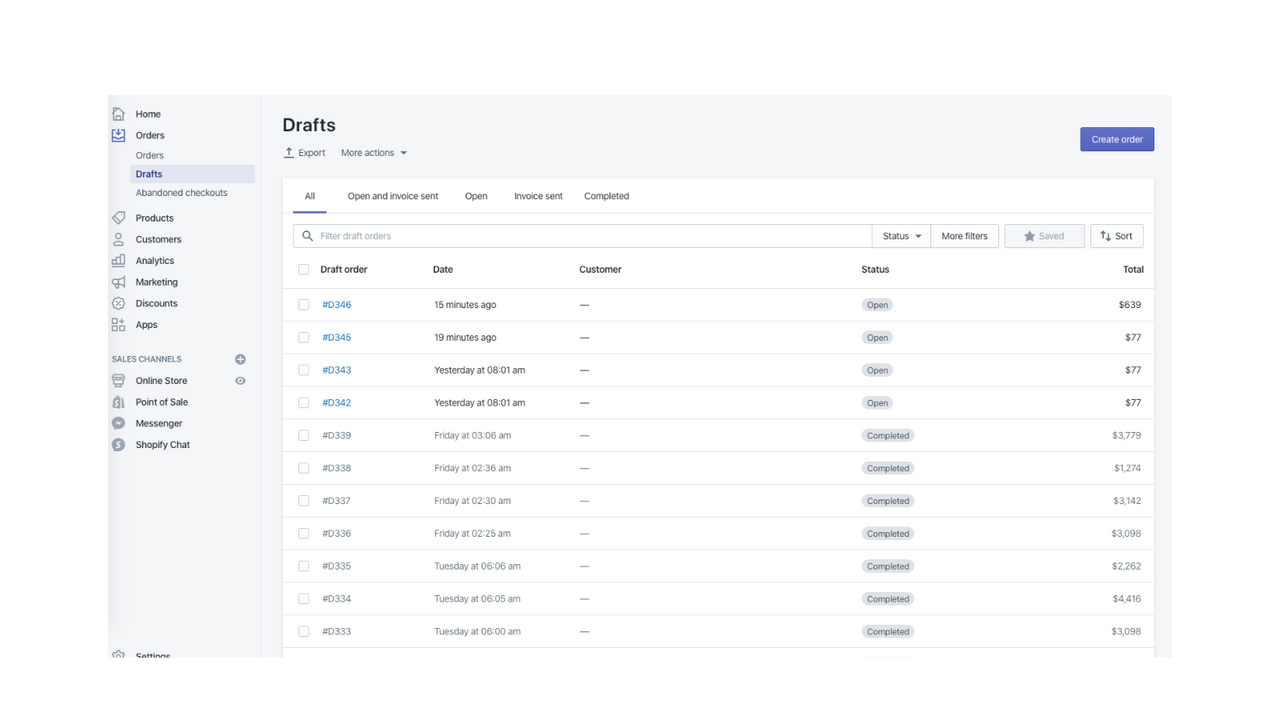
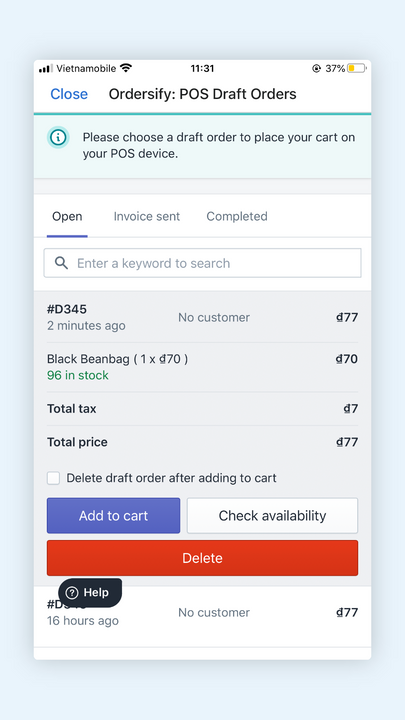
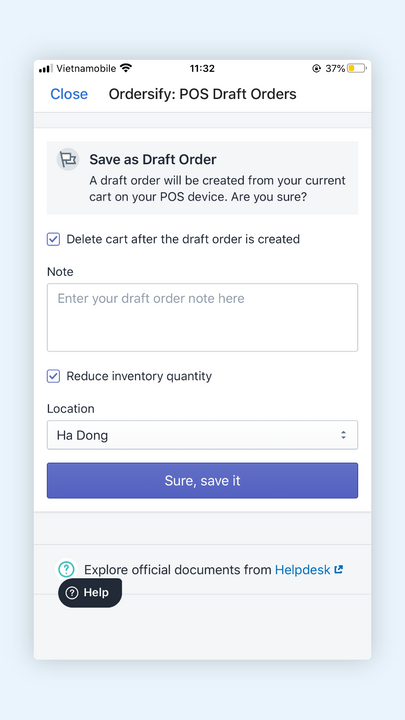
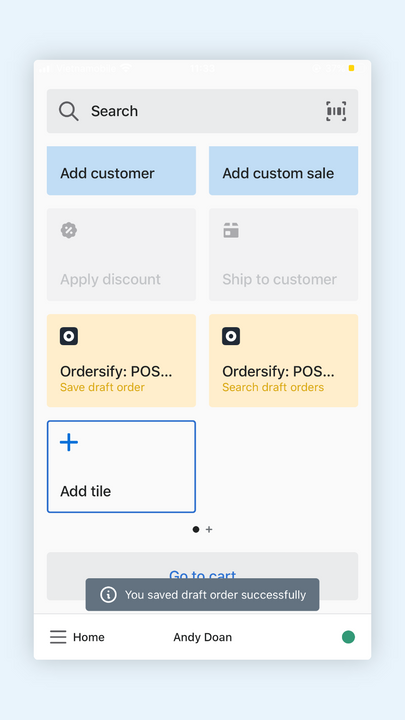

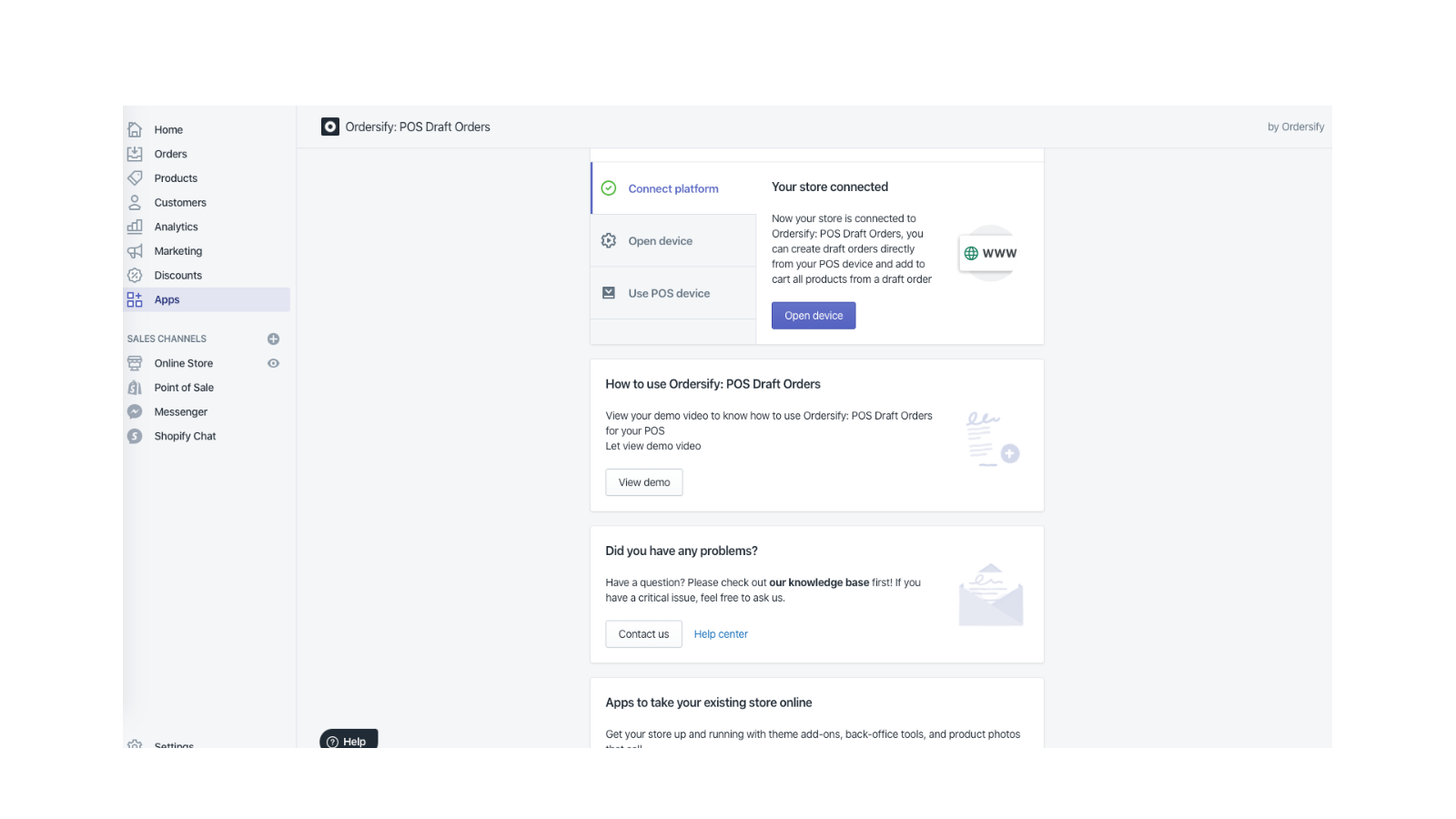
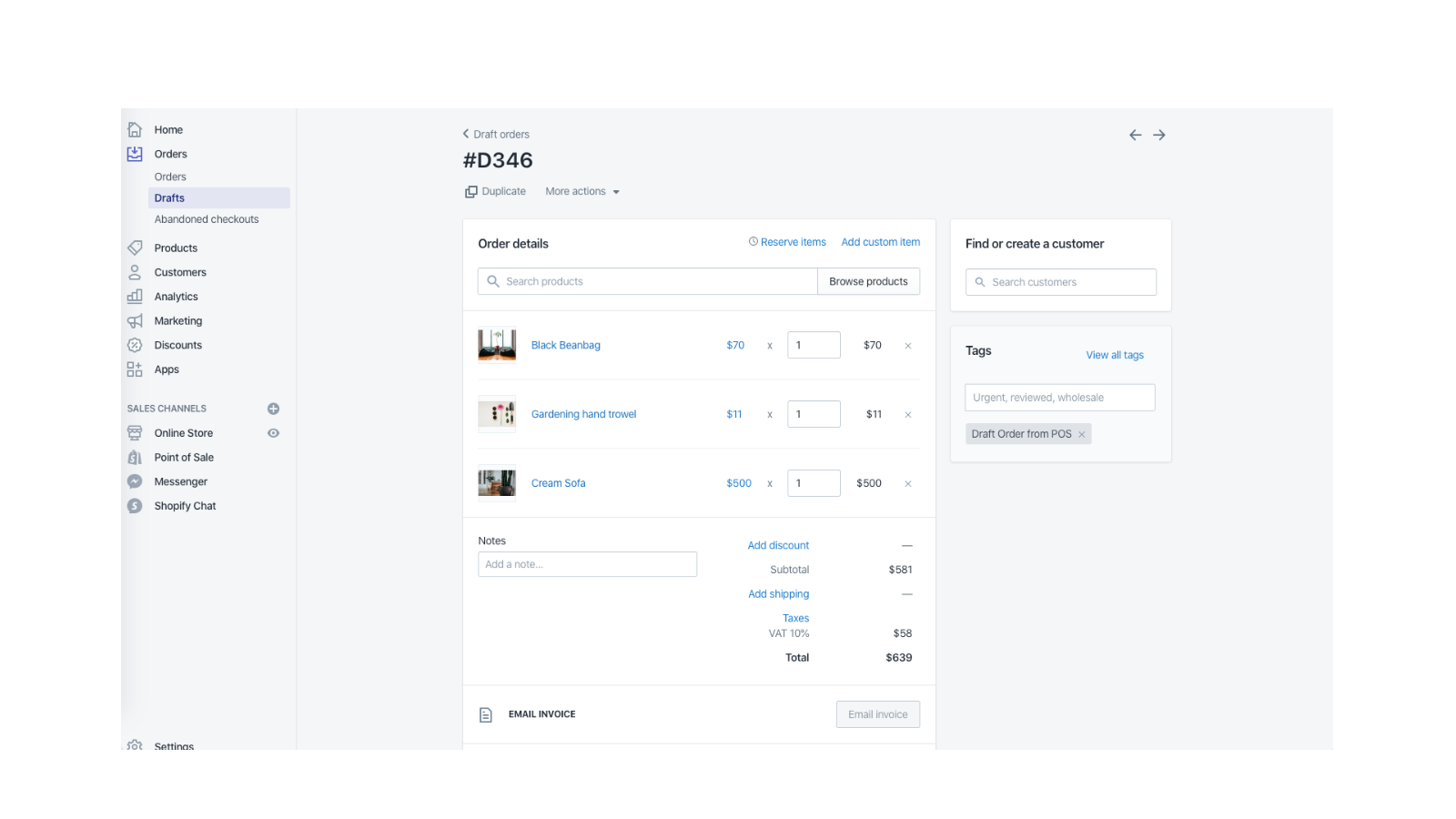
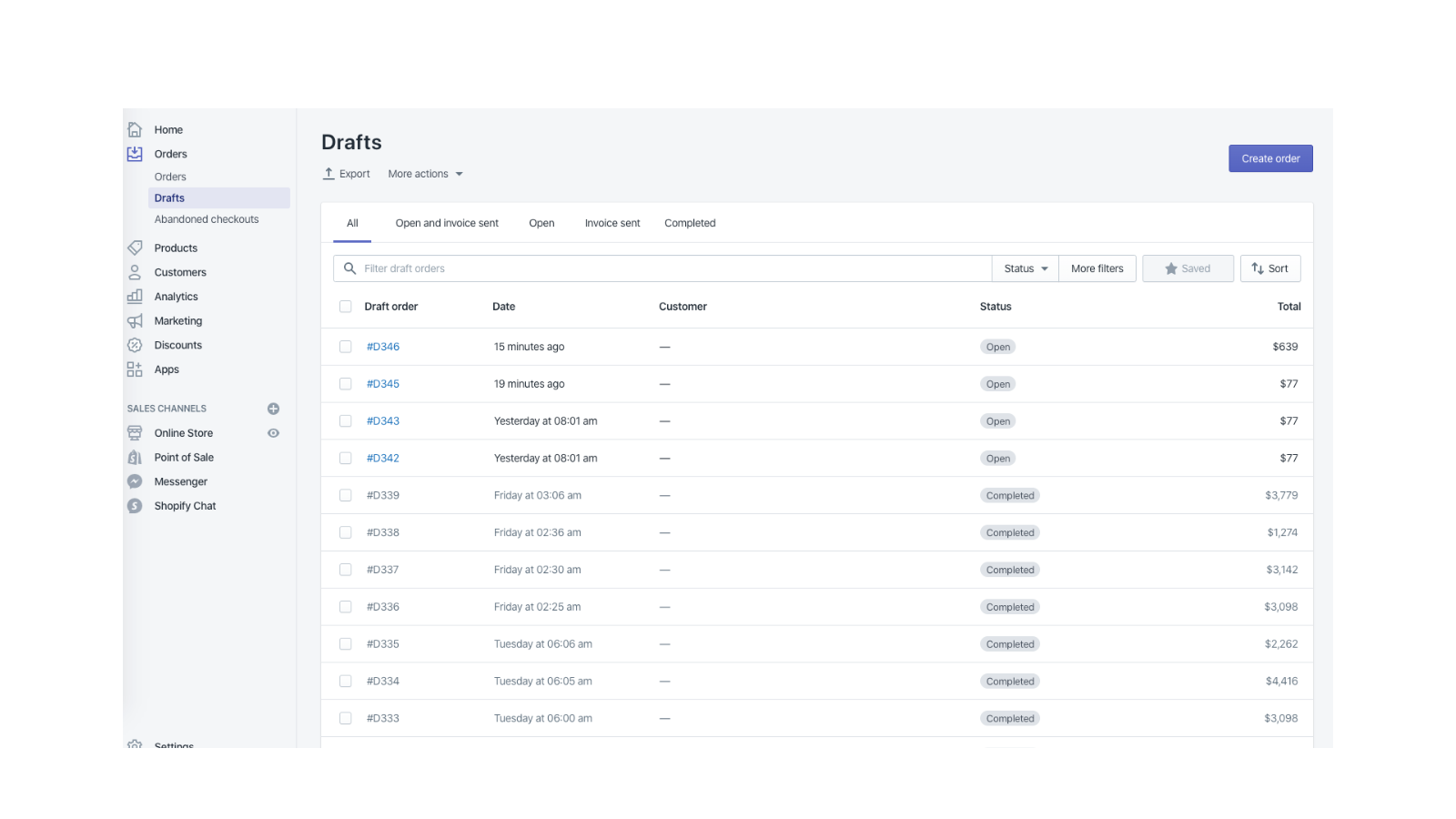
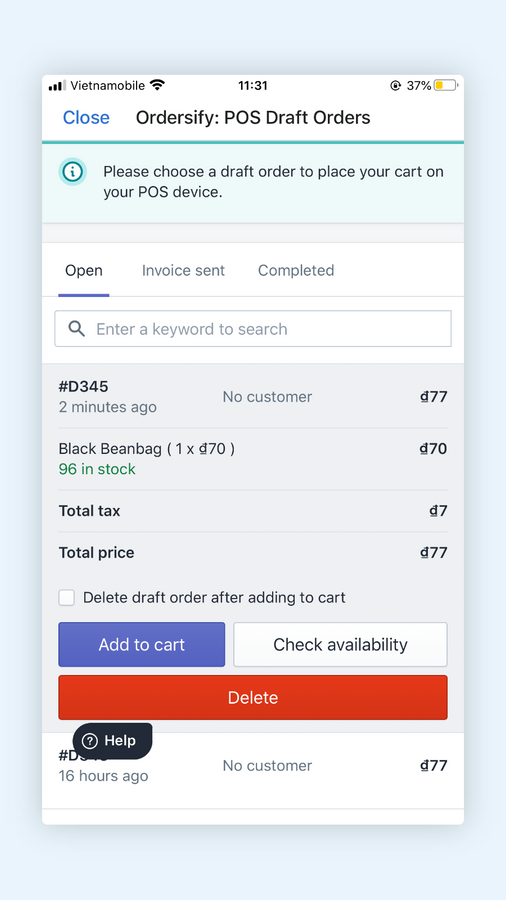
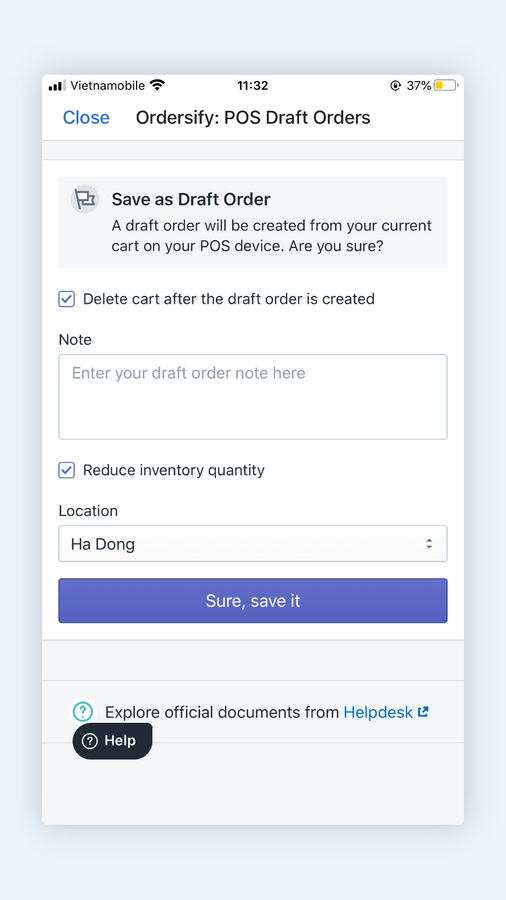
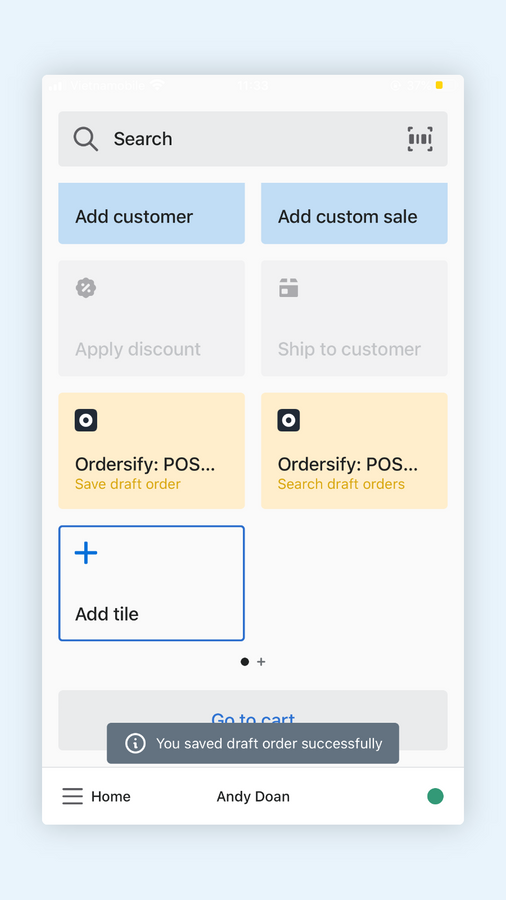
Les brouillons de commande jouent un rôle important, notamment pour les précommandes et les commandes passées via des canaux externes
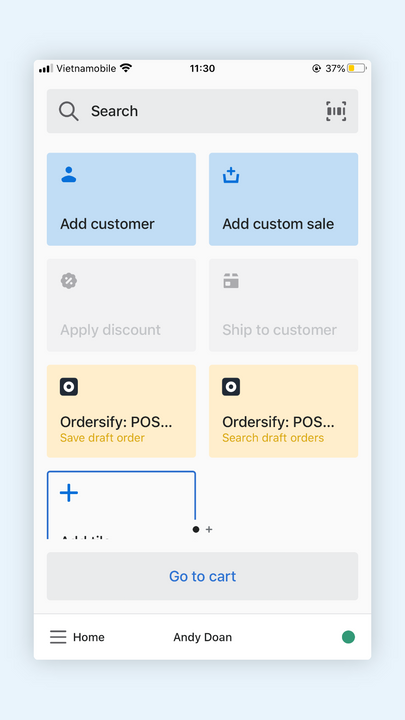
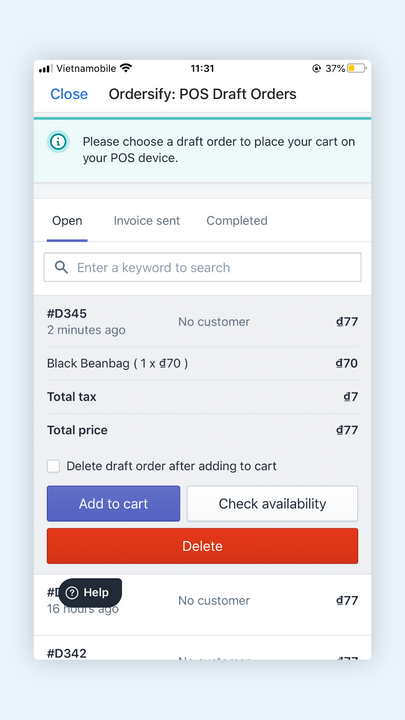
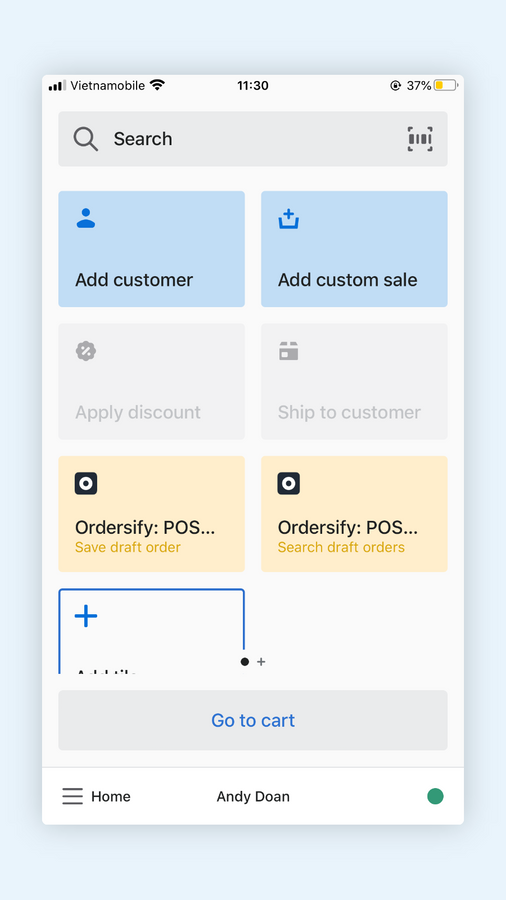
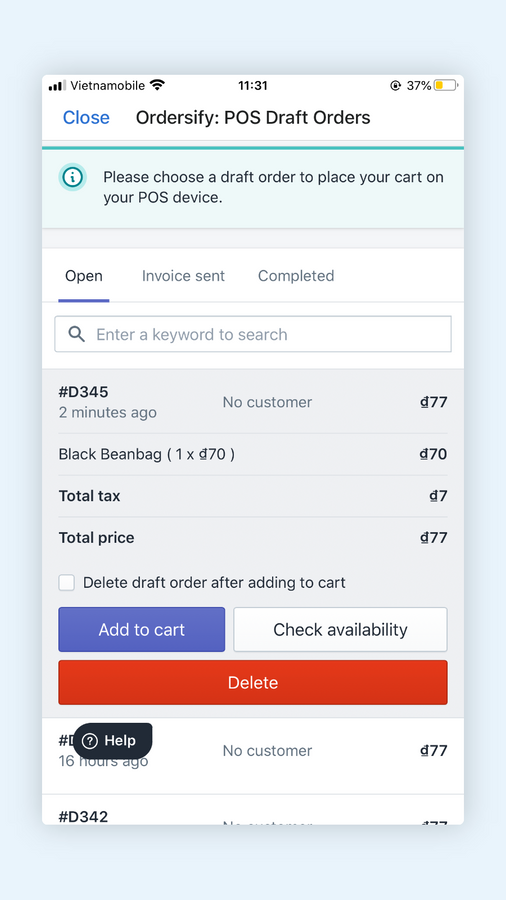
Ordersify vous aide à gérer les brouillons de commande, à les rechercher en temps réel, à les supprimer et à afficher tous les articles d’un brouillon de commande directement depuis vos appareils PDV, le tout grâce à une interface utilisateur conviviale.
- Gérer les brouillons de commande sur les appareils PDV
- Ajouter au panier depuis les appareils PDV
- Réduire la quantité en stock pour les précommandes
Contient du texte traduit automatiquement
Langues
anglais
Cette application n’est pas traduite en français
Catégories
Tarification
Choisissez le forfait qui convient le mieux à votre entreprise.
Forfait illimité
$8.99 / mois
Fonctionnalités
- Rechercher des brouillons de commande
- Enregistrer le brouillon de commande dans PDV
- Suivre les stocks
- Réduire la quantité en stock
Essai gratuit de 7 jour(s)
Contient du texte traduit automatiquement
Tous les frais sont facturés en USD. Les frais récurrents et basés sur l’utilisation sont facturés tous les 30 jours.
Avis (6)
this has worked well in the past. now draft orders are not synching anymore. tired support for weeks - no response.
Hi
I'm Andy from the Ordersify team. I'm so sorry about that bad experience you had. Can you help me to reinstall our app? I will help you to set up our app.
Best regards,
Andy
So far it's working great! Create Draft Orders from the CART in POS Classic or the POS Pro app. You can also pull down (search) existing Draft Orders to the POS.
Nice app. Nice price.
Update: I found a different button in the app that allowed me to reach out to support and they had the issue fixed by the next day. I appreciate when devs work hard to make things work. Old Review: This app worked very well for several months, but a few weeks ago something changed. Now when I try to add an order to cart on my POS it will consistently add a different person's order than the one I selected. Trying to check out Customer A? Congrats I've moved Customer C's order to the cart. Okay, clear cart. Add Customer B's order to cart? Congrats, Customer C's order is in the cart. Clear cart... I've had to resort back to just typing in my customer's credit cards manually on the computer instead of using the POS. Normally I'd reach out to support about this, but their "Share Feedback" button takes me to a locked Google Form that says:
"You need permission
This form can only be viewed by users in the owner's organization. Try contacting the owner of the form if you think this is a mistake. Learn More."
Assistance
L’assistance pour l’appli est assurée par Ordersify.
Ressources
Lancement
11 février 2020

