


Paystack
Galéria propagovaných obrázkov
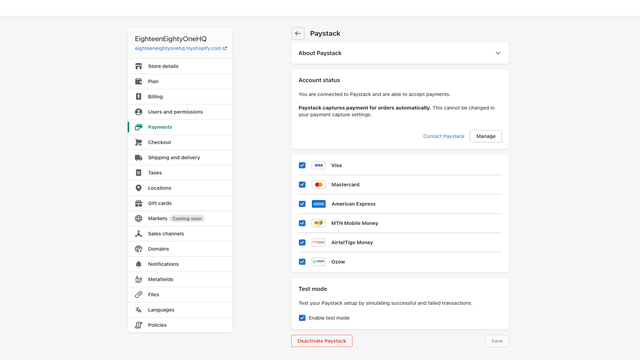
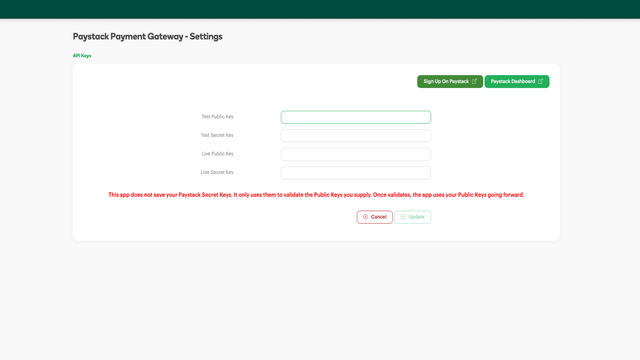

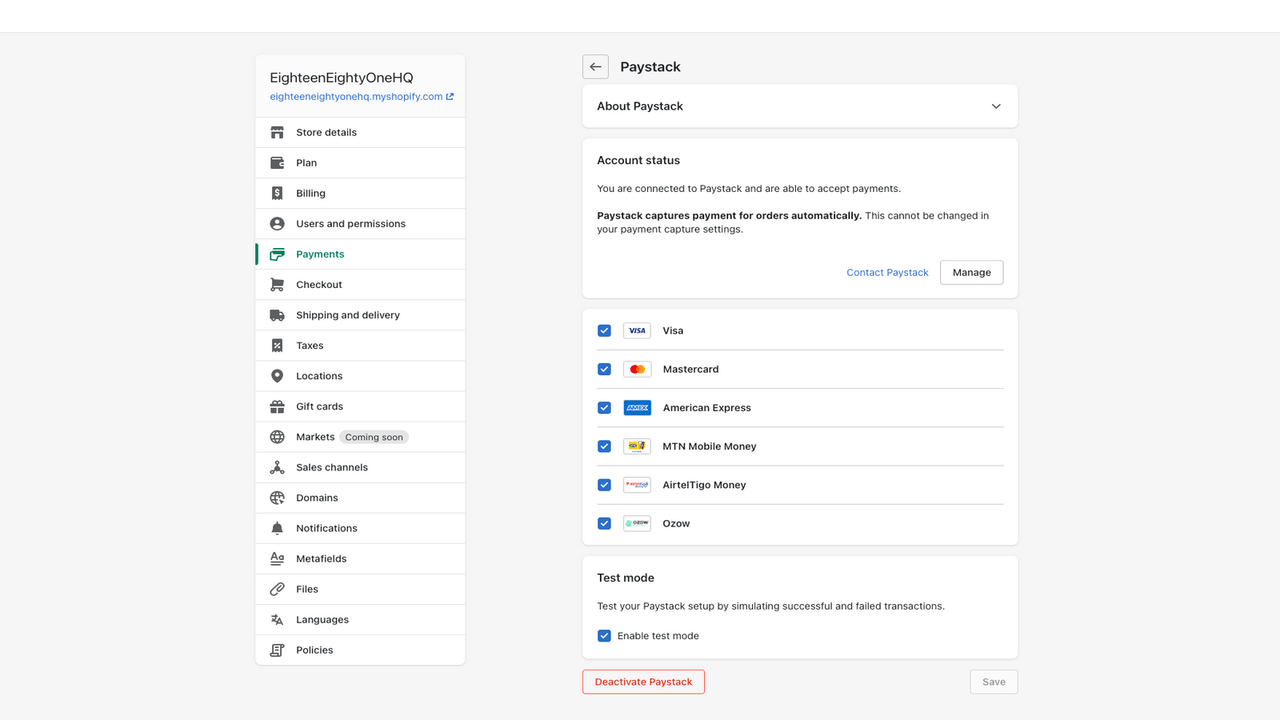
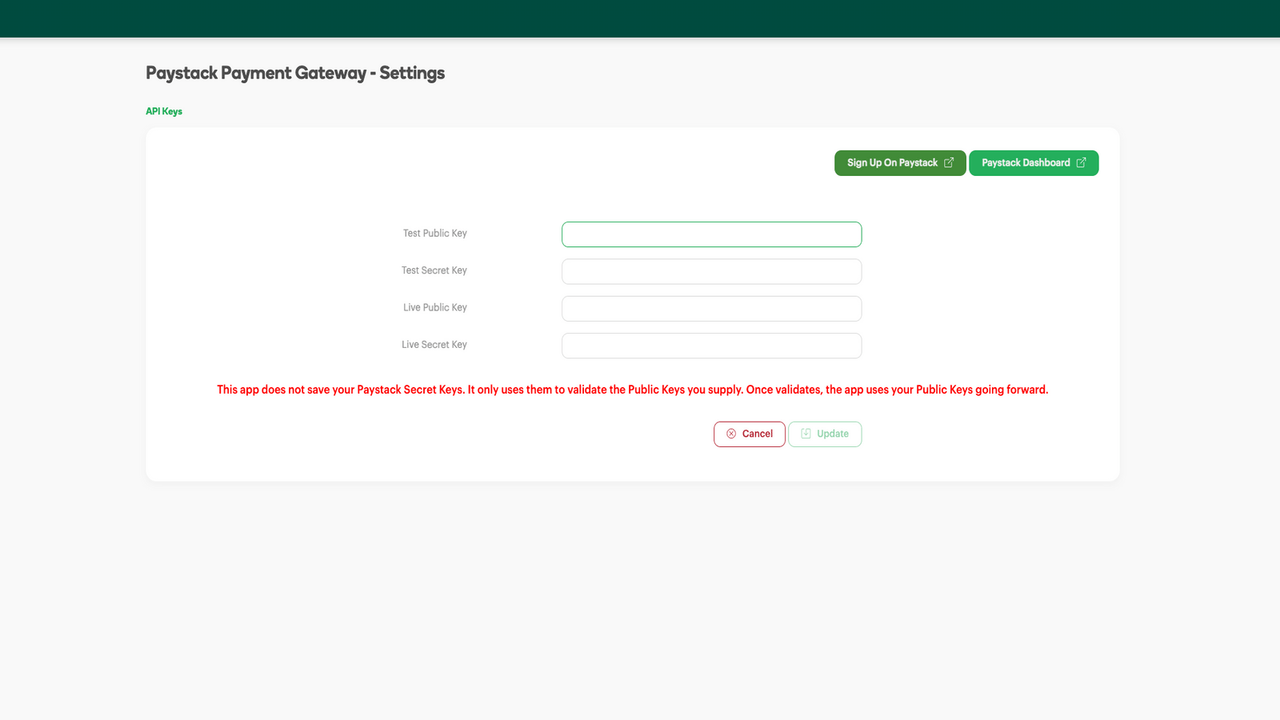
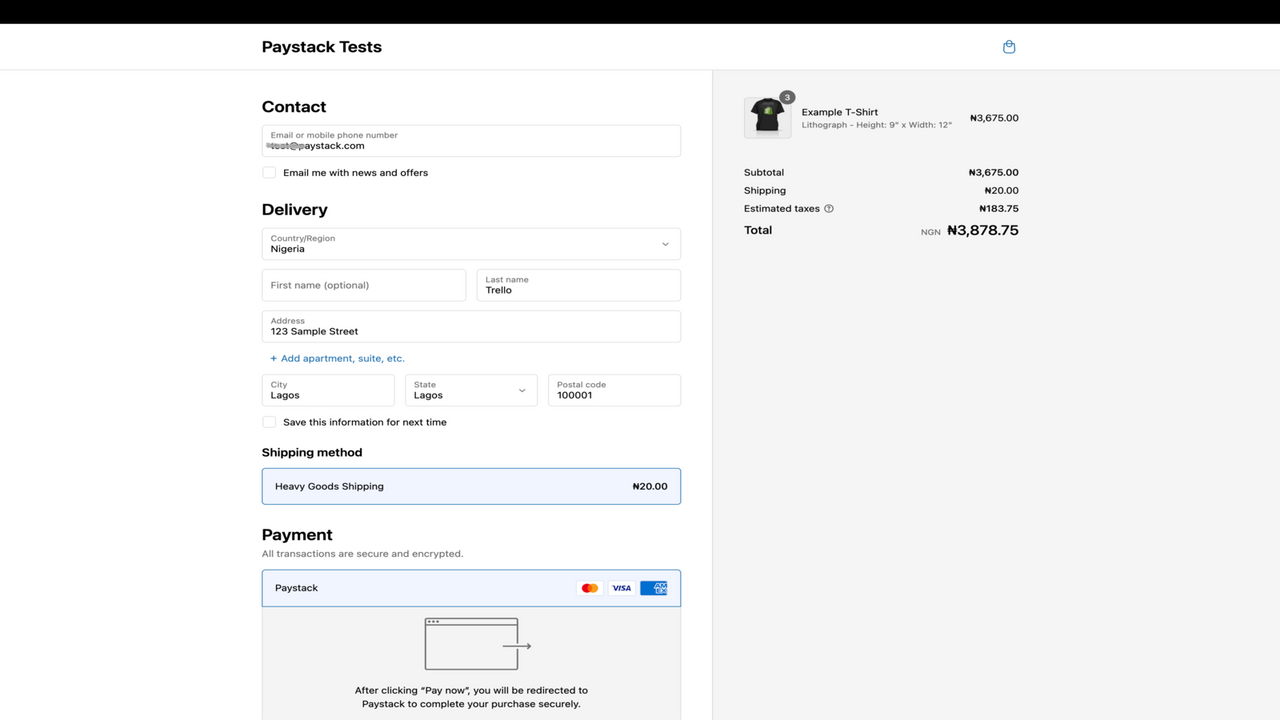
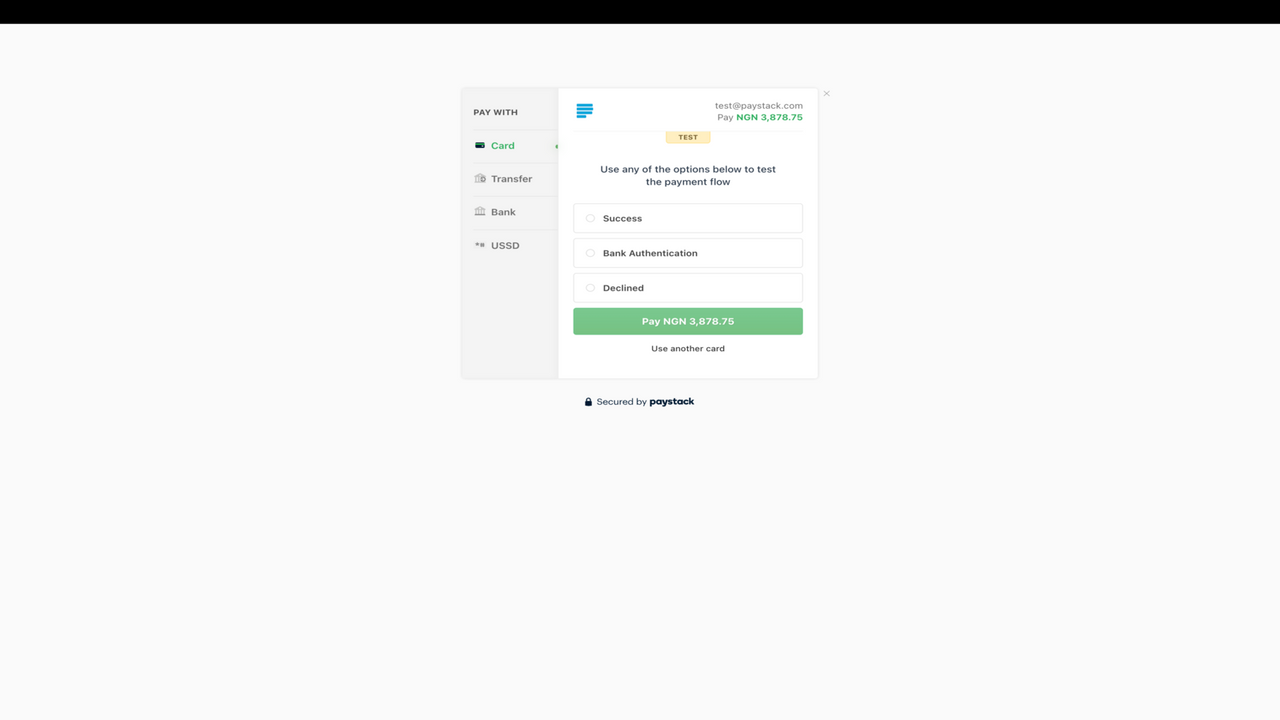
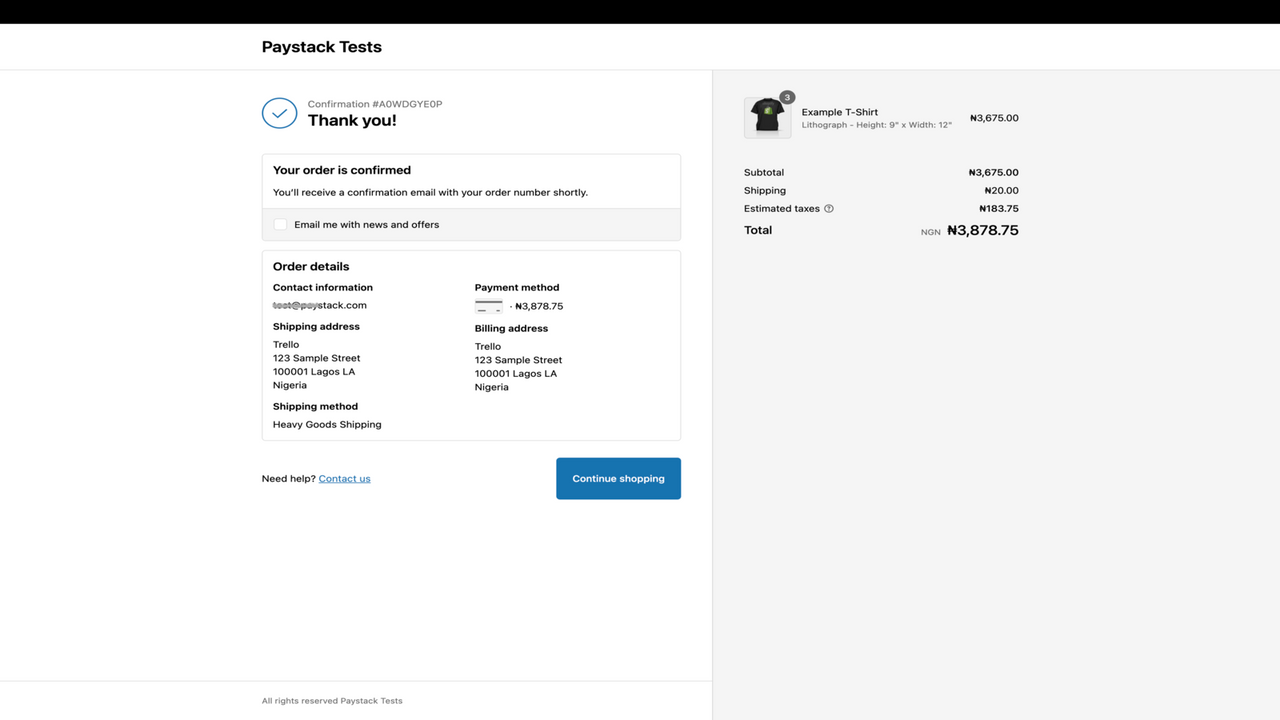
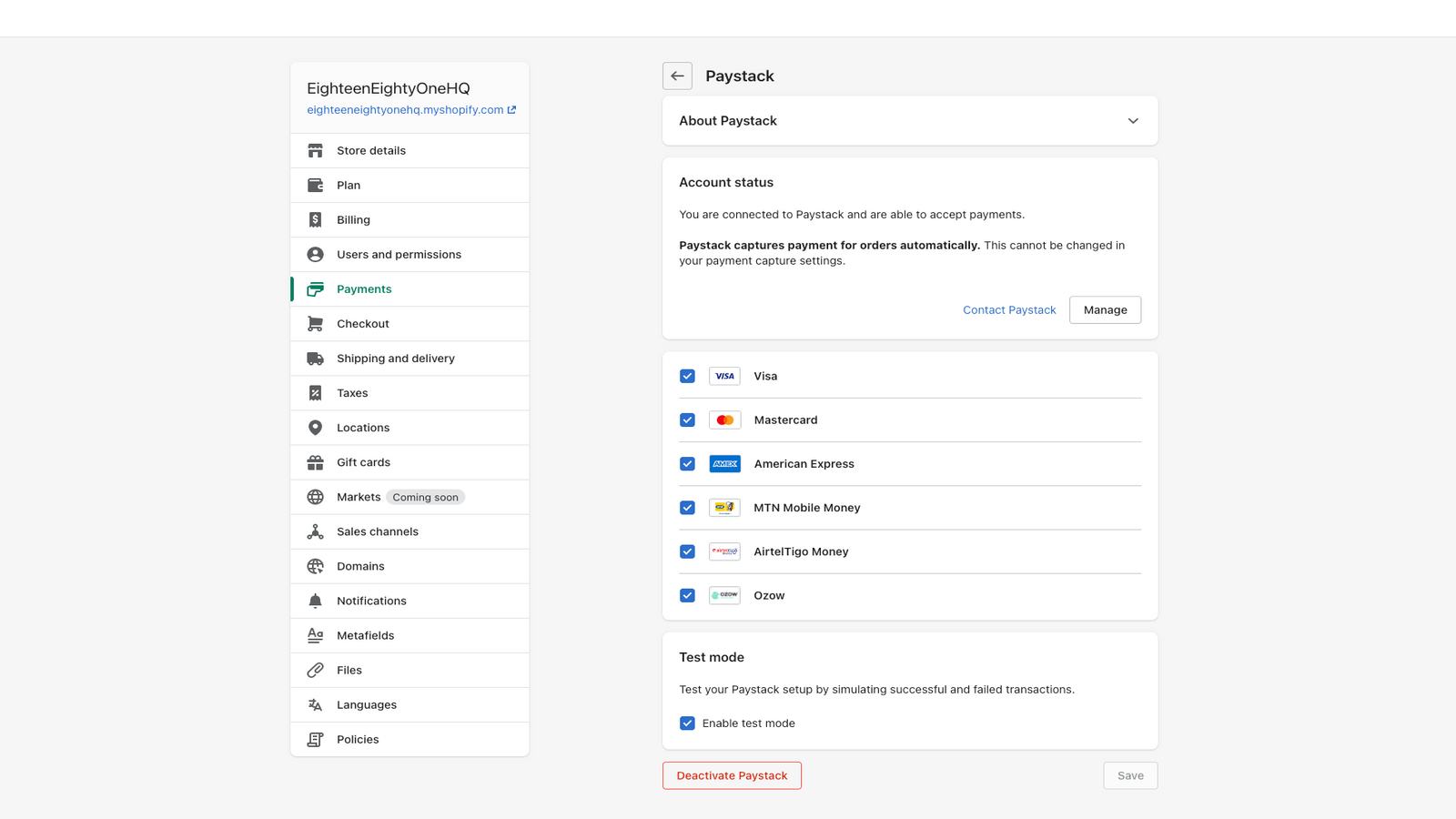
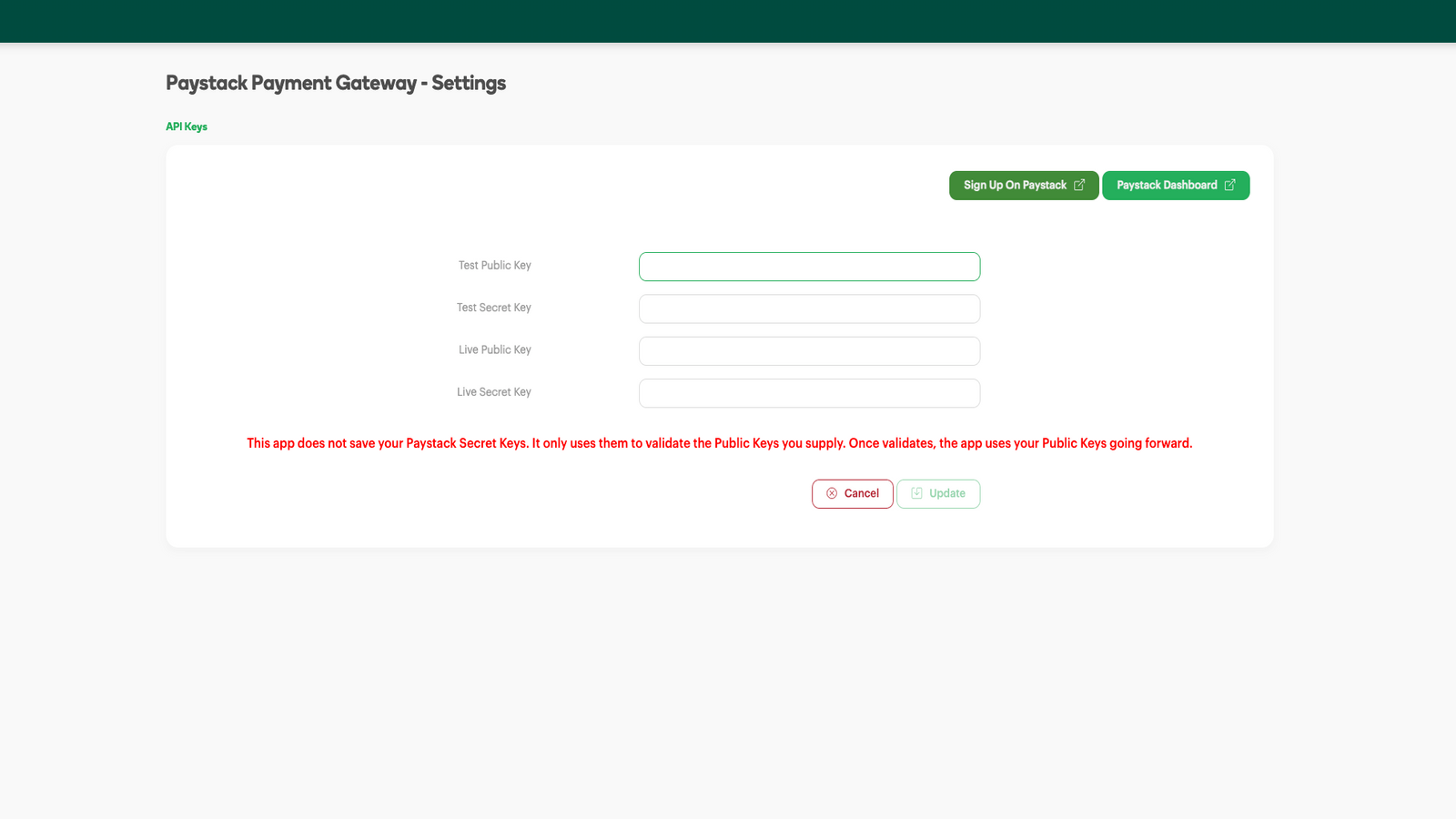
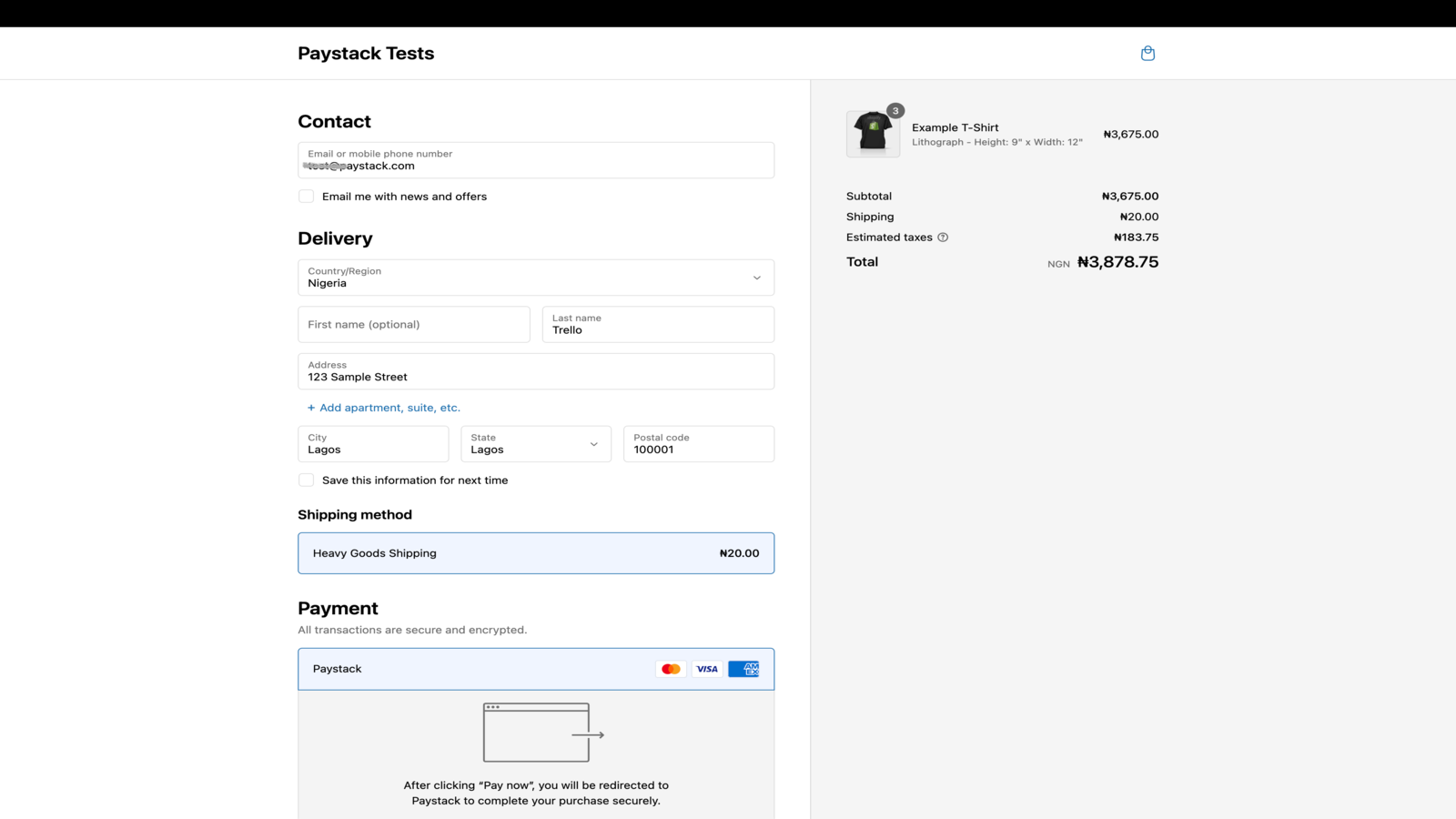
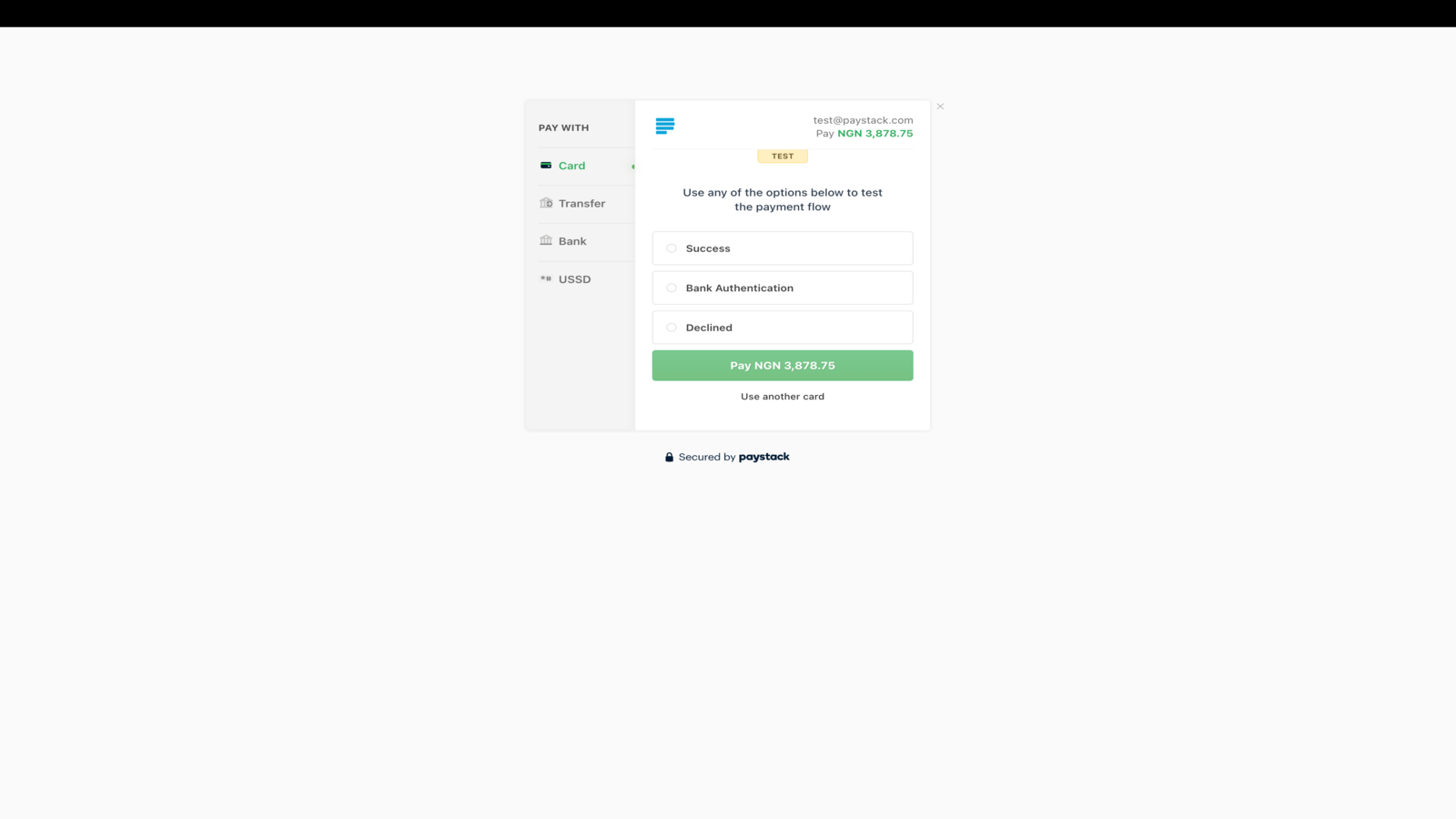
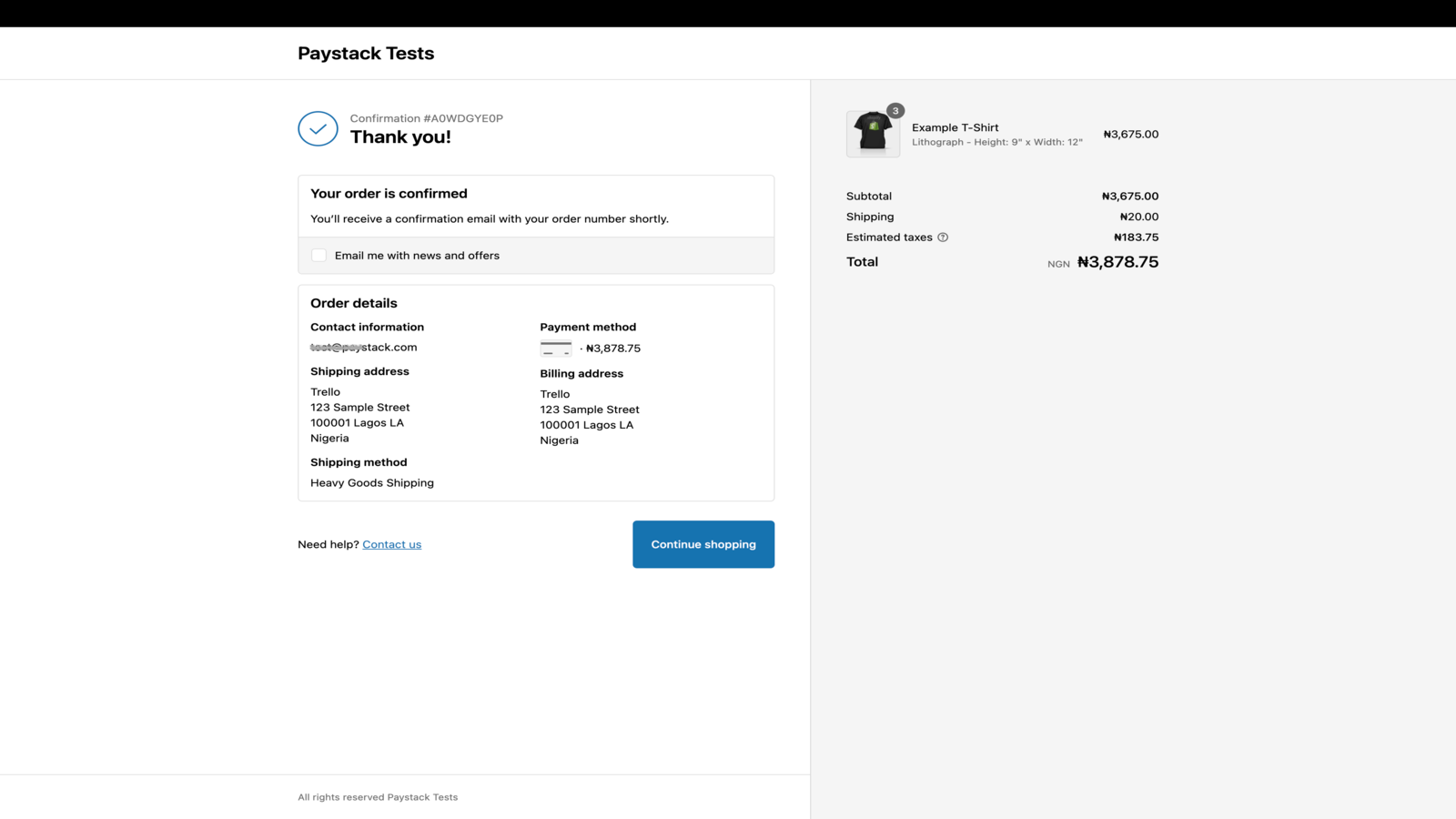
Paystack pomáha podnikom v Afrike prijímať platby od kohokoľvek a kdekoľvek na svete.
Paystack uľahčuje podnikom v Nigérii, Ghane, Keni, Rwande, Pobreží slonoviny a Južnej Afrike prijímať jednoduché a bezpečné platby z rôznych lokálnych a globálnych platobných kanálov. Integrujte Paystack so svojím obchodom Shopify ešte dnes a umožnite zákazníkom platiť ich preferovanými metódami.
- Potešte zákazníkov plynulým procesom platby
- Využívajte vynikajúcu mieru úspešnosti transakcií
- Chráňte seba a svojich zákazníkov pomocou pokročilej detekcie podvodov
- Podrobné prehľady pre účtovníctvo, párovanie platieb a audity
- Automatické výplaty pripisované priamo na váš účet
Obsahuje automaticky preložený text
Jazyky
angličtina
Táto aplikácia nie je preložená do jazyka: slovenčina
Kategórie
Cenotvorba
Vyberte si plán, ktorý najlepšie vyhovuje vášmu podnikaniu.
Zadarmo
Bezplatná inštalácia
Máme však jednoduché a férové ceny za transakcie. Paystack zarába iba vtedy, keď zarábate vy.
Obsahuje automaticky preložený text
Všetky poplatky sa účtujú v USD. Zobraziť všetky cenové možnosti
Recenzie (1)
-
0 % hodnotení má 5 hviezdičiek
-
0 % hodnotení má 4 hviezdičiek
- 100 % hodnotení má 3 hviezdičiek
-
0 % hodnotení má 2 hviezdičiek
-
0 % hodnotení má 1 hviezdičiek
The app does the essentials of processing a payment.
One missing part is that the Shopify Order number is not referenced in the PayStack system whatsoever, making the process of matching payments with orders less easy than it should be.
If you use the Shopify dashboard, you'll be fine, but if you are using API's, you are going to have to do extra work to match the order and payment.
Ditto if you are using the PayStack dashboard - the related Shopify order number does not appear in the Paystack data at all - you will need to manually match by customer email address.
[EDIT]
We have built an internal system to make matching orders with payments easier, and to get around this limitation (which appears to be common to all payment gateways).
If you were to add the capability to search for a transaction in the Paystack dashboard by customer email, amount, date etc (and not just reference) this would make the process much easier all round.
Hi there,
Thanks for your review. Feedback like this helps us identify ways we can improve our app to serve you better.
Shopify doesn't send the order ID to us, so we're unable to reference it on the Paystack and show it to you on the dashboard. Shopify sends a Payment ID for the order instead, which we set as the Paystack transaction reference. You can use this reference to match Paystack transactions on your Paystack dashboard to orders on Shopify.
EDIT: You can also filter your transactions on the Paystack dashboard by status (success, failed, abandoned etc.), customer email, transaction amount. The date filter also lets you view transactions that happened on a specific day or within a specific period. For more information on how to do this, please read this help desk article: https://support.paystack.com/hc/en-us/articles/360009973099-The-Dashboard-Transactions-Page
We hope this helps! If you need any further assistance with this issue, please reach out to us at techsupport@paystack.com.
Podpora
Podporu aplikácie poskytuje vývojár Paystack.
Zdroje
Tento vývojár neposkytuje priamu podporu v jazyku: Slovenčina.
Vývojár
Spustené
16. marec 2022

