


Galerija izpostavljenih slik

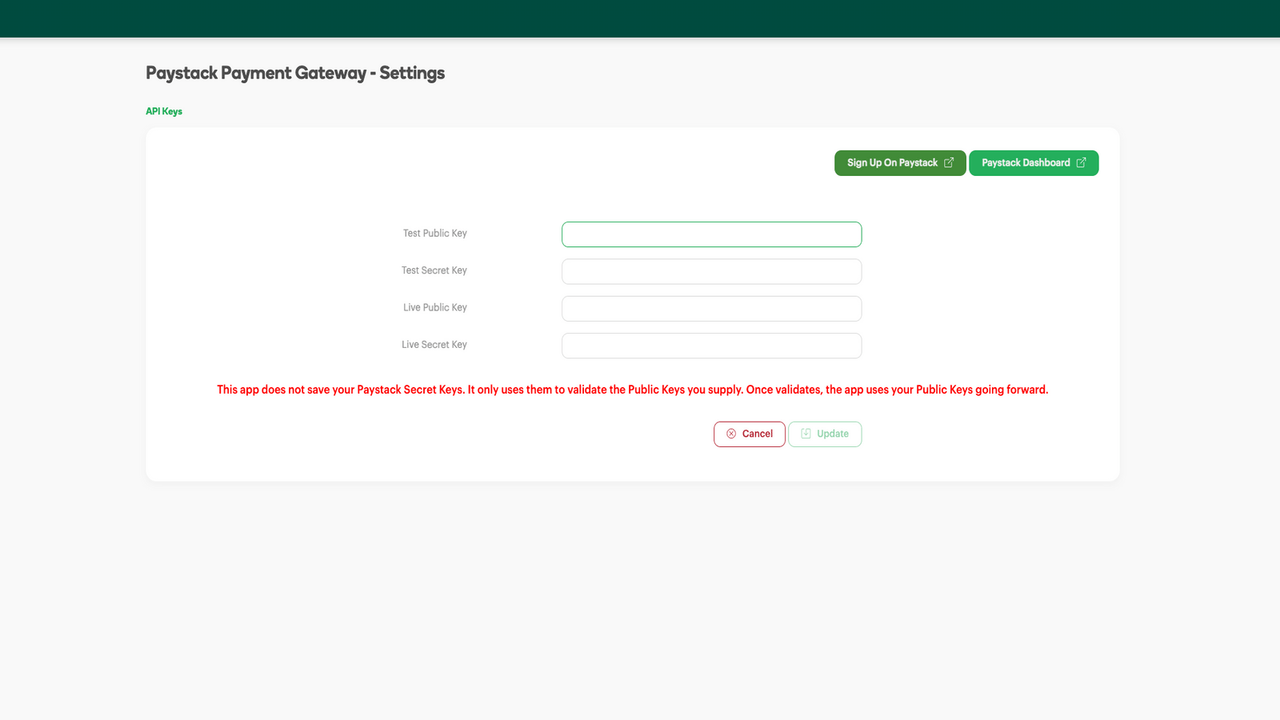
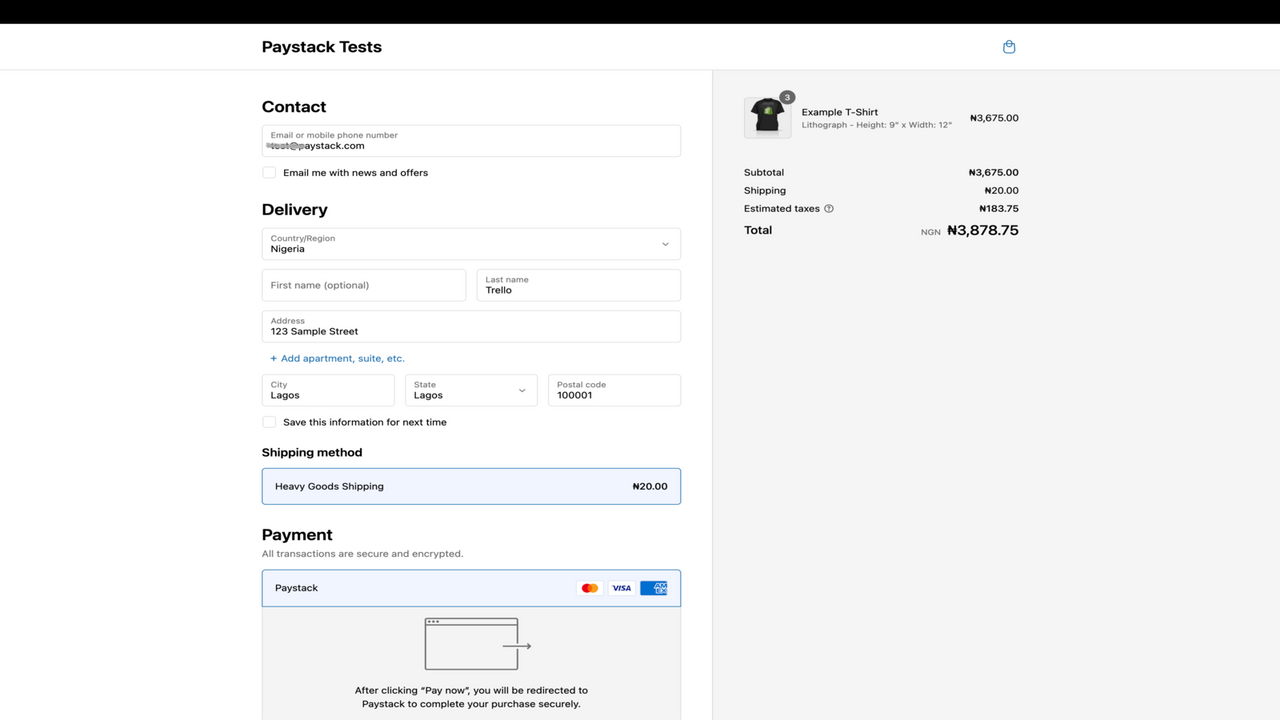
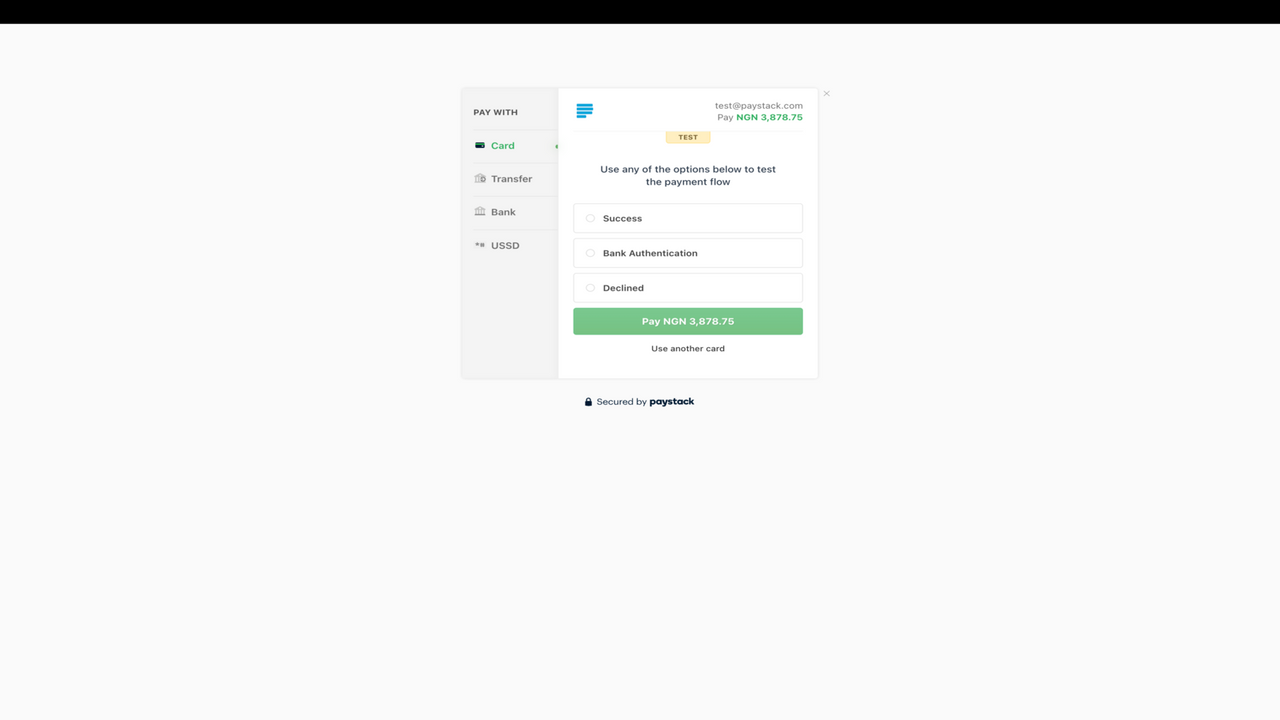
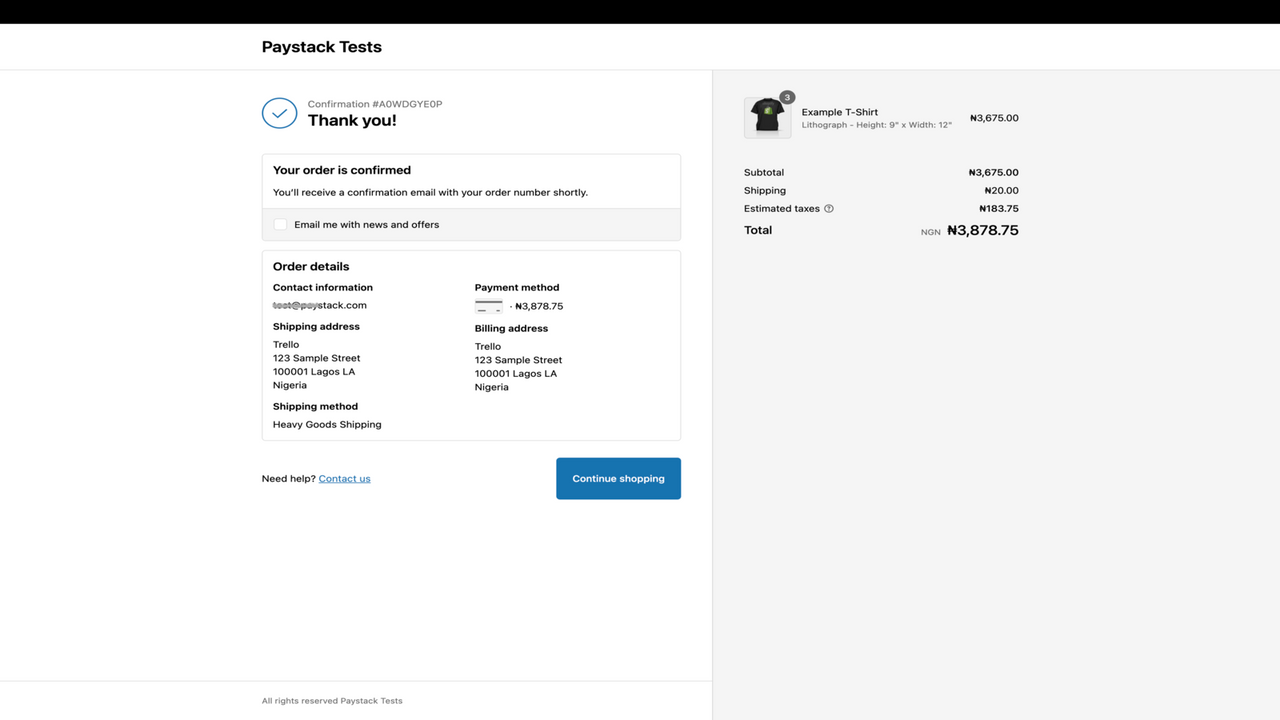
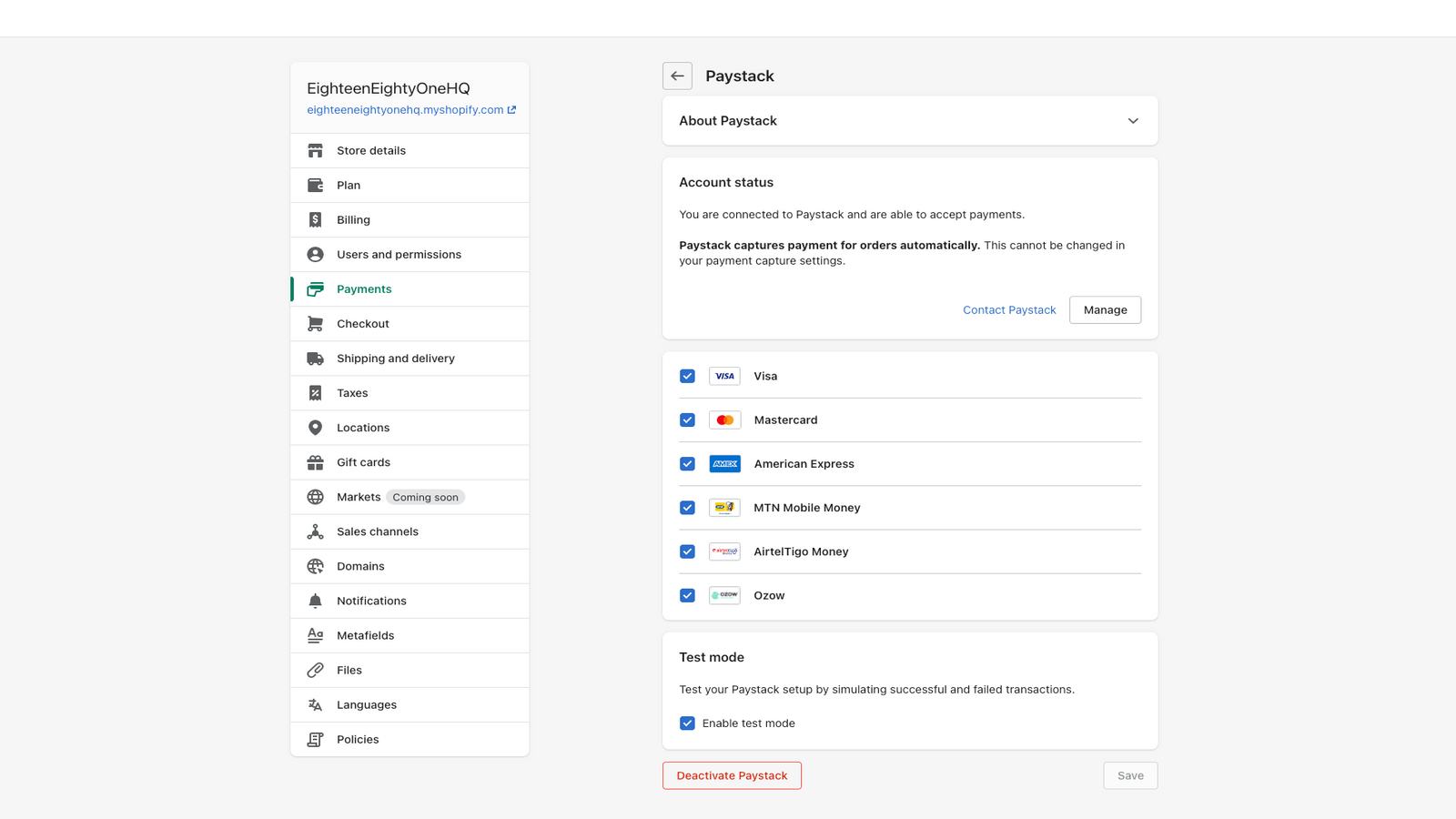
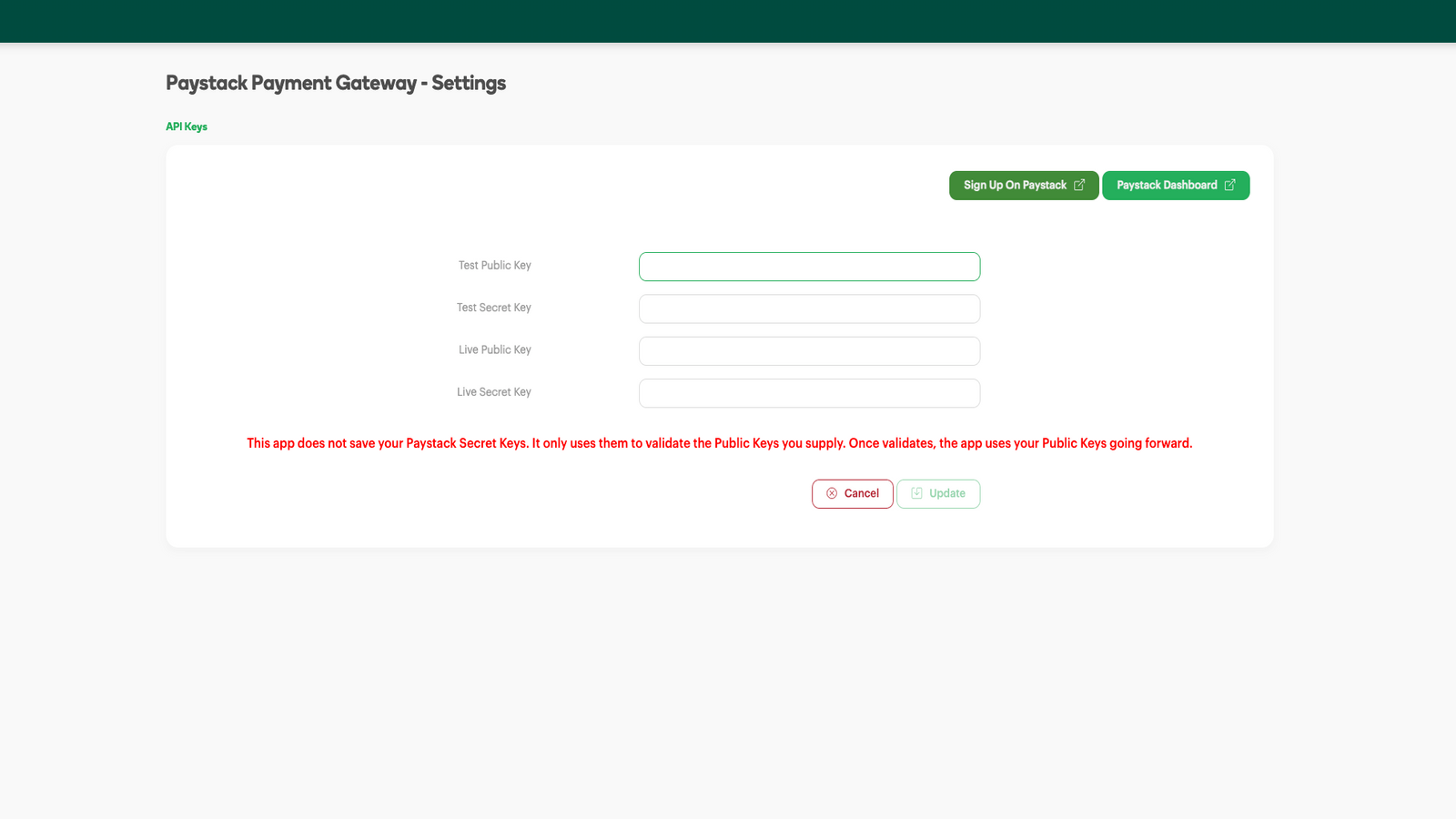
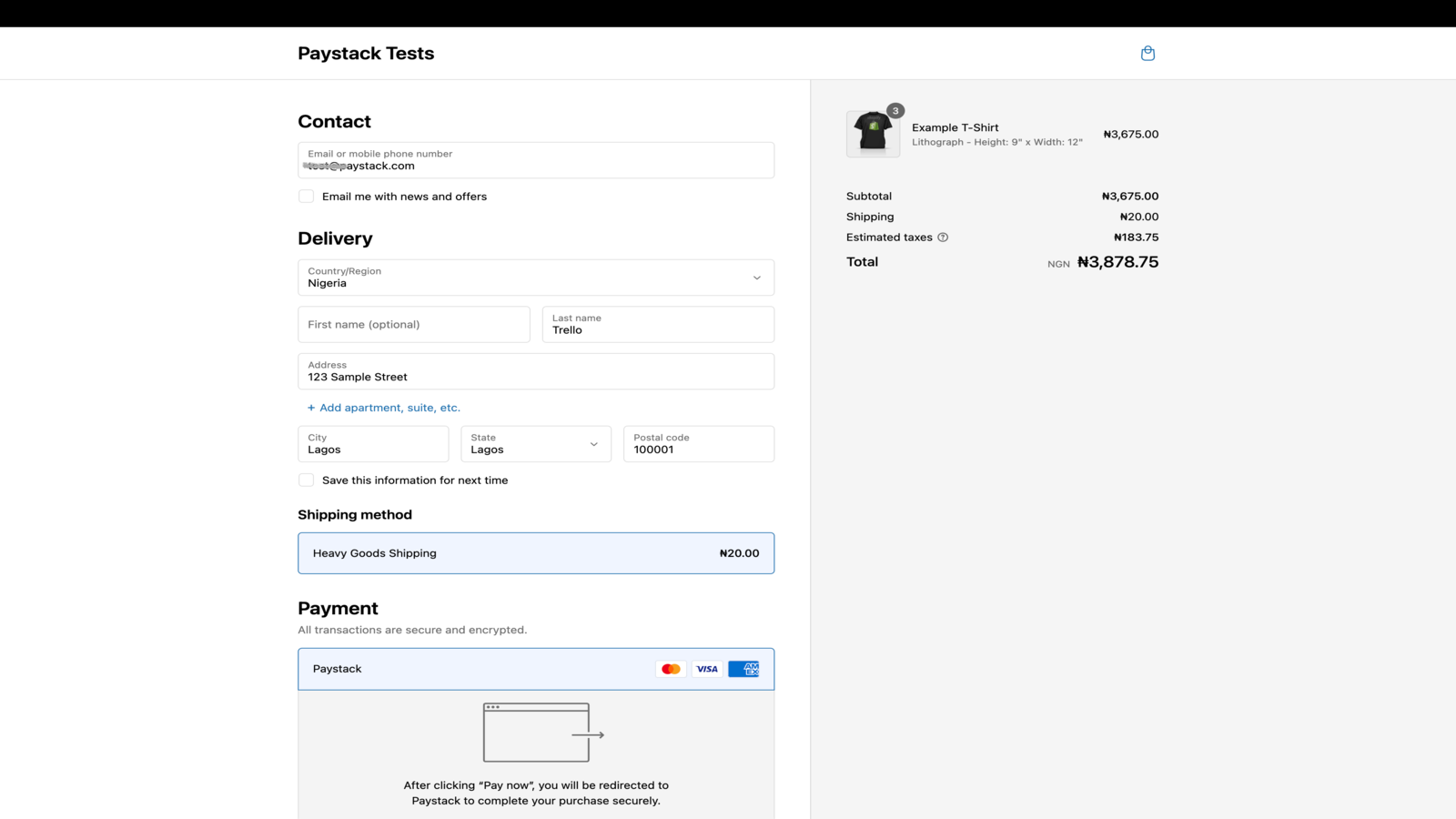
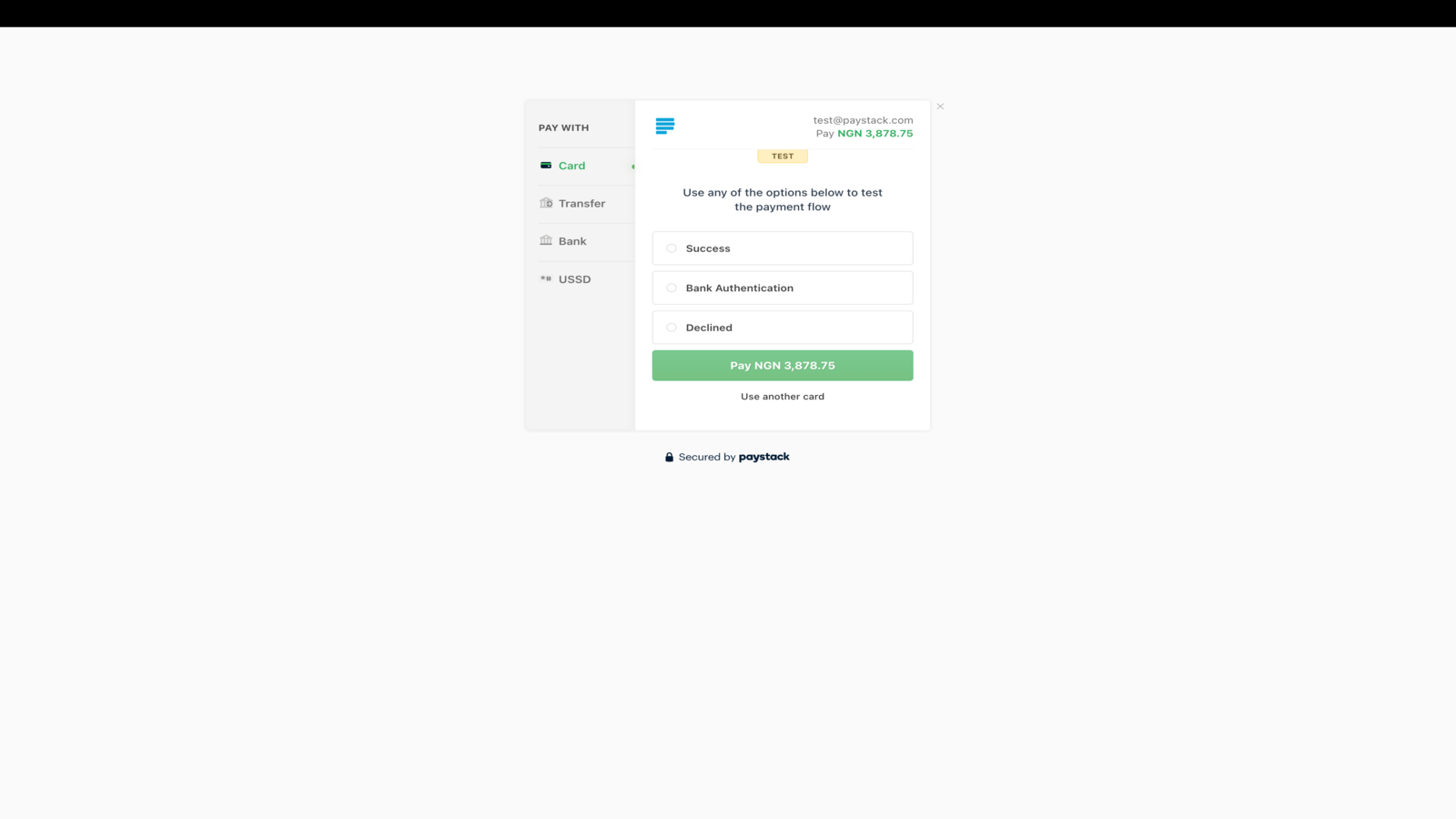
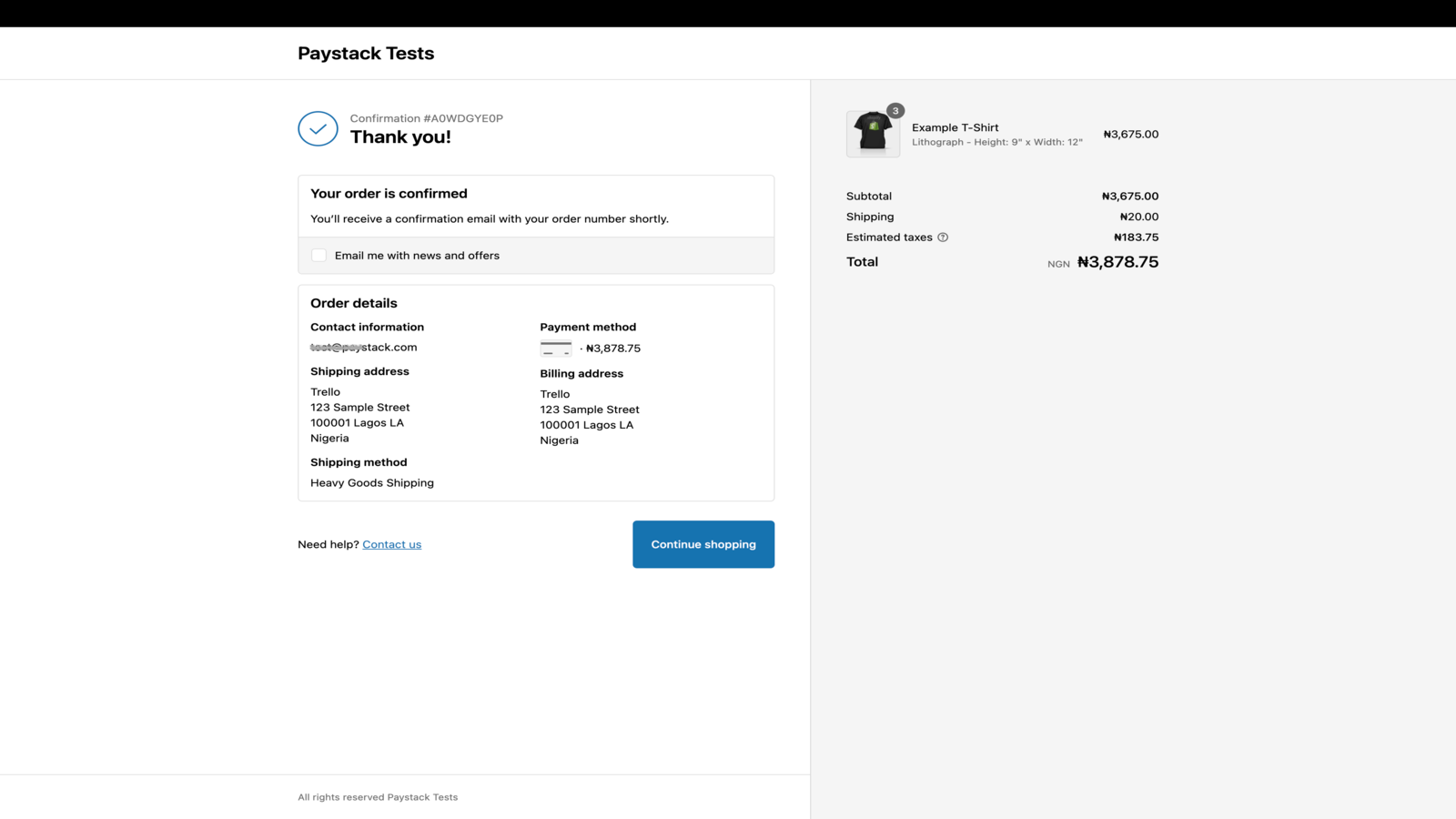
Paystack podjetjem v Afriki pomaga sprejemati plačila od kogar koli in kjer koli na svetu.
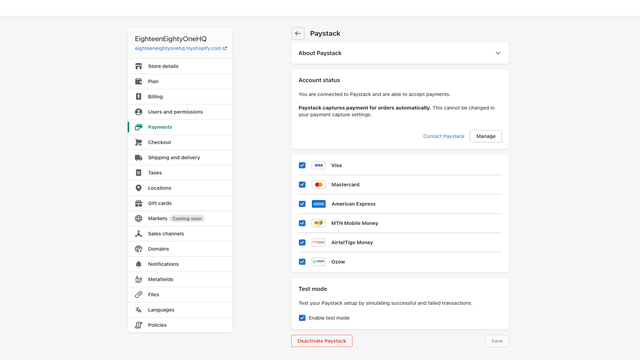
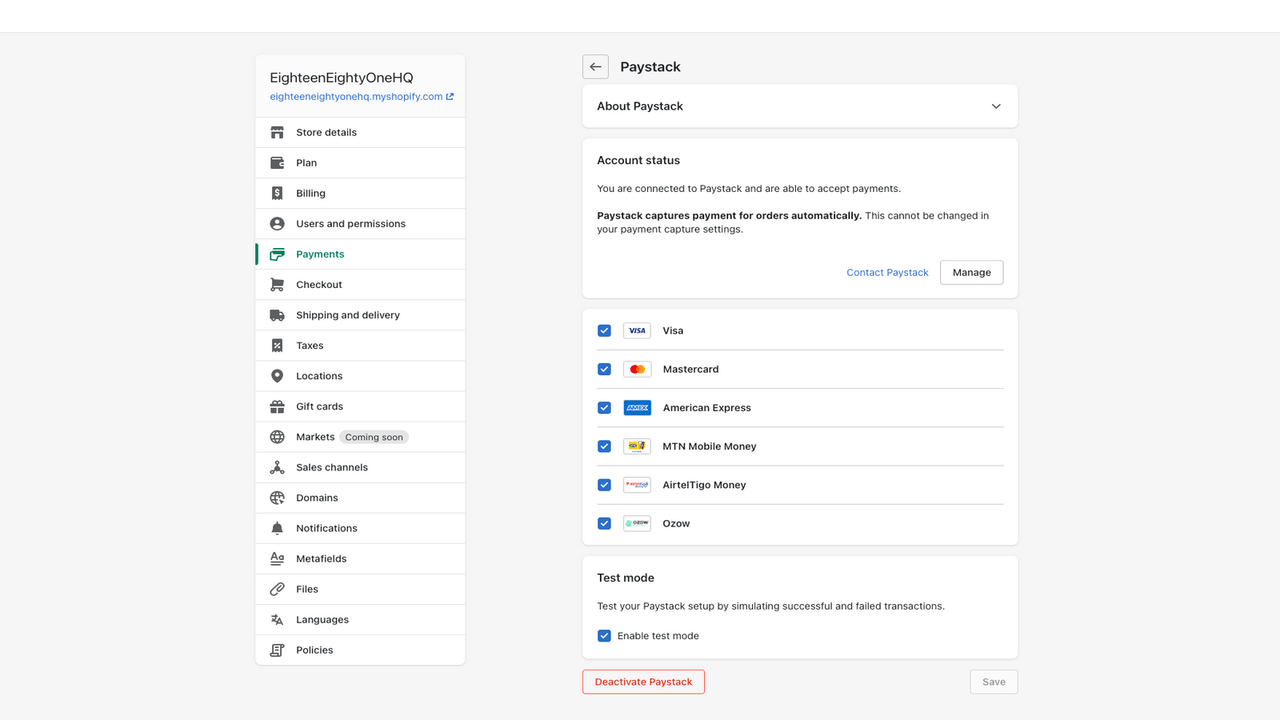
Paystack podjetjem v Nigeriji, Gani, Keniji, Ruandi, Slonokoščeni obali in Južni Afriki olajša sprejemanje preprostih in varnih plačil iz več lokalnih in globalnih plačilnih kanalov. Integrirajte Paystack v svoj Shopify še danes in strankam omogočite plačevanje z načini plačila, ki jih same izberejo.
- Navdušite stranke z brezhibno izkušnjo plačevanja
- Izkoristite izjemno stopnjo uspešnosti transakcij
- Zaščitite sebe in svoje stranke z naprednim zaznavanjem prevar
- Podrobno poročanje za računovodstvo, usklajevanje in revizije
- Samodejna izplačila neposredno na vaš račun
Vsebuje samodejno prevedeno besedilo
Jeziki
Angleščina
Ta aplikacija ni prevedena v jezik: slovenščina
Kategorije
Določanje cen
Izberite paket, ki najbolj ustreza vašemu podjetju.
Brezplačno
Brezplačna namestitev
Vendar pa imamo preproste in poštene cene transakcij. Paystack služi le, ko služite vi.
Vsebuje samodejno prevedeno besedilo
Vse bremenitve se zaračunajo v tej valuti: USD. Oglejte si vse možnosti določanja cen
Mnenja (1)
-
0 % ocen ima 5 zvezdic
-
0 % ocen ima 4 zvezdic
- 100 % ocen ima 3 zvezdic
-
0 % ocen ima 2 zvezdic
-
0 % ocen ima 1 zvezdic
The app does the essentials of processing a payment.
One missing part is that the Shopify Order number is not referenced in the PayStack system whatsoever, making the process of matching payments with orders less easy than it should be.
If you use the Shopify dashboard, you'll be fine, but if you are using API's, you are going to have to do extra work to match the order and payment.
Ditto if you are using the PayStack dashboard - the related Shopify order number does not appear in the Paystack data at all - you will need to manually match by customer email address.
[EDIT]
We have built an internal system to make matching orders with payments easier, and to get around this limitation (which appears to be common to all payment gateways).
If you were to add the capability to search for a transaction in the Paystack dashboard by customer email, amount, date etc (and not just reference) this would make the process much easier all round.
Hi there,
Thanks for your review. Feedback like this helps us identify ways we can improve our app to serve you better.
Shopify doesn't send the order ID to us, so we're unable to reference it on the Paystack and show it to you on the dashboard. Shopify sends a Payment ID for the order instead, which we set as the Paystack transaction reference. You can use this reference to match Paystack transactions on your Paystack dashboard to orders on Shopify.
EDIT: You can also filter your transactions on the Paystack dashboard by status (success, failed, abandoned etc.), customer email, transaction amount. The date filter also lets you view transactions that happened on a specific day or within a specific period. For more information on how to do this, please read this help desk article: https://support.paystack.com/hc/en-us/articles/360009973099-The-Dashboard-Transactions-Page
We hope this helps! If you need any further assistance with this issue, please reach out to us at techsupport@paystack.com.
Podpora
Podporo za aplikacijo zagotavlja Paystack.
Viri
Razvijalec ne ponuja neposredne podpore v jeziku: Slovenščina.
Razvijalec
Izdano
16. marec 2022

