


Thư viện hình ảnh nổi bật

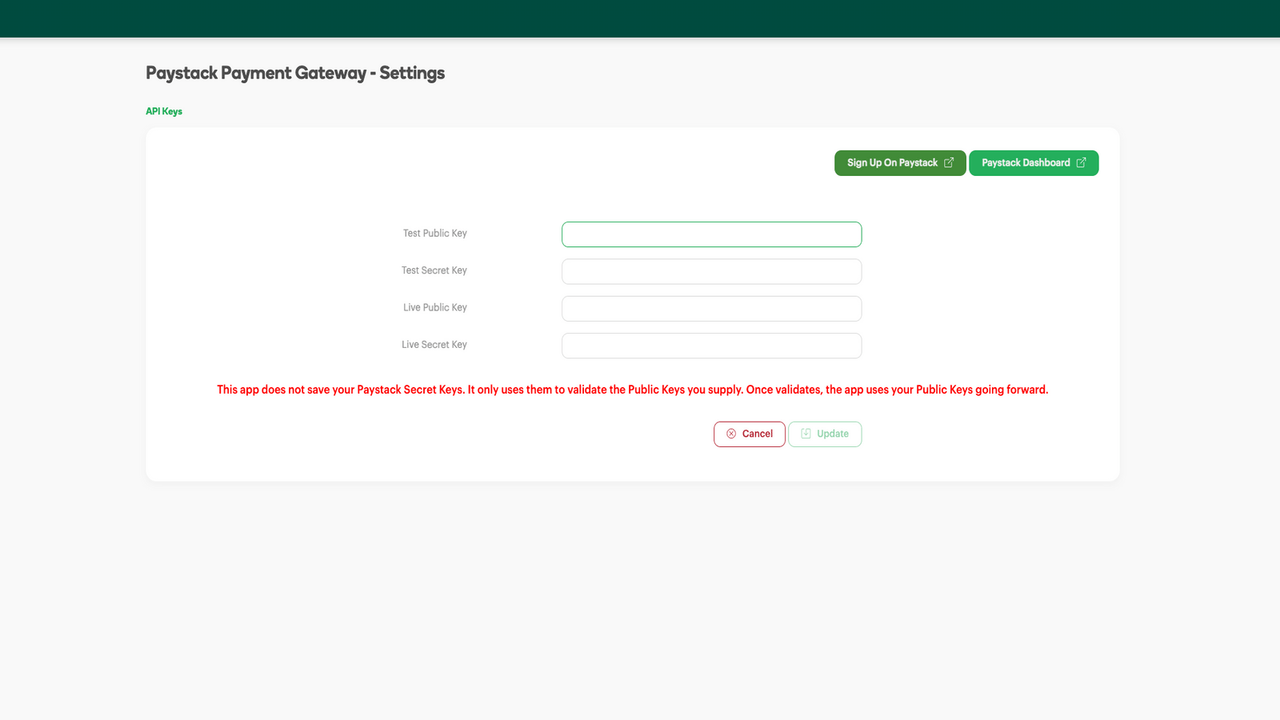
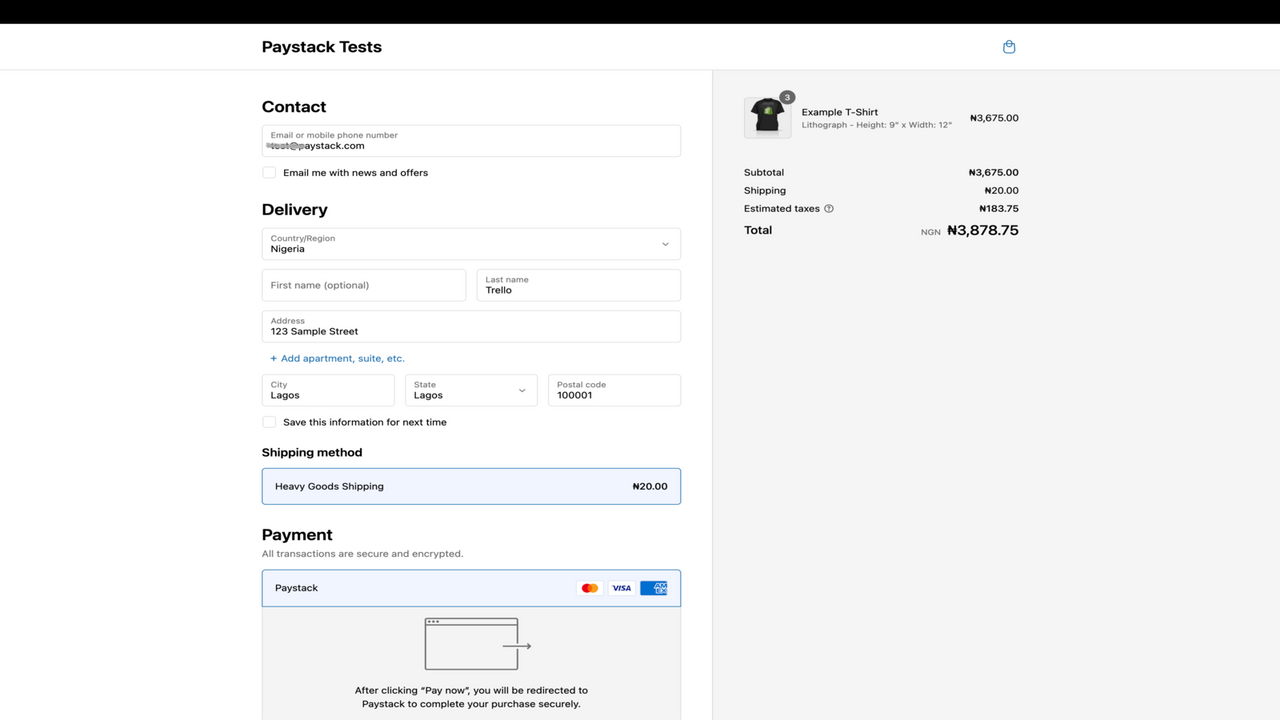
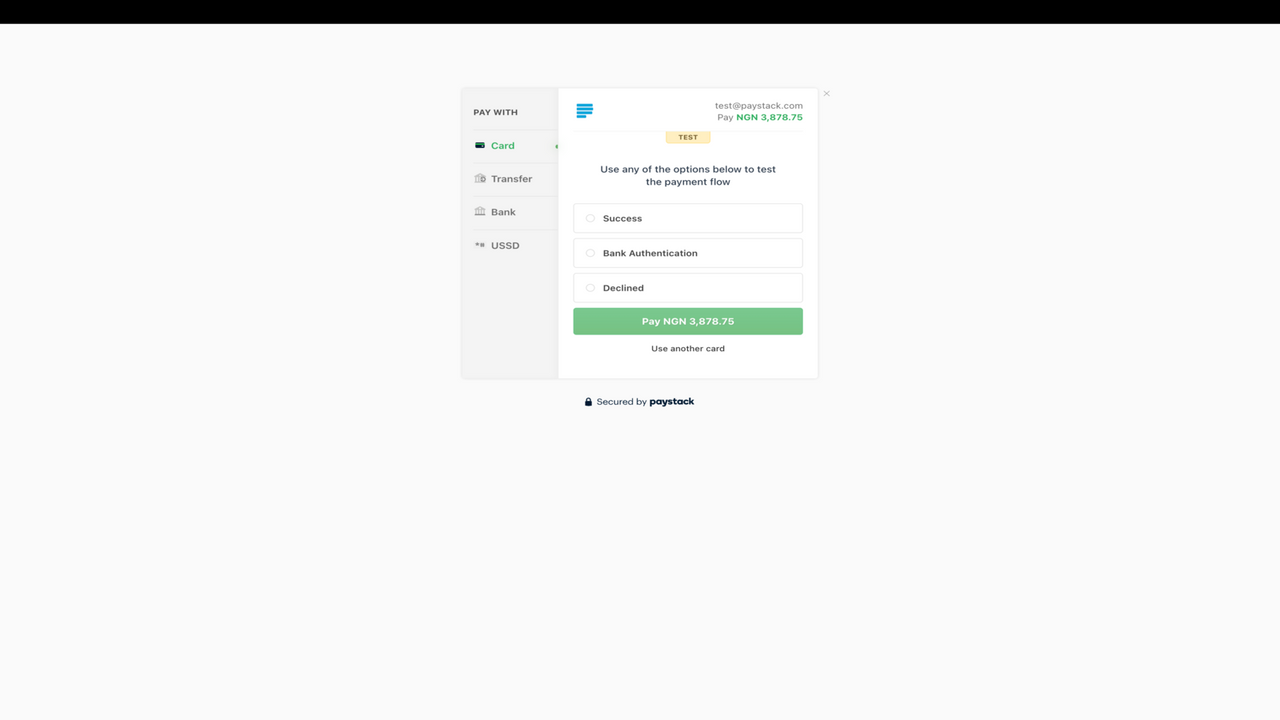
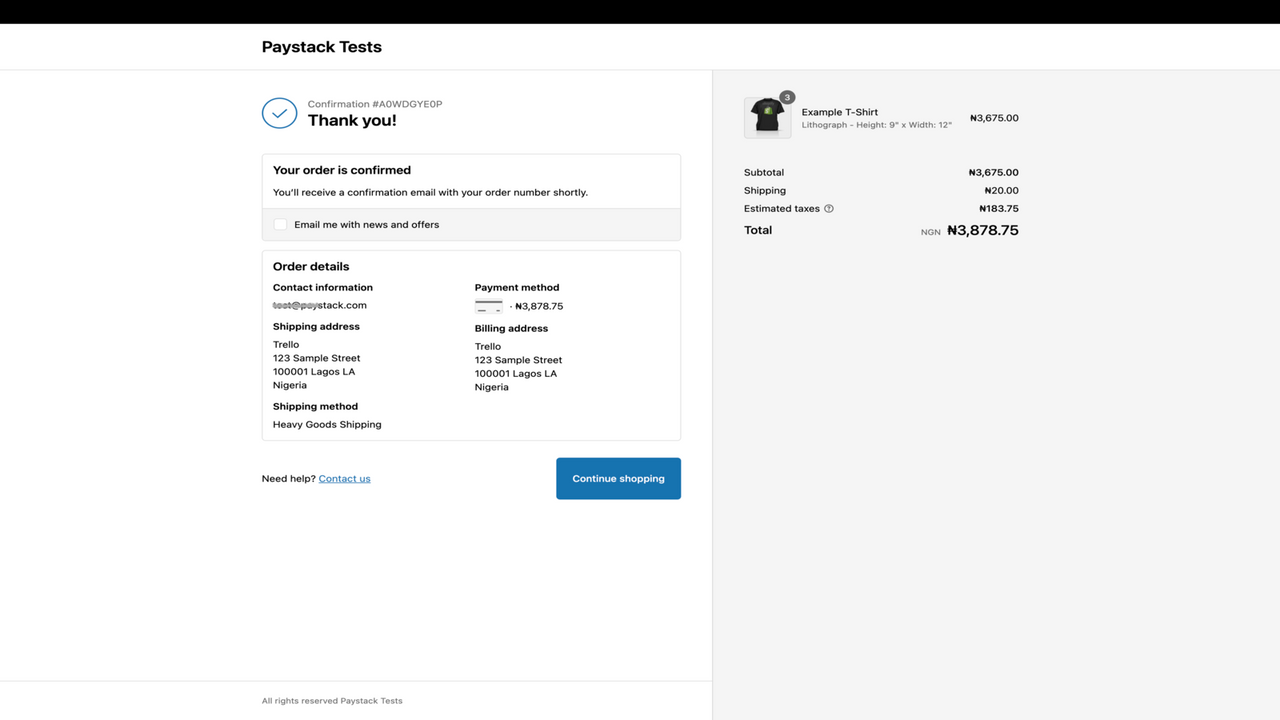
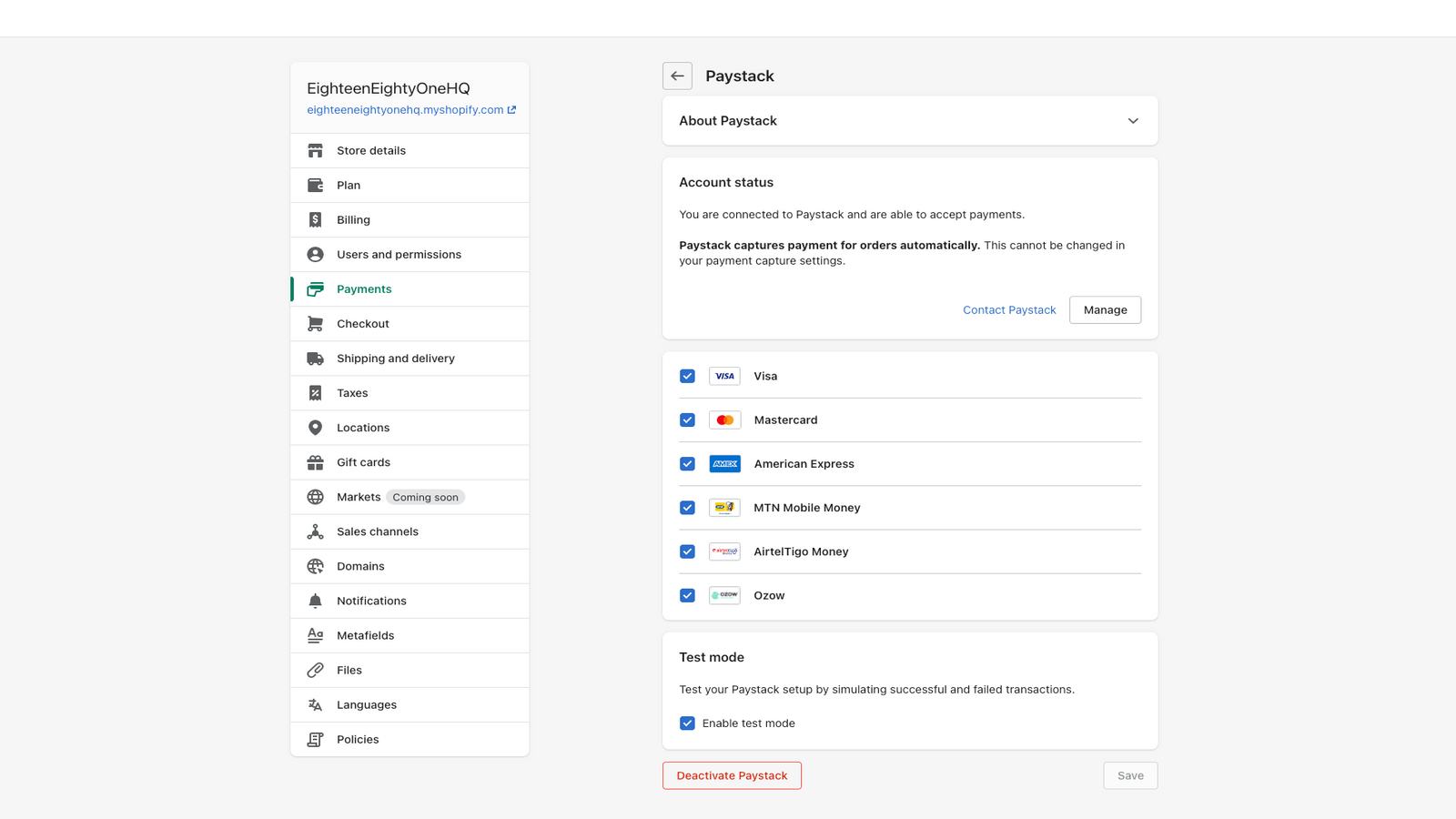
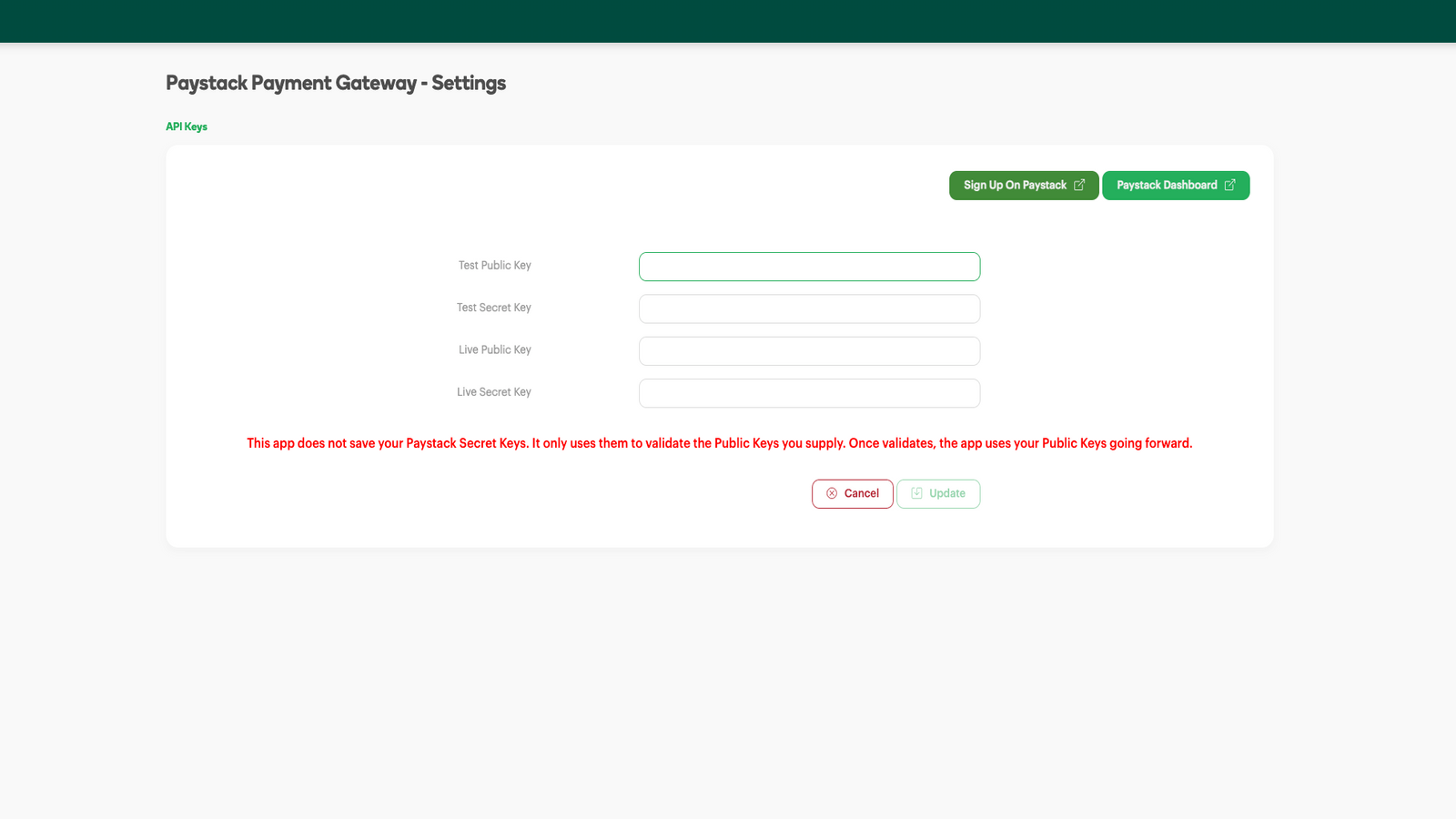
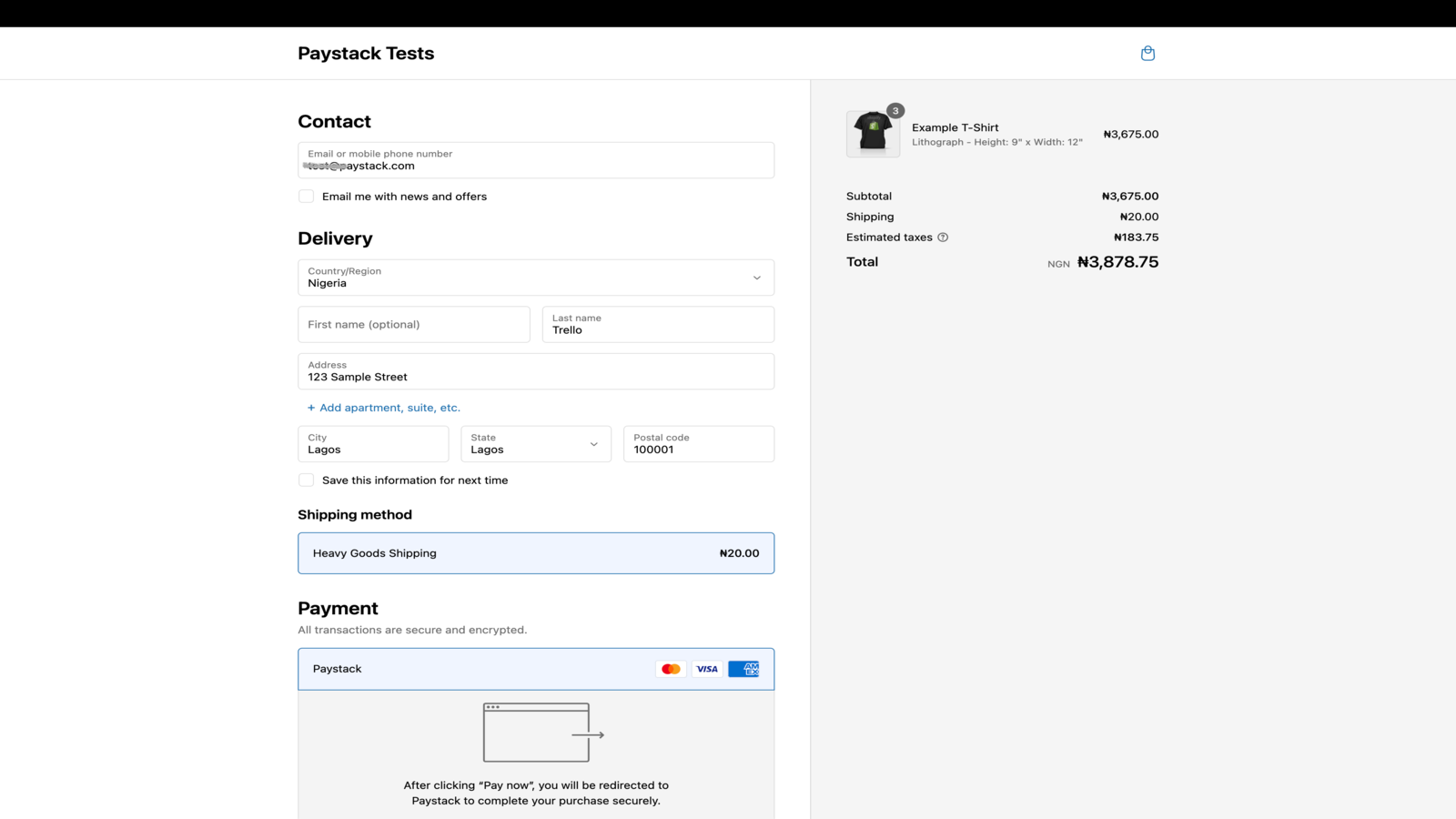
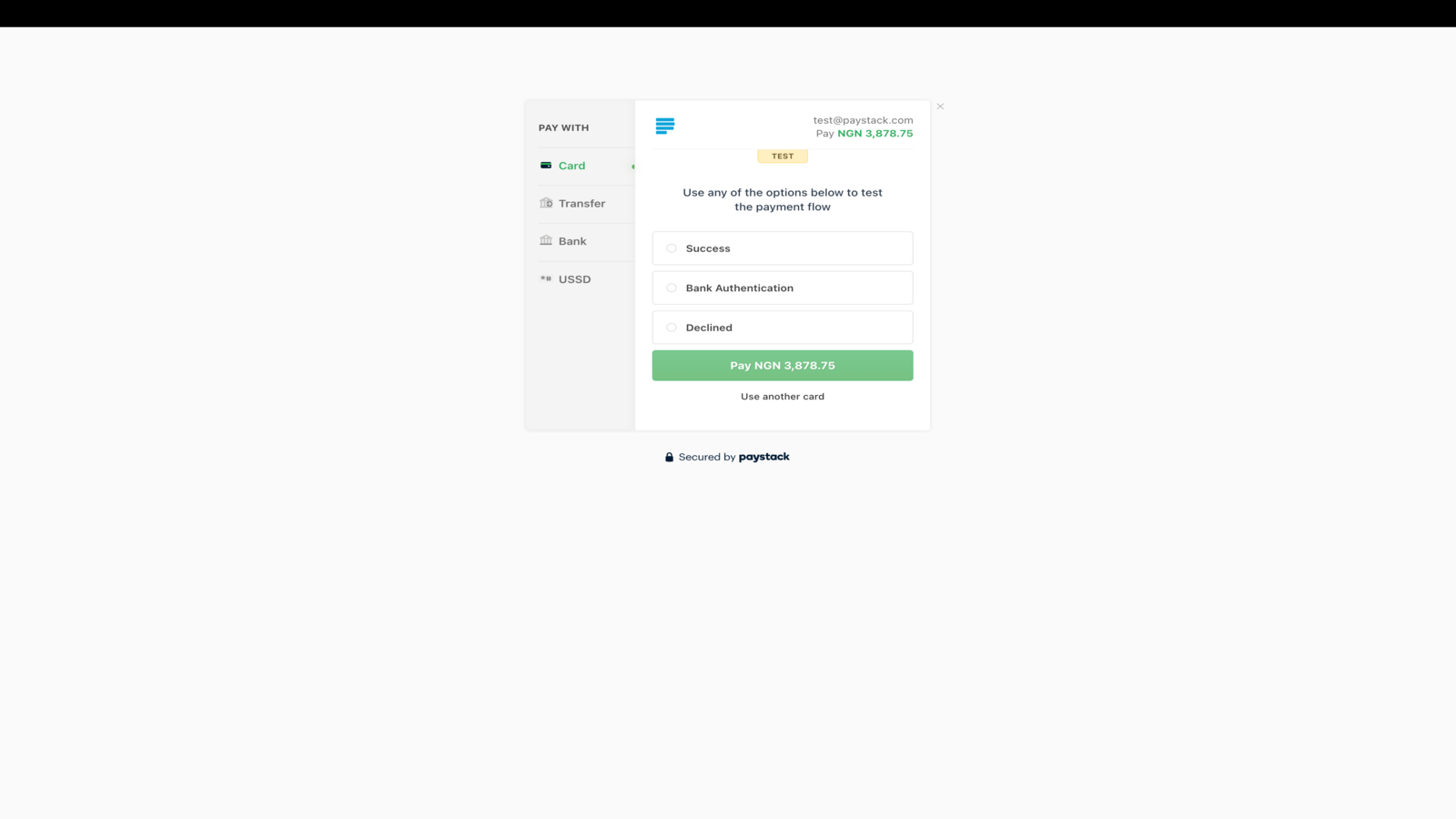
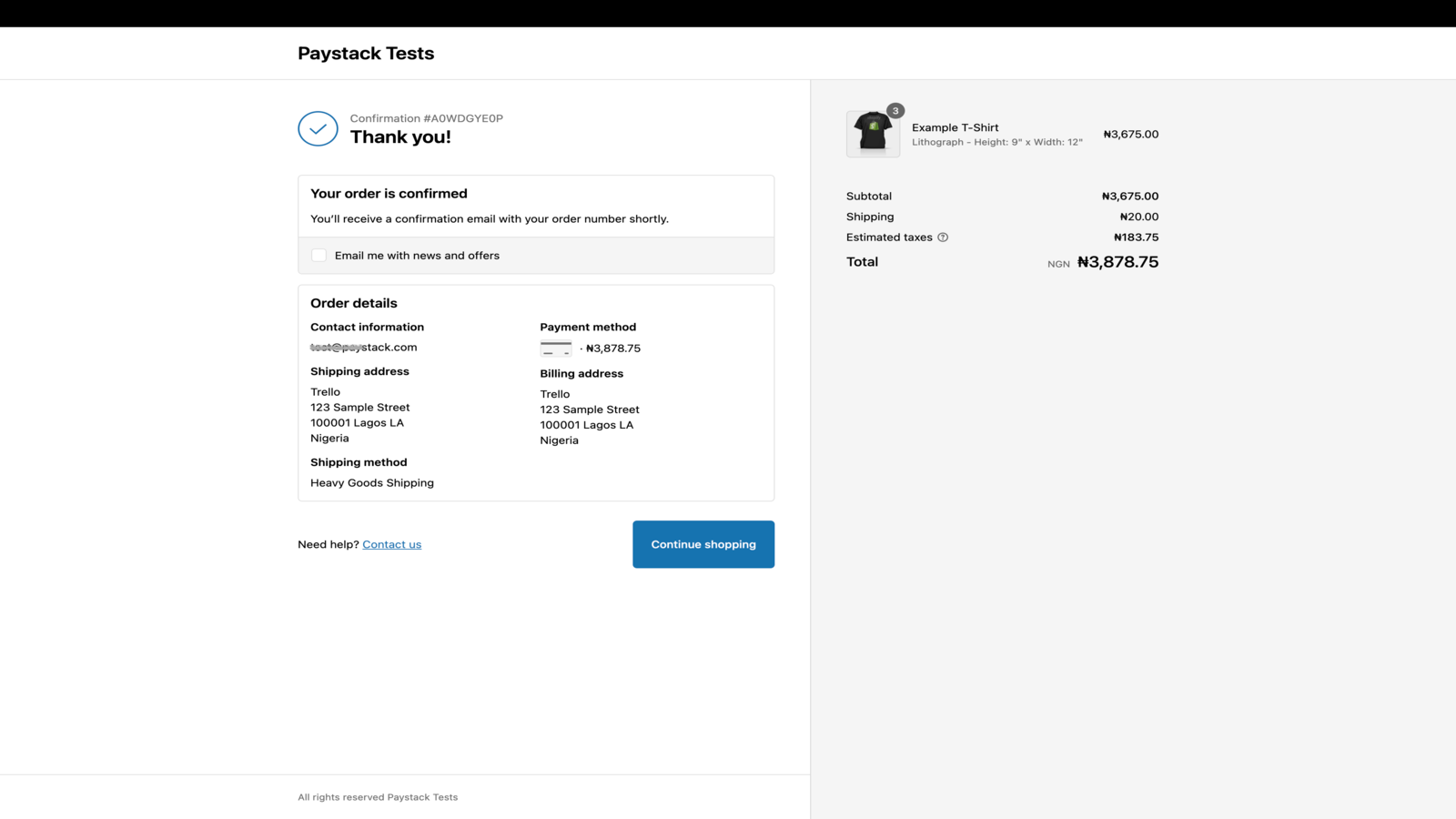
Paystack giúp các doanh nghiệp ở châu Phi nhận thanh toán từ bất kỳ ai, ở bất cứ đâu trên thế giới.
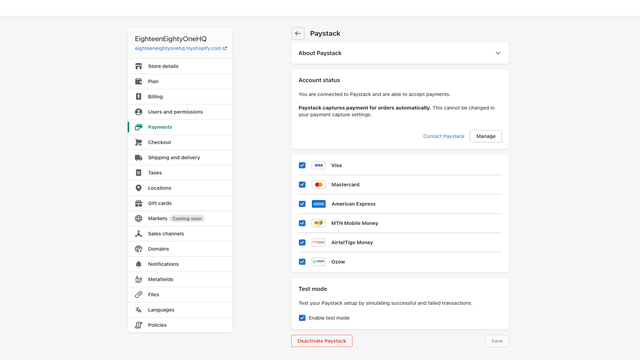
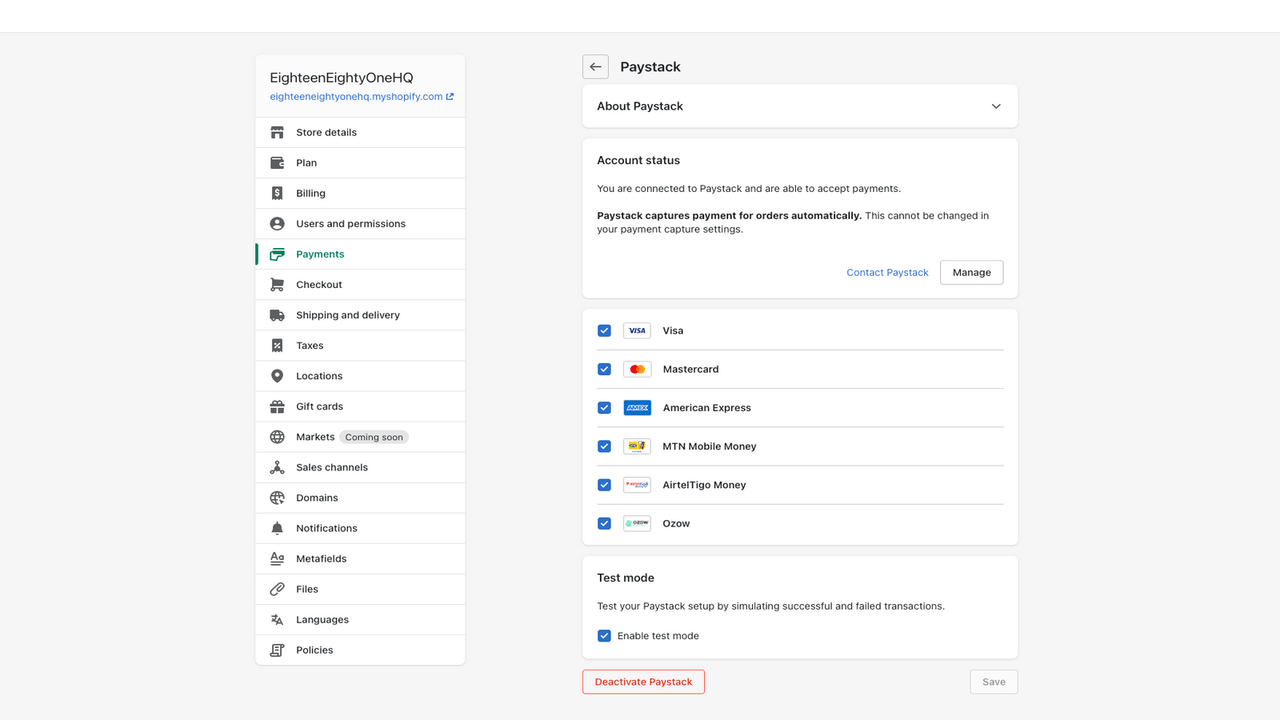
Paystack giúp các doanh nghiệp tại Nigeria, Ghana, Kenya, Rwanda, Cote d'Ivoire và Nam Phi dễ dàng chấp nhận thanh toán đơn giản, bảo mật từ nhiều kênh thanh toán tại địa phương và trên toàn cầu. Tích hợp Paystack với Shopify ngay hôm nay và để khách hàng thanh toán bằng phương thức họ muốn.
- Làm hài lòng khách hàng với trải nghiệm thanh toán liền mạch
- Tận hưởng tỷ lệ giao dịch thành công vượt trội
- Bảo vệ bạn và khách hàng bằng tính năng phát hiện gian lận nâng cao
- Báo cáo chi tiết phục vụ kế toán, đối soát và kiểm toán
- Tự động quyết toán khoản thanh toán trực tiếp vào tài khoản của bạn
Có chứa văn bản được dịch tự động
Ngôn ngữ
Tiếng Anh
Ứng dụng này không được dịch sang Tiếng Việt
Danh mục
Định giá
Chọn gói phù hợp nhất với doanh nghiệp.
Miễn phí
Cài đặt miễn phí
Tuy nhiên, chúng tôi áp dụng mức phí giao dịch đơn giản và hợp lý. Paystack chỉ kiếm được tiền khi bạn có doanh thu.
Có chứa văn bản được dịch tự động
Tất cả các khoản phí được tính bằng USD. Xem mọi tùy chọn định giá
Đánh giá (1)
-
0% bài đánh giá là 5 sao
-
0% bài đánh giá là 4 sao
- 100% bài đánh giá là 3 sao
-
0% bài đánh giá là 2 sao
-
0% bài đánh giá là 1 sao
The app does the essentials of processing a payment.
One missing part is that the Shopify Order number is not referenced in the PayStack system whatsoever, making the process of matching payments with orders less easy than it should be.
If you use the Shopify dashboard, you'll be fine, but if you are using API's, you are going to have to do extra work to match the order and payment.
Ditto if you are using the PayStack dashboard - the related Shopify order number does not appear in the Paystack data at all - you will need to manually match by customer email address.
[EDIT]
We have built an internal system to make matching orders with payments easier, and to get around this limitation (which appears to be common to all payment gateways).
If you were to add the capability to search for a transaction in the Paystack dashboard by customer email, amount, date etc (and not just reference) this would make the process much easier all round.
Hi there,
Thanks for your review. Feedback like this helps us identify ways we can improve our app to serve you better.
Shopify doesn't send the order ID to us, so we're unable to reference it on the Paystack and show it to you on the dashboard. Shopify sends a Payment ID for the order instead, which we set as the Paystack transaction reference. You can use this reference to match Paystack transactions on your Paystack dashboard to orders on Shopify.
EDIT: You can also filter your transactions on the Paystack dashboard by status (success, failed, abandoned etc.), customer email, transaction amount. The date filter also lets you view transactions that happened on a specific day or within a specific period. For more information on how to do this, please read this help desk article: https://support.paystack.com/hc/en-us/articles/360009973099-The-Dashboard-Transactions-Page
We hope this helps! If you need any further assistance with this issue, please reach out to us at techsupport@paystack.com.
Hỗ trợ
Hỗ trợ ứng dụng do Paystack cung cấp.
Tài nguyên
Nhà phát triển này không cung cấp hỗ trợ trực tiếp bằng Tiếng việt.
Đã ra mắt
16 Tháng 3, 2022

