



Galería de imágenes destacadas
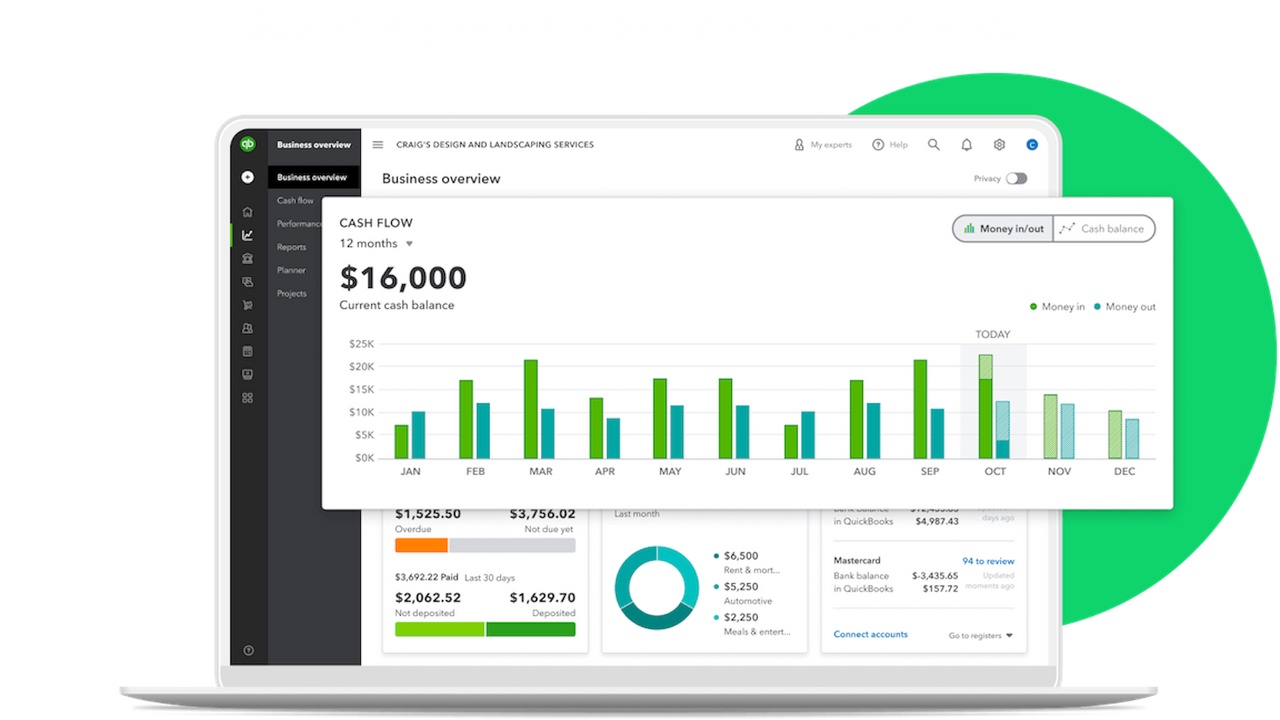




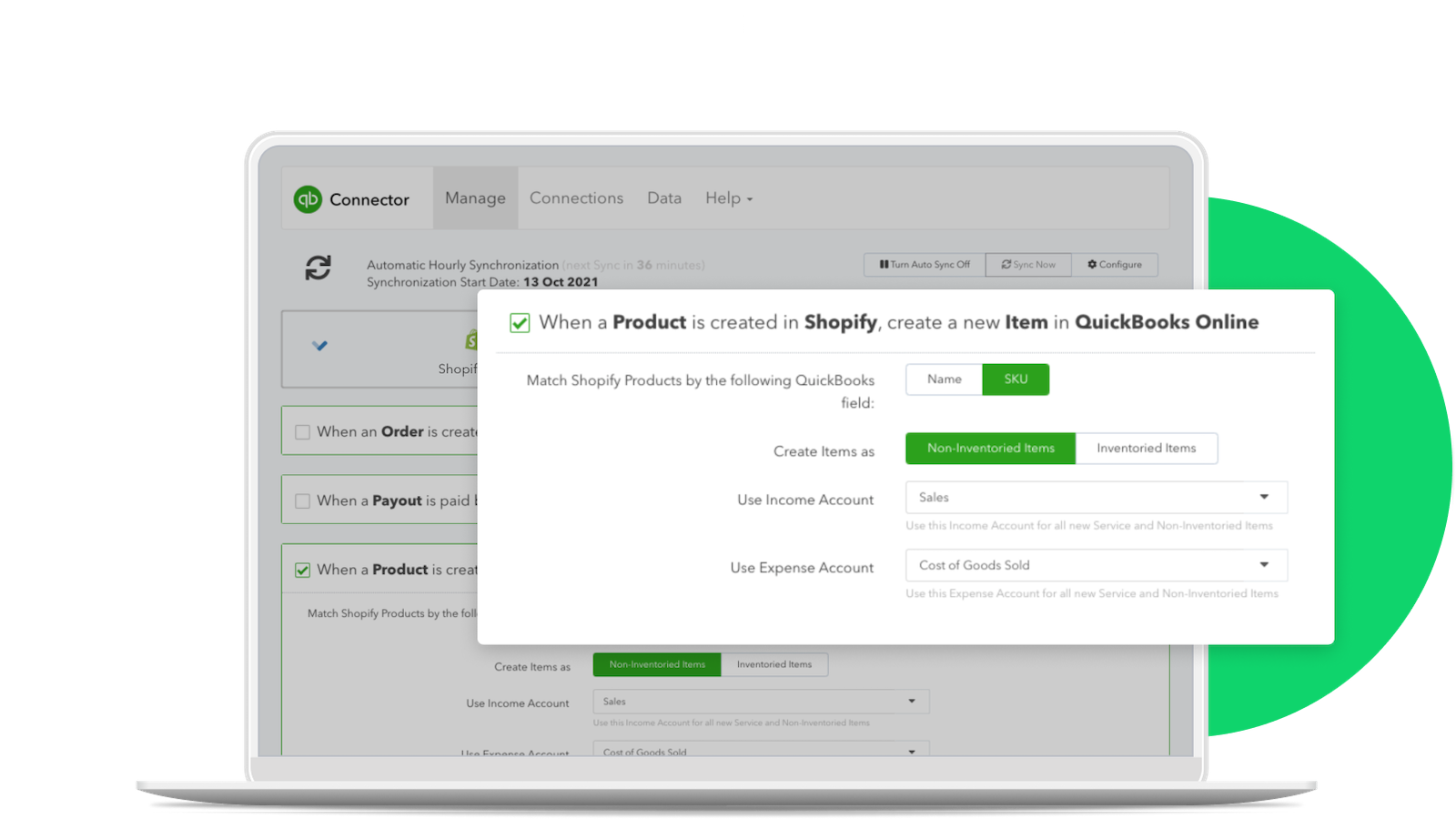
Ahorra tiempo y mantente al día con tu contabilidad cuando te integres con QuickBooks Online Internacional
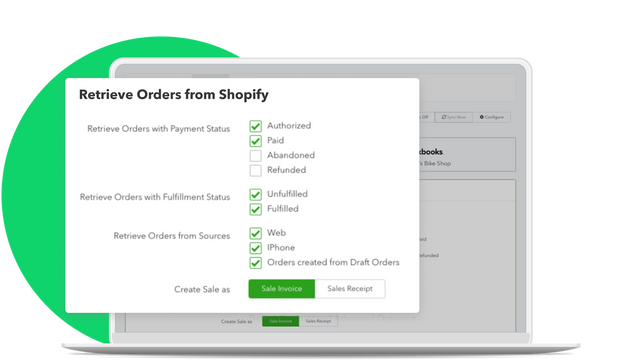
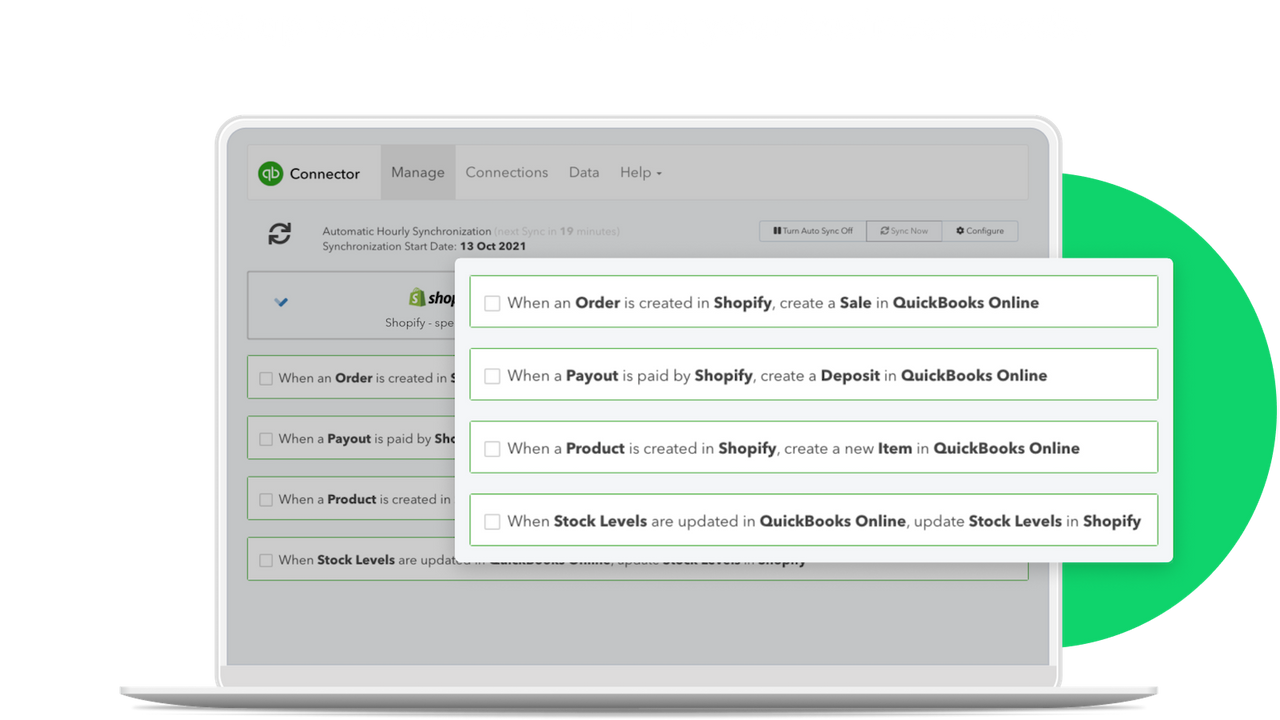
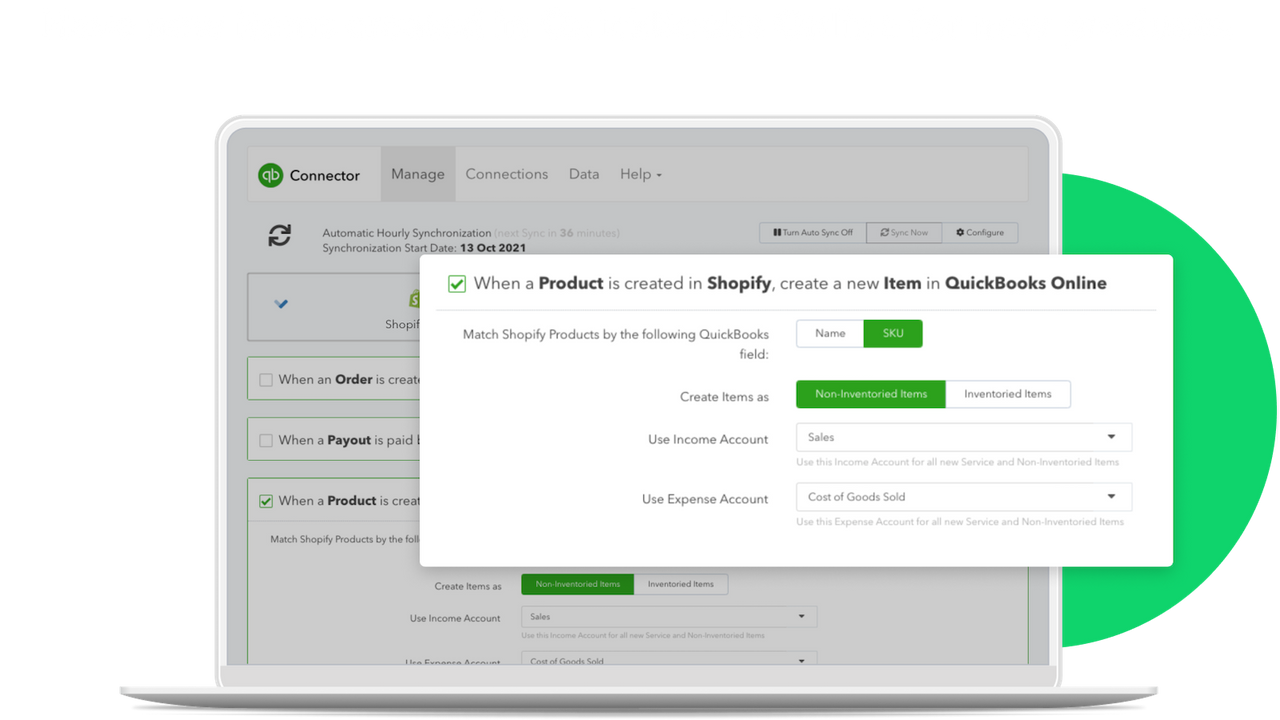
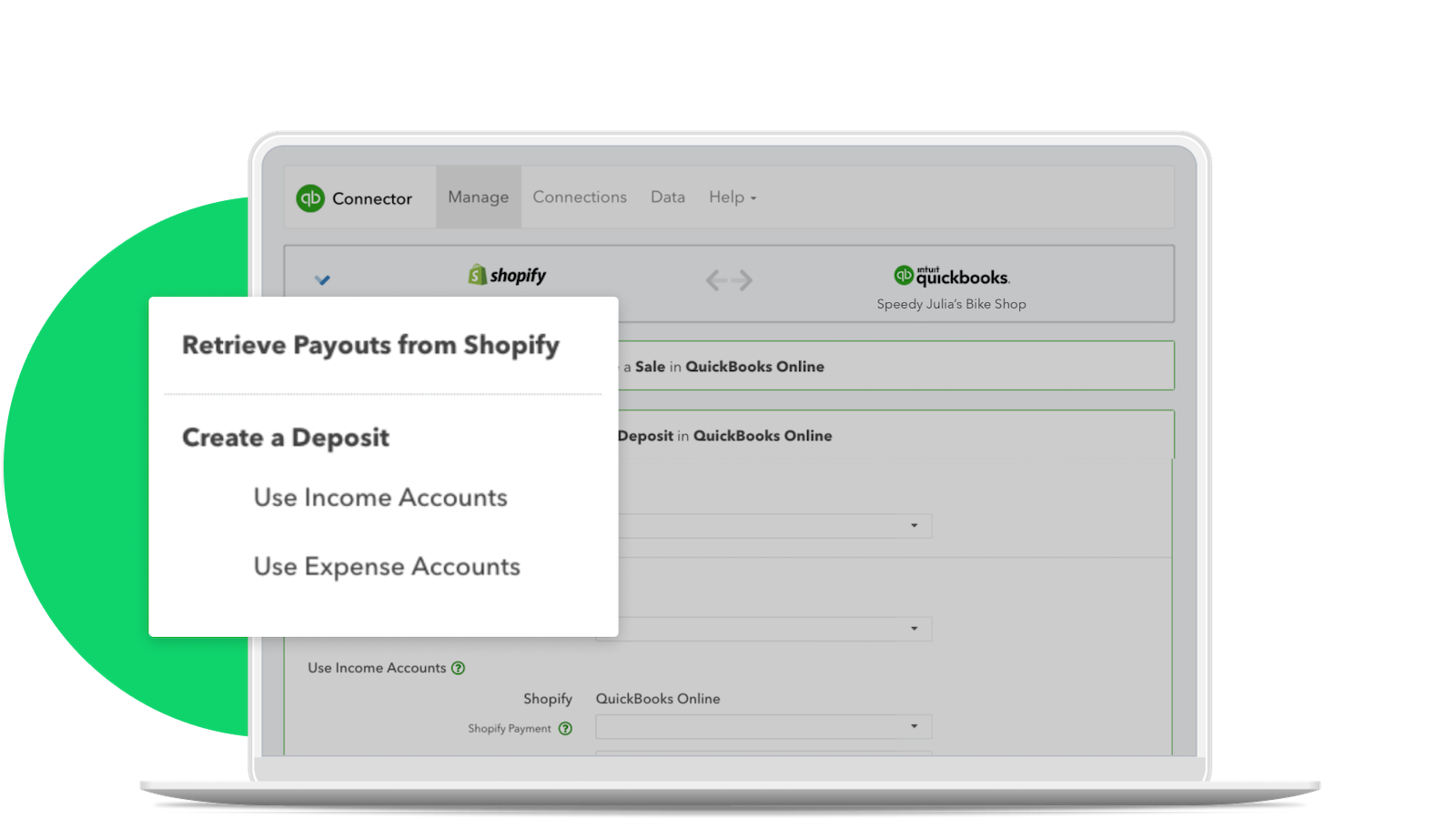
Gestiona fácilmente la conexión entre Shopify y QuickBooks Online. Para comerciantes que venden fuera de EE. UU., conecta todas tus tiendas de Shopify a la contabilidad de QuickBooks Online para rastrear ingresos y gastos y maximizar las deducciones fiscales. Automatiza la entrada de facturas, clientes o productos conectando Shopify y QuickBooks Online. Sincroniza tus datos de inventario y contabilidad entre Shopify y QuickBooks Online.
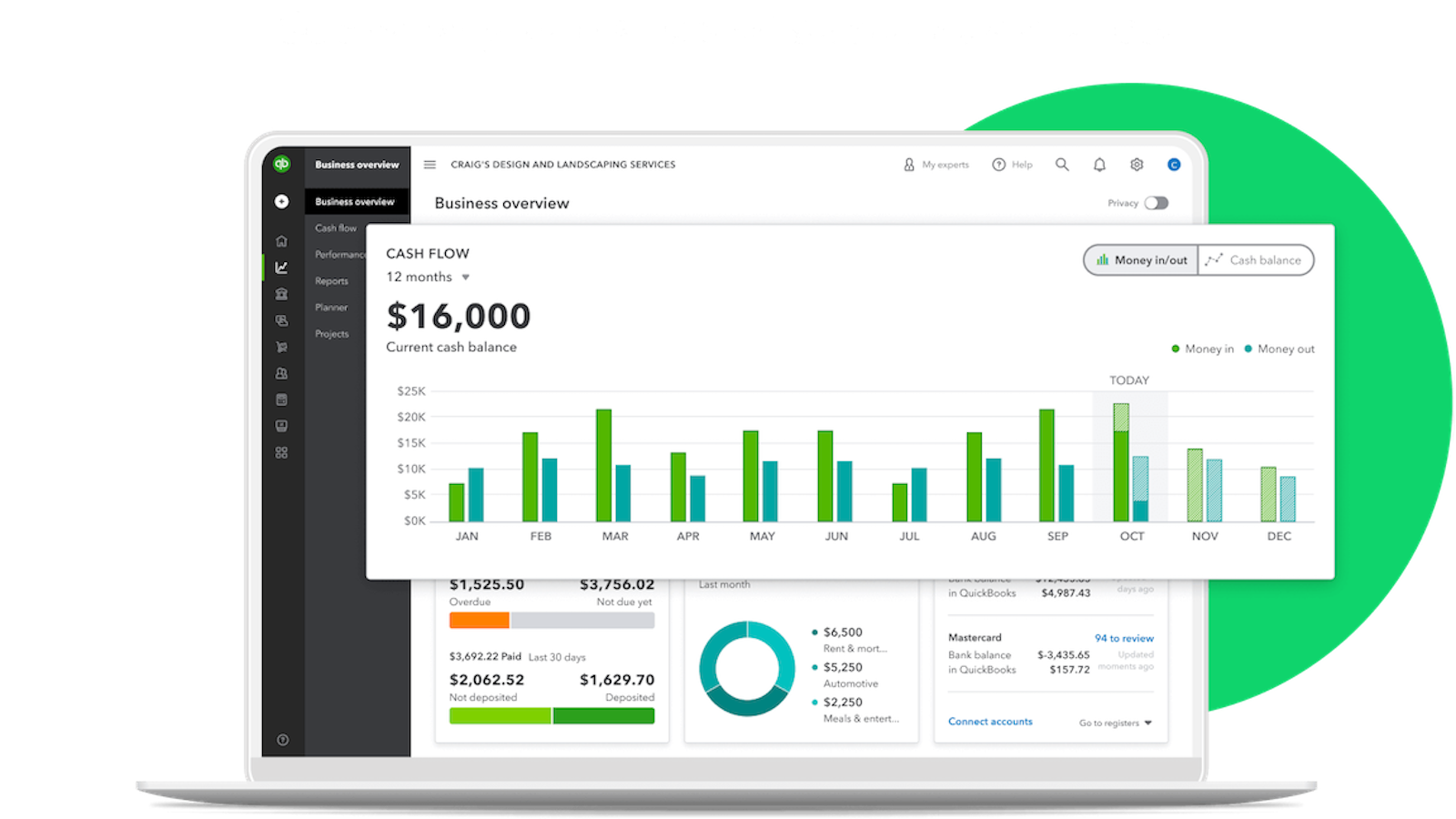
- Rastrea ingresos y gastos y maximiza las deducciones fiscales para tu negocio de Shopify
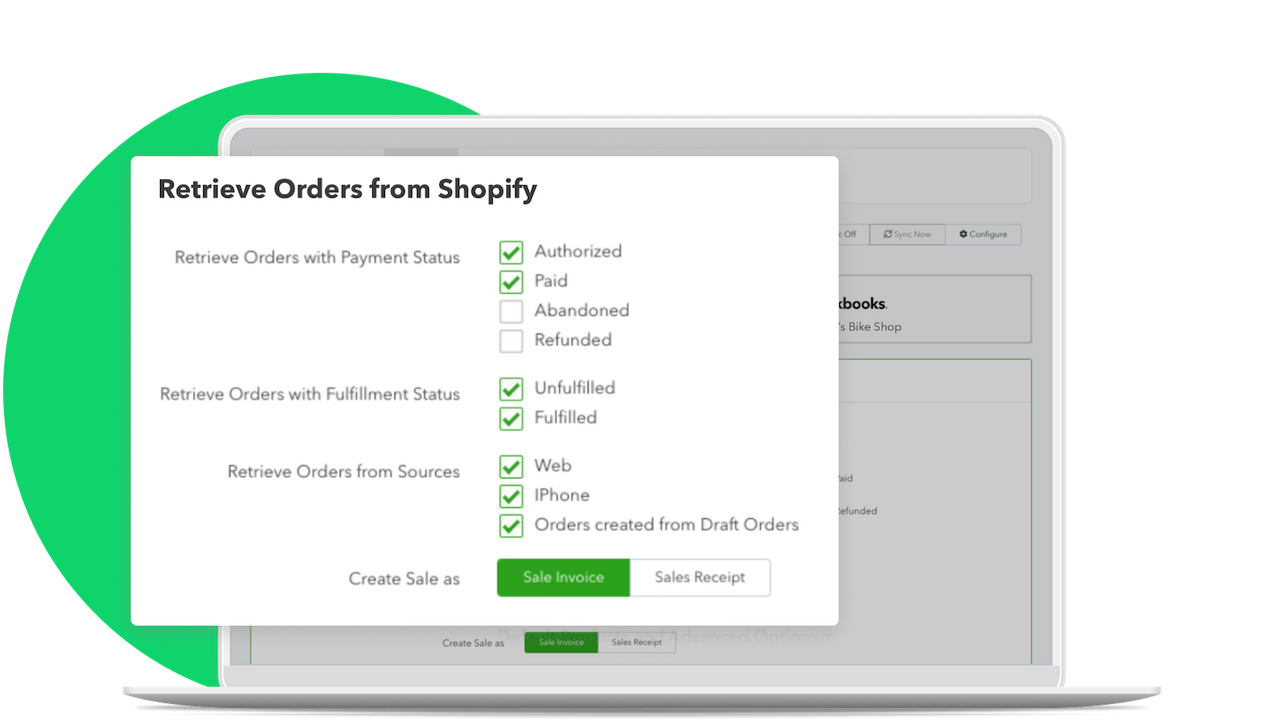
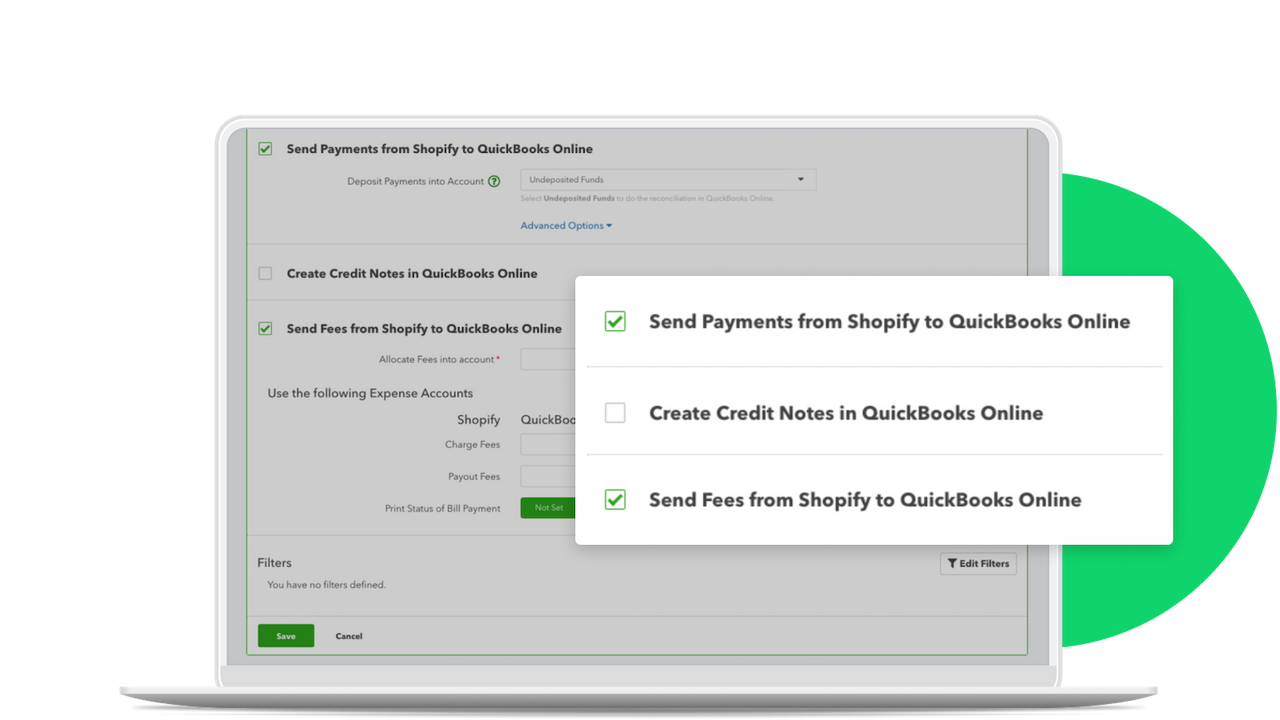
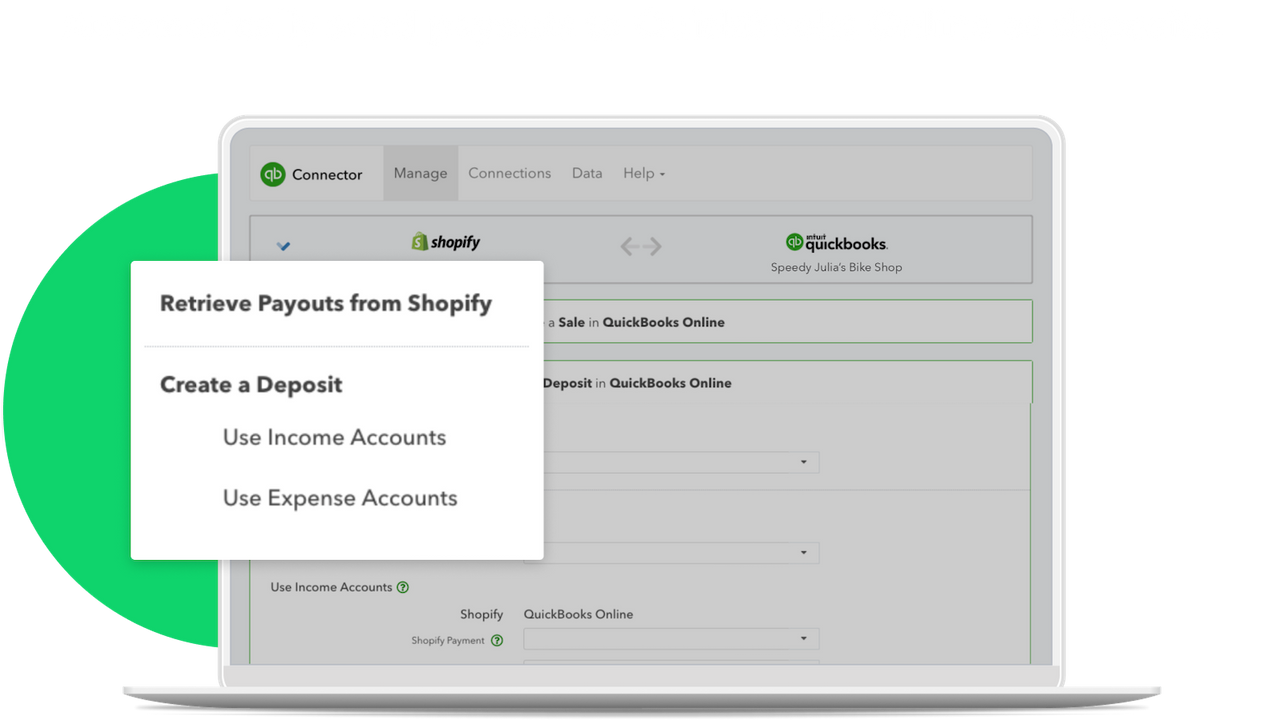
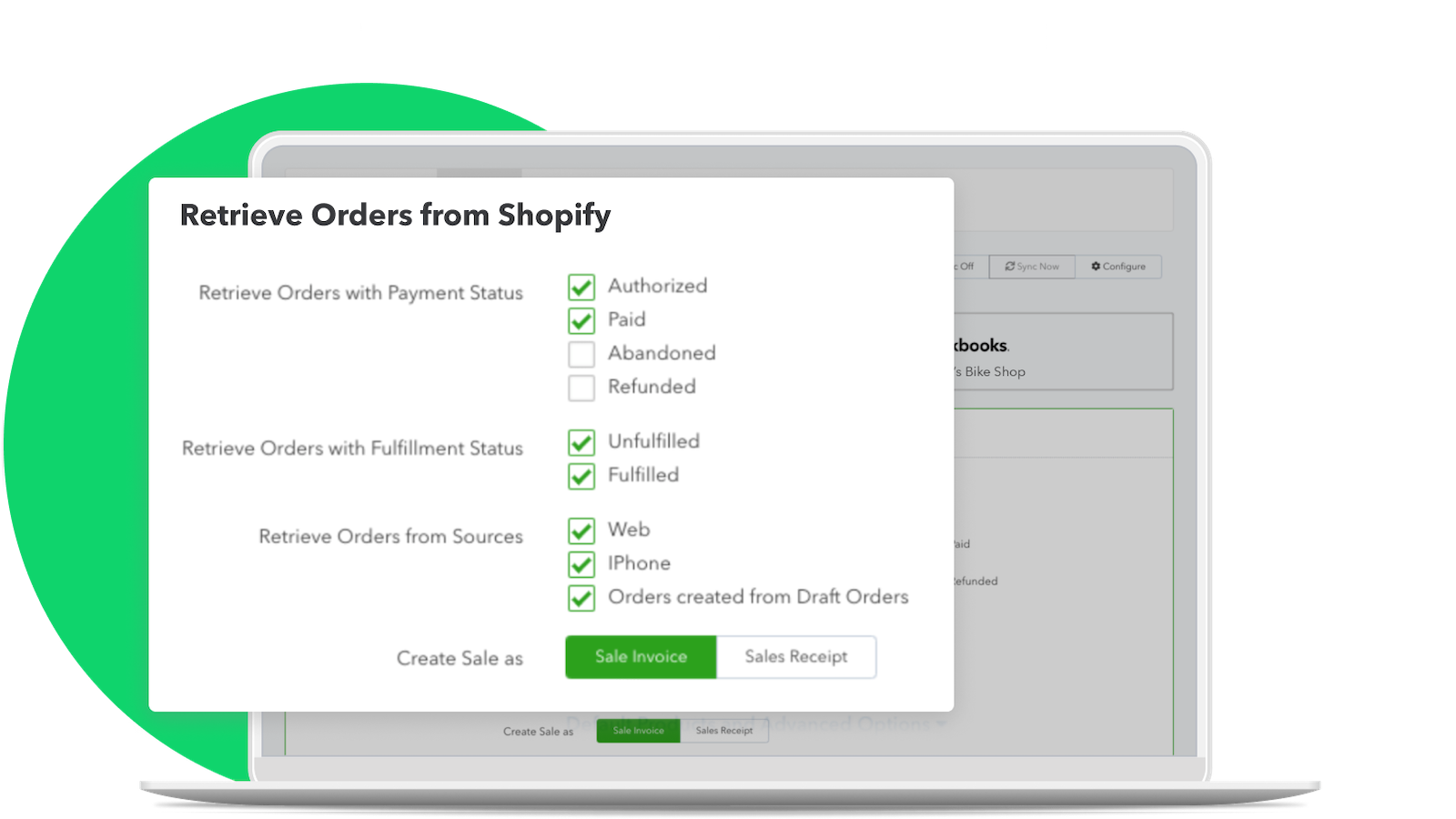
- Importa datos de ventas de Shopify a QuickBooks Online.
- Comete menos errores al reducir la necesidad de entrada manual de datos y atajos.
- Comparte productos añadidos de Shopify a QuickBooks Online.
- Actualiza los niveles de stock entre QuickBooks Online (Plus o superior) y Shopify.
Contiene texto traducido automáticamente
- Popular en tiendas como la tuya
- Ubicadas en Estados Unidos
Idiomas
Inglés
Esta aplicación no está traducida al Español
Funciona con
- quickbooks online
Categorías
Informes financieros
Operaciones financieras
Sincronización de datos automatizada
Precios
Intuit podría facturar los cargos externos por separado de tu factura de Shopify. Más información
Clientes existentes
Instalación gratuita
Pueden aplicarse cargos adicionales.
- Para usuarios existentes de QuickBooks Online
- Rastrea ingresos y gastos
- Sincroniza tus datos de inventario y contabilidad
QBO Essentials
$30 al mes
Obtén un 50% de descuento durante 3 meses.
- Para nuevos usuarios, QBO Essentials + Conector
- Todas las características de QBO Essentials
- Rastrea ingresos y gastos
- Factura y acepta pagos
- Gestiona trabajos por contrato
QBO Plus
$55 al mes
Obtén un 50% de descuento durante 3 meses.
- Para nuevos usuarios, QBO Plus + Conector
- Todas las características de QBO Plus más
- Rastrea la rentabilidad de proyectos
- 5 usuarios
QBO Advanced
$85 al mes
Obtén un 50% de descuento durante 3 meses.
- Para nuevos usuarios, QBO Advanced + Conector
- Todas las características de QBO Advanced más
- Gestiona los gastos de los empleados
- Facturas y gastos por lotes
- Más de 5 usuarios
Contiene texto traducido automáticamente
Todos los cargos se facturan en USD. Los cargos recurrentes y por uso se facturan cada 30 días. Ver todas las opciones de precios
Reseñas (2.611)
5 Stars – Excellent Support from Ben
I've been using this extension since 2020 – including with our previous Magento store – and it has worked reliably throughout. Recently, I ran into a synchronisation issue with an order clashing with an existing credit note. Ben on support was incredibly helpful, quickly identifying the problem and resolving it by simply changing the credit note number. After that, the system synced perfectly.
Ben's customer service was spot on – fast, clear, and efficient.
One small feature request (unrelated to Ben's support): it would be really helpful if edits made to Shopify orders could automatically update in QuickBooks, as I currently have to adjust these manually.
Thanks again for the great support!
I had long-term issues with sync issues because of items we had deleted or made inactive and then reactivated. Rhica in customer support actually reached out to me while I was reviewing some sync issues. They noted they had identified the problem and would be happy to resolve it, if it was okay with me. A few minutes later, it was all cleared up, and I look forward to clean syncs going forward.
Sherwin was incredibly helpful in getting our account set back up after we ran into some issues. He walked us through exactly what needed to happen and made the whole process smooth and stress-free. Very pleased with the support—thank you!
I've been using this app since a client moved their online store to Shopify a couple of years ago. I've found the intergration works very well and the customer support is extremely helpful when there are issues. I have to give a special mention to Jas who helped me sort out a syncing issue today quickly and with minimal fuss. I'd highly recommend the app.
Wen was incredibly helpful and friendly in resolving our tax code sync issue. She quickly identified that the problem came from missing QBO tax codes linked to Shopify orders and guided me clearly to a solution. Her support was efficient, patient, and made the whole process easy to understand. Thank you, Wen!
Soporte técnico
Soporte de la aplicación proporcionado por Intuit.
Recursos
Fecha de lanzamiento
23 de febrero de 2015
