

Galleri med udvalgte billeder

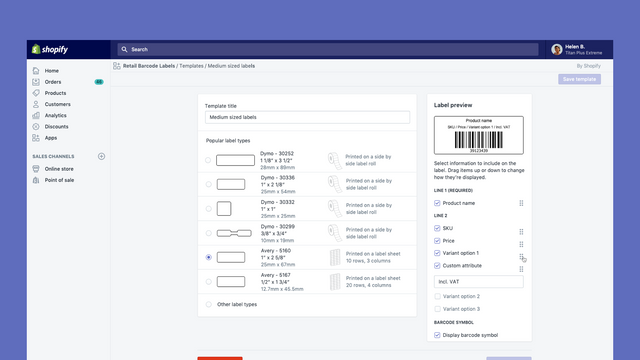
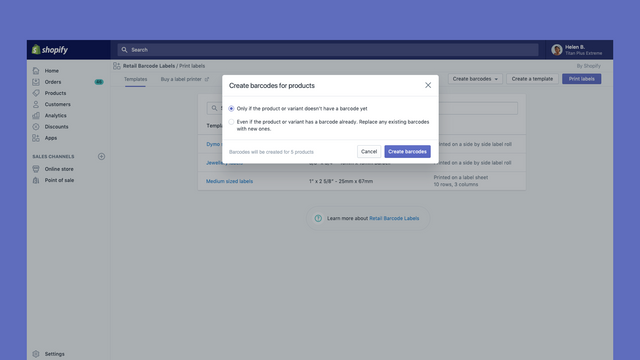
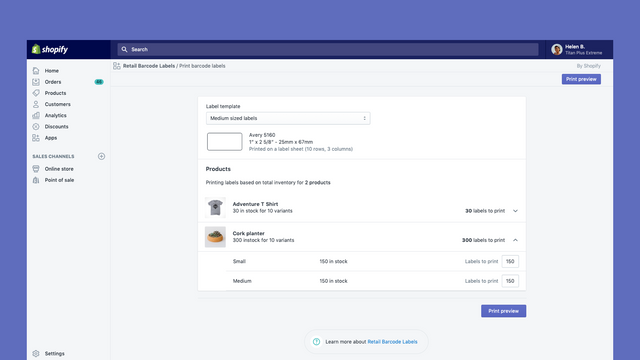

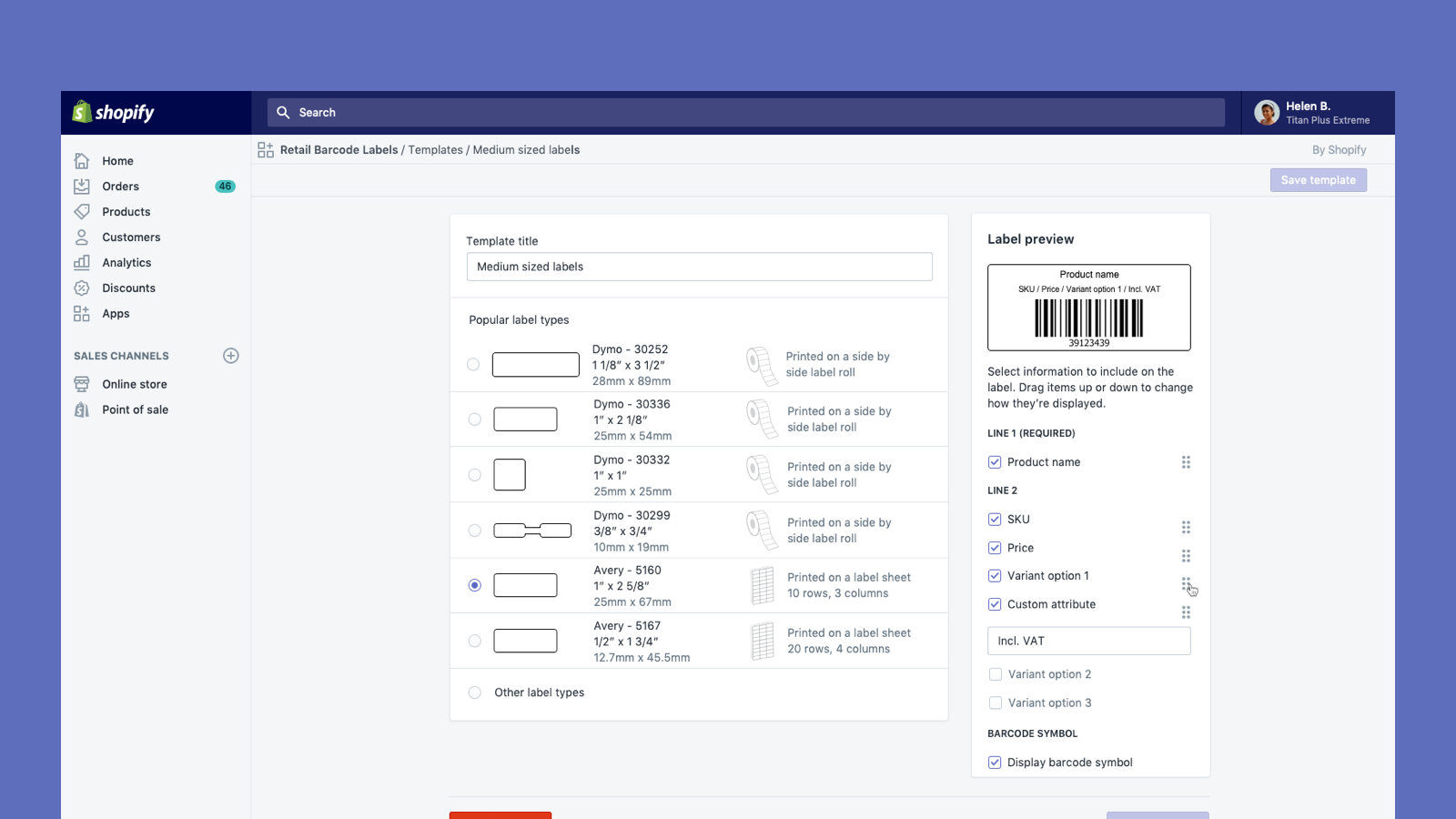
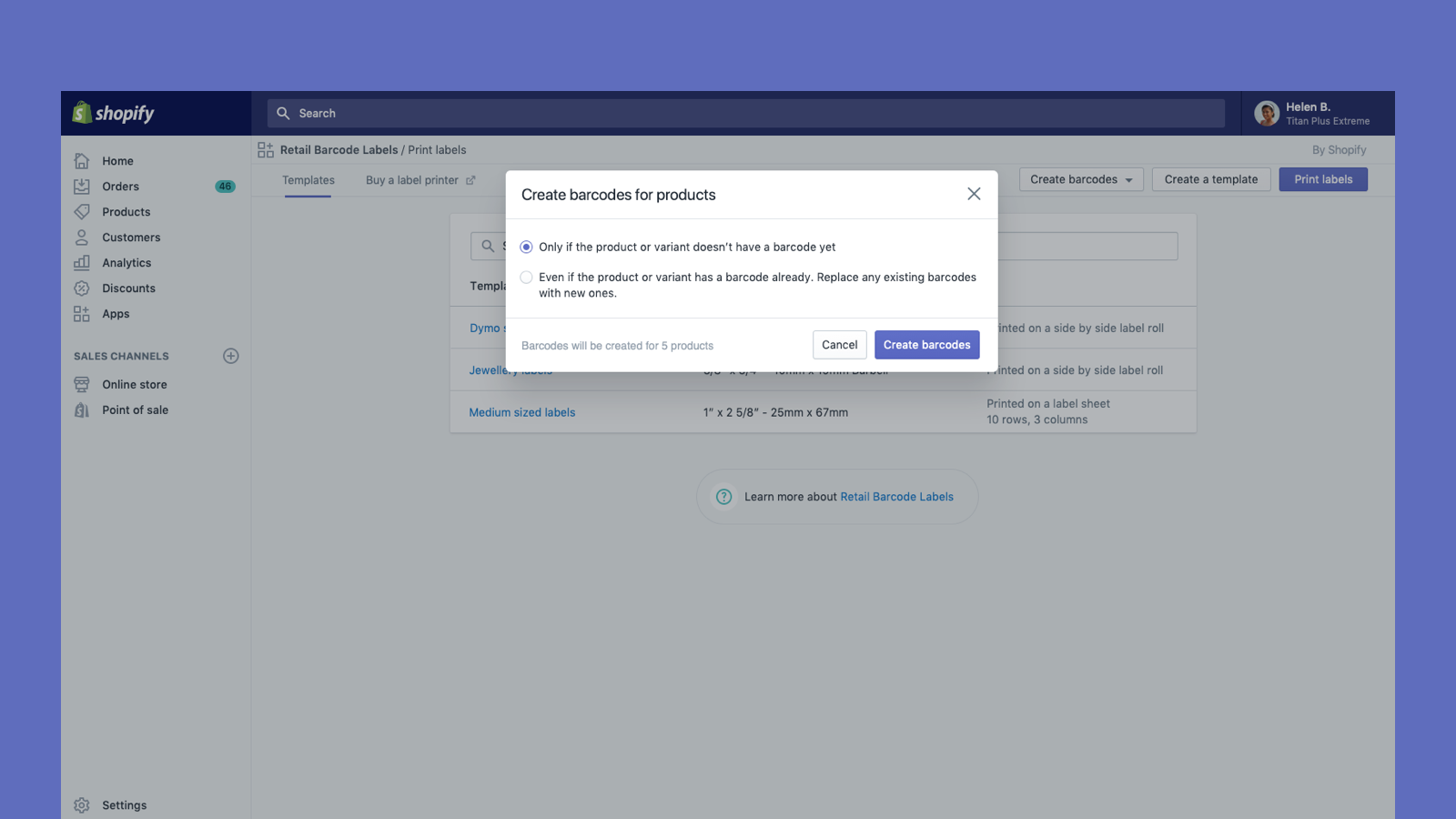

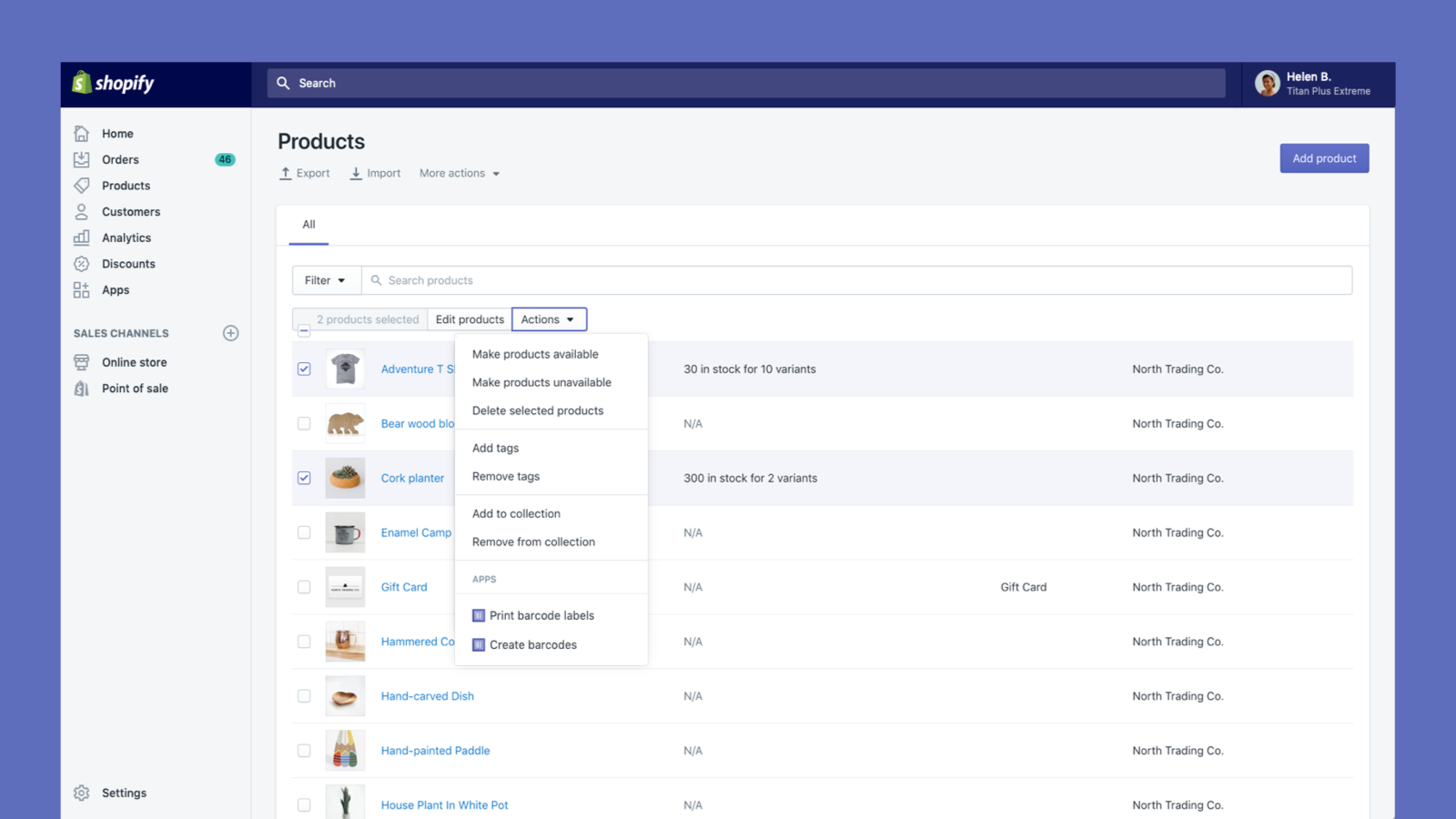
Create and print barcode labels for your products
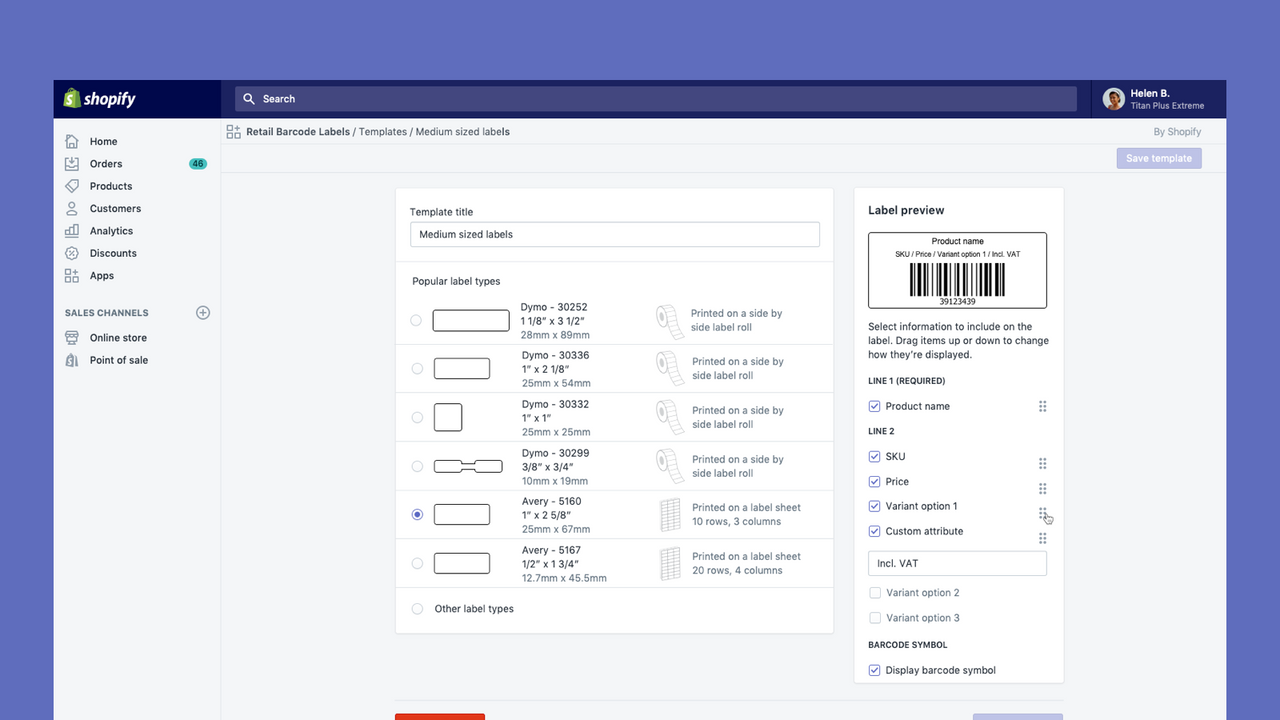
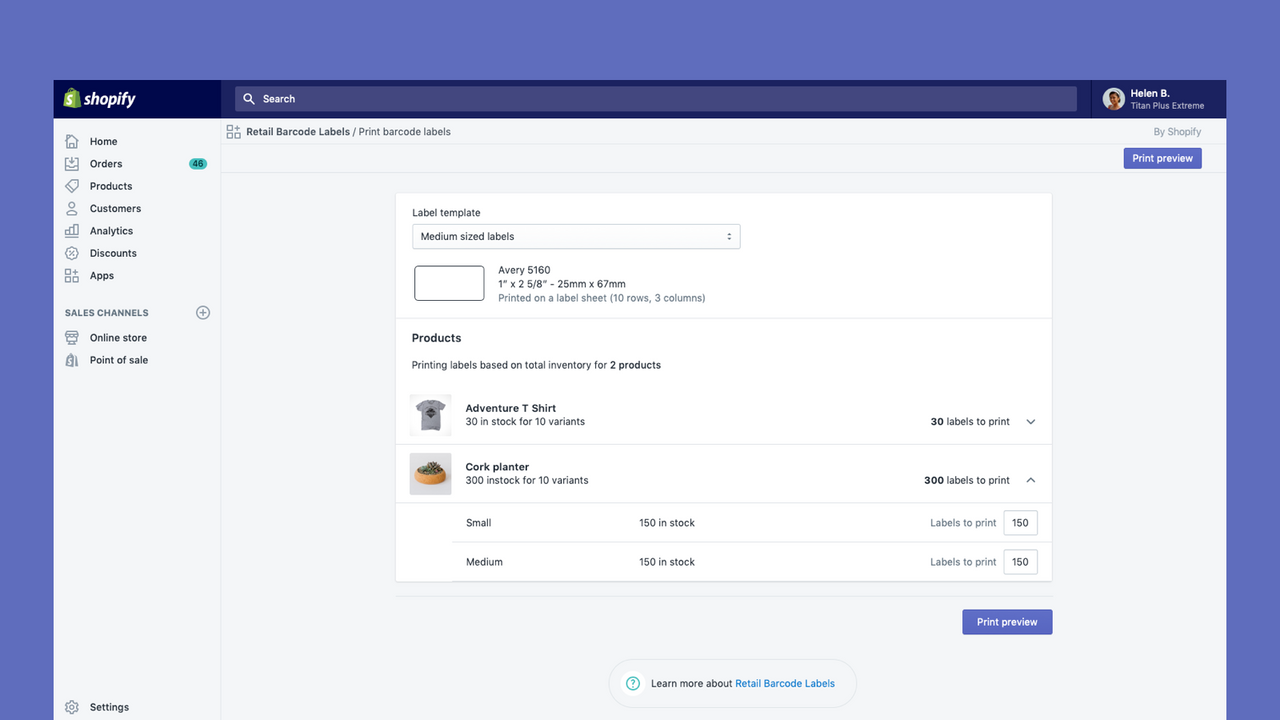
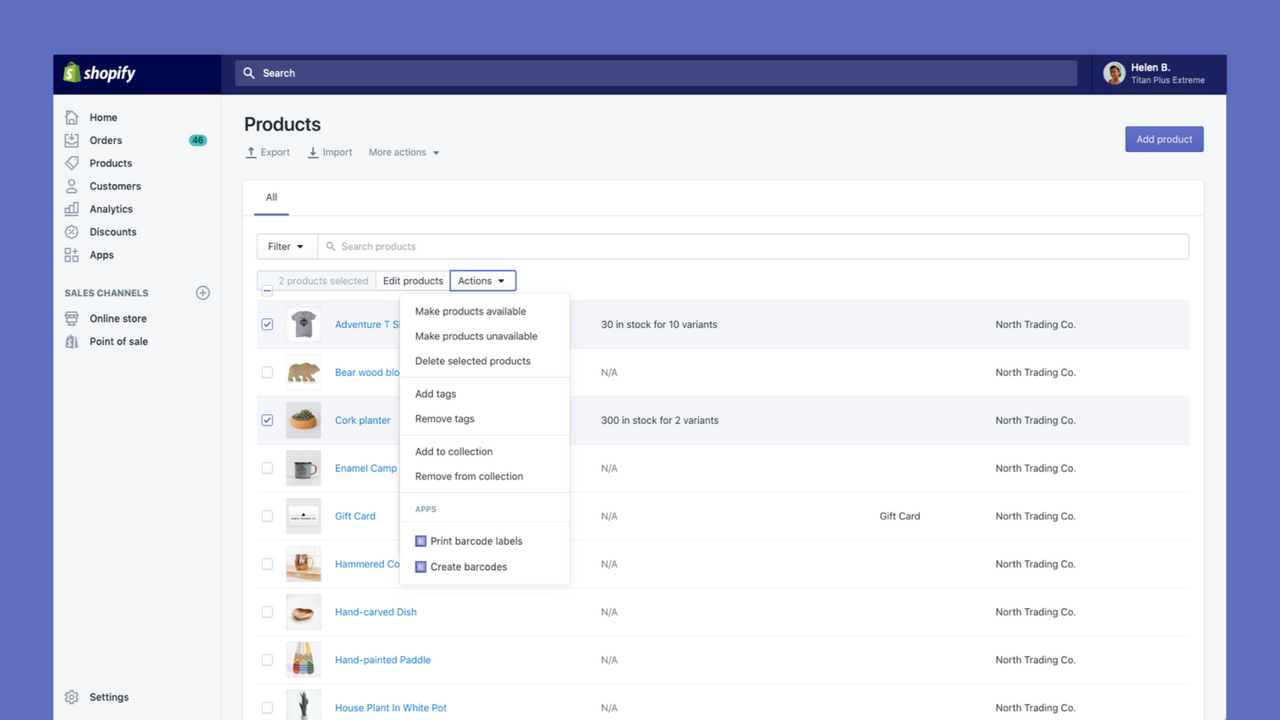
Retail Barcode Labels allows you to easily generate and print barcode labels for your products. Use the app to create label templates to suit your different products and applications. Create templates and print labels on popular paper types from Avery, Dymo, and Zebra’s ranges, including label sheets. Retail Barcode Labels supports any printer currently installed on your computer or network, including secure air-printing from mobile devices. Print labels in bulk with ease and improve your stock
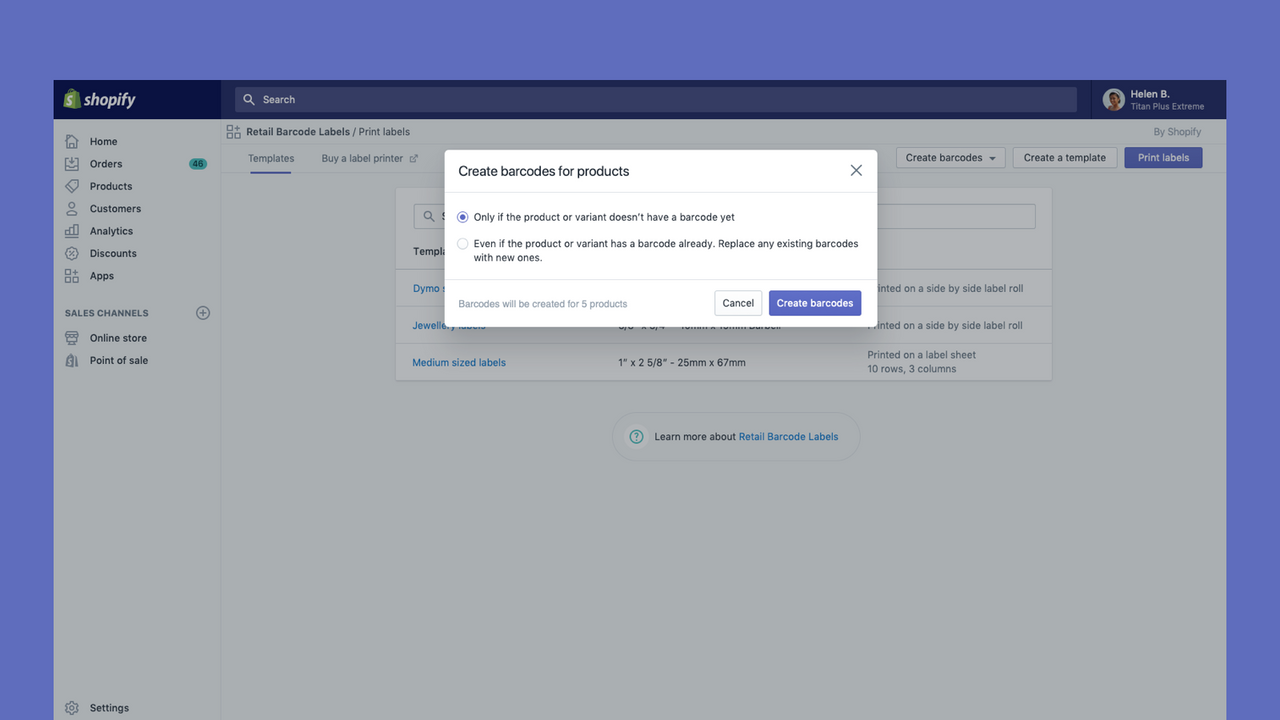
- Automatically generate Code-128 barcodes for any or all of your products.
- Create custom barcode labels with prices, SKUs, variants, and much more.
- Works with Dymo Label, Zebra printers or laser/inkjet printer with Avery Labels.
Indeholder tekst, der ikke er oversat
- Populær hos butikker som din
- Hjemmehørende i USA
Sprog
Engelsk, Dansk, Tysk, Finsk, Fransk, Italiensk, Japansk, Koreansk, Hollandsk, norsk, Polsk, Portugisisk (Brasilien), Portugisisk (Portugal), Svensk, Thai, Tyrkisk, Vietnamesisk, Kinesisk (forenklet), Kinesisk (traditionelt), Spansk, og Tjekkisk
Fungerer sammen med
- Shopify-administrator
Kategorier
Redigerbare ressourcer
Handlinger
Anmeldelser (477)
This app was wonderful until the font update, our price fonts are so small, no one can read them. My customers often have to take pictures on their phones and enlarge the photos to see the prices. Please go back to the past font size!
Thank you for taking the time to share this feedback! Please reach out to our Retail support team via help.shopify.com with the details and we can investigate further for you. They'll be able to review and confirm if this is expected behaviour or not. Thanks!
- Natasha, Shopify Support
There was a recent update on the generated barcodes which changed the price point size from a 9 to a 6. That's legal-sized type. I see that the barcodes are now taller, but the information customers need to see is now too small to read. I wish you could change it back to the prior formatting.
Thank you for taking the time to share this feedback! Please reach out to our Retail support team via help.shopify.com with the details and we can investigate further for you. They'll be able to review and confirm if this is expected behaviour or not. Thanks!
- Natasha, Shopify Support
The recent Retail Barcode Labels update removed our ability to print SKU on Avery 5167 labels. We manufacture hundreds of visually similar products. Printing only barcode and price substantially increases the likelihood of mislabeling inventory. We'd like this functionality restored or our store opted out of the new template restrictions.
Thank you for laying this out so clearly. We're passing this along to the team that owns the app, and specific details like the label format and why the SKU matters for your workflow make that report much stronger. If you'd like to go through your current setup and look at options in the meantime like choosing another label size and customizing margins to allow to print on the Avery 5167), our support team is available at help.shopify.com/support.
Support
App-support leveres af Shopify.
Ressourcer
Denne udvikler tilbyder ikke direkte support på Dansk.
Lanceret
3. december 2018
Dataadgang
Denne app skal have adgang til følgende data for at kunne fungere i din butik. Se hvorfor i udviklerens politik om beskyttelse af persondata .
Se data om medarbejdere og bidragydere:
Butiksejer
-
Butiksejer
Navn, mailadresse, telefonnummer, fysisk adresse
Se og rediger butiksdata:
Produkter
-
Rediger produkter
Lagerbeholdning, produkter, kollektioner
-
Se andre data
Landestandarder, Indstillinger for Shopify Markets, oversættelser
Fremhævet i


Flere apps som denne

Opfylder vores højeste standarder for ydeevne, design og integration. Få mere at vide Åbner i et nyt vindue

Opfylder vores højeste standarder for ydeevne, design og integration. Få mere at vide Åbner i et nyt vindue

Opfylder vores højeste standarder for ydeevne, design og integration. Få mere at vide Åbner i et nyt vindue

