

YSD SF Express Pickup Points
- 요금제
-
월 $9부터. 무료 체험 이용 가능.
- 평점
- 4.9 (8)
- 개발자
- YSD HK LIMITED
추천 이미지 갤러리
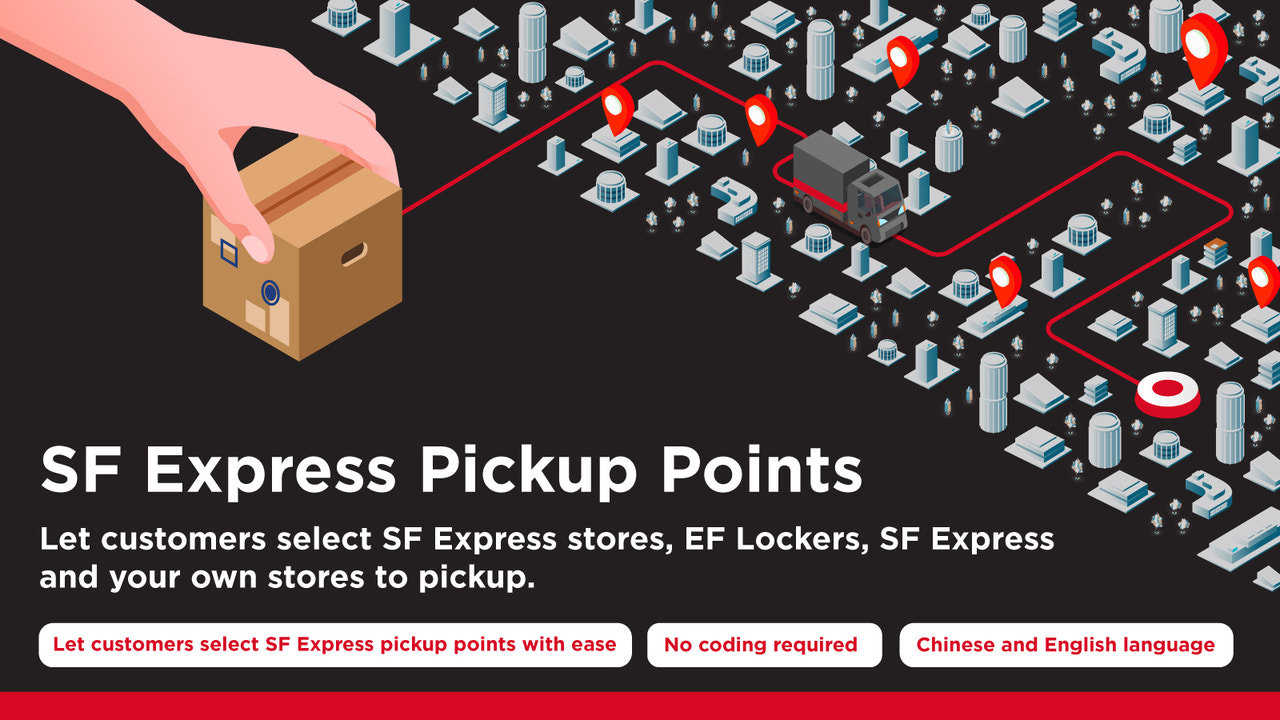
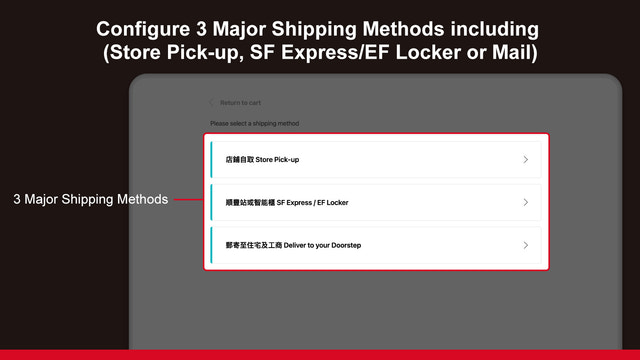
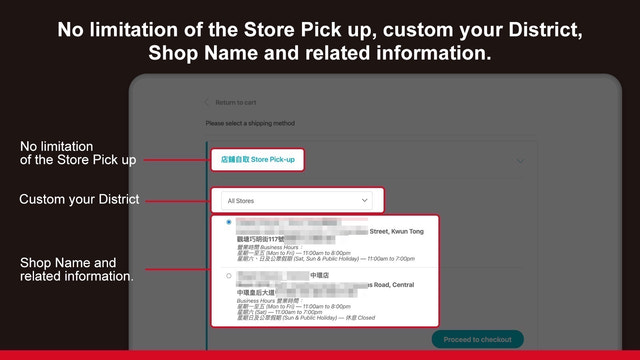
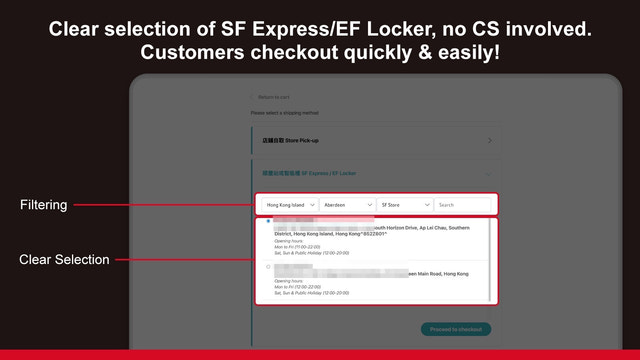
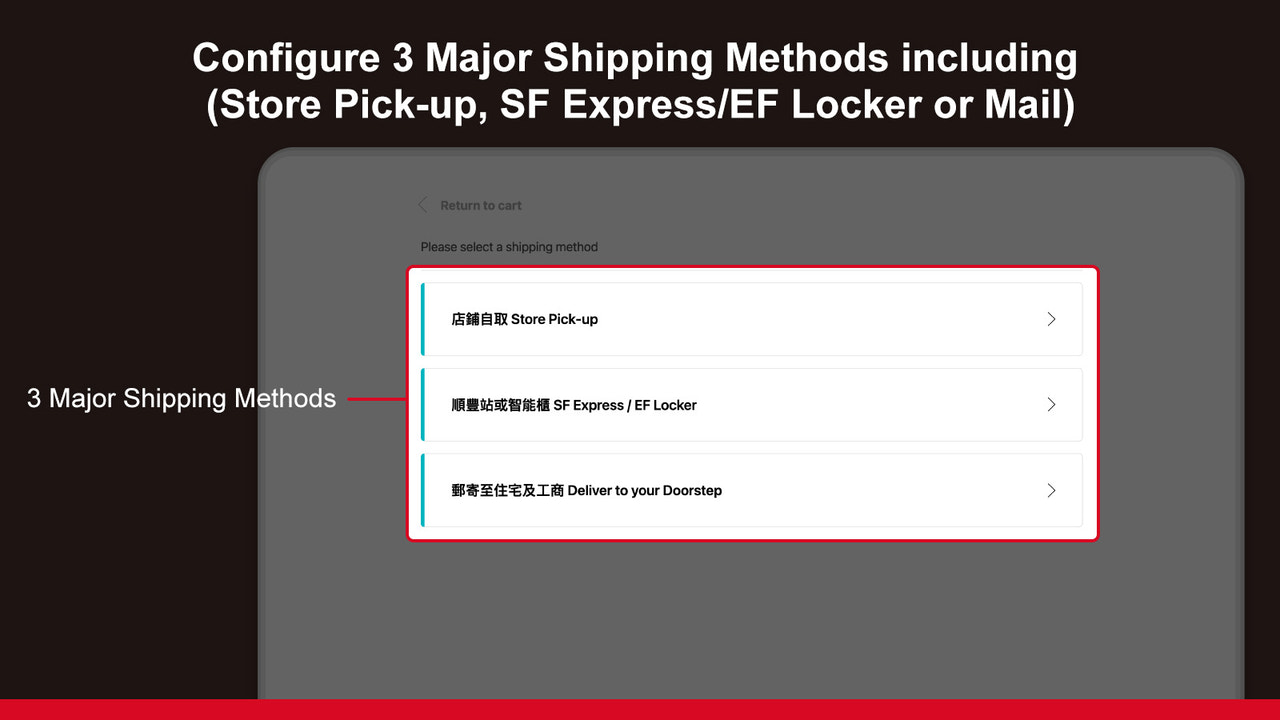
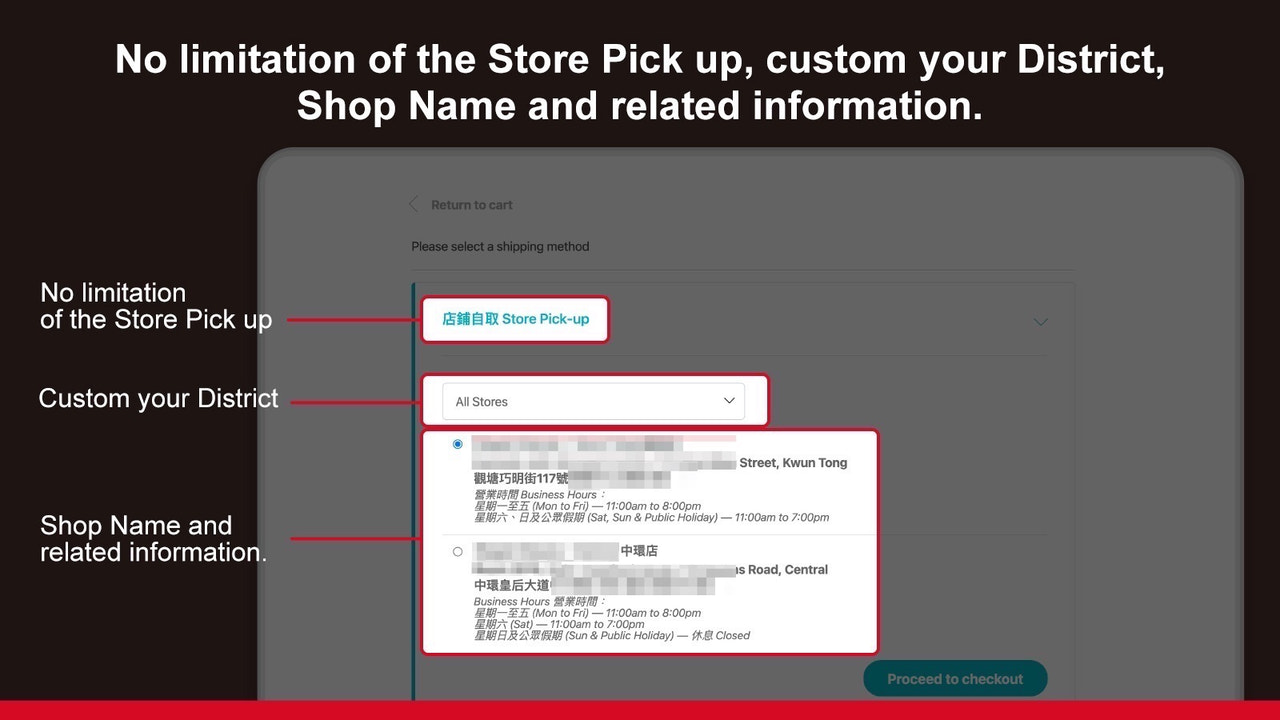
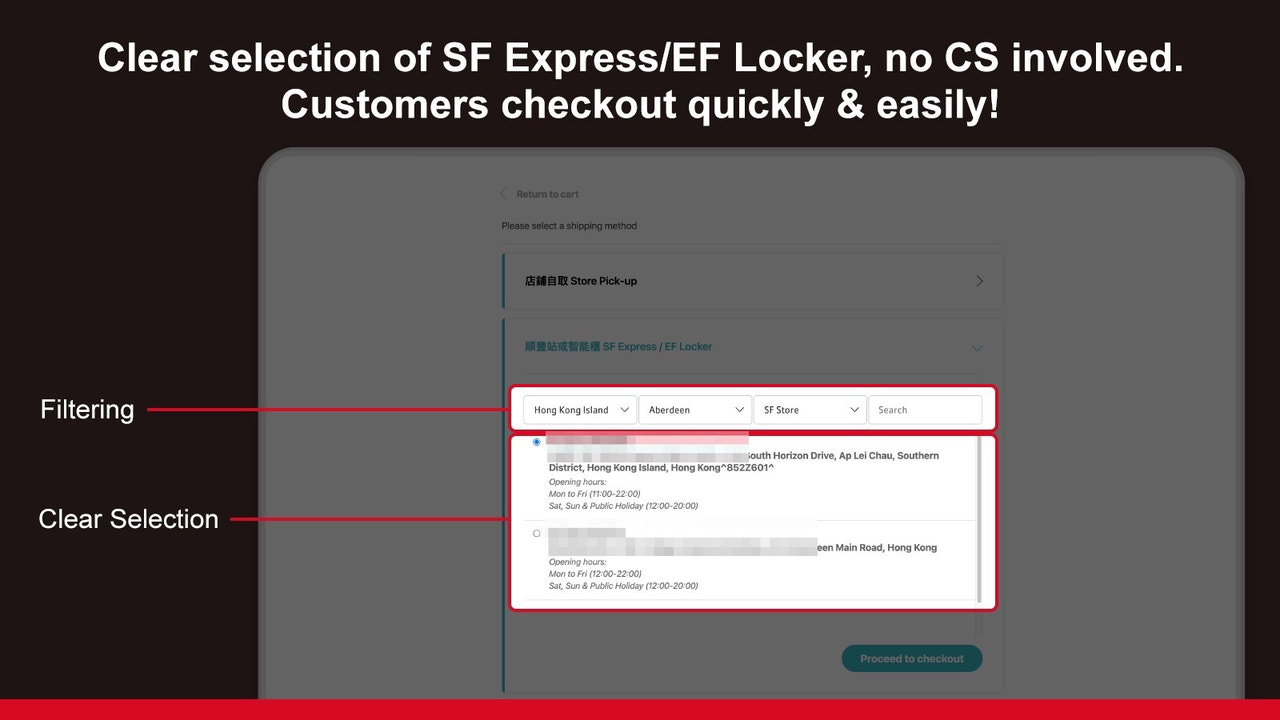
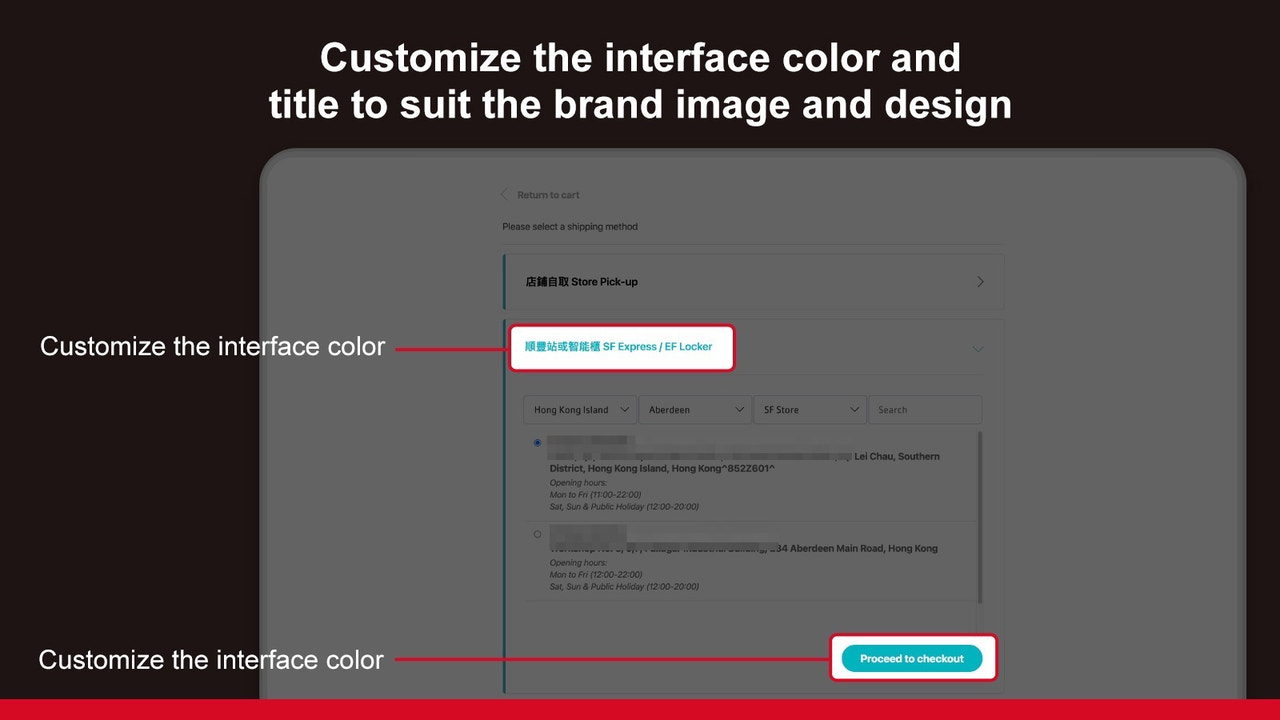

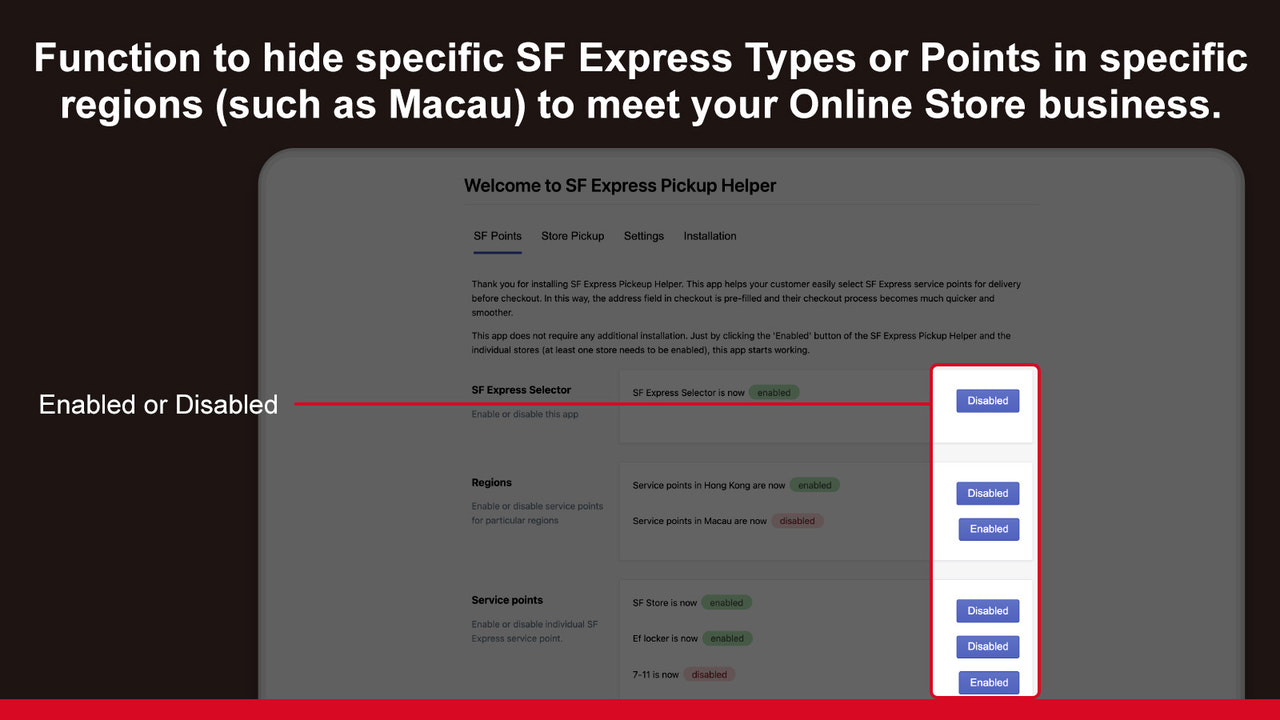
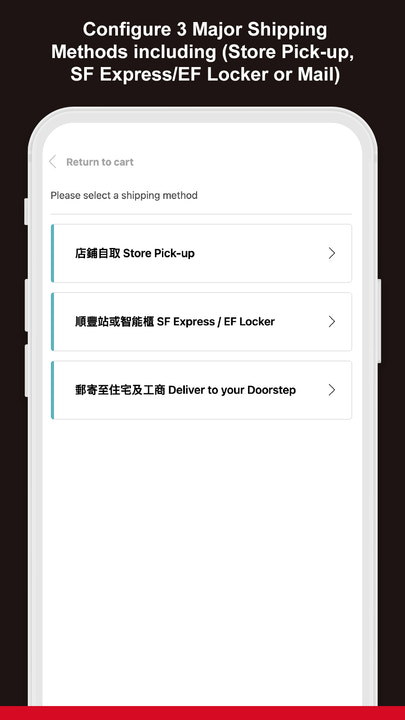

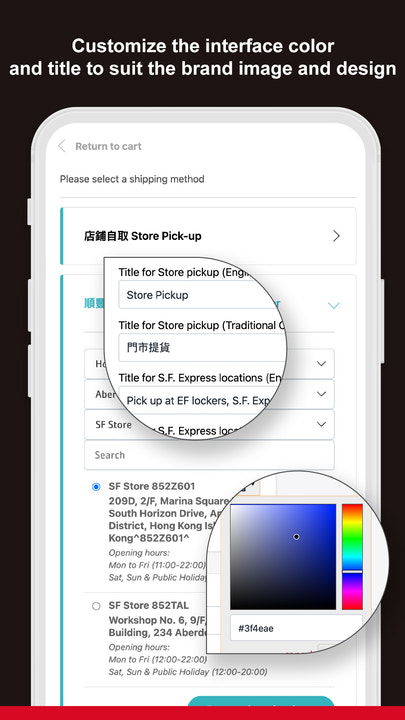
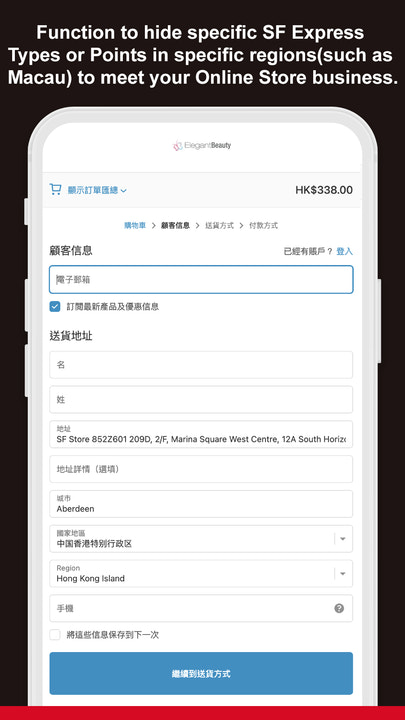

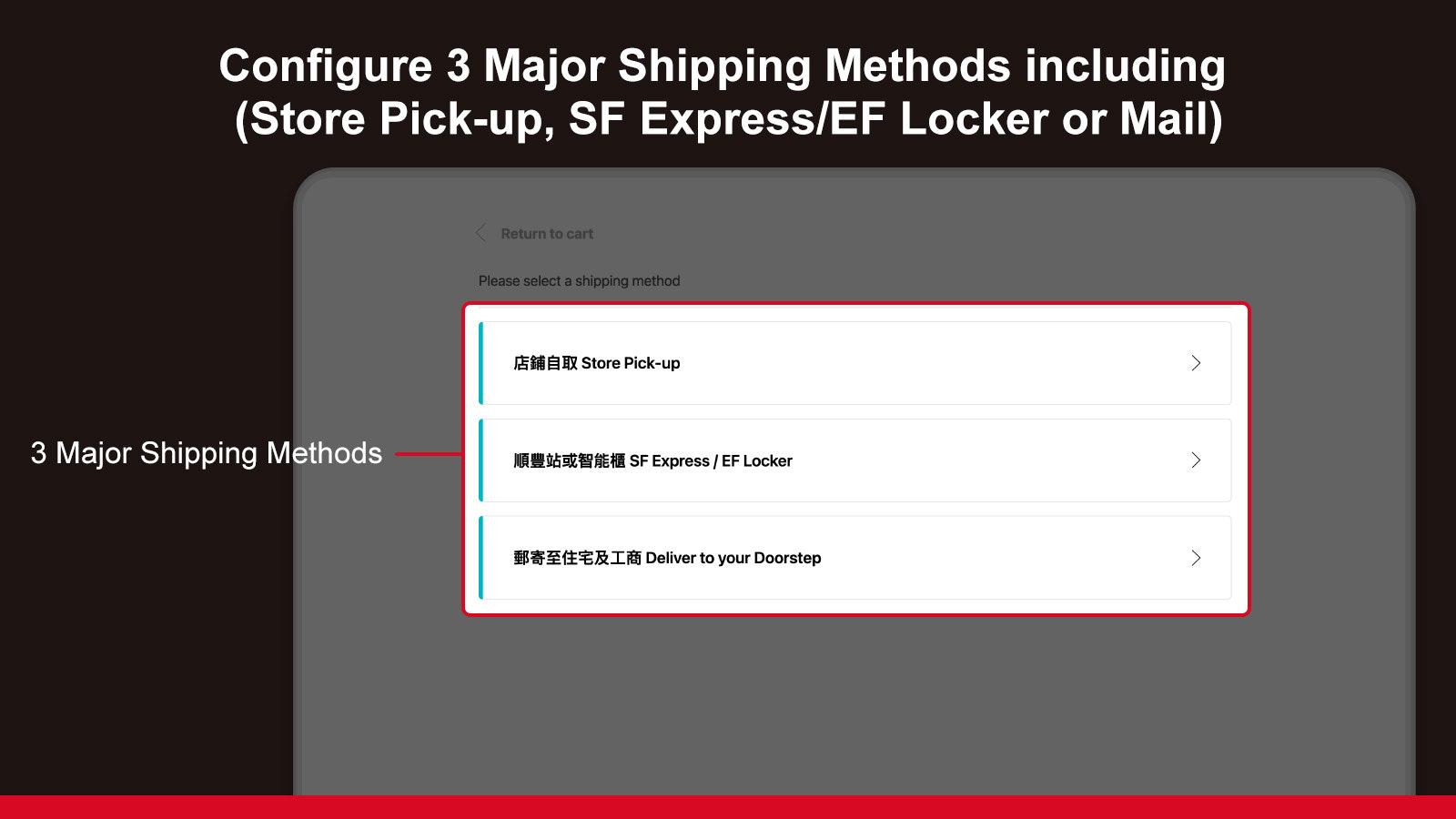
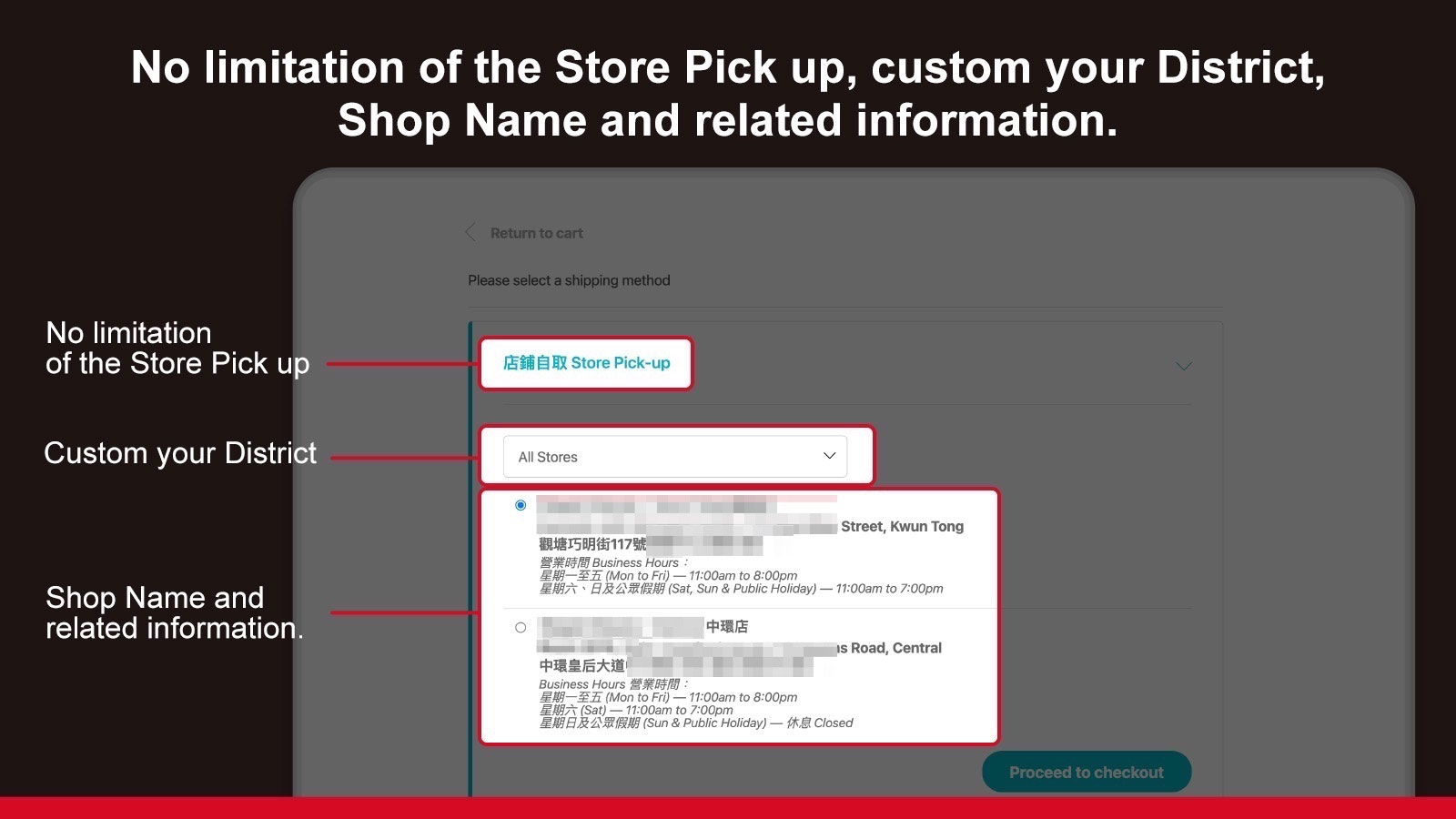

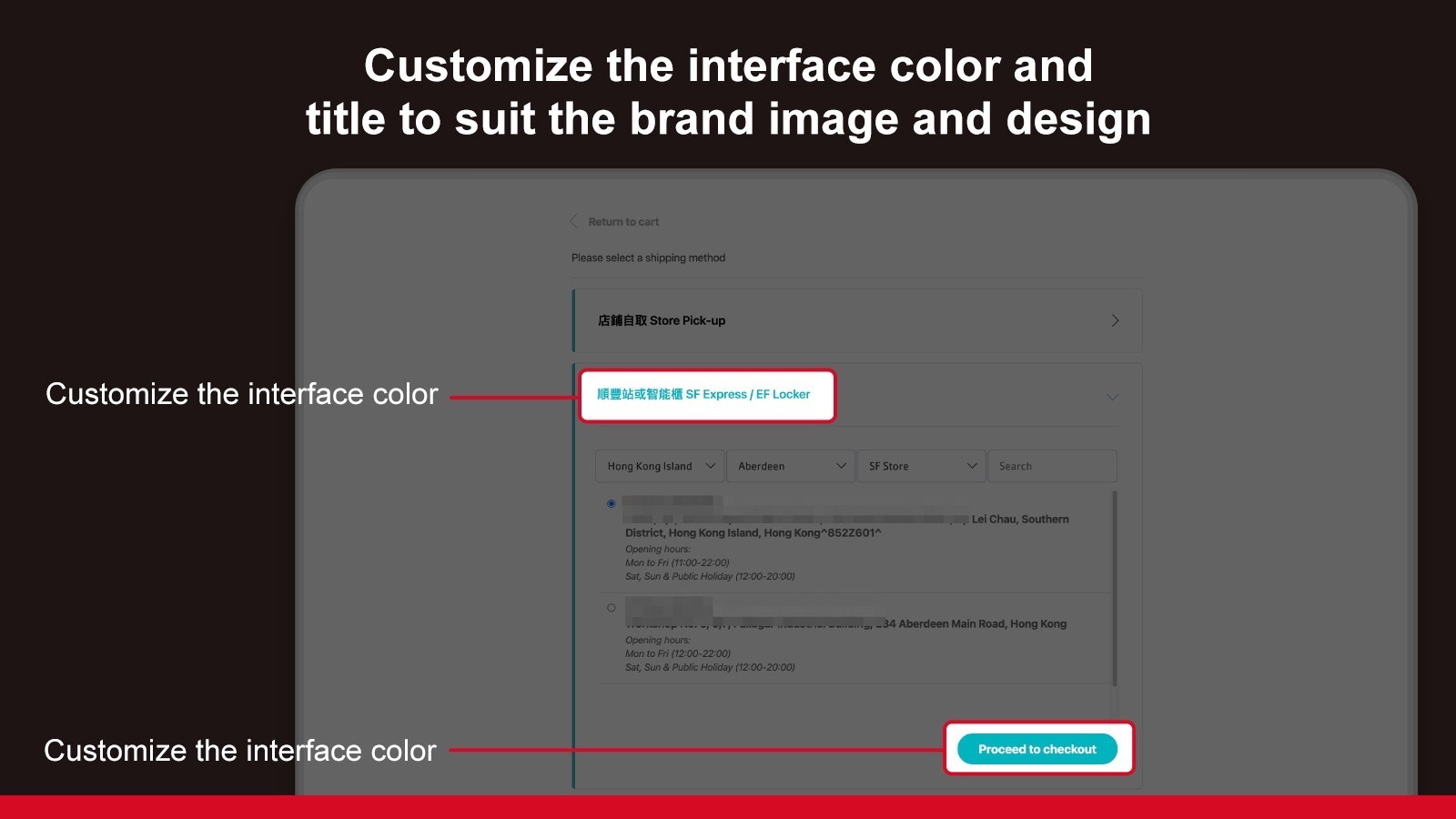
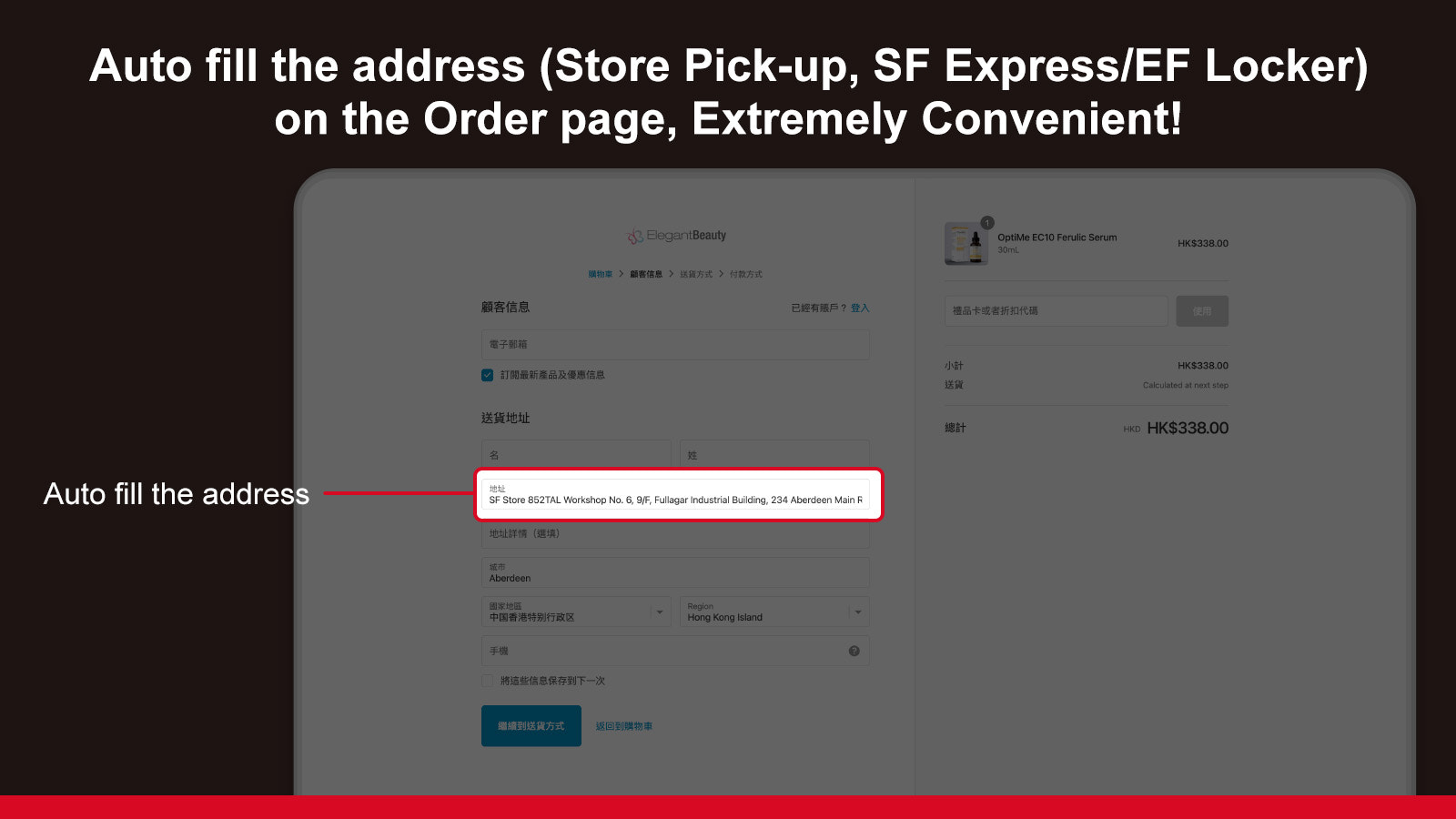

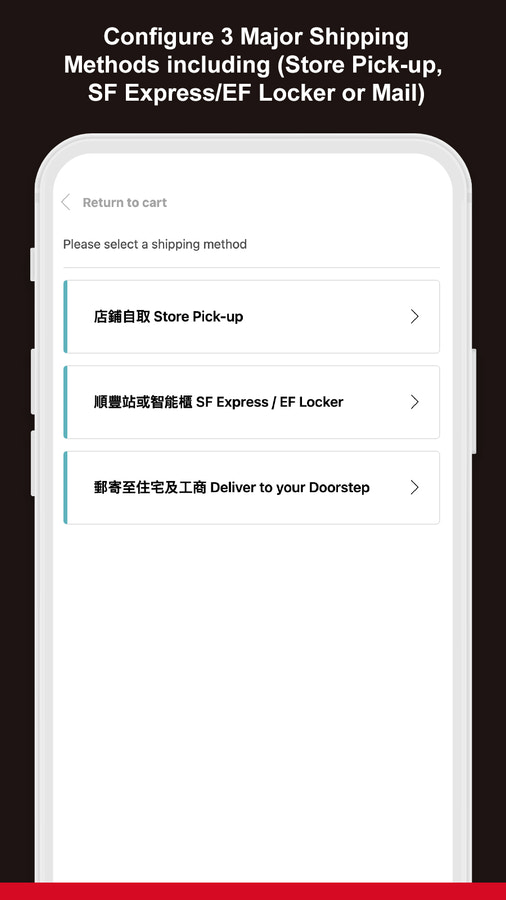


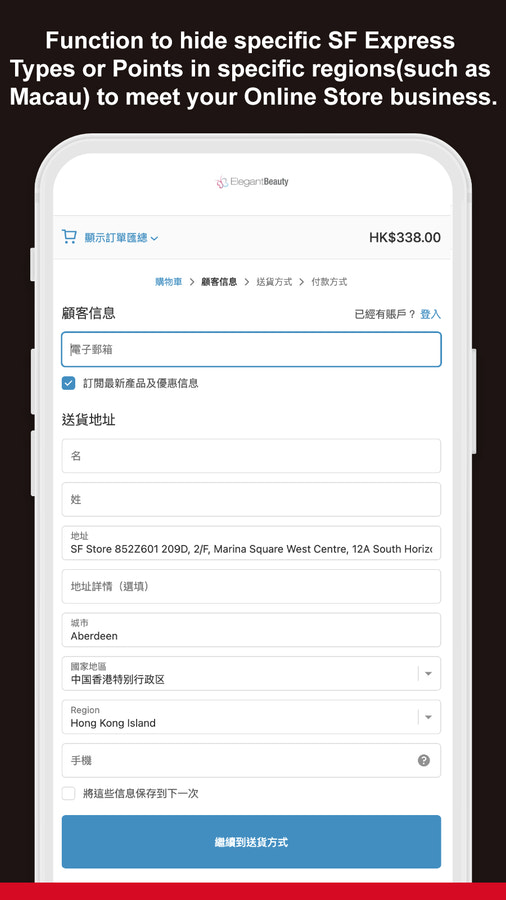
Let customers select SF (順豐) Store, Point, EF Locker & your stores to pickup
If you are looking for a better way to include SF Express delivery for your store, you are on the right page. With this app, your customers no longer need to remember the store code for their nearby SF stores or EF lockers. This application allows your customers to easily choose pick-up locations from SF store, EF locker, convenience stores and even your own stores. No more back and forth communication for your customer service team.
- Easy installation. No coding knowledge needed
- Let customers easily choose pick-up locations from SF store, EF locker, and more
- Let customers choose your own stores as pickup location
- Enable/Disable certain SF pickup locations according to your business needs
- Available in Chinese and English
언어
영어 및 중국어(번체)
이 앱은 한국어로 번역되지 않았습니다
범주
요금제
비즈니스에 가장 적합한 요금제를 선택하세요.
Basic Shopify
$9 /월
기능
- For merchants using Basic Shopify plan
- Let customers choose SF Express locations and your retail locations
- Support English and Chinese
30일 무료 체험
Shopify
$19 /월
기능
- For merchants using Shopify plan.
- Let customers choose SF Express locations and your retail locations
- Support English and Chine
30일 무료 체험
Advanced Shopify
$39 /월
기능
- For merchants using Advanced Shopify plan
- Let customers choose SF Express locations and your retail locations
- Support English and Chinese
30일 무료 체험
모든 비용은 USD(으)로 청구됩니다. 반복 요금 및 사용 기반 요금은 30일마다 청구됩니다.
리뷰 (8)
The app does not run very smooth but I appreciate the help from the developer.
This is a better solution compared to other SF pickup apps. First, it supports both Chinese and English, and the price is more economical. Second, although the page design is super simple, but we haven't encountered any errors when using this app (until now), which is good, since other app(s) often encounter system errors during the checkout process.
Updated: Looks like it is merely the issue of Shopify, so have revised the rating further. Hope to work with you in the future again when Shopify finally willing to resolve this issue.
----------------------------------------------------------------------------------
After choosing the SF locker, such information cannot be displayed in the shipping address unless you use a private browser. It is something the App / Shopify need to deal with. Many customer got misled and frustrated because of such issue.
Also, the customer will be required to choose 2 times the shipping method. First time right after clicking checkout button, second time right after confirming shipping address.
We would like to thank you for your attention and address the issues you were facing in our app.
After choosing the SF locker, such information cannot be displayed in the shipping address unless you use a private browser. It is something the App / Shopify need to deal with. Many customer got misled and frustrated because of such issue.
> We are really sorry for this. This issue is caused by a recent Shopify update about the checkout page which breaks our app. To solve this issue, when customers click '前往結帳', our app now copies the address of their chosen pickup location. So if the address is not filled in automatically, customers can still manually paste the address and continue their checkout process. We hope this can at least smooth the checkout process for your customers.
Also, the customer will be required to choose 2 times the shipping method. First time right after clicking checkout button, second time right after confirming shipping address.
> Yes, you are right. This is just how Shopify checkout works right now. If there is a better solution in future, we will definitely update our app to reduce the number of times customers need to choose.
Again, we would like to thank you for your time!
지원
앱 지원은 YSD HK LIMITED에서 제공합니다.
리소스
이 개발자는 한국어(으)로 직접 지원을 제공하지 않습니다.
개발자
출시됨
2020년 3월 26일
이 앱과 비슷한 더 많은 앱 보기


성능, 디자인, 통합 면에서 모두 최고 수준을 자랑합니다. 새 창에서 열기 자세히 알아보기

성능, 디자인, 통합 면에서 모두 최고 수준을 자랑합니다. 새 창에서 열기 자세히 알아보기

