


แกลเลอรีรูปภาพที่แสดง
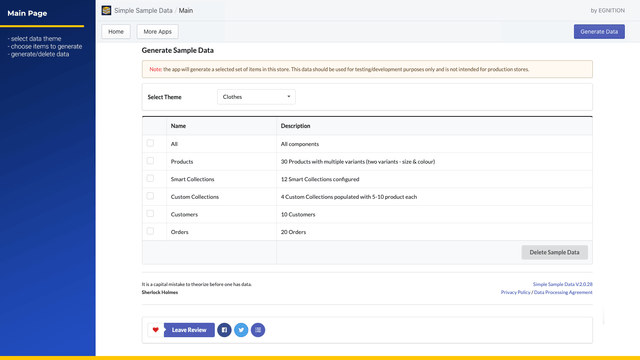
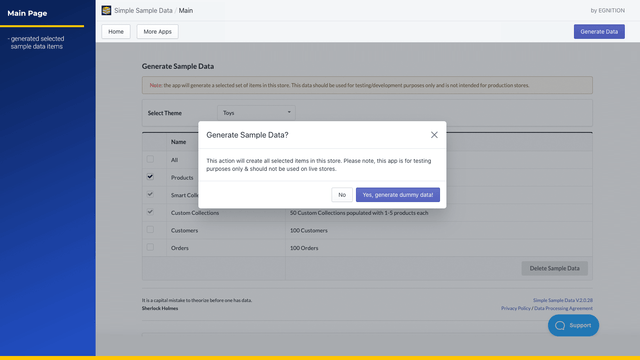
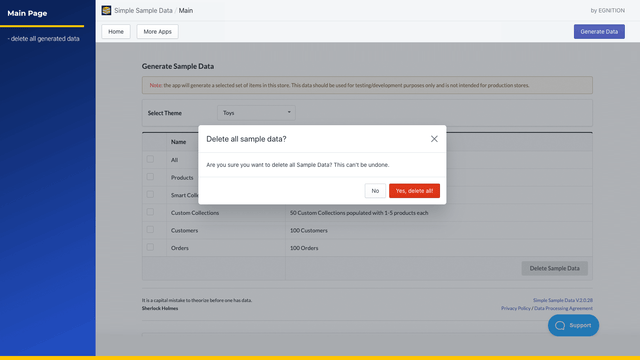
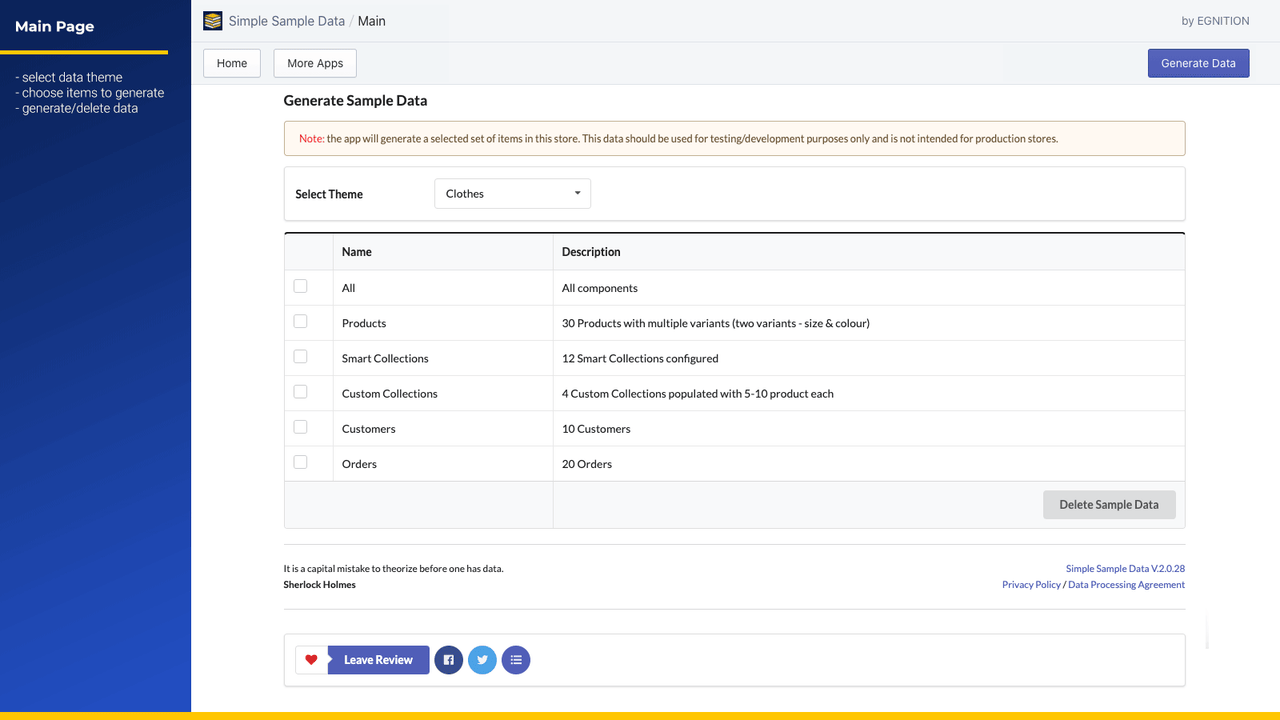

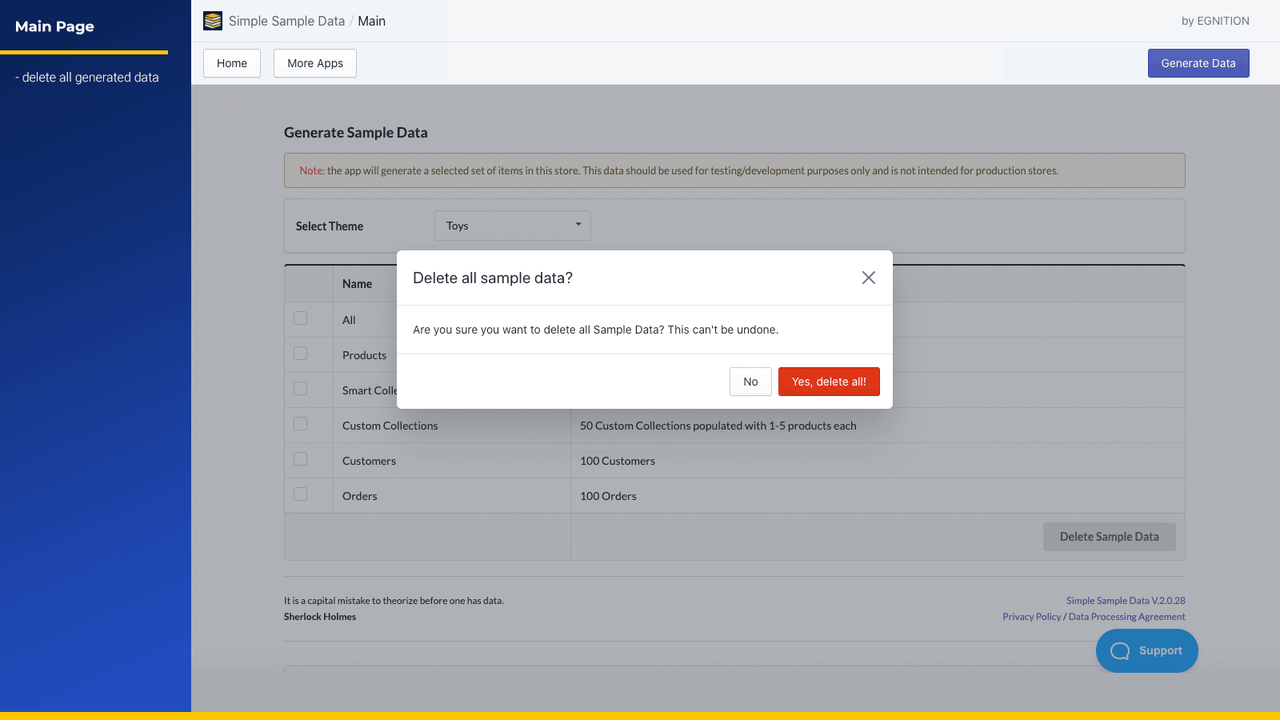
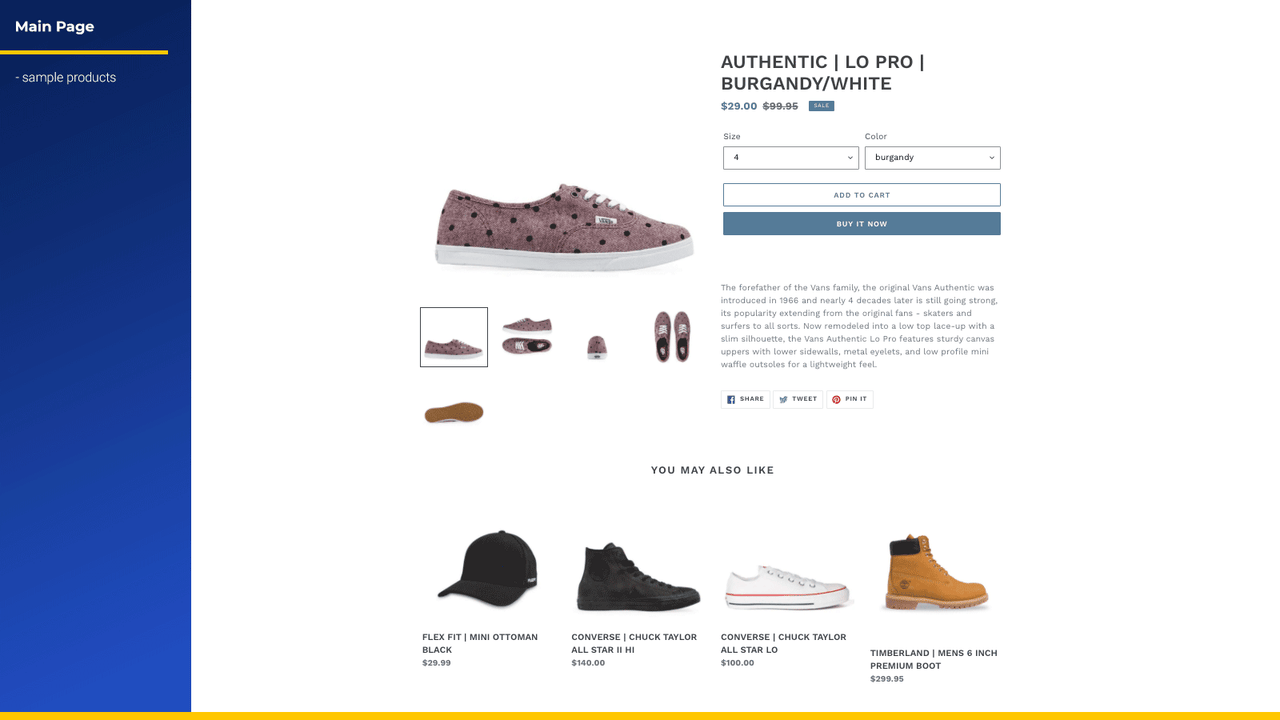
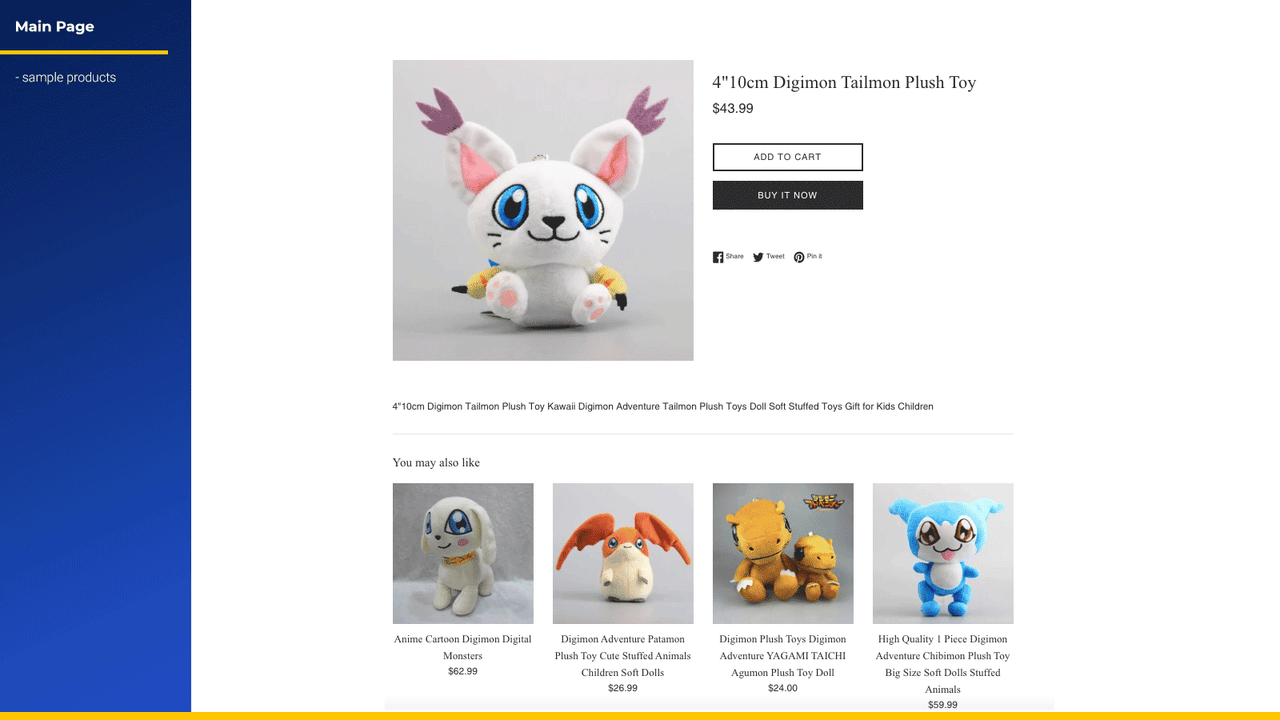
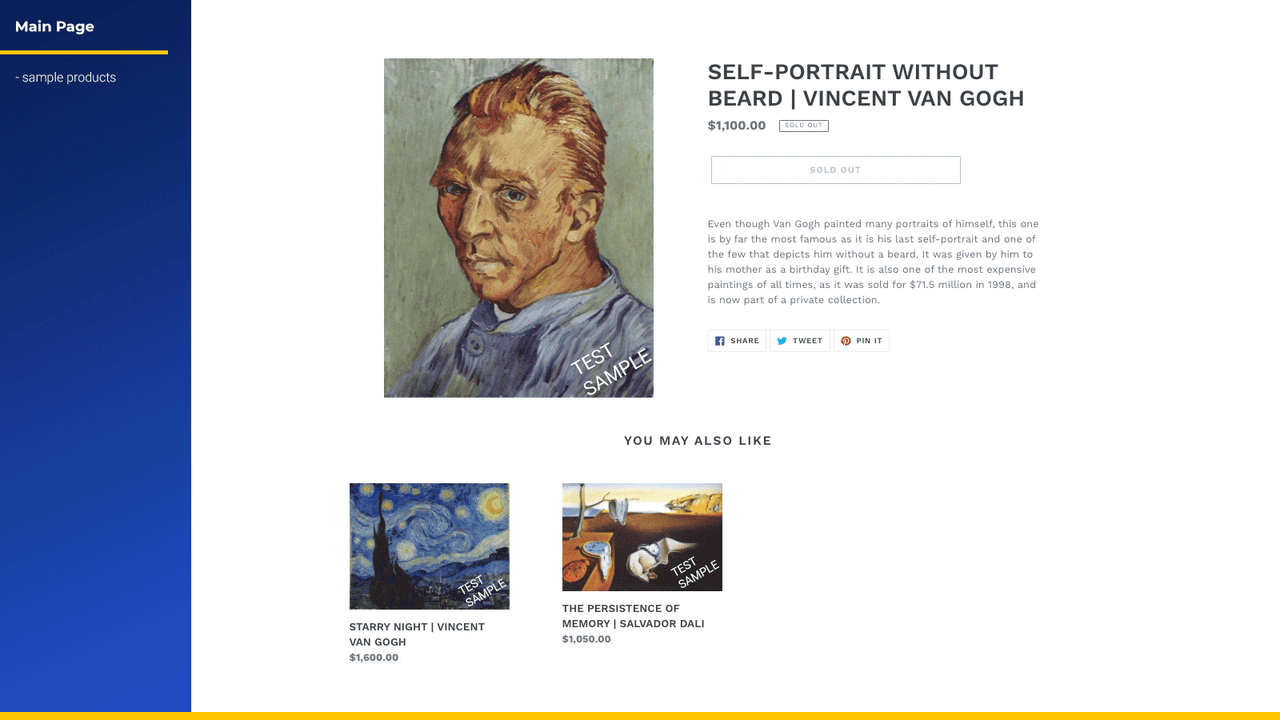
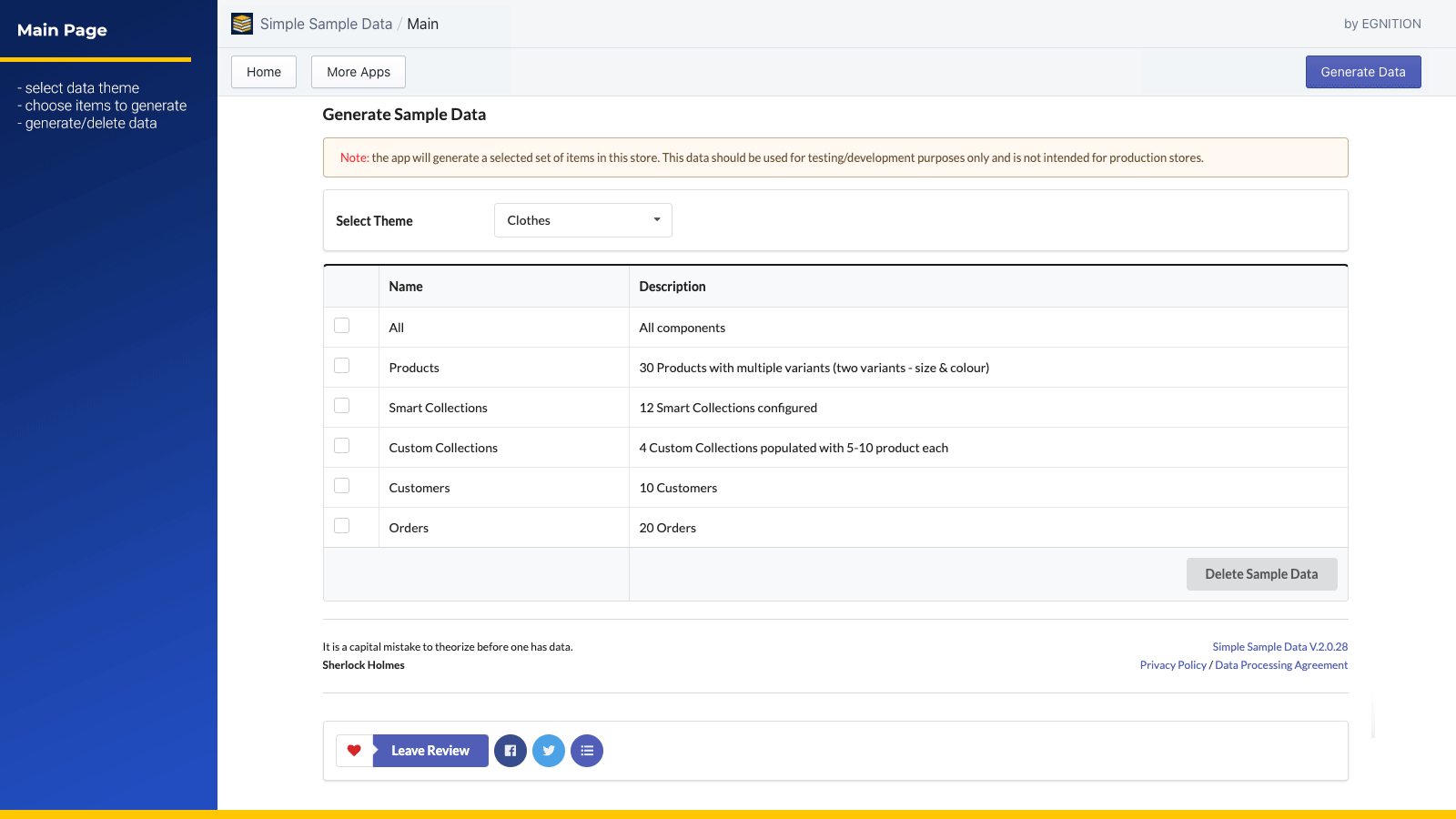
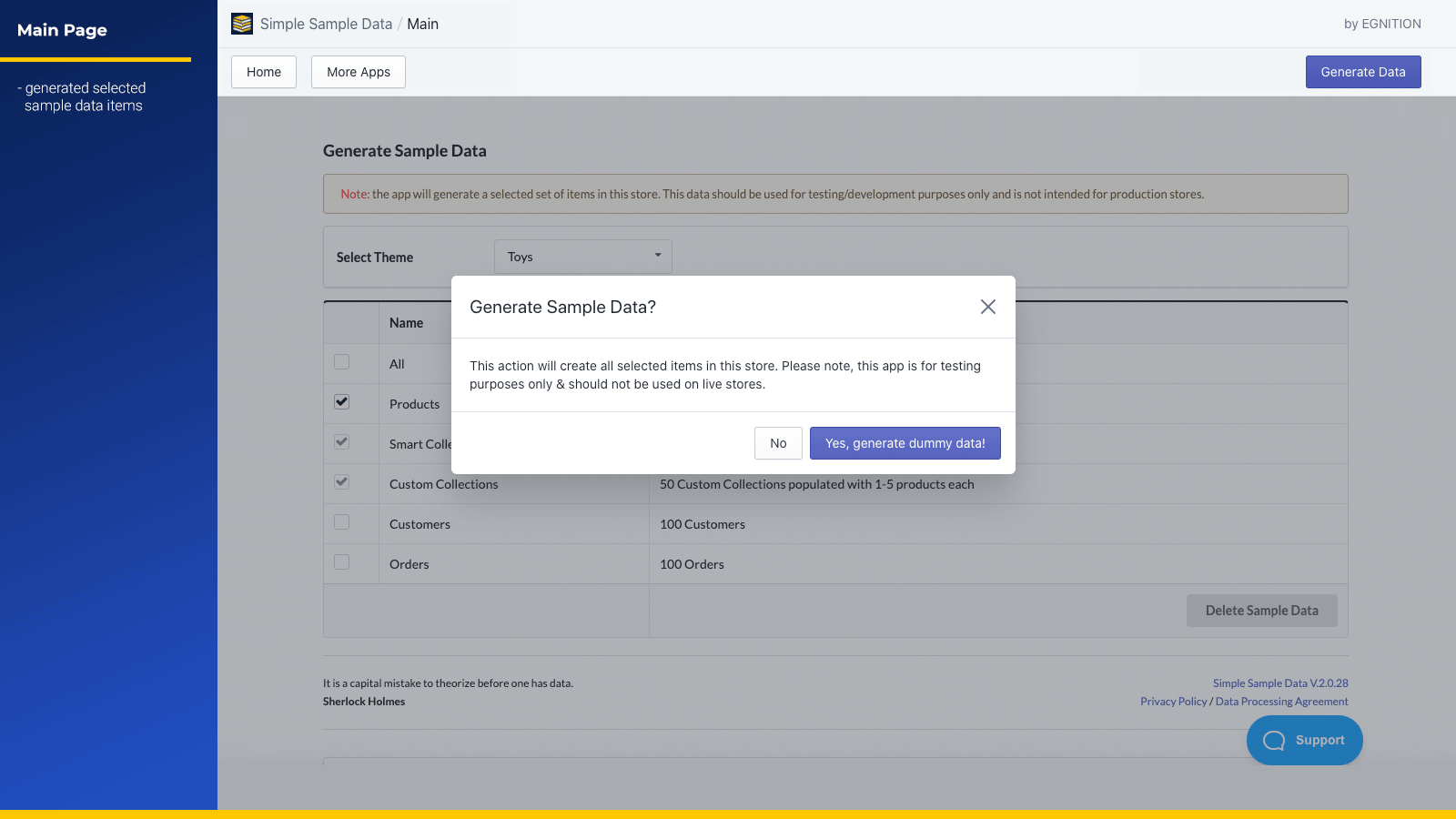
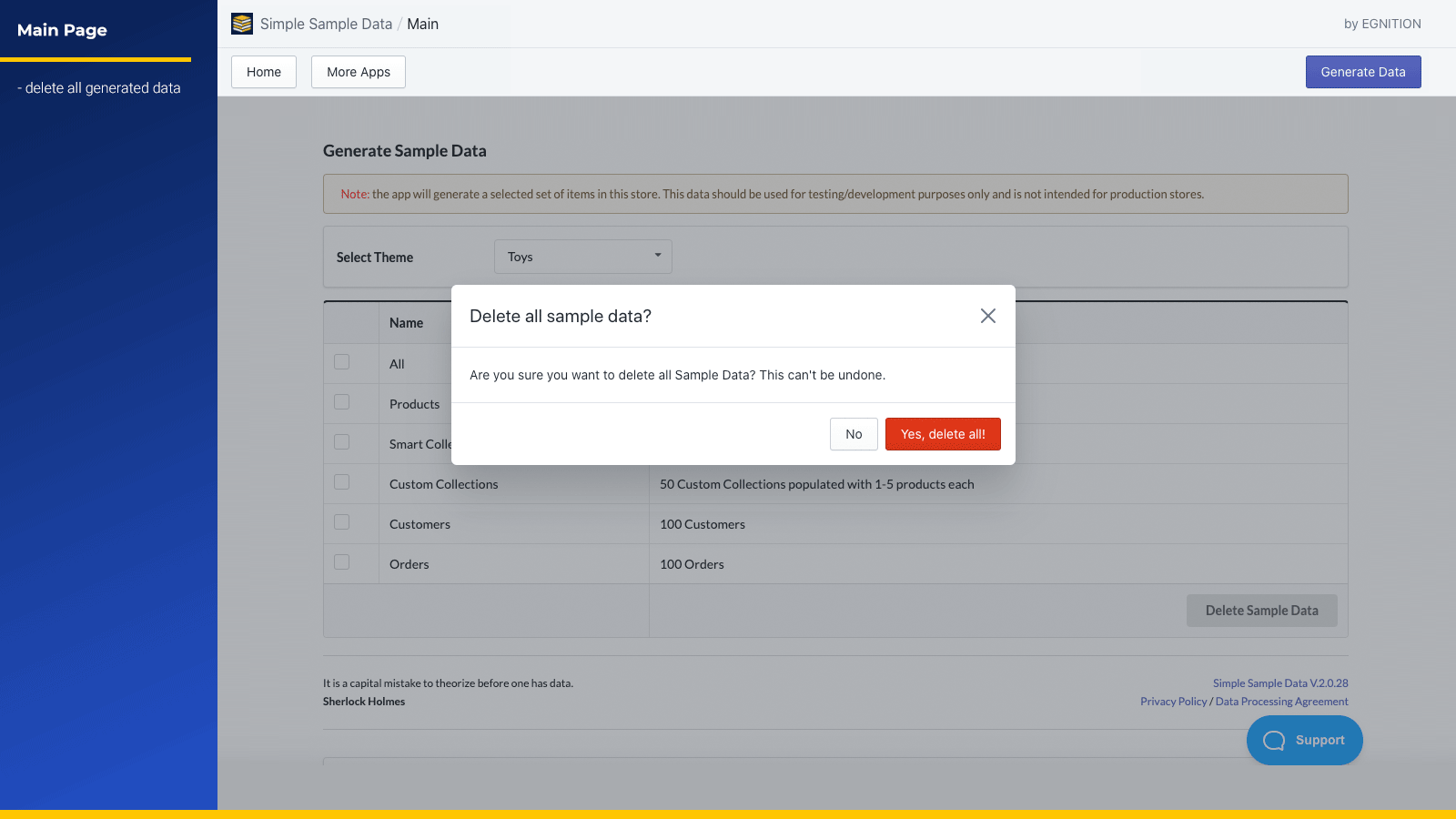
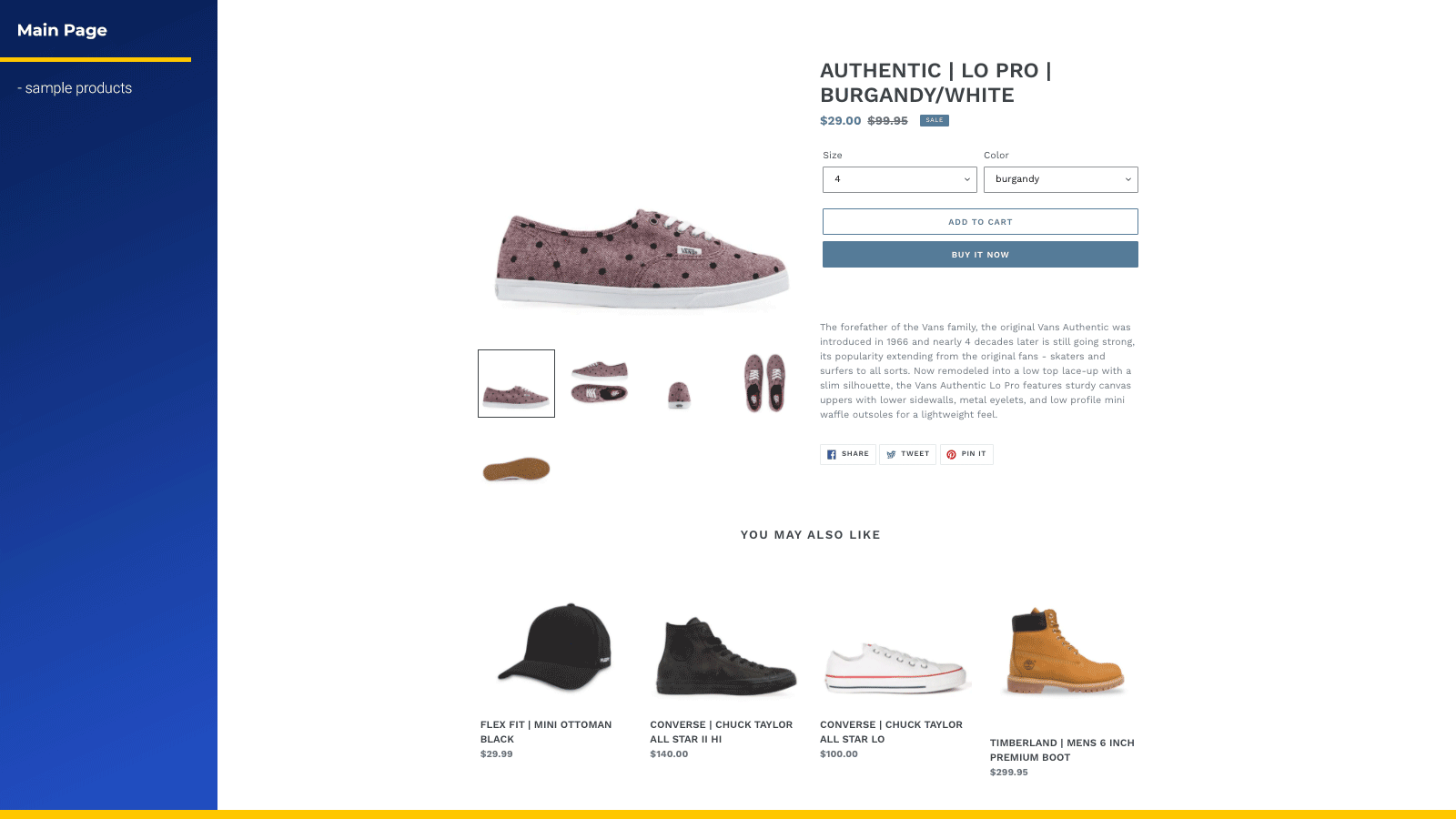
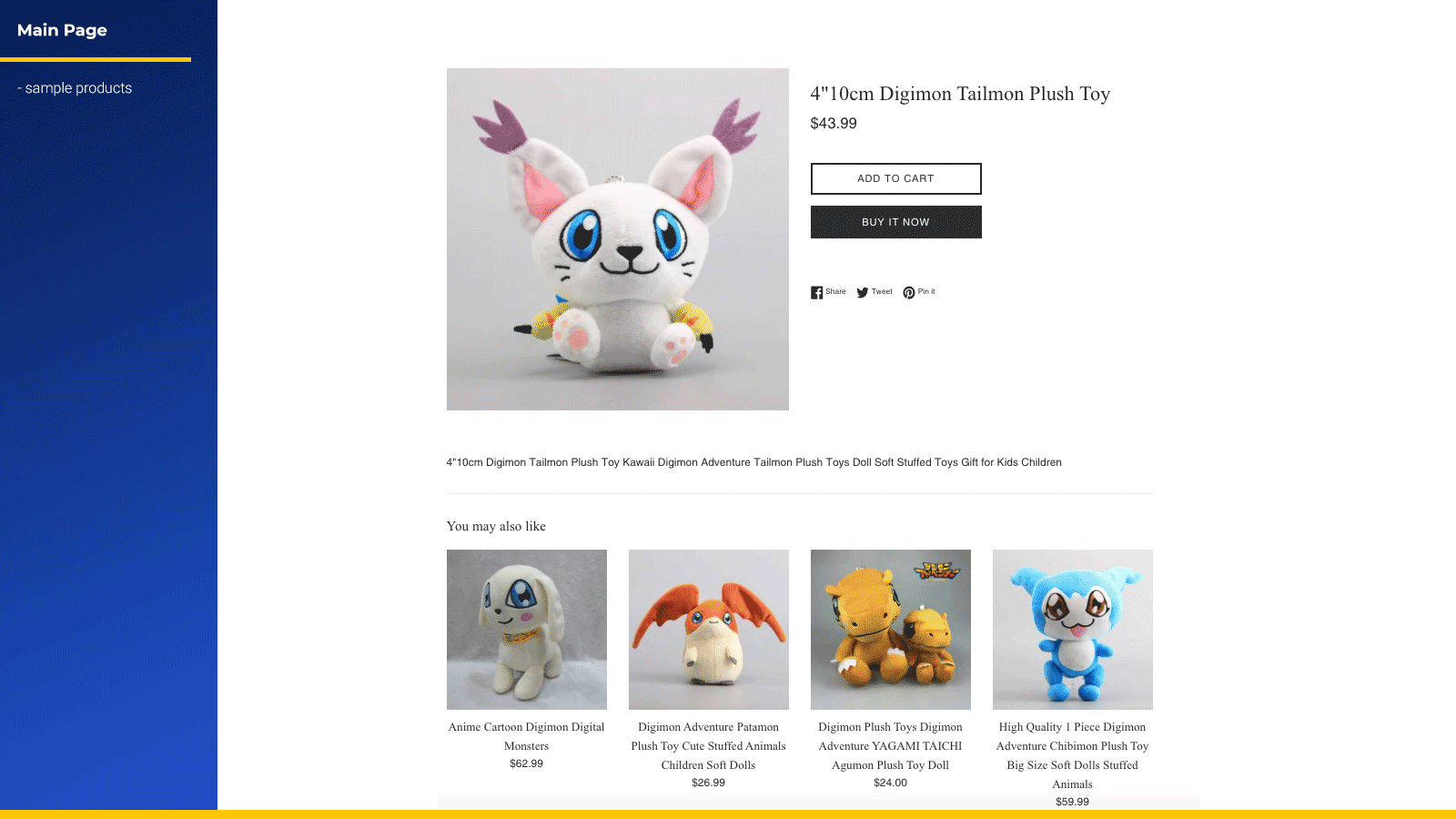
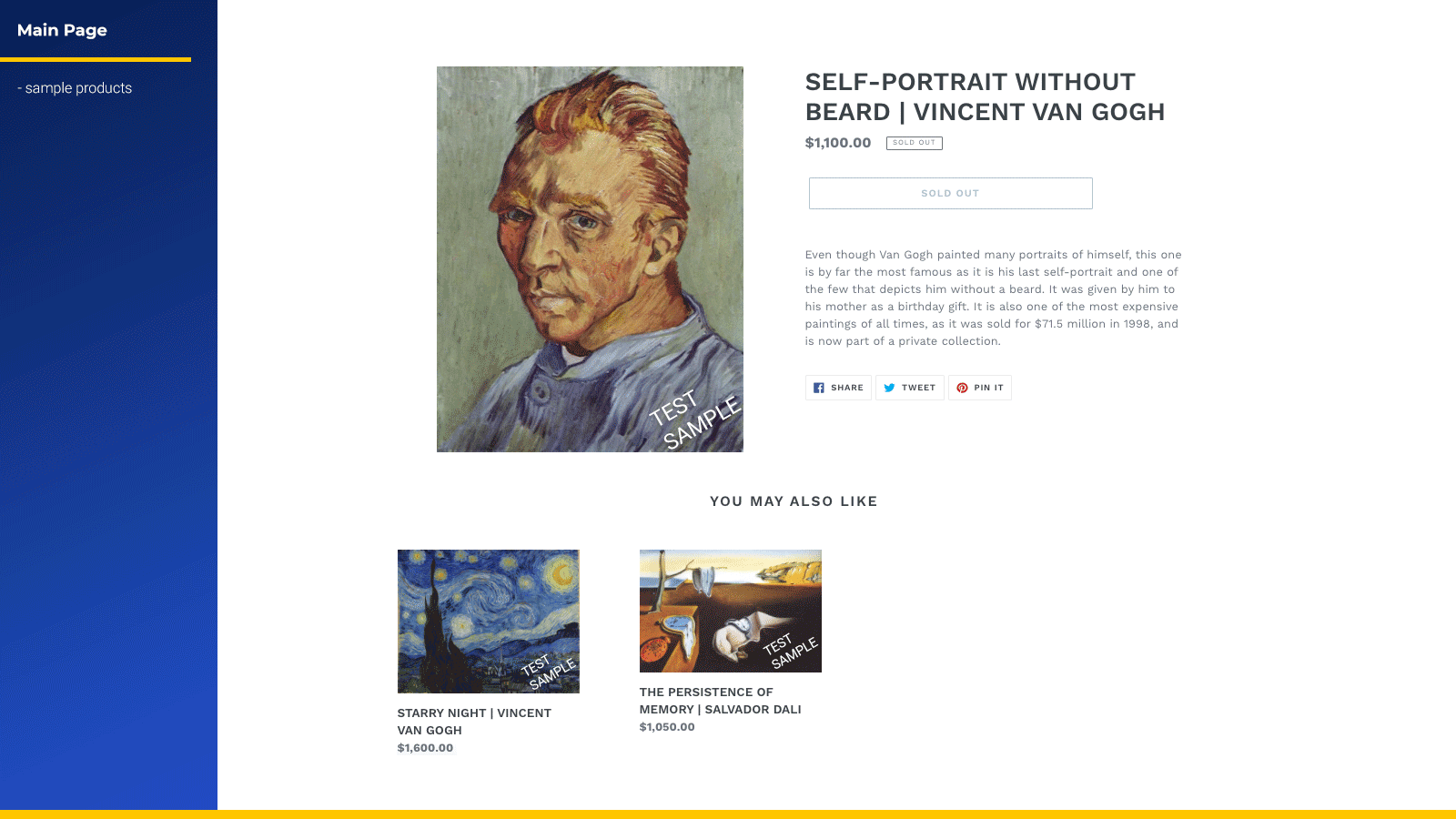
เพิ่มสินค้า คอลเลกชัน คำสั่งซื้อ และลูกค้าสำหรับทดสอบลงในร้านค้าเพื่อการพัฒนาของคุณได้อย่างง่ายดาย
สร้างข้อมูลทดสอบที่พร้อมสำหรับการพัฒนาให้ร้านค้าของคุณได้ในคลิกเดียว เลือกธีมสินค้าได้ 3 รูปแบบ ได้แก่ เสื้อผ้า/เครื่องประดับ (รองรับสินค้าที่มีหลายตัวเลือก เช่น ขนาดและสี) ภาพวาด (ตัวเลือกเดียว) และของเล่น (ตัวเลือกเดียว ปริมาณมาก) สร้างข้อมูลจำลองของร้านค้าได้อย่างครบถ้วน ทั้งสินค้า คอลเลกชันอัจฉริยะ คอลเลกชันแบบกำหนดเอง ลูกค้า และคำสั่งซื้อ ทุกรายการจะมีการติดแท็กอย่างชัดเจนและลบได้อย่างปลอดภัย รวมถึงลบข้อมูลทดสอบ Shopify ได้อย่างง่ายดายจากภายในแอป
- สร้างข้อมูลตัวอย่างสำหรับร้านค้าเพื่อการพัฒนาของคุณได้อย่างง่ายดาย
- เลือกชุดข้อมูลตัวอย่างที่แตกต่างกัน 3 ชุดเพื่อเพิ่มลงในร้านค้าของคุณ
- สร้างลูกค้าและคำสั่งซื้อเพื่อทดสอบเส้นทางและโฟลว์ของผู้ใช้
- Simple Sample Data ทำงานได้ดีบนร้านค้าเพื่อการพัฒนา
- ลบข้อมูลทดสอบได้ในคลิกเดียวเมื่อคุณใช้งานเสร็จแล้ว
มีข้อความที่แปลอัตโนมัติ
ภาษา
ภาษาอังกฤษ
แอปนี้ไม่ได้แปลเป็นภาษาไทย
ใช้ได้กับ
- ส่วนผู้ดูแล Shopify
ประเภท
ซิงค์ข้อมูล
การย้ายข้อมูลร้านค้า
การกำหนดราคา
เลือกแผนที่เหมาะกับธุรกิจของคุณที่สุด
ฟรี
ติดตั้งฟรี
ชำระเงินครั้งเดียวในราคา $0.99 สำหรับร้านค้าที่ไม่ใช่ร้านค้าเพื่อการพัฒนา
มีข้อความที่แปลอัตโนมัติ
ค่าบริการทั้งหมดจะเรียกเก็บเป็น USD ดูตัวเลือกการกำหนดราคาทั้งหมด
รีวิว (4)
- 100% ของการให้คะแนนคือ 5 ดาว
-
0% ของการให้คะแนนคือ 4 ดาว
-
0% ของการให้คะแนนคือ 3 ดาว
-
0% ของการให้คะแนนคือ 2 ดาว
-
0% ของการให้คะแนนคือ 1 ดาว
Great app, highly recommendend! I used this in the beginning to check the structure of the products, so I knew how to upload my real ones.
Super helpful.
Products, categories, orders, customers in various quantities with examples of clothes, paintings, toys.
Helped me set up my shop.
Thank you - highly recommended
very good tool for dev/test
ความช่วยเหลือ
ให้ความช่วยเหลือสำหรับแอปโดย EGNITION
แหล่งข้อมูล
ผู้พัฒนารายนี้ไม่มีการช่วยเหลือโดยตรงเป็นภาษาภาษาไทย
เปิดตัวแล้ว
26 มิถุนายน 2017
พบกับแอปที่น่าสนใจ


ตรงตามมาตรฐานสูงสุดของเราในด้านประสิทธิภาพ การออกแบบ และการผสานการทำงาน ดูข้อมูลเพิ่มเติมเกี่ยวกับ เปิดในหน้าต่างใหม่


ตรงตามมาตรฐานสูงสุดของเราในด้านประสิทธิภาพ การออกแบบ และการผสานการทำงาน ดูข้อมูลเพิ่มเติมเกี่ยวกับ เปิดในหน้าต่างใหม่

