


主要圖片圖庫
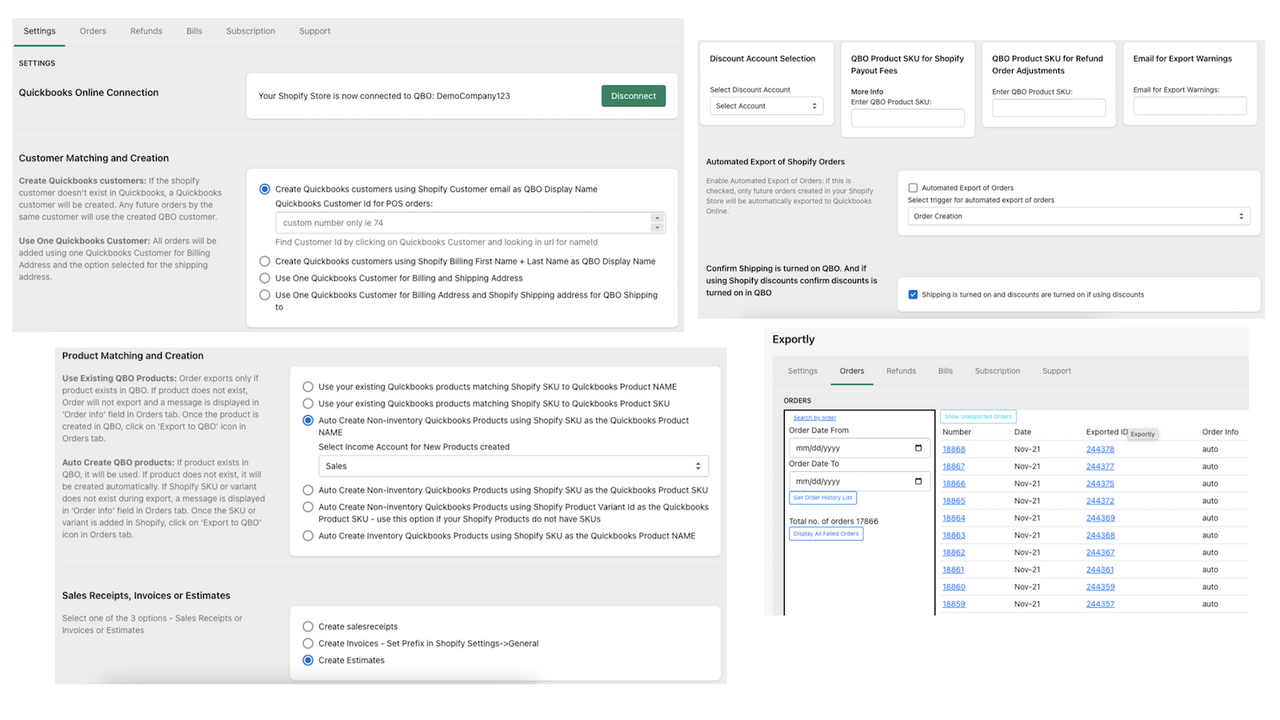
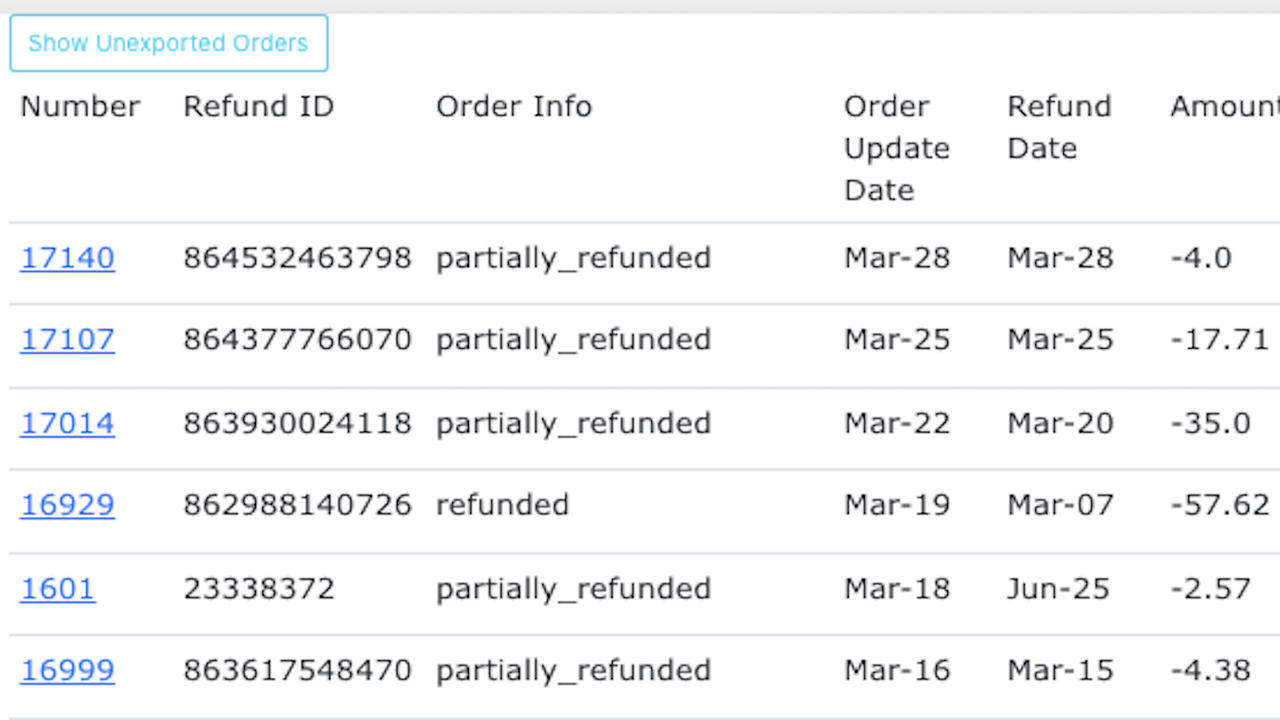
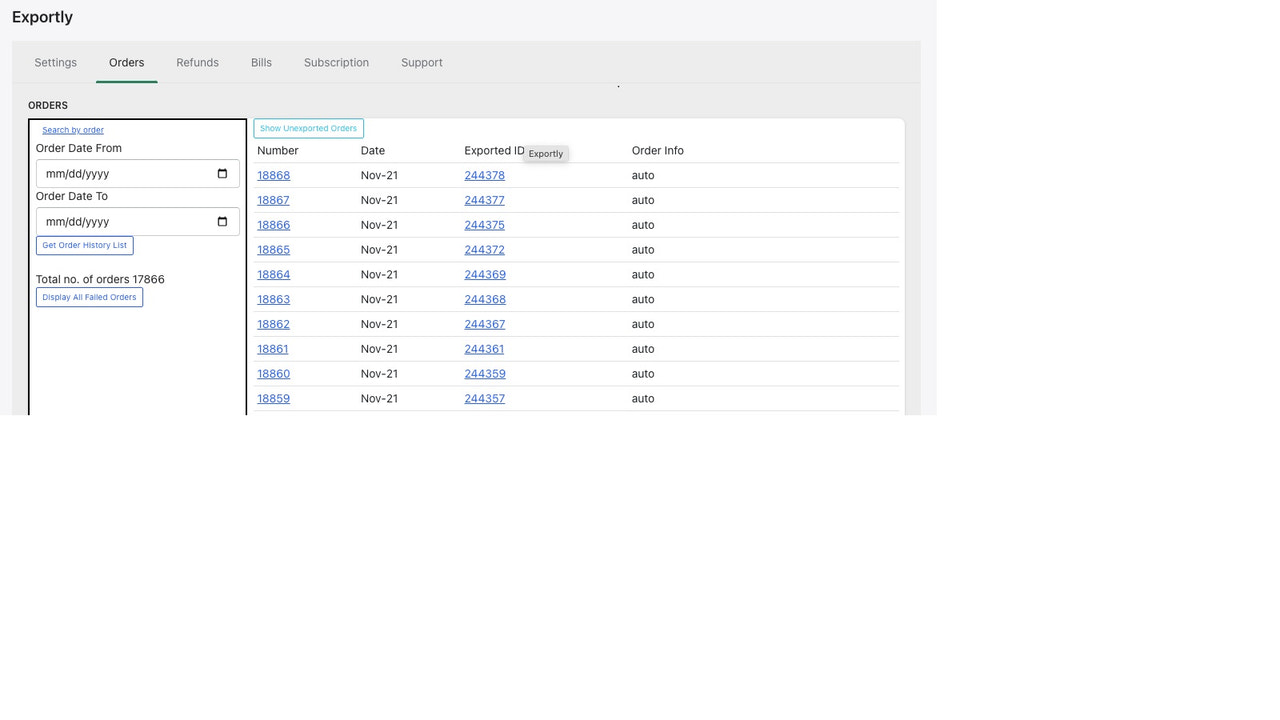
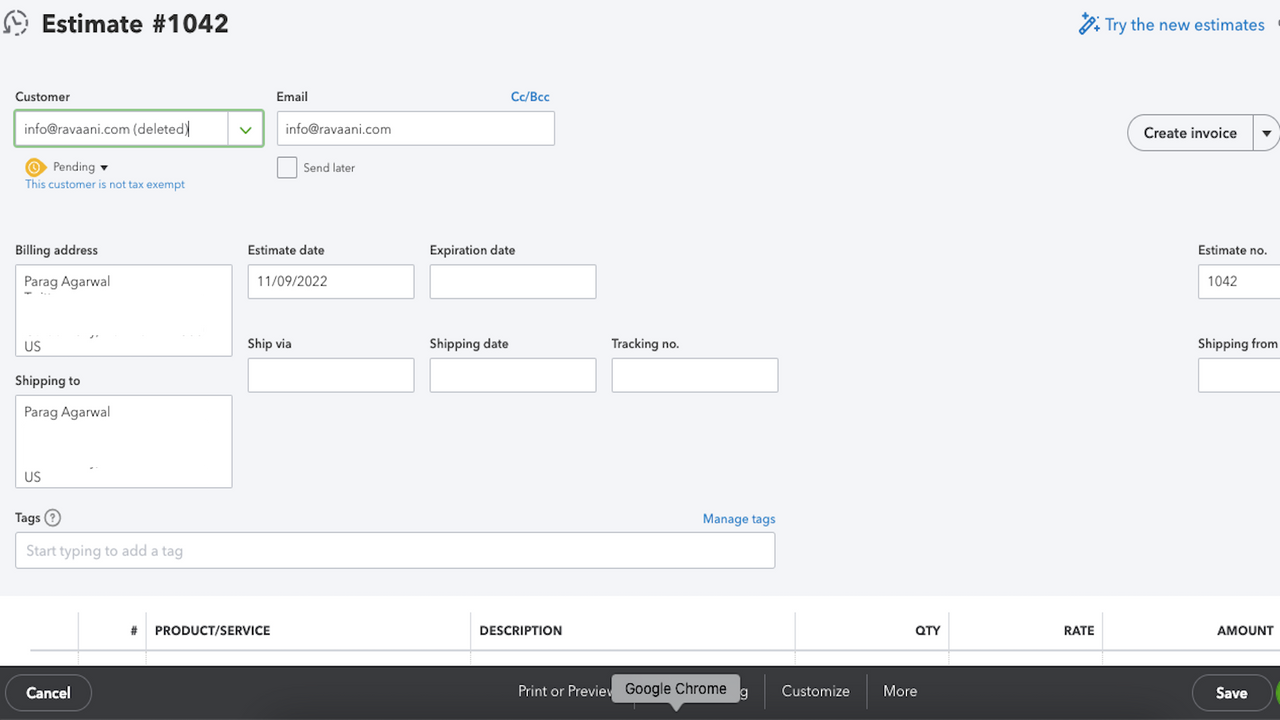
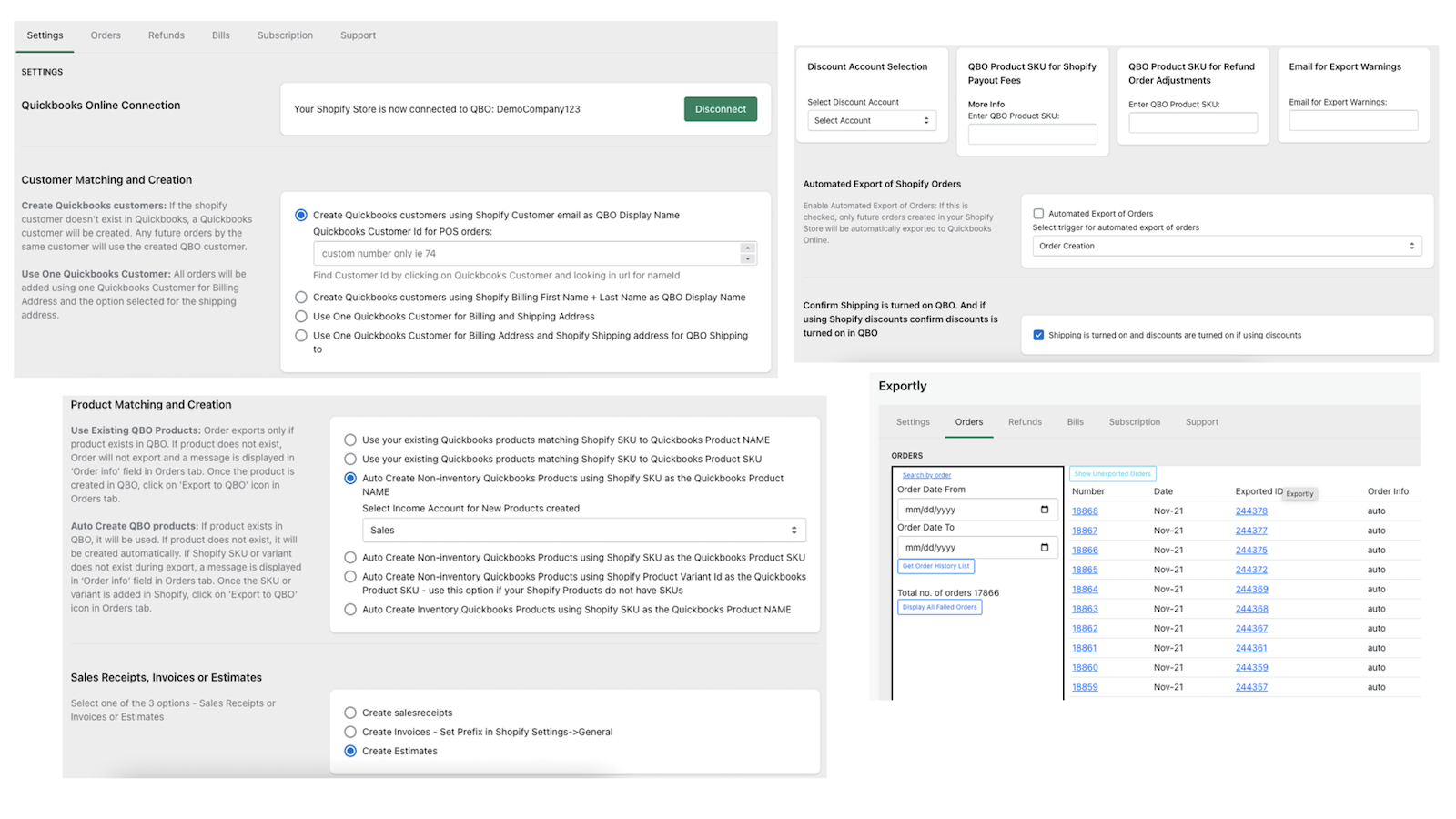

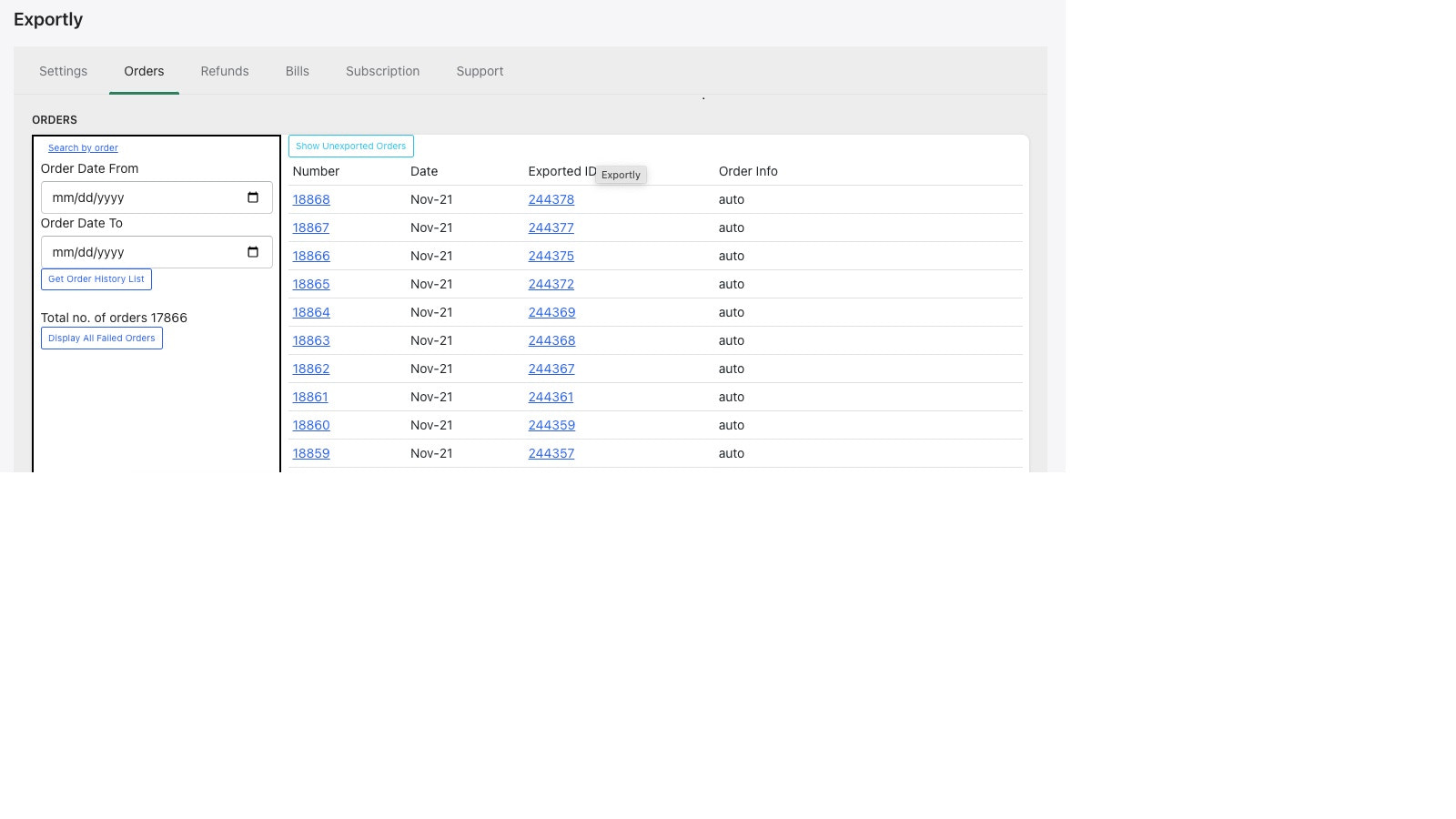
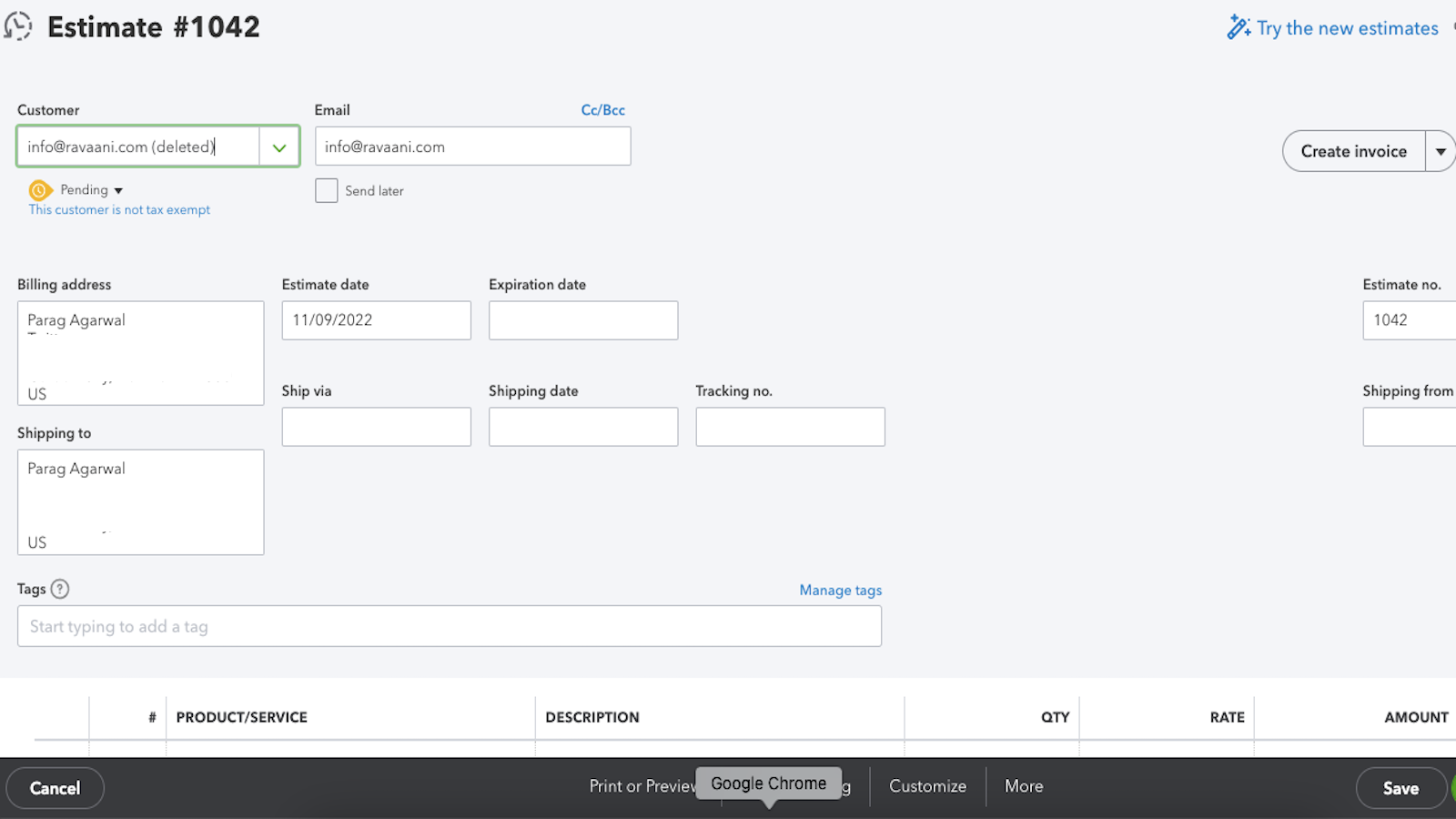
Exportly creates QBO Estimates/Sales receipts/Invoices/Bills OR Xero Invoices instantaneously
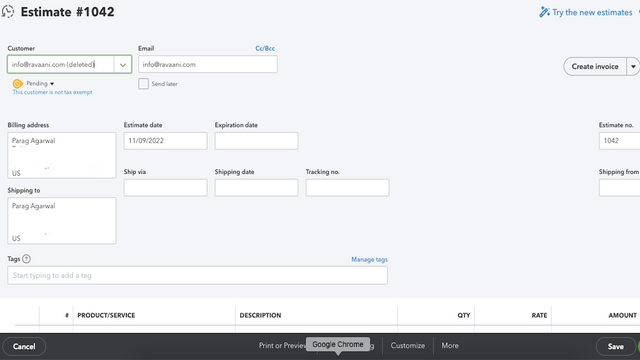
No more manual keying of Orders, Refunds and Bills in QBO or Xero! Shopify Orders are instantaneously exported into QBO or Xero. Bills are exported in less than 2 hours. Say goodbye to errors with auto creation of products and customers. Exportly's smart logic ensures Discounts, Shopify Payouts and Taxes are accounted correctly in your books. B2B Customers, QBO Estimate feature is now live! All queries answered in less than 24 hours!
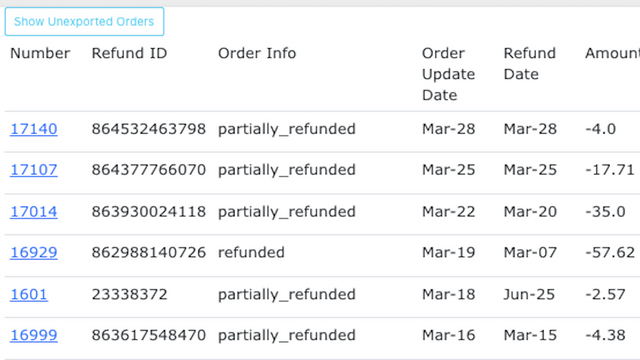
- Create QBO Estimate/Sales Receipt/Refund Receipt/Invoice/Bill OR Xero Invoice
- Control how QBO/Xero Customers and Products are used/created
- Support for product bundles in QuickBooks
- Create (manually or automatically) when order is Created, Paid OR Fulfilled
- Support for Discounts, Shopify Payouts, Bundles, Taxes and more
語言
英文
這項應用程式尚未翻譯成繁體中文
可與以下項目搭配使用
- QBO
- Quickbooks Online
- Xero
類別
定價
選擇最適合您業務的方案。
Standard
$13.99 /月
$0.05 for additional orders over 500 orders. $0.12 for additional bills over 10 bills
功能
- 500 Orders per month
- 10 bills per month
7 天免費試用
Premium
$23.99 /月
$0.02 for additional orders over 1000 orders. $0.05 for additional bills over 100 bills
功能
- 1000 Orders per month
- 100 Bills per month
7 天免費試用
Platinum
$39.99 /月
0.01 for additional orders over 10,000 orders. $0.02 for additional bills over 500 bills
功能
- 10,000 Orders per month
- 500 Bills per month
7 天免費試用
所有費用均以 USD 計價。 定期費用和依使用量計費方案,均以 30 天為週期收費。
This is a great app. its become an integral part of our business. The team is super responsive and friendly and help. Recommend!
This app has been great for syncing Shopify to Quickbooks. The setup and integration were smooth and the customer service is very responsive.
This app has been great at syncing between Shopify and QuickBooks. It is able to handle large volumes and the customer support is very responsive. Very happy.
支援服務
App 支援由 Exportly 提供。
其他同類型應用程式


符合我們成效、設計和整合層面的最高標準。 深入瞭解「在新視窗中開啟」

符合我們成效、設計和整合層面的最高標準。 深入瞭解「在新視窗中開啟」

符合我們成效、設計和整合層面的最高標準。 深入瞭解「在新視窗中開啟」

