Facebook & Instagram
Galleri med utvalda bilder
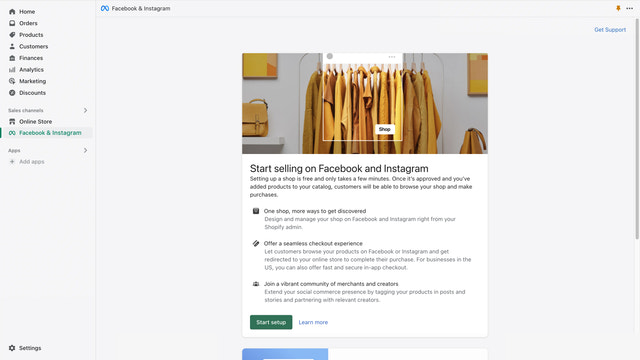
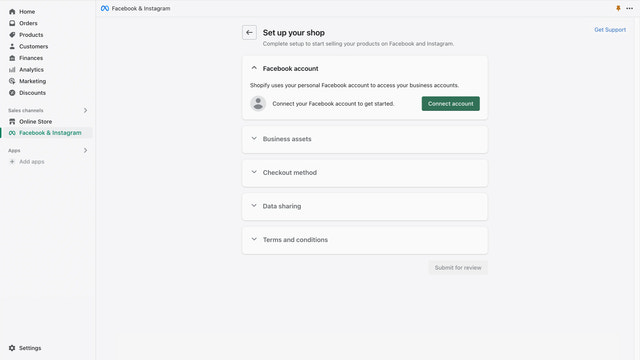
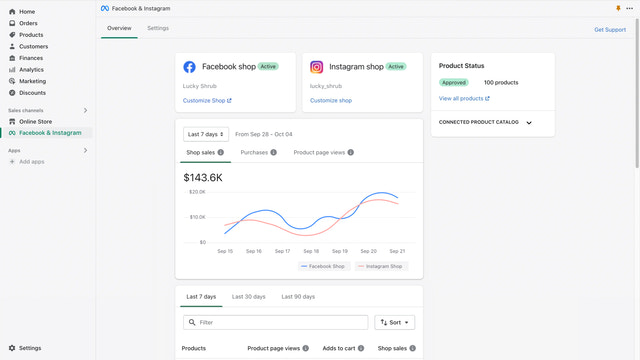
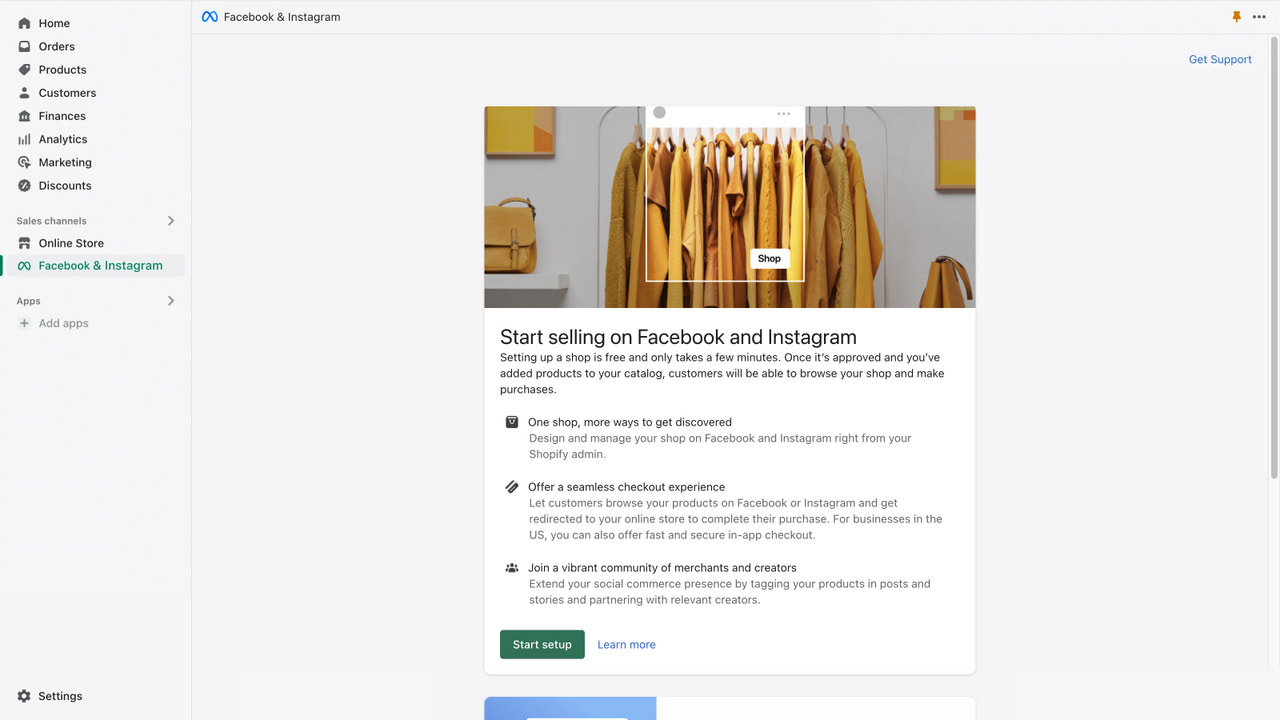
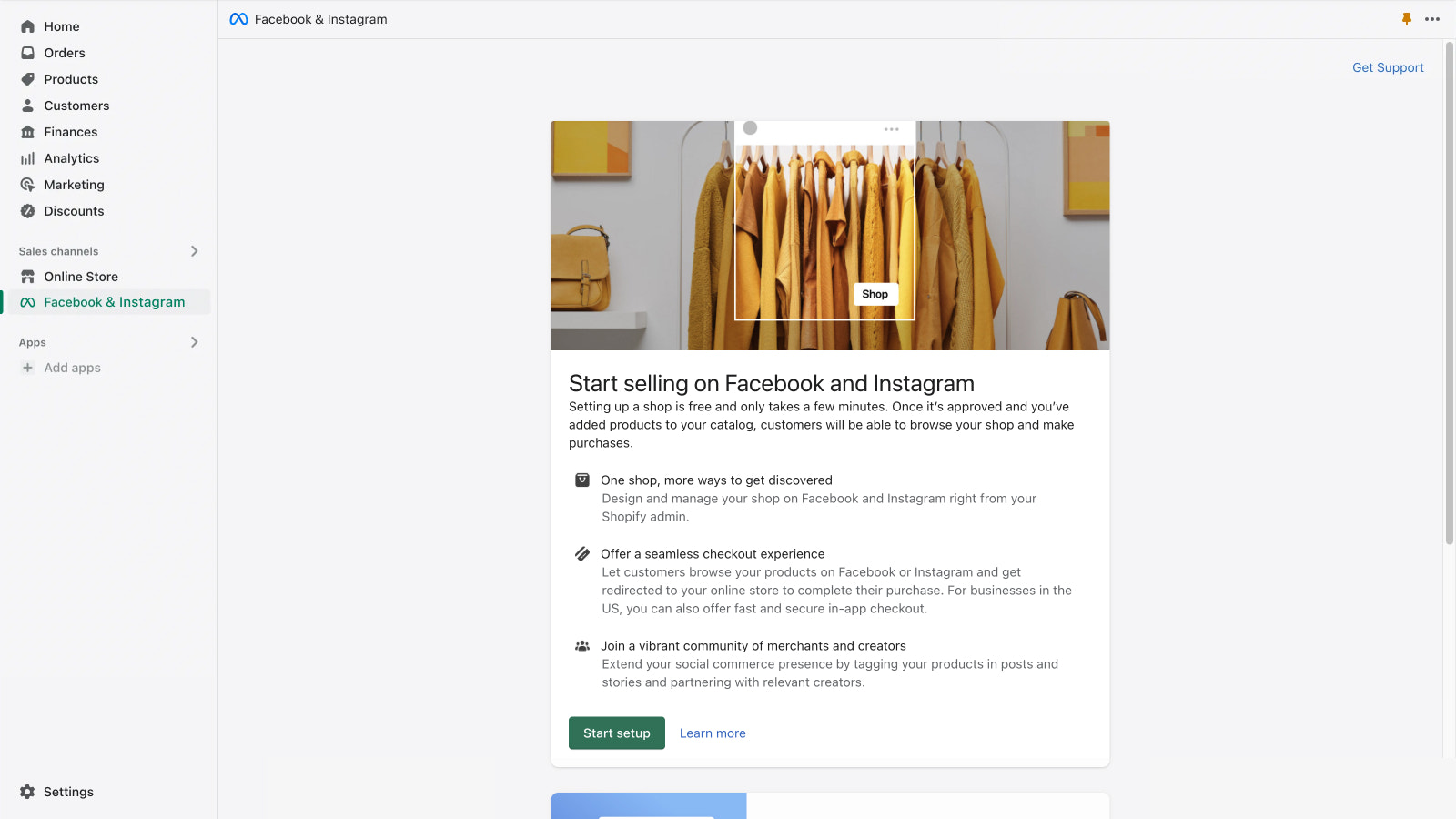


Den officiella appen från Meta. Hantera din närvaro på Facebook och Instagram sömlöst från en och samma plats.
Få din verksamhet att växa på Facebook och Instagram samtidigt som du hanterar ordrar, returer och mycket mer. Marknadsför enkelt dina produkter och rikta in dig exakt med hjälp av kraftfulla försäljnings- och marknadsföringsverktyg. Nå nya kunder och erbjud en sömlös shoppingupplevelse i appen, från upptäckt till kassa. Synkronisera automatiskt dina kvalificerade produkter till din Facebook- och Instagram-butik, så att du kan sälja från ett och samma lager samtidigt som du enkelt skapar annonser och köpbara inlägg precis där dina kunder befinner sig.
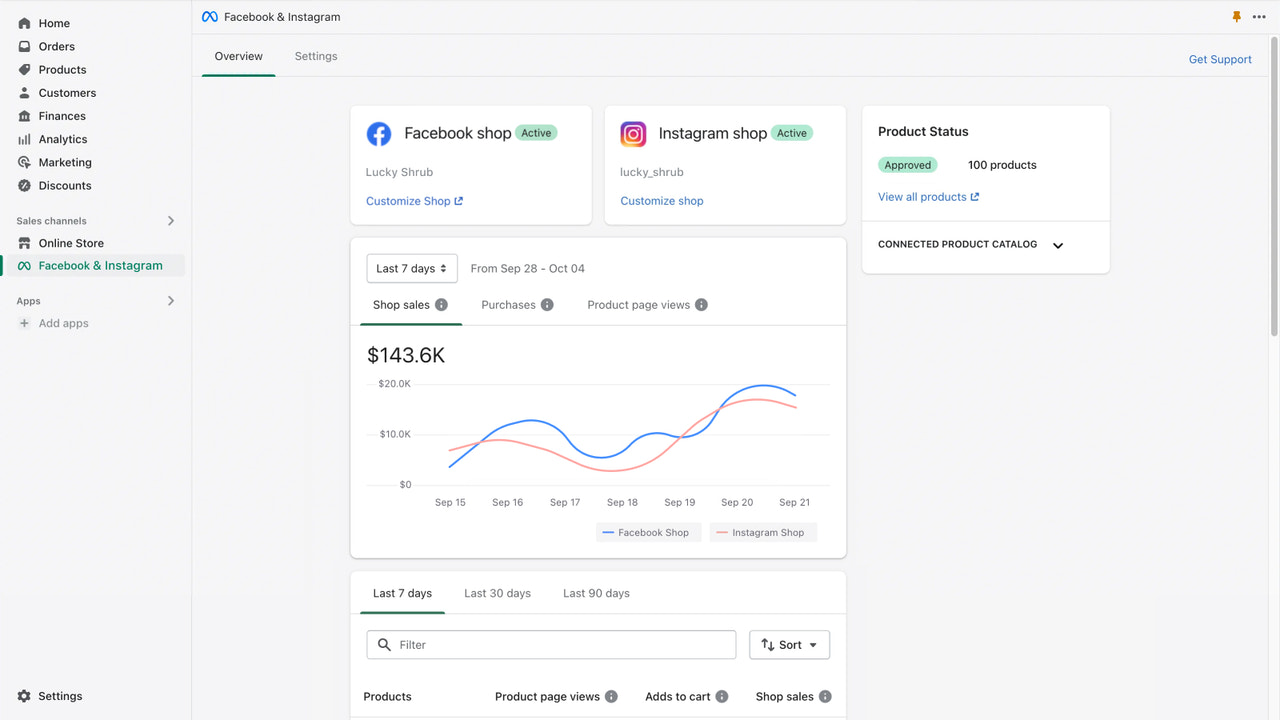
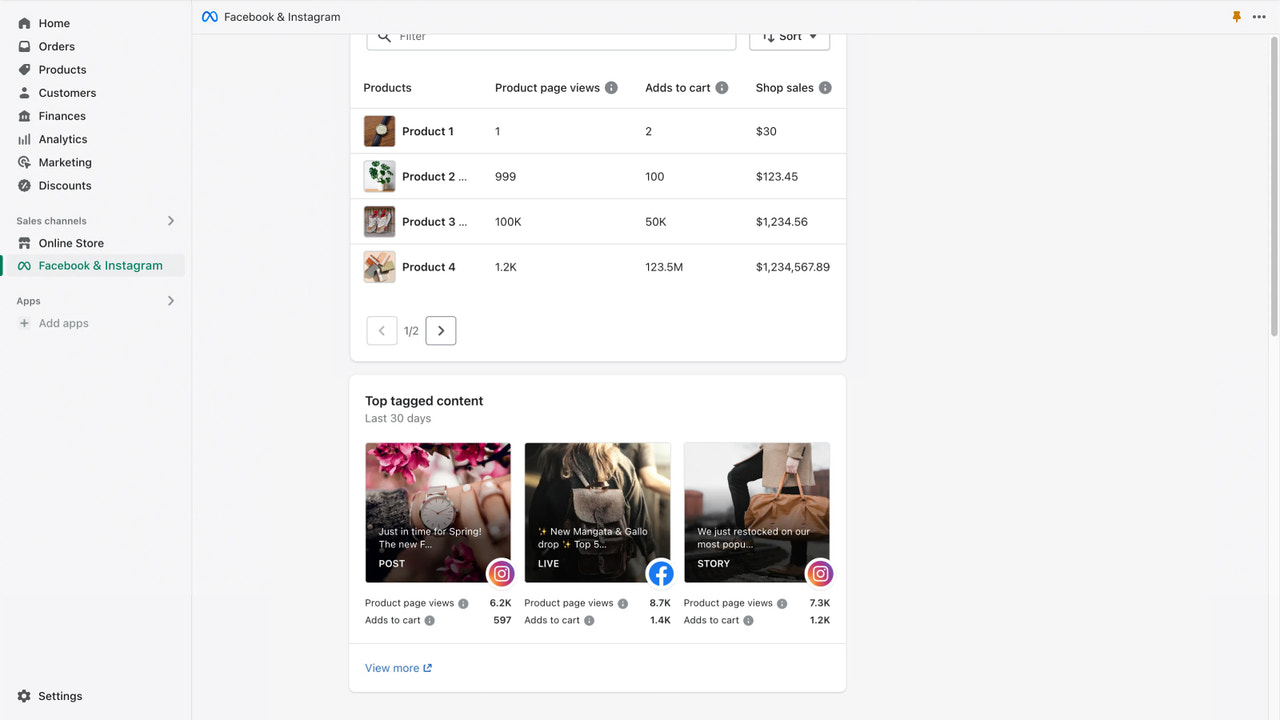
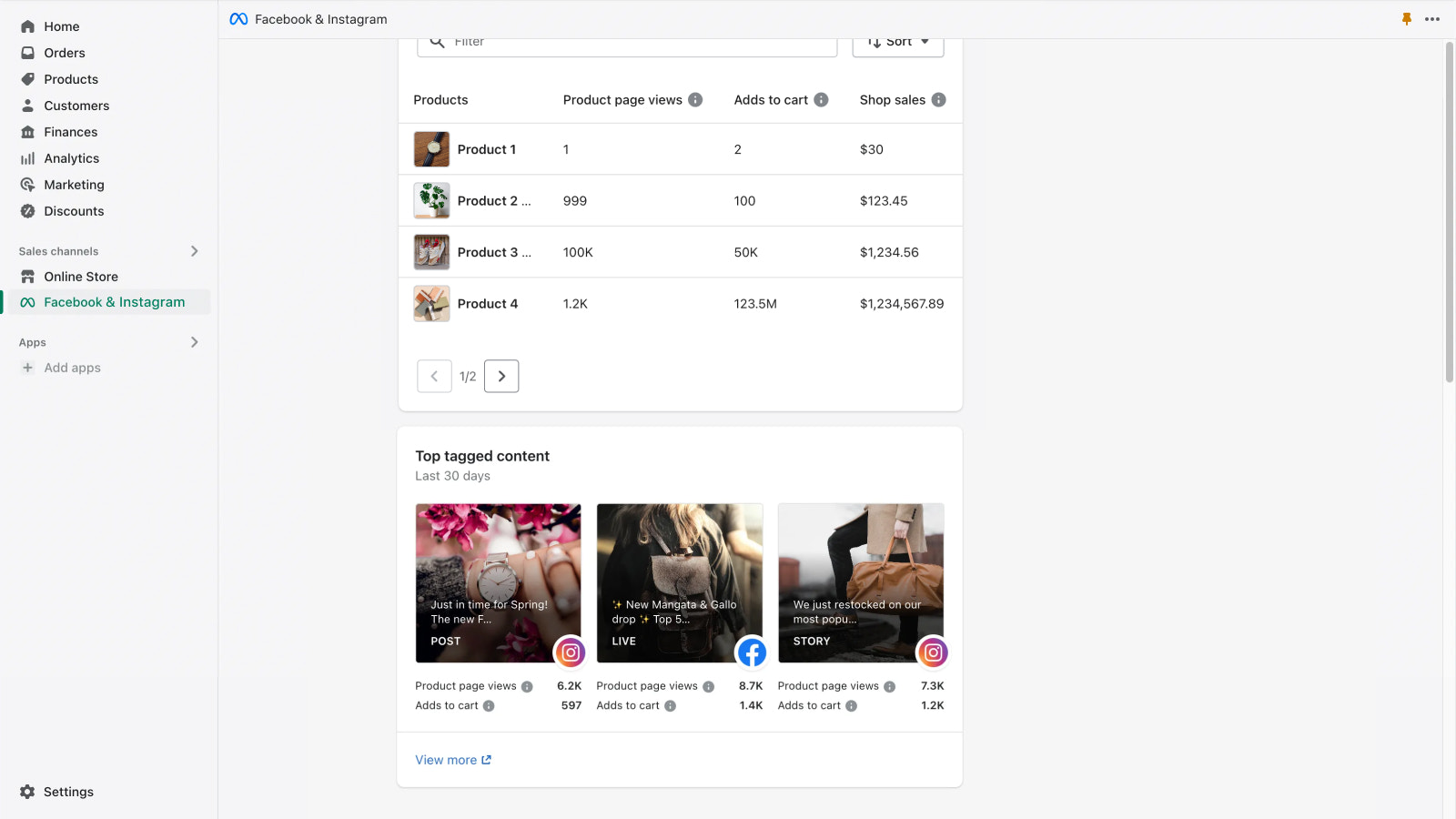
- Få butiksinsikter, inklusive bäst presterande produkter och mest taggat innehåll
- Bidra till bättre annonsprestanda genom att konfigurera en konverteringspixel
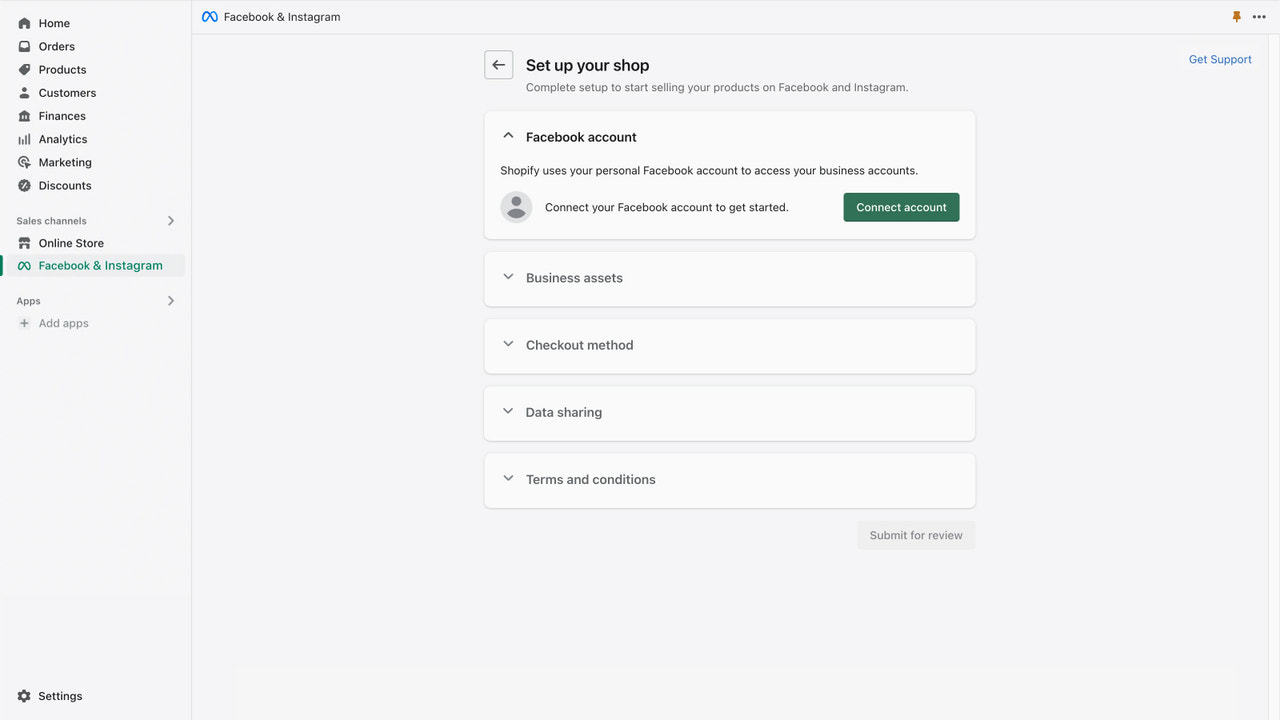
- Konfigurera enkelt din butik med en engångsanslutning av ditt konto
- Sälj från ett och samma lager som synkroniseras automatiskt med din butik
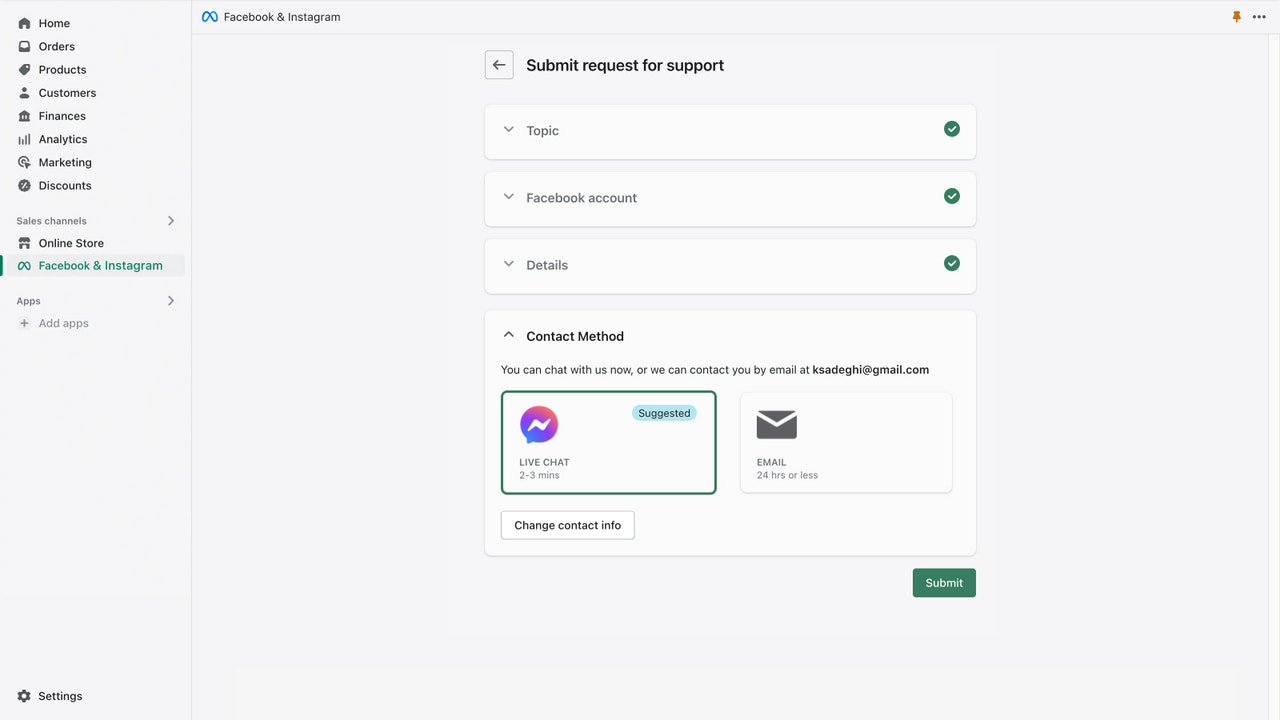
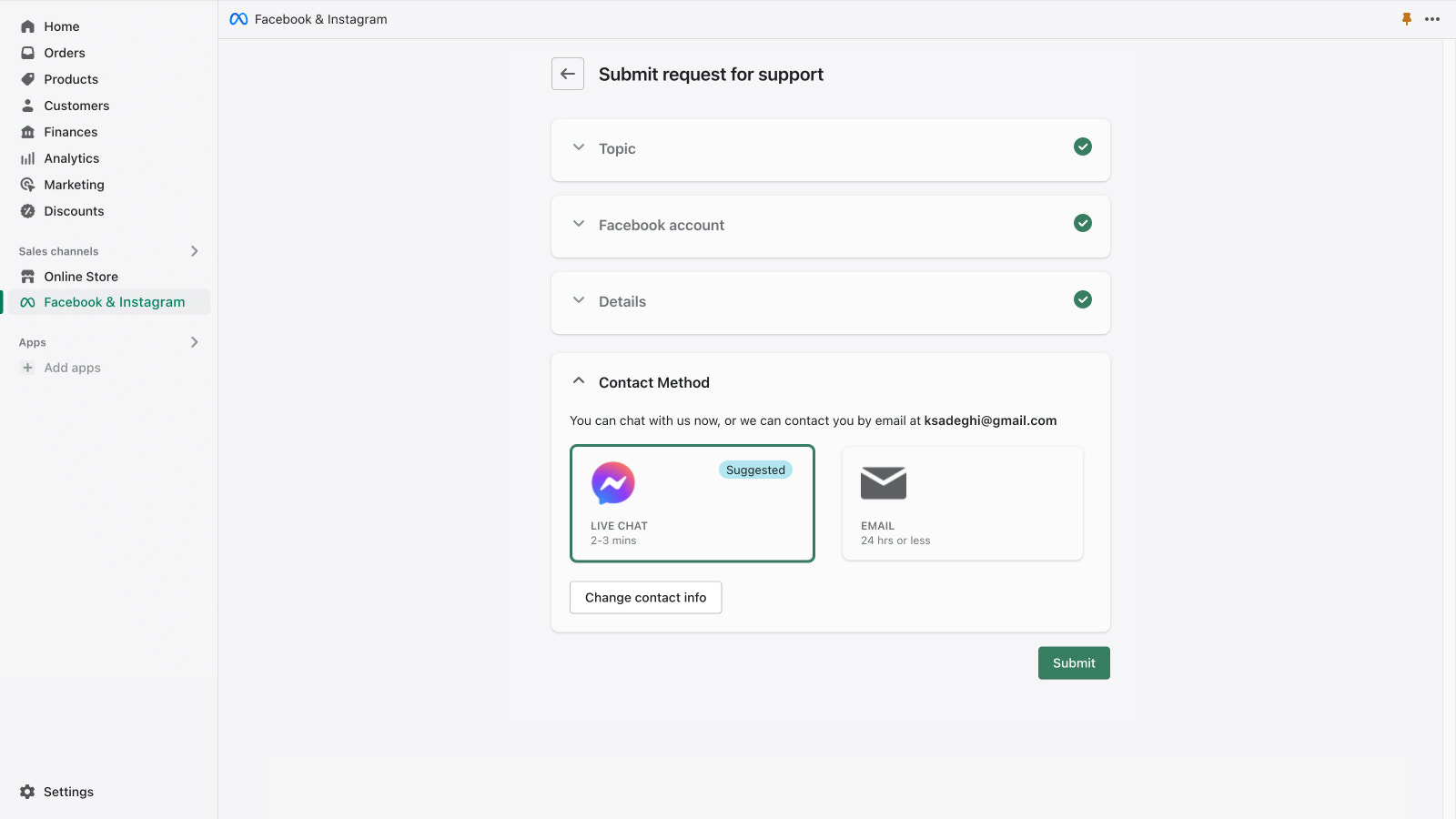
- Få support via e-post och livechatt från Meta
Innehåller automatöversatt text
- Populärt i butiker som din
- Baserat i USA
Språk
engelska, tjeckiska, danska, tyska, spanska, finska, franska, italienska, japanska, koreanska, norska (bokmål), nederländska, polska, portugisiska (brasiliansk portugisiska), portugisiska (Portugal), svenska, thailändska, turkiska, vietnamesiska, kinesiska (förenklad), och kinesiska (traditionell)
Fungerar med
- Kassa
- Shopify-admin
Kategorier
Målinriktning
Kampanjhantering
Hantering av listning
Orderhantering
Priser
Välj den plan som passar ditt företag bäst.
Gratis
Gratis att installera
När du kör en kampanj anger du budgeten och annonskostnaden faktureras direkt till ditt Facebook-annonskonto.
Innehåller automatöversatt text
Alla avgifter debiteras i USD.
Recensioner (5 716)
Shopify locks your Facebook Page in their portfolio – 4 months without a solution
"When I connected my store to the Facebook & Instagram app, Shopify automatically created a Business Portfolio and placed my Facebook Page inside it. Now I cannot manage my own page, run ads, or verify my domain – because Shopify owns the portfolio, not me.
I have contacted both Shopify Support and Meta for 4 months without resolution. Neither takes responsibility. Shopify refers to Meta and Meta refers to Shopify.
This has directly impacted my sales and Instagram Shopping does not work. Be aware of this risk before connecting your store to this app."
Produtos não públicados no canal de vendas do Facebook estão sendo mostrado nos anúncios. Não temos mais controle do que queremos vender. Os cupom são aplicado automaticamente. Tomei um prejuízo de 19K porque o Meta simplesmente aplicou o cupom comissionado de uma Creator que nem criando conteúdo estava.
Very confusing to run ads, changes constantly, several ghost charges, ads can start themselves after stop date.
Support
Appsupport tillhandahålls av Meta.
Utvald i


Fler appar som den här