
特集の画像ギャラリー
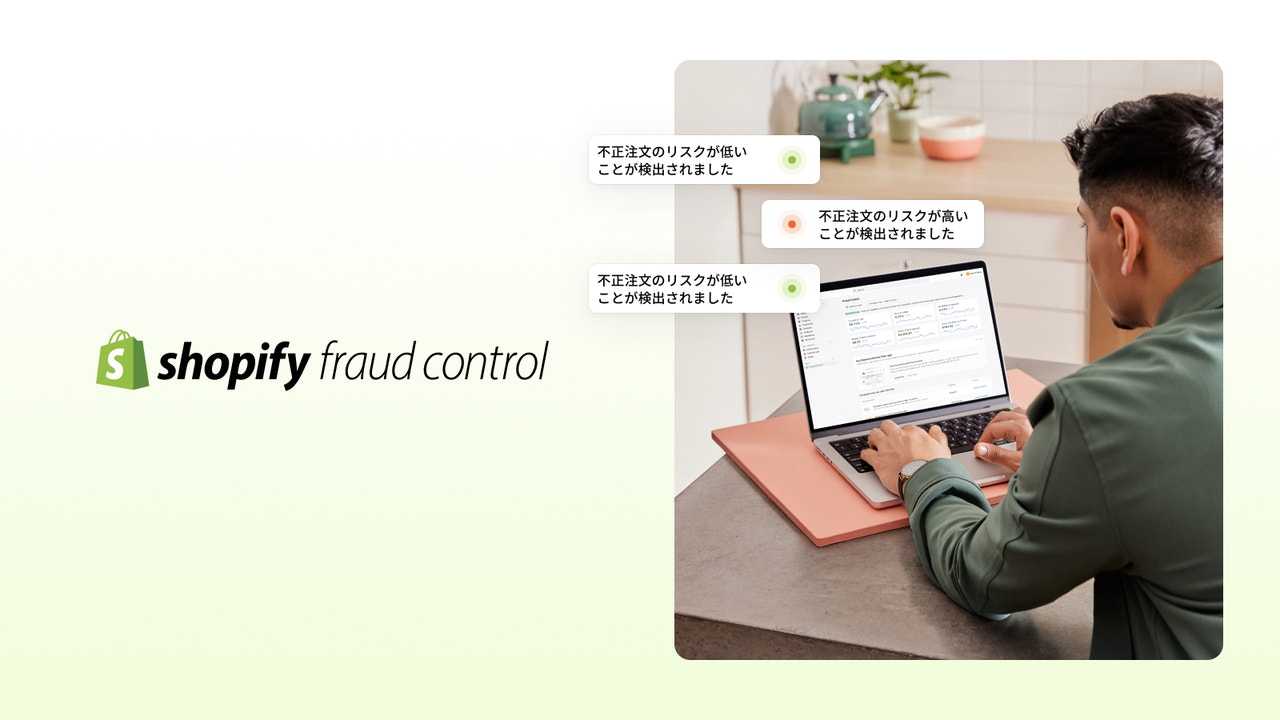
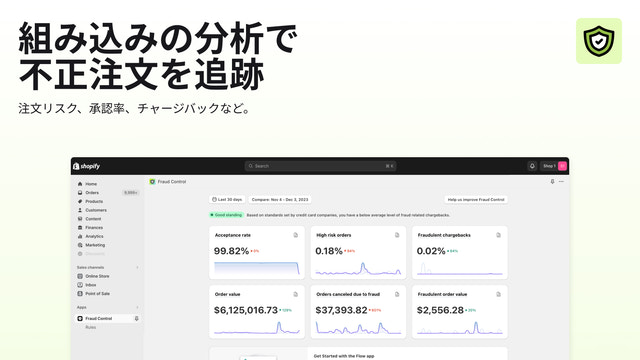
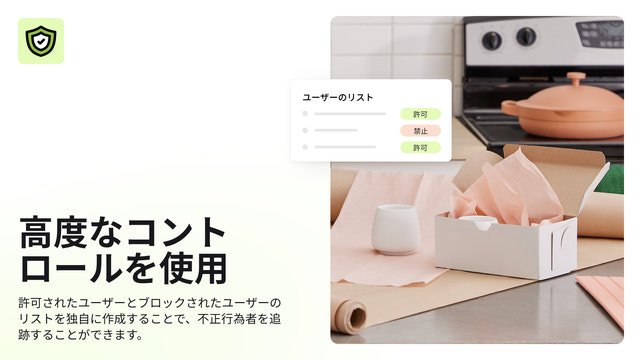
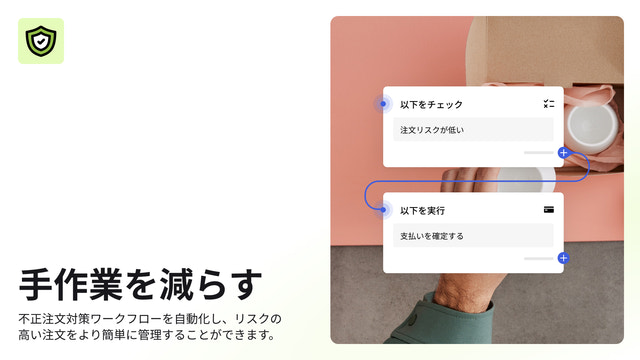

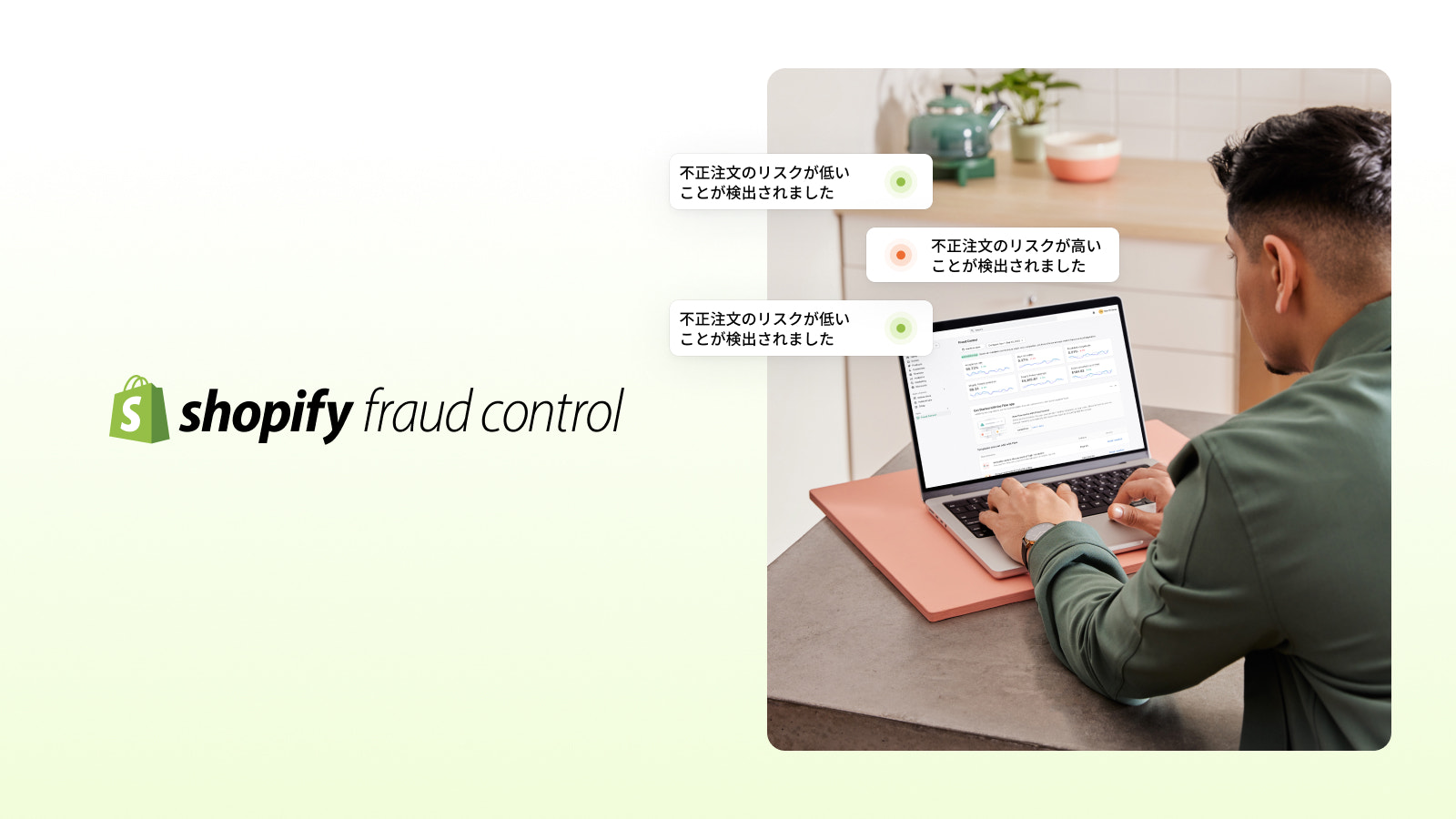
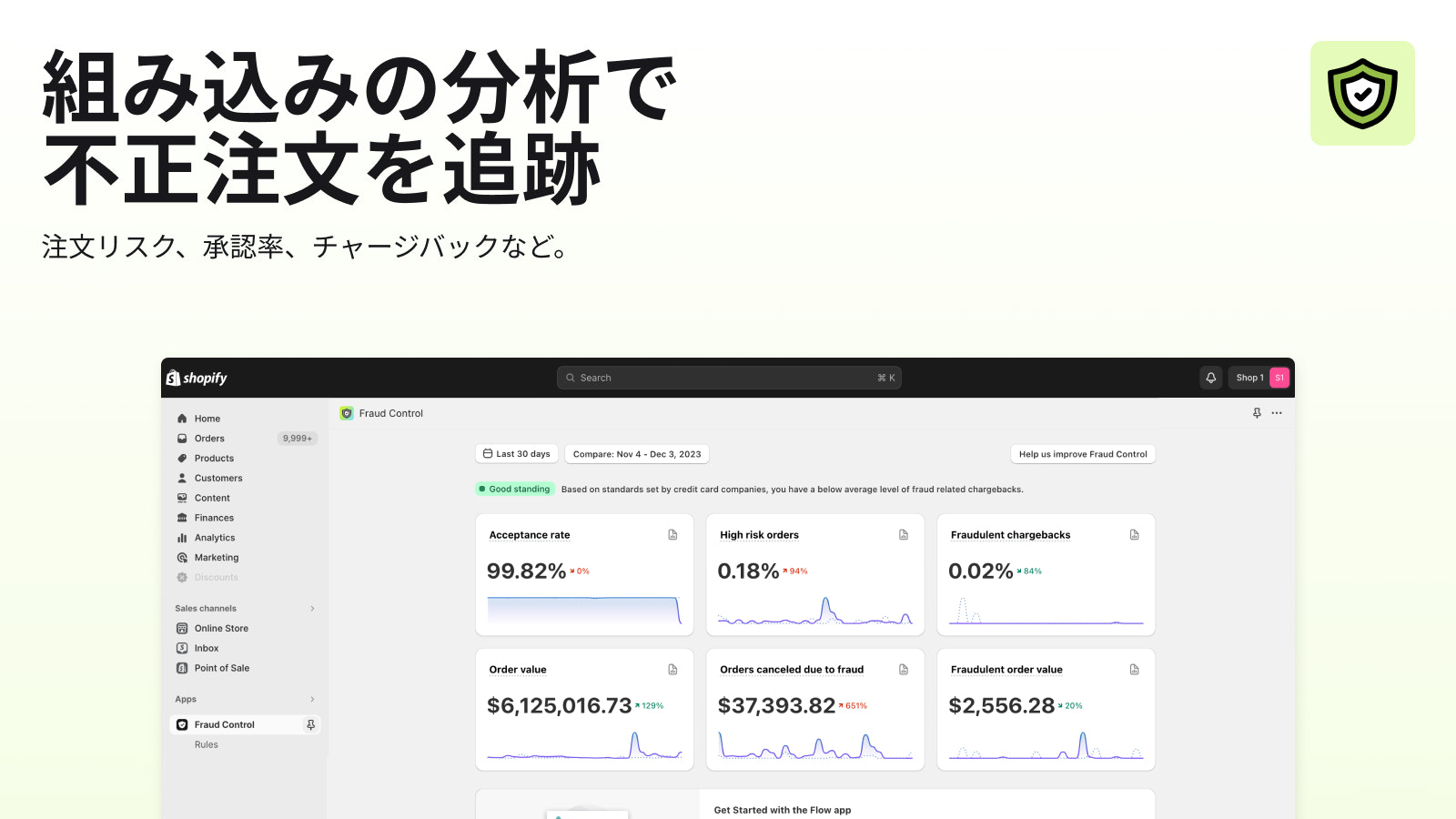
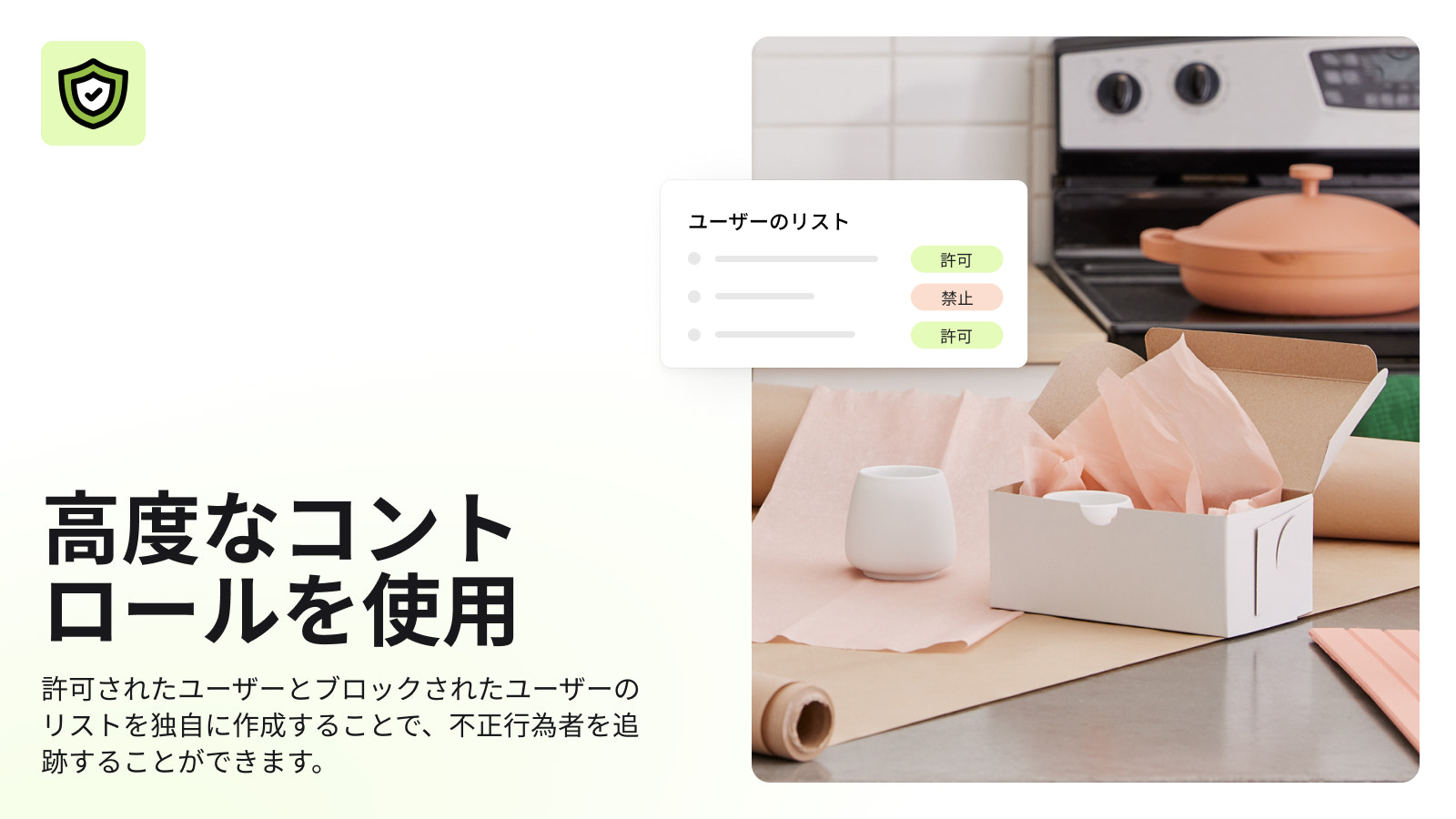
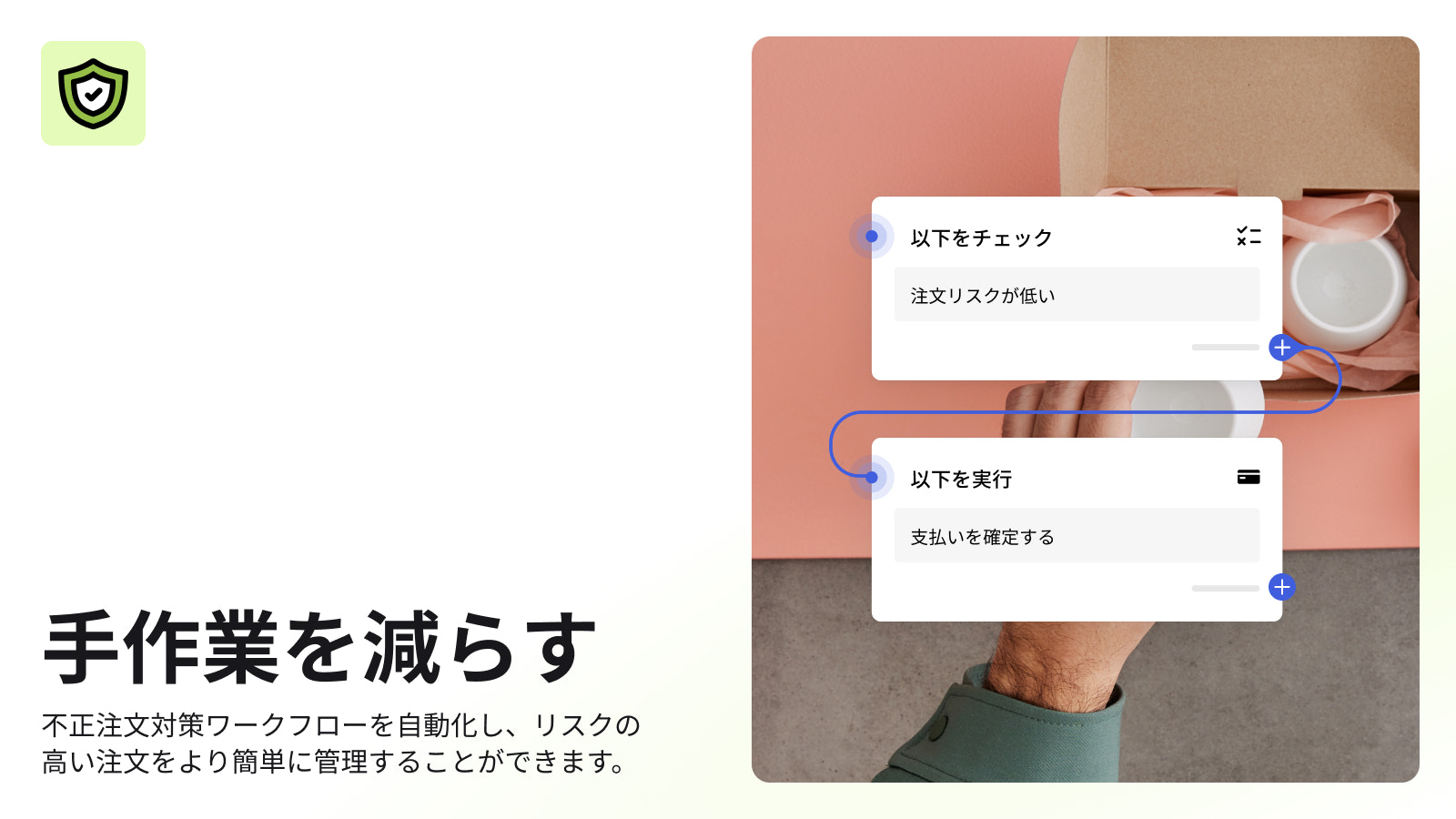
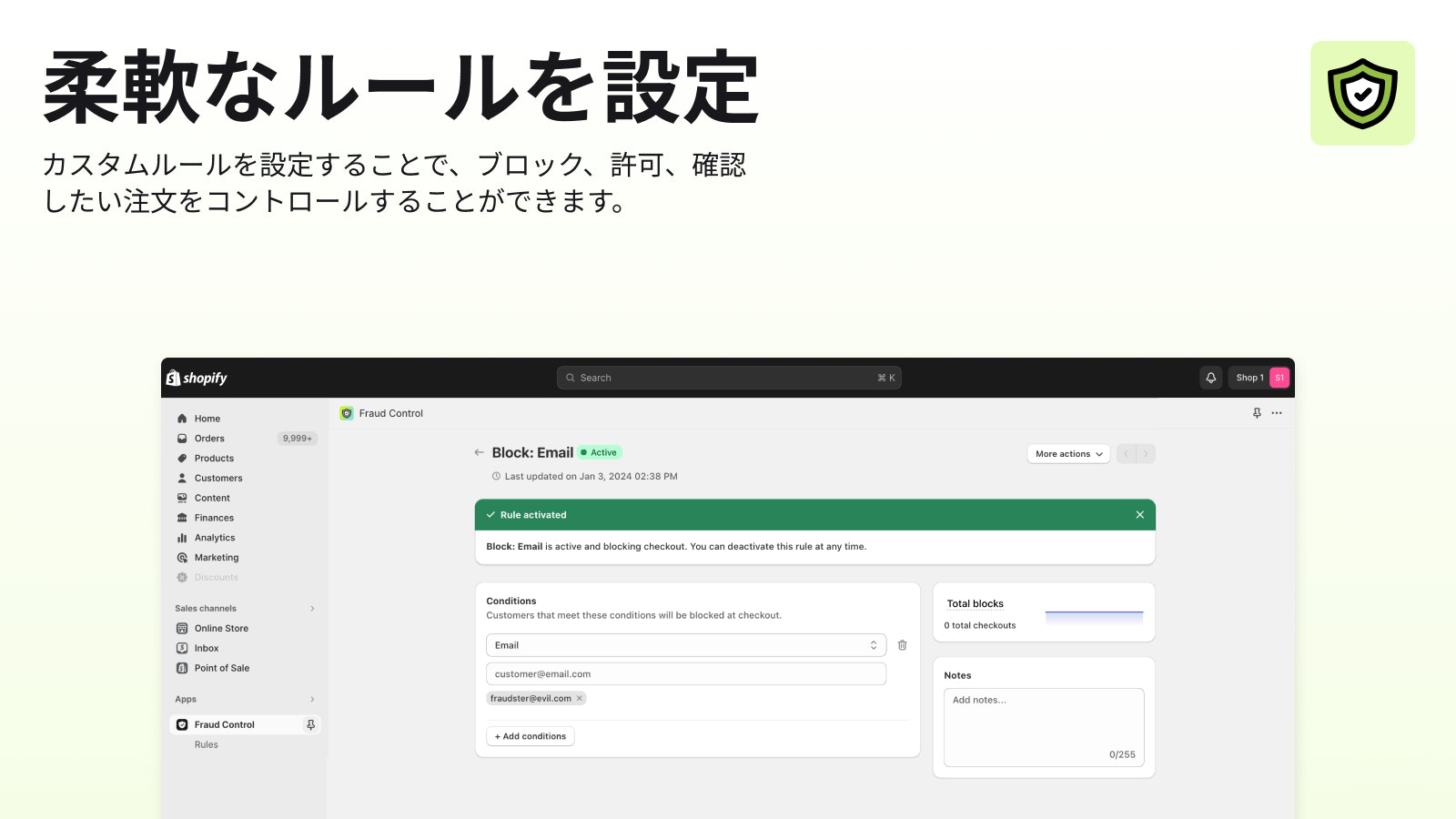
不正リスクを把握し、既知の不正注文をブロックし、業務を自動化することで収益を最大化できます。
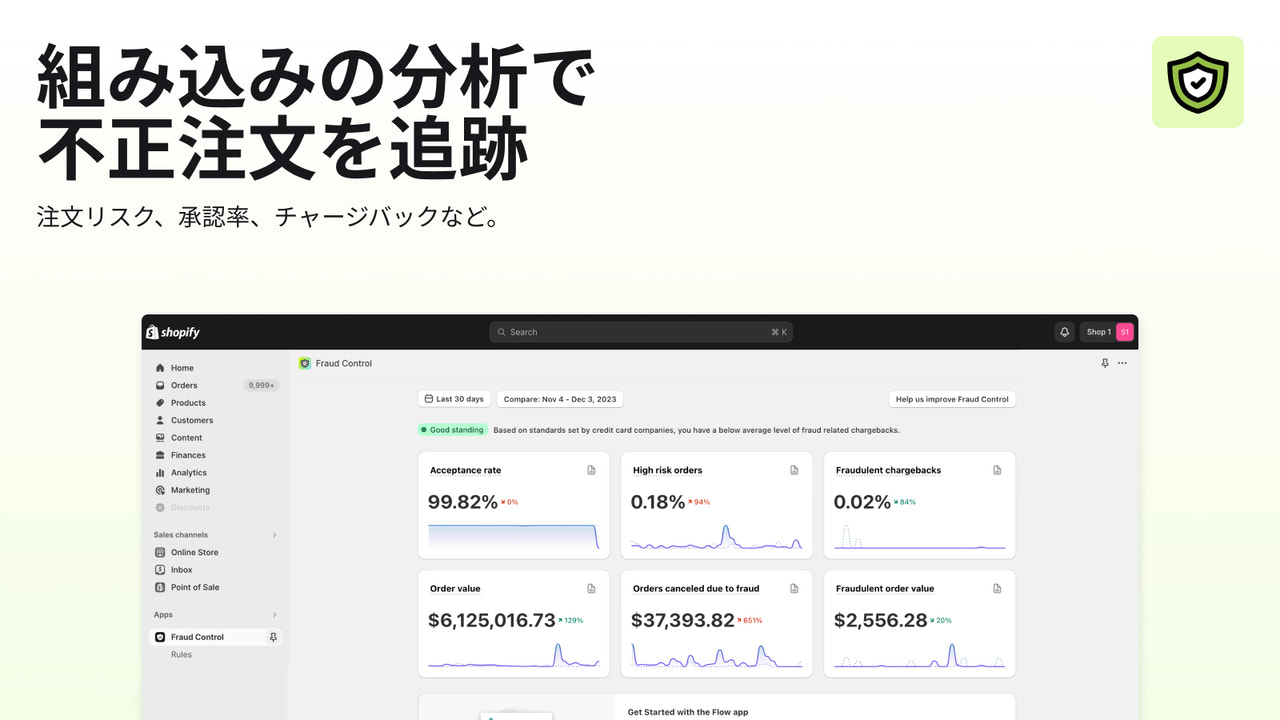
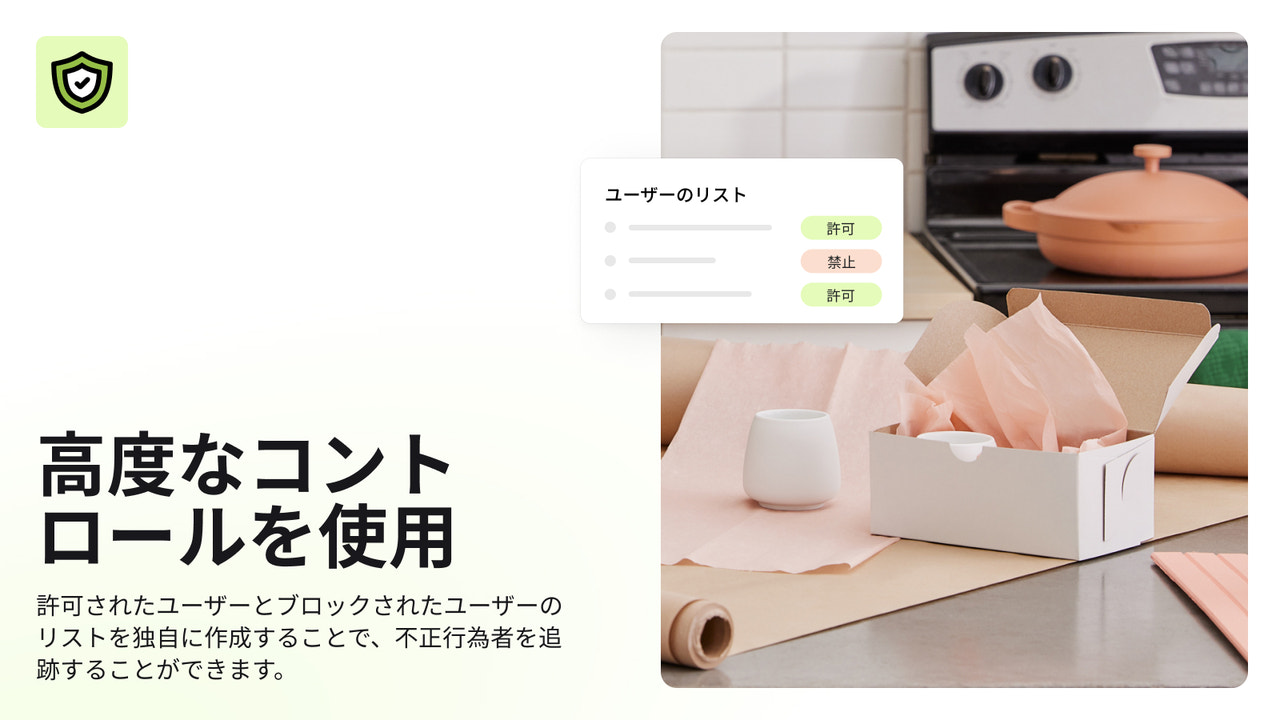
Fraud Controlは、不正注文対応を自動化し収益を最大化するツールを提供します。承認率や高リスク注文率などのストア分析によって、不正注文のリスクを把握することができます。Fraud Controlではあらかじめ定義されたルールが推奨されます。カスタムルールを作成して、注文確定前にチェックアウトで既知の不正注文をブロックすることも可能です。
- ストアの不正注文リスクレポート
- 不正注文のトレンドの時系列分析
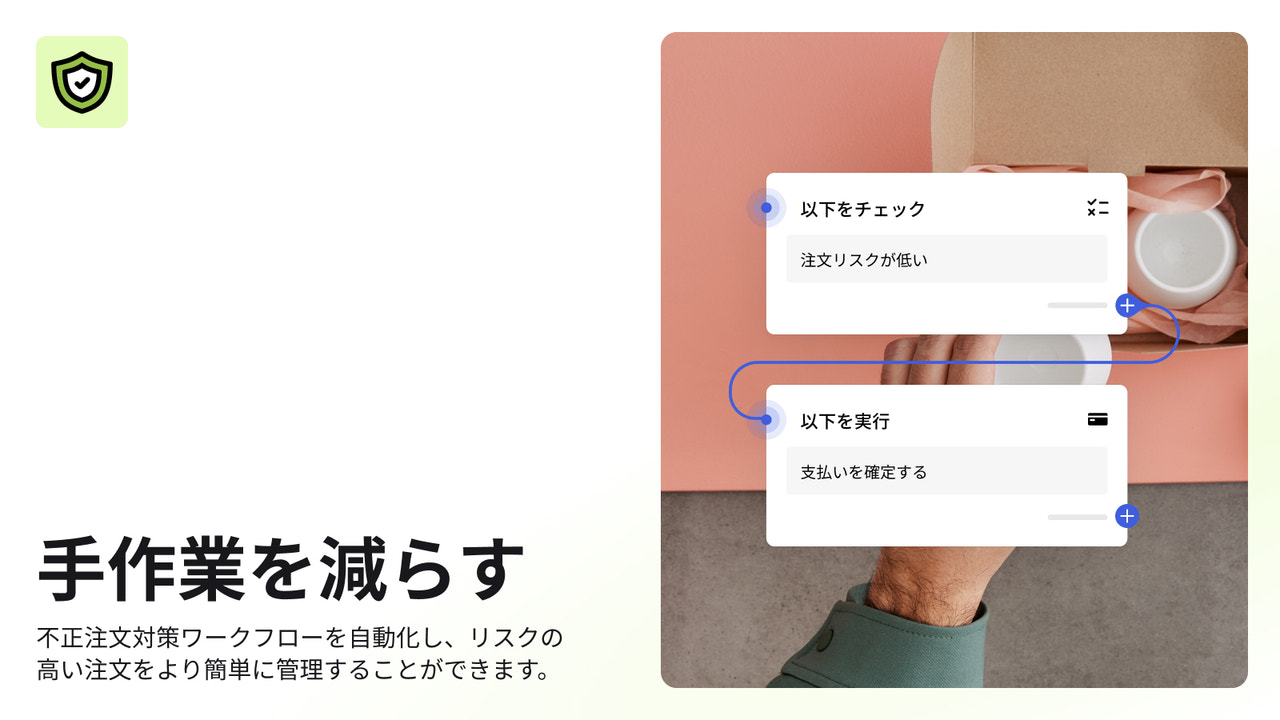
- 不正注文対応にかかる時間を削減する、Flowによるオートメーション
- 注文確定前に決済をブロックします。
- あなたのストアと同じようなストアに人気
- アメリカに拠点
言語
英語、 チェコ語、 デンマーク語、 ドイツ語、 スペイン語、 フィンランド語、 フランス語、 イタリア語、 日本語、 オランダ語、 ポーランド語、 ポルトガル語 (ポルトガル)、 スウェーデン語、 中国語 (簡体字)、と 中国語 (繁体字)
連携対象システム・アプリ
- Shopify管理者ページ
レビュー (23)
Ne bloque absolument rien !
J'ai créé une règle qui devait bloquer les commandes qui ont toujours la même adresse. Le lendemain, 5 nouvelles commandes que je dois rembourser pour risque élevé de fraude.
Cette appli ne marche pas.
Elle nous fait perdre du temps plus qu'autre chose.
Turns out, this just sets up or has templates for FLOWS, which I am already using.
My store is being used to test stolen credit cards. It only blocks high risk transactions. I cannot block medium risk transactions. I've had multiple chargebacks and considering shutting down my store. No help from Shopify.
サポート
アプリのサポートは Shopify が提供しています。
データアクセス
このアプリがストアで機能するためには、次のデータにアクセスする必要があります。 その理由については、開発者向けのプライバシーポリシー でご確認ください。
お客様データの閲覧:
機微データ、 デバイスとアクティビティのデータ
-
機微データ
名前、 メールアドレス、 電話番号、 住所
-
デバイスとアクティビティのデータ
ジオロケーション、 IPアドレス、 ブラウザとオペレーティングシステム
スタッフと協力者のデータの閲覧:
ストアオーナー、 スタッフメンバー
-
ストアオーナー
名前、 メールアドレス、 電話番号、 住所
-
スタッフメンバー
名前、 メールアドレス、 電話番号
ストアデータを表示および編集:
お客様、 商品、 注文、 ストアの分析、 スタッフアカウント、 Shopify ペイメント、 その他のサービス
-
お客様の表示
顧客データ
-
商品の表示
在庫、 商品、 コレクション
-
注文の表示
注文のフルフィルメント、 すべての注文履歴
-
ストアの分析の表示
分析、 レポート
-
スタッフアカウントの表示
スタッフアカウント
-
Shopify ペイメントの表示
Shopify ペイメントアカウント
-
その他のサービスの編集
決定ルール
-
その他のデータの編集
決済設定
特集

類似のアプリ


パフォーマンス、デザイン、統合性のすべてにおいて、最高水準を満たしています。 新しいウィンドウで開くの詳細を確認する