
ISBNExpress: Books Importer
- 価格設定
-
無料プランあり
- ハイライト
- 管理画面で直接操作
- 評価
- 5.0 (10)
- 開発者
- Dmitri Pavlutin
特集の画像ギャラリー
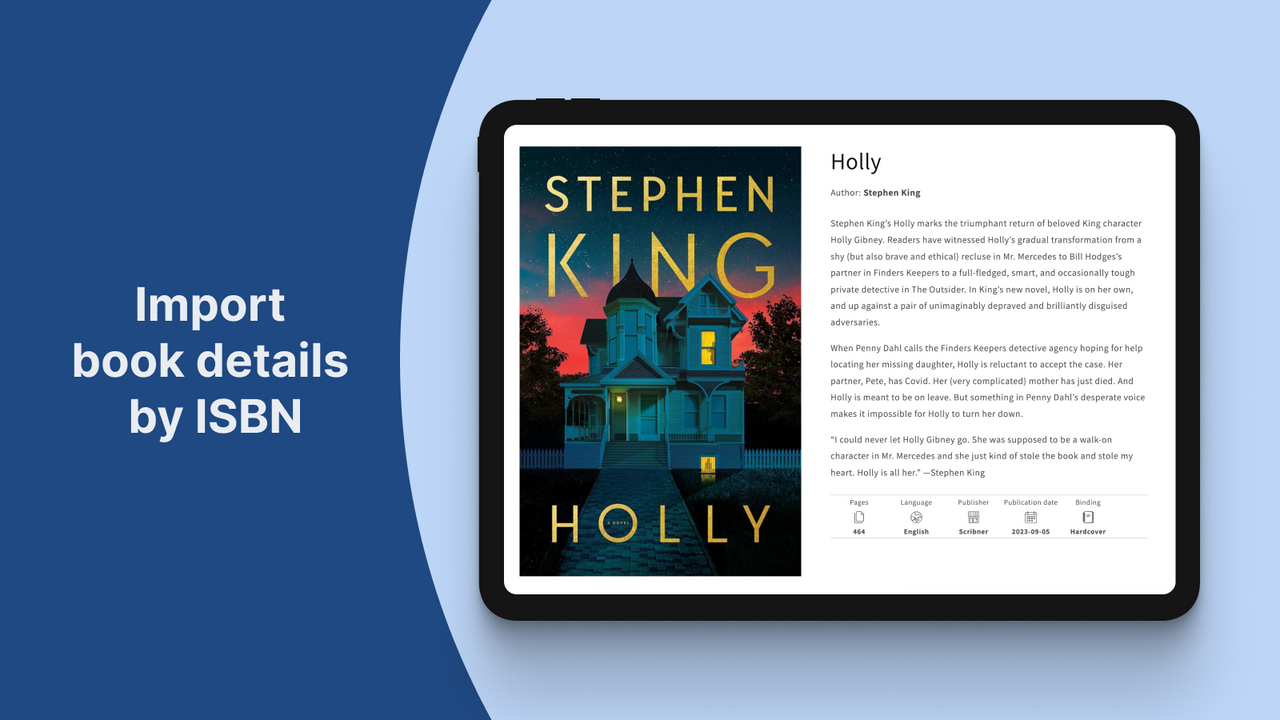
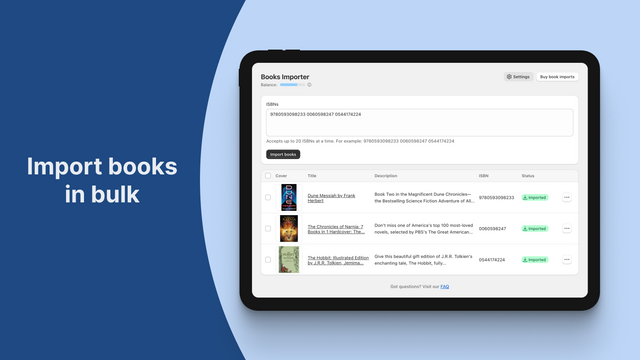
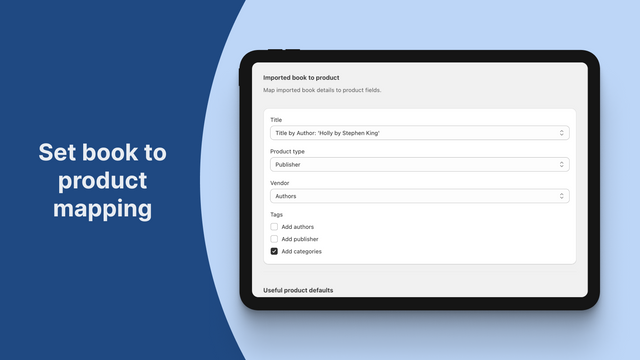
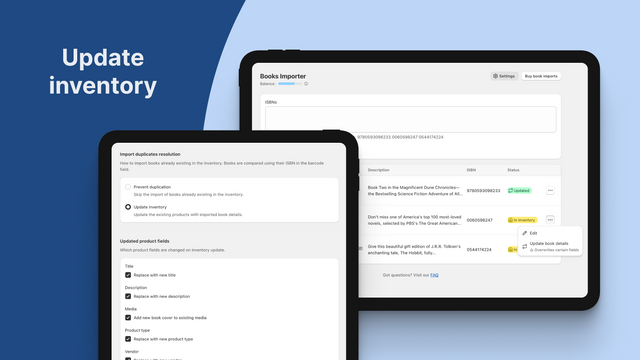
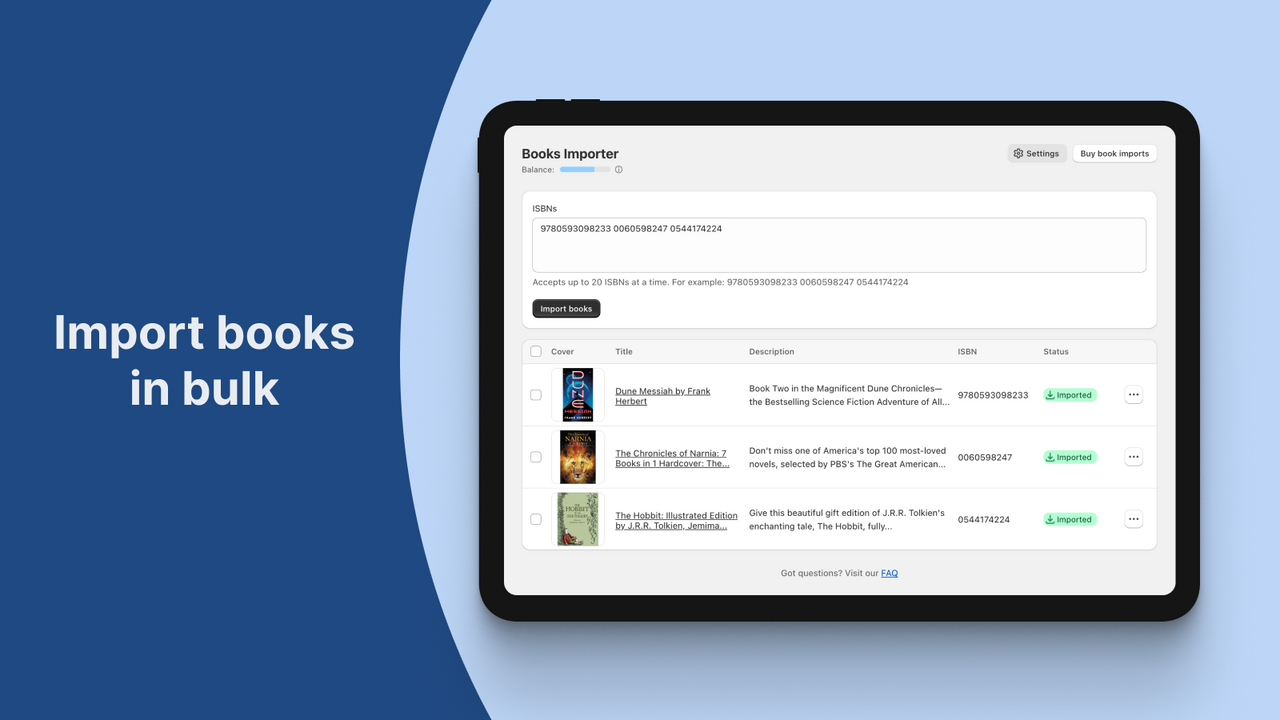
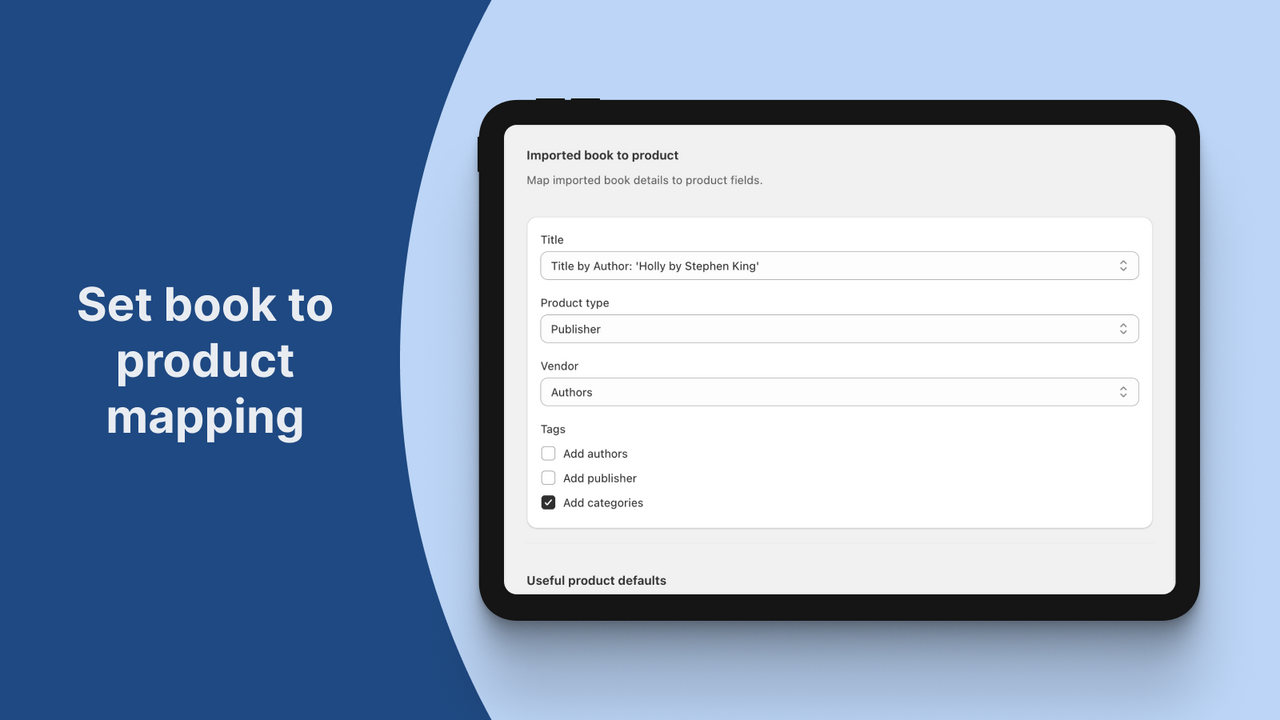
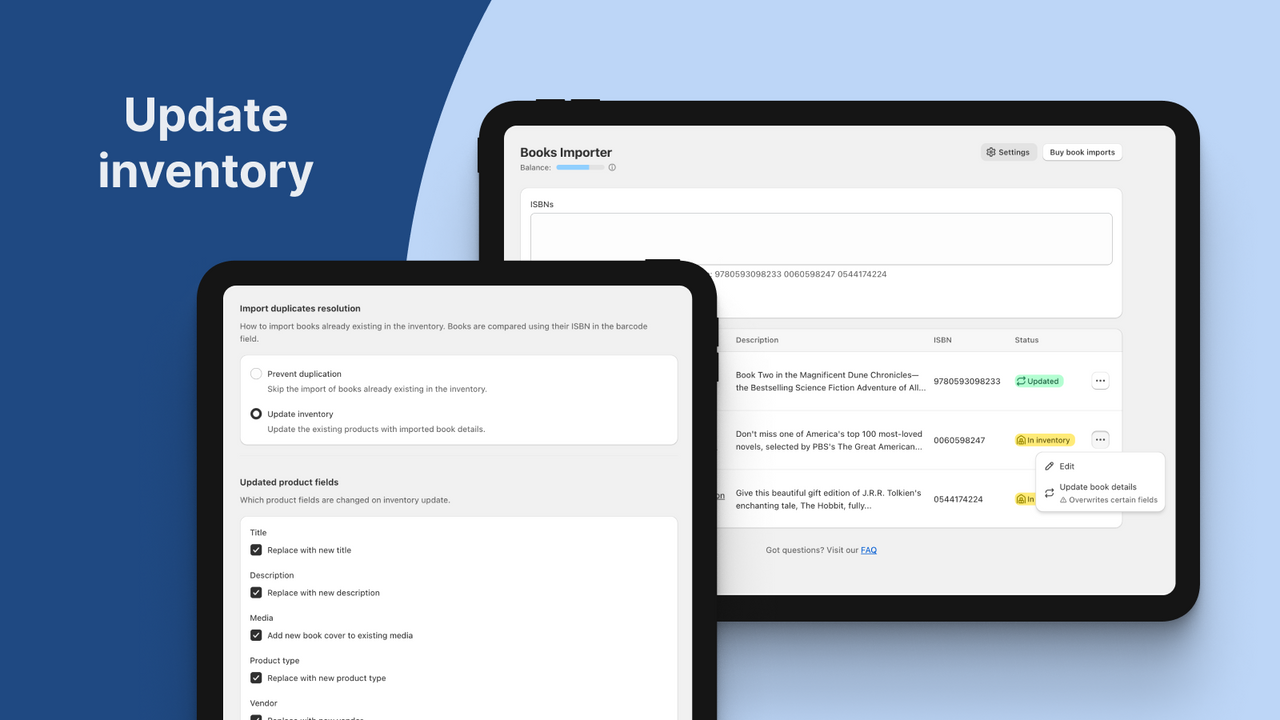
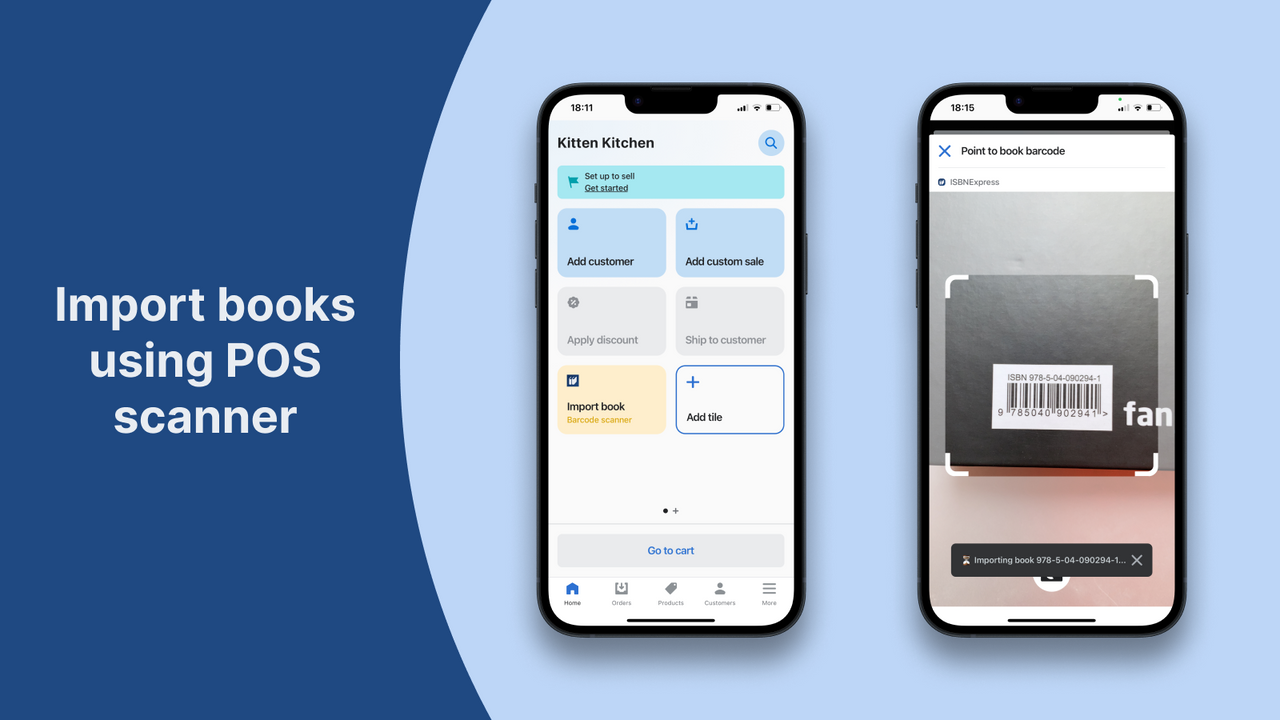
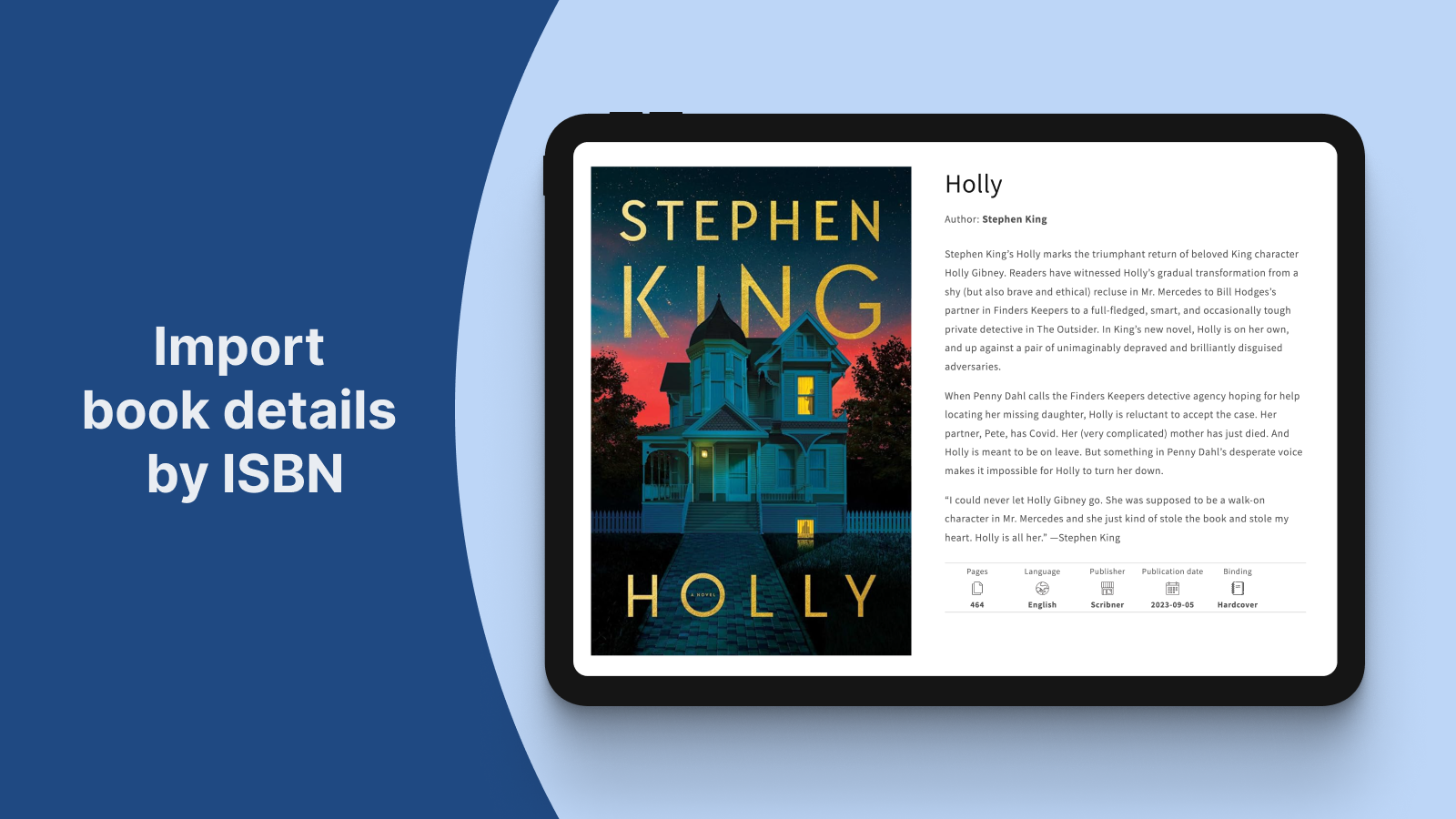
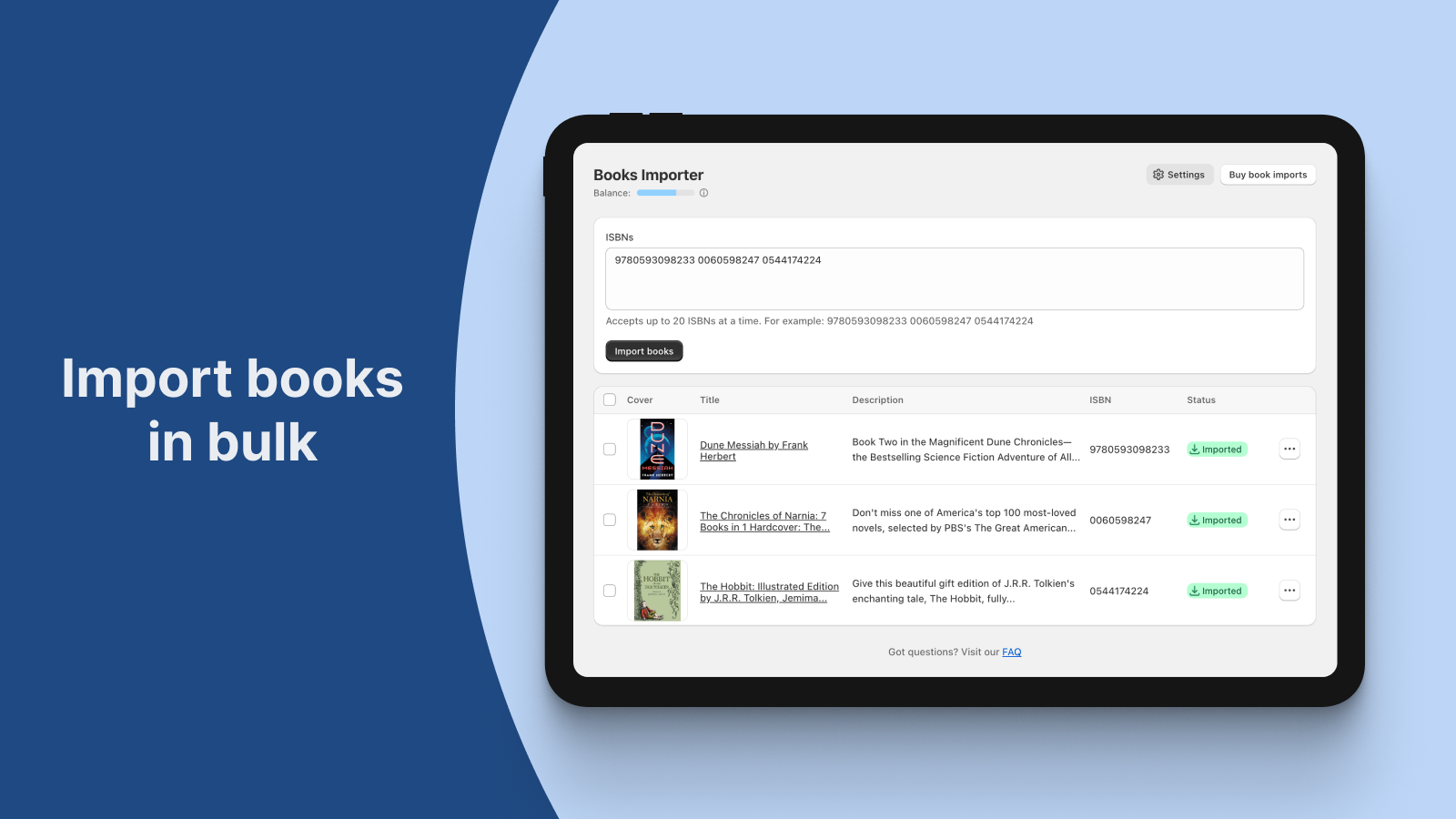
Import book details by ISBN into bookstore. No more time-consuming book data search and manual entry
With just the ISBN, our app automatically imports all the book details you need as a bookseller into your bookstore. Create new products or update existing inventory with the book's title, description, cover image, author, pages, binding, publication date, dimensions, weight, language, and categories. Save valuable time and focus on what you love – running your bookstore.
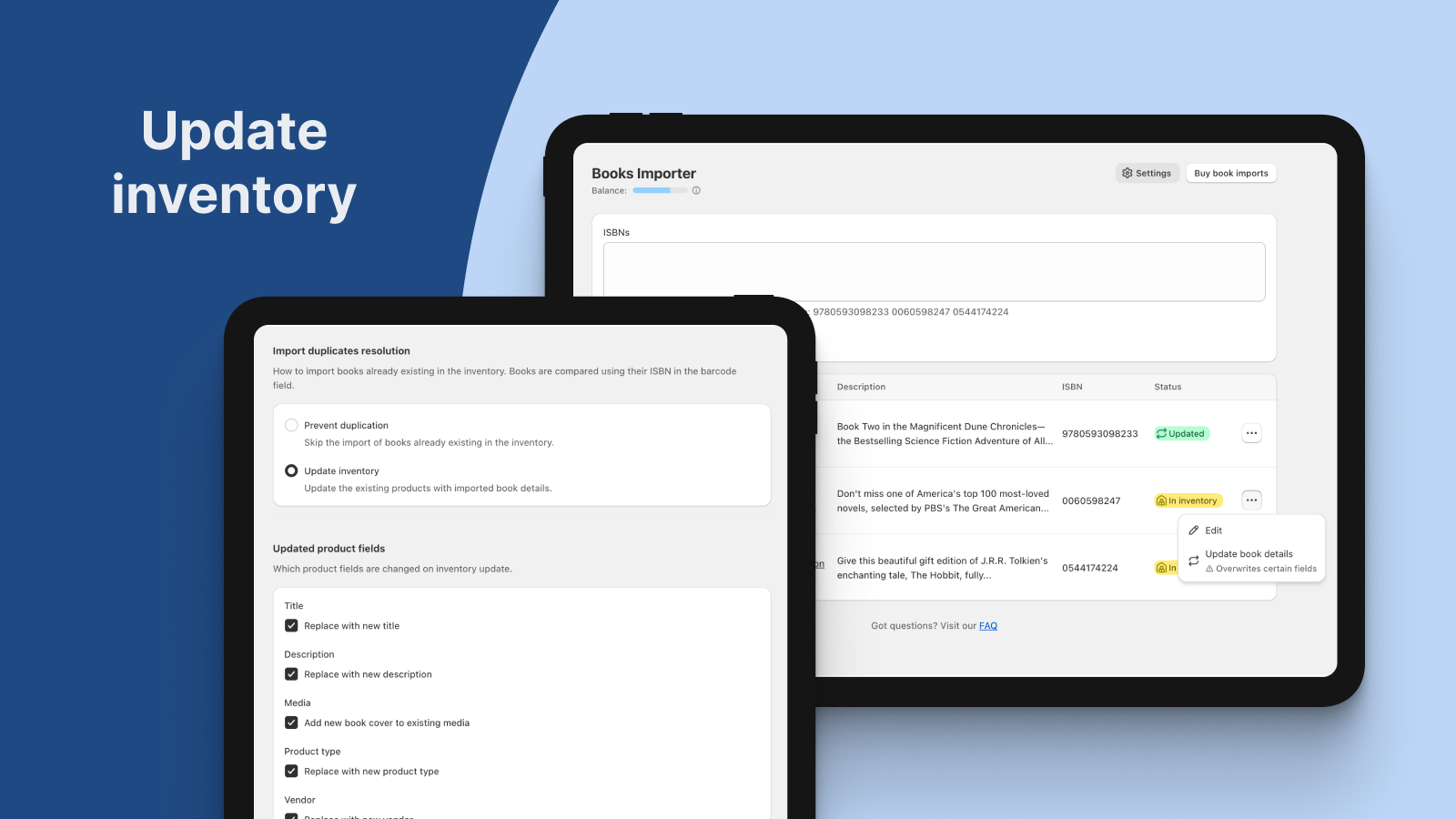
- Import books by ISBN to create new products or update existing inventory
- Enter multiple ISBNs to import books in bulk
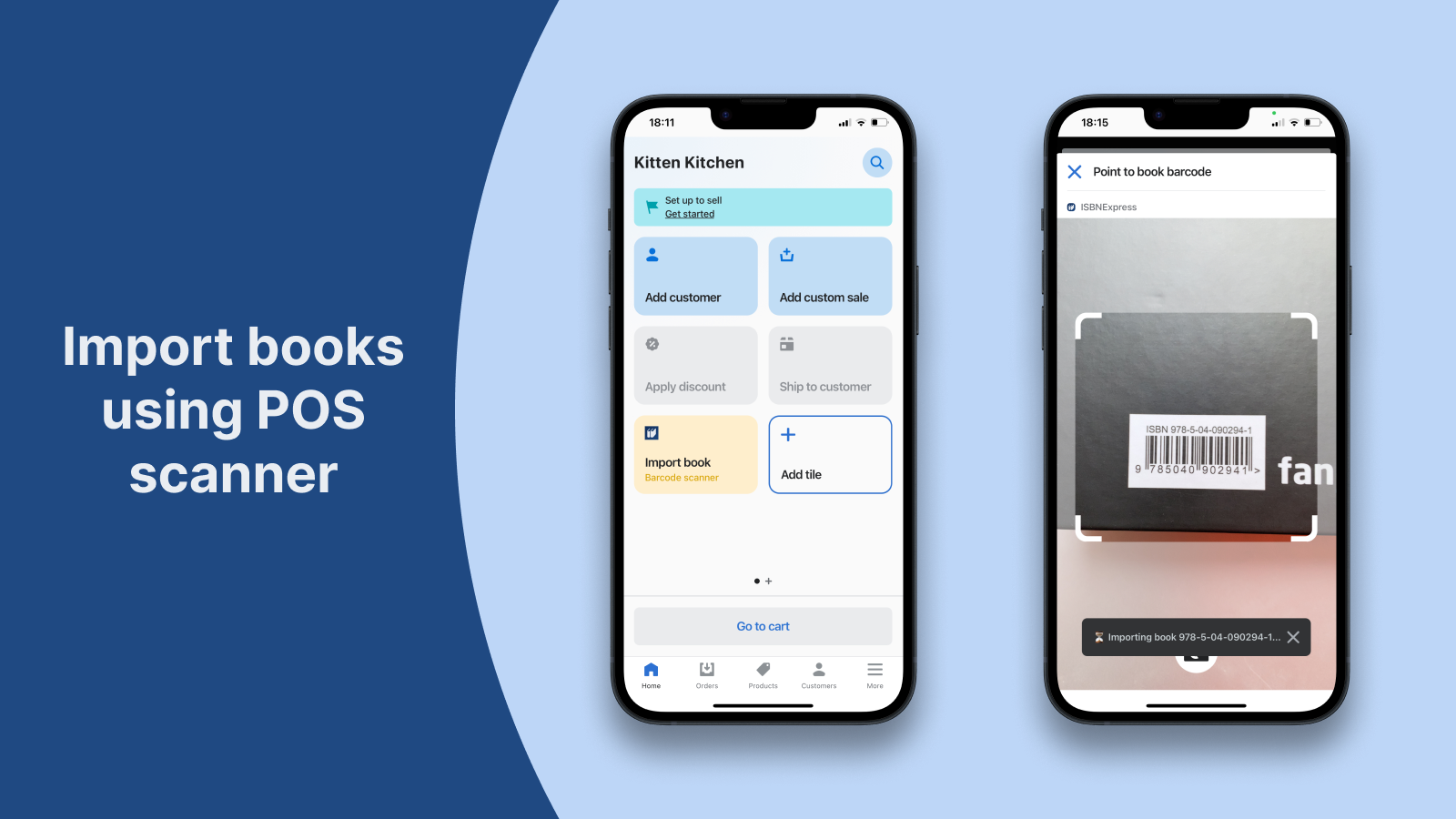
- Import books by scanning physical book ISBN using the POS integration
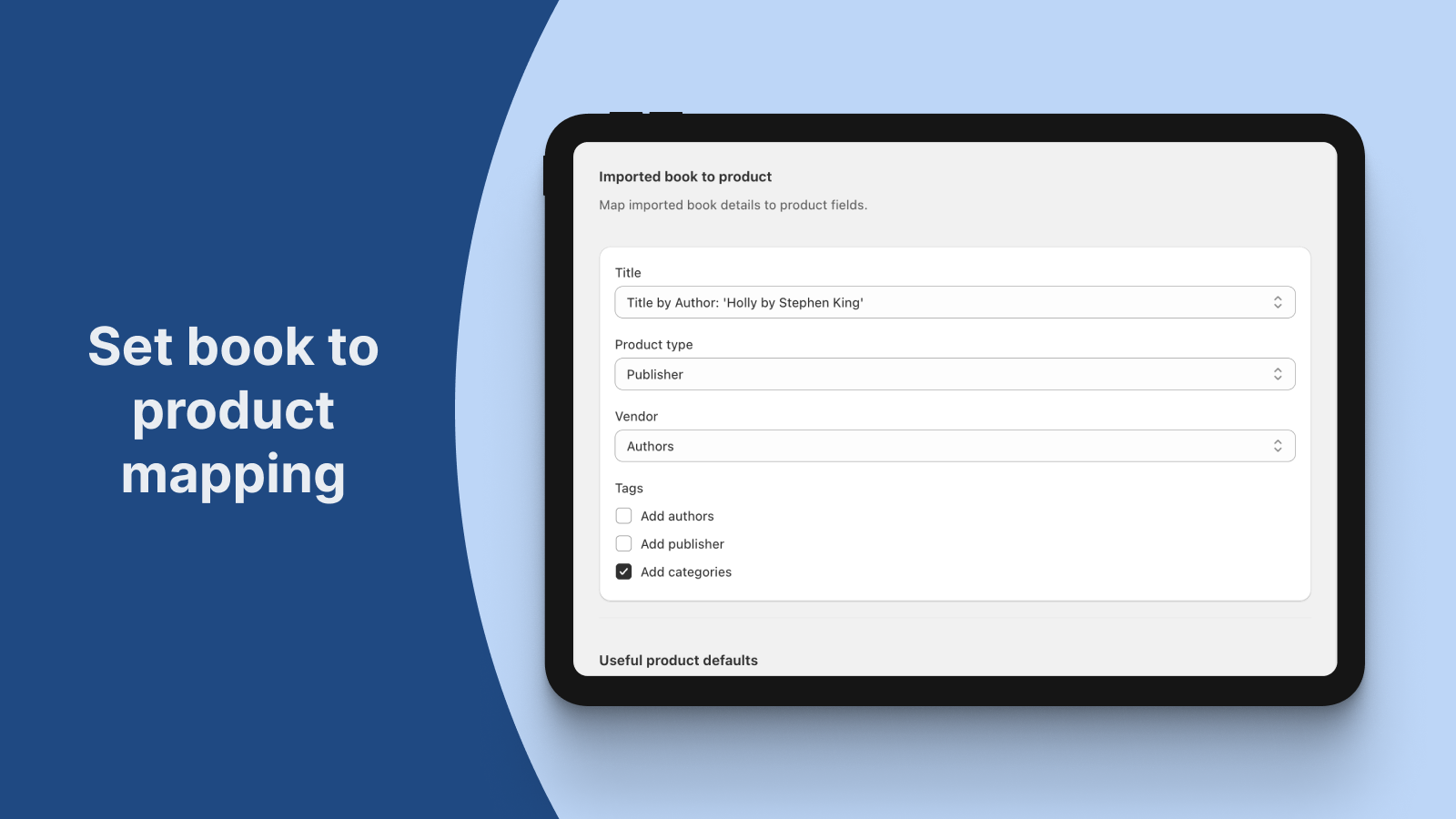
- Customize book-to-product mapping
- Works with English, French, German and Spanish books
- ハイライト
- 管理画面で直接操作
価格設定
Free
無料
- 25 book imports on install
- Bulk importer
- POS scanner importer
- Inventory updater
- Book-to-product customization
Bookshelf
$5 /月
- 100 book imports per month
- Bulk importer
- POS scanner importer
- Inventory updater
- Book-to-product customization
Book corner
$8 /月
- 250 book imports per month
- Bulk importer
- POS scanner importer
- Inventory updater
- Book-to-product customization
Bookcase
$12 /月
- 500 book imports per month
- Bulk importer
- POS scanner importer
- Inventory updater
- Book-to-product customization
Free
無料
- 25 book imports on install
- Bulk importer
- POS scanner importer
- Inventory updater
- Book-to-product customization
Bookshelf
$5 /月
- 100 book imports per month
- Bulk importer
- POS scanner importer
- Inventory updater
- Book-to-product customization
Book corner
$8 /月
- 250 book imports per month
- Bulk importer
- POS scanner importer
- Inventory updater
- Book-to-product customization
Bookcase
$12 /月
- 500 book imports per month
- Bulk importer
- POS scanner importer
- Inventory updater
- Book-to-product customization
すべての料金はUSDで請求されます。 定期請求と使用料に基づく請求は、30日ごとに行われます。 すべての価格オプションを見る
レビュー (10)
Hands down this is the best app I've used on Shopify so far. It's easy to use and the developer is quick to respond to messages and is genuinely helpful.
We had a project that required a one time massive import of books, and the developer created a custom package to help save us time and money. Absolute hero.
The app itself is brilliant, it's ability to create metafields that automatically pulls data such as author, bindings, publisher, and publication dates is immensely valuable not only for the front end but also for behind the scenes cataloguing.
Seriously can't recommend enough.
Thank you for the kind words!
The communication with Ever After Books was efficient and friendly. We were glad to offer the custom package and support.
And it was just a pleasure to work with the Ever After Books owner.
Best regards,
Dmitri.
Absolutely necessary if you are running a bookstore through Shopify. The price is so fair and this app is so wonderful.
The only thing I would add is for the cover price to be imported as well because we have accidently published a couple things at $0 - but we know this app is new and will continue to approve! Thank you!
Thank you so much for your feedback! We will continue improving our app to make it even more useful.
Warm regards,
Cristina.
This app has saved me so much time! It easily imports data on books with barcodes. I look forward to updates with even more functionality!
Thank you for the review! We will continue adding more functions.
Kind regards,
Cristina.
This app is easy to use and affordable plus it saves me a ton of time. Well done!
Thank you so much for the review! We are glad that the app helps you save your valuable time.
Best regards,
Cristina.
As a new bookshop this app was an ABSOLUTE LIFESAVER! Thank you ISBNExpress for creating such a useful tool
Thank you for your feedback. We are glad that the app is useful for your new bookshop.
Kind regards,
Cristina.
サポート
ISBNExpress: Books Importerに関するご質問にはDmitri Pavlutinがお答えいたします。
開発者
リソース
特集
技術スタック
Federal Street Booksがビジネスの活性化に使用しているアプリを入手しましょう。
類似のアプリ