
Keeping ‑ Helpdesk for Gmail
- 価格設定
-
月額$33から。 無料体験あり。
- 評価
- 5.0 (1)
- 開発者
- Katsu Ventures
特集の画像ギャラリー
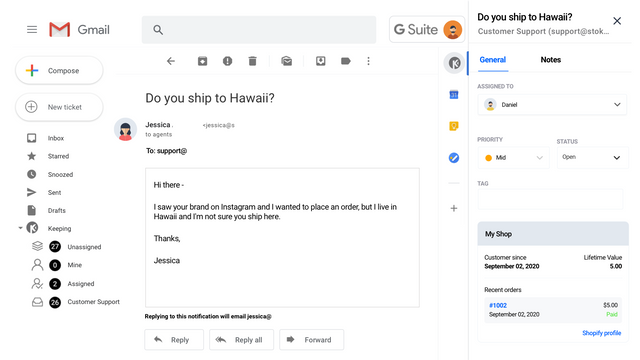

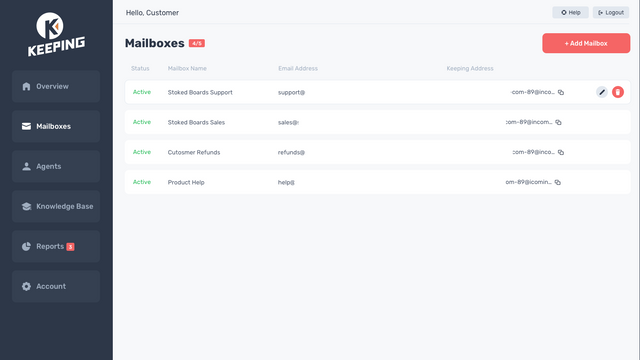
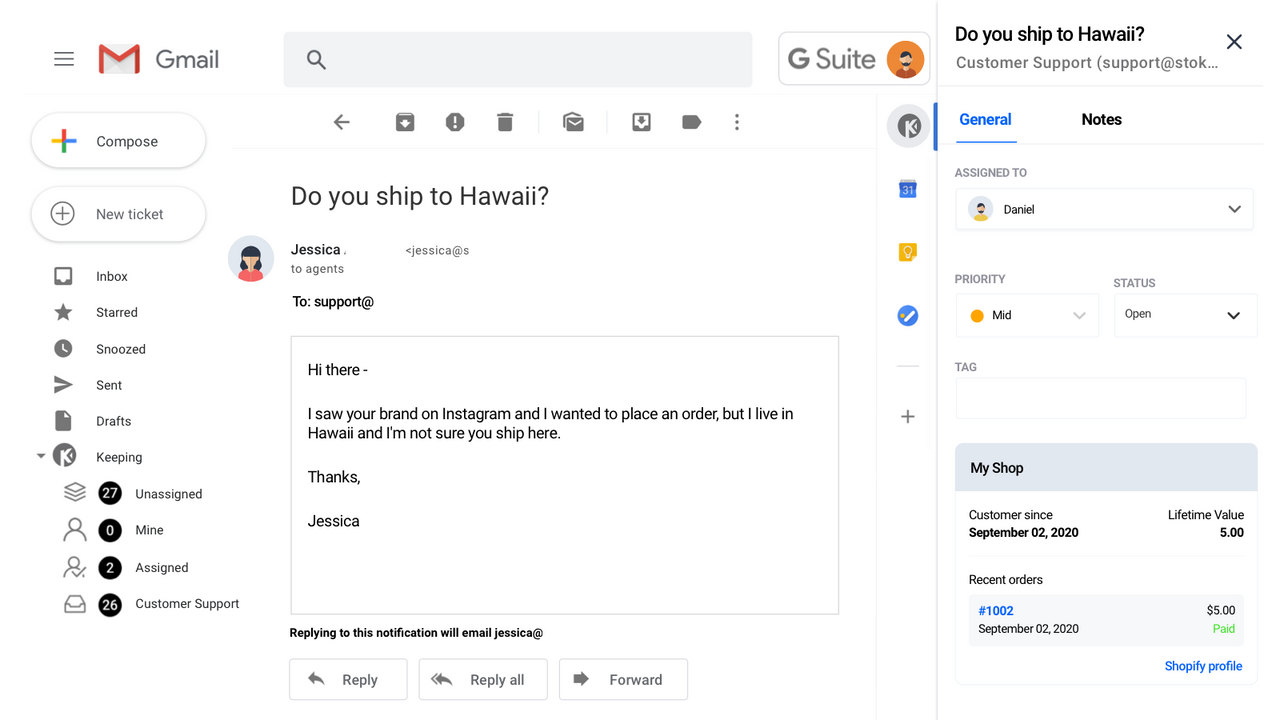
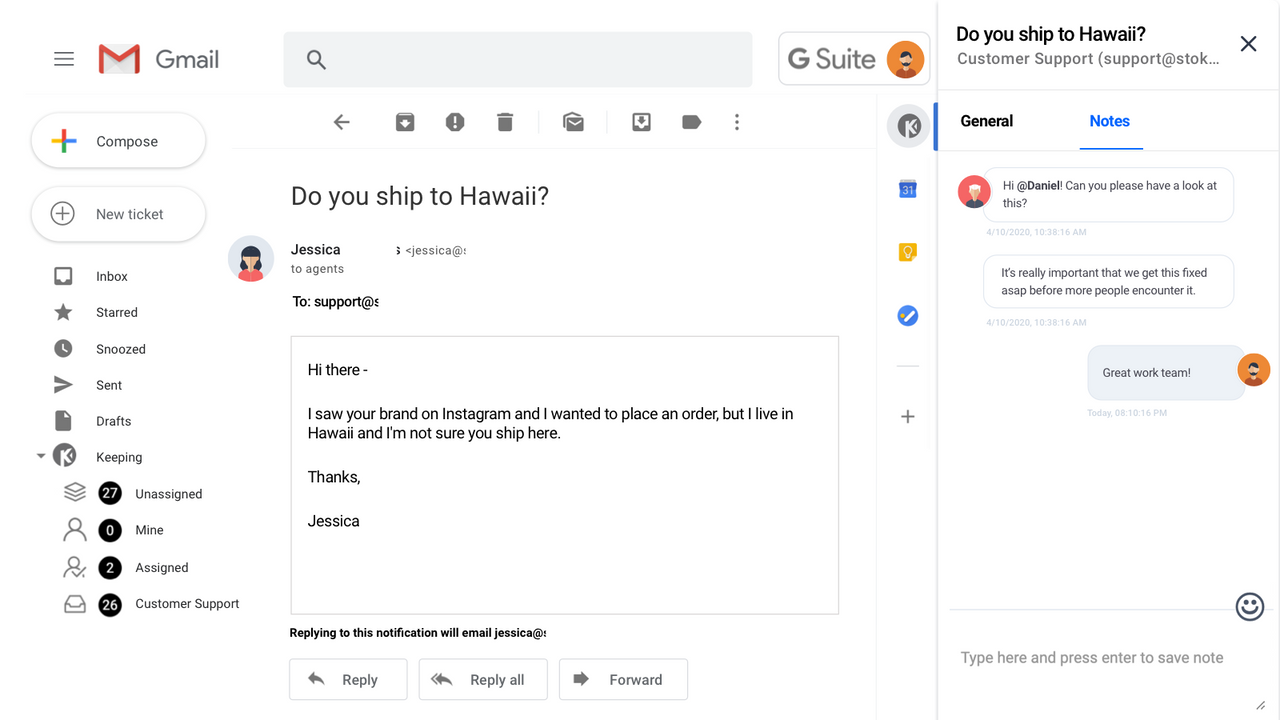
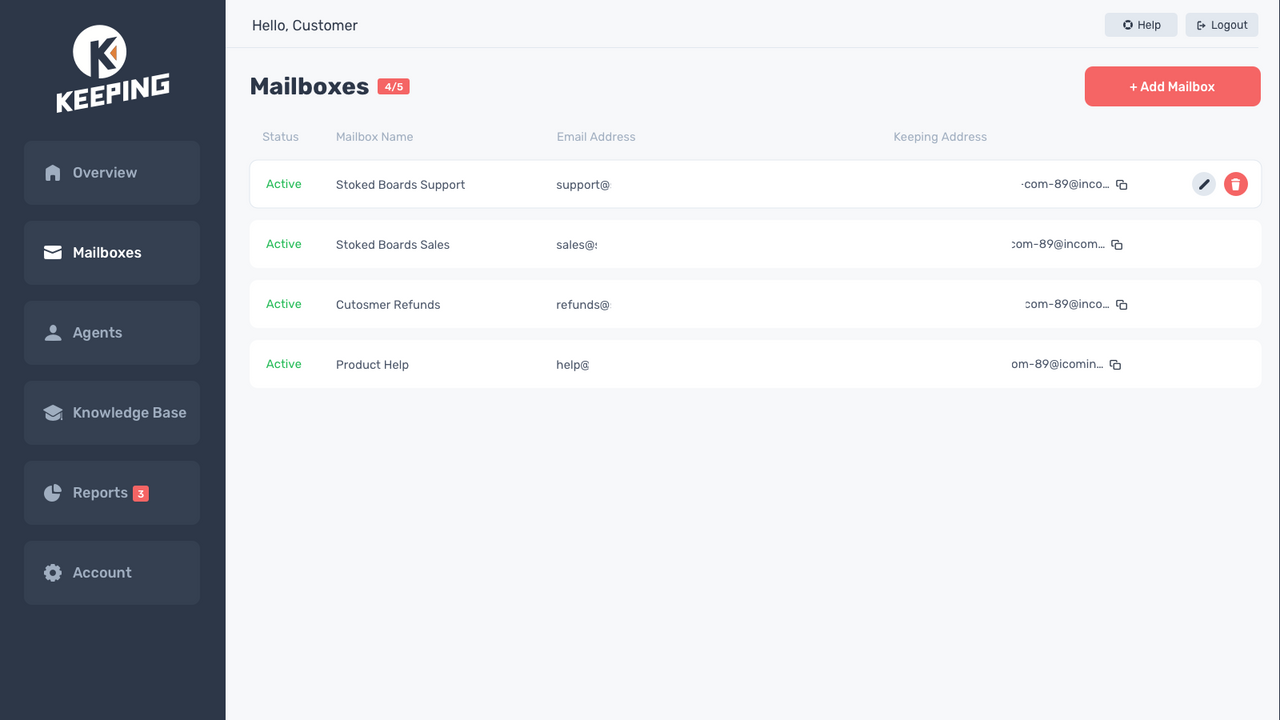


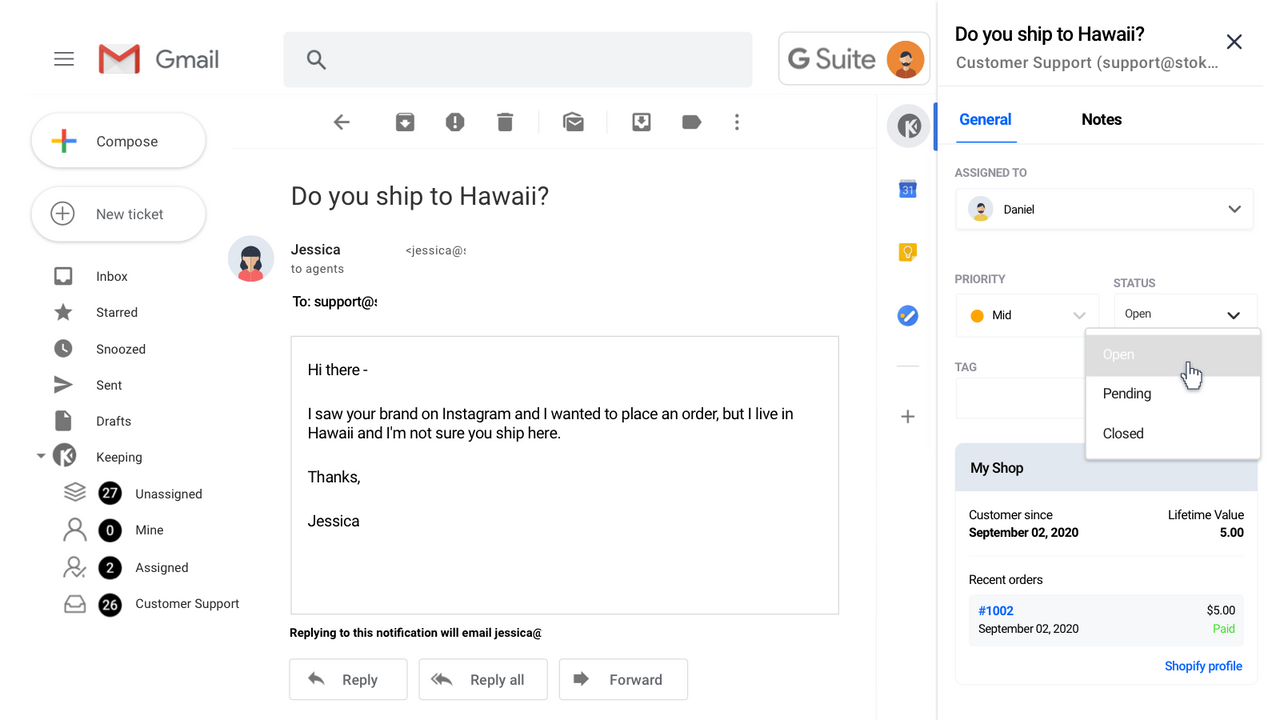
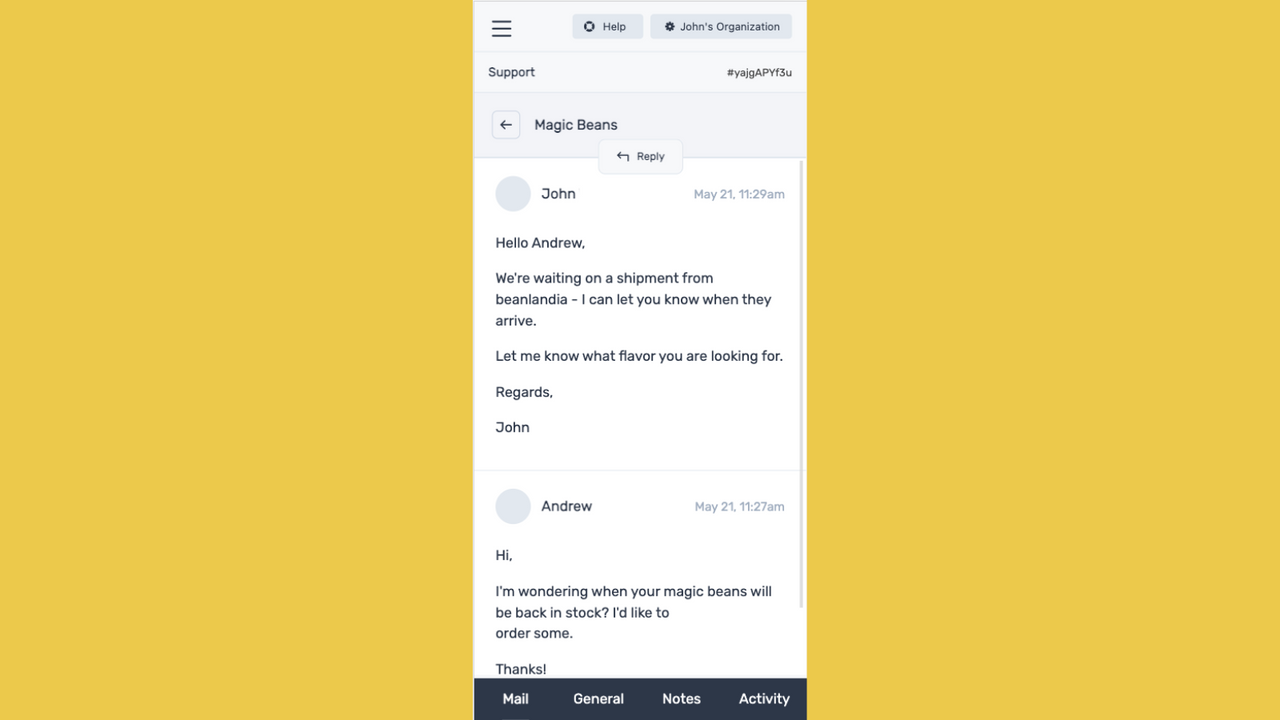

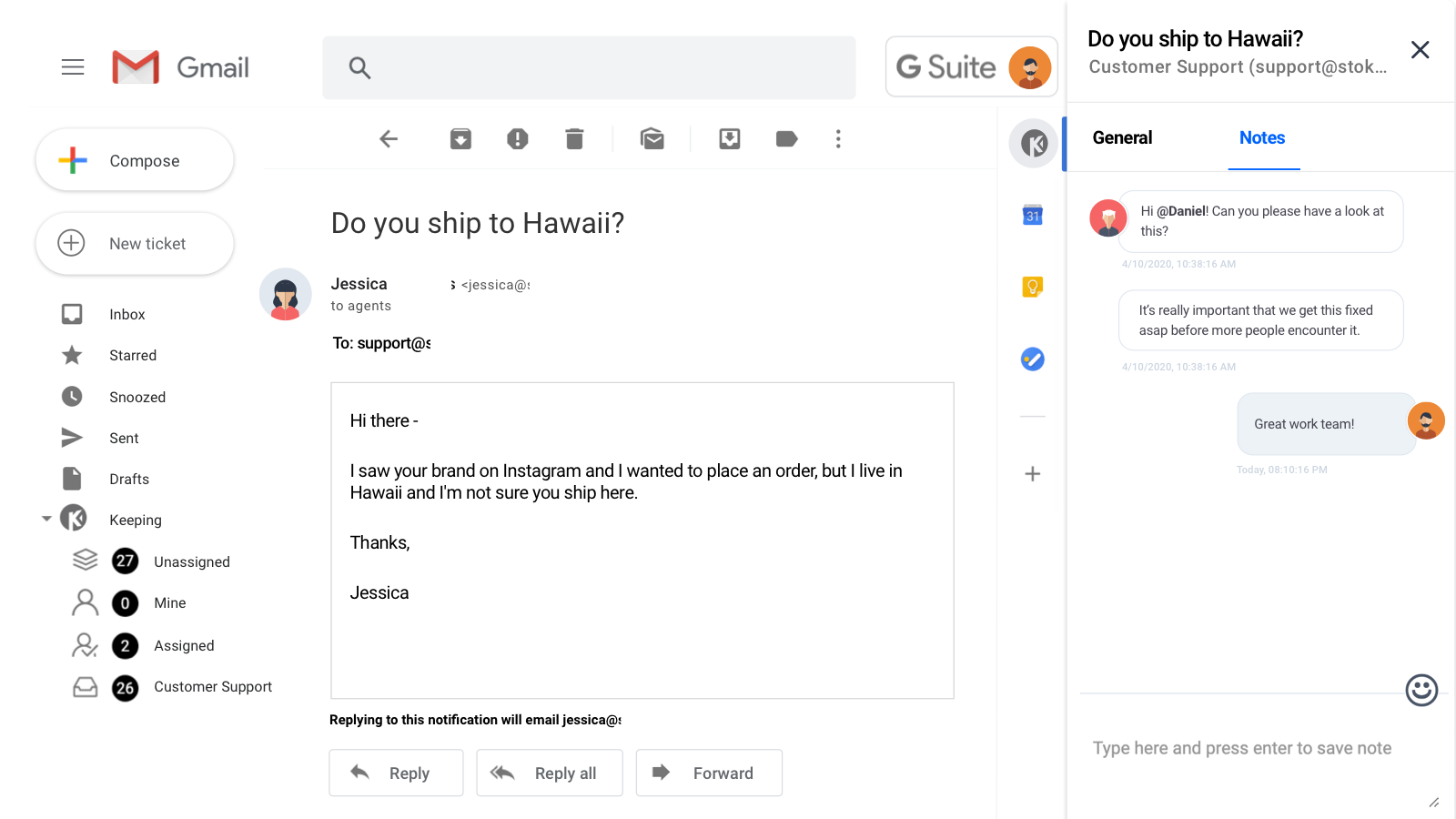

Keeping は、Gmail を離れることなくサポート用の受信トレイを共有できる、最も簡単な方法です。
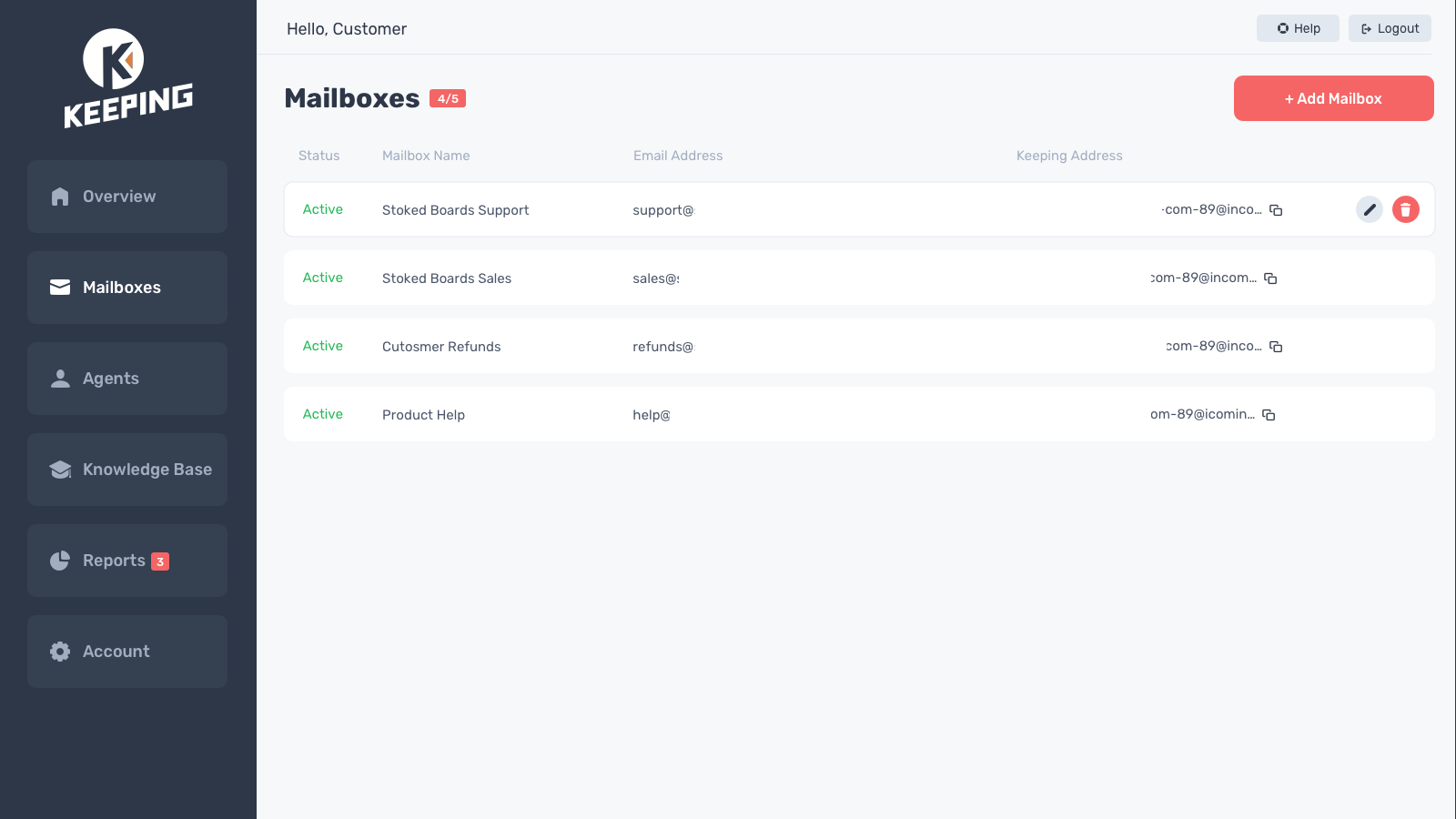
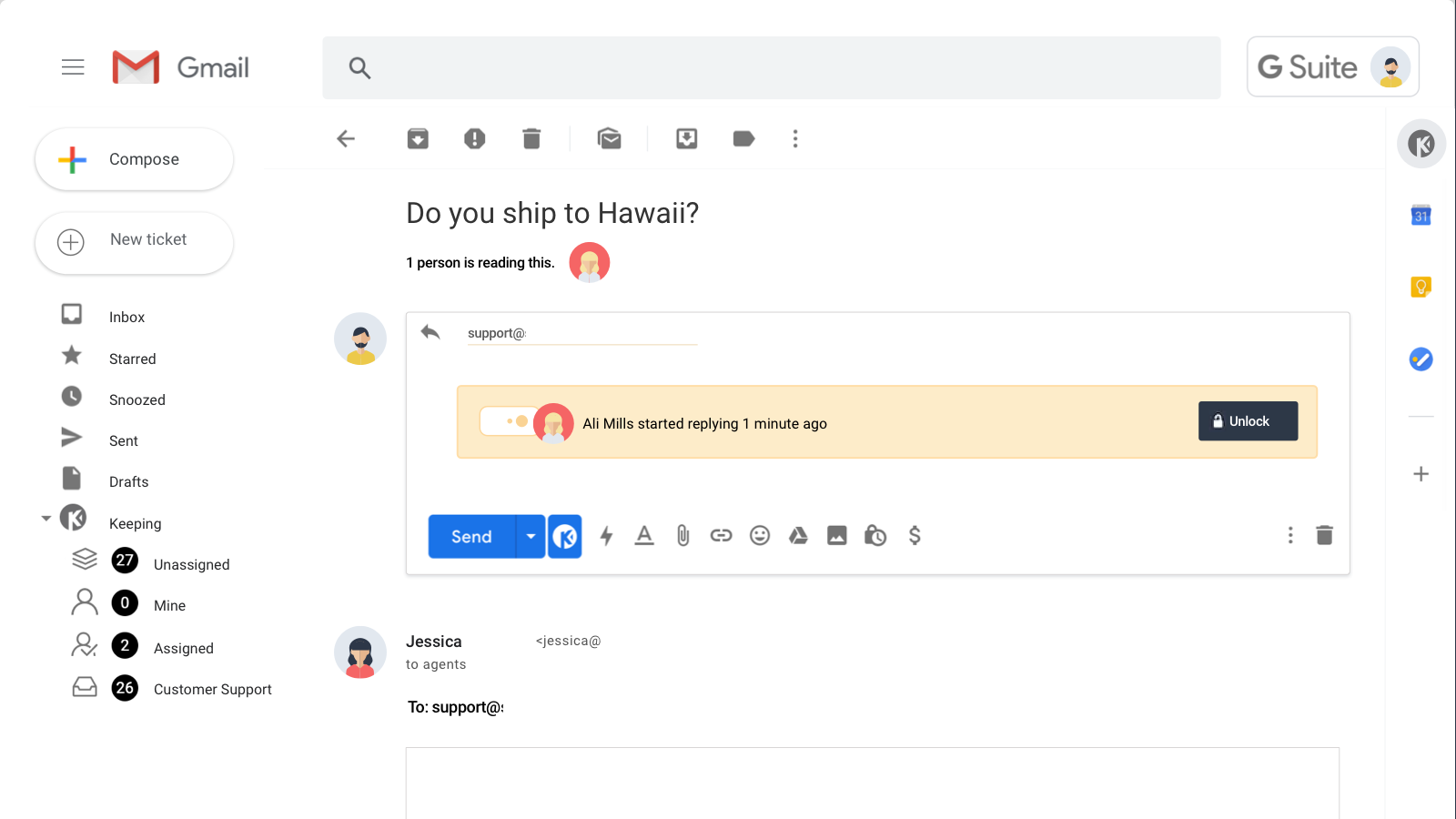
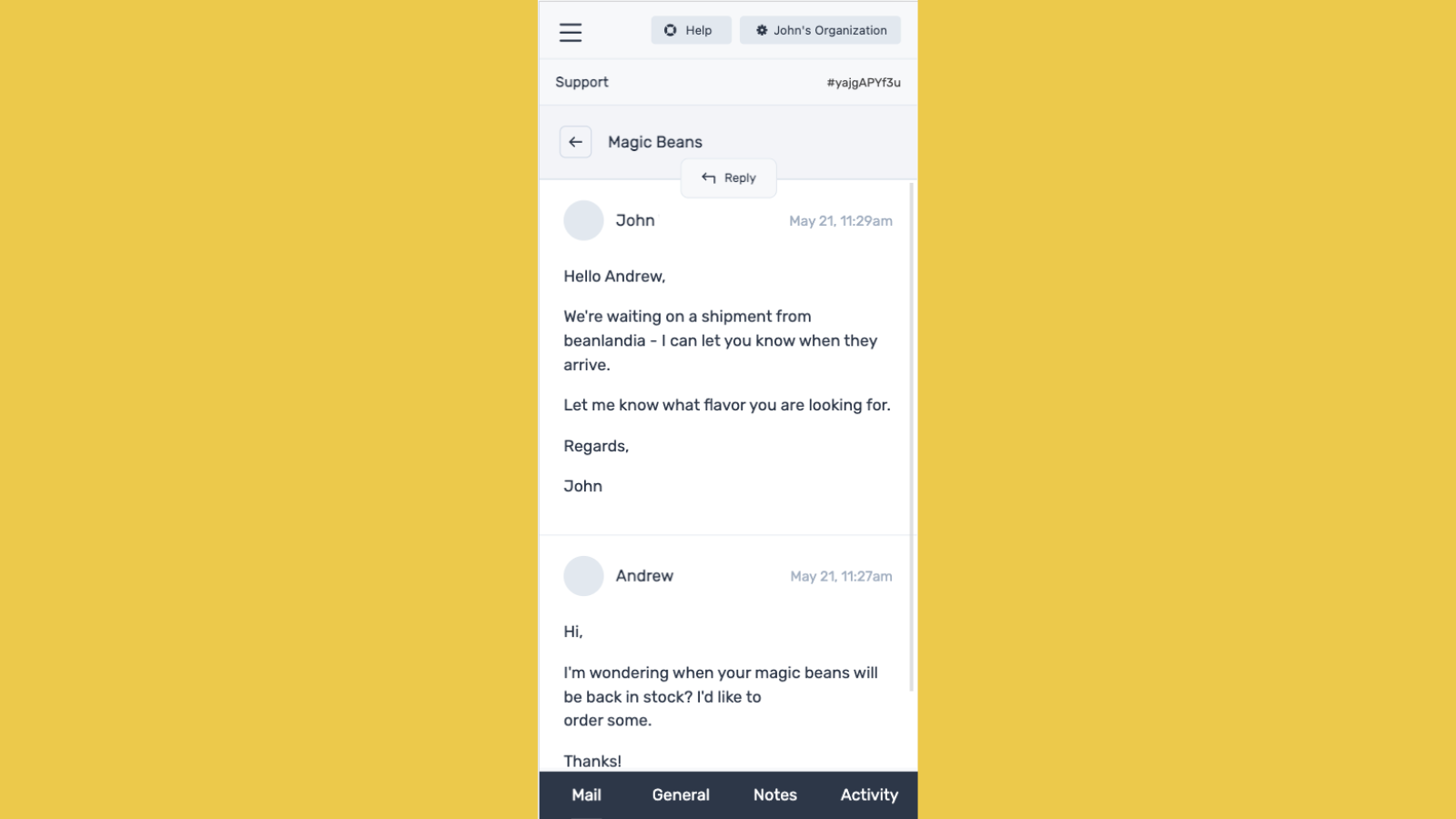
Keeping を使用すると、チームの Gmail がフル機能のヘルプデスクに変わります。Gmail 内から直接カスタマーサポートのメールを管理できます。外部のヘルプデスクを使用せずにカスタマーサポートを向上させる、あらゆる規模のeコマースチームにとって理想的なソリューションです。共有の受信トレイにサポートリクエストが届くと、Keeping はそれをサポートチケットに変換し、チーム全体と同期します。その後、Gmail 内から直接割り当て、ディスカッション、優先順位付けを行うことができます。
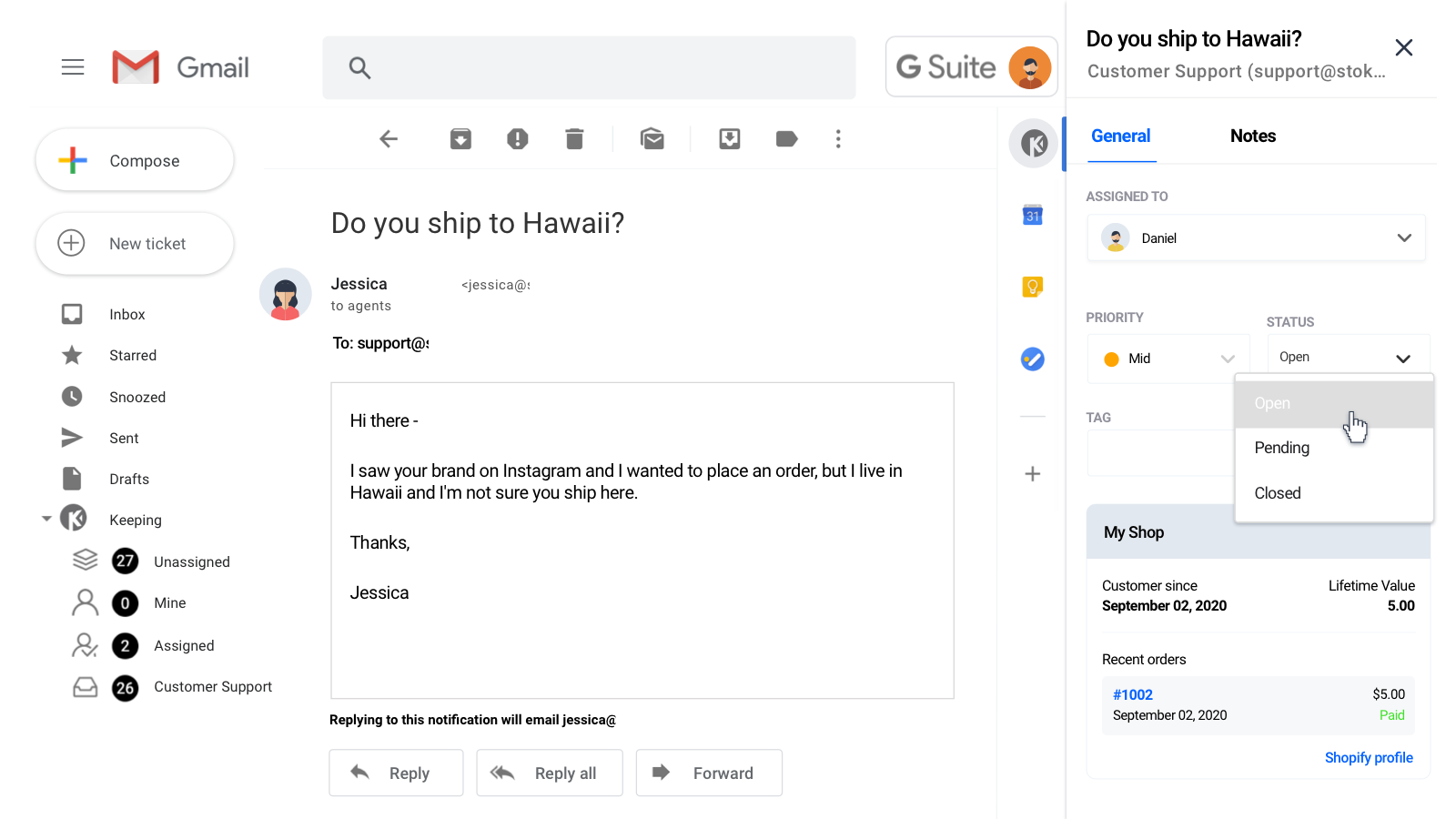
- お客様の注文情報を Gmail 内で直接確認できます。
- サポートアカウントを個人または業務用の Gmail と同期できます。
- 詳細なレポート機能で、返信時間、チケット数、エージェントのパフォーマンスを測定できます。
自動翻訳されたテキストを含む
言語
英語
このアプリは日本語に翻訳されていません
連携対象システム・アプリ
- Gmail
- Google Workspace
- Gsuite
- HubSpot
- Zapier
カテゴリー
価格設定
ビジネスに最適なプランをお選びください。
Plus
$33 /月
または$288/年で27%お得
追加エージェント1名につき11ドル
機能
- 無制限のサポートチケット
- サポートエージェント3名込み
- 5つの共有メールボックス
- 2つのワークフロー
- ブランド表示なし
14日間の無料体験
Unlimited
$48 /月
または$504/年で13%お得
追加エージェント1名につき16ドル
機能
- 無制限のサポートチケット
- サポートエージェント3名込み
- 無制限の共有メールボックス
- 無制限のワークフロー
- ブランド表示なし
14日間の無料体験
自動翻訳されたテキストを含む
すべての料金はUSDで請求されます。 定期請求と使用料に基づく請求は、30日ごとに行われます。 すべての価格オプションを見る
tl;dr - Keeping is exactly what we have been searching for to better handle our customer inquiries via support emails, and in a more professional manner. :)
---
As a small company the "Plus" subscription is plenty for our needs, as opposed to the also-affordable "Unlimited" plan. (We also chose the annual payment plan for the 20% off deal they were offering at the time.)
-
Everything is done right within our existing Gmail accounts, although Keeping has an option to work within their site. All incoming emails (to the main selected support email account) are automatically converted into a "ticket". Tickets can easily be assigned to different agents, and I can even include notes within it for other agents to view / add to. Replying to the message will respond directly to the customer from the support account, so support reps can stay anonymous (careful with automated signatures - change your settings to easily avoid trouble).
-
Tickets can be marked as Open, Pending, or Closed at any point in time. There's also a nice feature to change this status as you send the message (the Keeping logo next to the original send button). And you don't have to worry about missing a reply to a Closed ticket, since it'll automatically be reopened, and assigned to whoever was last assigned to the ticket! (You can assign multiple agents too; I like use this just to easily find / view tickets I'm involved in / need to refer to info from it, even if I'm not the one to respond.)
-
The BEST feature of Keeping is the Knowledge Base. We have FAQs stored (the lightning bolt icon next to the send buttons) which we can add to the email, basically like copy and pasting text, and even links and images. The info is editable in the text body too, to further personalize responses.
-
This might be the ACTUAL BEST feature: For those customers who create a new email thread for every response instead of simply replying to the existing thread (very annoying, but I'm not sure they even know they're doing it) - each ticket shows info on "related tickets" that you can click between and easily find previous info.
-
The new Shopify integration tool is an example of Keeping's continuing progress. When you're viewing a ticket, their Shopify order and customer info is right there, so you don't have to have Shopify open in a separate window 24/7. And if you need to do anything in their actual order or customer profile, each are linked in this section.
---
ps - My review includes what I feel is more important to general users, but I've explored most of the ins and outs of Keeping. I recommend doing the same to more quickly understand how it works, and how to use to use it with your processes!
-
I also mentioned some additional features I'd like to see in the future, and the Keeping team was great to talk to about it!
Thanks for this great and very comprehensive review! 😊
サポート
アプリのサポートは Katsu Ventures が提供しています。
リソース
この開発者は日本語での直接的なサポートを提供していません。
開発者
公開日
2021年8月19日
類似のアプリ