


Featured images gallery
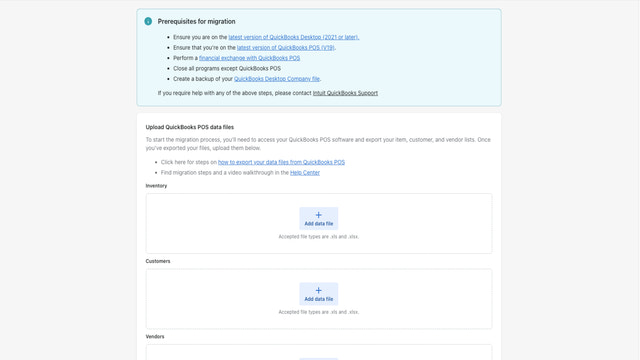
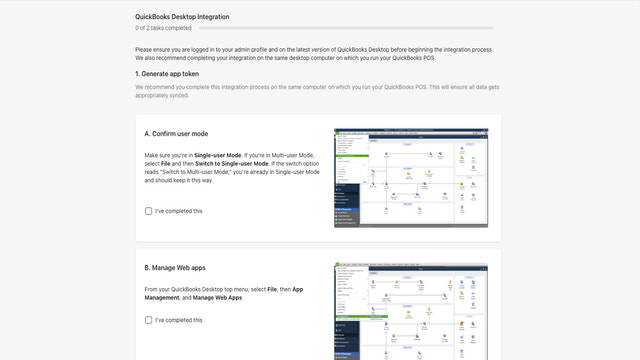
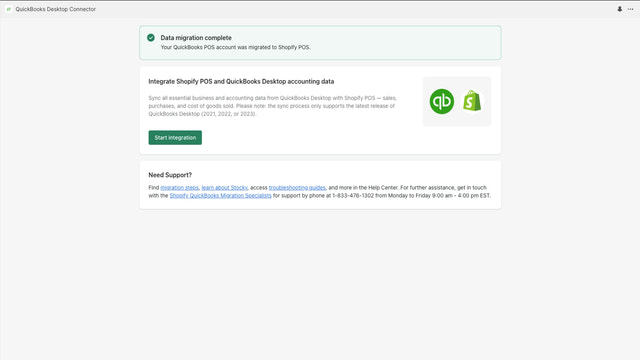
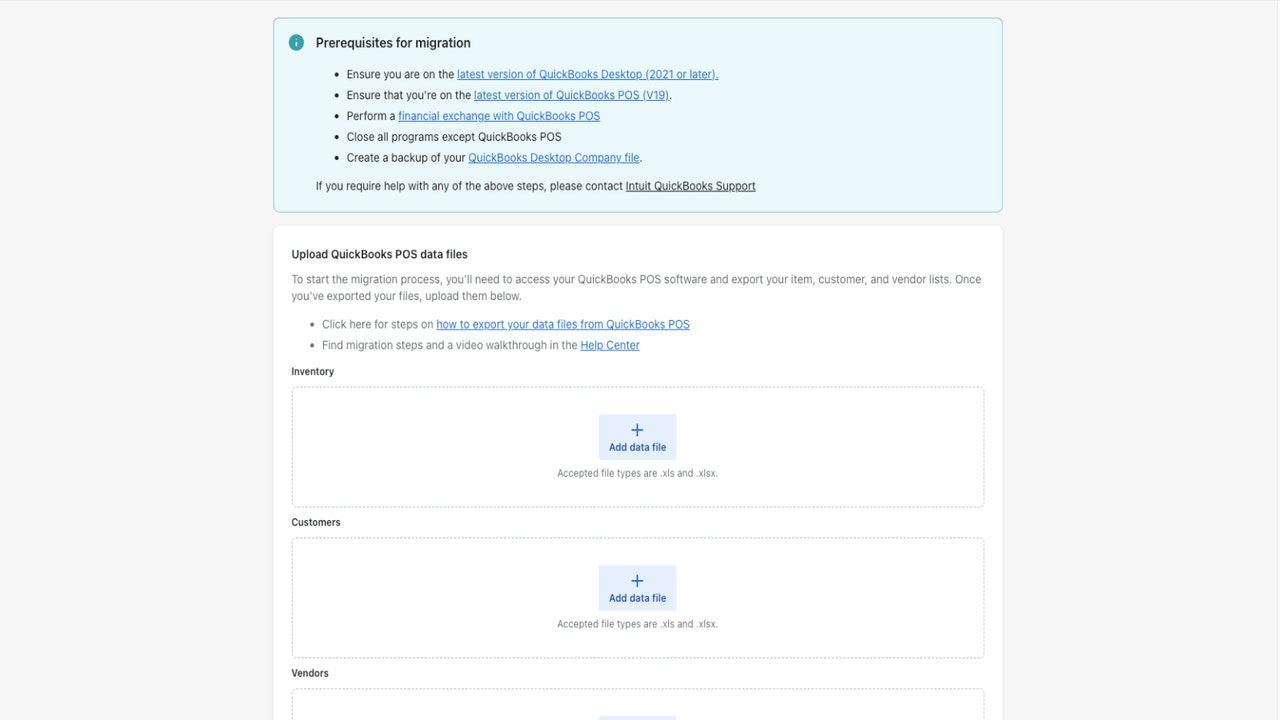
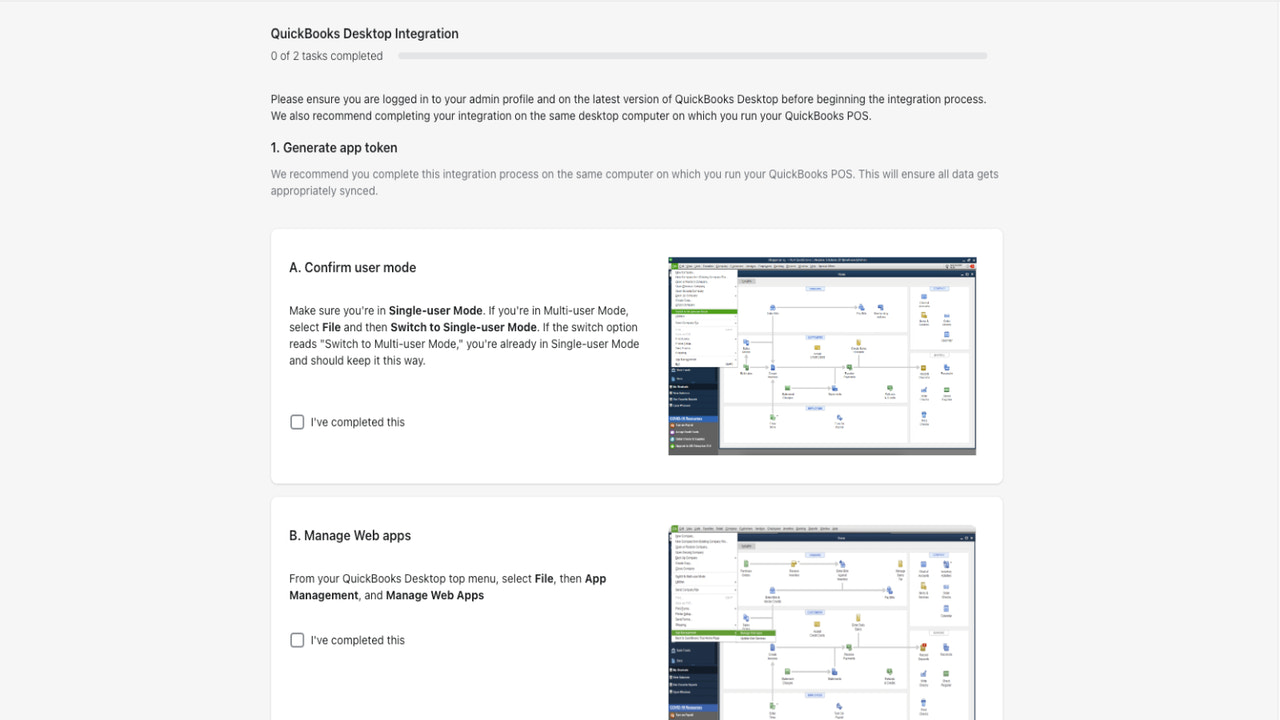
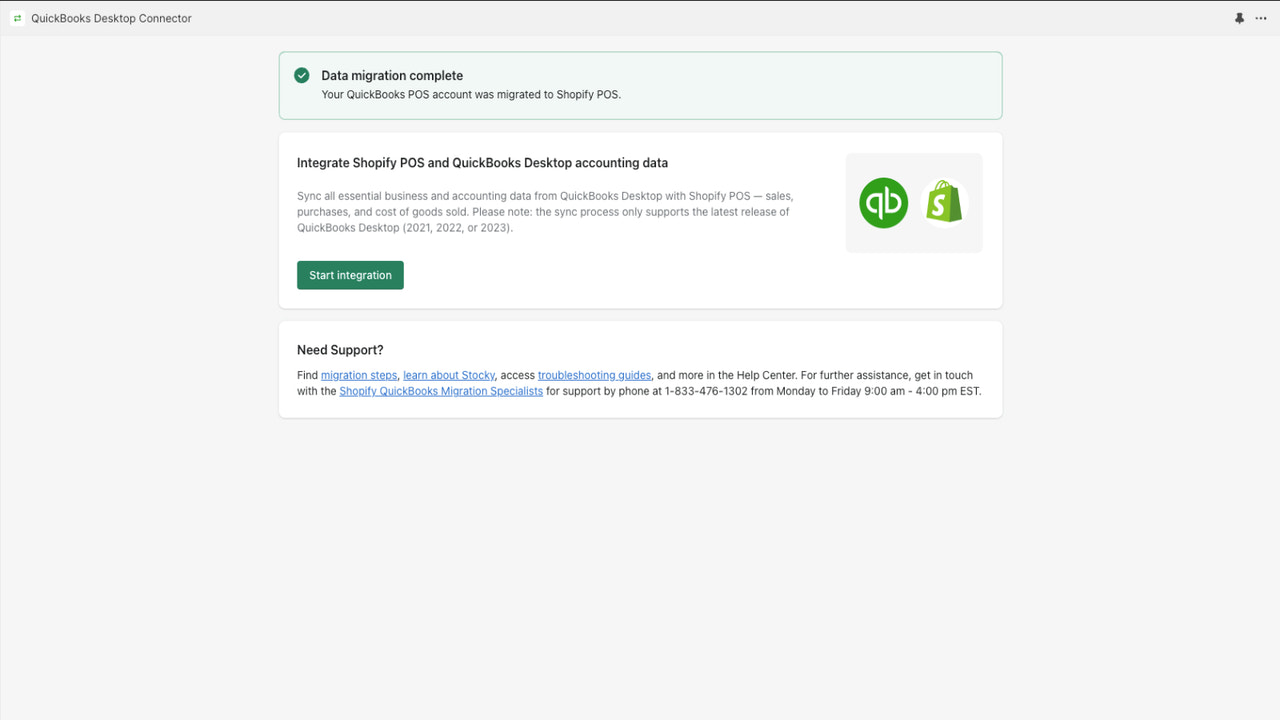


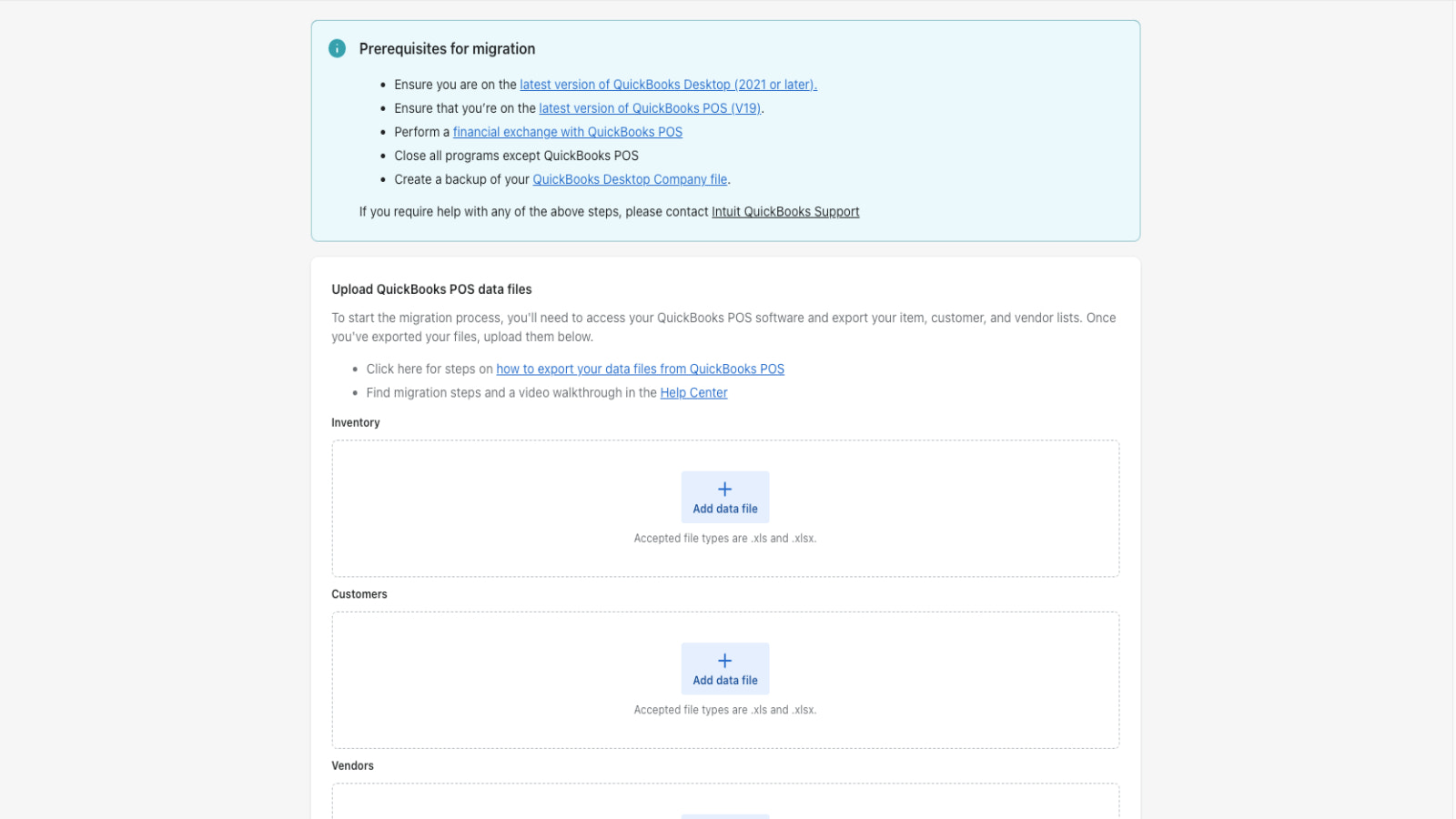
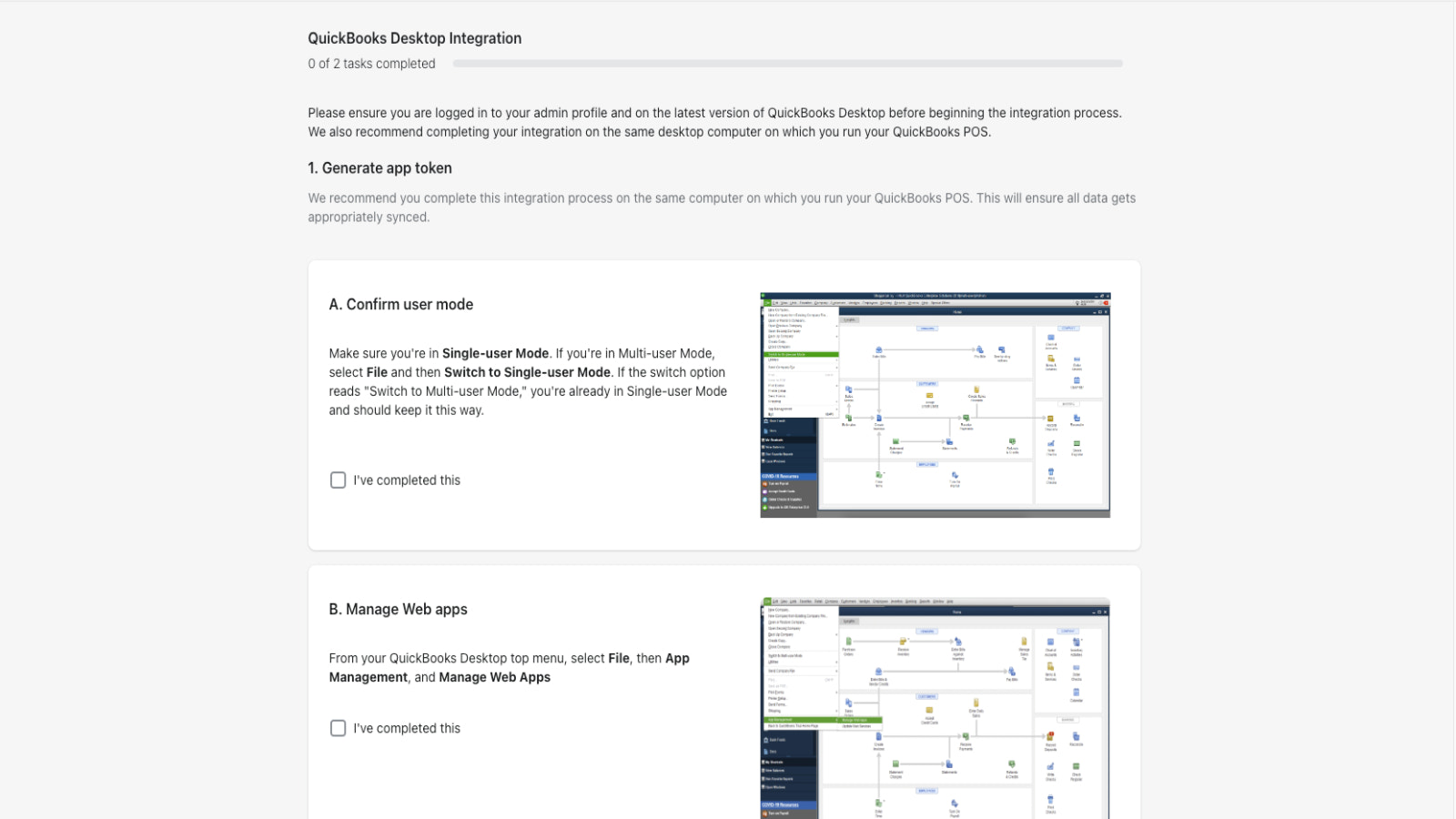
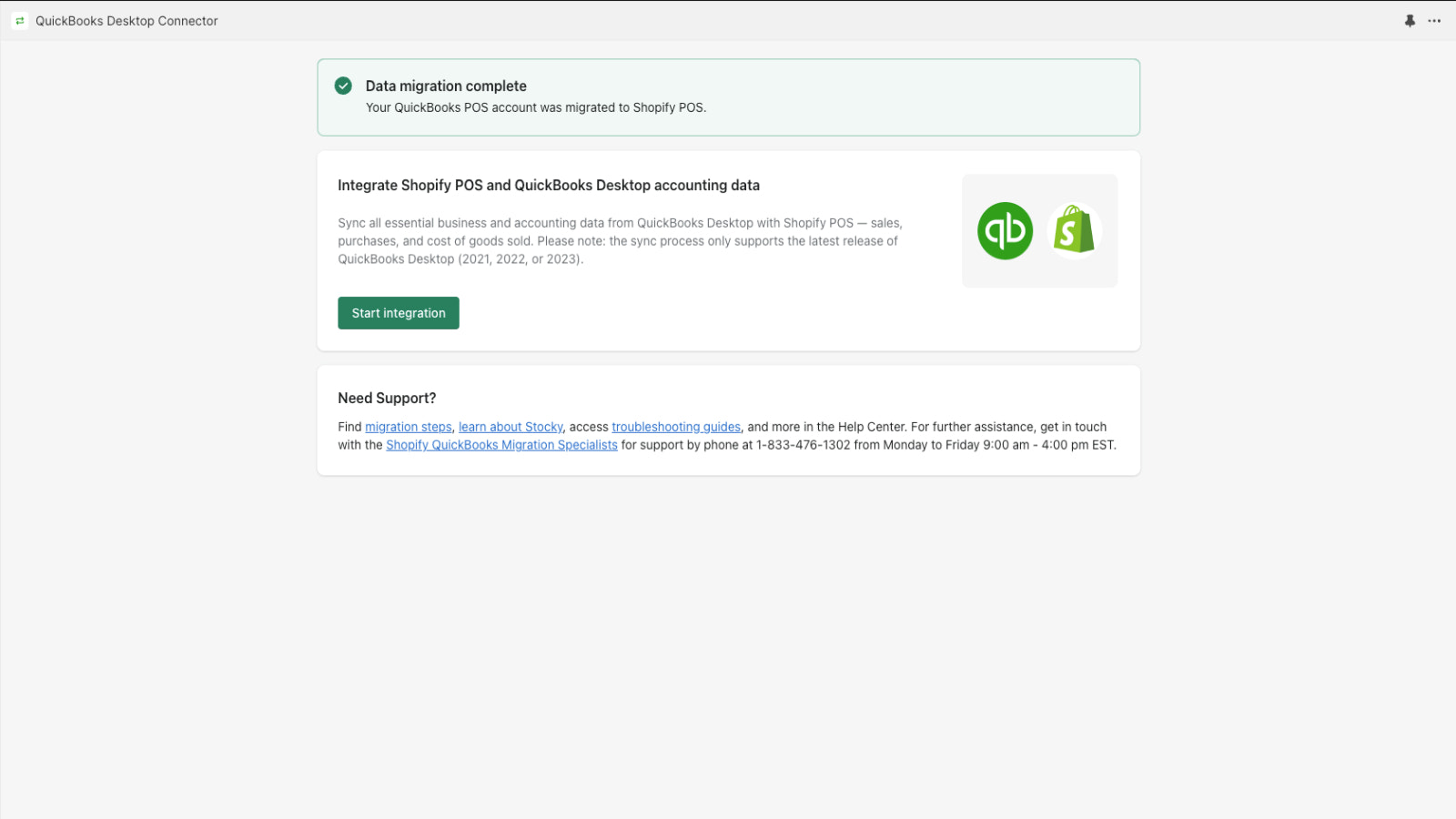


Seamlessly migrate QuickBooks Desktop POS, integrate with POS and sync data to QuickBooks accounting
Seamlessly migrate from QuickBooks Desktop POS, integrate with Shopify POS & B2B(Shopify Plus), & sync data to QuickBooks Desktop accounting. The app syncs product, accounting, & sales data seamlessly, ensuring an easy switch. Our new B2B workflows includes features like customer & class sync, draft orders, PO numbers & bi-directional payment & payment terms sync. Sync Shopify companies, locations, & PO numbers to QuickBooks Desktop accounting accurately. Perfect solution for growing businesses!
- Migrate products, customer and vendor from QuickBooks Desktop POS to Shopify POS
- Integrate with Shopify POS & B2B(Shopify Plus) & sync data to QuickBooks Desktop
- Sync Shopify companies and locations to QuickBooks Desktop accounting accurately
- Bi-Directional payment sync for Shopify companies : mark orders as paid
- Bi-Directional payment sync for Shopify companies : sync net payment terms
Languages
English
Categories
Data sync
Pricing
Choose the plan that best fits your business.
Free - D2C Plan
Free
Features
- QuickBooks Desktop POS to Shopify POS
- Shopify POS sync data to QBDT accounting
B2B Plan
$99 / month
Features
- Sync B2B transactions in addition to D2C
- Bi-direction sync of B2B order payment
- Bi-direction sync B2B-order-paymentTerm
All charges are billed in USD. Recurring and usage-based charges are billed every 30 days.
Reviews (20)
Have lot of issue in transferring data to Intuit QuickBooks Desktop, customer service has no clue to resolve the issues and we are bounced back to QuickBooks
Hi there, we looked at the issues faced by you and have since produced a fix. Also we are trying to reach you via email to help you as required.
When QuickBooks discontinued their POS they recommended Shopify as they had created this app to connect the two... as others have stated we have had nothing but trouble. It took about a year to get everything resolved and now we are having the same syncing issues we had last year and the app developers seem to have dropped off the face of the earth and Shopify seems to have washed their hands of it...
Thank you for this — and I'm sorry. Being left without answers after the QuickBooks POS migration is not the experience you should have had, and "it took about a year" is fair criticism, not an exaggeration.
To be straight with you: our support responsiveness has not been good enough. That's on us, not on Shopify or Intuit.
On the product side, we've spent recent months rebuilding the connector's sync engine, focused on the failures merchants hit most often — syncs that stall silently, duplicate records, and entity mapping drifting between QuickBooks and Shopify. That work is ongoing and we're not claiming it's finished.
We'd genuinely like to get your account working properly. Email us at support@linktoany.com and mention this review — it goes straight to the engineering team rather than a general queue. We'll pull your sync history and tell you plainly what we find.
If you're still on the fence about if this will be a seamless transition for you ... the Shopify QB connector app only works sometimes- we just fudge our accounting to make the numbers match for transactions that never come through, it uses Greenland time for all of its time stamps (meaning your transactions won't be spit up by day unless you're based in Greenland), Stocky only sometimes transfers information over with your purchase orders so you can match it up with bills to pay... I'm probably forgetting some things. The tech support is sometimes helpful (if you're willing to wait a week or two) or downright incompetent (the first call I made, the rep claimed that Shopify didn't even HAVE a connector app).
Have fun!
Thank you for laying out specifics — that's more useful than most feedback we get, and none of it is unfair.
On the time stamps: you're right, and it's been fixed. Transaction dates now follow your store's own time zone rather than UTC. It depends on your account having its zone recorded, and not every account does yet — if your dates still look wrong, email us and we'll correct it on your account directly.
On transactions not coming through and Stocky purchase order data arriving incompletely: both are real and both are things we're actively working on. We're not going to tell you they're solved.
Please don't adjust your books to paper over missing transactions. If figures don't match, we want to find out why — that's a reconciliation problem we should be solving, not one you should be absorbing.
On support: a week or two is too slow, and being told the connector doesn't exist is indefensible. Email support@linktoany.com, mention this review, and it reaches the engineering team directly.
Support
App support provided by LINK.
Resources
Developer
WeWork Futura - 1st floor, Magarpatta City, San Fransisco, CA, 94016, US
Launched
January 12, 2023
Data access
This app needs access to the following data to work on your store. Learn why in the developer's privacy policy .
View customer data:
Sensitive data, device and activity data
-
Sensitive data
Name, email address, phone number, physical address
-
Device and activity data
Geolocation, IP address, browser and operating system
View staff and contributor data:
Store owner
-
Store owner
Name, email address, phone number, physical address
View and edit store data:
Customers, products, orders, discounts, gift cards, store credit, Shopify Payments, Shopify Functions, other data
-
Edit customers
Customer data
-
Edit products
Inventory, product listings, products, collections
-
Edit orders
Assigned fulfillment, draft orders, order fulfillments, merchant managed fulfillment, all order history, third-party fulfillment
-
Edit discounts
Discount codes and promotions
-
Edit gift cards
Gift cards
-
Edit store credit
Store credit account transactions, store credit accounts
-
View Shopify Payments
Shopify Payments payouts
-
Edit Shopify Functions
Cart and checkout validations
-
Edit other data
Price rules, locations, payment terms, publications of products on sales channels, purchase options
Featured in

More apps like this


Meets our highest standards for performance, design, and integration. Learn moreOpens in new window


Meets our highest standards for performance, design, and integration. Learn moreOpens in new window

