



Öne çıkan görsel galerisi

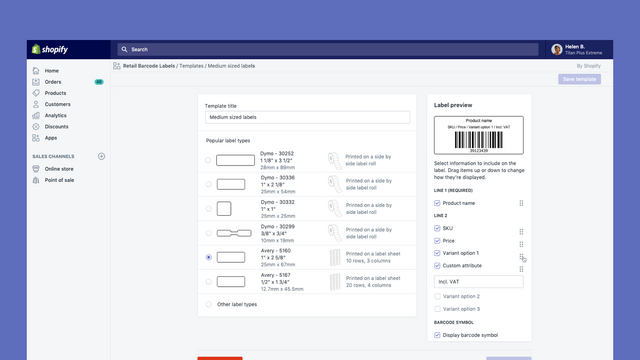
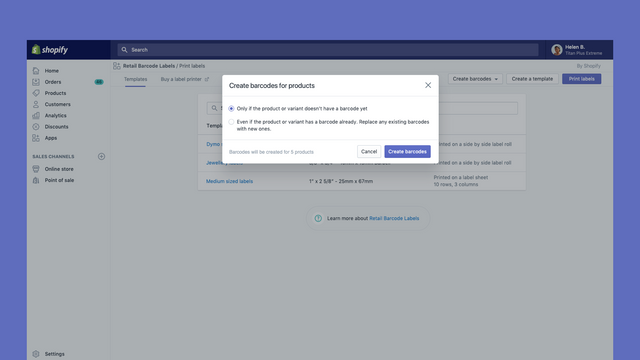
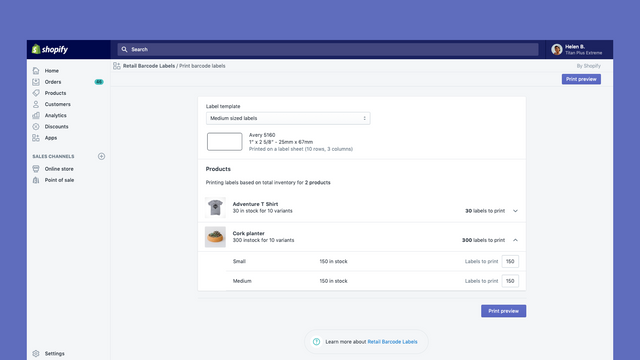
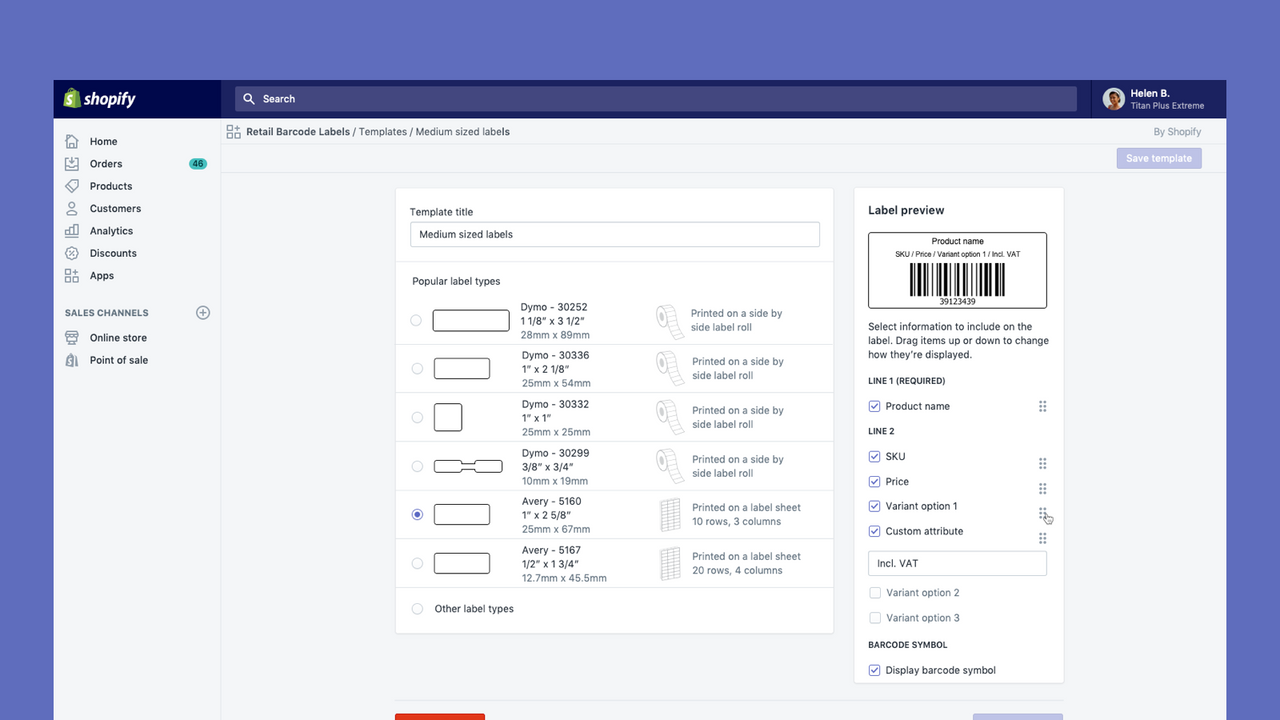
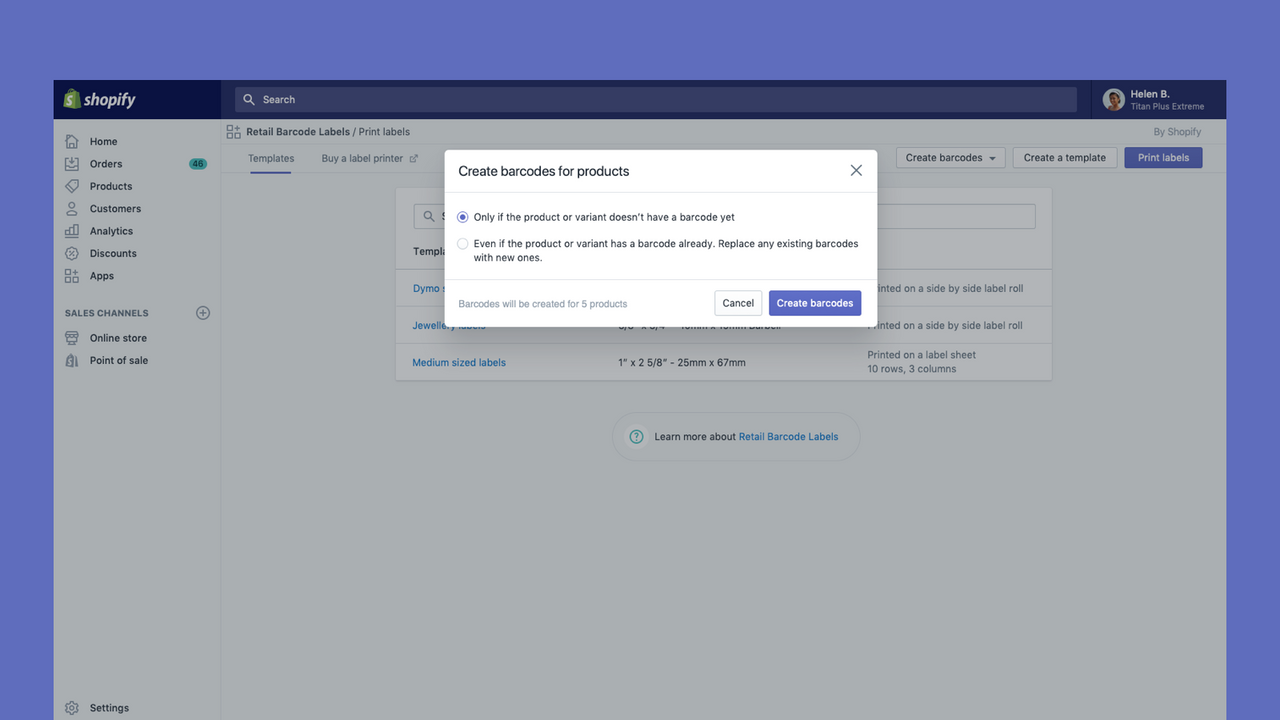
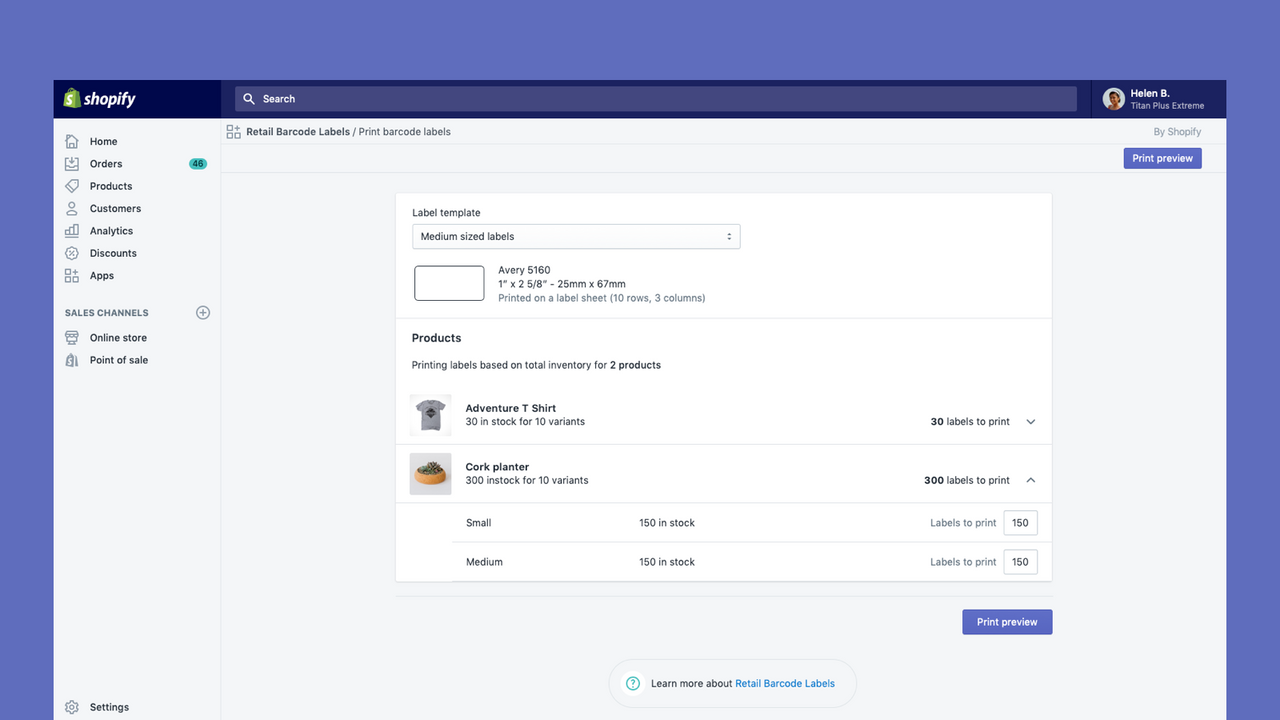
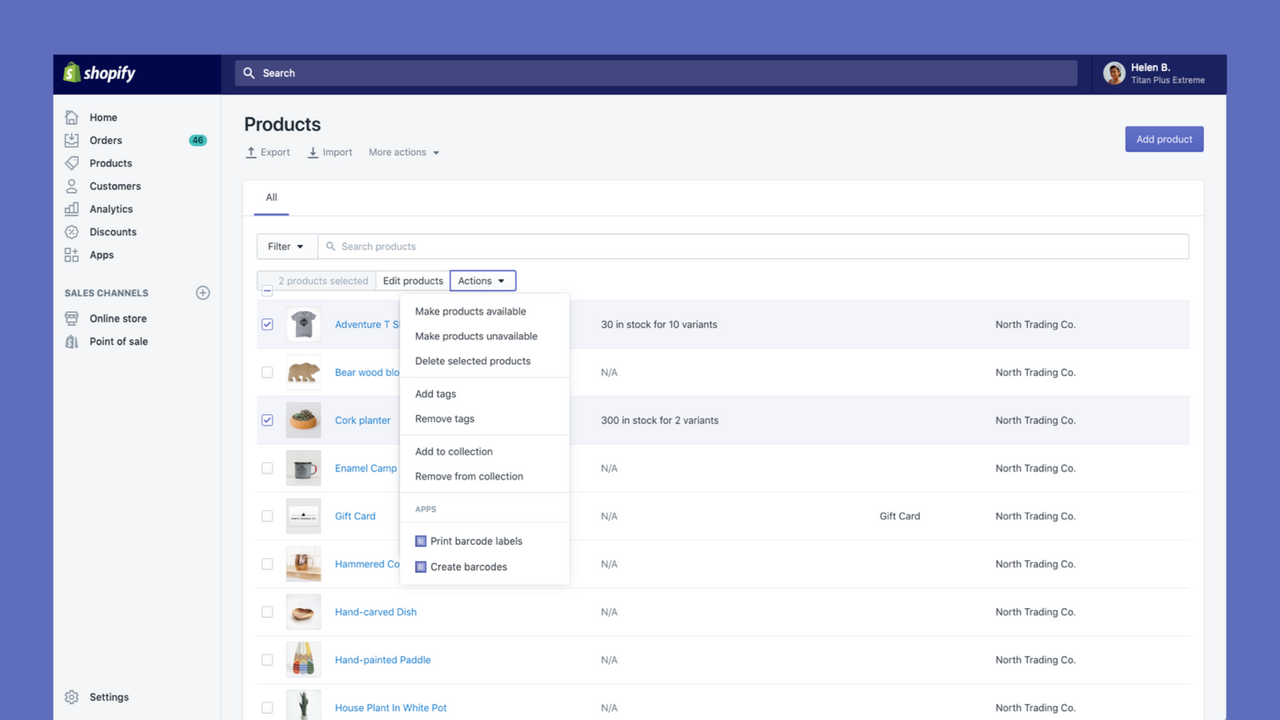

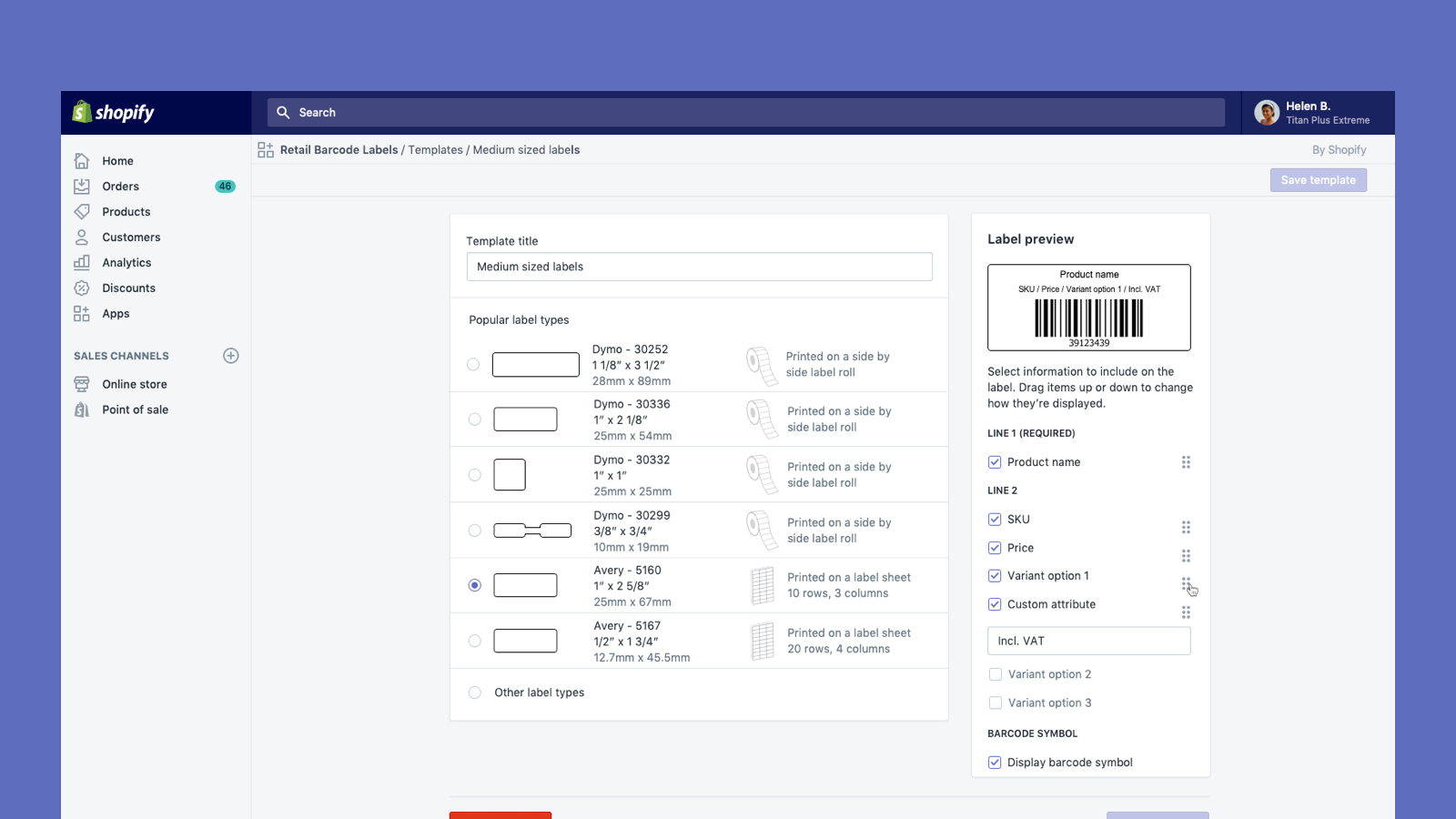
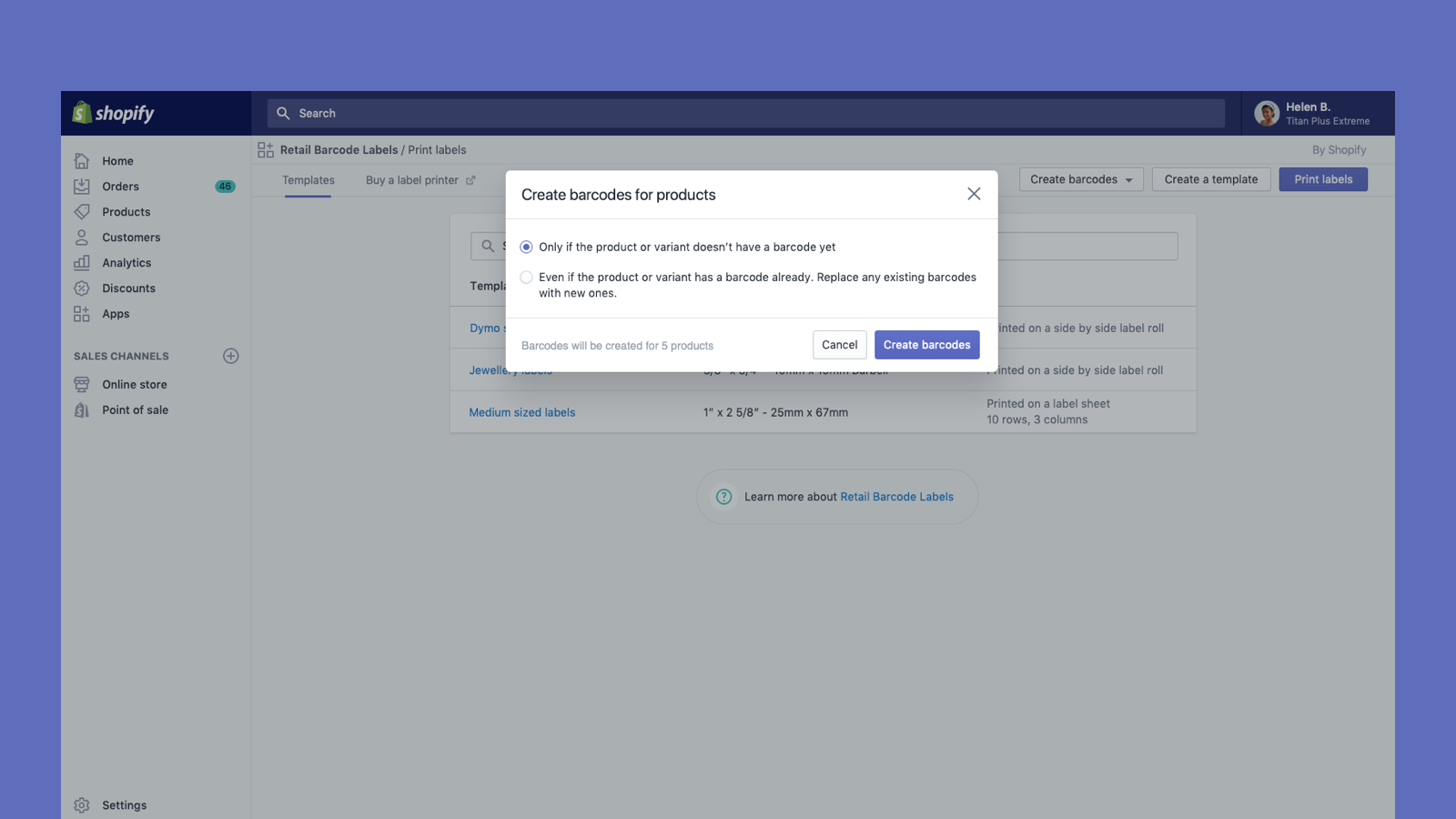

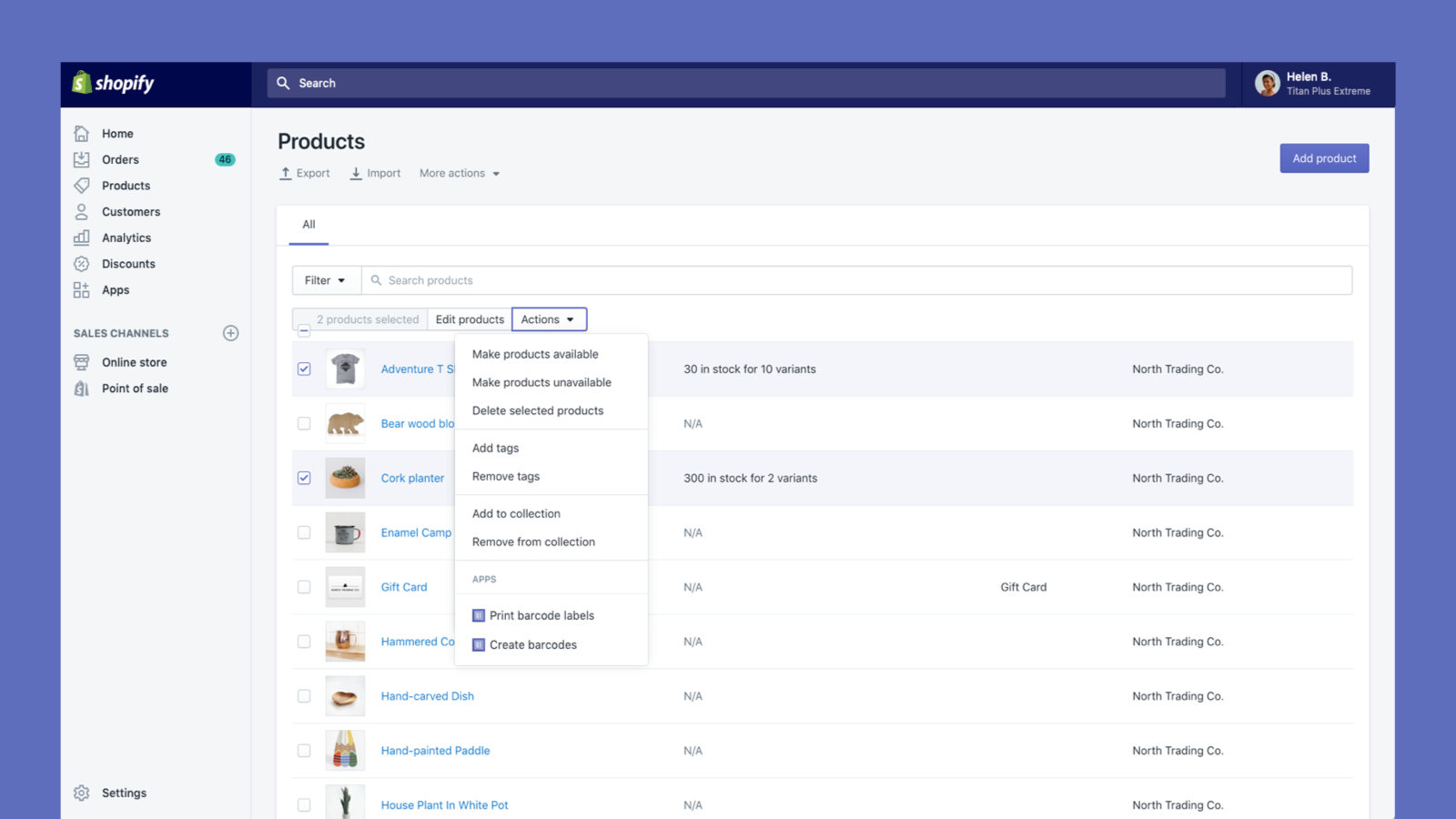
Create and print barcode labels for your products
Retail Barcode Labels allows you to easily generate and print barcode labels for your products. Use the app to create label templates to suit your different products and applications. Create templates and print labels on popular paper types from Avery, Dymo, and Zebra’s ranges, including label sheets. Retail Barcode Labels supports any printer currently installed on your computer or network, including secure air-printing from mobile devices. Print labels in bulk with ease and improve your stock
- Automatically generate Code-128 barcodes for any or all of your products.
- Create custom barcode labels with prices, SKUs, variants, and much more.
- Works with Dymo Label, Zebra printers or laser/inkjet printer with Avery Labels.
- Öne çıkanlar
- Amerika Birleşik Devletleri'ndeki işletmeler arasında popüler
- Doğrudan Shopify yöneticisinde kullanım
Diller
İngilizce, Danca, Almanca, Fince, Fransızca, İtalyanca, Japonca, Korece, Felemenkçe, Norveççe, Lehçe, Portekizce (Brezilya), Portekizce (Portekiz), İsveççe, Tayca, Türkçe, Vietnamca, Basitleştirilmiş Çince, Geleneksel Çince, İspanyolcave Çekçe
Kategoriler
Değerlendirmeler (566)
This app has worked flawlessly for us for almost 4 years now! I only wish there was a little more flexibility in the fields we can include on tags.
I have been using the app for 3 years now and it used to work fine, but now all of the sudden within the past couple of months, the app is automatically updating barcodes which prevents the labels on existing products from scanning. I keep re adding the barcodes and it continues to randomly change them. I'd love to know of a way to prevent this from happening.
Hi there! Thank you so much for sharing your feedback! It would be unexpected that the app would spontaneously create it's own barcodes, however, when you are creating ...
I like using this app but I hate the limitation of the label sizes. Especially, when I got a phomemo label printer and can't find the right size label to print. I have a 1.5 x 1 labels on a roll and there are no option for this size or no option for a 2.25x1 option either. I expected when click on other options there would be an option for custom but nope.
Hi there! Thank you so much for sharing your feedback! You mentioned that you are using a Phomemo printer - for context, the app is designed to be used only with a compatible ...
We have been using this app for over 4 years and it has worked well for us. However, in the last month it has given us so many glitches. Shopify support can't help on this one. I've spent hours on this! It's randomly reassigning barcodes to products so when we scan an item at checkout it doesn't recognize it. Manufacture barcodes that we added so we could just scan the product aren't recognized ...
Hi there! Thank you so much for sharing this feedback! It would be unexpected that the app would spontaneously create it's own barcodes, however, when you are creating ...
eine einfache anwendung die ihren zweck erfüllt aber doch zahlreiche schwächen hat. in verbindung mit shopify und zebra drucker bleibt kaum gestaltungsspielraum. längere bezeichnungen werden bis zur unleserlichkeit verkleinert um in eine zeile zu passen.
Hallo! Vielen Dank für Ihr Feedback!
Ich verstehe, dass aufgrund der Größe der Etiketten, die Sie mit Ihrem Zebra-Drucker verwenden, längere Produktnamen möglicherweise gekü ...
Destek
Uygulama desteği Shopify tarafından sağlanmaktadır.
Destek alınKaynaklar
Geliştirici
Yayınlanma
3 Aralık 2018
Veri erişimi
Bu uygulamanın mağazanızda kullanılabilmesi için aşağıdaki verilere erişmesi gerekir. Nedenini geliştiriciningizlilik politikası belgesinden öğrenin.
Kişisel verileri görüntüleme:
Mağaza sahibi
-
Mağaza sahibi
Ad, E-posta adresi, Telefon numarası, Fiziksel adres
Mağaza verilerini görüntüleme ve yönetme:
Ürünler
-
Ürünleri düzenleyin
Envanter, ürünler, or koleksiyonlar
Öne çıktığı yer:


Buna benzer diğer uygulamalar