Featured images gallery






TikTok Shop Integration Tool for Auto-sync Products, Inventory, Category and Order Fulfillment
Datech ShopSync is an innovative TikTok Shop connector, allowing you to automatically sync Shopify products to TikTok Shop in time and streamline order fulfillment. Keeping product prices and inventory levels always up-to-date & accurate with customized rules has never been easier. Category mapping and templates help you accurately update product info in bulk. What's more, our team provides babysitting services from the beginning to help start selling on TikTok Shop smoothly.
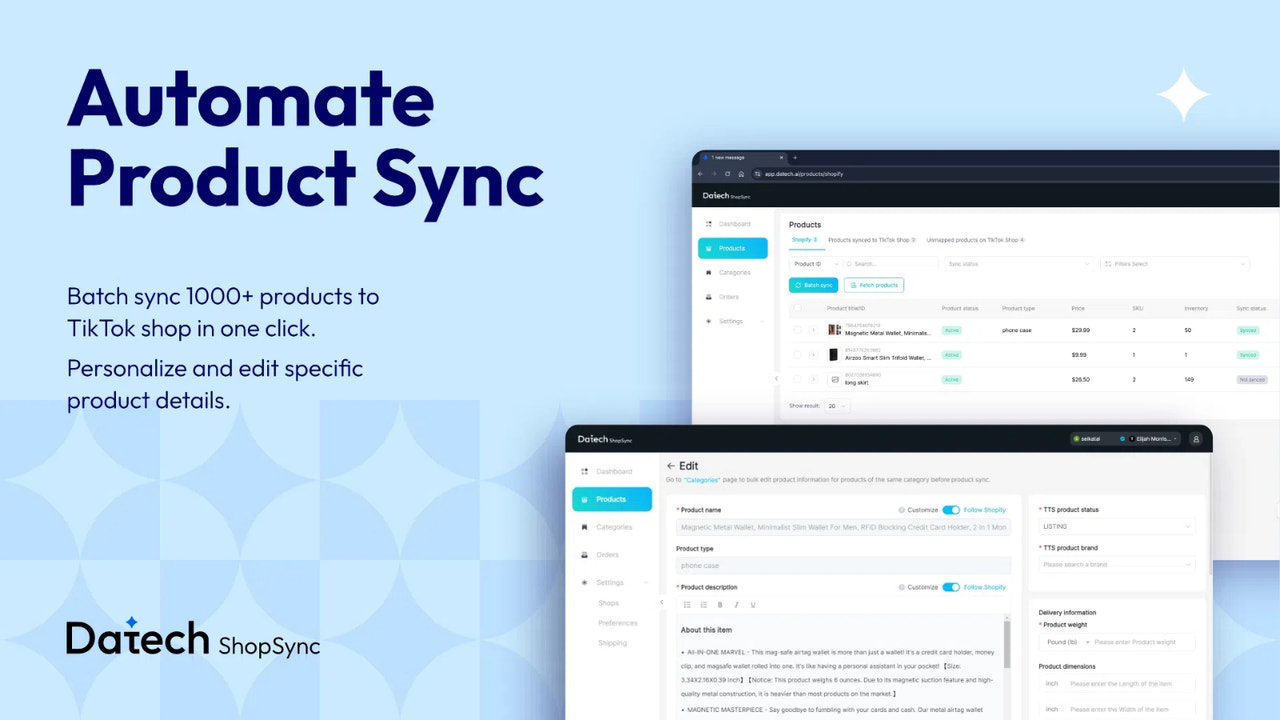
- Bulk sync 1,000+ products between Shopify and TikTok Shop in one click
- Up to 1,000 orders for real-time syncing status and shipping information
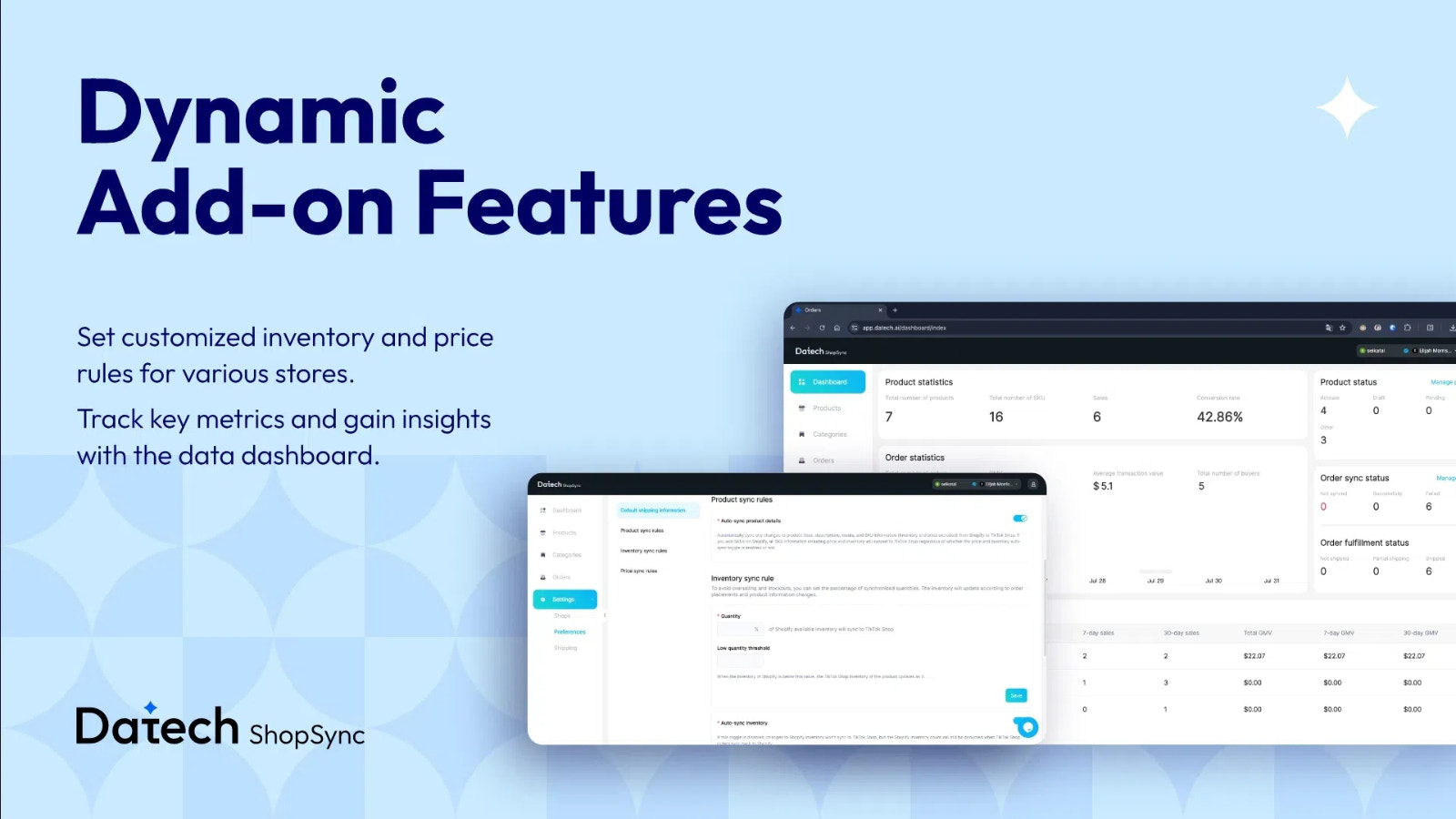
- Prevent overselling, stock disparities by customized pricing and inventory rules
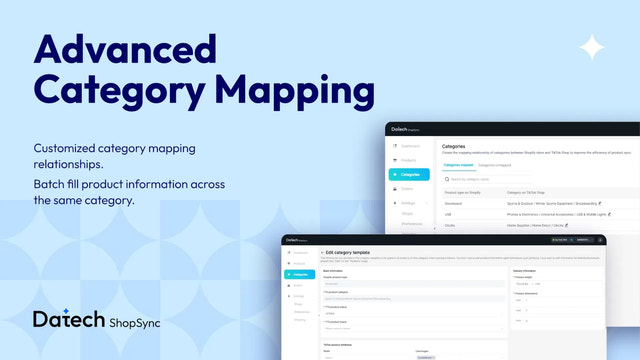
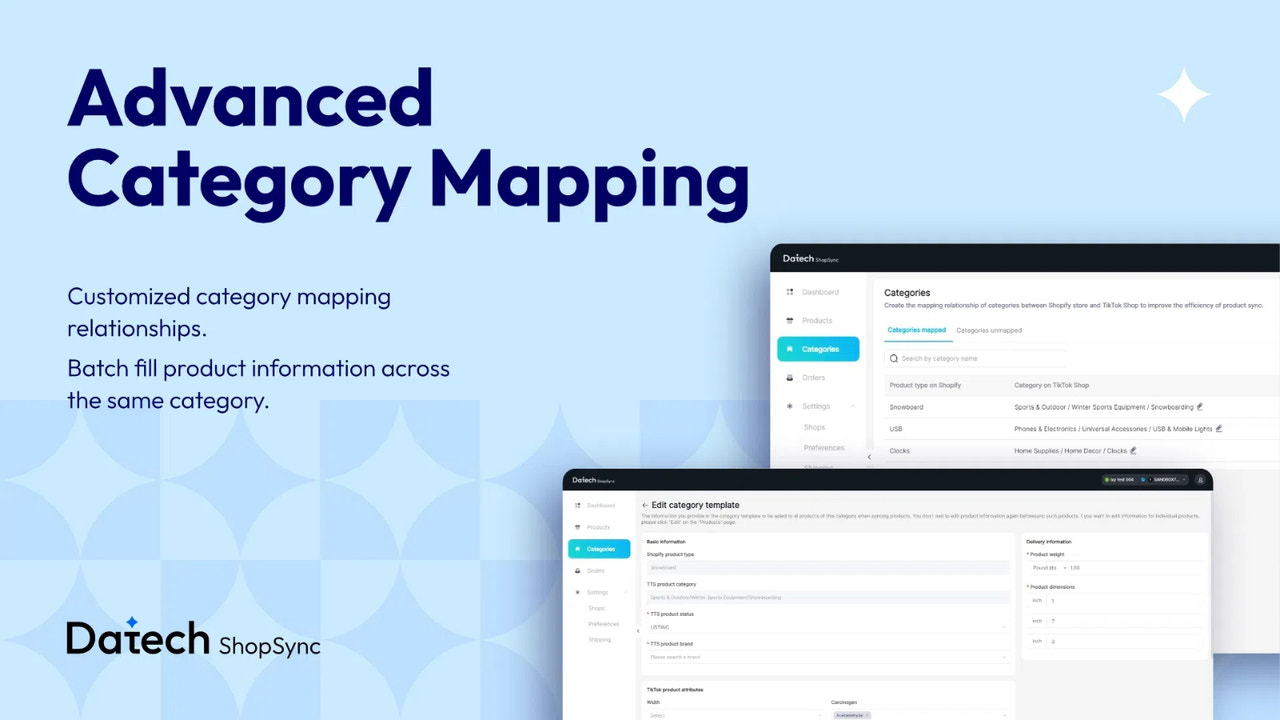
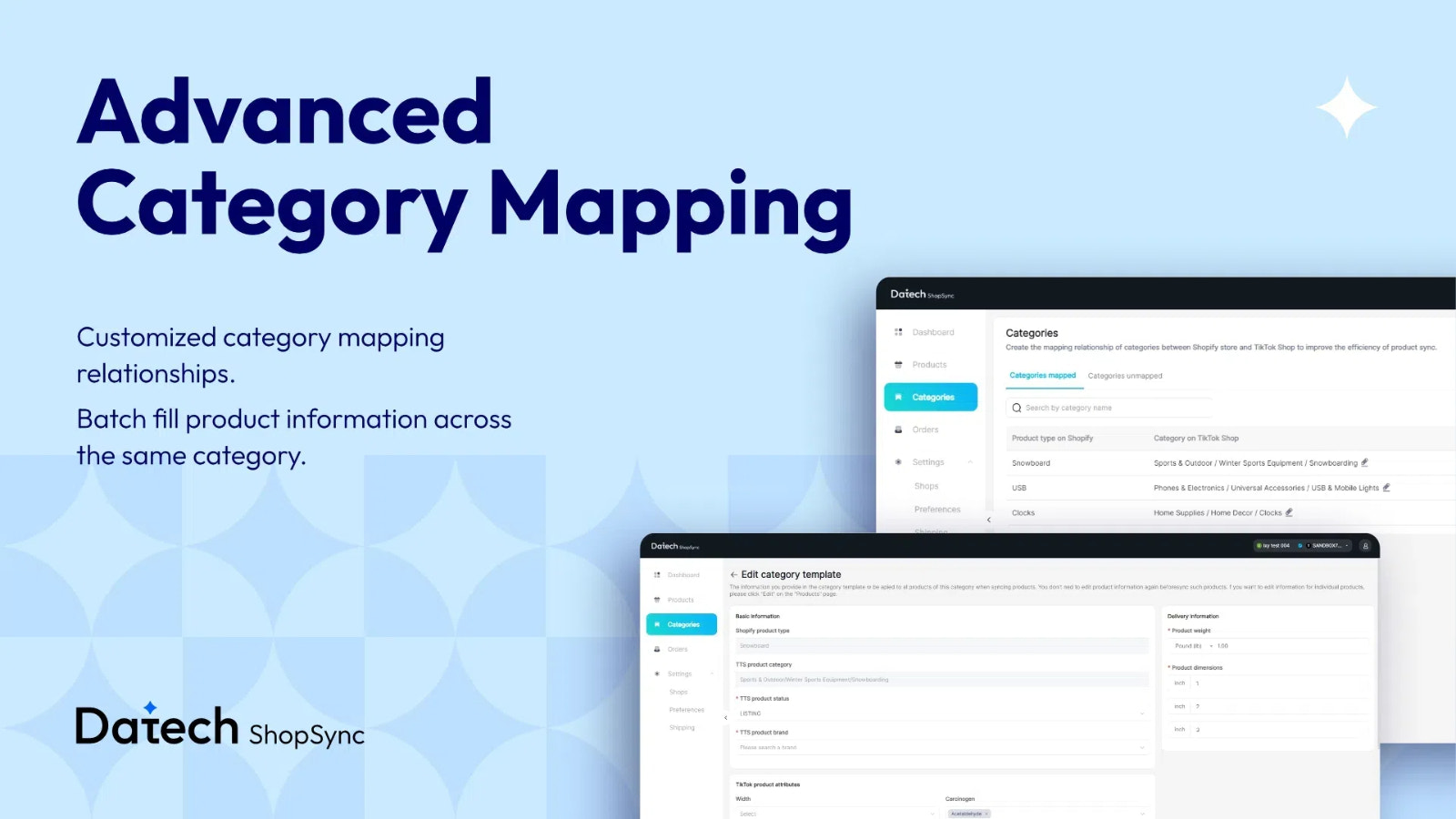
- Batch update product information with category templates and mapping
- Manage multiple Shopify and TikTok Shops on one platform to improve efficiency
Languages
English
Works with
- Datech
- TikTok
- TikTok Ads
- TikTok Business
- TikTok Pixel
- TikTok Shop
Categories
Notifications and reports
Reviews (8)
We recently installed ShopSync to sync our Shopify store with TikTok Shop, and I have to say—it’s a fantastic app! Until now, we had been using TikTok’s official app, but it was riddled with bugs, and TikTok’s support team didn’t seem to care. Switching to ShopSync has been a breath of fresh air.
One feature that stands out is the “Inventory sync rule.” It’s been incredibly useful for us. In the past, we’ve faced stockouts, and now that we’ve started offering subscriptions on our Shopify store, ensuring reserved stock for subscribers is crucial. ShopSync’s inventory sync feature allows us to keep units reserved, especially in case one of our videos goes viral. It’s been a game-changer for managing our stock and delivering on our promises to customers.
Overall, this app is well-thought-out, reliable, and solves real issues. Highly recommended!
Great and useful platform that has worked flawlessly for our business after we struggled to sync orders previously.
**update: I'm struggling to get a hold of someone from the platform to help work through an urgent issue upgrading an order allowance. Frustrating not to be able to get a hold of support for over 24 hrs
Makes syncing my tiktok orders easier. It's nice to have all my orders in one place.
Support
App support provided by Datech.
Resources
Launched
July 26, 2024
More apps like this


Meets our highest standards for performance, design, and integration. Learn moreOpens in new window