
SKU Image Matcher by MVIDEV
- Pricing
-
Free plan available
- Highlights
- Use directly in Shopify admin
- Rating
- 0.0 (0 Reviews)
- Developer
- MVI UK
Featured images gallery

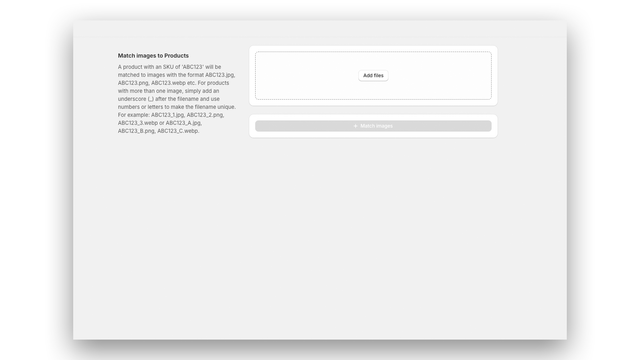
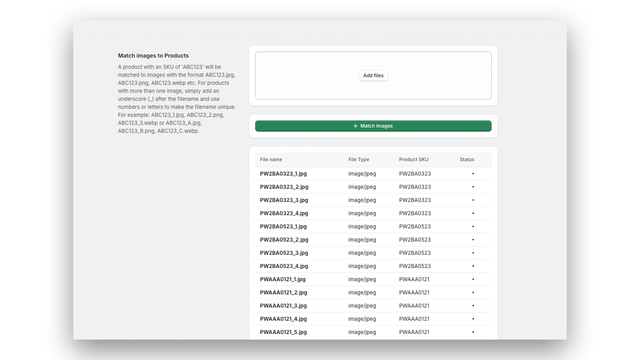
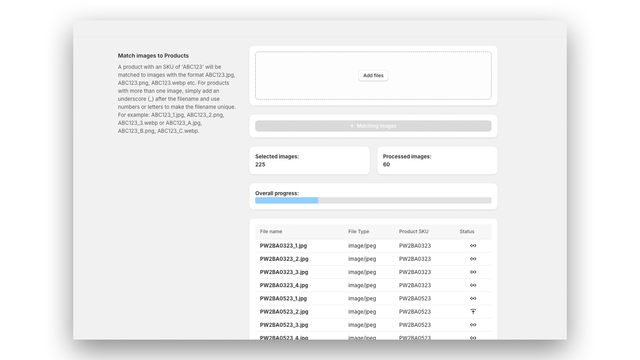
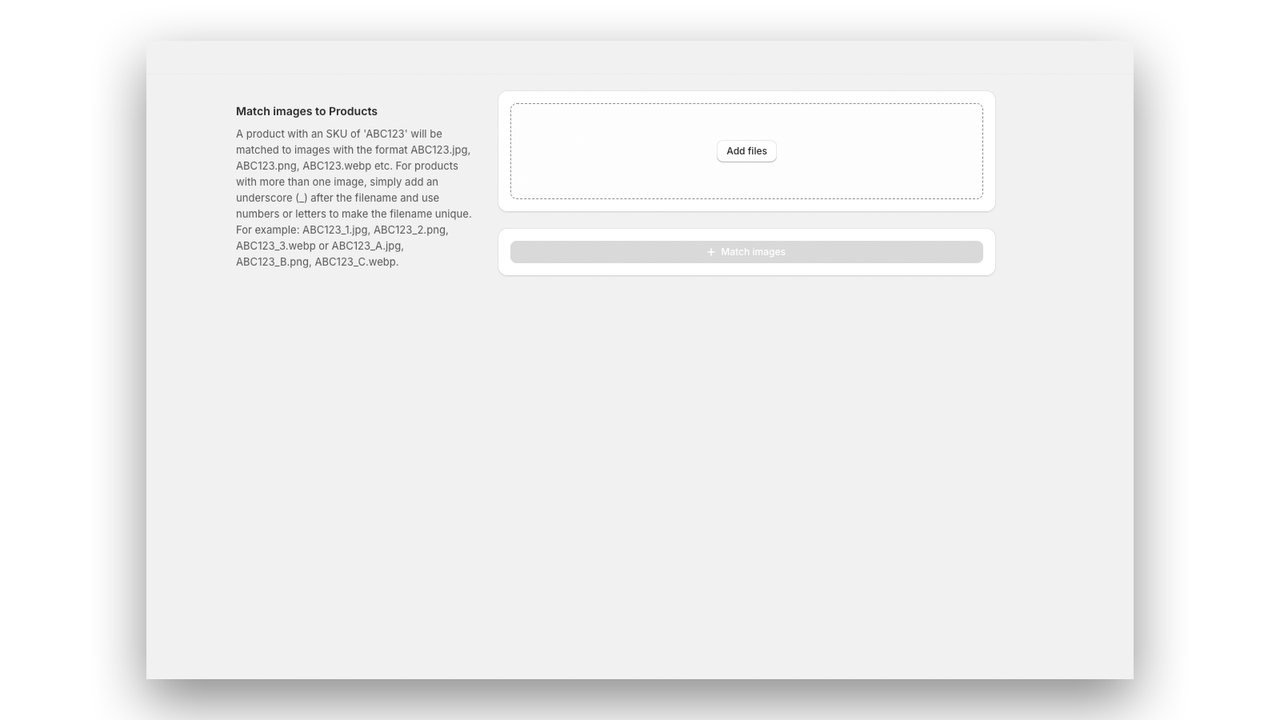
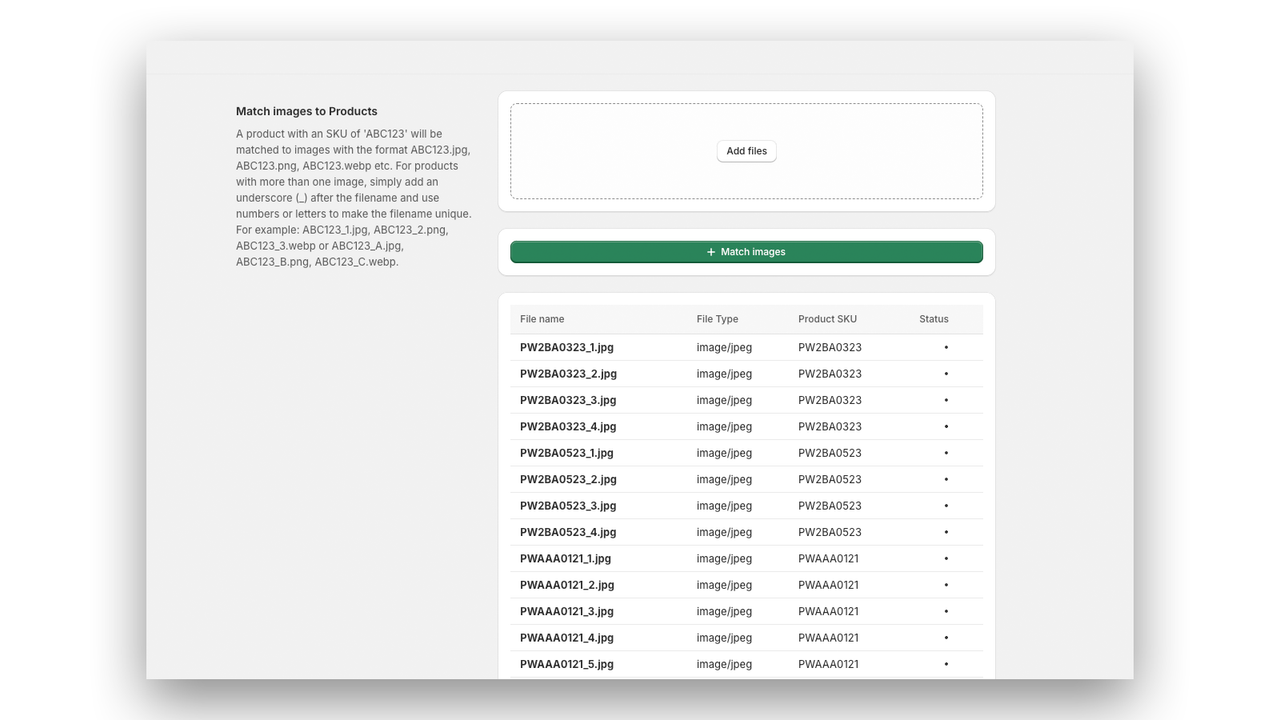
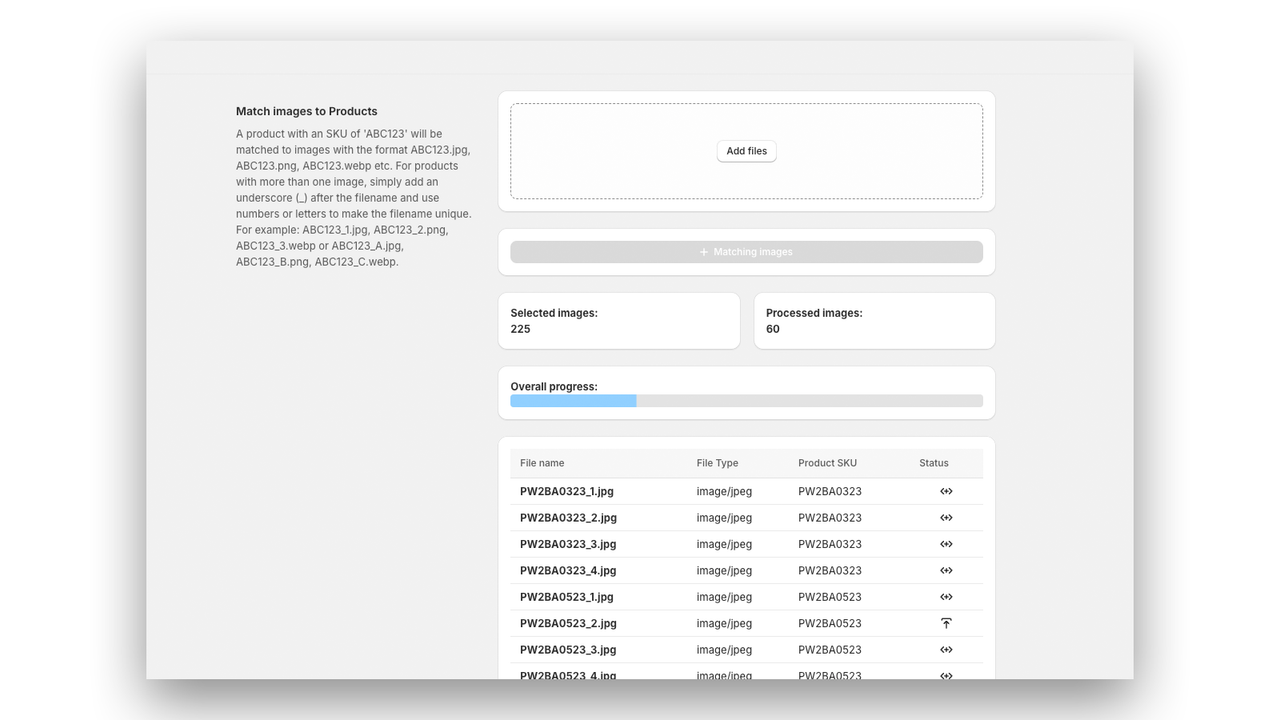

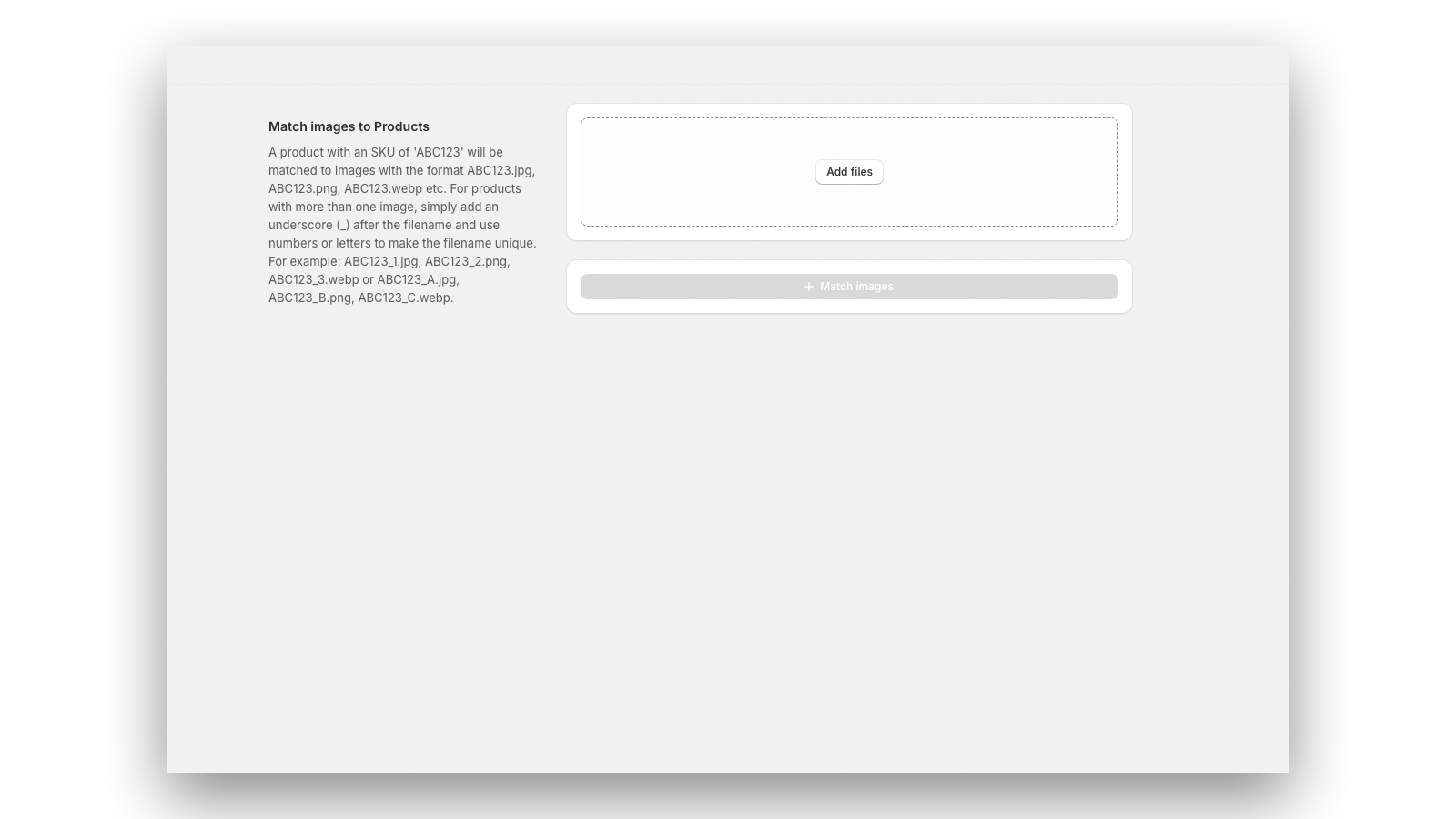
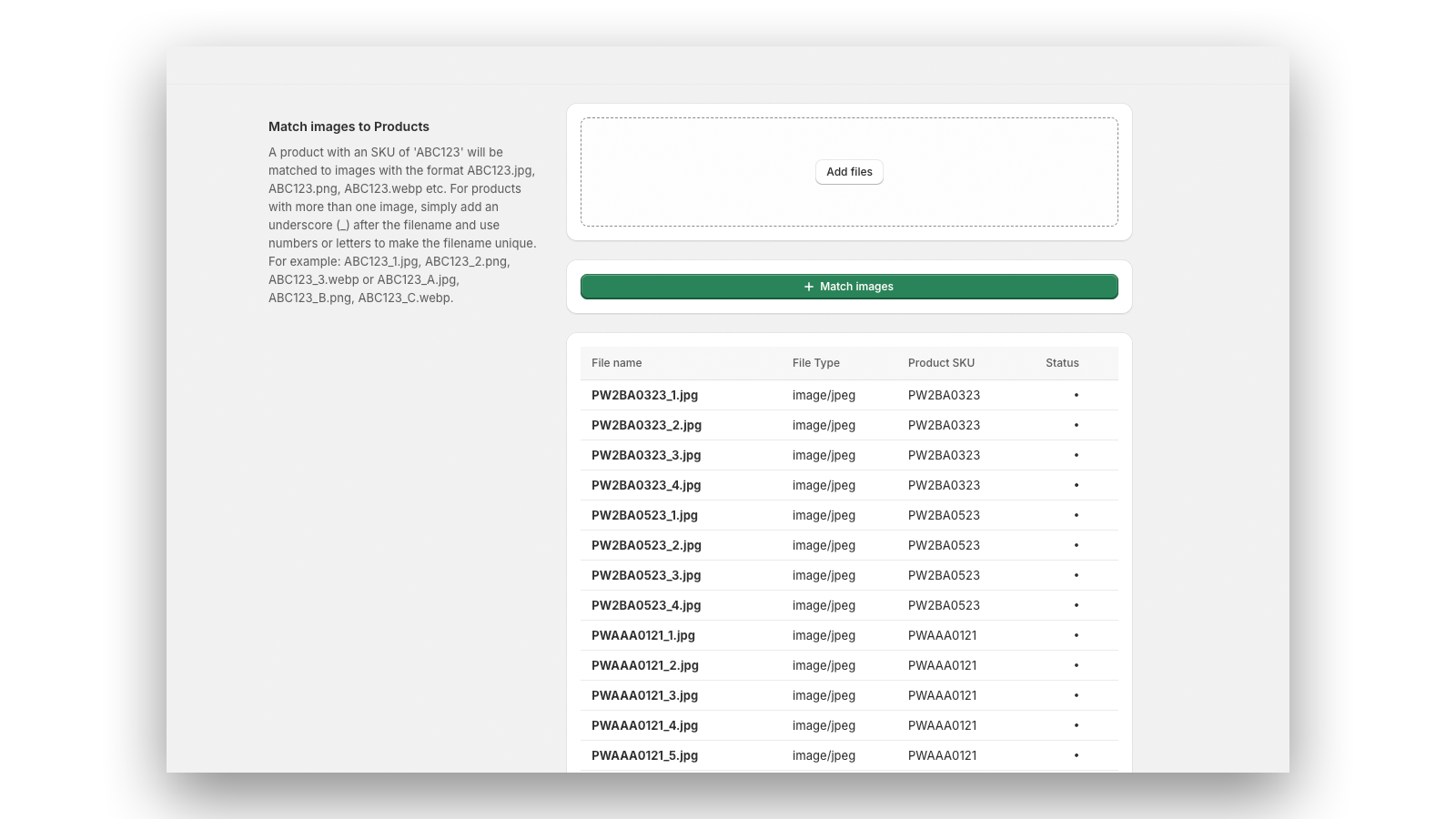
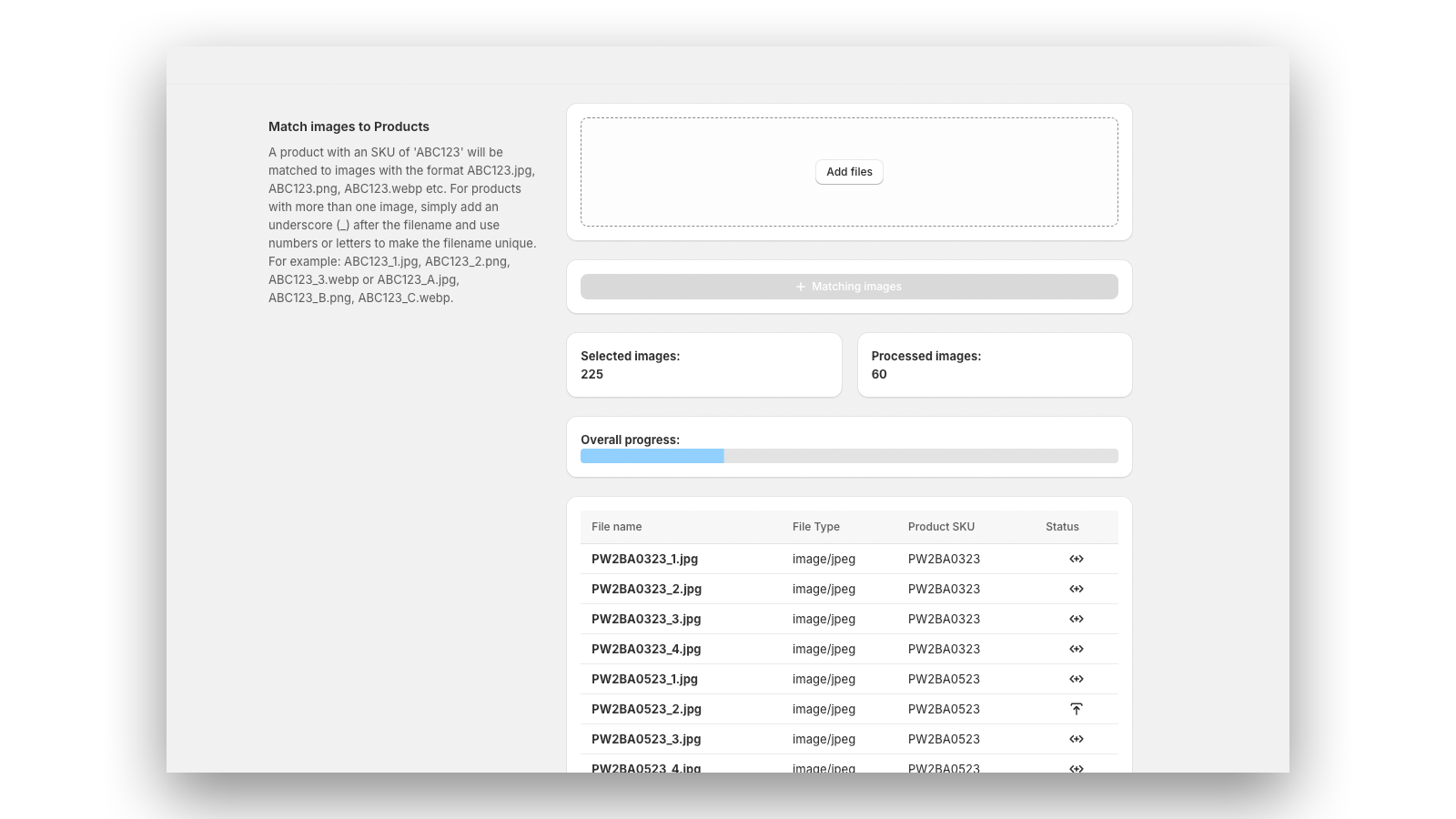
Streamline your product listing process by matching product listings to images automatically.
SKU Image Matcher solves a significant problem for merchants who currently upload product images manually to their products or enter individual image URLs to their product upload CSVs. SKU Image Matcher matches images to their respective products automatically - allowing you to focus on running your business.
- Effortlessly match product listings with images using SKUs, saving valuable time
- Save time by uploading all your product images at once
- Integrates smoothly with your Shopify store, providing a user-friendly interface
- Highlights
- Use directly in Shopify admin
Languages
English
Categories
Pricing
Free
Free
- Process up to 100 images for free
Standard
$3.99 / month
- Unlimited image matching
All charges are billed in USD. Recurring and usage-based charges are billed every 30 days.
Reviews
-
0% of ratings are 5 stars
-
0% of ratings are 4 stars
-
0% of ratings are 3 stars
-
0% of ratings are 2 stars
-
0% of ratings are 1 stars
Support
App support provided by MVI UK.
Resources
Developer
85 Great Portland Street, First Floor, London, ENG, W1W 7LT, GB
Launched
September 13, 2024
Data access
This app needs access to the following data to work on your store. Learn why in the developer's privacy policy .
View personal data:
Store owner
-
Store owner
Name, email address, phone number, physical address
View and edit store data:
Products, orders, Online Store, Shopify admin
-
Edit products
Products or collections
-
Edit orders
Merchant managed fulfillment
-
Edit your Online Store
Theme
-
Edit Shopify admin
Files
More apps like this


Meets our highest standards for performance, design, and integration. Learn moreOpens in new window

Meets our highest standards for performance, design, and integration. Learn moreOpens in new window