



Magic 360
Featured images gallery


Highlights
-
Works with the latest themes
About this app
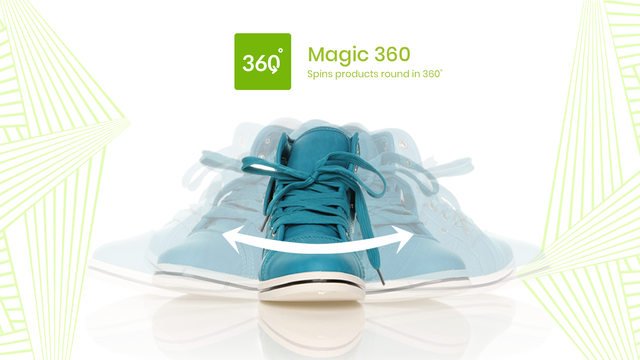
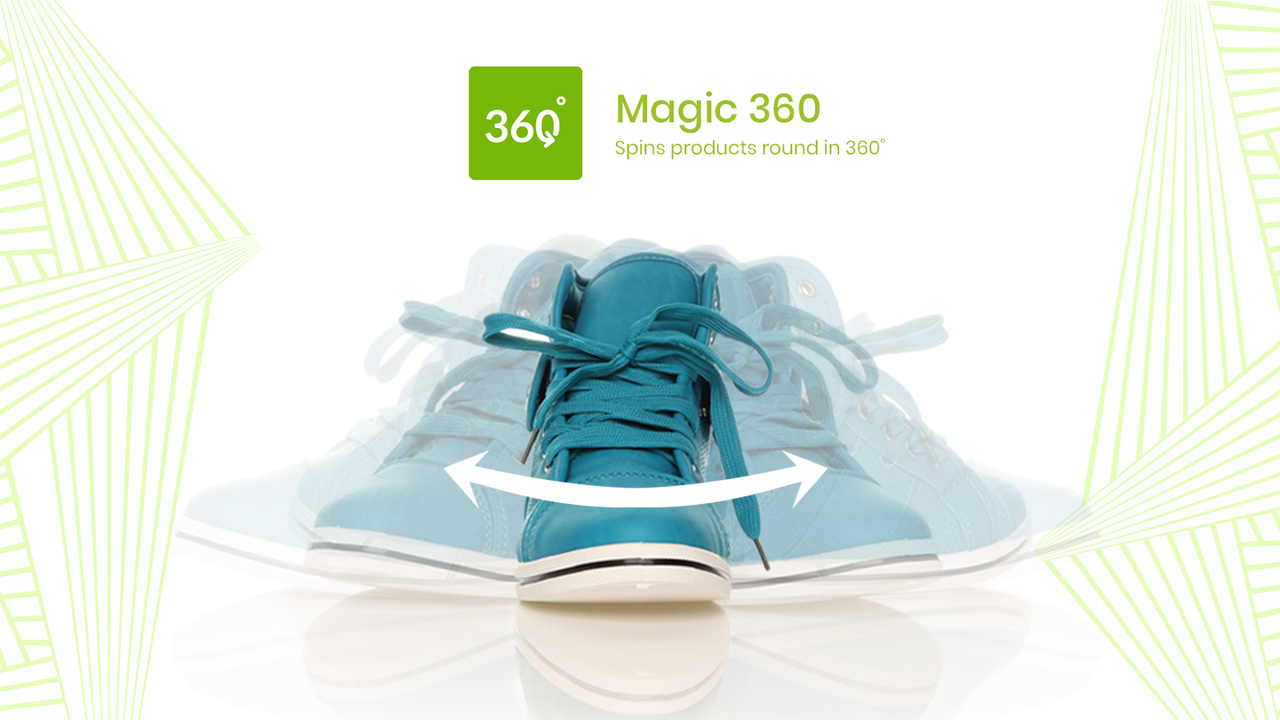
Display your products in 360 degrees. Customer confidence increases sales and reduces returns.
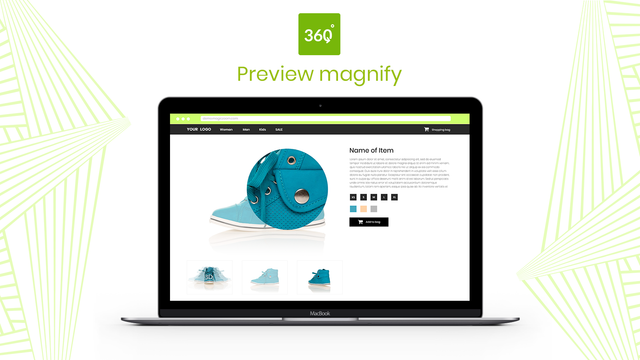
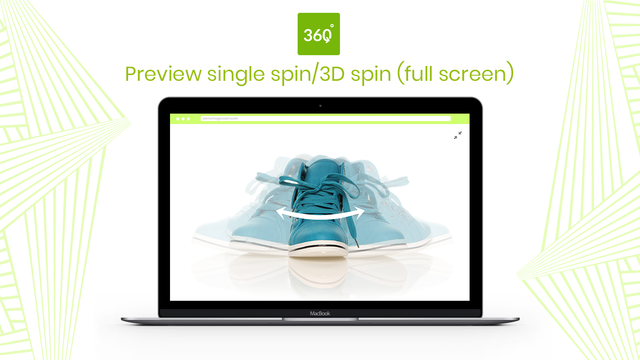
Show customers every detail of your product with 360-degree spin. Customers can even zoom-in and enlarge to full-screen too. You'll need a set of JPG photos which show every angle. Your product moves ever so slightly in each photo, to create the 360 effect. We recommend 1200px to 1500px wide. These big images will create gorgeous spin, magnify & full-screen effects. Magic 360 works on iPad, iPhone, most Android devices so your customers can view your products whenever and wherever they want.
- Display static images alongside your 360 degree spin.
- Magic 360 supports any Shopify theme.
- Customize options like speed and autospin easily on the app settings page.
Pricing
$169 one-time charge
Free to install. $169 to buy a license (which removes 'Trial version' message)
$169 one-time charge
Free to install. $169 to buy a license (which removes 'Trial version' message)
All charges are billed in USD.
37 reviews
not intiuitive and very expensive when they dont give enough help or tutorials
es extraordinaria en su genero
Great app and excellent support. The Magic 360 script gives our customers a better look at our products while they browse and it has increased the customer's engagement with our website.
great app!! outstanding support (within a few minutes)!!, fully recommended!!
Thank you for the great adjustments to our shop design
very good app, make it more clear to see the product, and Igor the technician is very nice and will help you quickly with what you need ..thx guys
Data access
This app needs access to the following data to work on your store.
Learn why in the developer's privacy policy.
View personal data
Store owner
-
Store owner
Name, email address, phone number, physical address
View and edit store data
Products, Online Store
-
Edit products
Products or collections
-
View your Online Store
Theme
About this app
Built by Magic Toolbox
About Magic Toolbox
4.8 average rating
12 years building apps for the Shopify App Store
9 Cowley Road, Oxford, ENG, OX4 1HP, GB
Support
Send a messagesupport@magictoolbox.com
Resources
More apps like this