

Delivery date ‑ PIX
- Pricing
-
Free to install. Additional charges may apply.
- Rating
- 1.0 (3)
- Developer
- ImpactPixel
Featured images gallery

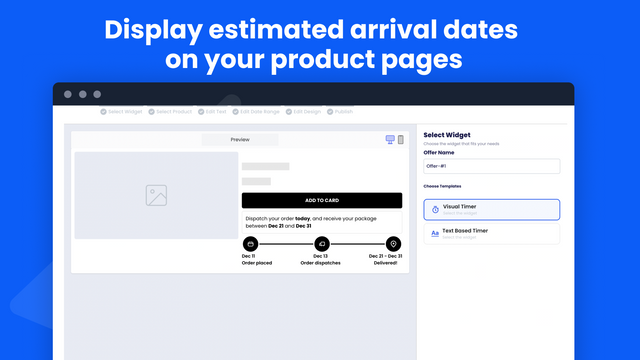
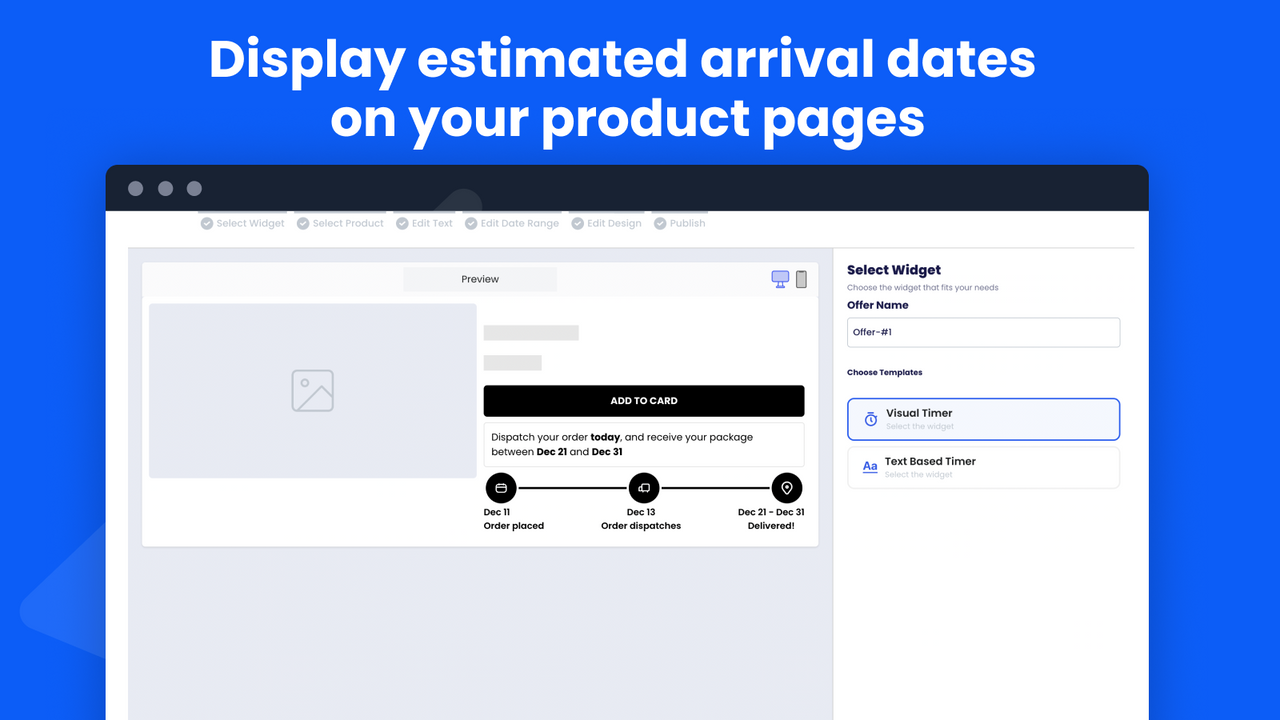

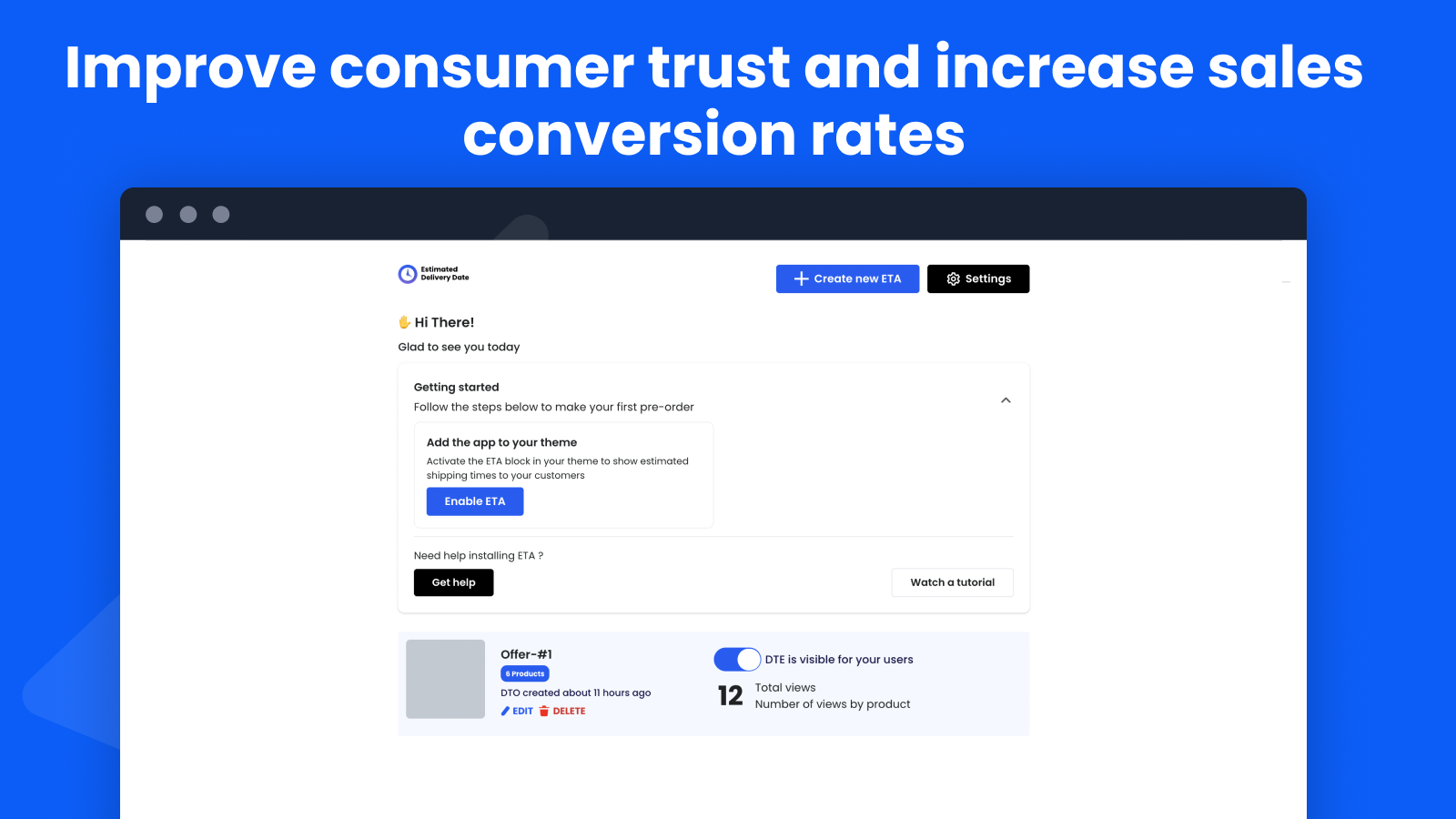
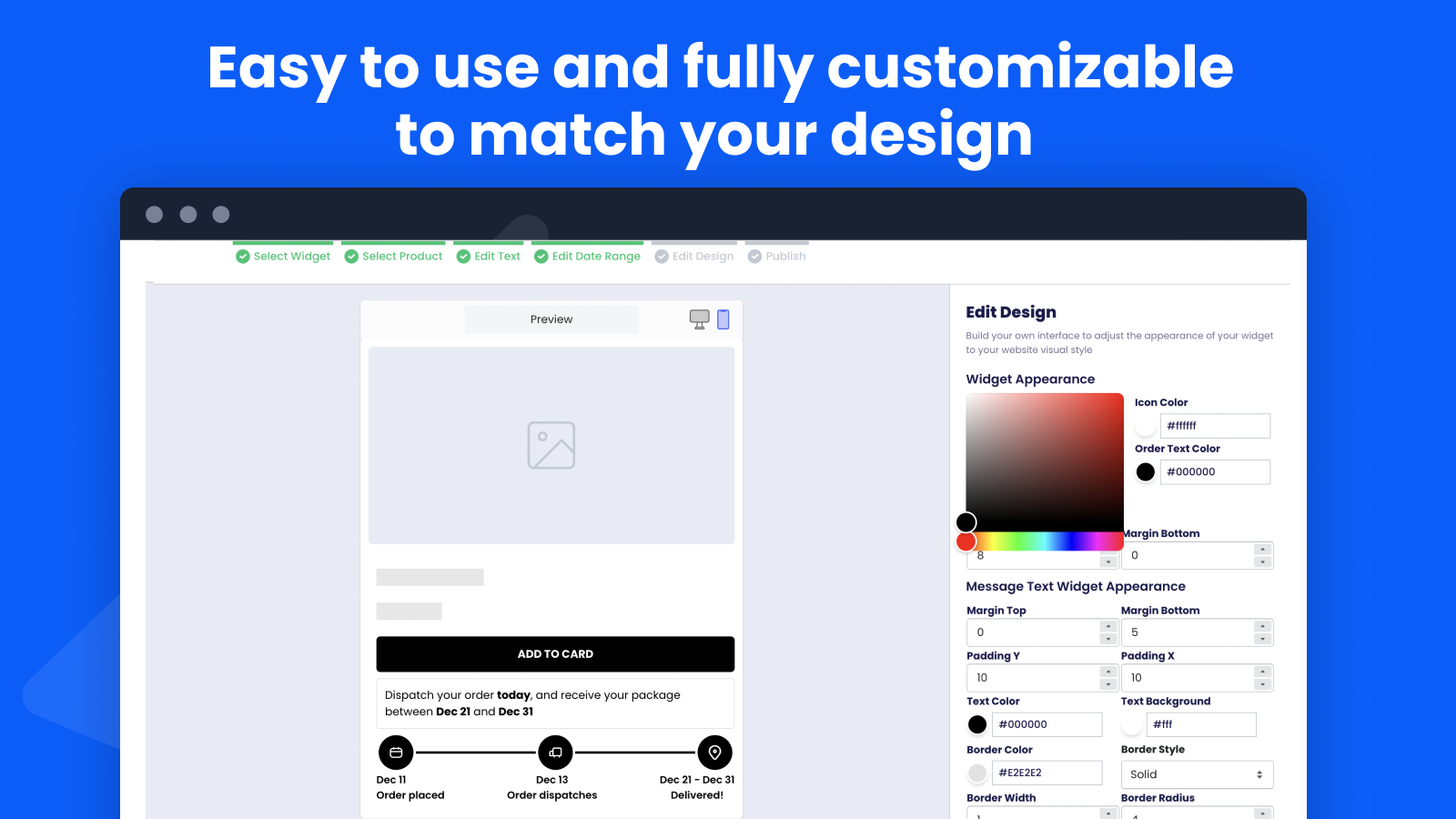
With Delivery date , your customers can see exactly when they can expect their package to arrive.
Boost sales and build trust with consumers by displaying estimated Delivery date on your Shopify store. Our app allows you to set product and category-specific delivery dates and messages, and supports multiple languages and countries. The delivery dates are calculated based on order preparation and delivery information. Reduce customer inquiries and increase conversions with our app .
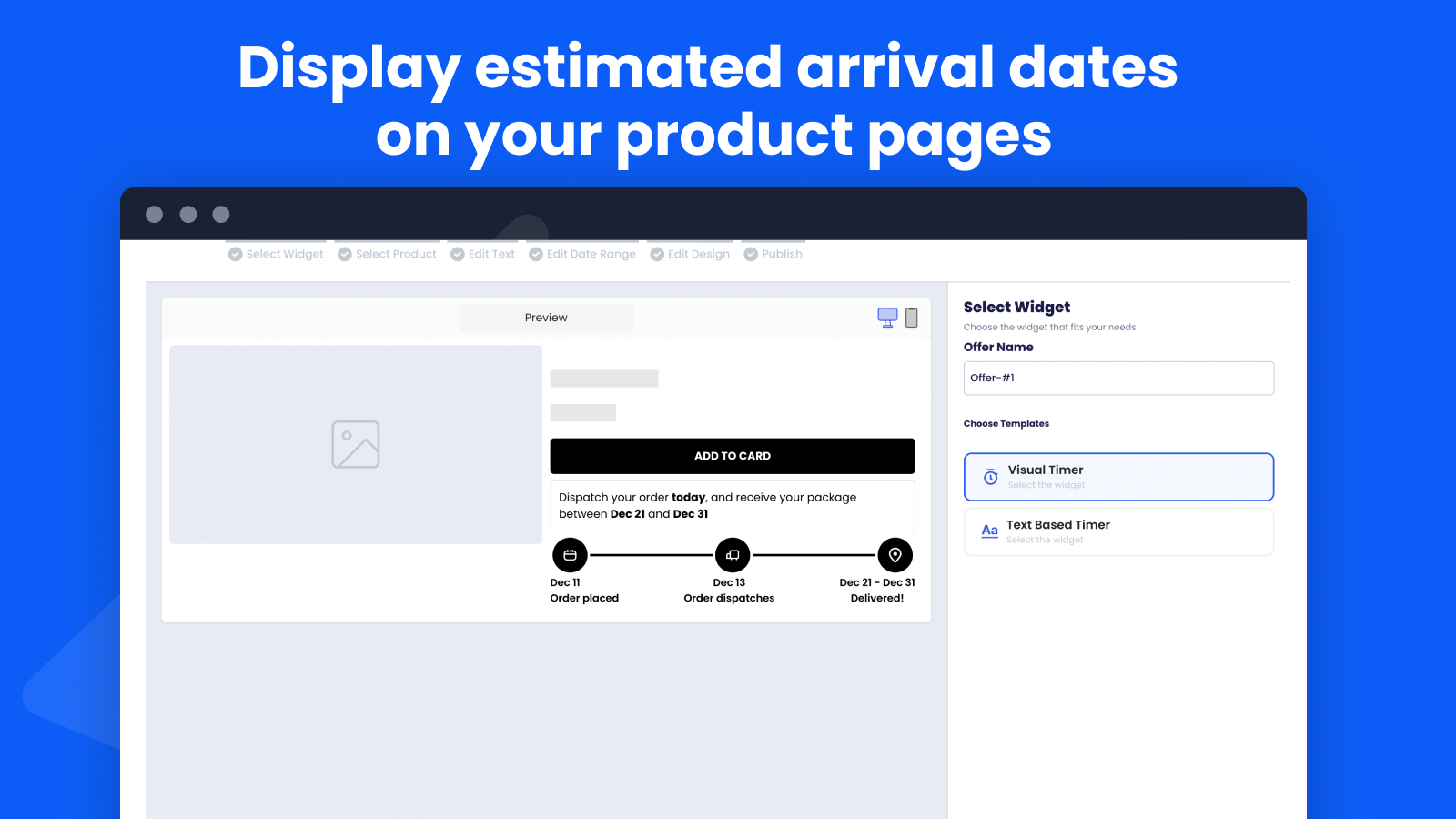
- Display estimated arrival dates on your product pages
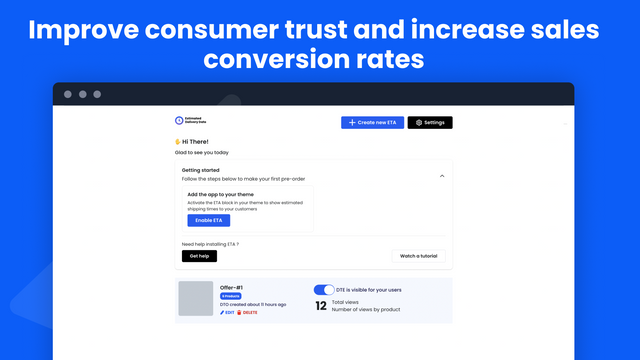
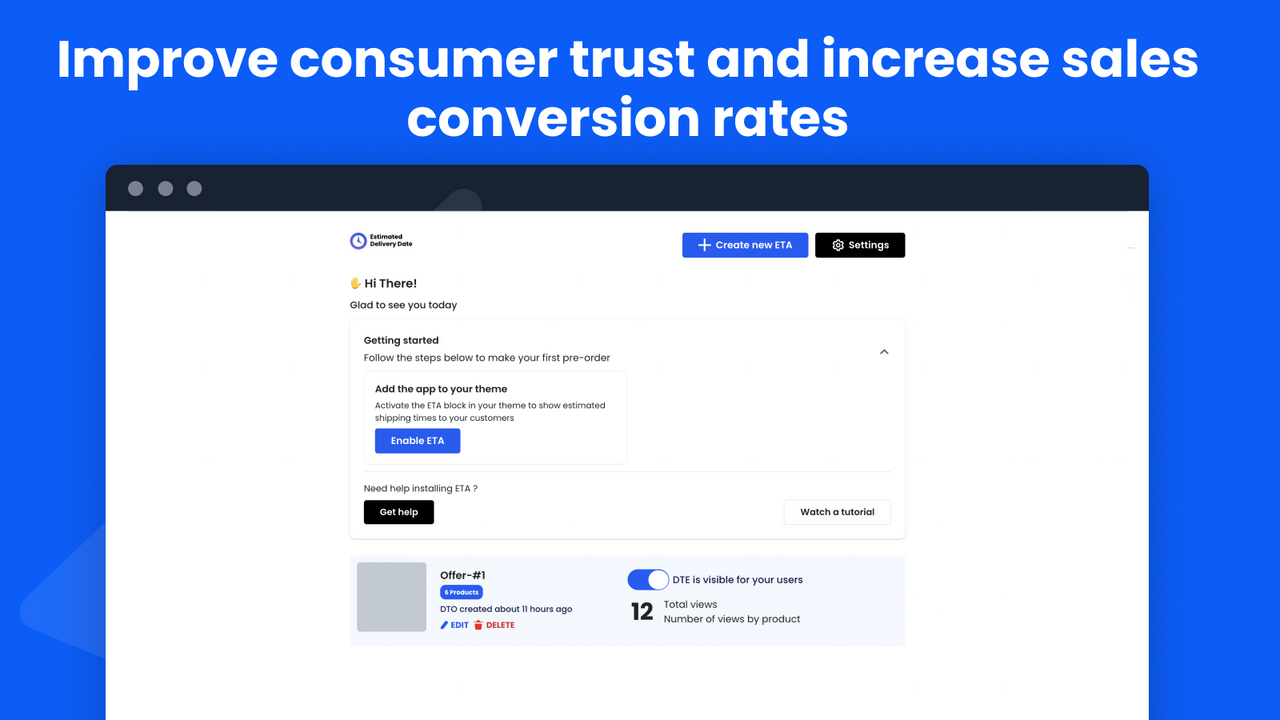
- Improve consumer trust and increase sales conversion ratesImprove consumer trust
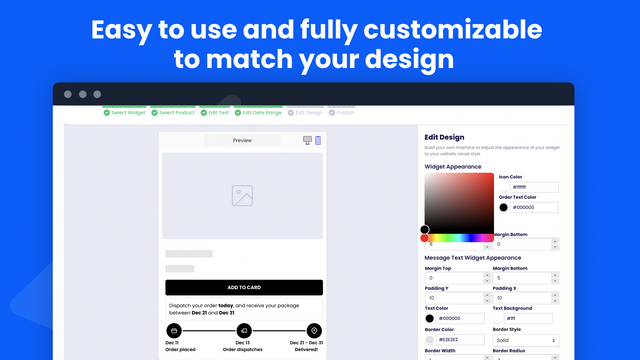
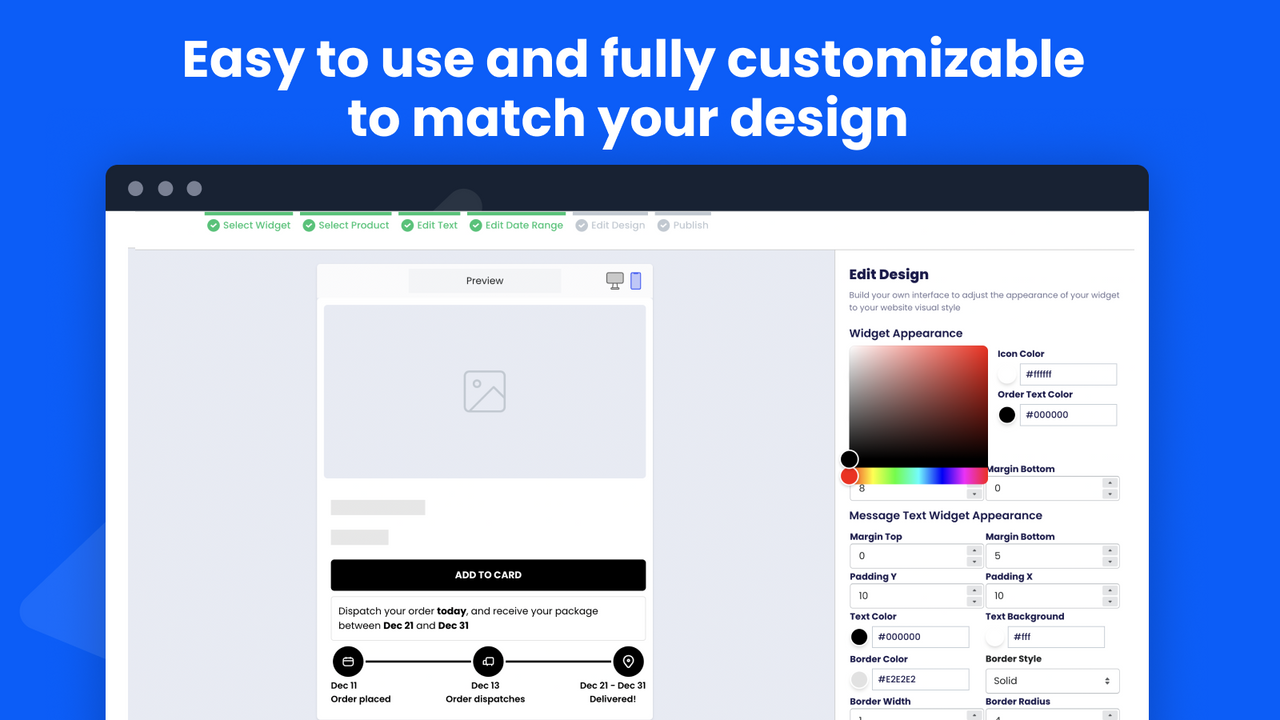
- Easy to use and fully customizable to match your design
Languages
English
Categories
Pricing
Choose the plan that best fits your business.
Free
Free to install
FREE 1 ETA , unlimited ETAs (just 2.99$)
All charges are billed in USD.
Reviews (3)
I keep trying to edit the setting i get the below error , i sent so many times on email support, no one ever got back to me
"We encountered an error when trying to load your application and your page could not be served. Check the logs for your application in the App Platform dashboard."
i am uninstalling the app and i don't recommend it to anyone noting the lack of responsiveness and how buggy the app is! When it was installed, it didn't load all the product list to pick from to add the widget to.
The pannel setting is freezing. Don't works and i don't have options to contact support.
thank you very much - everything works great. installation is simple and convenient!
Support
App support provided by ImpactPixel .
More apps like this


Meets our highest standards for performance, design, and integration. Learn moreOpens in new window

Meets our highest standards for performance, design, and integration. Learn moreOpens in new window

Meets our highest standards for performance, design, and integration. Learn moreOpens in new window

