

PrinterCo Automatic Printing
- Pricing
-
Free
- Rating
- 4.3 (10)
- Developer
- PrinterCo System Ltd
Featured images gallery


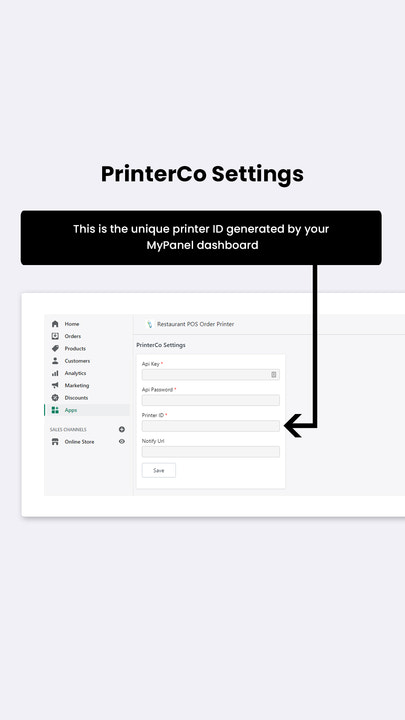
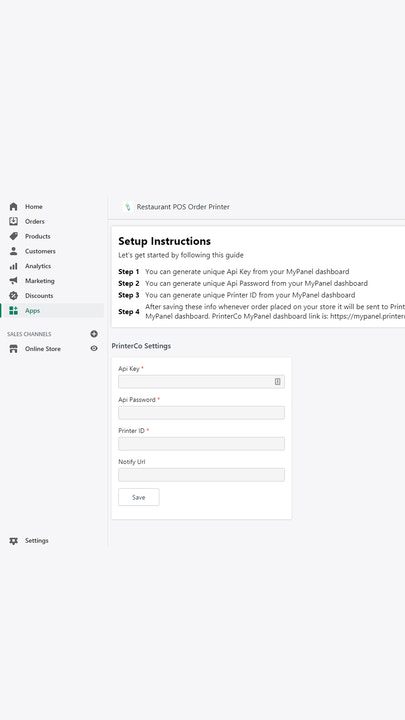

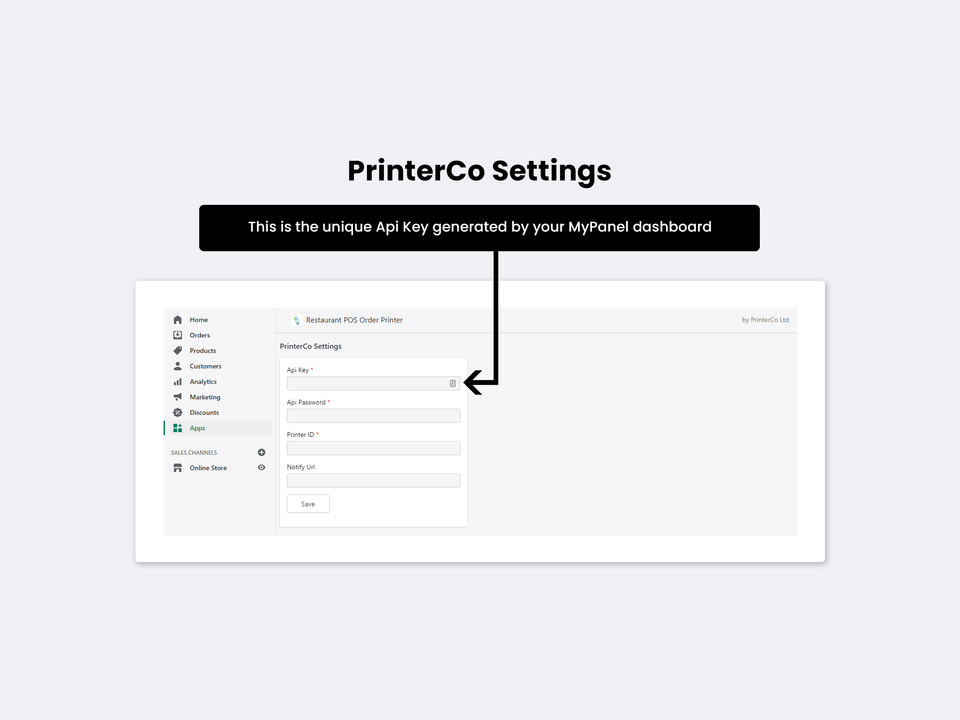


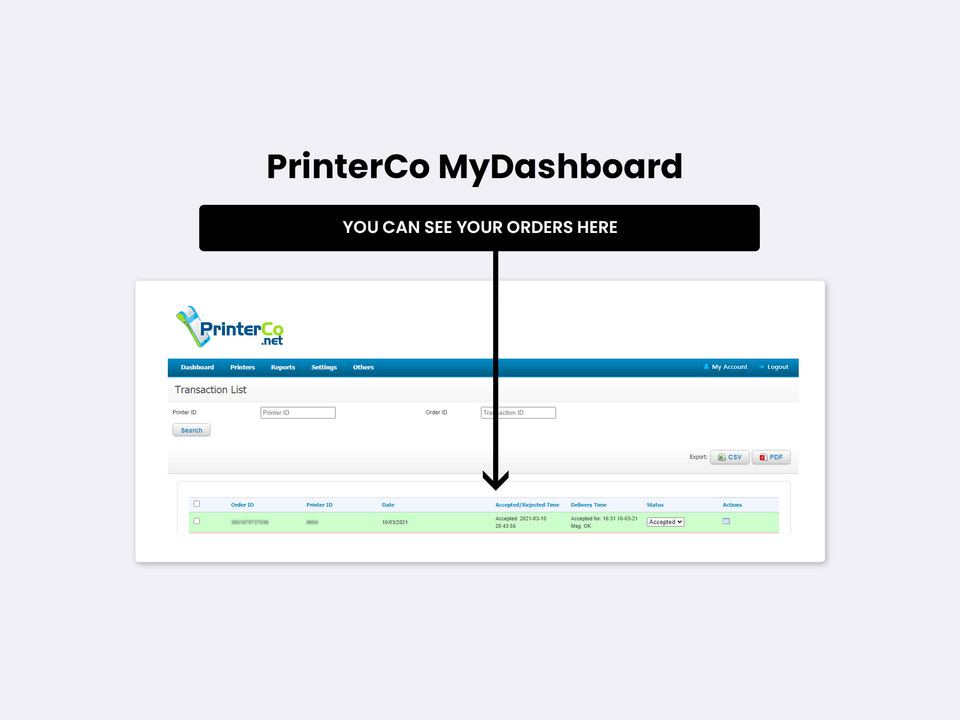


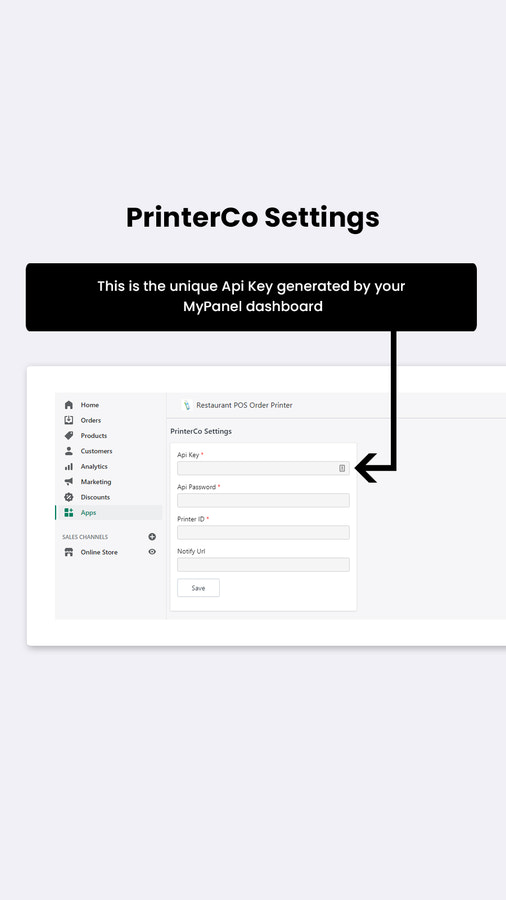


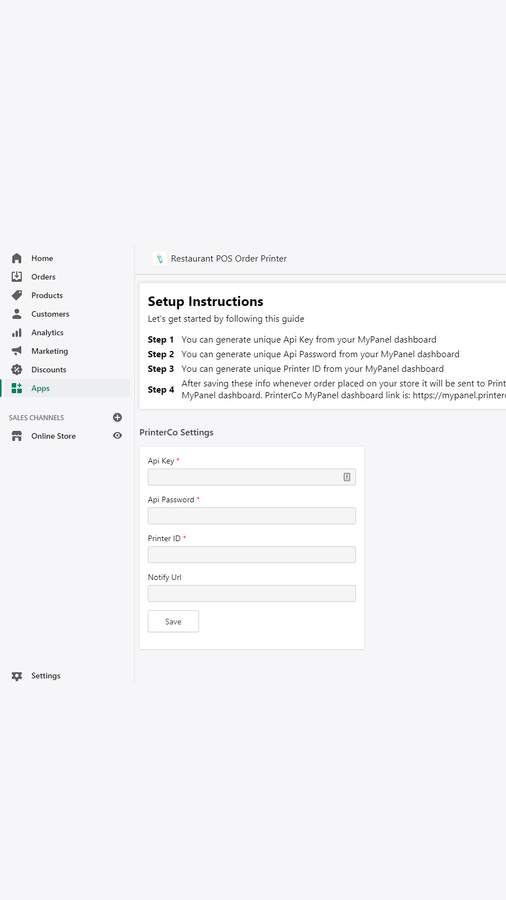

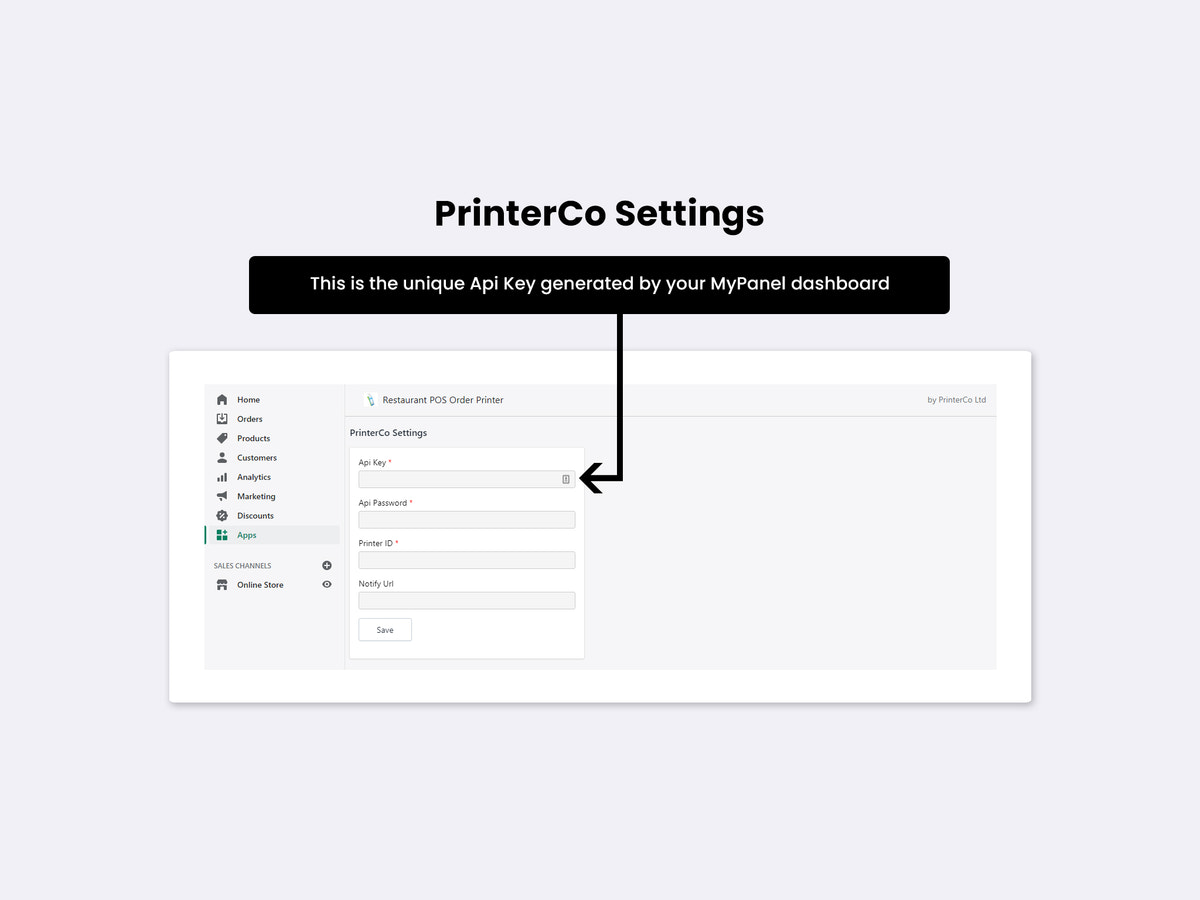
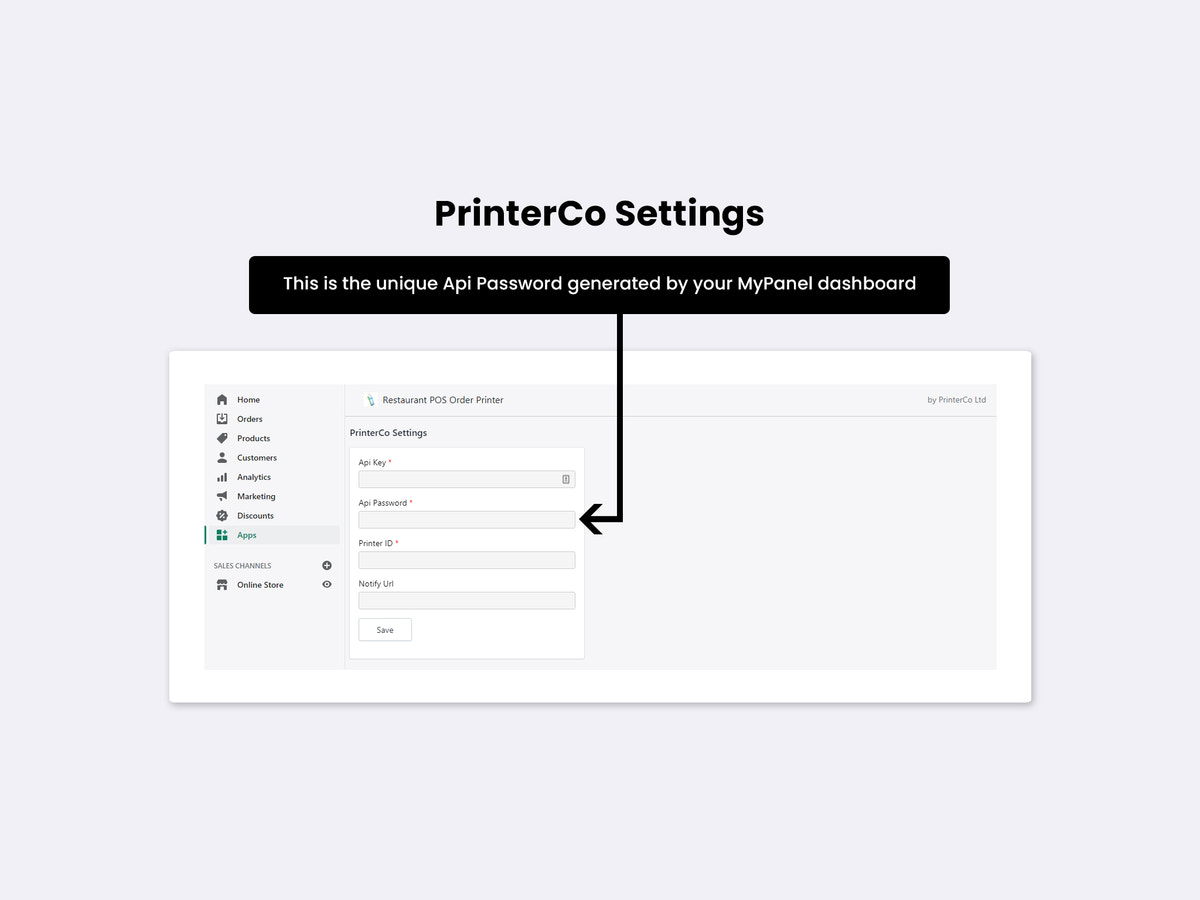
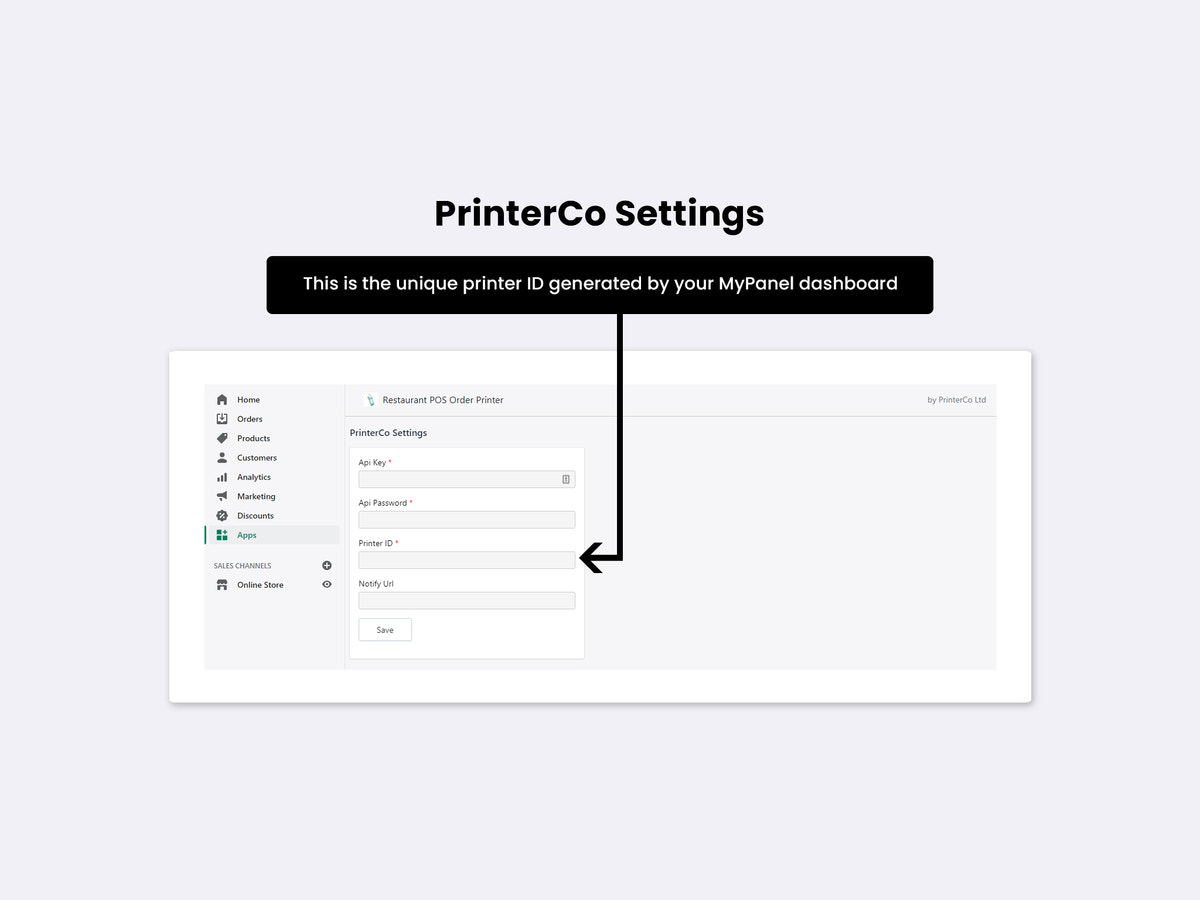
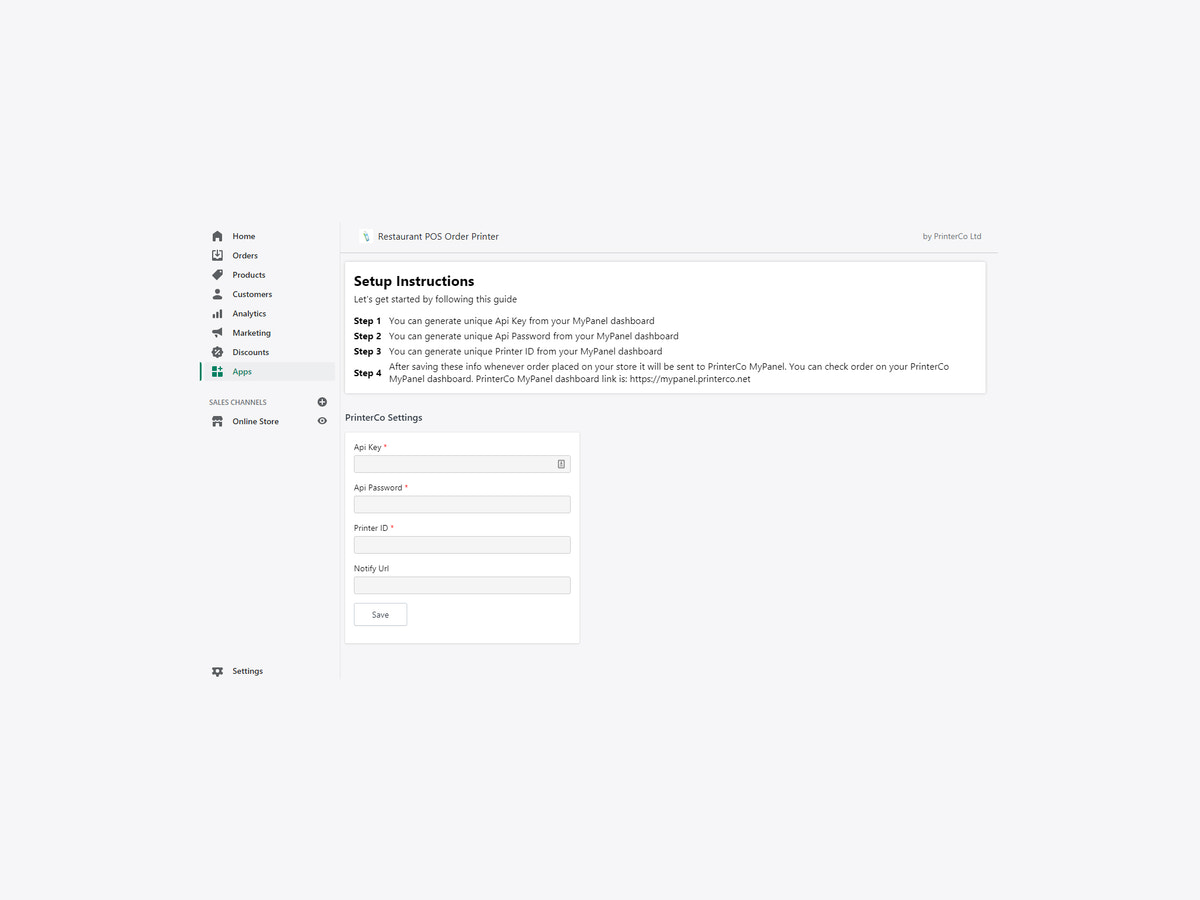

Automatically print online store orders to any thermal printer. Fast, reliable and hassle-free.
Automatically print online orders as soon as they're placed. PrinterCo sends every order directly to your thermal printer without manual printing. Works with Android tablets, Windows PCs, laptops and POS terminals. Compatible with Epson, Star Micronics, Bixolon and most ESC/POS receipt printers via USB, Bluetooth or Ethernet. Now also supports standard A4 desktop printers connected to Windows PCs. Customise receipts and manage printers remotely from your cloud dashboard.
- Automatically print orders to Bluetooth, USB and Ethernet thermal printers.
- Print orders on standard A4 printers connected to Windows PCs.
- Works with Epson, Star Micronics, Bixolon and ESC/POS printers.
- Works with Android tablets, Windows PCs and POS terminals.
- Customize receipts and manage printers from your cloud dashboard.
Languages
English
Works with
- Android,Windows, Sunmi V2 &V2s
- Bluetooth Thermal Printers
- Citaq H10 & V8, PCO58,PC80 pro
- Epson, Star Micronics, Bixolon
- Ethernet Thermal Printers
- USB Thermal Printer,POS Device
Categories
Pricing
Choose the plan that best fits your business.
Free to install
Free
All charges are billed in USD. See all pricing options
Reviews (10)
I really wanted this app to work because on paper it seemed like the perfect solution for automatic thermal receipt printing with Shopify. Unfortunately, my experience was very disappointing.
First, the pricing/licensing was not transparent. After the trial ended, I discovered that a separate license purchase was required in addition to the subscription. That was never made clear upfront.
Second, the auto-printing reliability was poor. The app often required the mobile app to remain actively open on the screen in order to print properly, which defeats the purpose of “automatic” printing for a busy business.
Most importantly, there were major operational limitations:
* It printed billing names instead of delivery names
* Delivery phone numbers would not print unless entered in Shopify contact info specifically
* Delivery instructions failed to print
* Important order details were inconsistent
For a delivery business, these are critical issues because fulfilment accuracy depends on the printed receipt.
What disappointed me most was the support response. Instead of acknowledging the concerns professionally, I was told their app had “no limitations” and that I would “regret” leaving because I would not find a better solution. That response felt dismissive and unprofessional.
To be fair, they did refund the plugin license and cancel the subscription quickly, which I appreciate. But overall, the app was not reliable enough for real-world order fulfilment operations.
Hi,
Thank you for sharing your feedback. We're sorry to hear that your experience did not meet your expectations.
We encourage you to contact our support team if you would like to discuss any of these points further. We are always happy to help merchants get the most out of the app and clarify any questions about its functionality.
Since your review raises several specific concerns, we would like to provide some additional context for other merchants considering our solution.
Regarding licensing, we clearly explain in our documentation, tutorial videos, and knowledge base that a free license key is provided during the trial period. After the trial ends, a one-time license purchase is required to connect the store to our printing system. This is a one-time fee and not an additional monthly or annual charge.
Our app is designed to automatically receive orders from Shopify and print them through a connected POS printer. To perform this function, the app must be running either in the background or on a dedicated mobile device. This allows incoming orders to be received and printed automatically without manual intervention.
With respect to the order information printed on receipts:
• The delivery contact name is printed when it is available. If no separate delivery contact is provided, the billing/customer name may be used instead.
• Phone numbers are printed based on the contact information submitted during the Shopify checkout process.
• Special instructions entered by customers in the cart notes section (for example, "less spice" or "leave the parcel at the door") are printed on receipts. However, some delivery-related fields provided by third-party delivery services may not be available through Shopify's standard order data and therefore may not be printable.
We appreciate that our solution was not the right fit for your specific workflow. At the same time, we believe it is important to clarify how the app is designed to work so that merchants can make an informed decision.
Thank you again for trying our app, and we wish you success with your business.
The app and printer work seamlessly with our web/shopify orders and through it's automation, have significantly increased productivity and efficiency. The customer support we've received has also has been excellent from start to finish. We would highly recommend PrinterCo.
This is an impressive app. Our needs are simple in that we want all online orders printed up front so the product can be pulled and not sold in the store accidentally. This solved the problem wonderfully.
Setup was easy enough, and support was super quick and helpful on the two questions I had during the process.
Thank you so much for the thoughtful review. We’re really glad the app solved the issue of preventing in-store overselling by getting online orders printed immediately.
It’s also great to hear setup went smoothly and that our support team was able to help quickly when needed. We appreciate you taking the time to share your experience and are happy to have you using the app!
Support
App support provided by PrinterCo System Ltd.
More apps like this



Meets our highest standards for performance, design, and integration. Learn moreOpens in new window

Meets our highest standards for performance, design, and integration. Learn moreOpens in new window

