


Alert Me! Restock Alerts
- Pricing
-
Free plan available
- Rating
- 4.3 (254)
- Developer
- Dibble Development
Featured images gallery
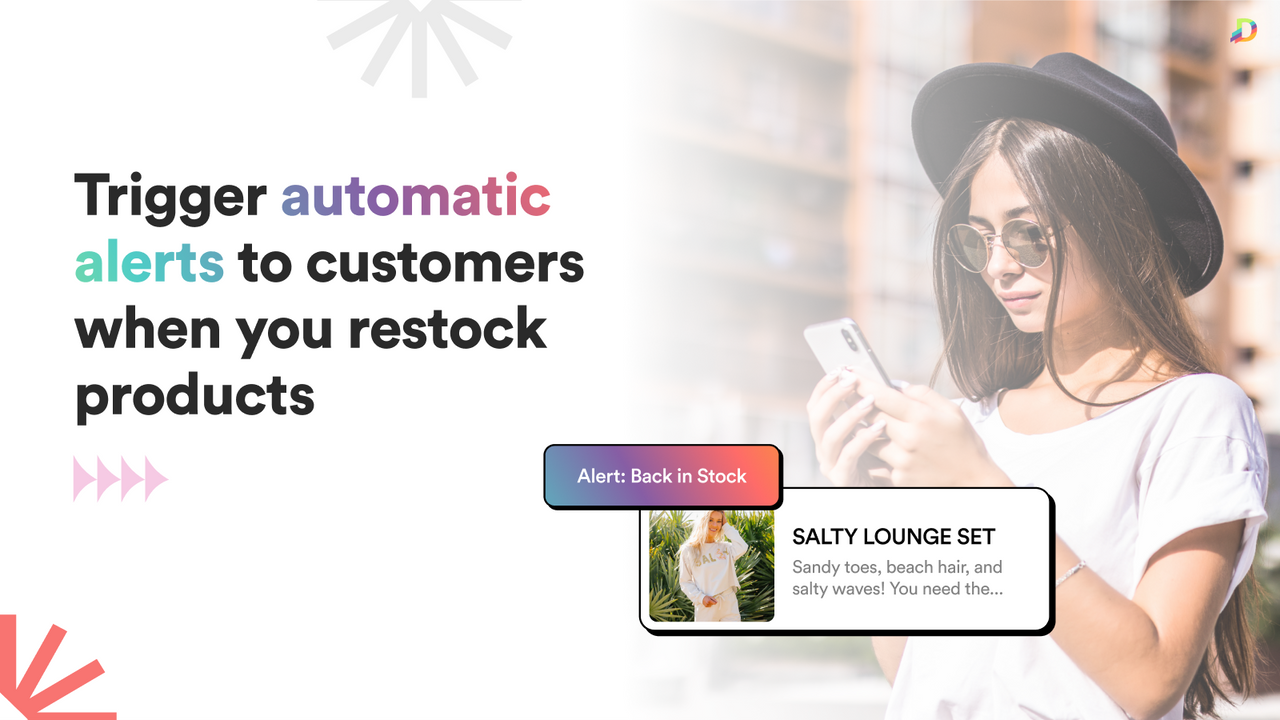
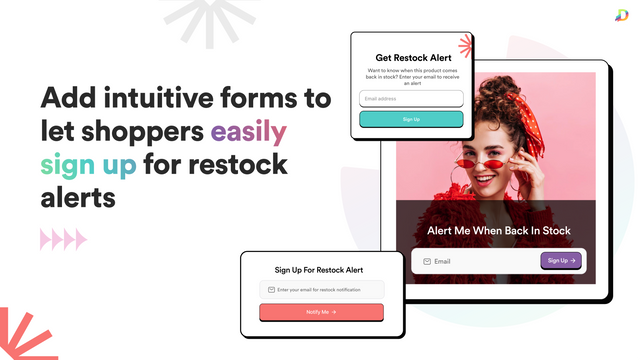
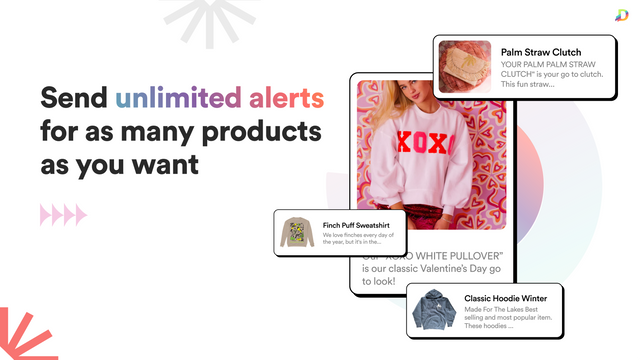



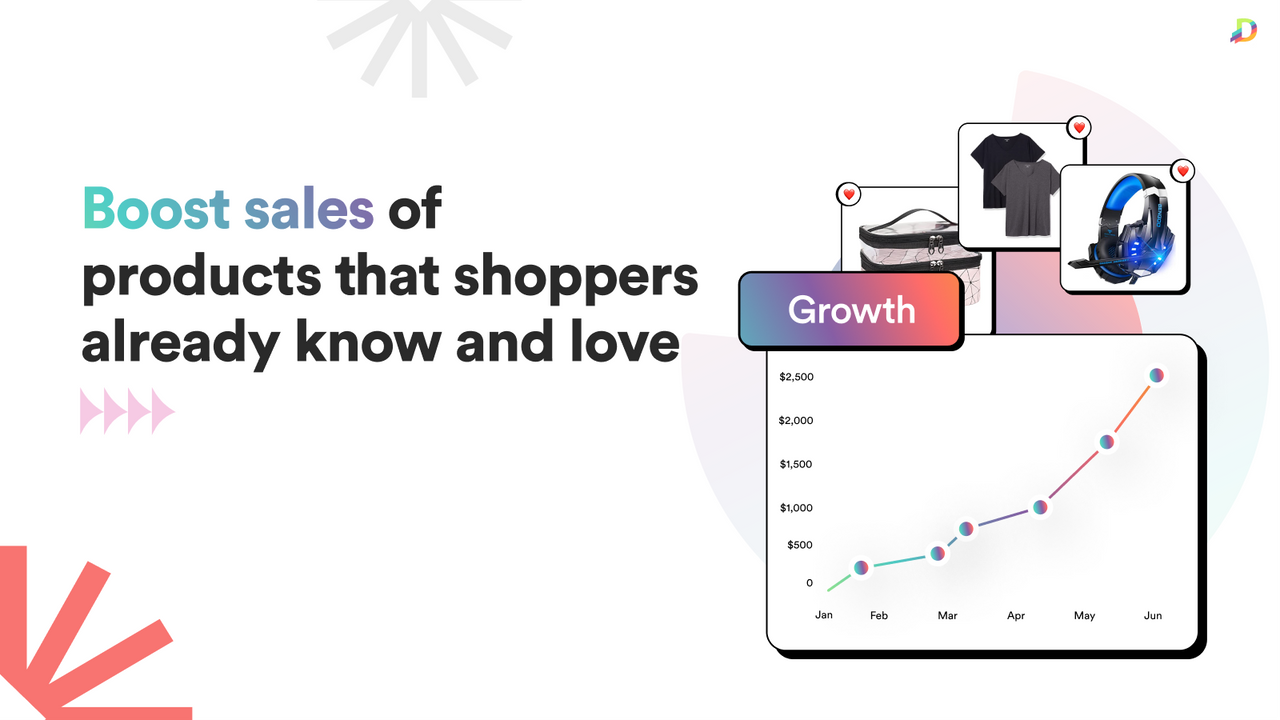
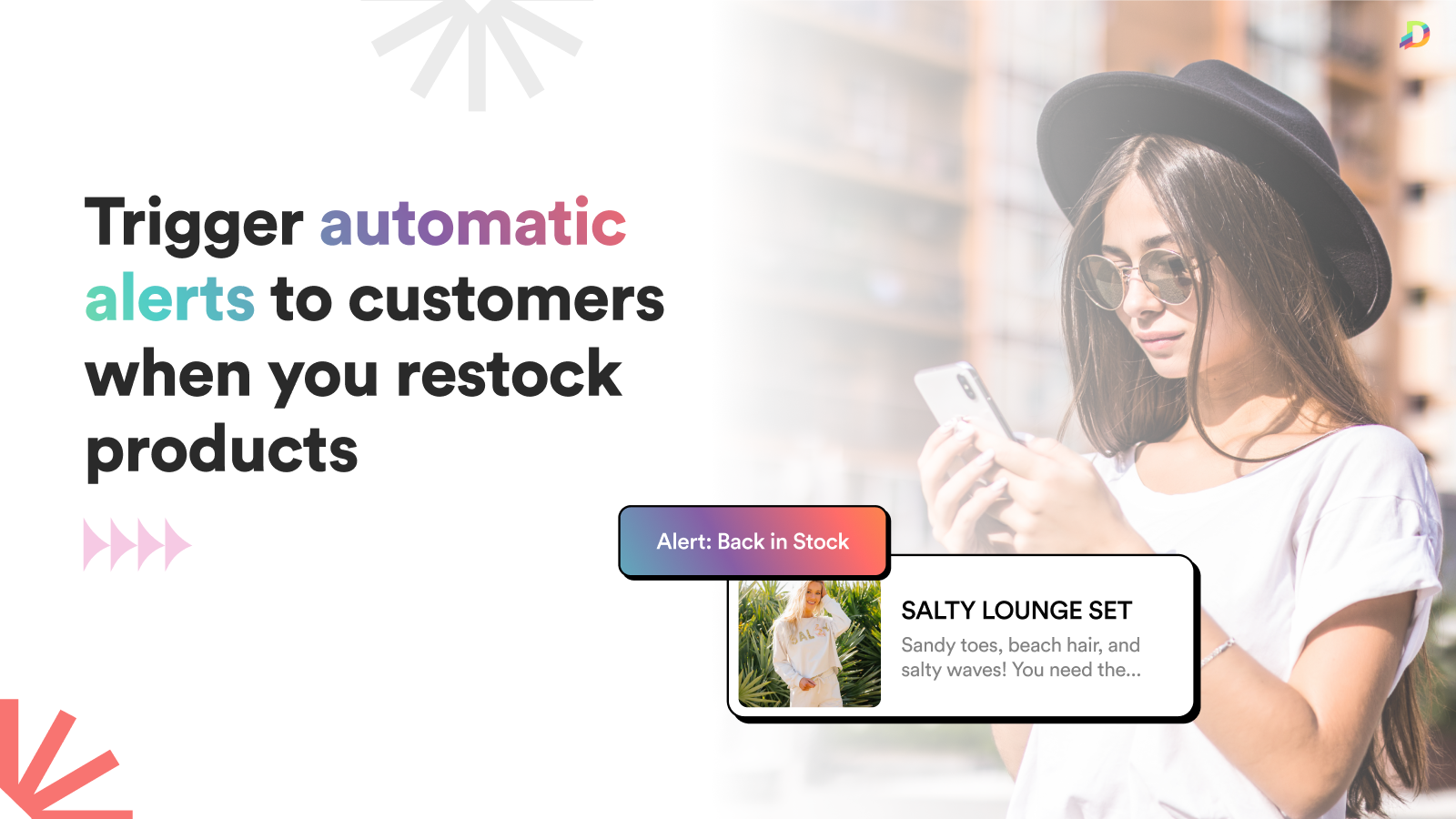

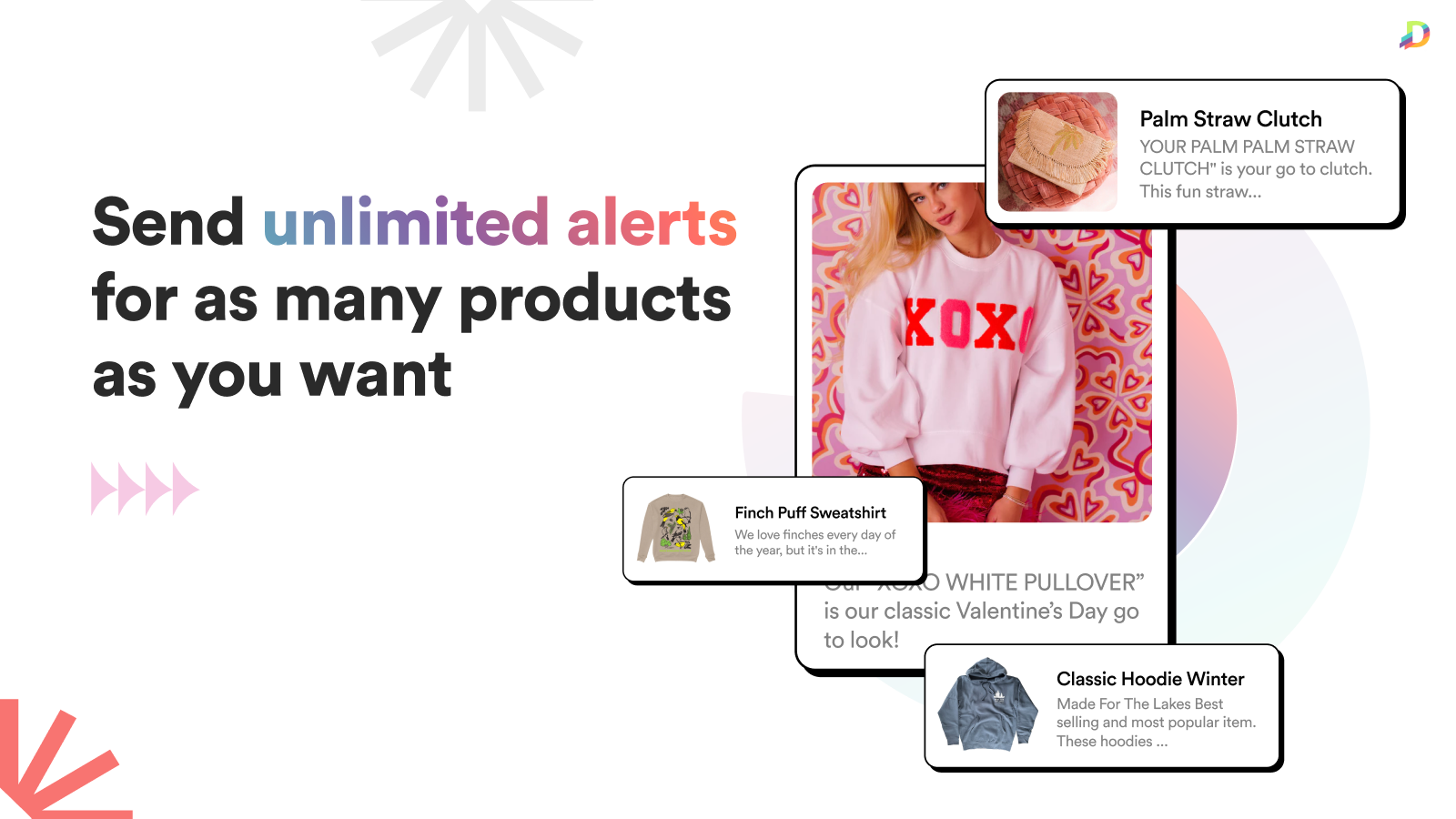


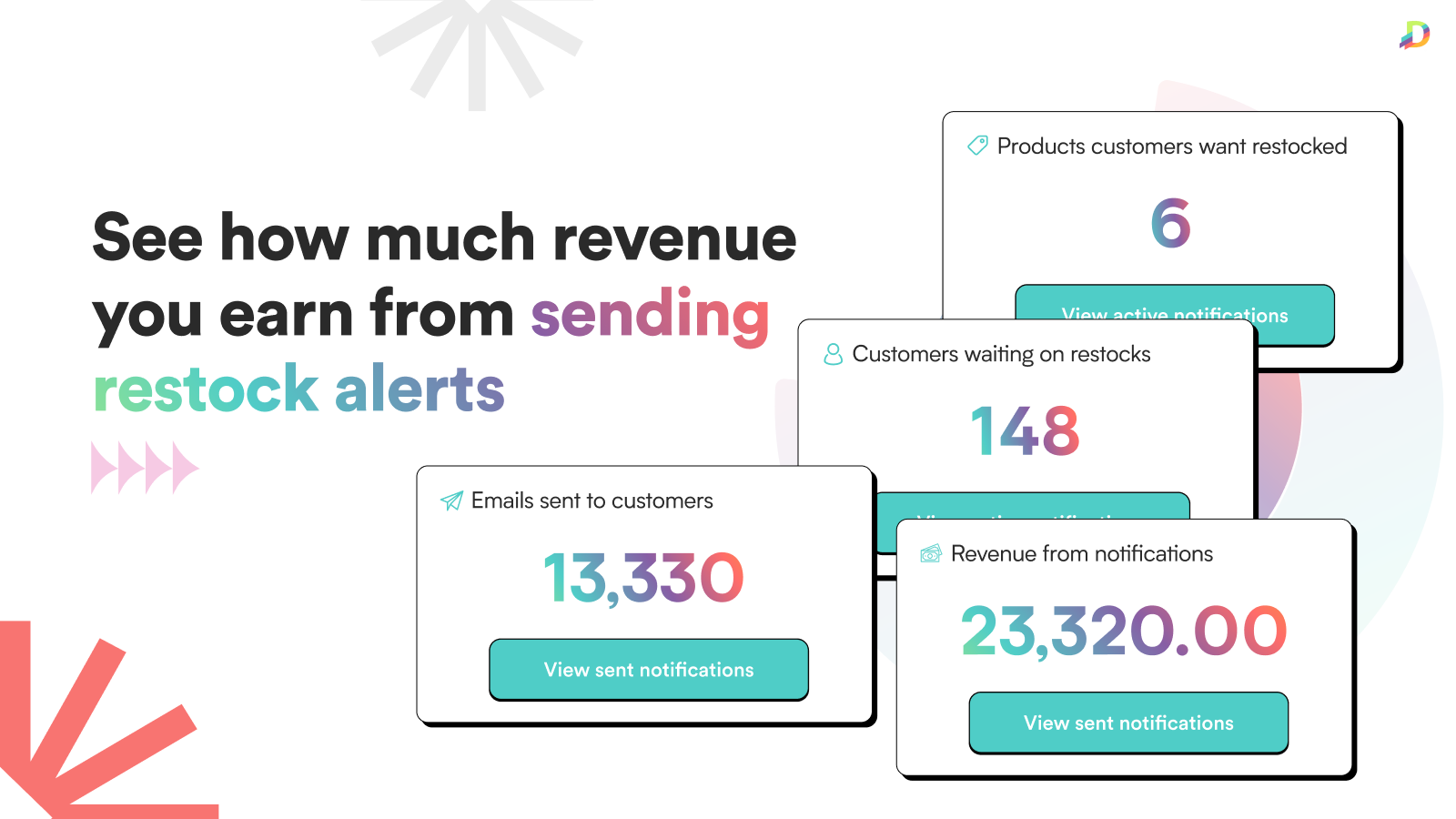

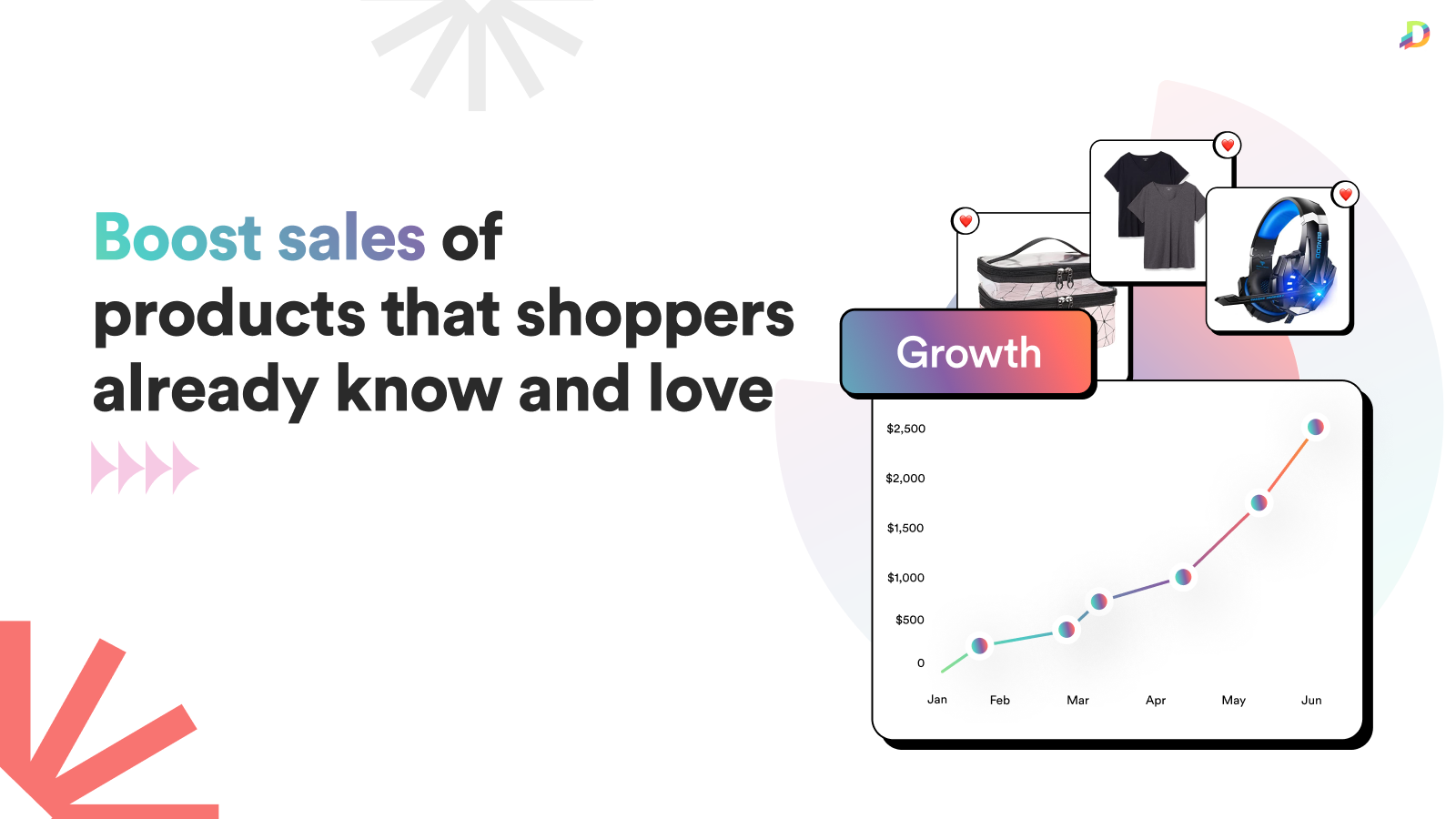
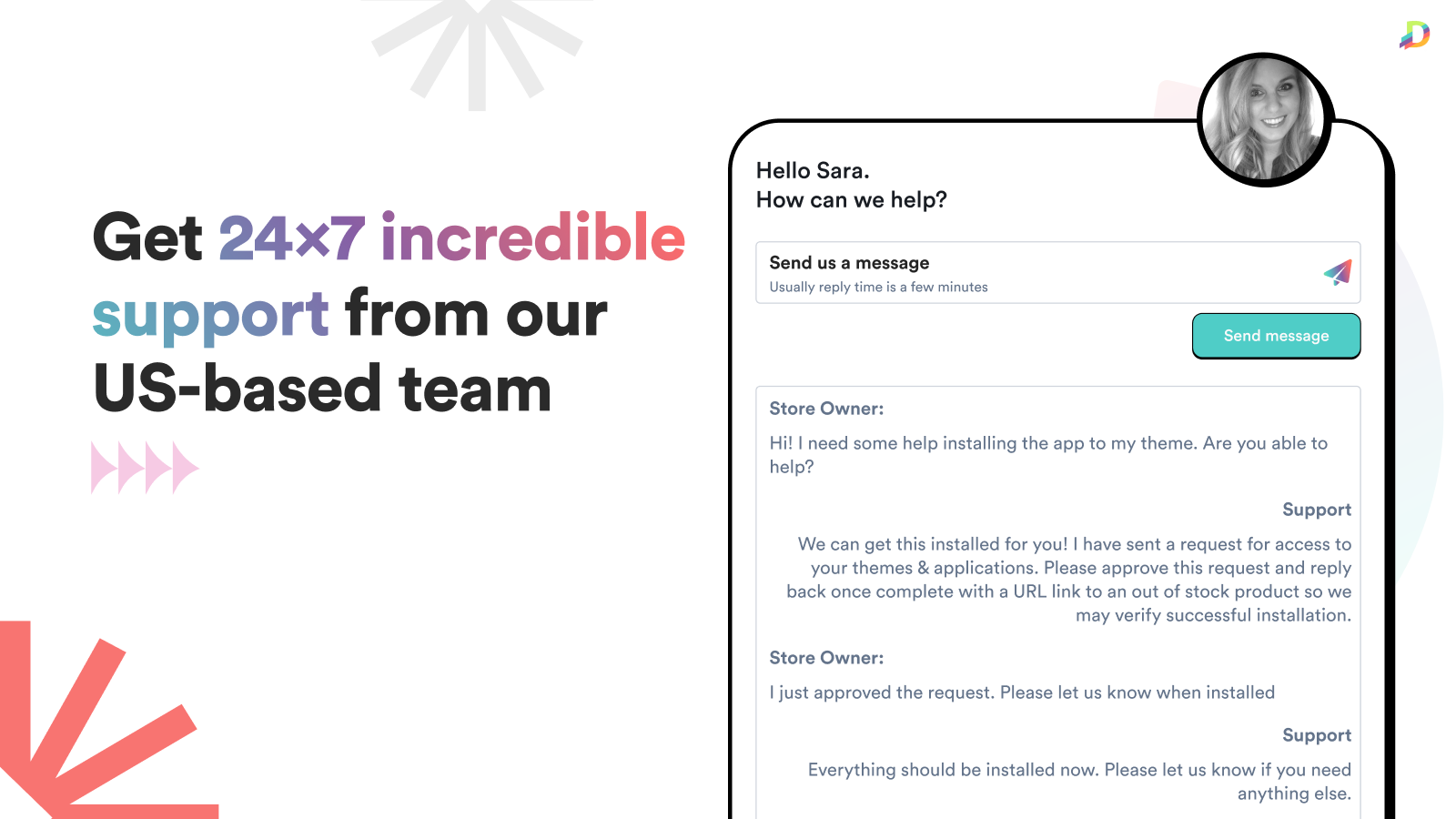
Easily trigger automatic back in stock alerts to customers when you restock their favorite products.
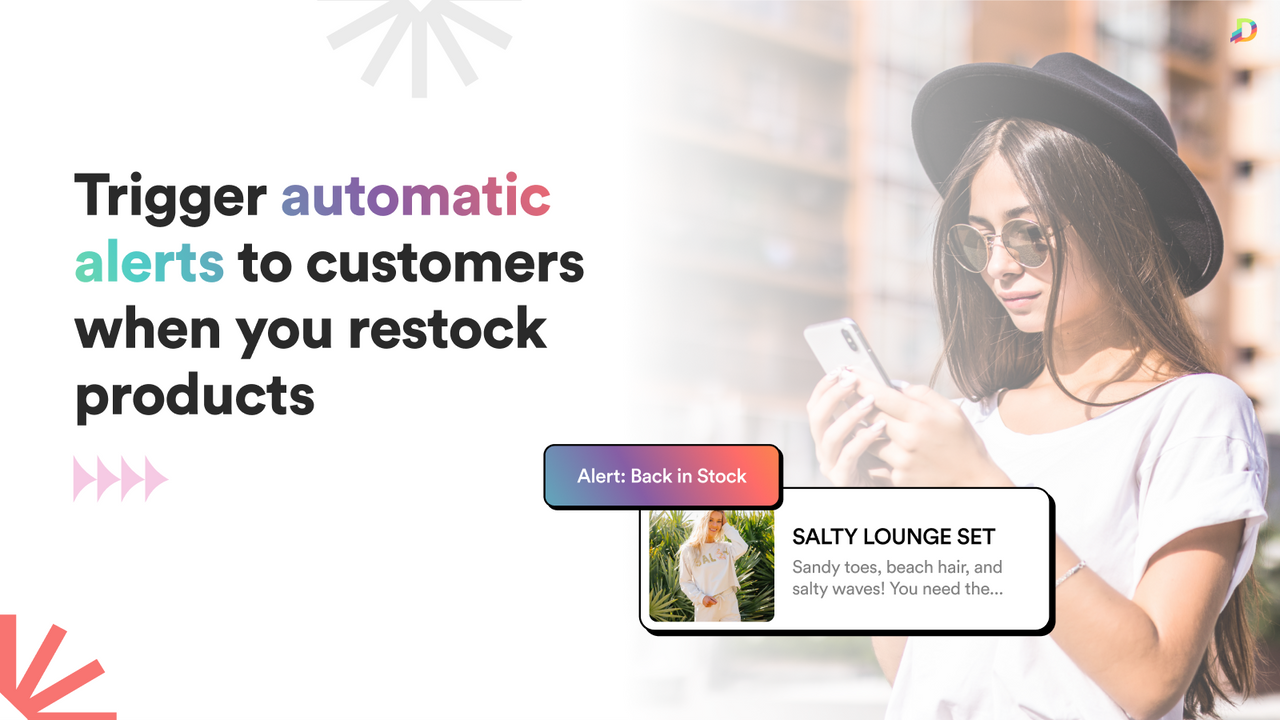
Send automatic, real-time back in stock alerts and restock notifications to customers when their favorite products are restocked. Shoppers can sign up for unlimited number of alerts using simple forms on your product and collection pages. When you restock those products, Alert Me automatically triggers back in stock alerts to customers, truly hands-free and effortless. Alert Me - Restock Alerts makes it easy to grow your revenue by alerting customers to buy products they already love!
- Hands Free: Trigger restock alerts without manual work - set it and forget it!
- Real-time: Alert Me Restock Alerts are sent instantly to boost your sales!
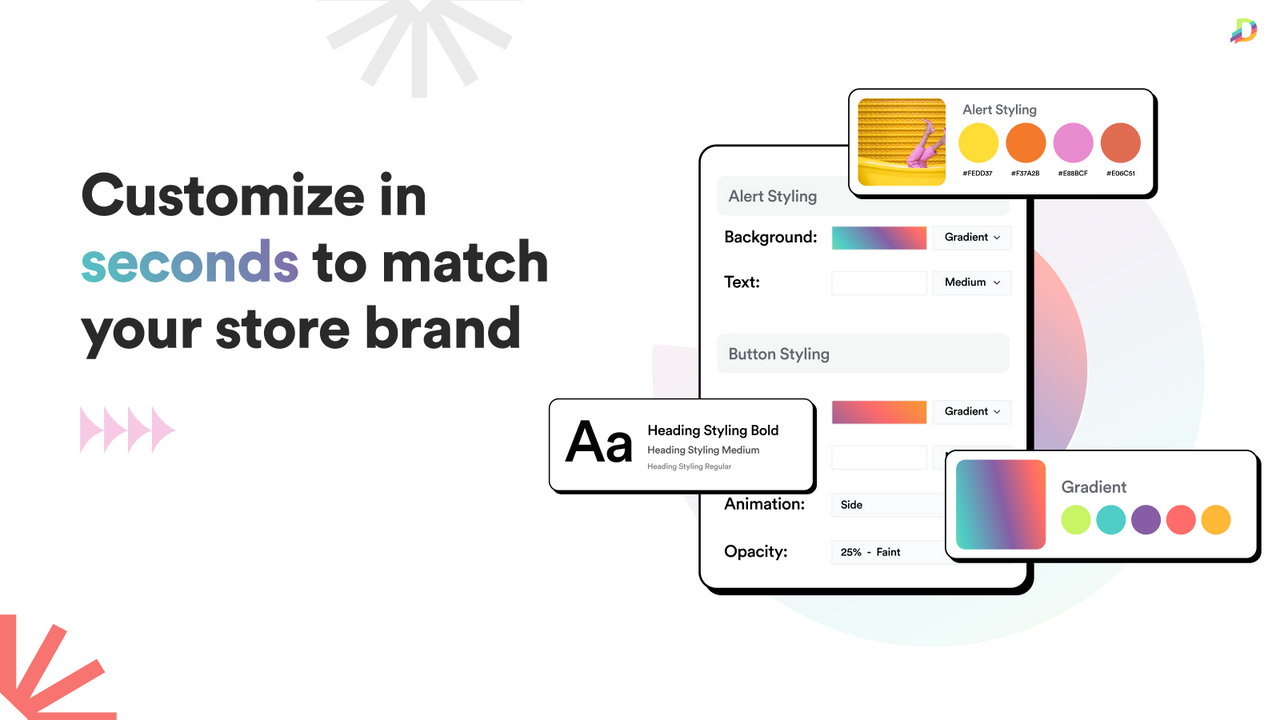
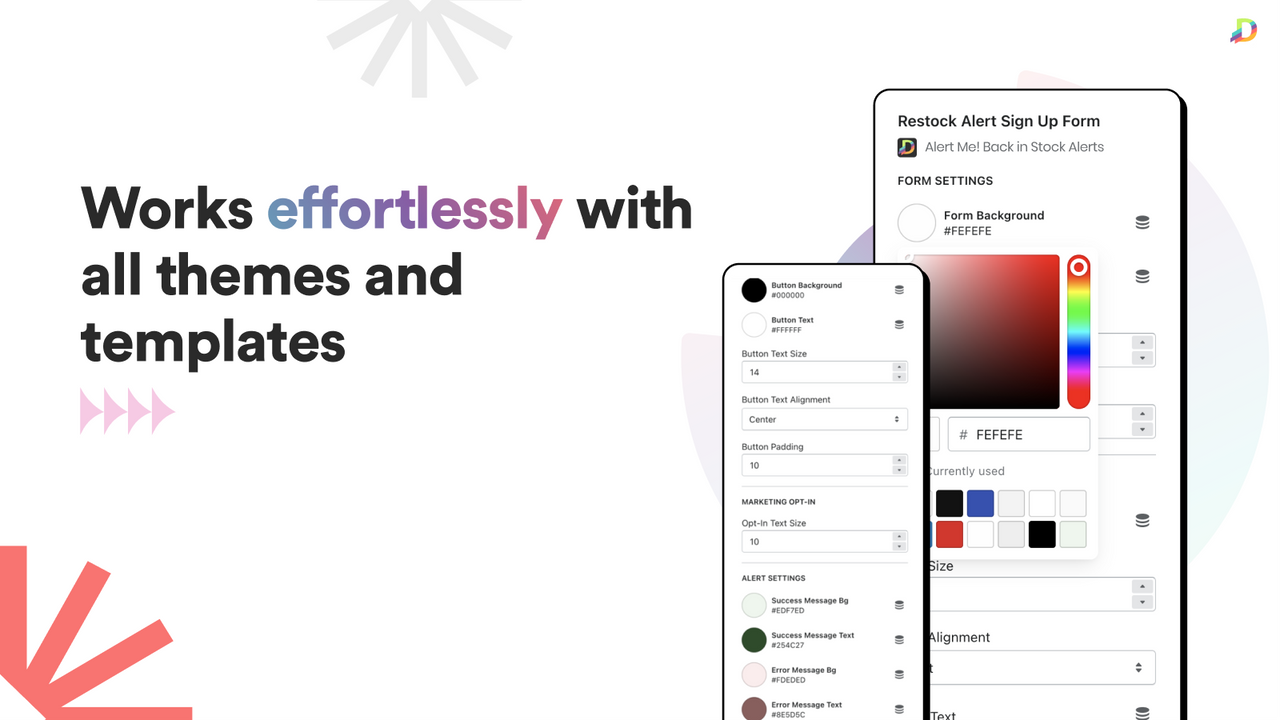
- Customizable: Easily change colors of back in stock alerts to match your brand.
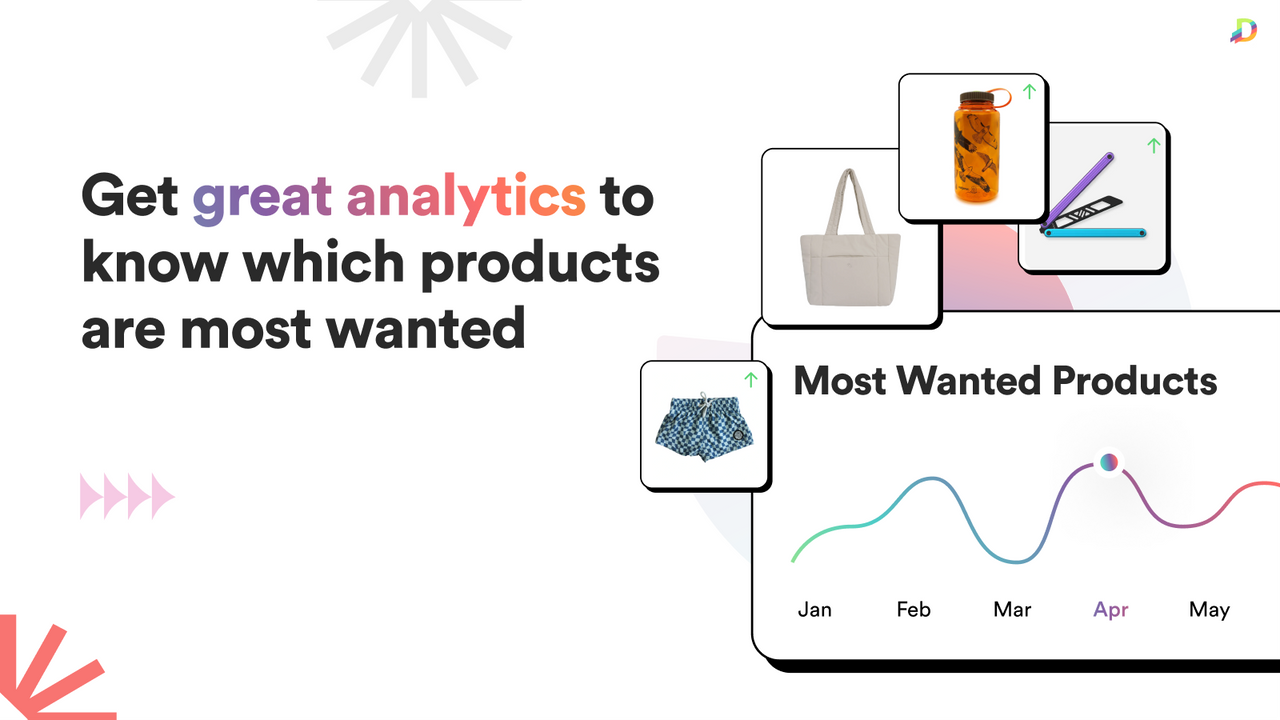
- Cool Analytics: See the most requested out of stock products to plan inventory.
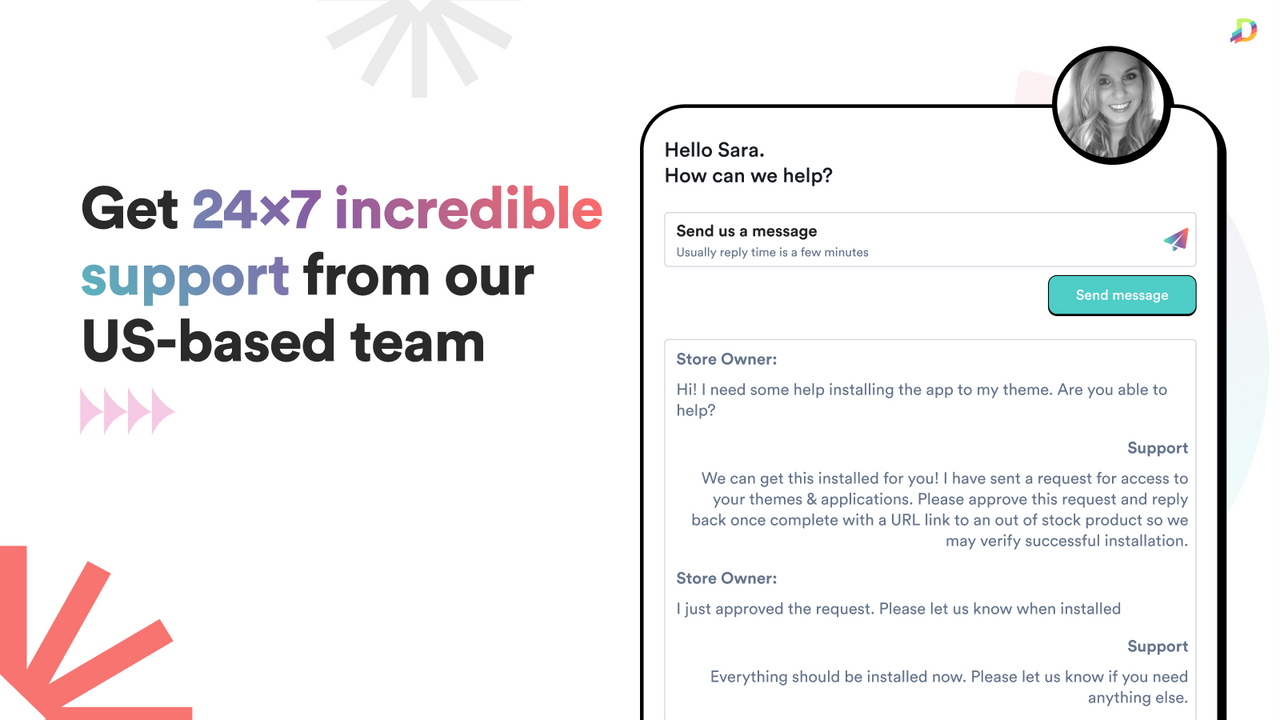
- Quick Support: We love to help you grow! Contact us to setup your first alerts.
Languages
English
Works with
- Shopify Admin
Categories
Notifications
Customization
Analytics and reporting
Pricing
Choose the plan that best fits your business.
Free Plan
Free
Features
- UNLIMITED number of sign-ups
- Up to 10/month sent notifications
- Multi-location support
- Customizable themes
- Analytics
Light Plan
$4.99 / month
or $50/year and save 16%
Features
- UNLIMITED number of sign-ups
- Up to 50/month sent notifications
- Multi-location support
- Customizable themes
- Analytics
Growth Plan
$9.99 / month
or $100/year and save 17%
Features
- UNLIMITED number of sign-ups
- Up to 3000/month sent notifications
- Multi-location support
- Customizable themes
- Analytics
Pro Plan
$29.99 / month
or $300/year and save 17%
Features
- UNLIMITED number of sign-ups
- UNLIMITED number of sent notifications
- Multi-location support
- Customizable themes
- Analytics
All charges are billed in USD. Recurring and usage-based charges are billed every 30 days.
Reviews (254)
What merchants think
This is generated by Shopify Magic. It's shown when an app has 100+ reviews and at least a 4.0 overall rating.
This is generated by Shopify Magic. It's shown when an app has 100+ reviews and at least a 4.0 overall rating.
Feedback submitted
Merchants describe this app as quick to set up and “set it and forget it.” They say it reliably recovers lost sales with automatic restock emails, often generating clear extra revenue and higher conversion. Many use demand data by product or variant to guide restocking and avoid overstock. The widget and emails are seen as clean and customizable, and support is frequently praised as fast and helpful.
Does not work at all, not compatible with Woolman Themes Taiga
It's basic, but works really really well. I just recently had to migrate the notification requests from a discontinued product to a new product that replaced it, and it was so easy! Love the fact that I didn't lose those customers :)
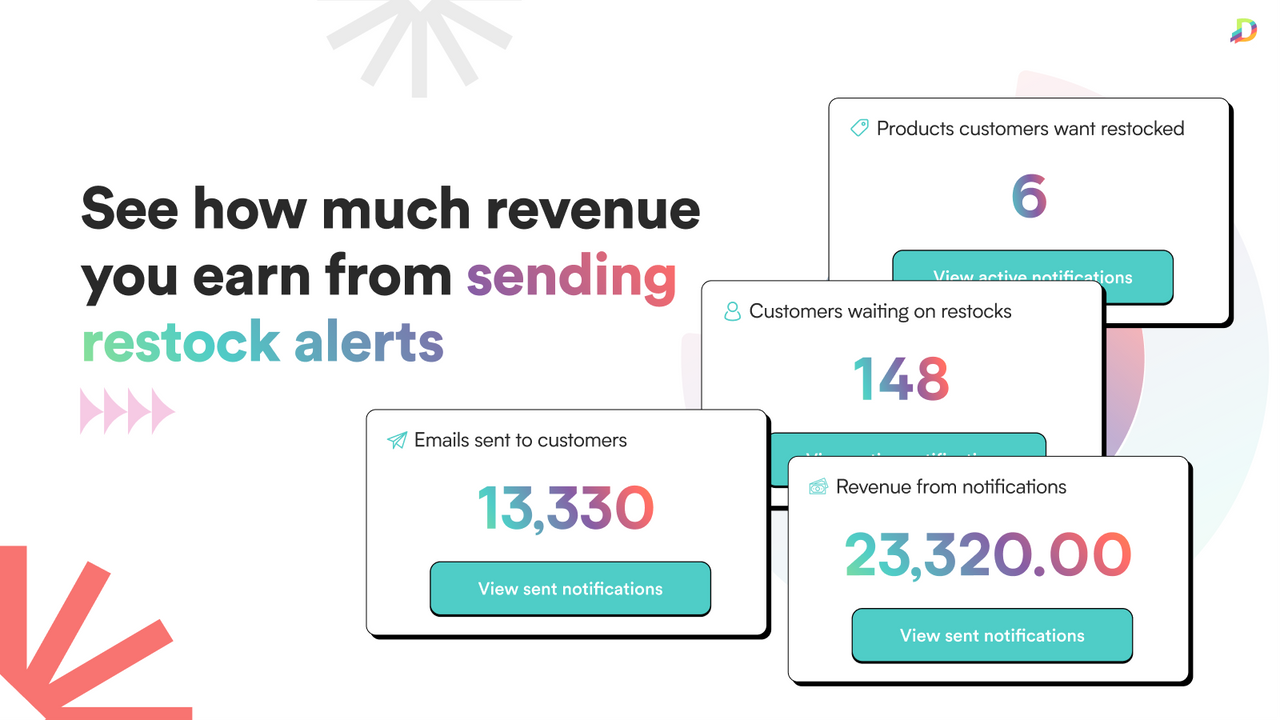
Great support, easy to use and set up app and an initial confusion on whether or not the revenue is recorded was quickly cleared up - revenue IS recorded but with no currency indicator, and I misunderstood the original response. So 5 stars, great app and support, thanks Kimberly. Any further data on revenue is always welcome as it helps us track what is working and what isn't and I appreciate your comments
Hi there! I'd like to clarify we DO track revenue. We track the TOTAL revenue the app has created for you. This means we increment our total every time someone has purchased.
This is actually what support (me) told you, and nowhere did we say we don't track revenue at all: "The revenue number on the dashboard doesn't show the currency, and that general number is all that we save. We add to it every time someone places an order for a product where we have previously sent an email to that person for that product. We do not save information per notification of revenue created per notification though."
If you'd like to put in a feature request for us to track by item, we'd be happy to discuss it in support chats as we've discussed other things with you before.
Support
App support provided by Dibble Development.
Resources
Developer
Launched
August 3, 2017
Data access
This app needs access to the following data to work on your store. Learn why in the developer's privacy policy .
View customer data:
Sensitive data, device and activity data
-
Sensitive data
Name, email address
-
Device and activity data
Geolocation, IP address, browser and operating system
View staff and contributor data:
Store owner
-
Store owner
Name, email address, phone number, physical address
View and edit store data:
Customers, products, orders, Online Store
-
Edit customers
Customer data
-
Edit products
Inventory, products, collections
-
View orders
All order history for the last 60 days
-
Edit Online Store
Online Store script tags, theme
-
View other data
Locations
More apps like this


Meets our highest standards for performance, design, and integration. Learn moreOpens in new window

Meets our highest standards for performance, design, and integration. Learn moreOpens in new window

Meets our highest standards for performance, design, and integration. Learn moreOpens in new window

