
Featured images gallery
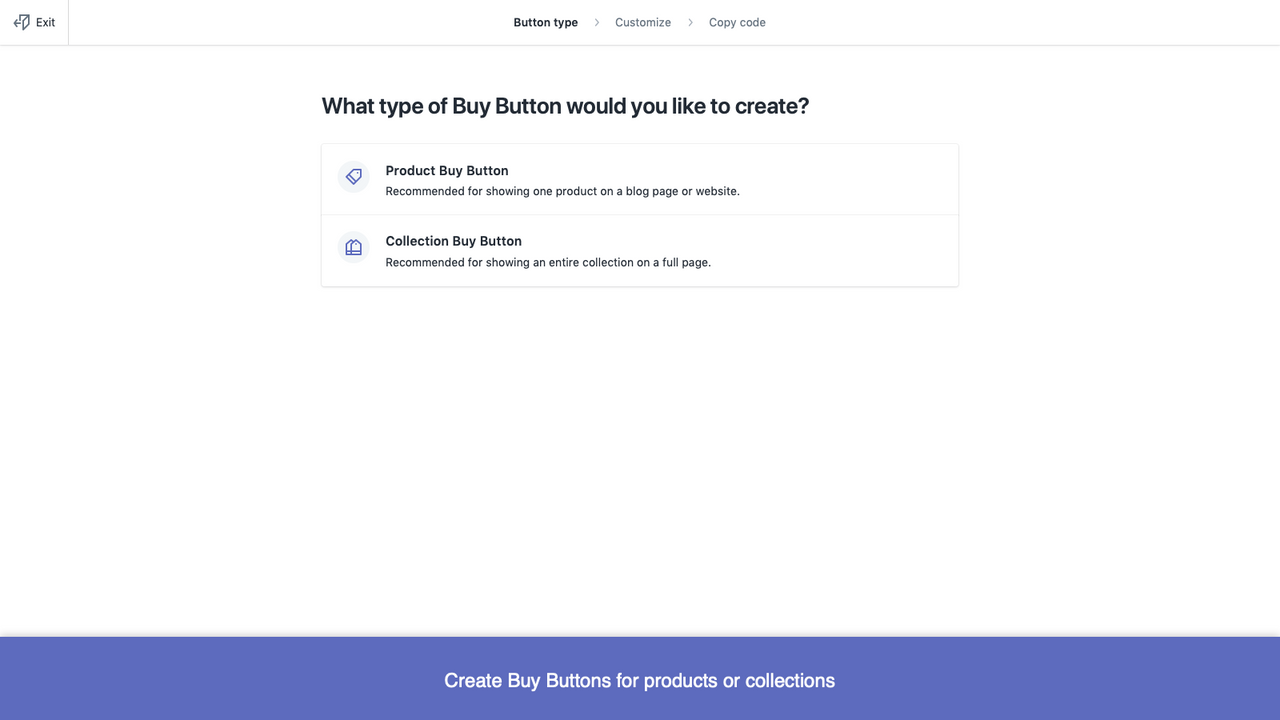
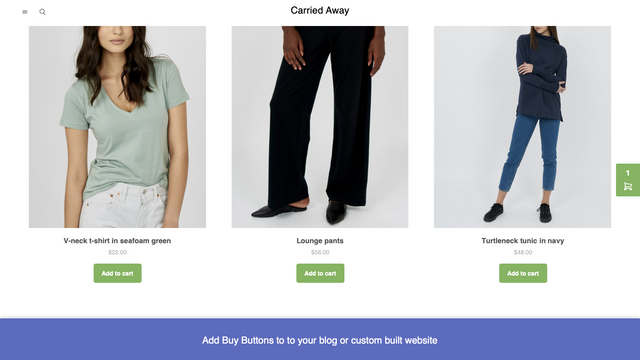
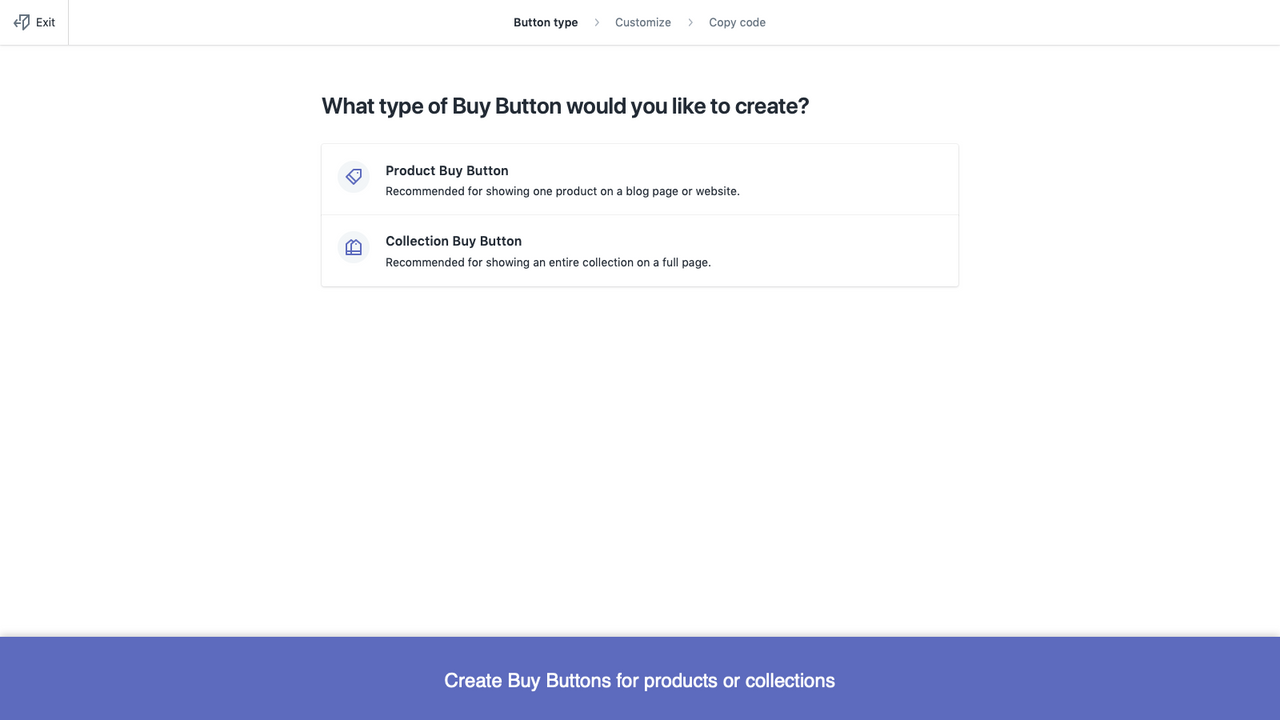

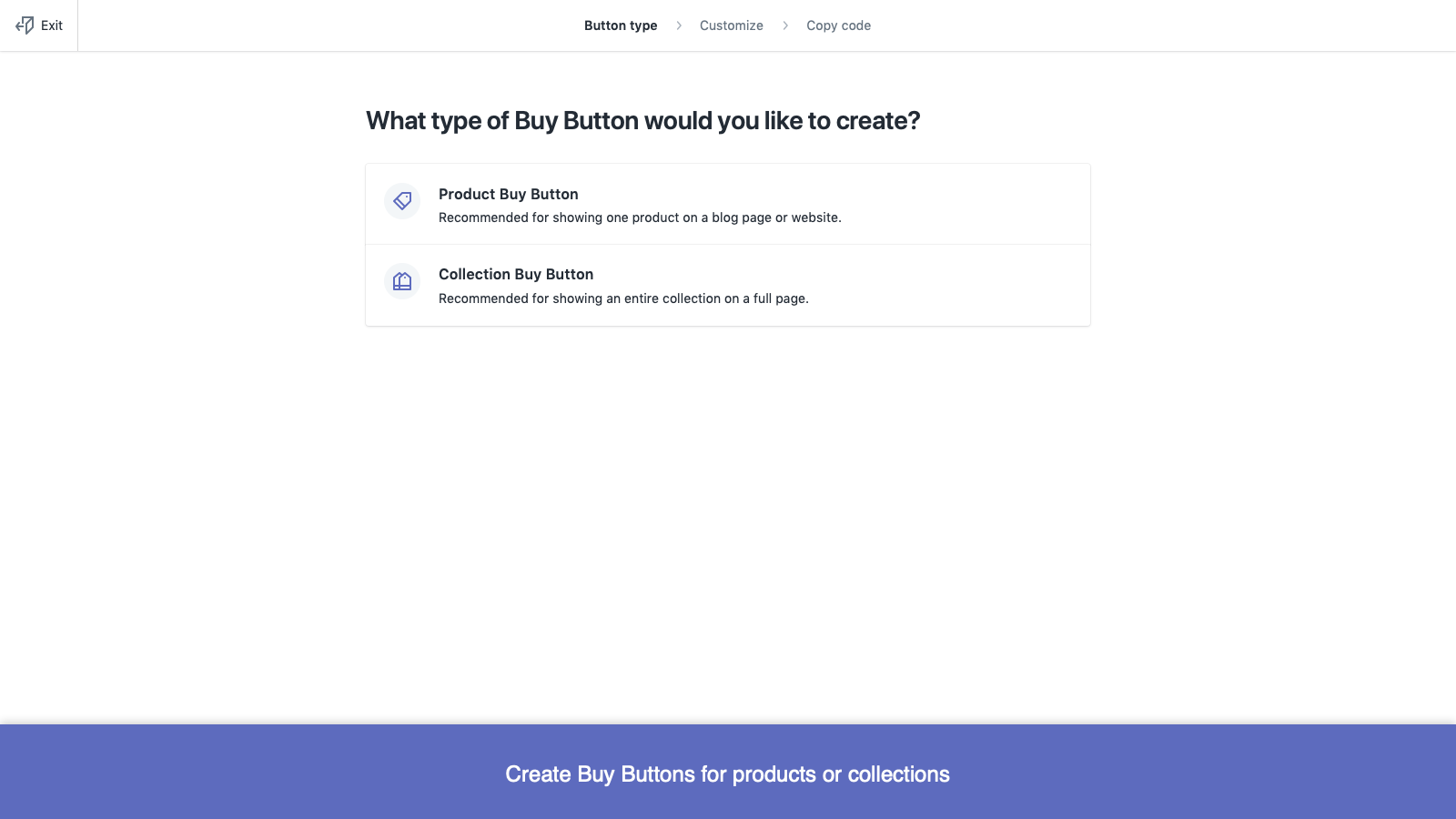

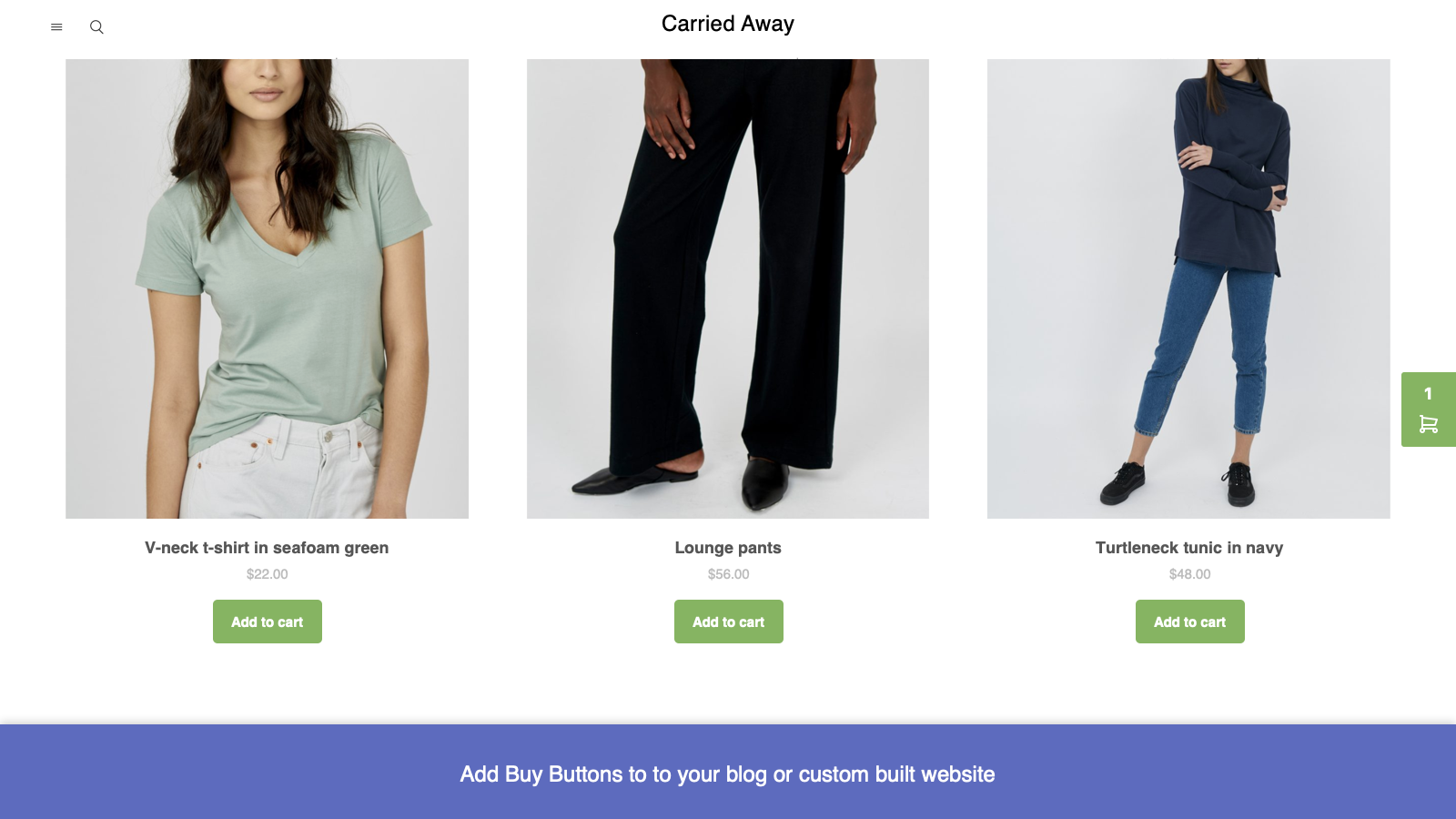
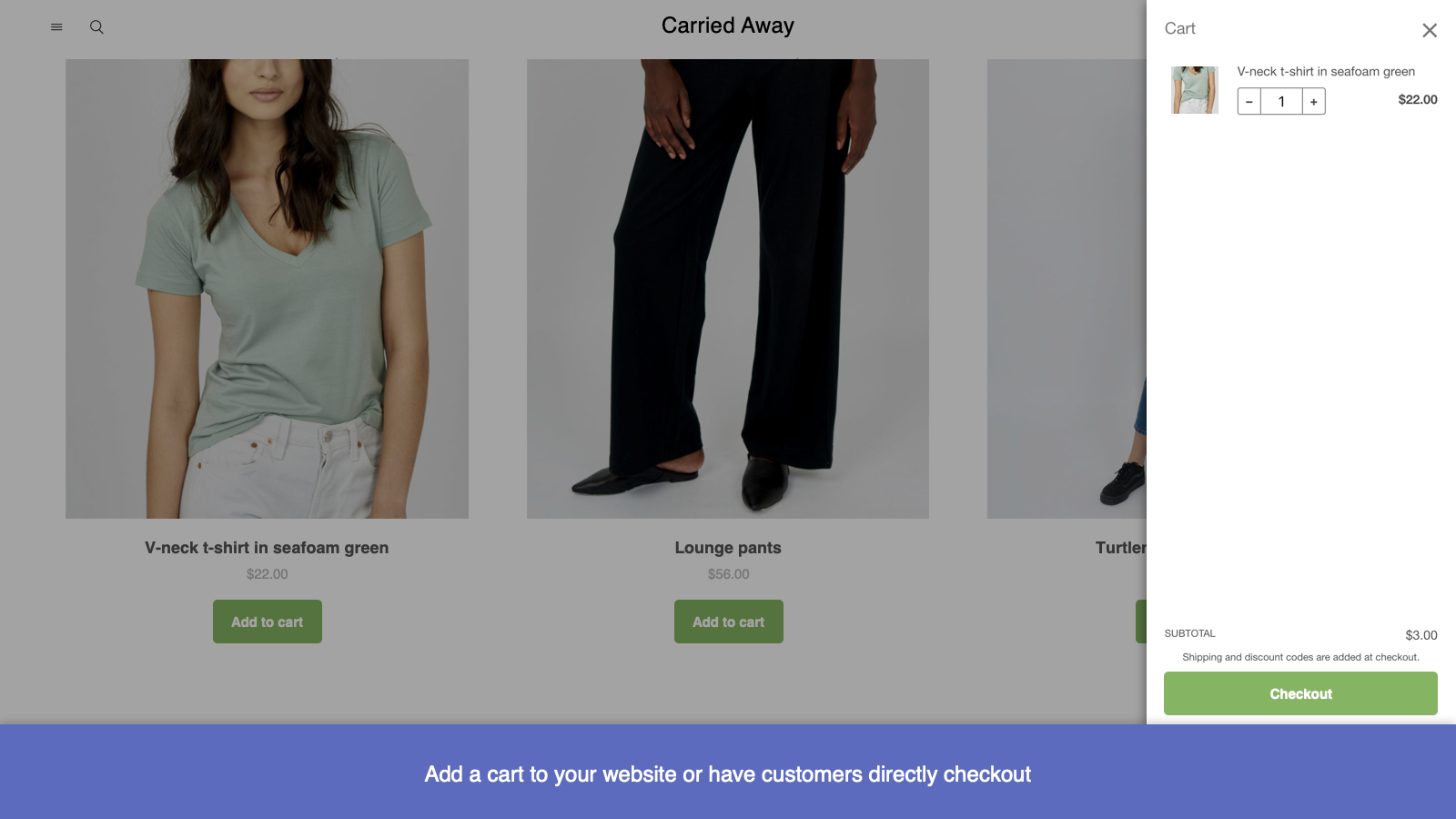
Sell more with Buy Buttons. Create fast and easy checkout links to promote products or collections.
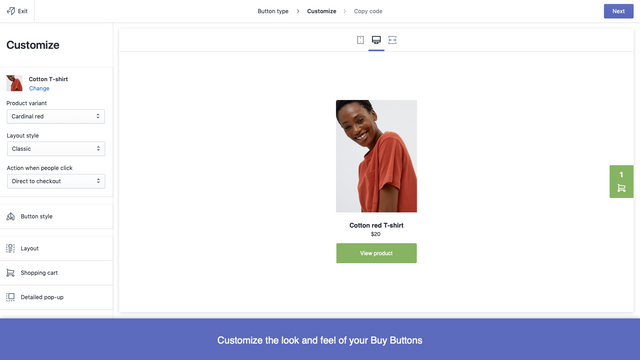
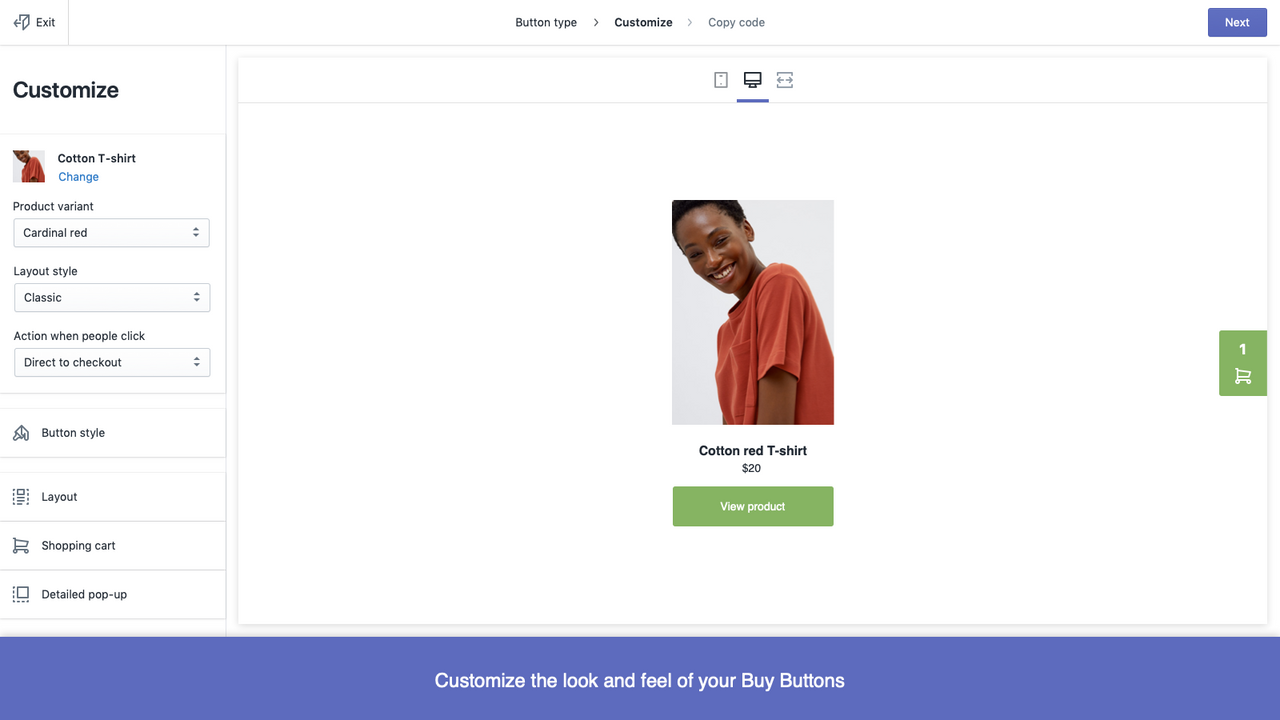
Create a Buy Button for any product or collection and add it to a website or blog. Use the Buy Button editor to match the style and colors of your brand, then copy and paste the HTML code to your platform of choice. You can create quick checkout links that send shoppers directly to your checkout page. Choose a single product and variant, then copy your link to any email, direct message, or social media post.
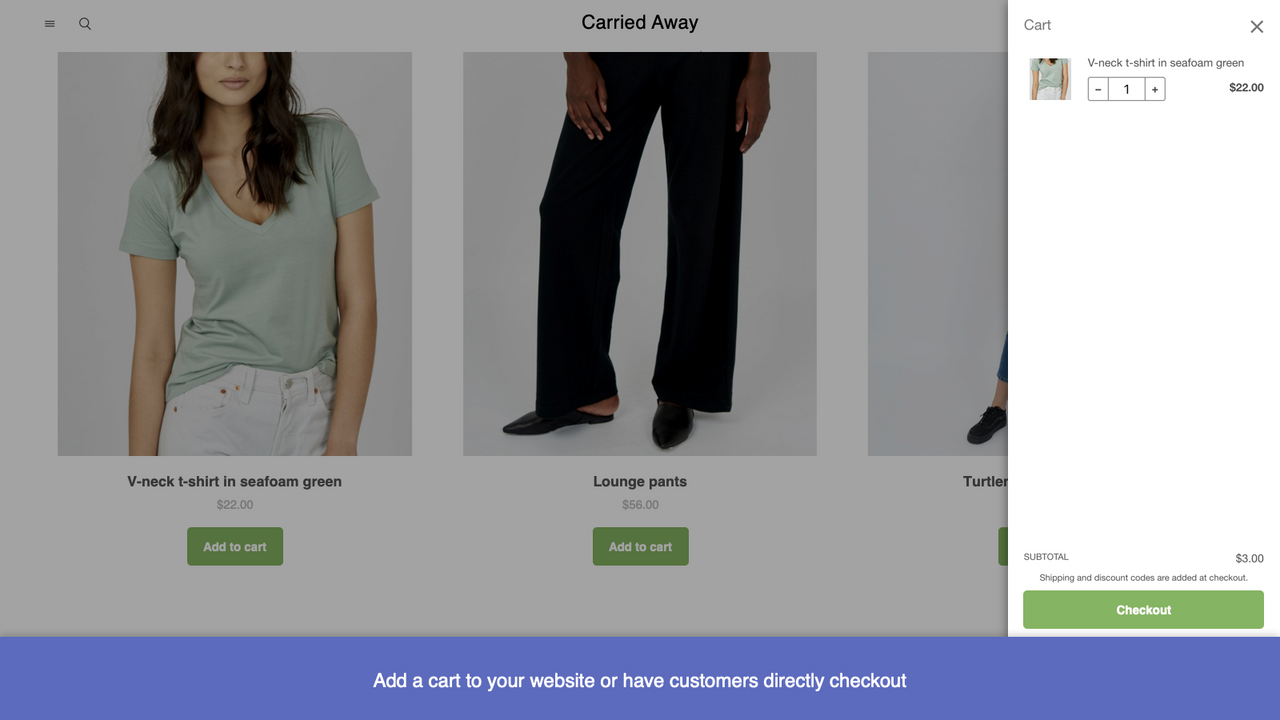
- Let shoppers check out right on the spot from any website or blog.
- Promote your products to visitors who view your blog or website regularly.
- Customize fonts, colors, and layouts to match your website’s style and brand.
- Update product details from Shopify without editing the code on your website.
- Track sales using your Home sales overview and Analytics pages.
- Popular with stores like yours
- Based in United States
- Highlights
- Use directly in Shopify admin
Languages
English, Chinese (Simplified), Chinese (Traditional), Czech, Danish, Dutch, Finnish, French, German, Italian, Japanese, Korean, Norwegian (Bokmål), Polish, Portuguese (Brazil), Portuguese (Portugal), Spanish, Swedish, Thai, Turkish, and Vietnamese
Categories
Reviews (203)
I've been using this app for years, and I finally have to point out that it's a very faulty app. When I add the code to a blog page, and it looks fine, I come back to the page months later to optimize the page, and the code is altered or not working. Really unreliable.
Le concept est super, mais le problème c'est que, quand on met un produit dans le panier, ça ne va pas dans le panier shopify mais un autre panier. Donc le client peut avoir 2 paniers en même temps qui ne se synchronise pas. Dommage car c'est une super application. Faites-la marcher correctement s'il vous plait, elle est mega importante pour développer son business
Great app, thank you!
Feature suggestions:
1. Save buttons generated so that it is easy to edit the button and use the code.
2. When adding a collection make it easier to adjust the size of the images so that it can all be the same size or square, etc.
Thanks!
This is a wonderful app, and with the help from the Support Team i was able to edit it the code for my requirement wherein i wanted the buttons to redirect to my website product pages.
Hi there. Thank you for taking the time to leave your feedback. I'm glad to hear that you're enjoying the Buy Button Channel. You can certainly create a buy button that's directed to a specific product or details. It will however, require coding changes to be made. To complete this, you can check out this Guide: https://shopify.link/0R4K. If you have any questions or are experiencing any troubles, please feel free to connect with our Live Support: https://bit.ly/2AWw5VA. - Blair, Shopify Support
This Plugin is exactly we wanted. It maintains a cart on another website and once user is finished adding products, they can proceed to checkout on main website.
You can generate any number of code for each collection separately... this is best... best... best
Exactly what I wanted.
Well one suggestion - Better styling will help us more. Although this is perfect as of now...
Support
App support provided by Shopify.
Get supportData access
This app needs access to the following data to work on your store. Learn why in the developer's privacy policy .
View personal data:
Customers, store owner
-
Customers
Name, email address, phone number, physical address, geolocation
-
Store owner
Name, email address, phone number, physical address
View and edit store data:
Customers, products, Online Store
-
Edit customers
Customer data
-
Edit products
Product listings, products, publications of products on sales channels, or collections
-
Edit your Online Store
Checkout page
-
Edit other data
Resource feedbacks
Featured in

More apps like this