


Featured images gallery
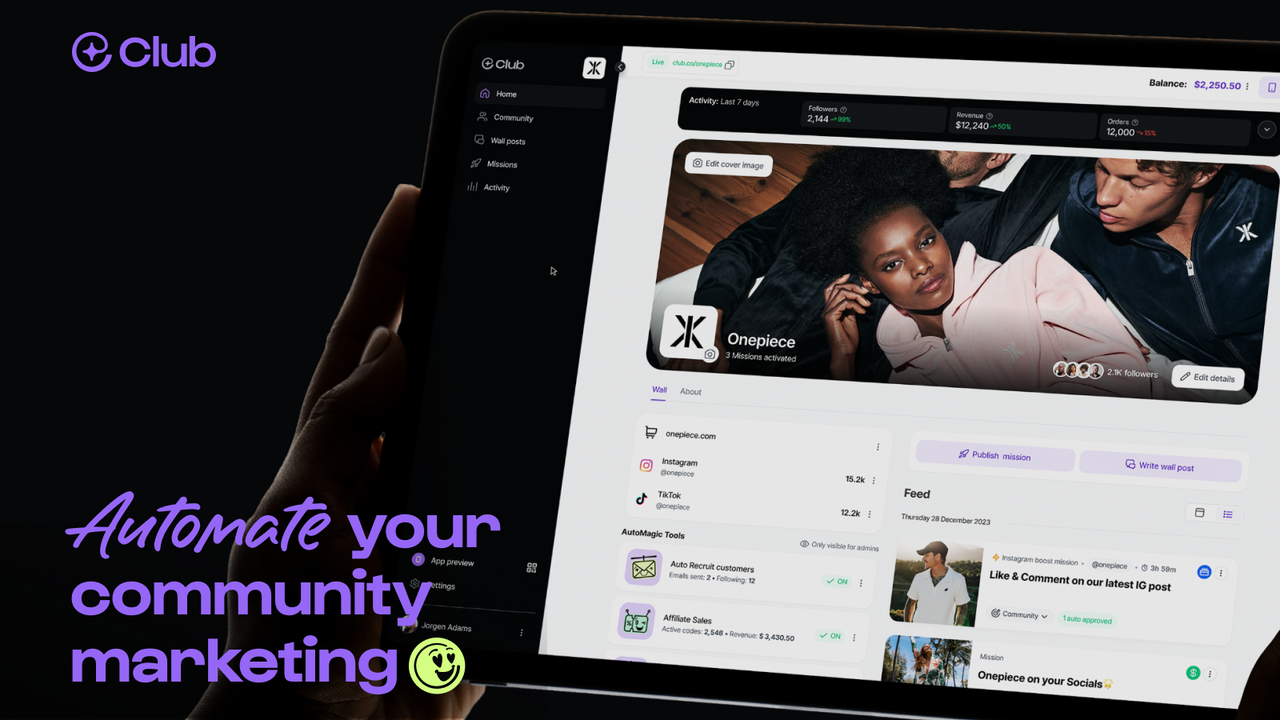
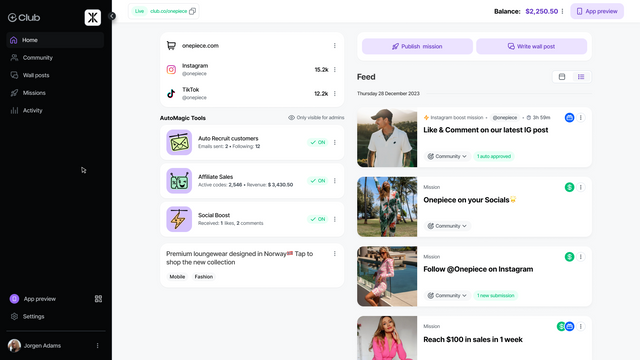
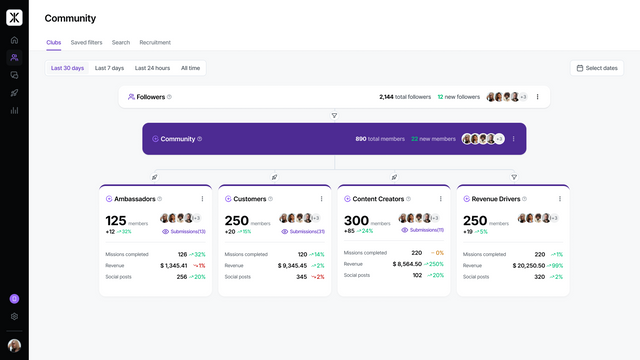
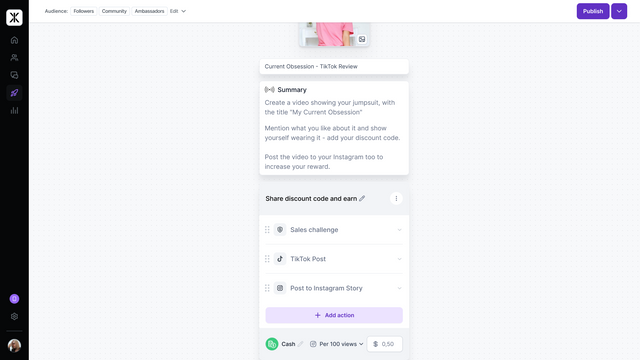
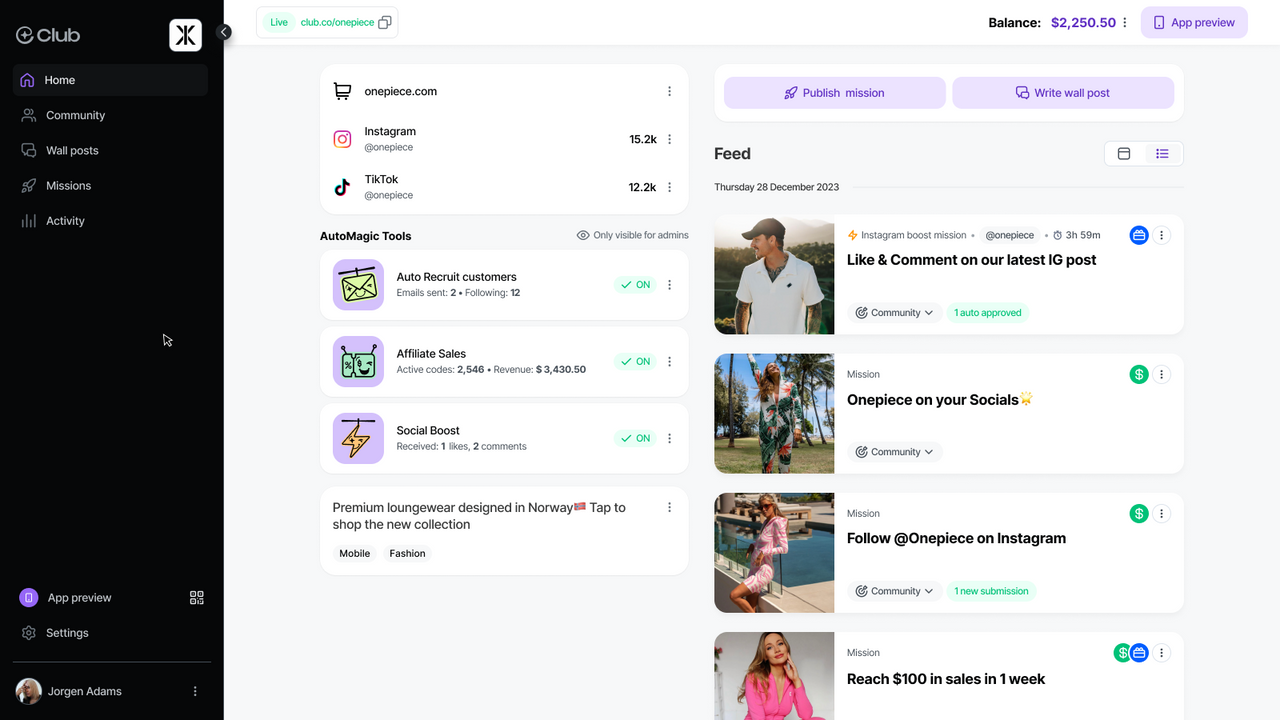
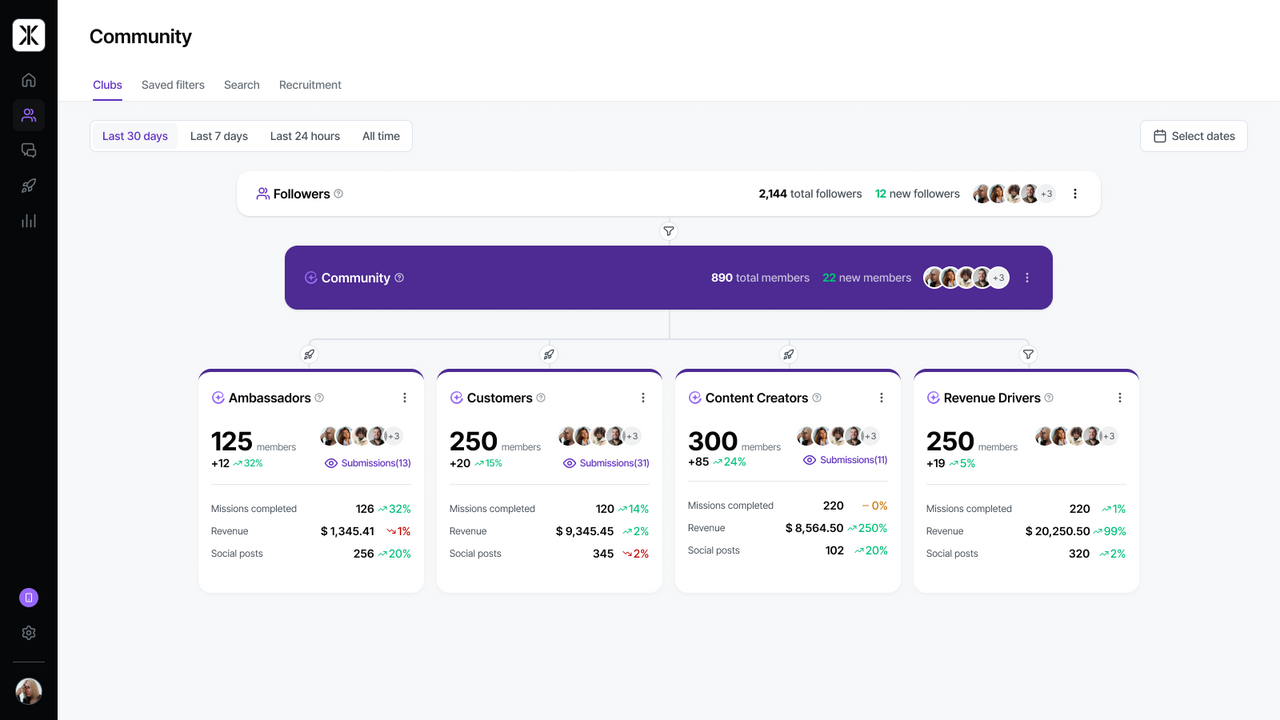
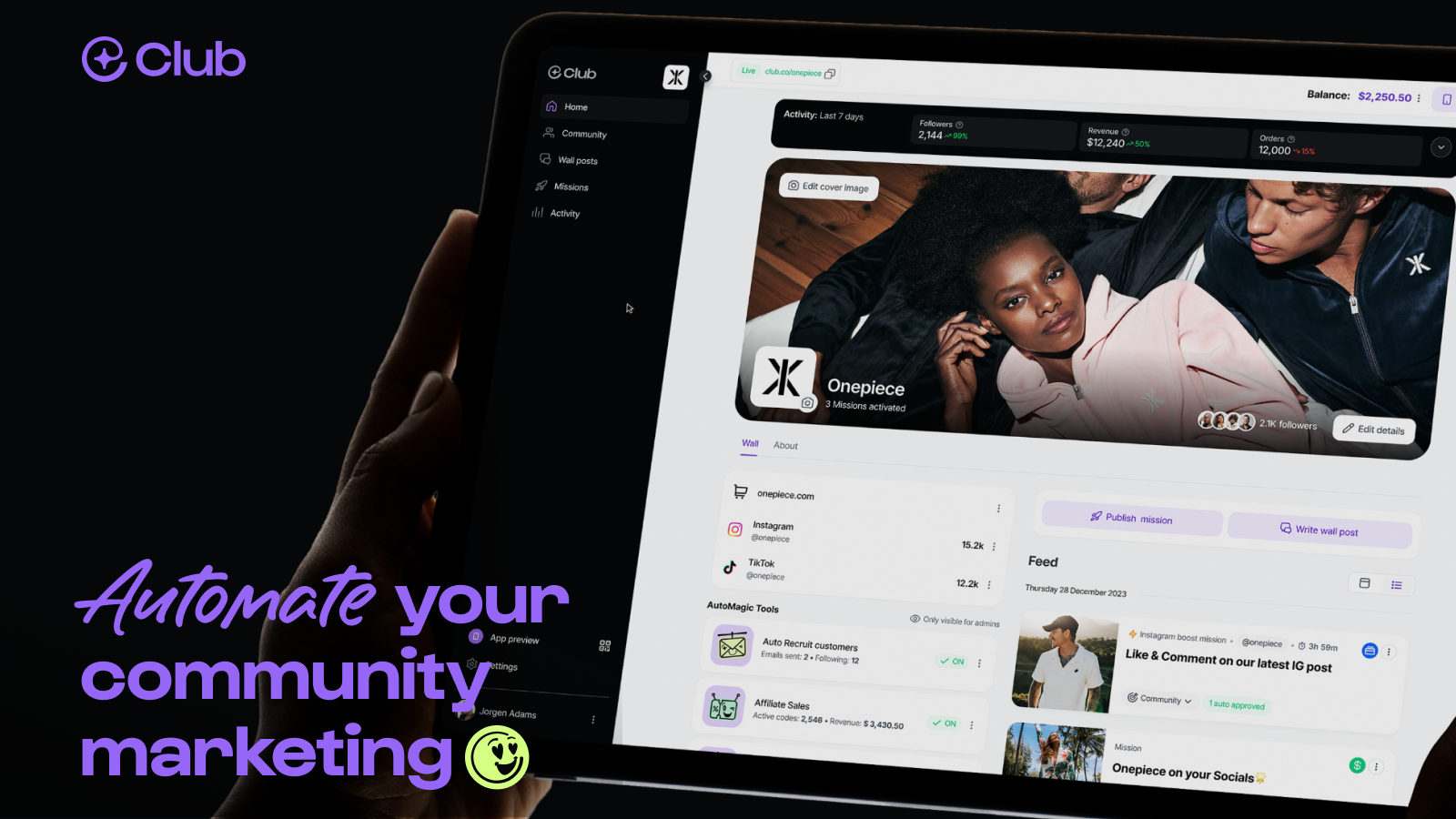
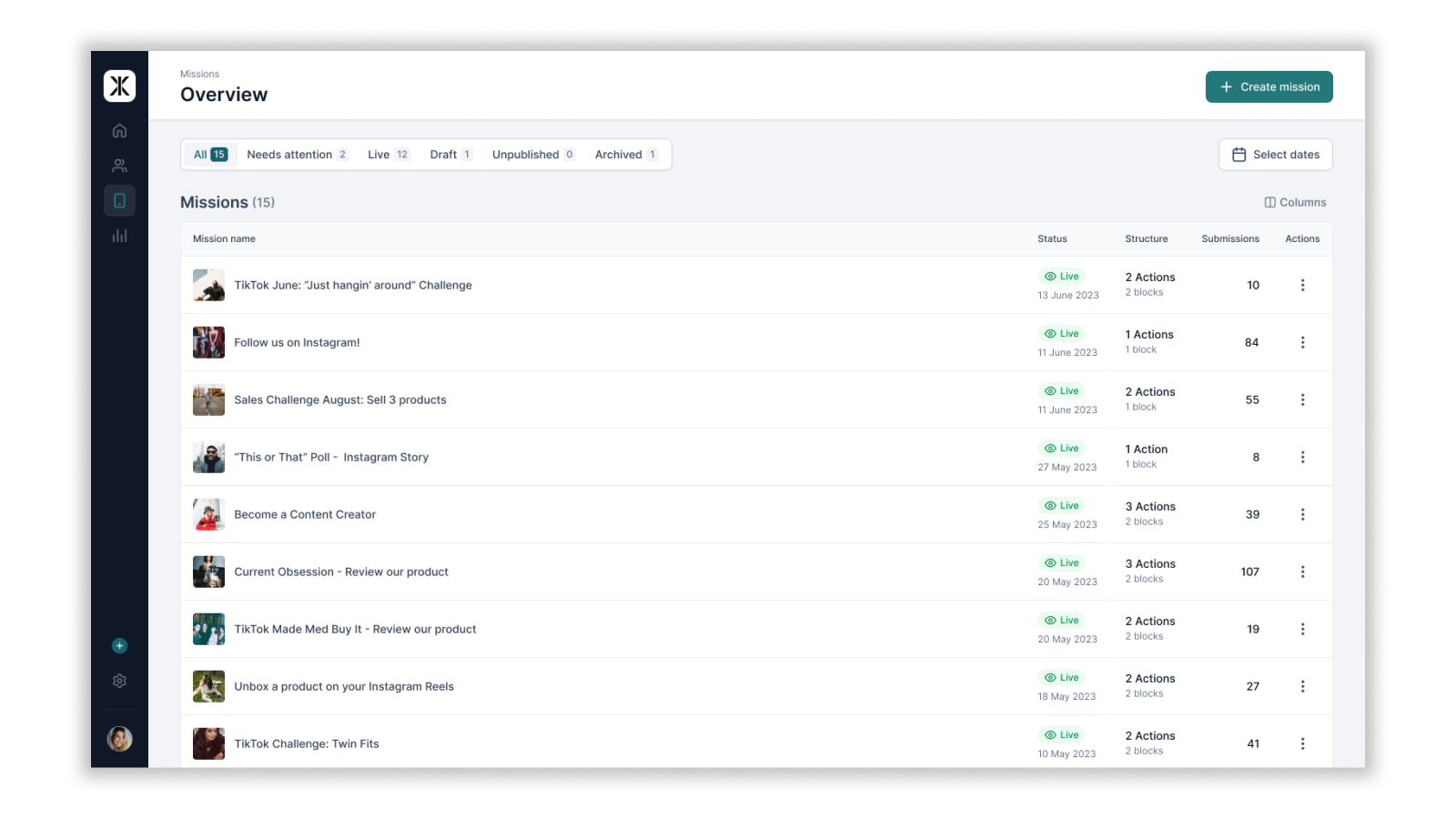
Supercharge your community marketing with revenue tracking and automatic discount codes.
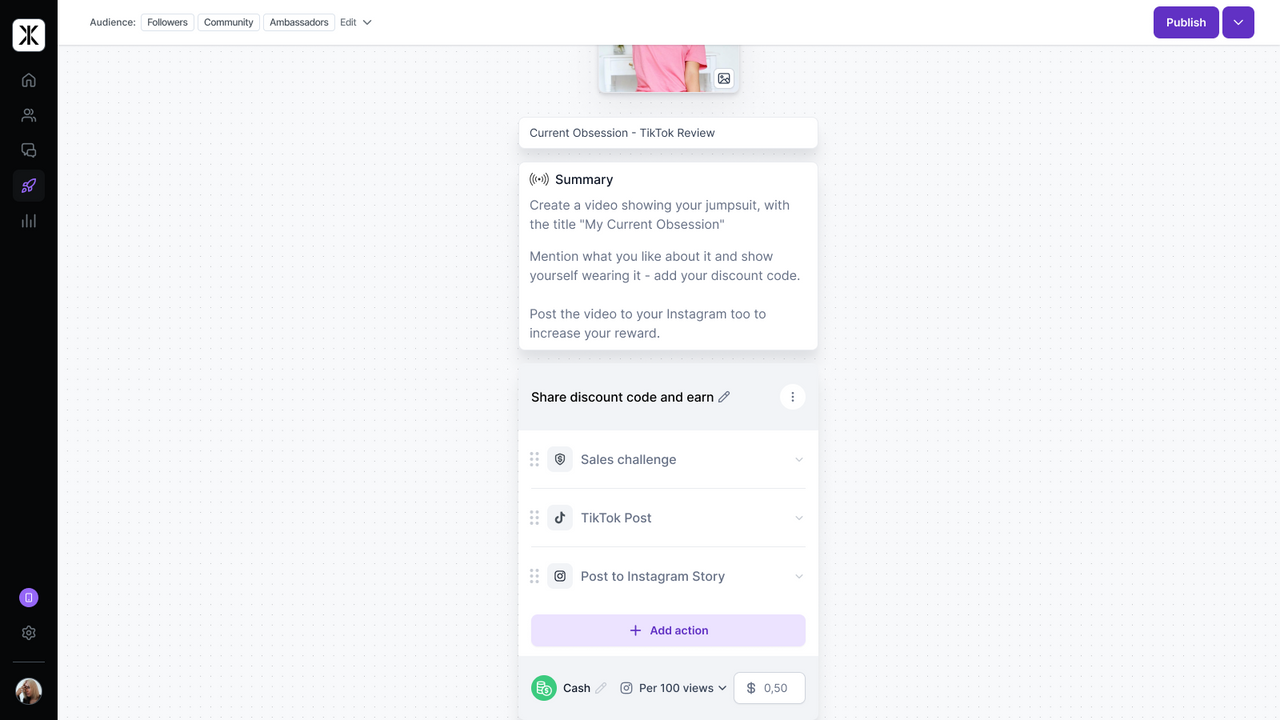
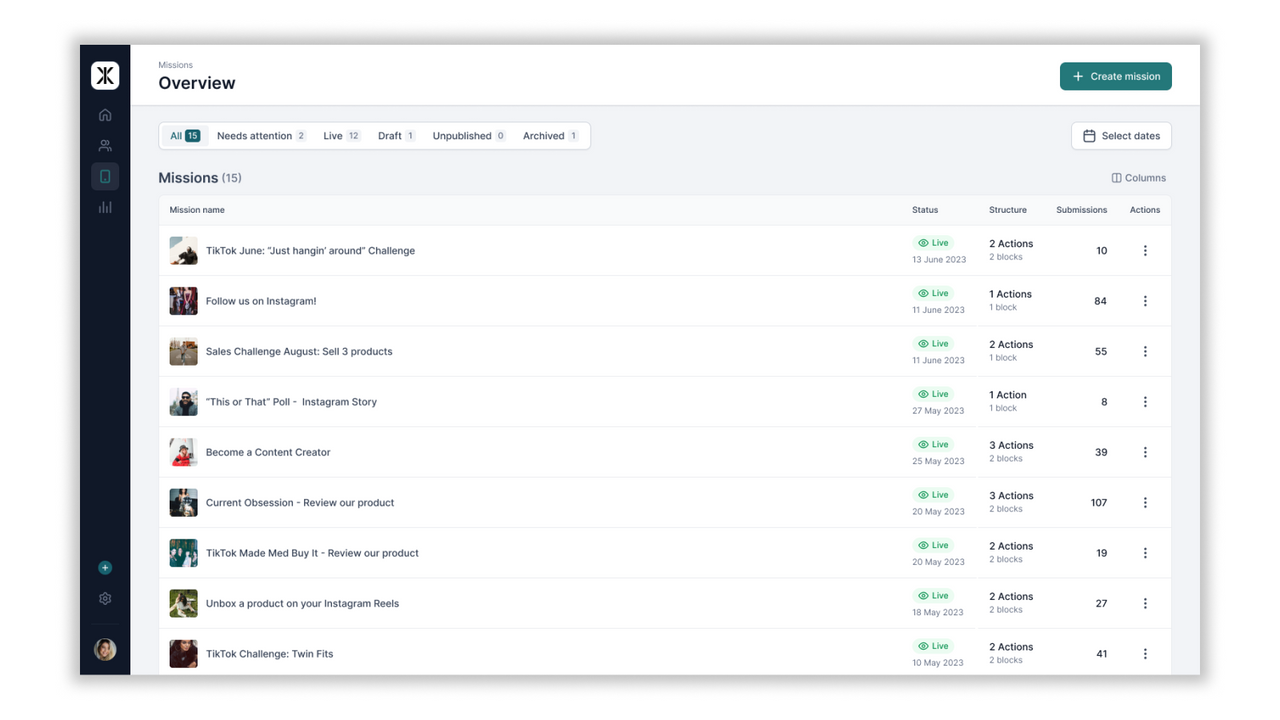
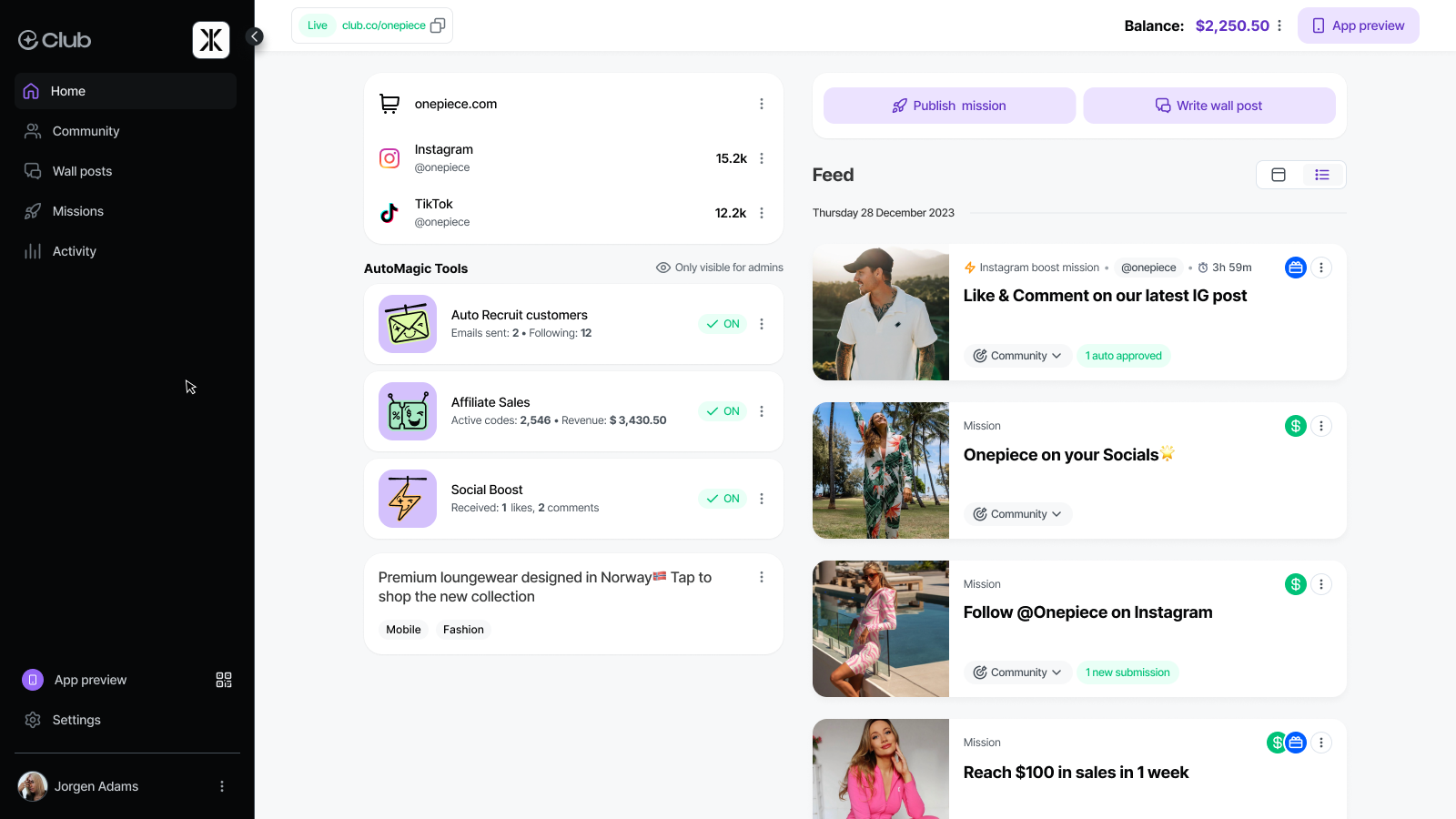
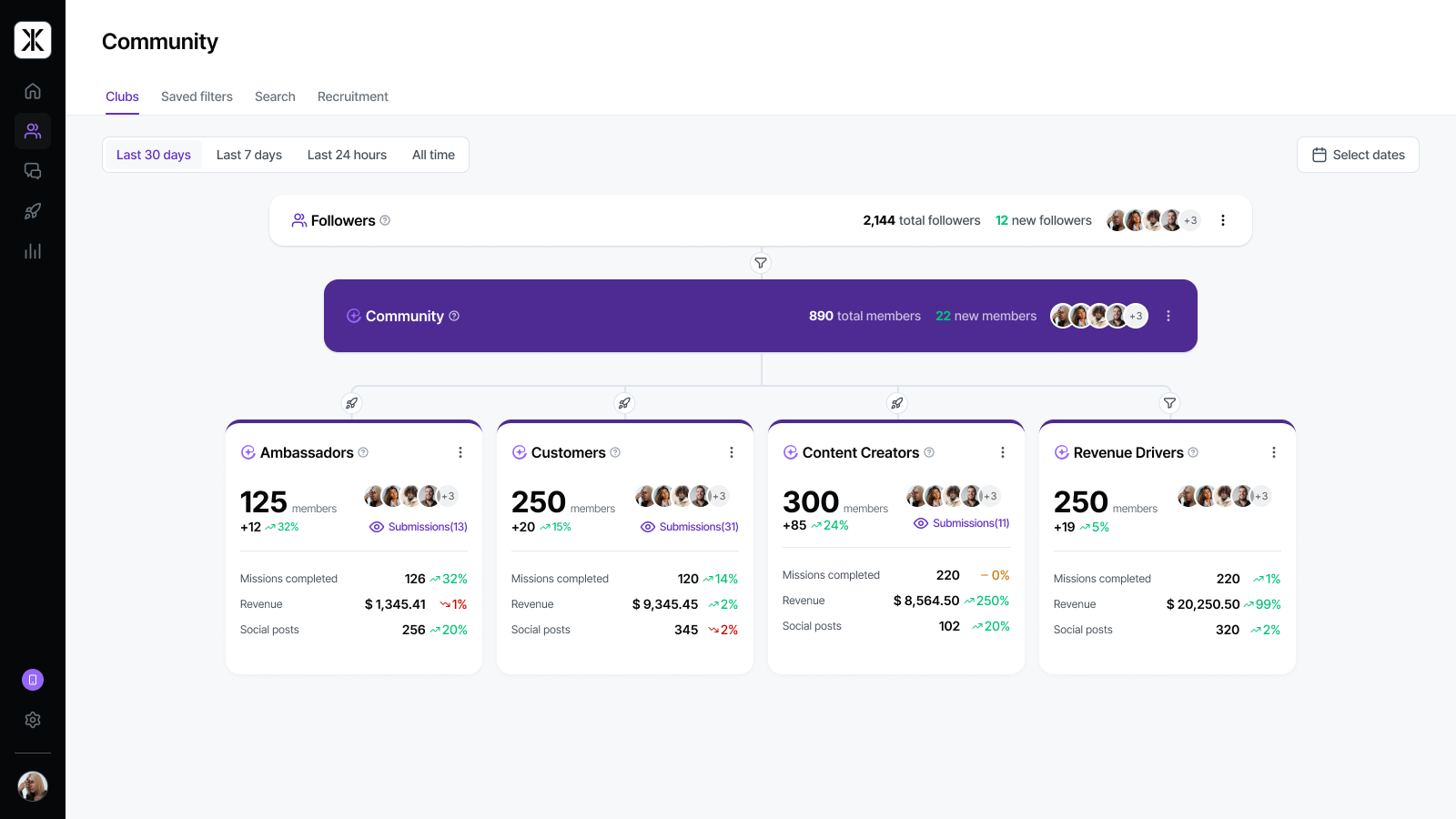
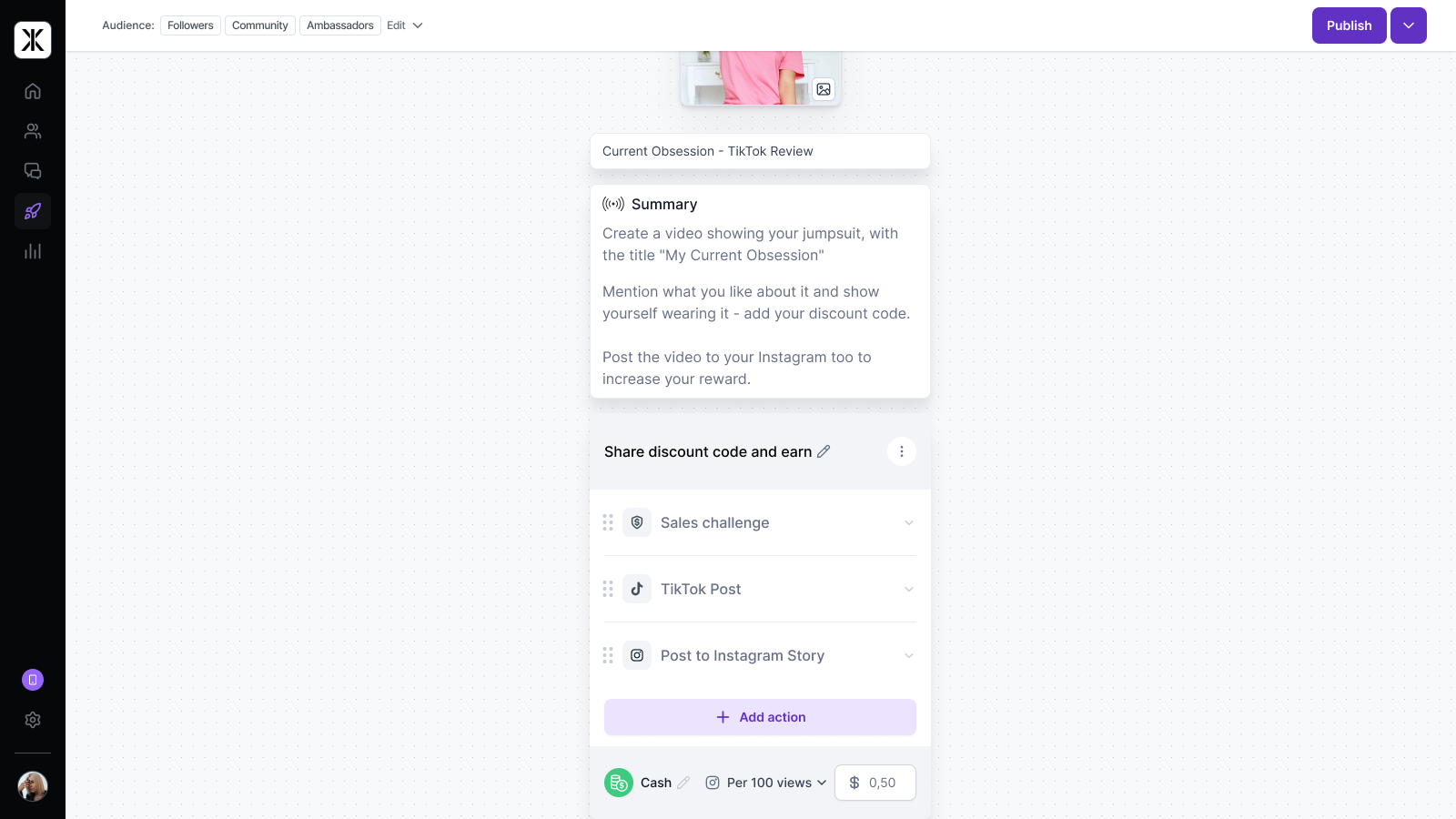
Through the Club Shopify app your can enable automatic discount codes, allowing your community members to create their own discount codes in the Club Mobile App. With this, boosting trackable sales and revenue for your Shopify store. Create segments and enable custom commission and discount code levels for different community members. Create campaigns with the Mission Maker, activating your community to create content driving sales and awareness.
- Let's your community create personalised discount codes automatically
- Allows your community to withdraw brand credit earnings automatically
- Tracks orders and revenue generated through community
Languages
English
Works with
- TikTok
Categories
Discount types
Managing discounts
Reviews (12)
We have had really great support from Club, especially Ellis Hercules, that has helped us manage our community of creators and ambassadors. As a small business, we rely on grassroots marketing quite a bit. Unfortunately, our community was somewhat taken over by fake accounts and we were really struggling, but the guidance from the Club reps has been instrumental in helping us understand all of the tools available on the platform to build an authentic and effective community. The reps are organized and responsive, with helpful meetings, strategy, and follow-ups. We have already seen improvement in our engagement and look forward to seeing how our brand image grows going forward!
THINK TWICE if you’re a brand
BEWARE before signing anything with Club.co. We learned this the hard way and I’m writing this so others don’t make the same mistake.
Read the contract terms carefully and calculate the pricing. The terms are written completely in Club’s favor, and you only realize how bad they are once you’re already locked in.
You have to cancel in writing 90 DAYS before the renewal date, and they don’t remind you when that deadline is coming. No reminder, no email, no heads up. We tried to cancel, but because we were already inside that 90 day window, they refused and we were locked in for another full year. No flexibility at all.
Also, when you’re locked in for the next year, the price goes up by 5%. EVERY single year. And it’s not just the subscription. Club takes a commission on every sale made through the platform and adds a 4.79% fee on every top-up to your account balance. Then your influencers pay yet another 4.76% fee when they withdraw their earnings. The same money gets cut again and again, from both the brand and the influencer. Good luck tracking any of it, because the commissions, rewards and fees are not clearly separated anywhere. You just see money going out.
The missions and all the other features sound great in the sales pitch, but in practice they just don’t bring in good results. Unless you already have a big, active community on Instagram and TikTok, the platform simply doesn’t deliver. But the contract doesn’t care about results. You keep paying either way.
Easy to get in, very hard to get out.
If you’re a brand thinking about Club.co: read every line of the contract. Check the renewal date, the yearly price increase and all the commissions and fees BEFORE you sign, and remember that the cancellation deadline is 90 days before renewal. Put that date in your calendar on day one, because they will not remind you.
We would never sign with them again. Do yourself a favor and look elsewhere.
We’re sorry that your experience with our renewal terms and fees has left you frustrated. We previously met with you to discuss the positive results achieved in your first 12 months and the renewal terms.
During that conversation, we offered additional hands-on support and sent a tailored strategy to help you build on that progress.
We recognise that the positive results achieved and the support offered didn't resolve your concerns about the renewal or clarity of costs.
Most of our brand partners are on rolling agreements that allow cancellation at any time with 90 days’ notice. Your plan offered a substantial discount in exchange for an annual commitment, with notice of cancellation required at least 90 days before renewal. We understand that this difference in cancellation terms is a key source of your frustration.
We’ll respect your request for no further outreach, but remain available if you’d like to revisit the conversation at any time.
Club has been a great platform for our small business and their team is genuinely invested in our success. From our initial onboarding to a recent personal check-in from Ellis Hercules, their team has been incredibly supportive. They’ve helped us develop a plan tailored to our needs, guided us through the platform, and shown us how to make the most of its features. Thanks to Club, we’ve been able to grow our brand ambassador program, strengthen our online community, and create more meaningful ways to connect with our audience.
Support
App support provided by Club AS.
More apps like this




Meets our highest standards for performance, design, and integration. Learn moreOpens in new window

