


InlightLabs ‑ Events Calendar
- Pricing
-
Free plan available
- Popular with stores like yours
- Based in United States
- Rating
- 4.6 (43)
- Developer
- inlight labs
Featured images gallery
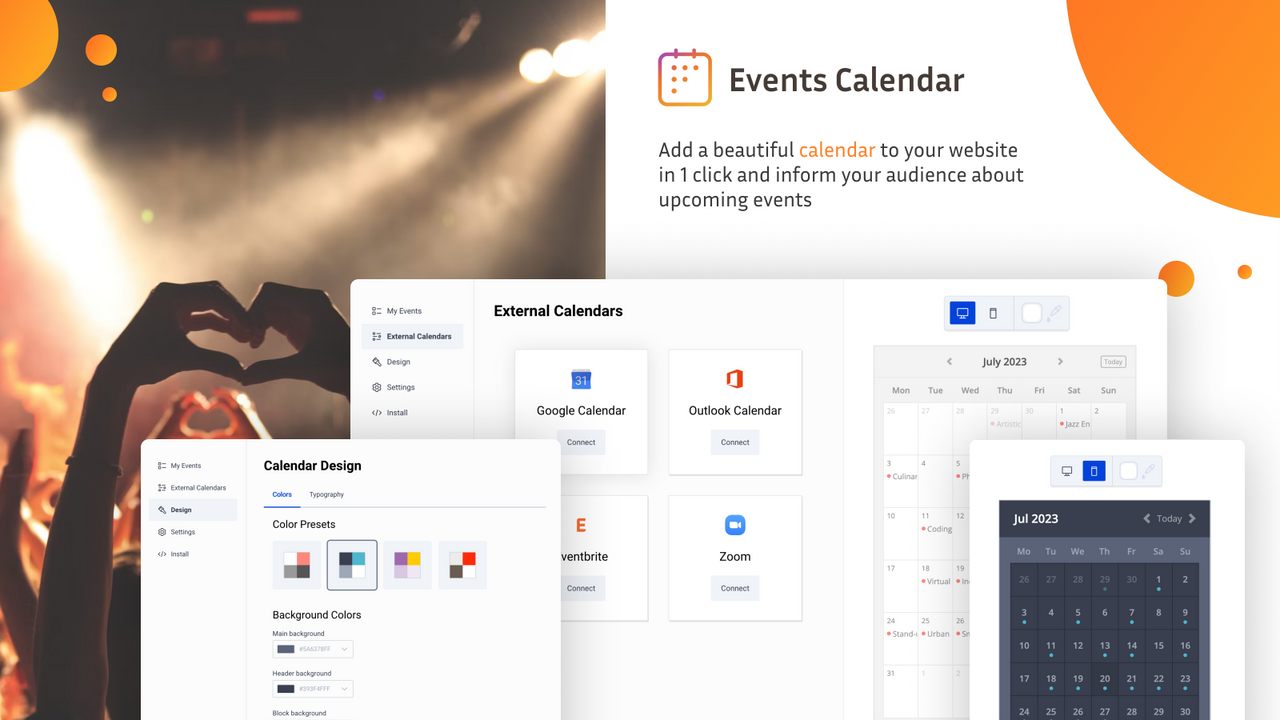
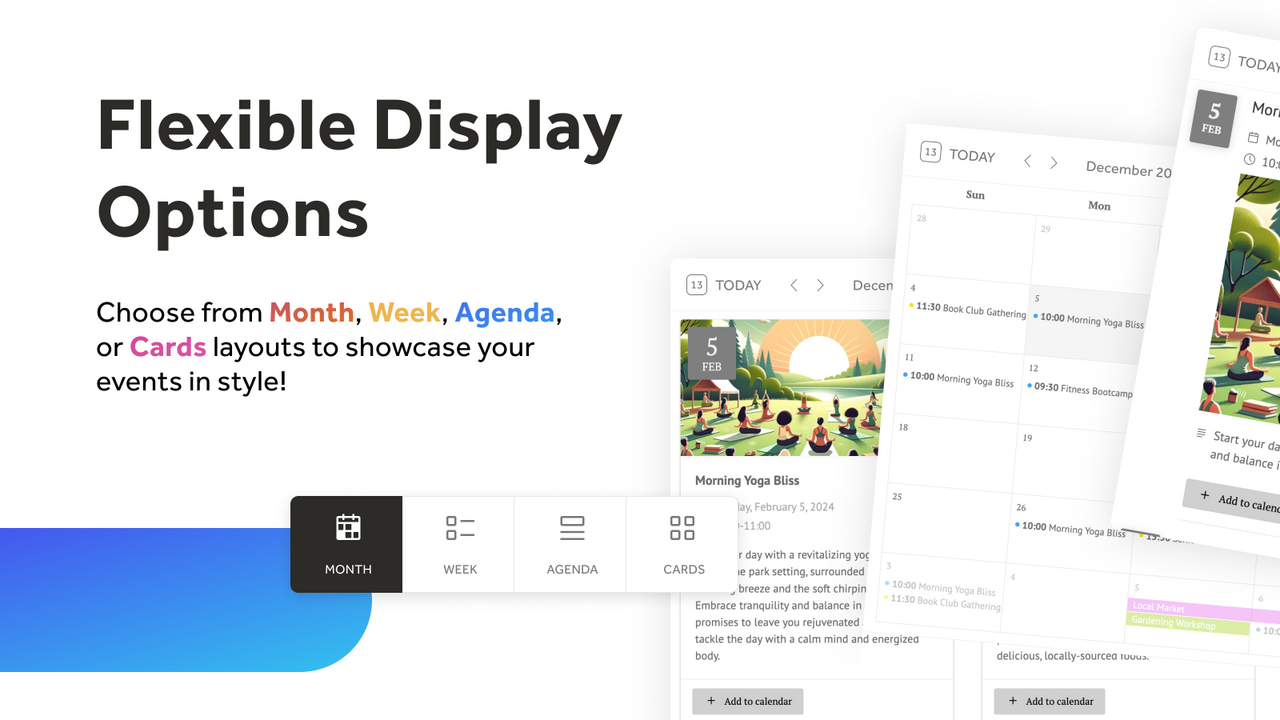
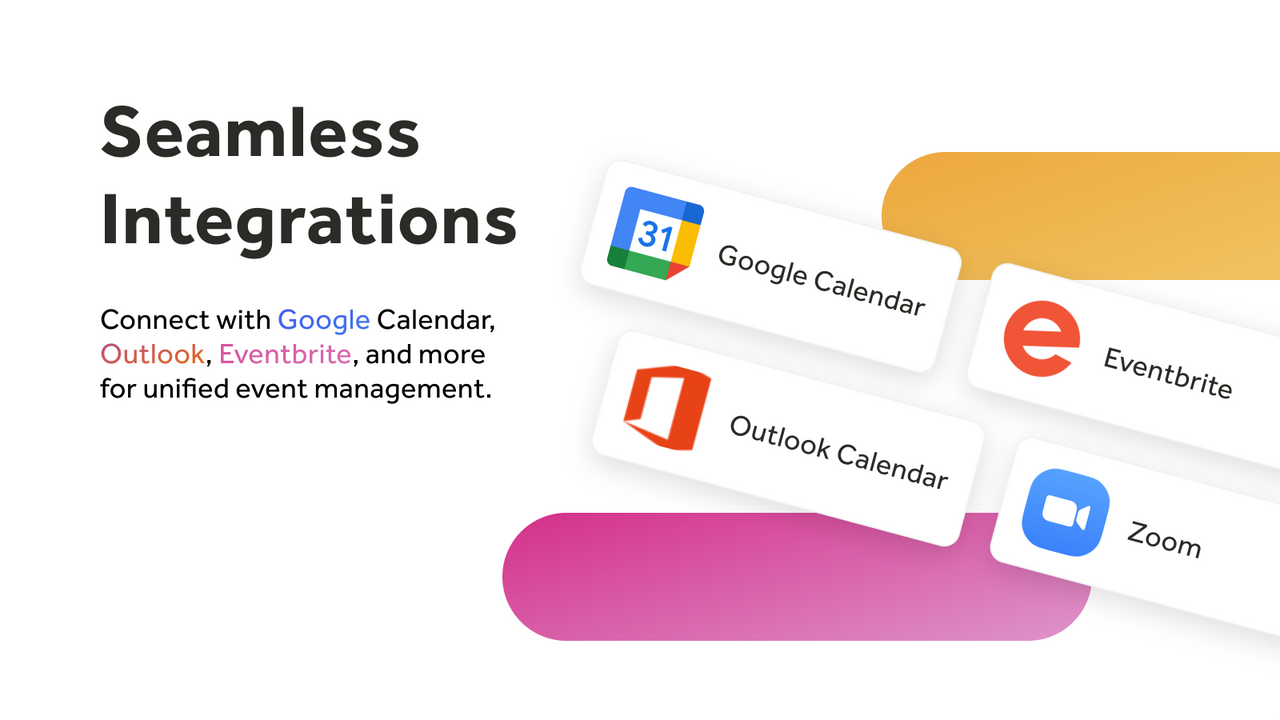
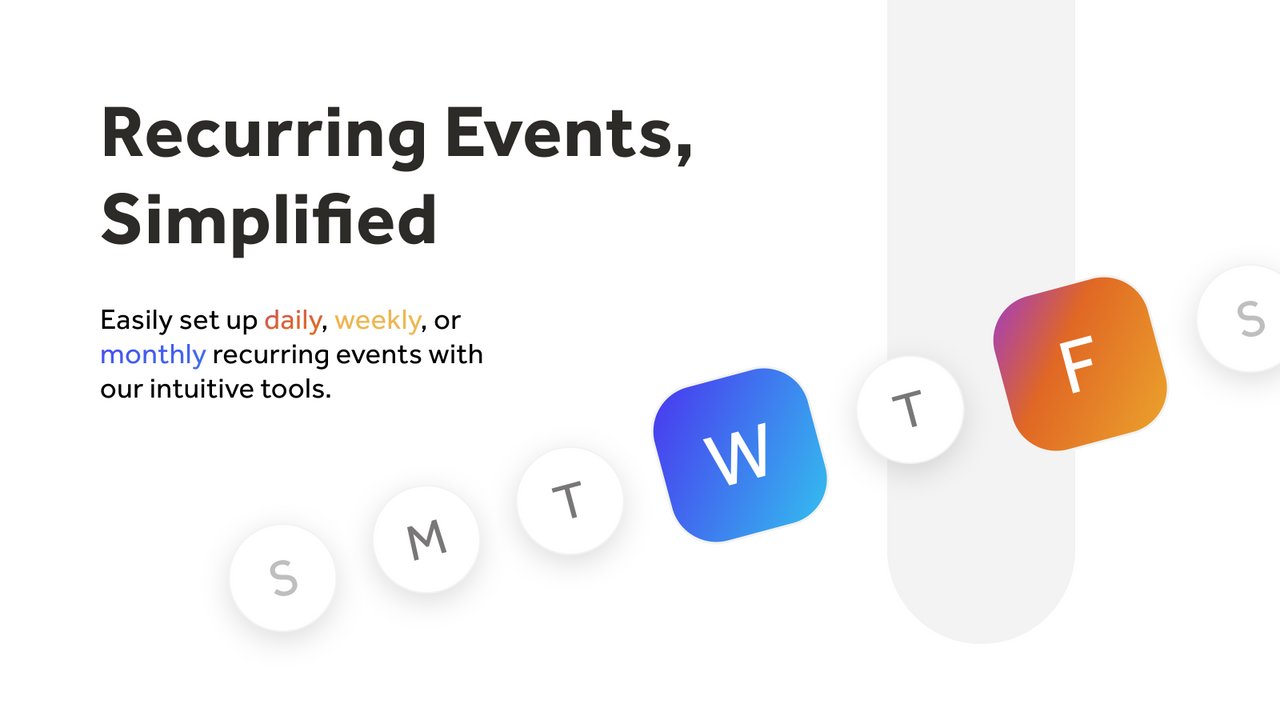
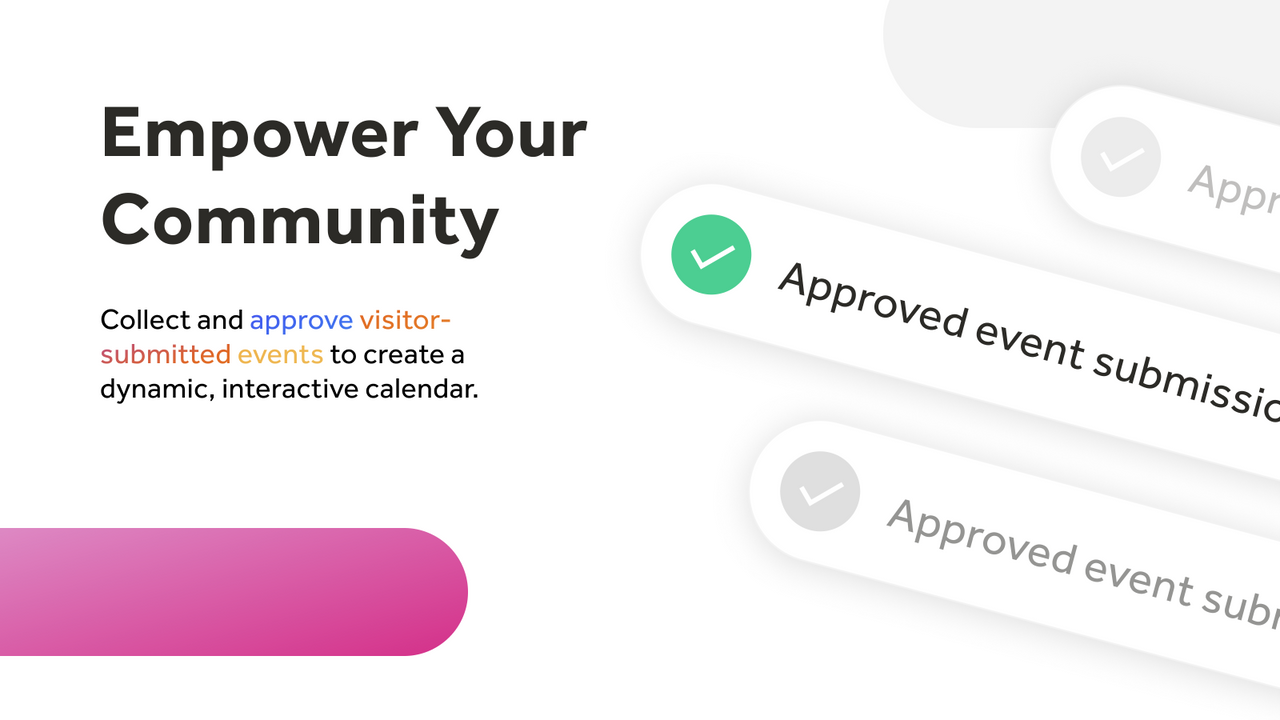
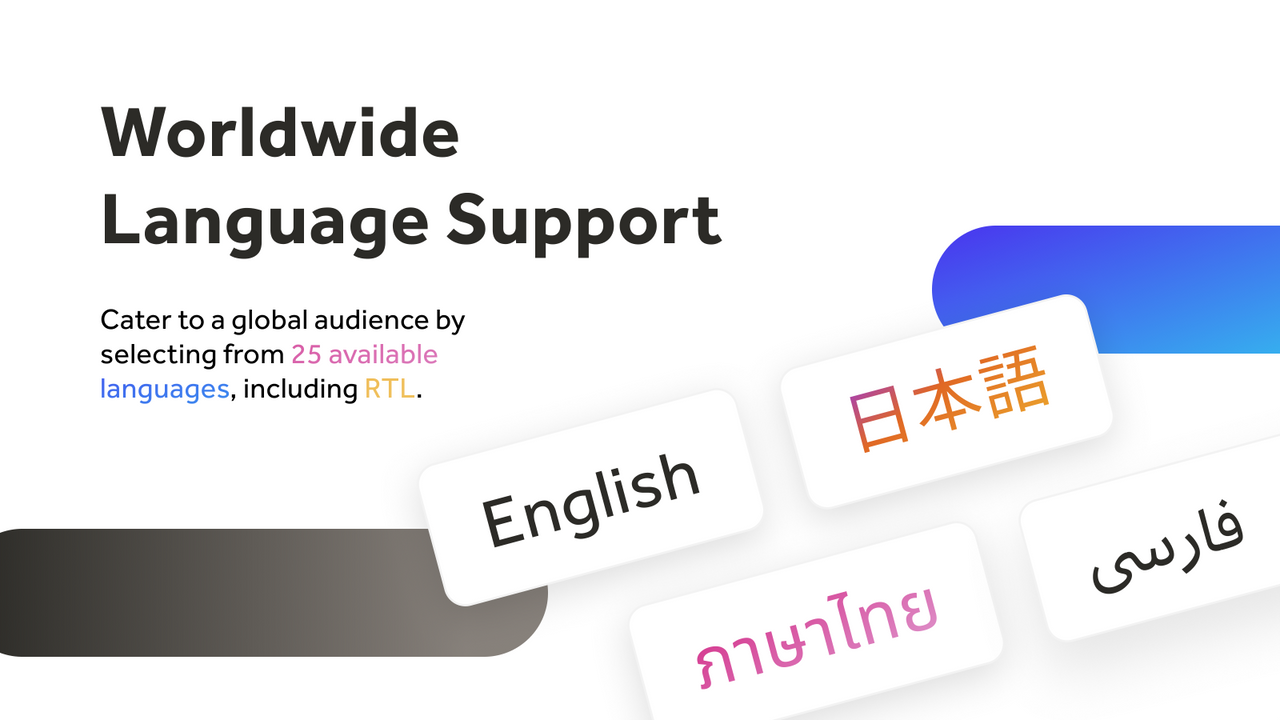
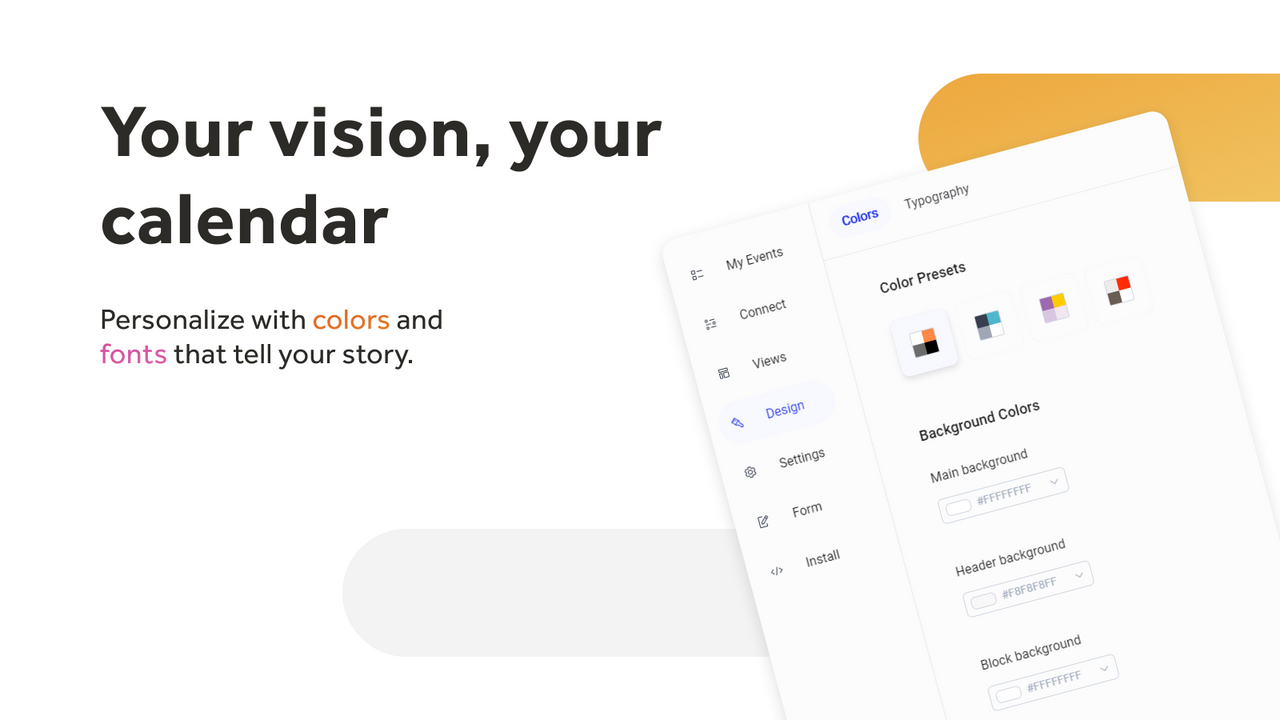
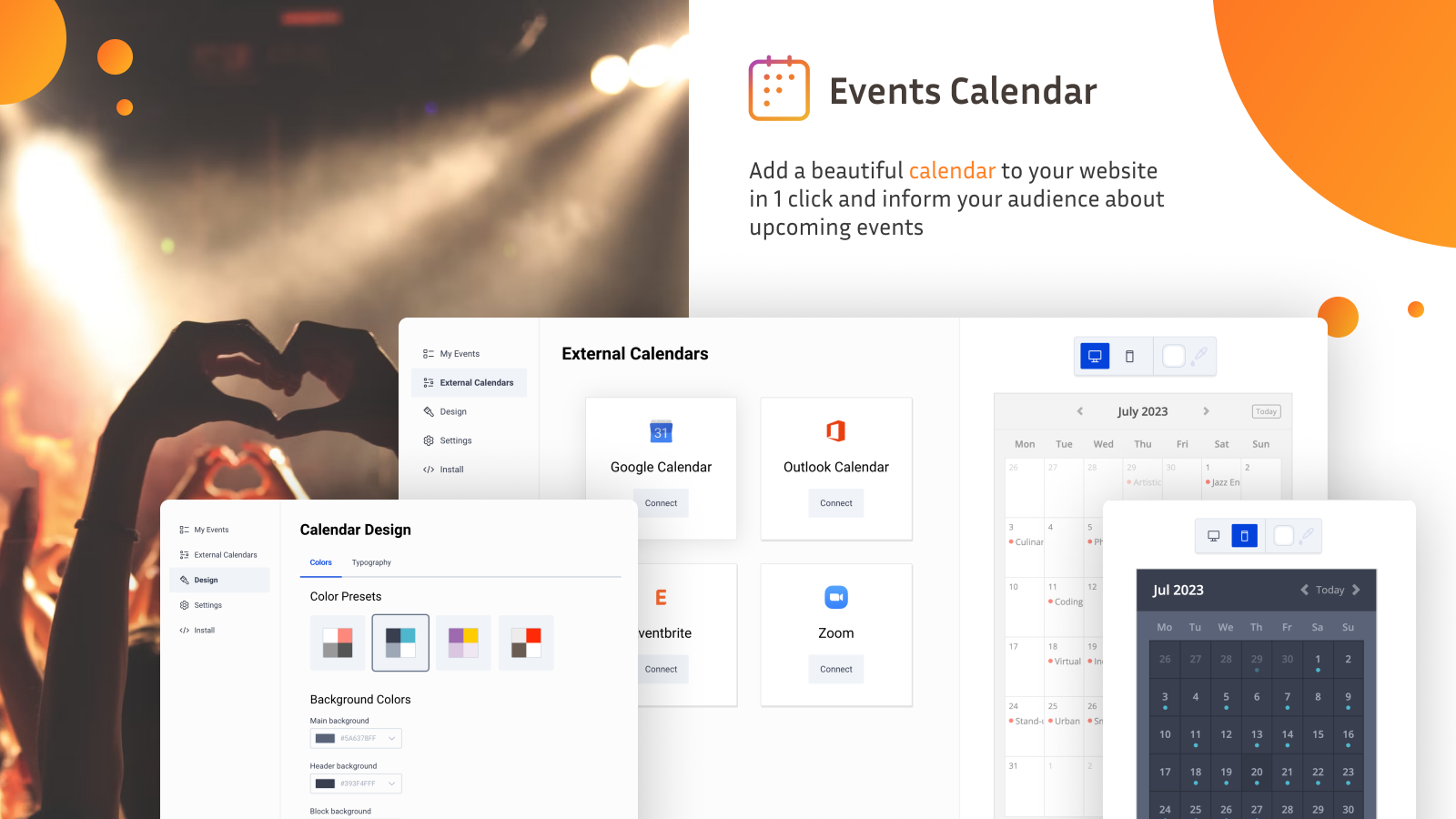
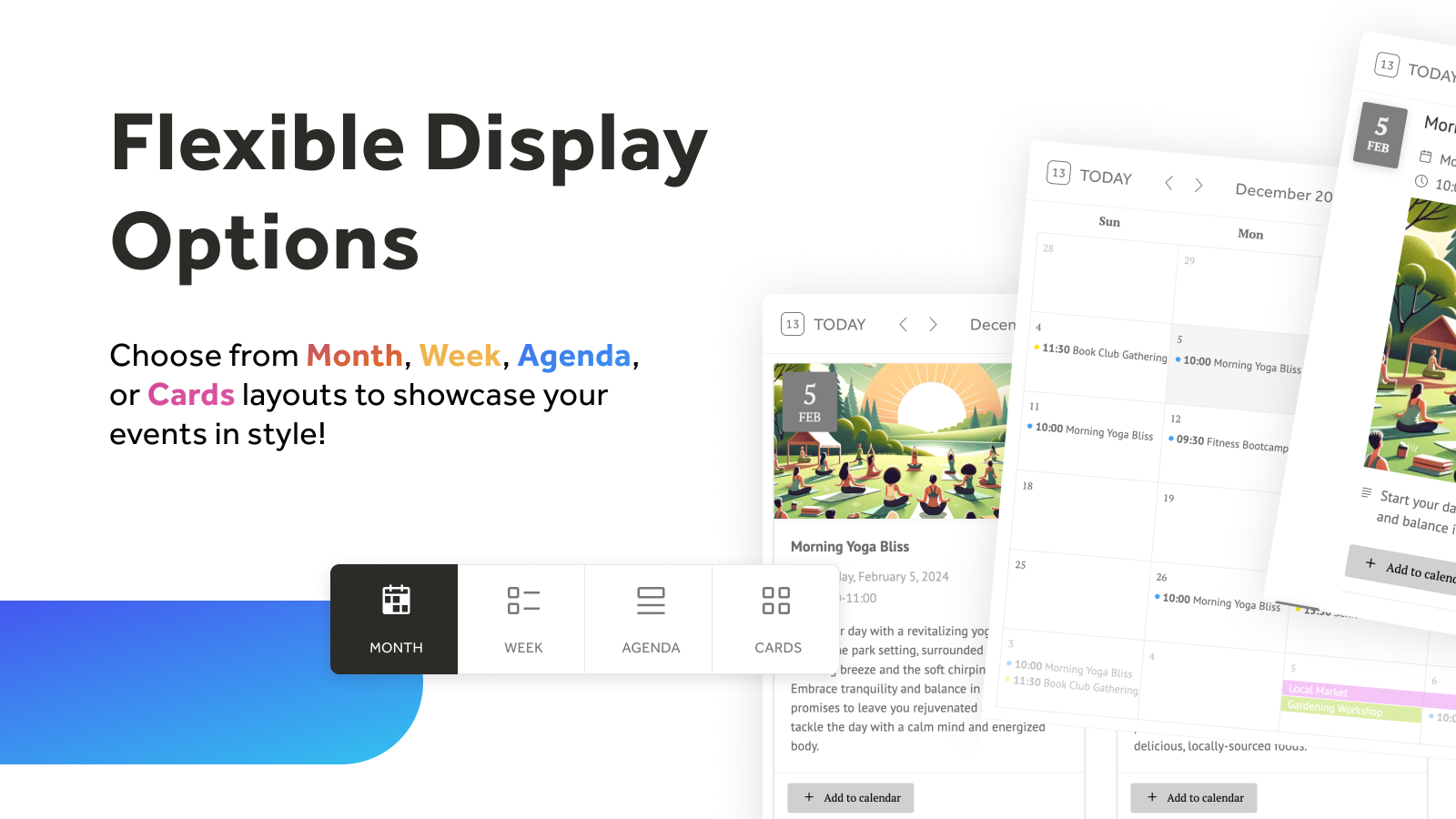
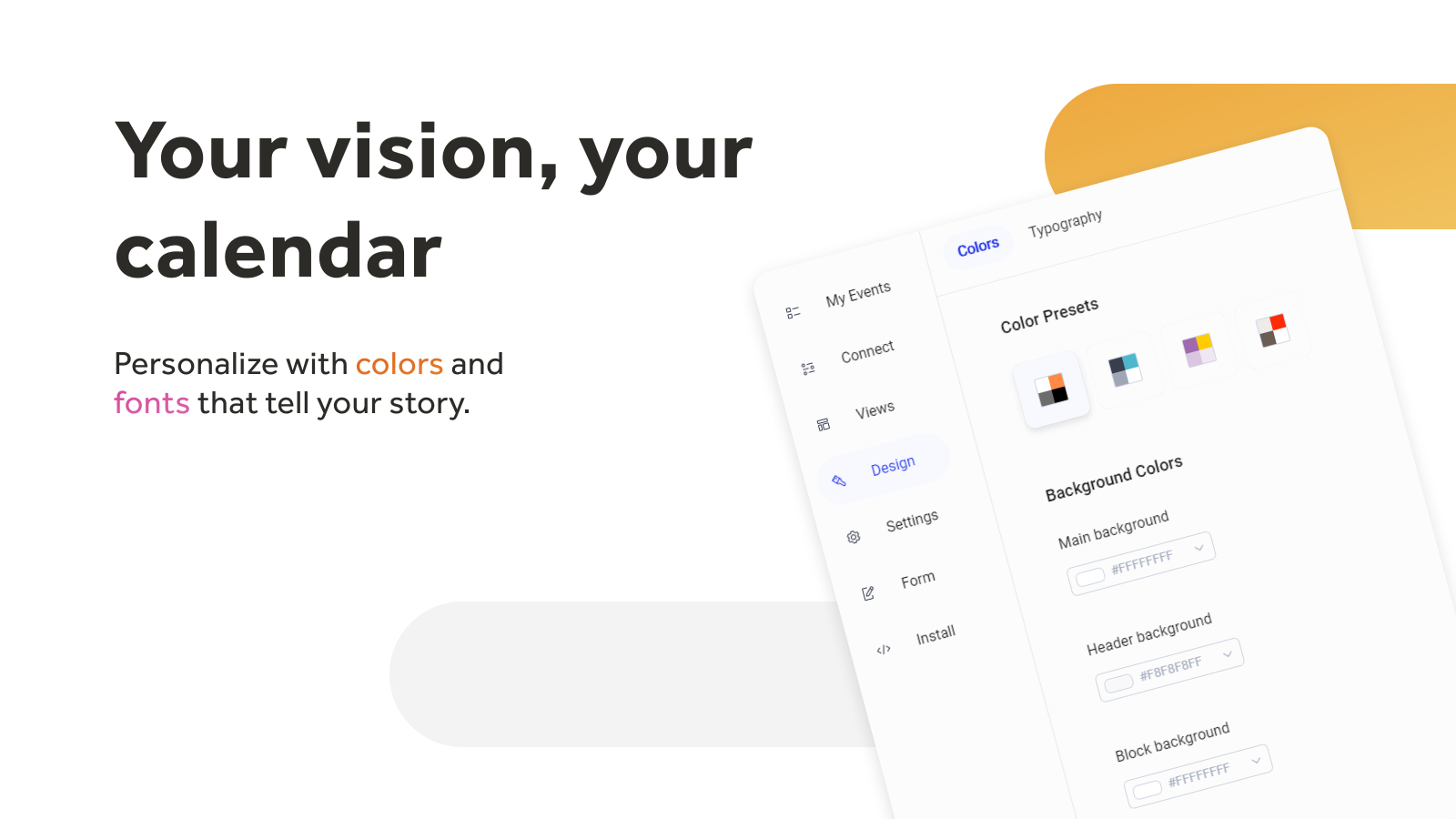
Easily add and manage events on your store with a customizable, synced, and user-friendly calendar.
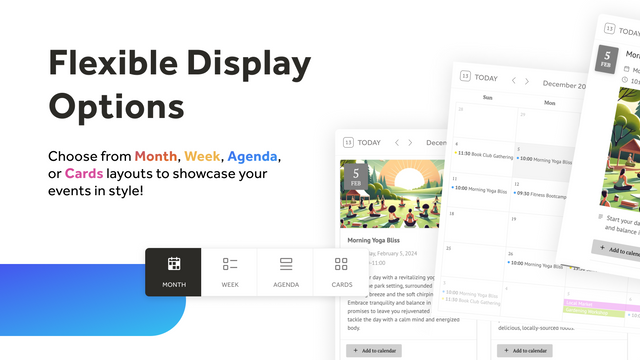
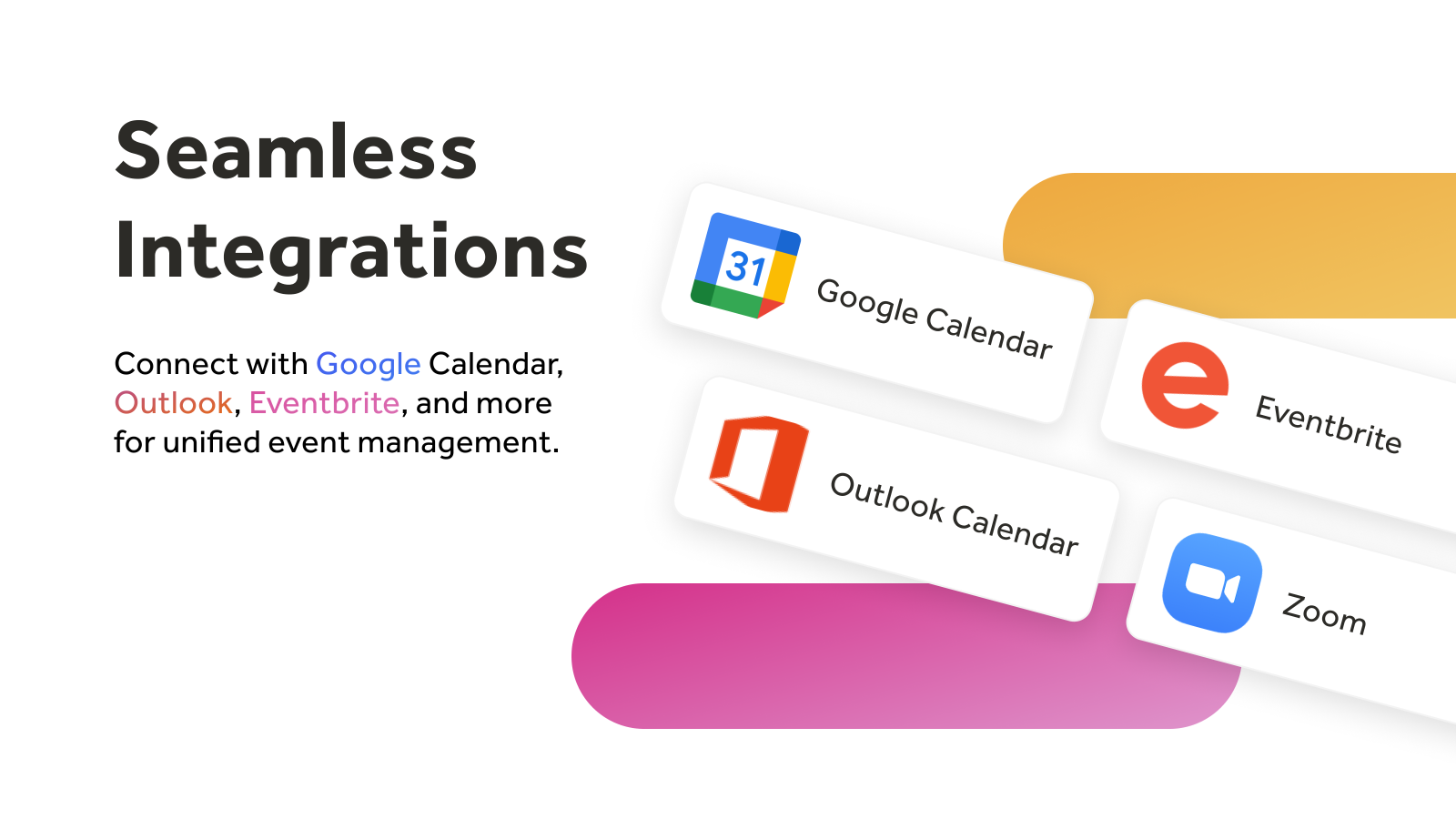
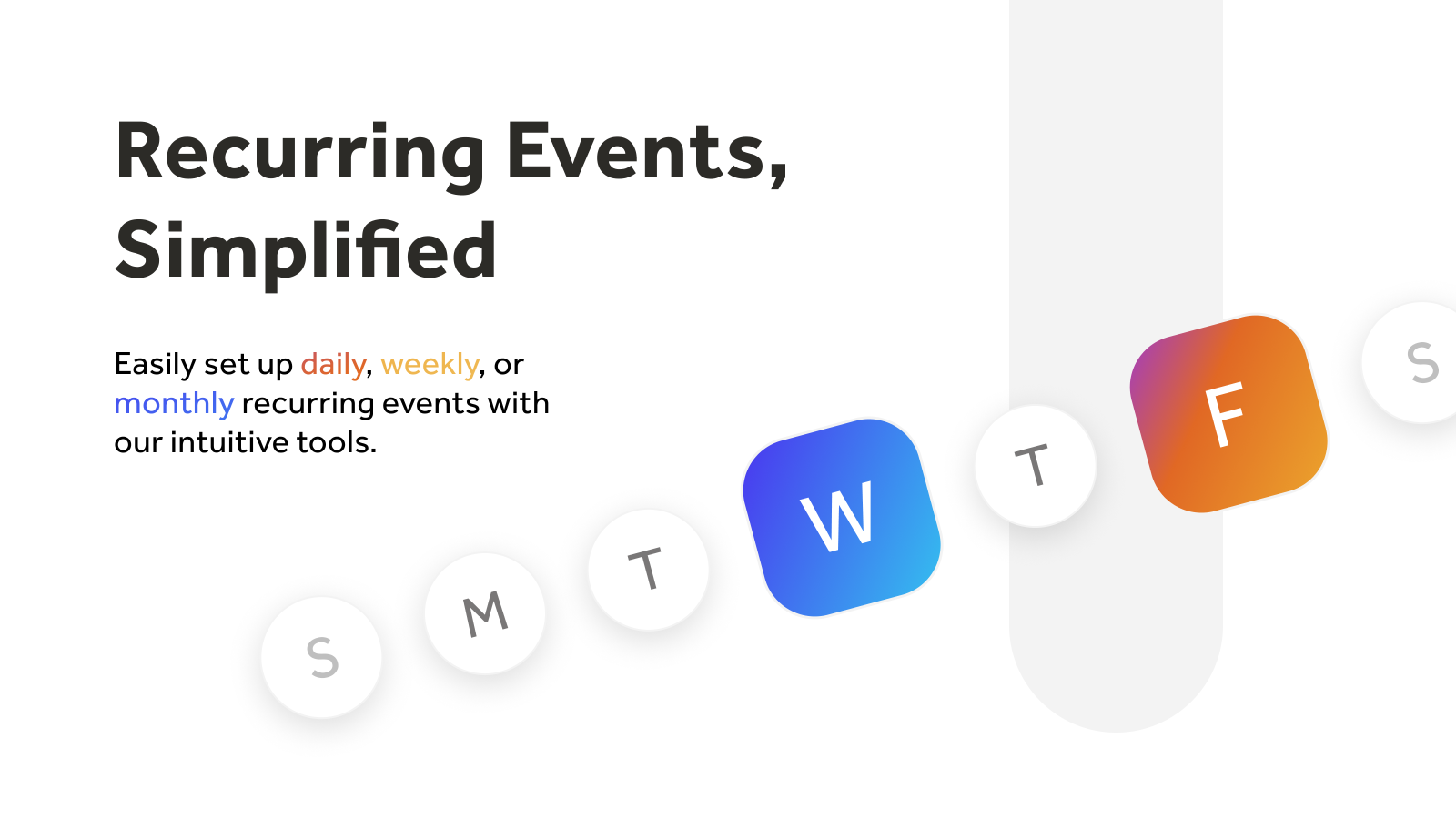
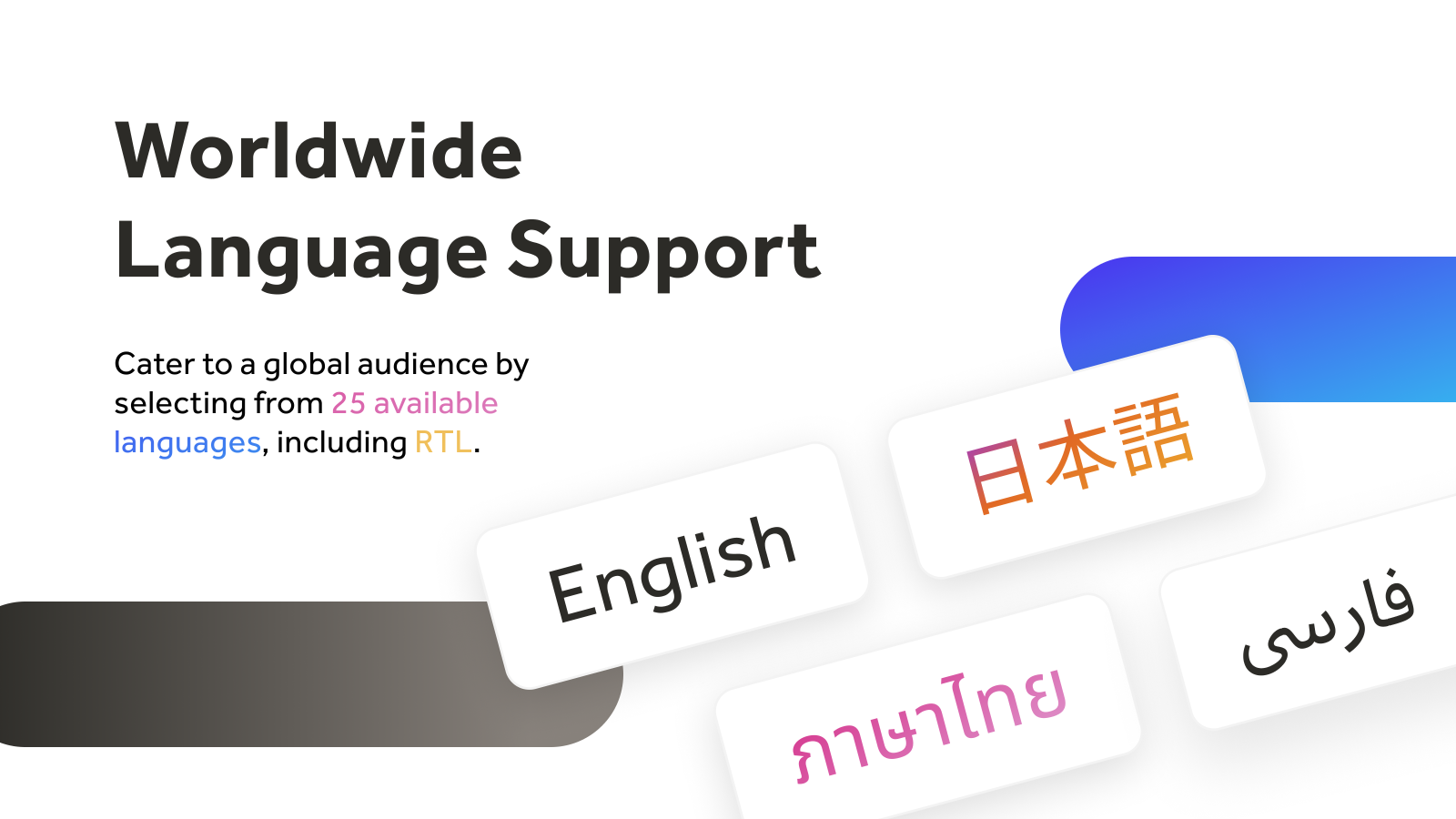
Events Calendar makes it easy to display and manage events like sales, pop-ups or classes. Add events manually or import from Google Calendar, Outlook, Eventbrite, Zoom, or any ICS feed. Customize the layout, design, language, and timezone. Let visitors RSVP, subscribe, or submit events. Set up recurring events for promotions or classes, and allow customers to add them to their personal calendars. The calendar is mobile-friendly, quick to install, and fits seamlessly into your storefront.
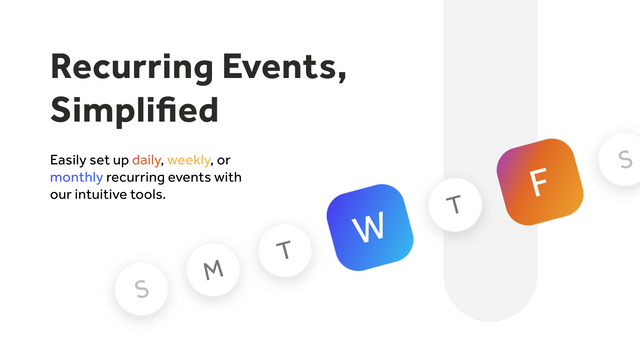
- Add one-time or recurring events (daily, weekly, or monthly)
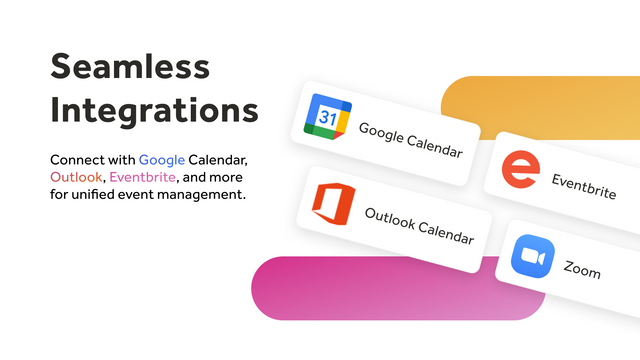
- Import from Google, Outlook, Eventbrite, Zoom, or ICS feeds
- Let visitors RSVP, subscribe, and add events to their calendars
- Customize layout, colors, fonts, language, time format, and more
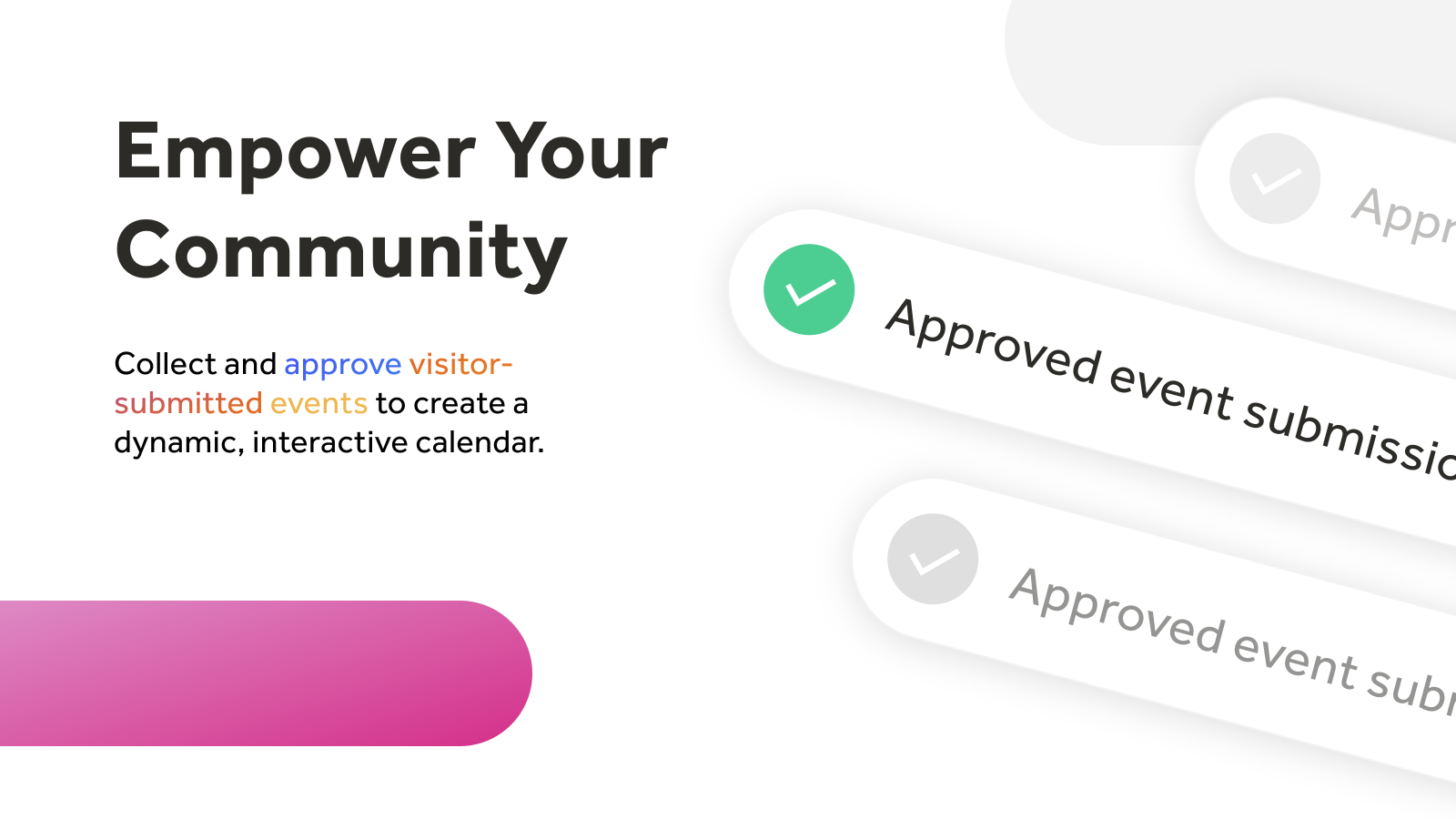
- Enable event submissions with review and approval workflow
- Popular with stores like yours
- Based in United States
Languages
English
Works with
- Eventbrite
- Google Calendar
- Outlook365
- Zoom
Categories
Event type
Customization
Pricing
Choose the plan that best fits your business.
Free
Free
Features
- All customization and design options.
- Limited to 1 calendar per store.
- Limited to up to 10 events.
- Manual sync with external calendars.
Professional
$10 / month
or $96/year and save 20%
Features
- Up to 3 calendars.
- Unlimited events.
- Auto-sync with 2 external calendars.
- Set custom start date.
- 50 RSVPs per event.
- Remove branding.
Business
$25 / month
or $240/year and save 20%
Features
- Up to 8 calendars.
- Unlimited events.
- Auto-sync with 5 external calendars.
- 200 RSVPs per event.
- 100 guest events per month.
- 3 customizations per calendar.
- Timezone controls.
Business+
$50 / month
or $480/year and save 20%
Features
- Up to 25 calendars.
- Unlimited events.
- Auto-sync with 15 external calendars.
- 1,000 RSVPs per event
- 500 guest events per month.
- 10 customizations per calendar.
All charges are billed in USD. Recurring and usage-based charges are billed every 30 days. See all pricing options
Reviews (43)
Really easy to use and set up. The features for creating recurring events are awesome.
Be Sew Creative has been using this app for over a year now. It is easy to use and allows our customers a quick way to see what is going on at our store.
I've been using the free tier for several months now and it's very easy to install and update. Customer service is super fast and friendly (thank you, Sasha!) and when my needs expand I know I'll be upgrading to paid with InlightLabs :)
Support
App support provided by inlight labs.
Resources
Developer
Launched
August 7, 2014
More apps like this


Meets our highest standards for performance, design, and integration. Learn moreOpens in new window

Meets our highest standards for performance, design, and integration. Learn moreOpens in new window

Meets our highest standards for performance, design, and integration. Learn moreOpens in new window

