
Featured images gallery




Understand your fraud risk, block known fraud and automate operations to maximize revenue.
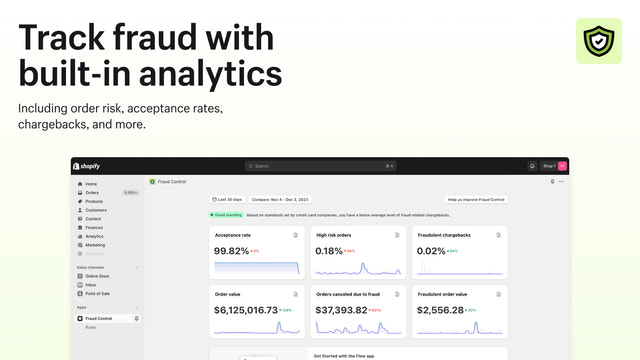
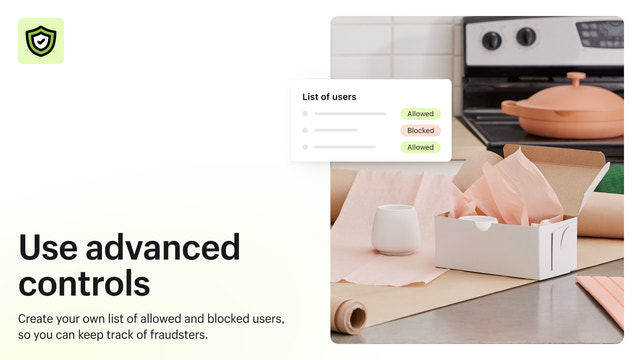
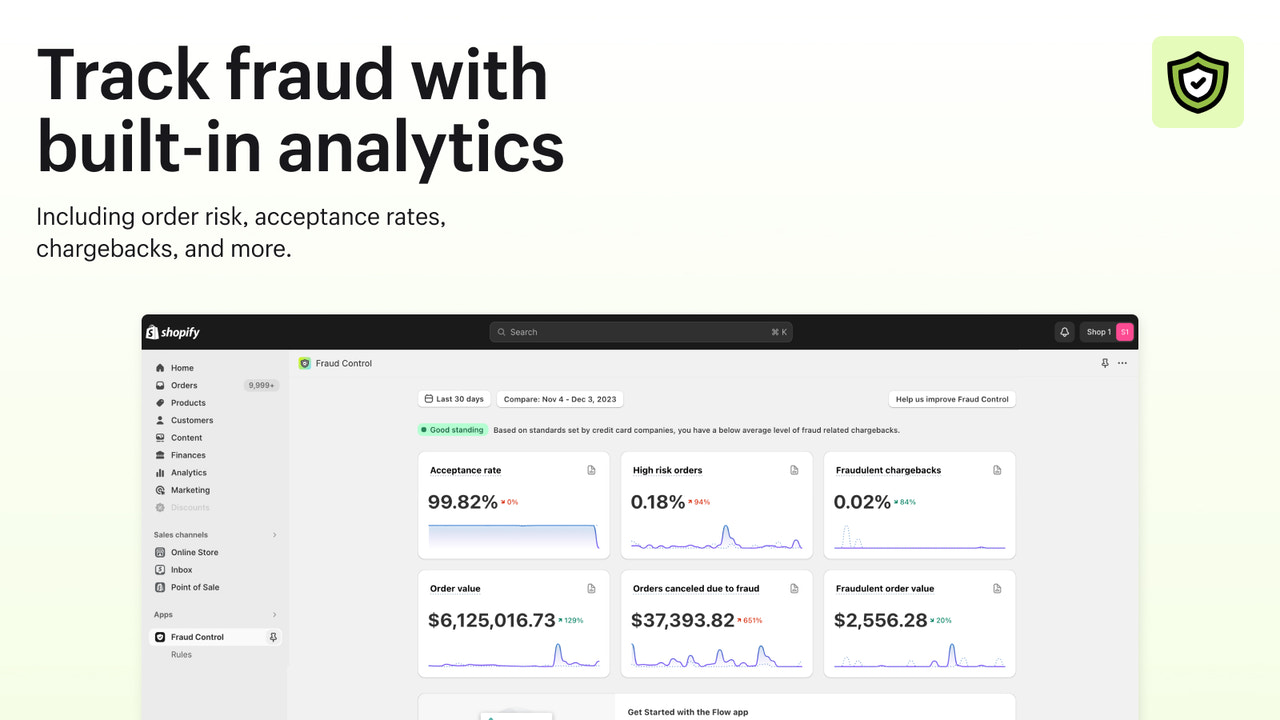
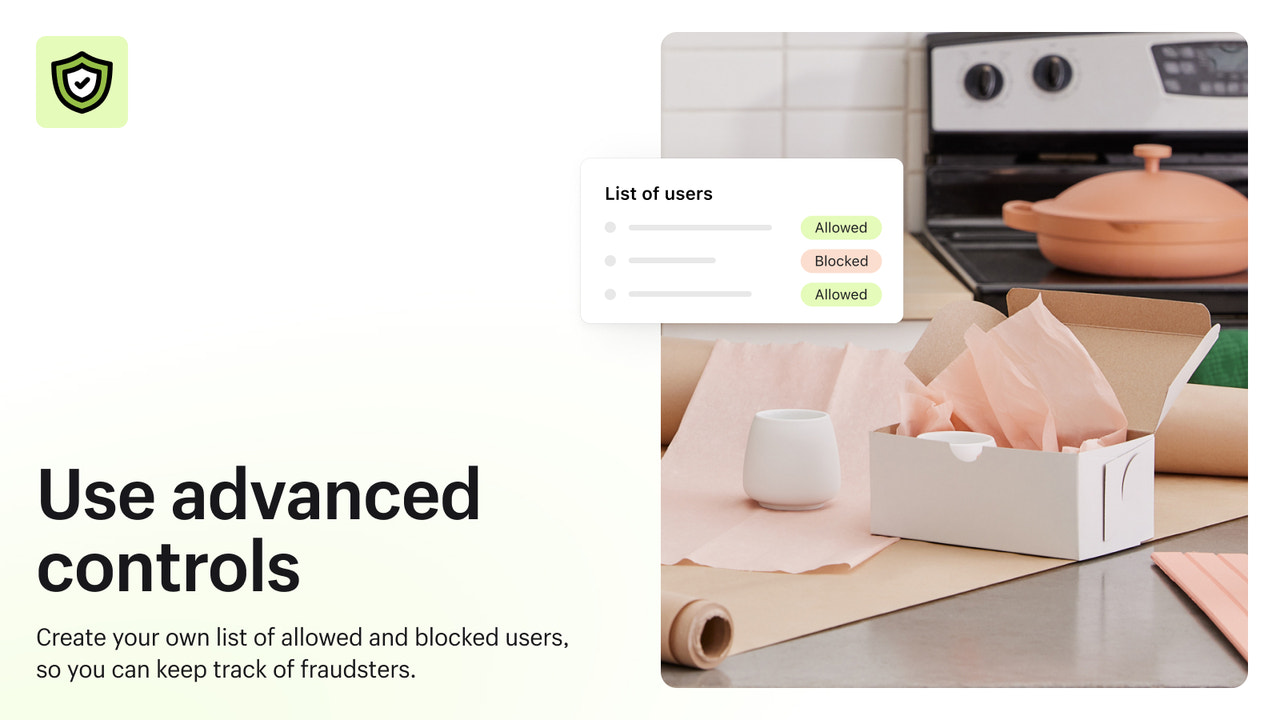
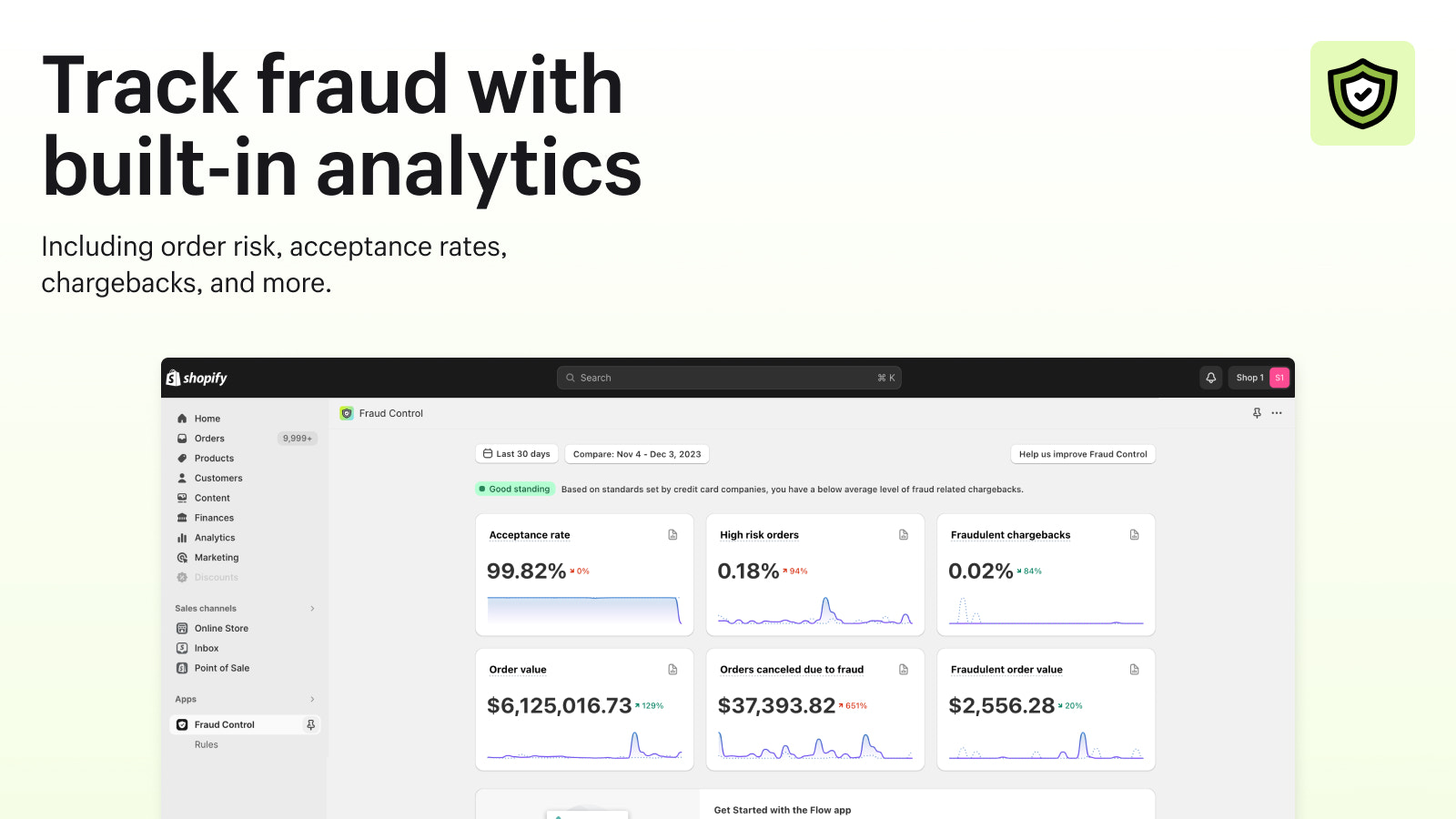
Fraud Control provides you with the tools to automate fraud operations and maximize revenue. Understand your store's fraud risk with analytics, such as acceptance and high-risk order rates. Fraud Control will recommend predefined rules or you can create custom rules to block known fraudsters in the checkout before they become orders.
- Fraud risk reports for your store.
- Analytics to show fraud trends over time.
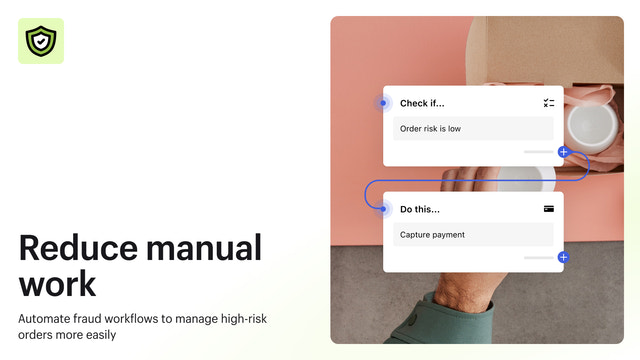
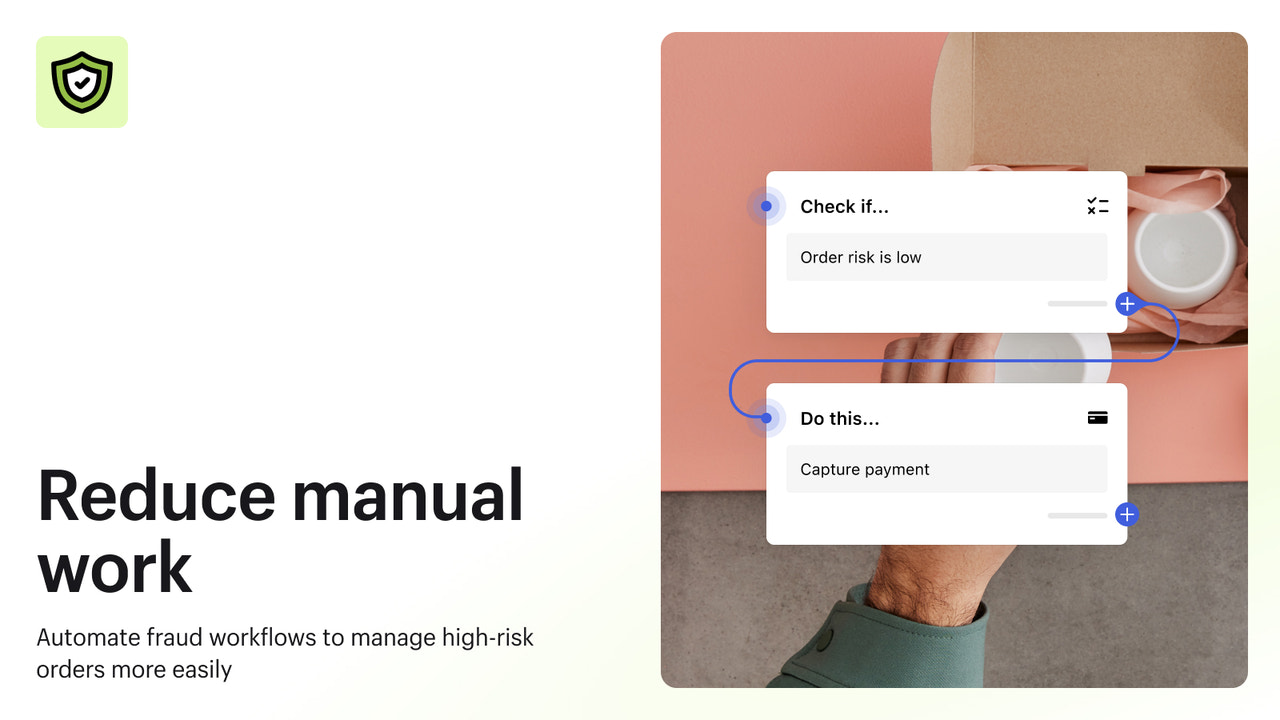
- Automation through Flow to reduce time spent on fraud.
- Block checkouts before they become orders.
- Popular with stores like yours
- Based in United States
Languages
English, Czech, Danish, German, Spanish, Finnish, French, Italian, Japanese, Dutch, Polish, Portuguese (Portugal), Swedish, Chinese (Simplified), and Chinese (Traditional)
Works with
- Shopify Admin
Categories
Reviews (22)
Turns out, this just sets up or has templates for FLOWS, which I am already using.
Ne bloque absolument rien !
J'ai créé une règle qui devait bloquer les commandes qui ont toujours la même adresse. Le lendemain, 5 nouvelles commandes que je dois rembourser pour risque élevé de fraude.
Cette appli ne marche pas.
Elle nous fait perdre du temps plus qu'autre chose.
My store is being used to test stolen credit cards. It only blocks high risk transactions. I cannot block medium risk transactions. I've had multiple chargebacks and considering shutting down my store. No help from Shopify.
Support
App support provided by Shopify.
Data access
This app needs access to the following data to work on your store. Learn why in the developer's privacy policy .
View customer data:
Sensitive data, device and activity data
-
Sensitive data
Name, email address, phone number, physical address
-
Device and activity data
Geolocation, IP address, browser and operating system
View staff and contributor data:
Store owner, staff members
-
Store owner
Name, email address, phone number, physical address
-
Staff members
Name, email address, phone number
View and edit store data:
Customers, products, orders, store analytics, staff accounts, Shopify Payments, other services
-
View customers
Customer data
-
View products
Inventory, products, collections
-
View orders
Order fulfillments, all order history
-
View store analytics
Analytics, reports
-
View staff accounts
Staff accounts
-
View Shopify Payments
Shopify Payments accounts
-
Edit other services
Decision rules
-
Edit other data
Payment settings
Featured in

More apps like this


Meets our highest standards for performance, design, and integration. Learn moreOpens in new window