
Offerly: Make an Offer Button!
Meets Shopify's highest quality standards for speed, ease of use, and merchant value
- Pricing
-
Free to install. Free trial available.
- Highlights
- Use directly in Shopify admin
- Works with the latest themes
- Rating
- 4.9 (46)
- Developer
- Nakatomi Apps
Featured images gallery
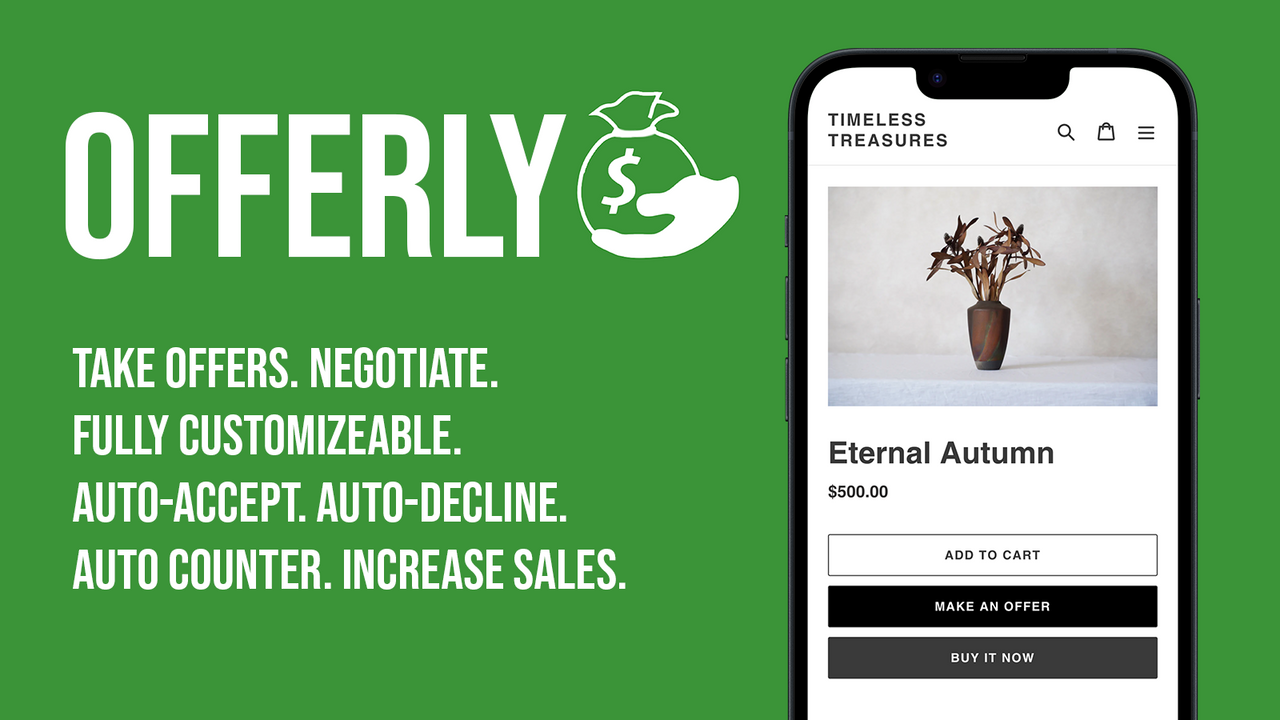
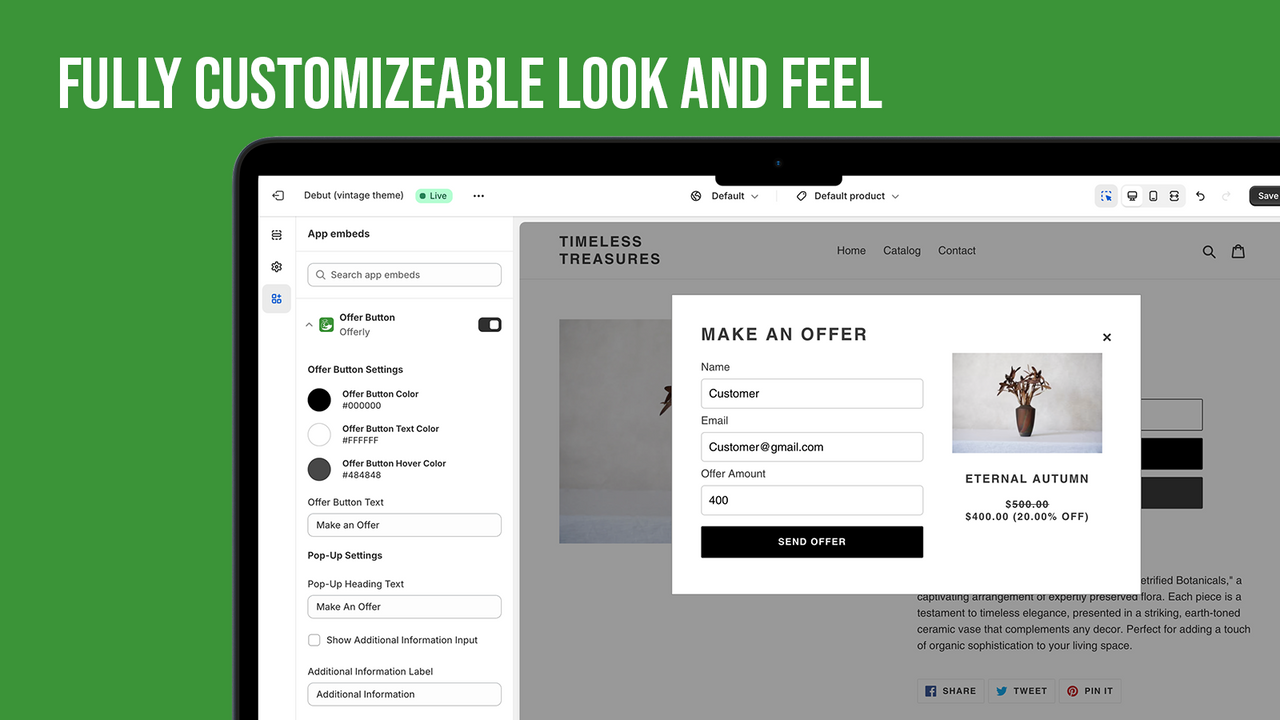
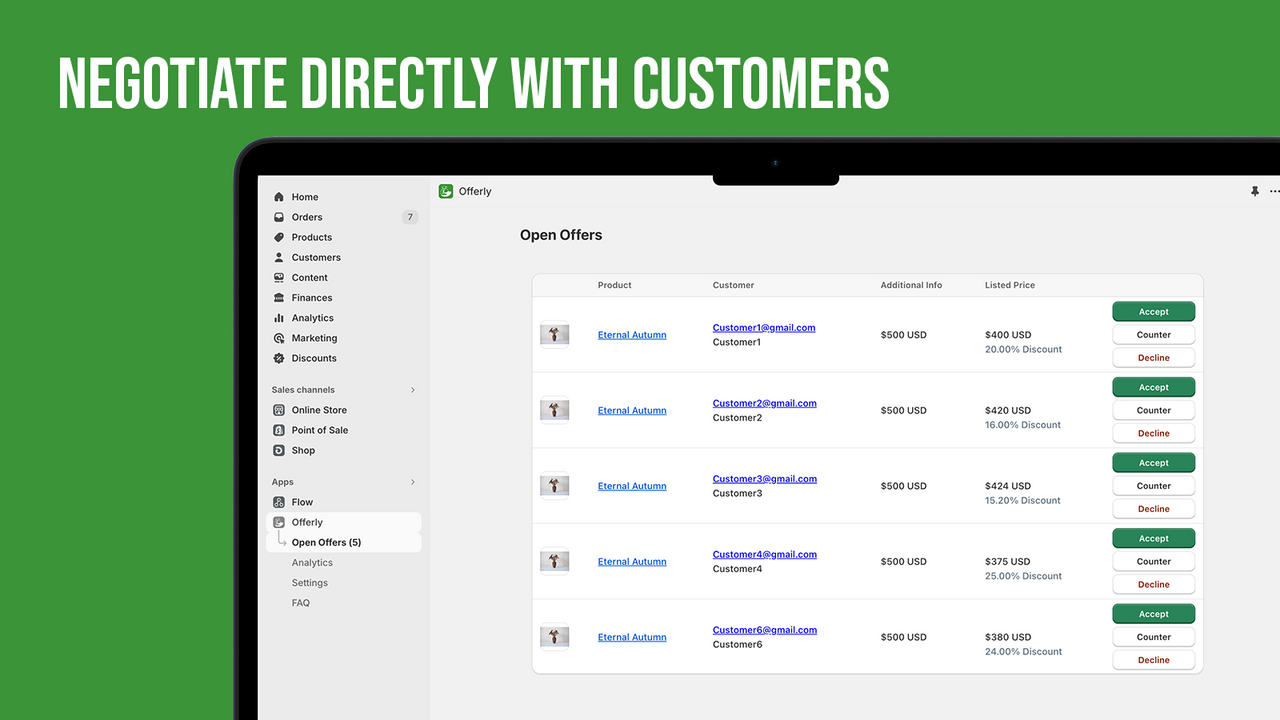
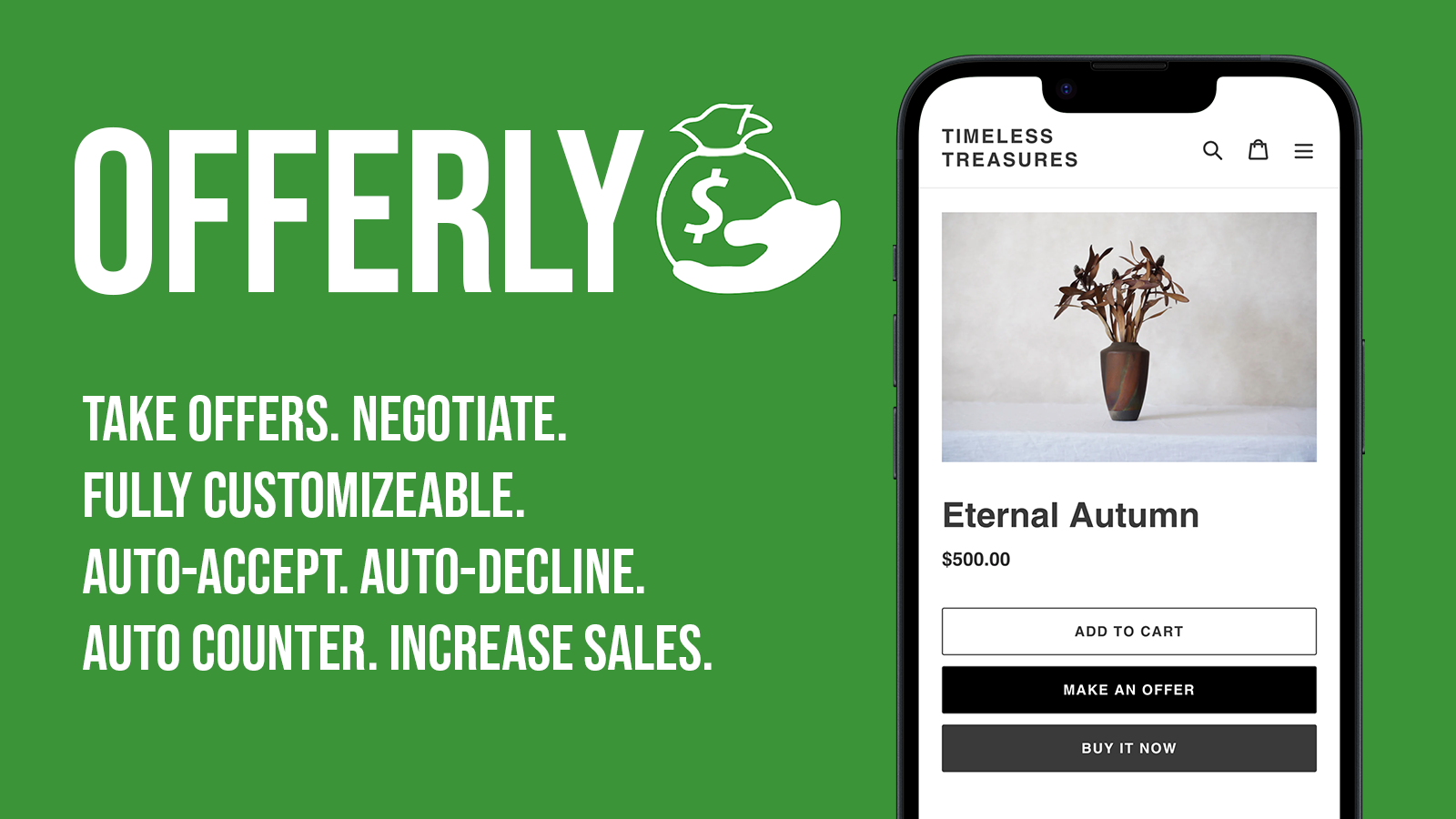
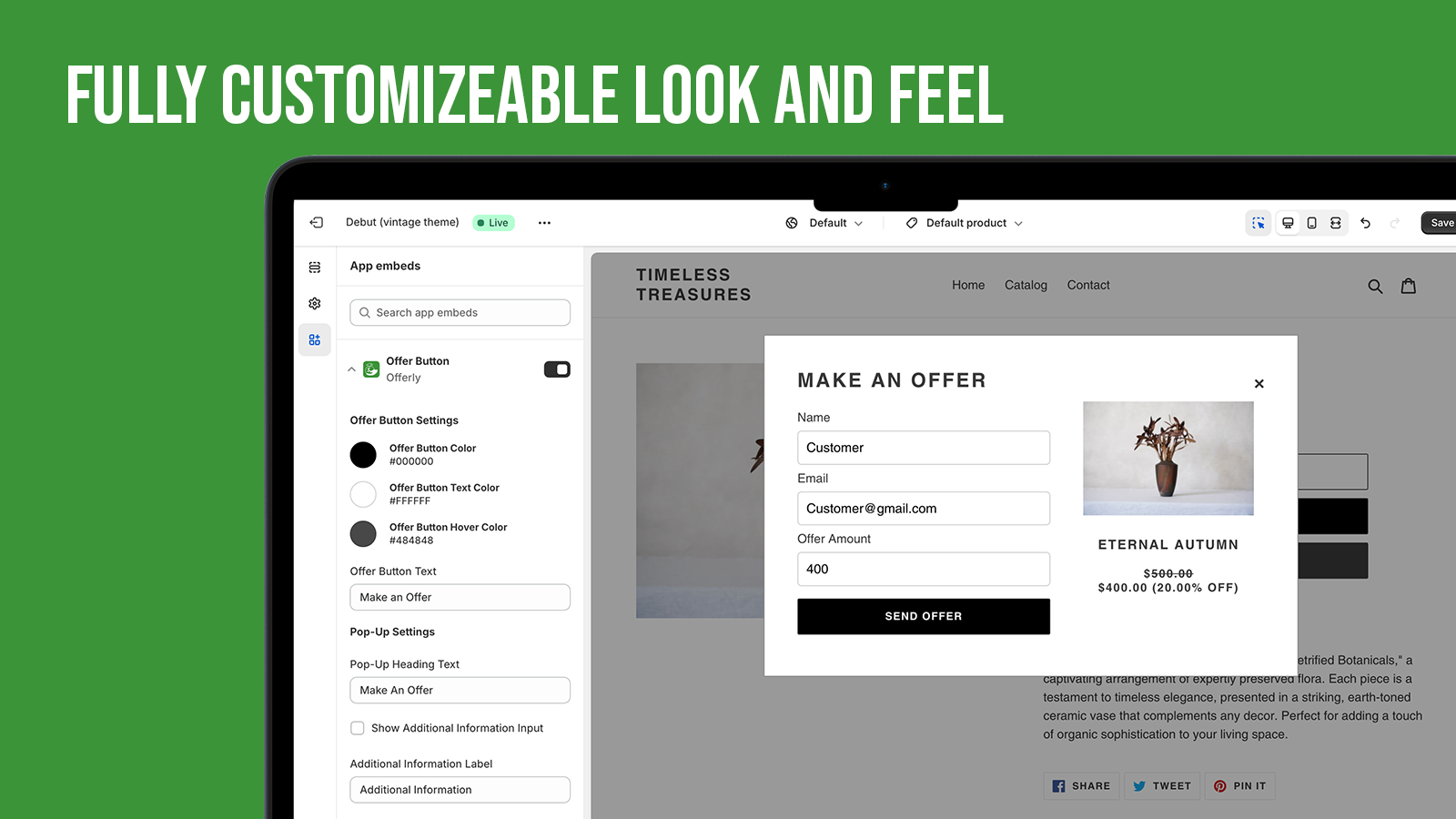
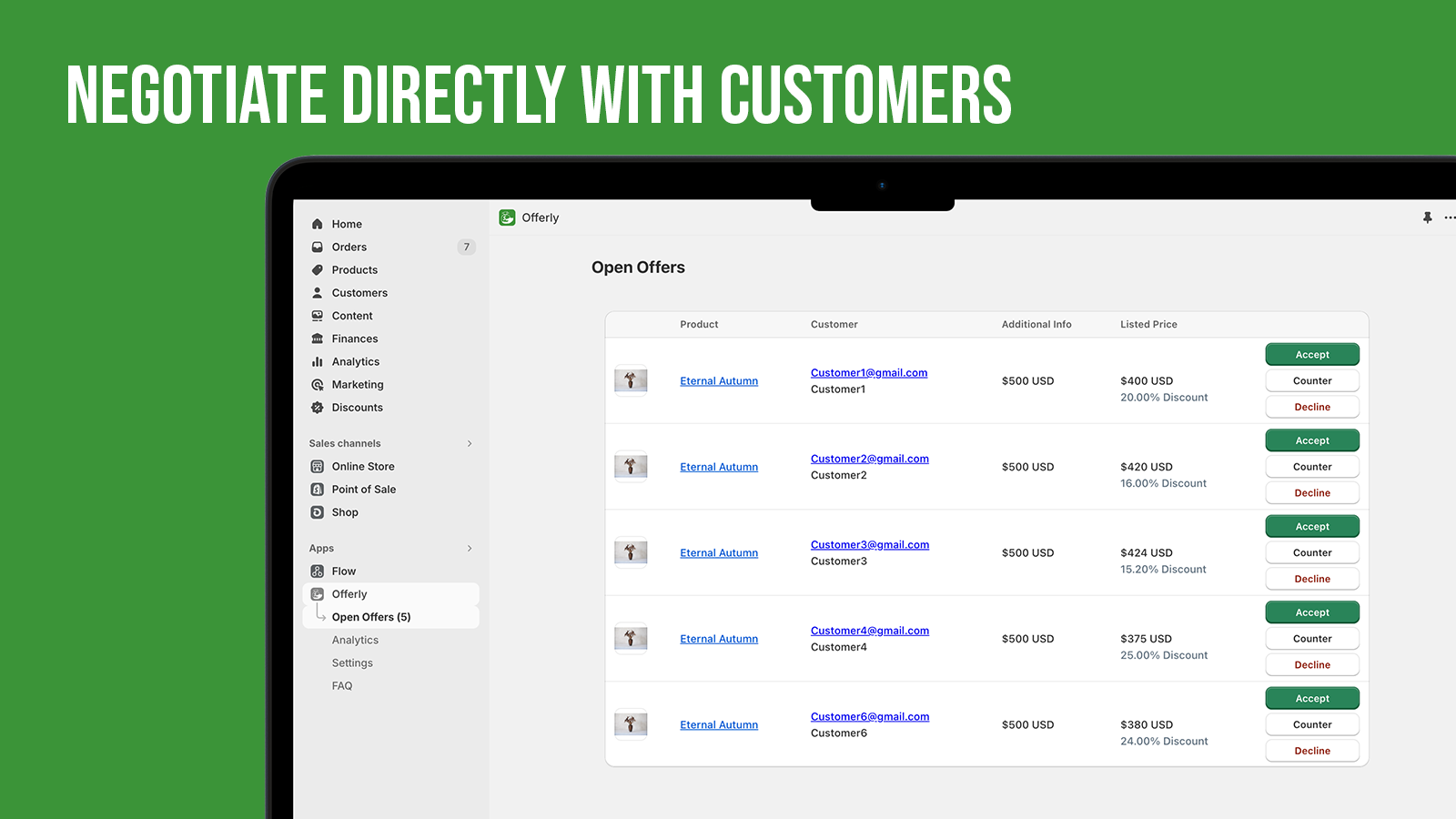
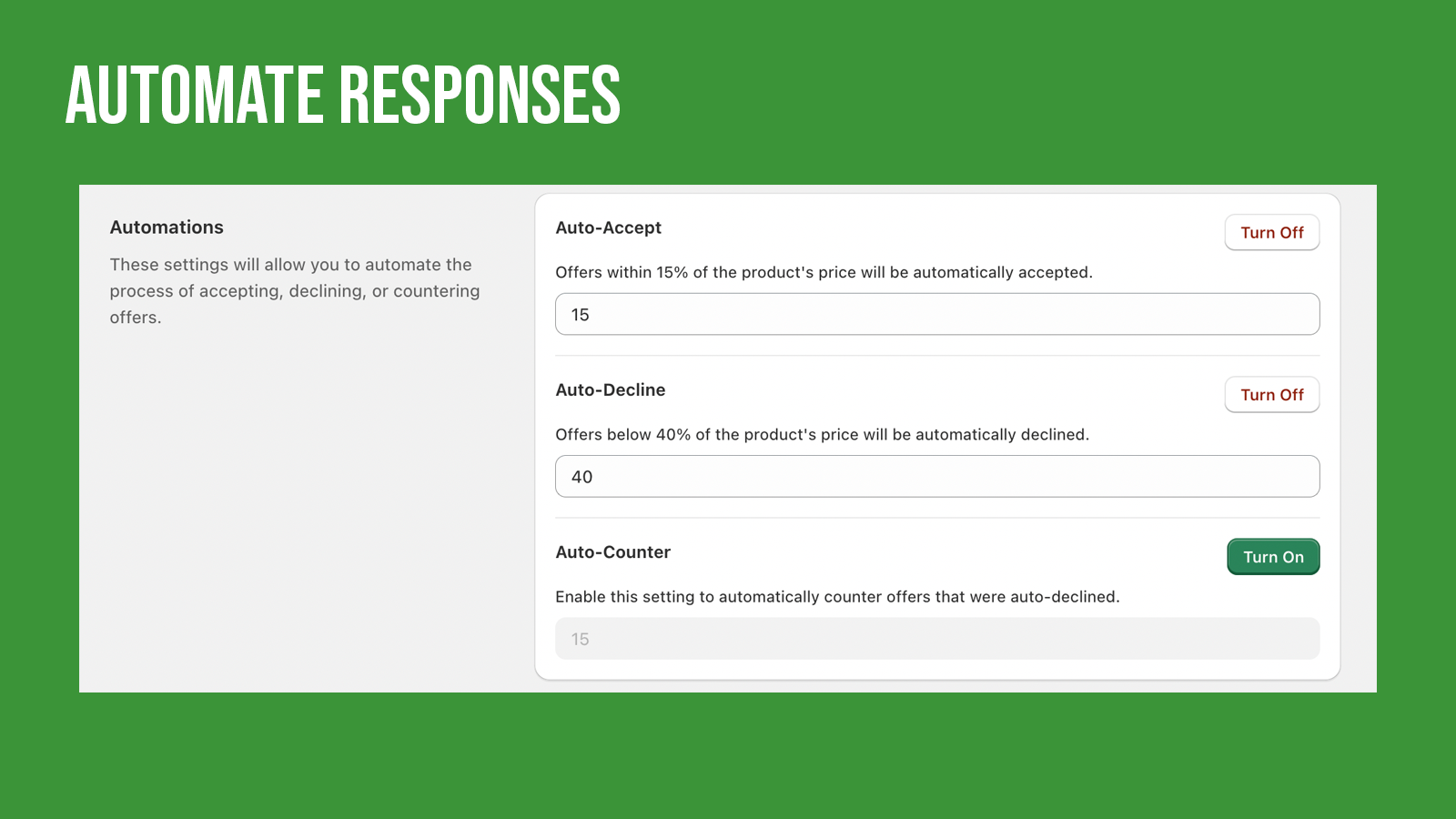
Add a "Make an Offer" button to your products! Get Offers! Sell More Products!
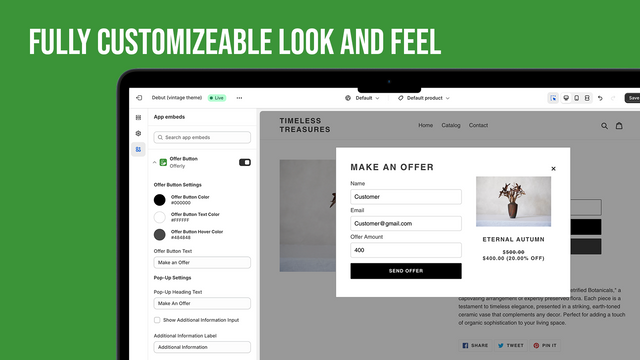
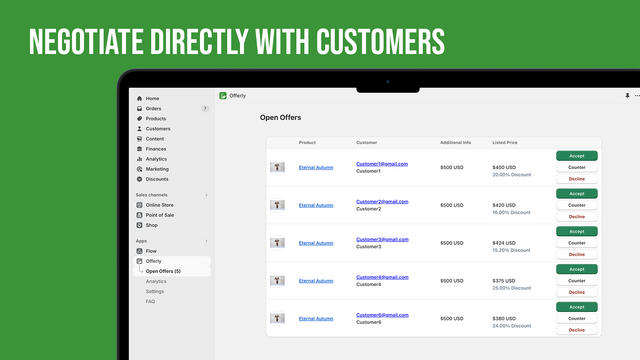
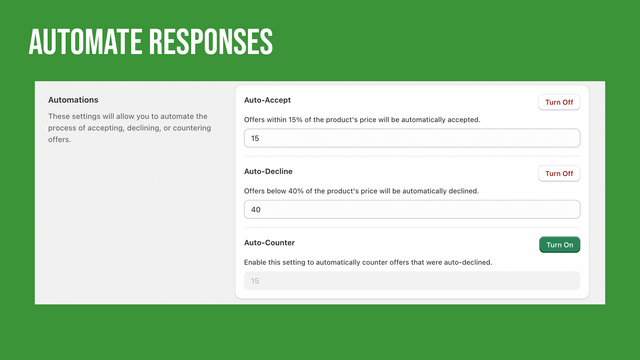
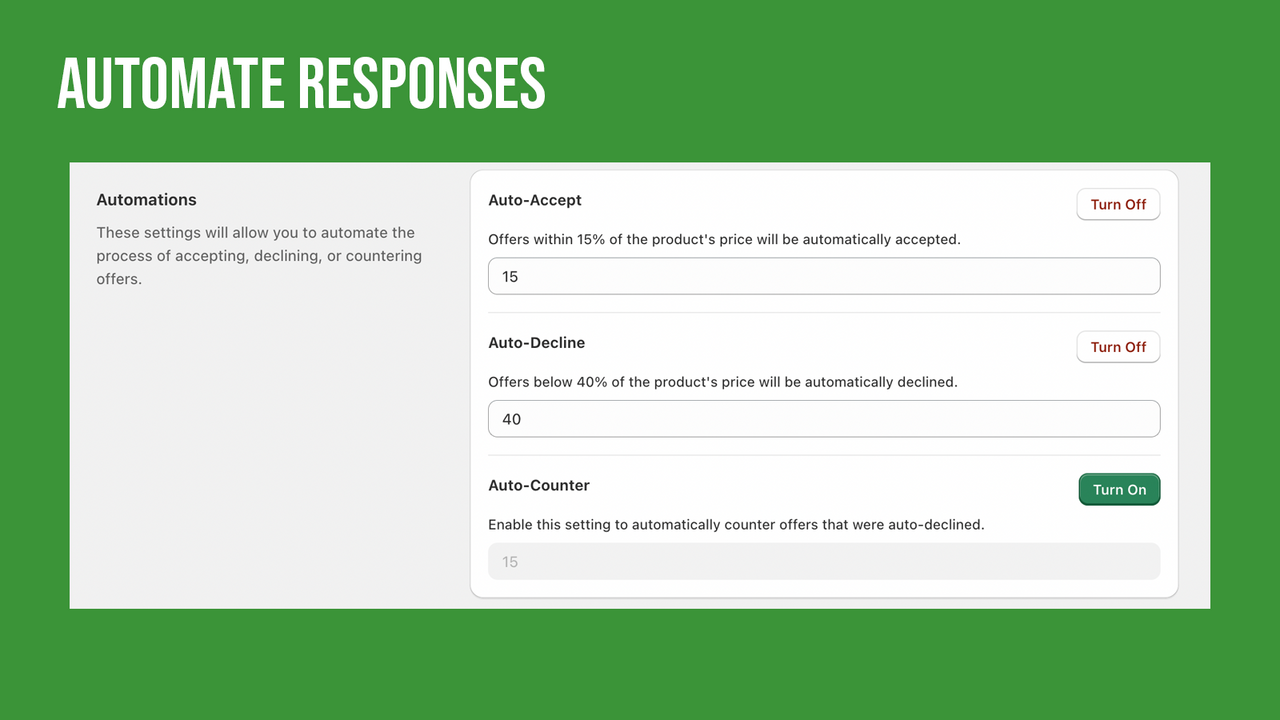
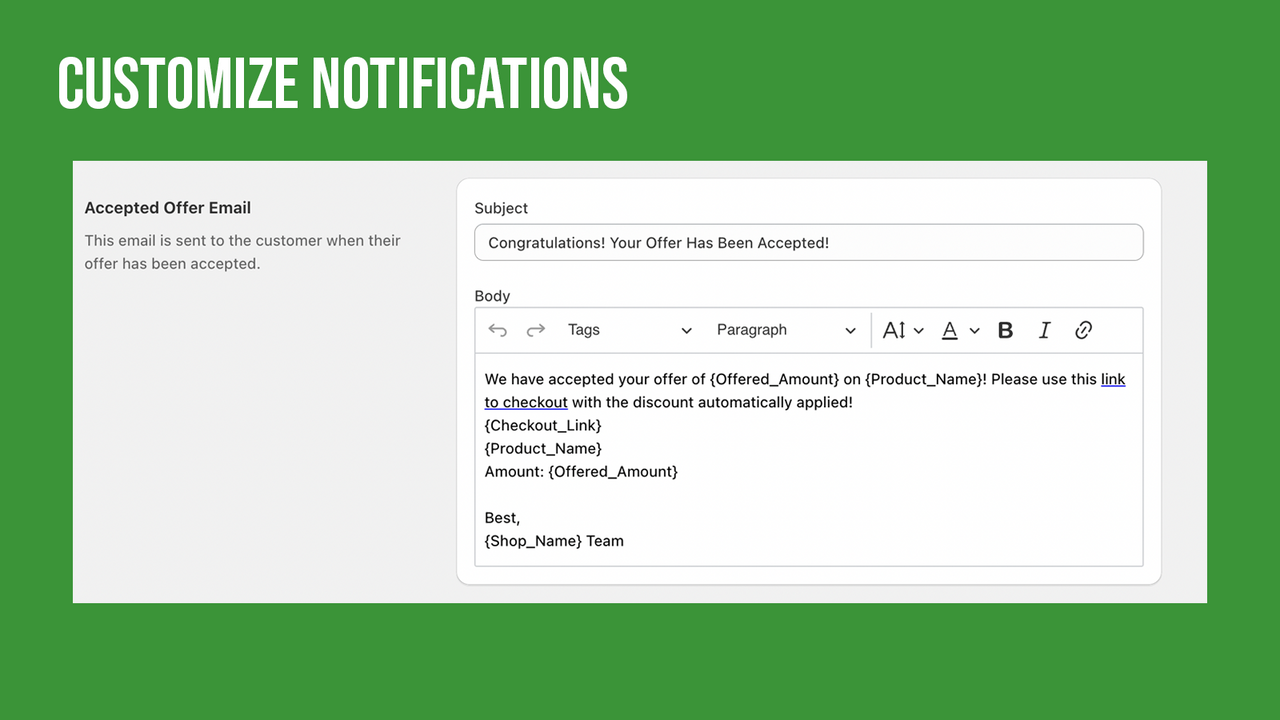
Give customers the opportunity to name their own price! With Offerly merchants can setup automations to respond to offers and also negotiate manually. Essential for any Art, Vintage or Collectables store! Setting up Offerly is a breeze and with customization options you can brand everything to your liking! If you need any help or have any questions our team is always ready to help!
- Add "Make an Offer" button to your products
- Ability to set rules to auto-accept, auto-decline or auto-counter offers
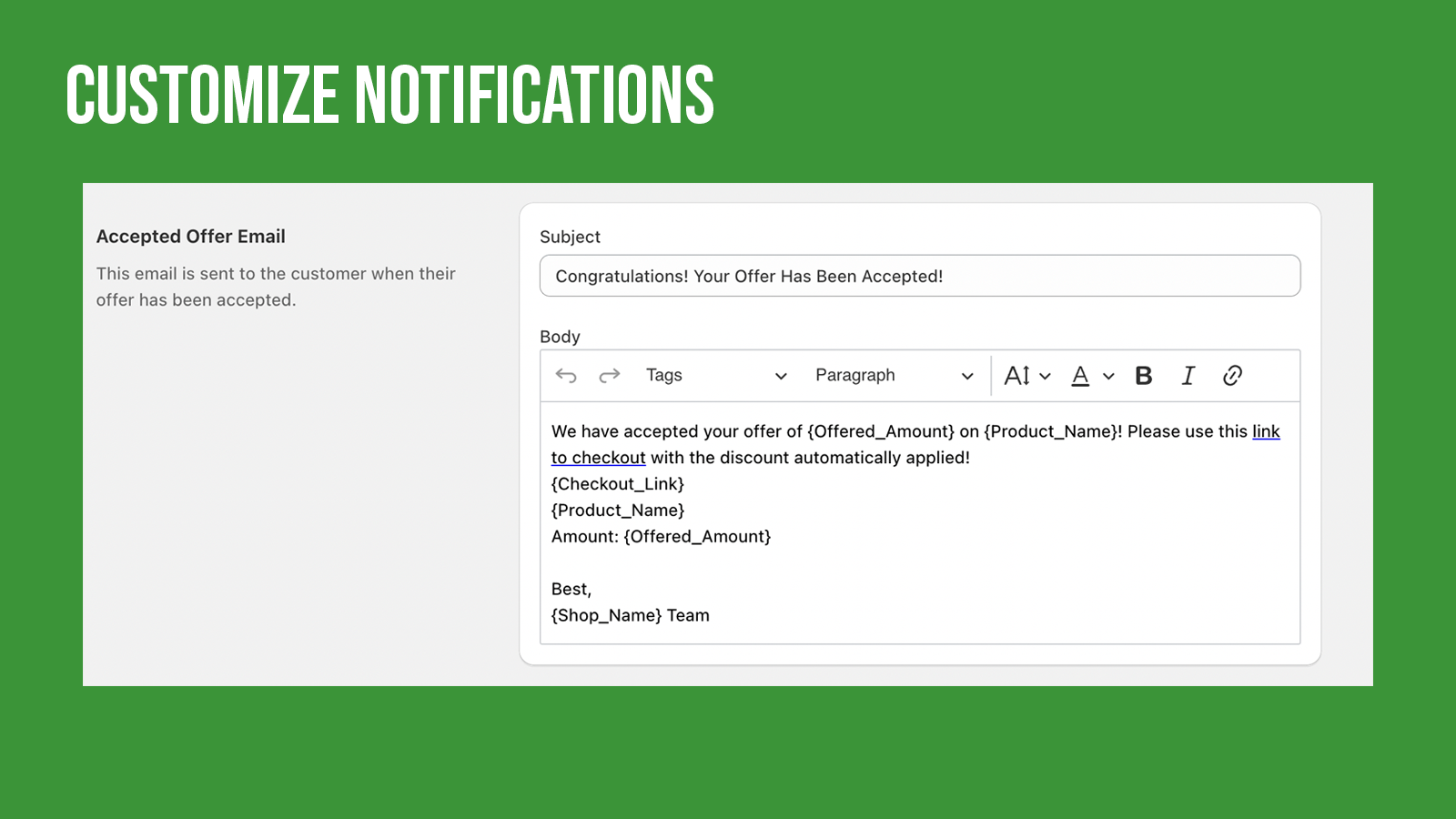
- Customize pop-up and e-mails to fit your branding
- Discover strategic pricing insights
- Increase sales by negotiating with customers
- Highlights
- Use directly in Shopify admin
- Works with the latest themes
Languages
English
Works with
- Google Analytics
Categories
Pricing rules
Customization
Pricing management
Monitoring
Pricing
Starter
Free to install
Only 0.9% of paid orders via offers. No sale, No fee!
- Simple Setup
- Auto Accept, Auto Decline
- Ability to Counter Offer
- Customize Pop-up & Email
- Unlimited Offers
Pro
$6 / month
Only 0.3% of paid orders via offers. No sale, No fee!
- Simple Setup
- Auto Accept, Auto Decline
- Ability to Counter Offer
- Customize Pop-up & Email
- Unlimited Offers
14-day free trial
Elite
$125 / month
No additional fee.
- Simple Setup
- Auto Accept, Auto Decline
- Ability to Counter Offer
- Customize Pop-up & Email
- Unlimited Offers
14-day free trial
All charges are billed in USD. Recurring and usage-based charges are billed every 30 days.
Reviews (46)
Setting up the app was simple and intuitive, and it has helped convert many sales for our store. In addition, the Offerly support team has been incredibly helpful. They reached out to us directly and proactively, to ensure that the app is working well for us. They were able to easily answer any questions we had.
I would recommend the app to other Shopify users! Supporting negotiation on our items has been a fantastic resource to our business.
Excellent customer service. I am thrilled to say that all requests were listened to and put into immediate practice. Thank you for the awesome work!! We have closed many more deals through this app.
I’m a private jeweler and absolutely love this app. The customer service was lightning fast—no waiting, no bots. I was connected with a real person who felt like a friend and genuinely cared about helping. My favorite part is how seamlessly Offerly integrates into my website—it doesn’t look like a third-party app at all. It matched my font and color scheme perfectly, and the emails are fully customizable to each customer. Highly recommend!
Really good app. Have sold way more since adding the button. Works great for antiques or other items where bartering makes sense.
These guys are just great - helpful and fast. Helped me setup the app the way i needed it and responded almost instantly. Highly recommend the app and the support folks. Thank you!
Support
App support provided by Nakatomi Apps.
Data access
This app needs access to the following data to work on your store. Learn why in the developer's privacy policy .
View personal data:
Customers, store owner
-
Customers
Name, email address, phone number, physical address, geolocation, IP address, browser and operating system
-
Store owner
Name, email address, phone number, physical address
View and edit store data:
Customers, products, orders, discounts, Online Store
-
Edit customers
Customer data
-
View products
Products or collections
-
View orders
All order details for the last 60 days
-
View and Sync Discounts
Discount codes and promotions
-
Edit your Online Store
Theme
More apps like this