


Power Tools Bulk Edit Tags
Meets our highest standards for performance, design, and integration. Learn moreOpens in new window
- Pricing
-
Free
- Popular with stores like yours
- Based in United States
- Rating
- 4.6 (51)
- Developer
- Power Tools
Featured images gallery

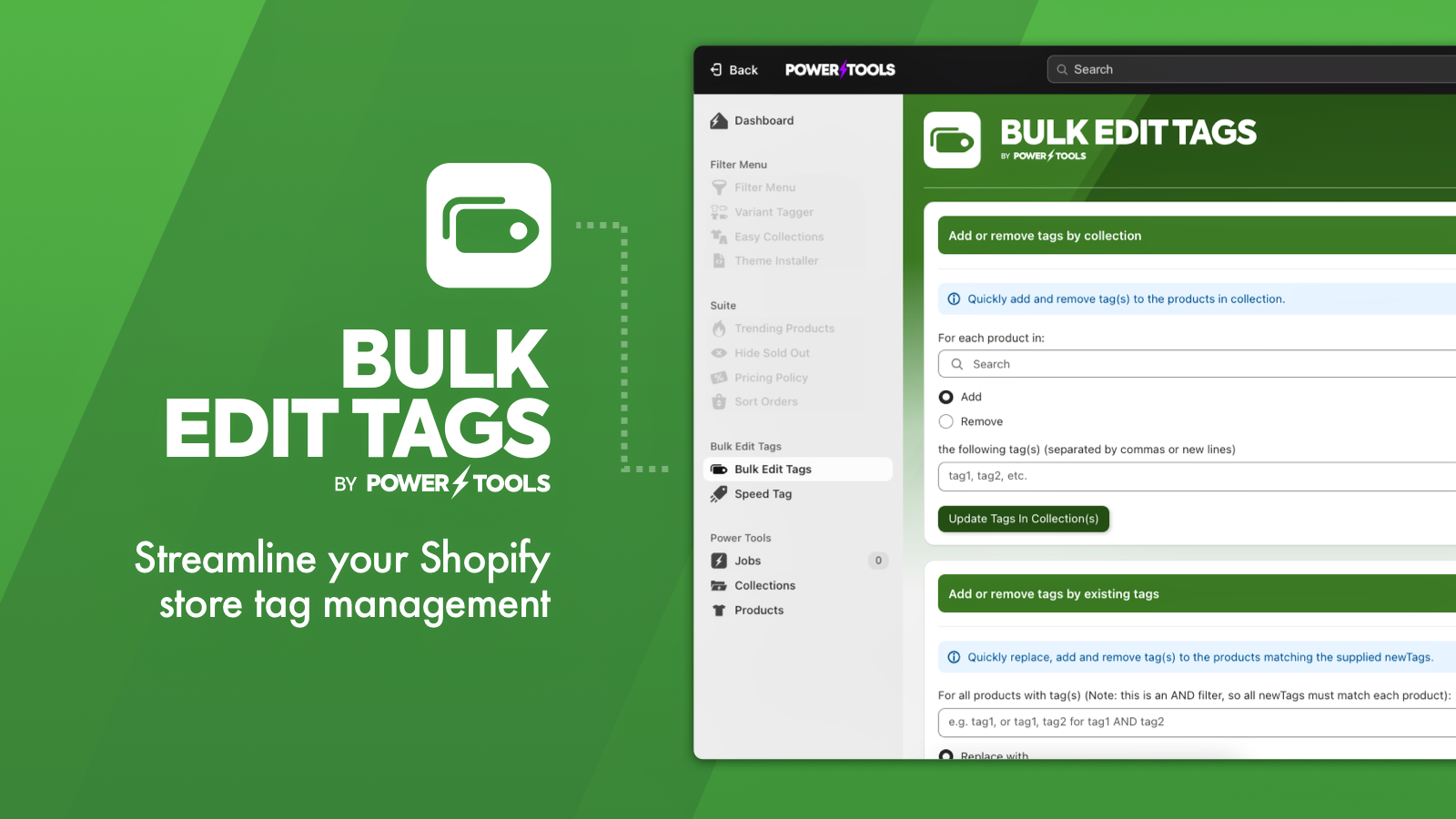
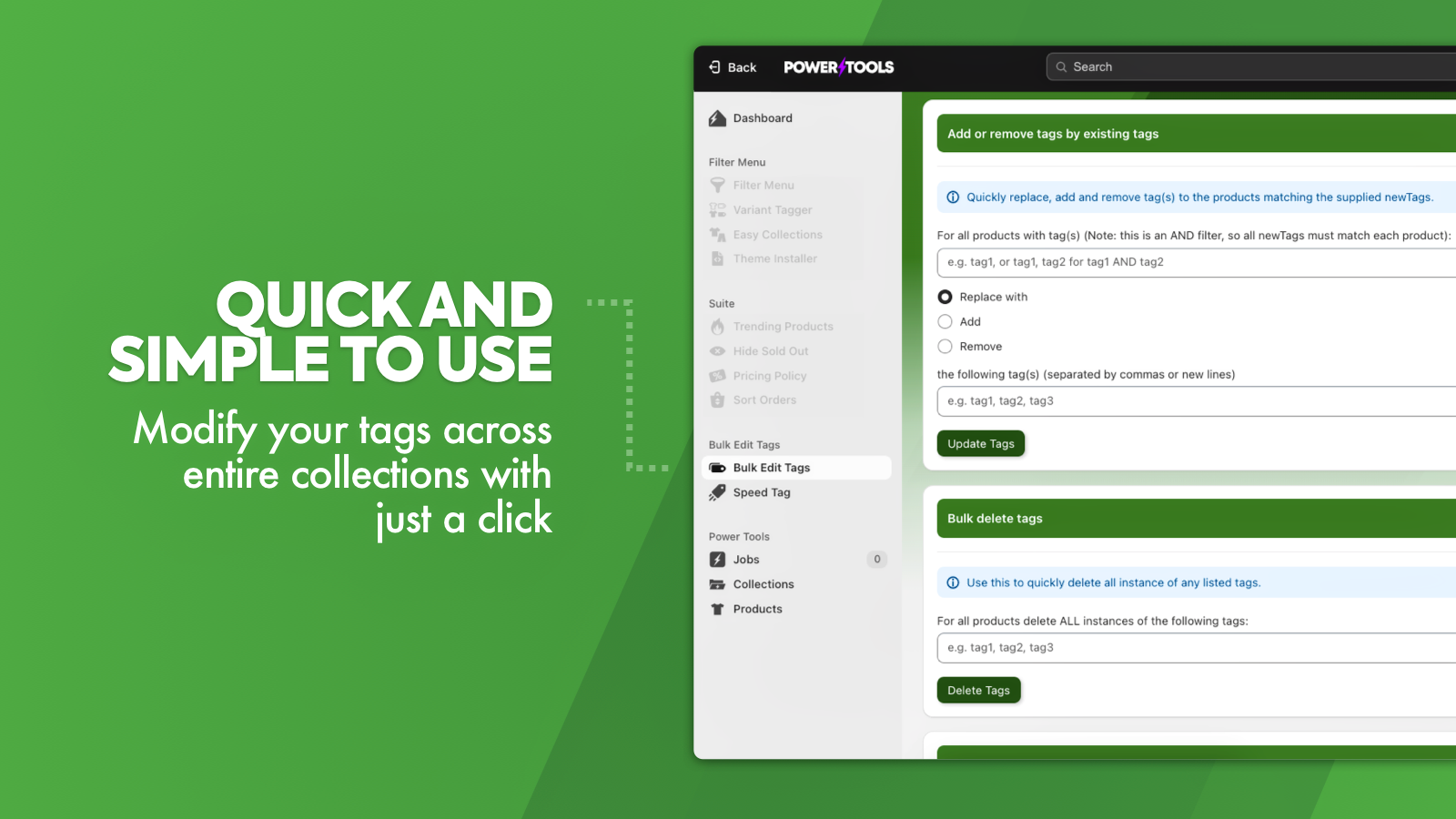

Easily add and remove tags from your products, based on collections, tags and other rules
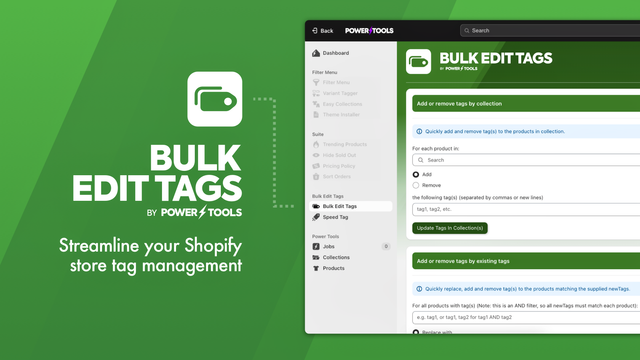
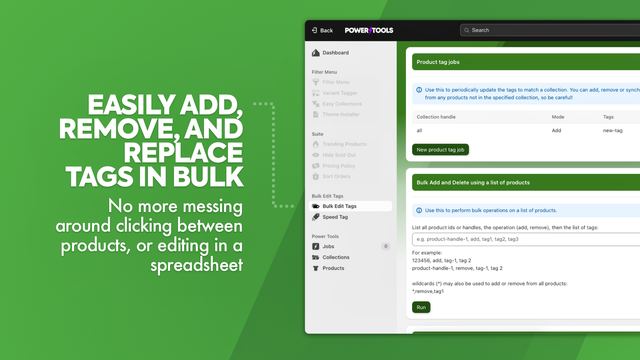
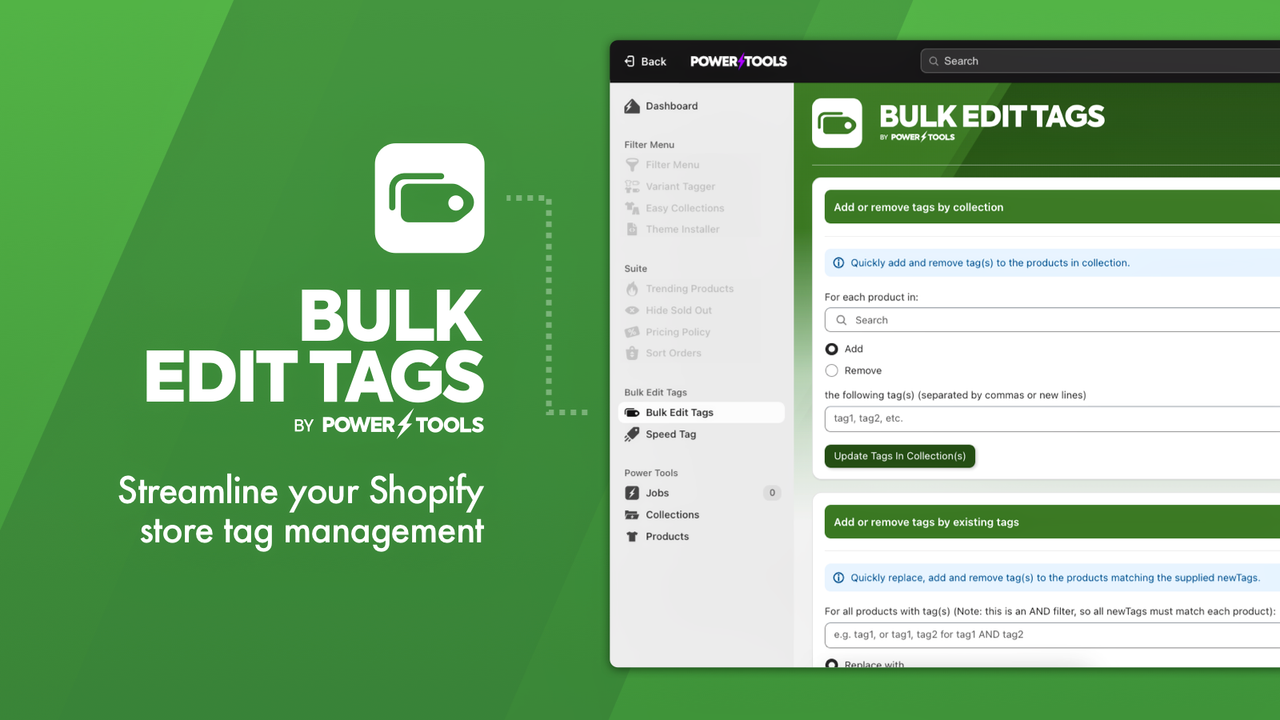
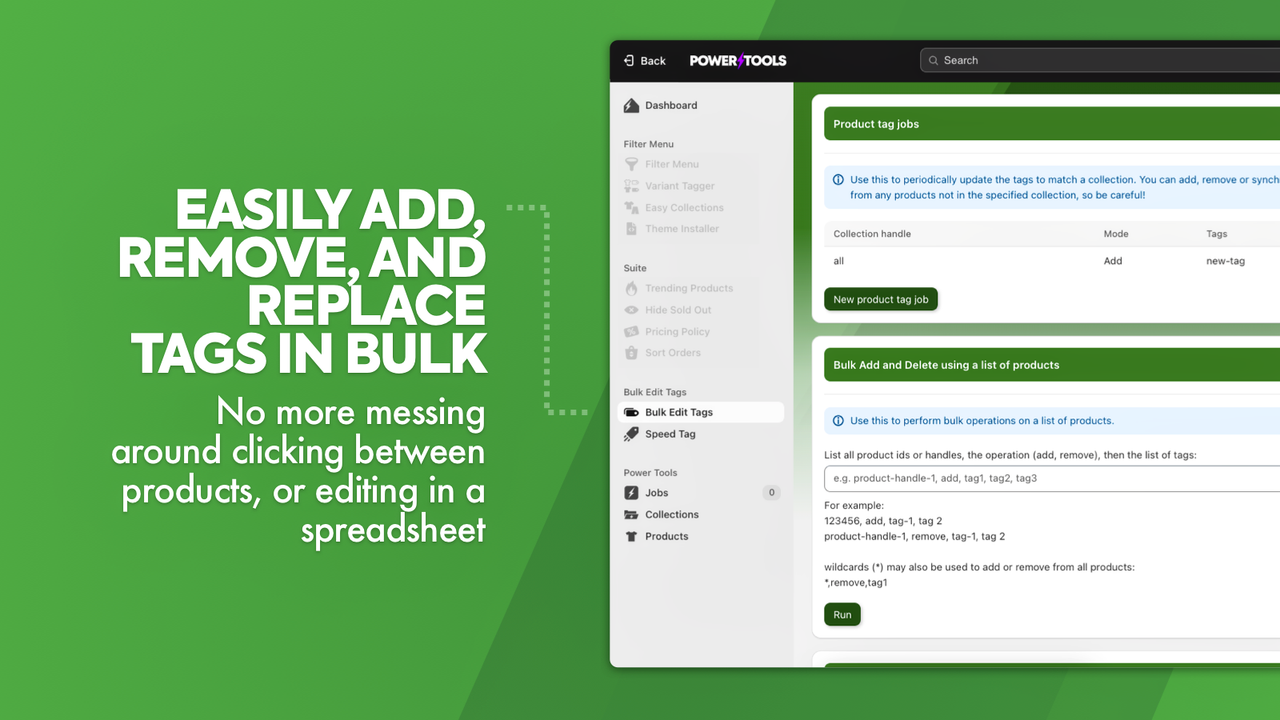
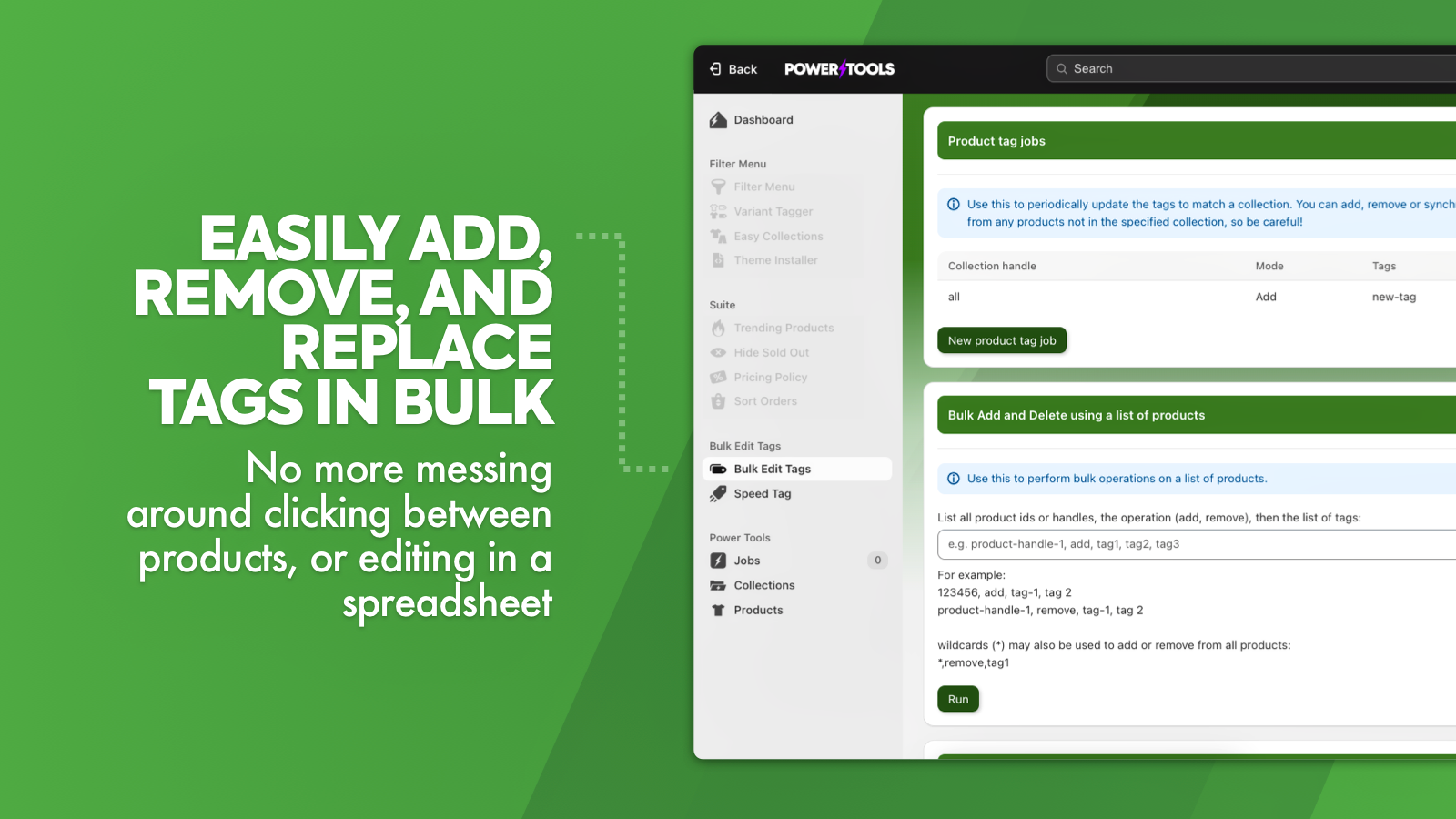
Shave hours off your workload with Power Tools Bulk Edit Tags. Easily add, remove and sync product tags! Add tags by collections, existing tags, or product descriptions. Need to quickly remove a tag from all products, you can bulk delete tags in a single click. No more messing around clicking between products, or laboriously editing in a spreadsheet. You can also quickly add tags using the Speed Tag feature, just select the tags by clicking on each tag from a list of products.
- Save yourself hours in the office by editing tags in bulk.
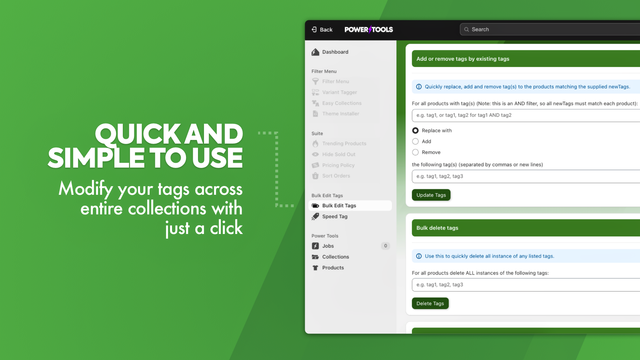
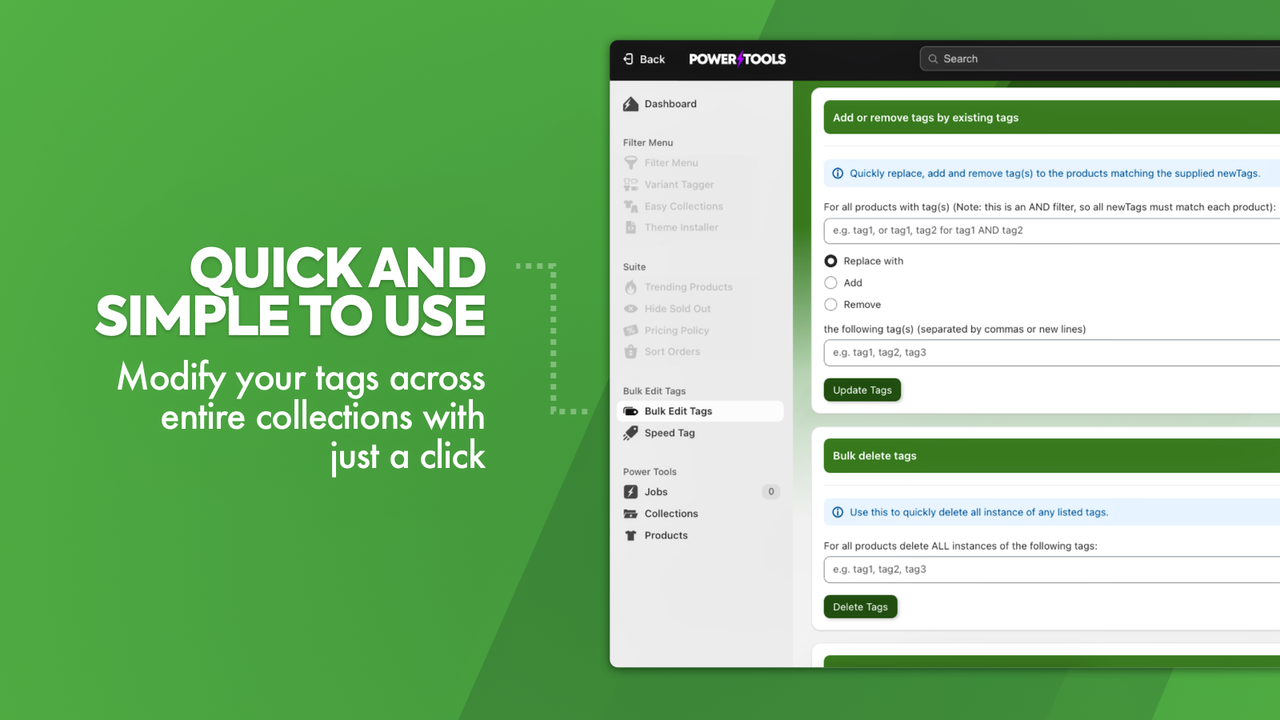
- Modify your tags across entire collections with just a click.
- Bulk delete tags, or update tags based on combinations of other tags.
- Popular with stores like yours
- Based in United States
Languages
English
Works with
- Shopify Admin
Categories
Reviews (51)
This app has saved my sanity. I would remove incorrect or obsolete tags from my products, but I could still see them on the list just staring at me, triggering my OCD something fierce.
Now, I tag like a boss and my shop is clean. Bonus, no more voices in my head telling me to go back to Woo. I guess I'm gonna have to get the whole Power Tools Suite so I can be a total boss girl.
This app has saved me SO much time. I needed to add some new tags to align with a product quiz and this app made it so much easier to do so and in bulk. Highly recommend.
This has been invaluable. Easy to use and has saved me so much time. Thank you so much
Support
App support provided by Power Tools.
Resources
Developer
Launched
November 20, 2013
Data access
This app needs access to the following data to work on your store. Learn why in the developer's privacy policy .
View staff and contributor data:
Store owner, blog contributors
-
Store owner
Name, email address, phone number, physical address
-
Blog contributors
Email address, IP address, browser and operating system
View and edit store data:
Products, Online Store, other data
-
Edit products
Products, collections
-
Edit Online Store
Online Store pages, theme
-
Edit other data
Publications of products on sales channels
More apps like this


Meets our highest standards for performance, design, and integration. Learn moreOpens in new window

Meets our highest standards for performance, design, and integration. Learn moreOpens in new window

Meets our highest standards for performance, design, and integration. Learn moreOpens in new window

