


Matrixify
Meets our highest standards for performance, design, and integration. Learn moreOpens in new window
Featured images gallery





Matrixify app helps you to manage store data - bulk import, export, update and migrate.
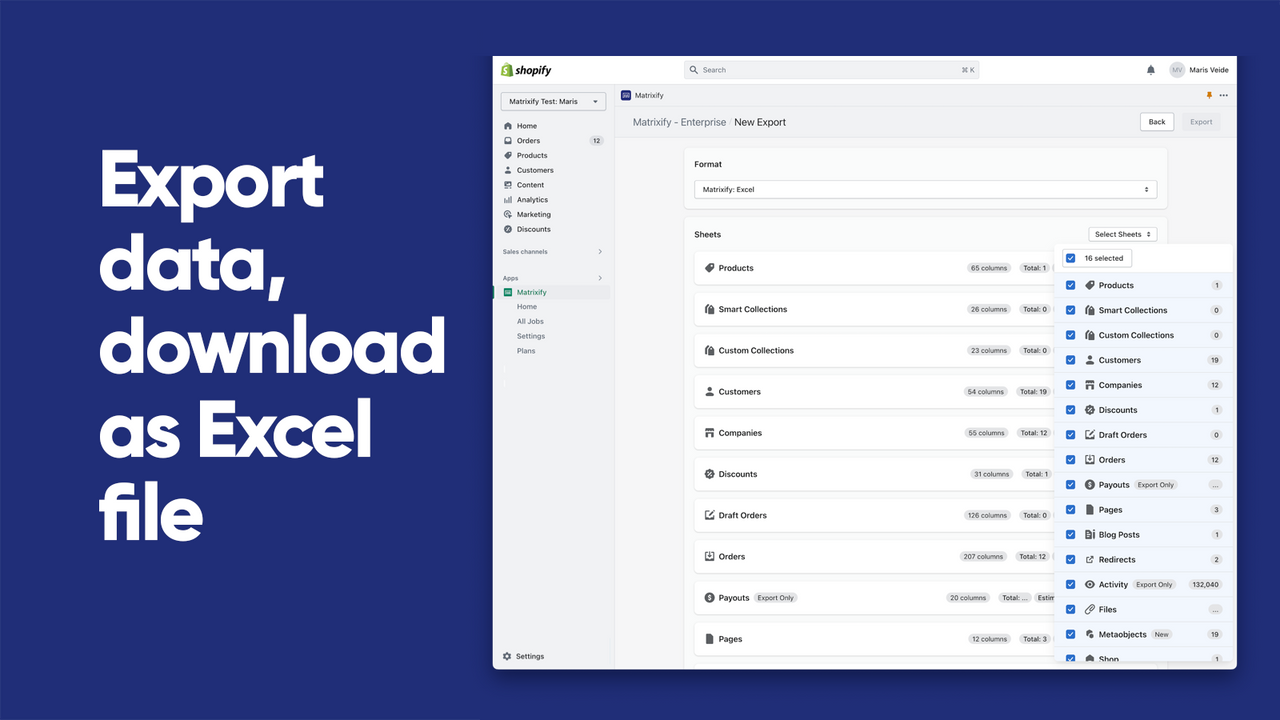
Save time working with your store data in bulk. From small stores to large enterprises - this app can handle files up to 20 GB. Simple data updates, reports, automations - through Google Sheets, FTP servers, Excel and other data formats and channels. /ex Excelify. Export and import data for: Products, Collections, Customers, B2B Companies, Discounts, Draft Orders, Orders, Payouts, Pages, Blogs, Redirects, Activity, Files, Metaobjects, Metafields, Navigation Menus, Store Credits, Translations.
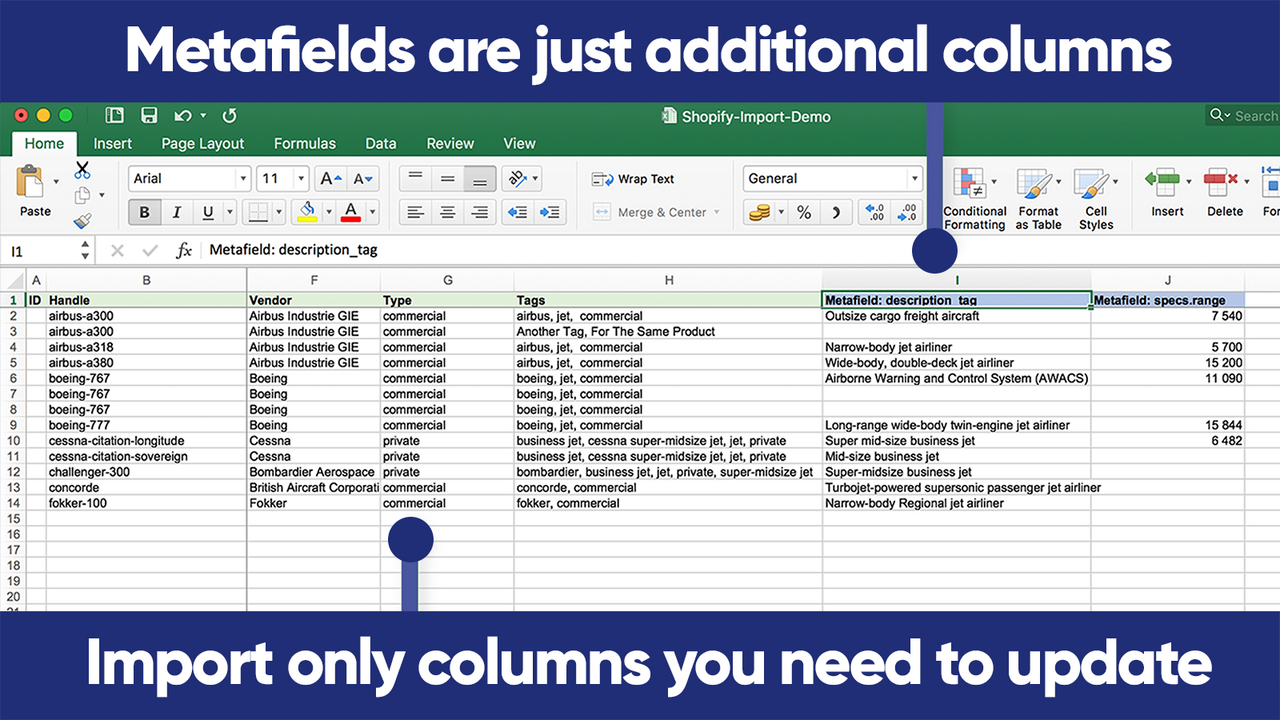
- Import and Export data using Excel, Google Sheets or CSV files.
- Migrate from WooCommerce, WordPress, Magento, BigCommerce, Lightspeed, others.
- Backup data, restore data. Copy data from store to store.
- Schedule Export and schedule Import jobs, auto-repeat.
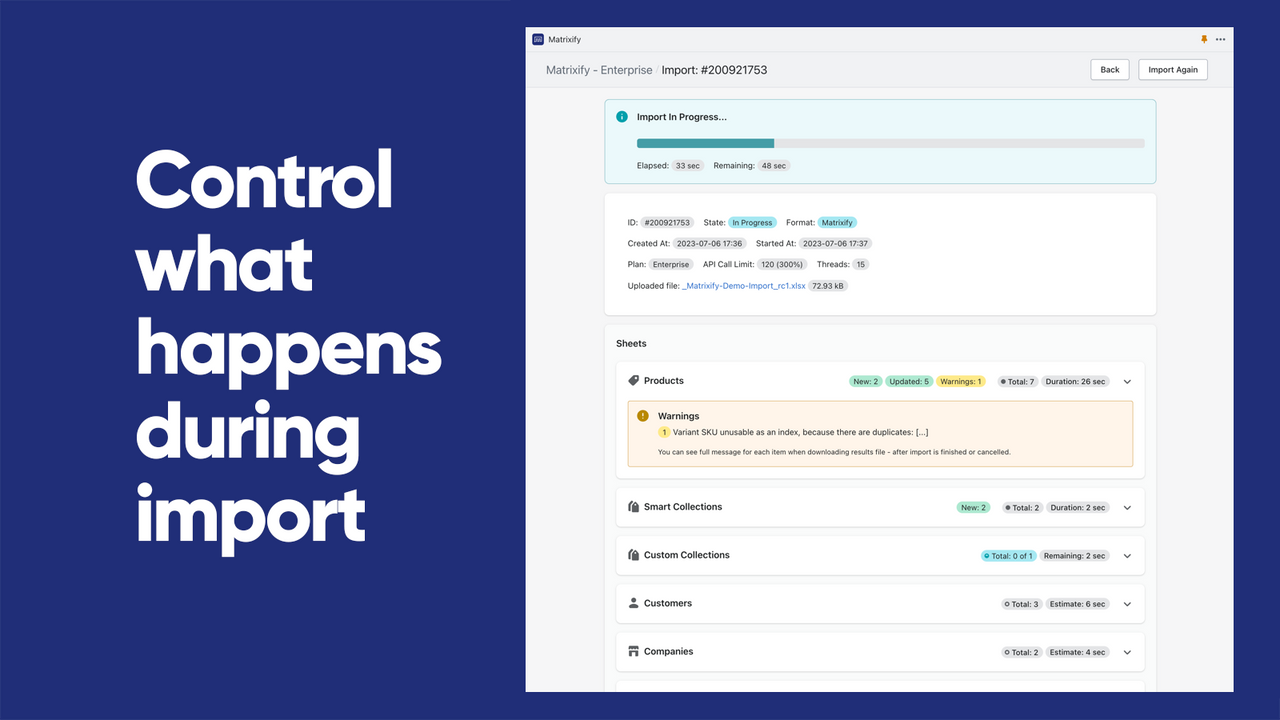
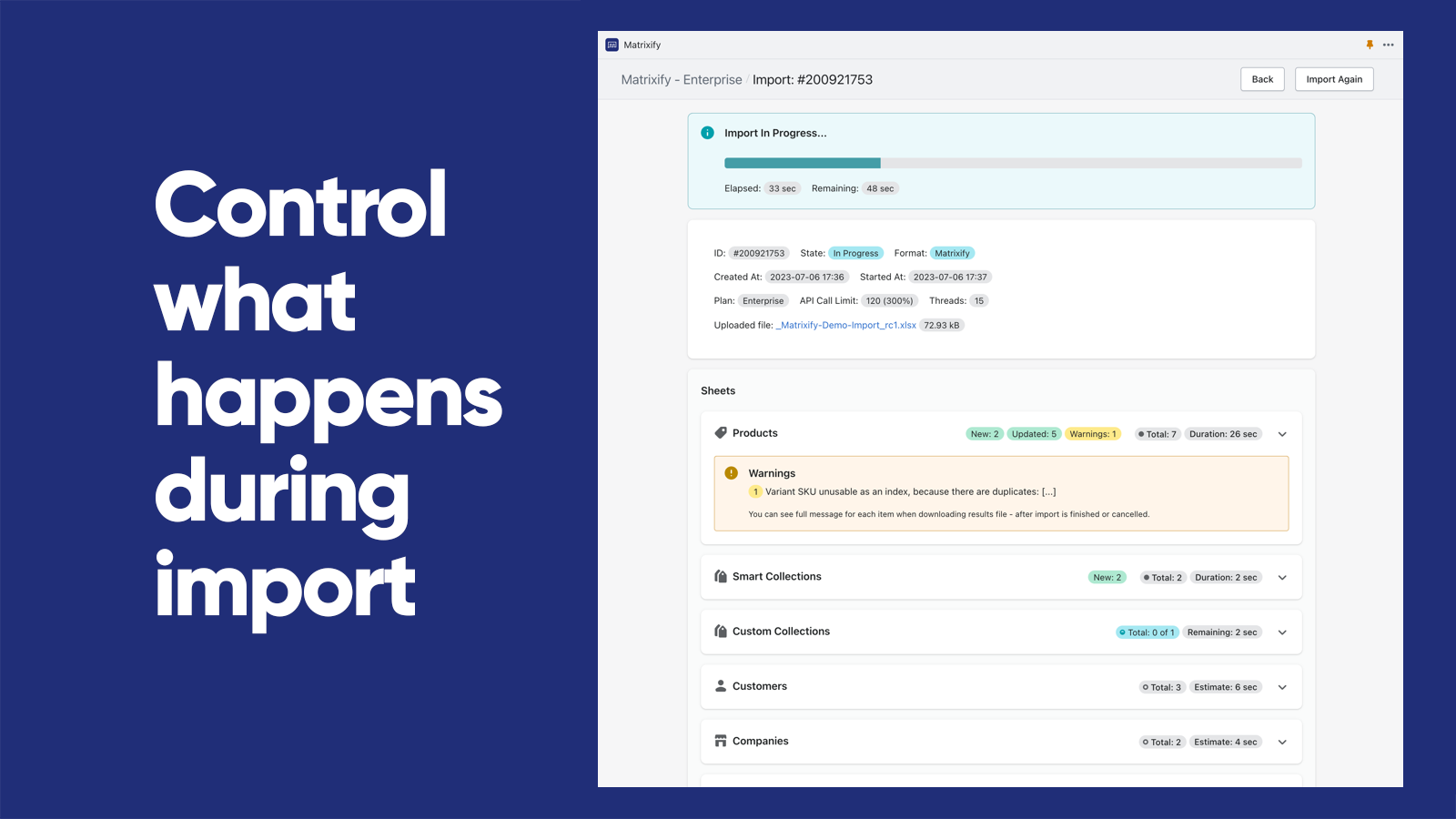
- Monitor and control Export and Import jobs as they happen, see job history.
- Popular with stores like yours
- Based in United States
Languages
English
Works with
- Shopify Admin
- Dropbox
- FTP / SFTP
- Google Drive
- Google Sheets
- Google Shopping
- MCP, AI Agents like Claude
Categories
Pricing
Choose the plan that best fits your business.
Demo
Free
Features
- Per file:
- 10 Products, 10 Collections
- 10 Customers, 10 Companies
- 10 Discounts, 10 Translations
- 10 Orders & Draft Orders, 10 Payouts
- 10 Pages, 10 Blog Posts
- 10 Redirects, 2 Menus, 10 Activity
- 10 Files, 10 Metaobjects, ∞ Metafields
Basic
$20 / month
Features
- Per file:
- 5K Products, 300 Collections
- 2K Customers, 50 Companies
- 300 Discounts, 10k Translations
- 1K Orders & Draft Orders, 366 Payouts
- 50 Pages, 50 Blog Posts
- 10K Redirects, ∞ Menus, 10K Activity
- 10K Files, 50 Metaobjects, ∞ Metafields
Big
$50 / month
Features
- Per file:
- 50K Products, 3K Collections
- 20K Customers, 500 Companies
- 3K Discounts, 100k Translations
- 10K Orders & Draft Orders, 3660 Payouts
- 500 Pages, 500 Blog Posts
- 100K Redirects, ∞ Menus, 100K Activity
- 100K Files, 500 Metaobjects,∞ Metafields
Enterprise
$200 / month
Features
- Everything Unlimited
- Batch import
- Parallel threads in each job: 10+
- Parallel manual jobs: 2
All charges are billed in USD. Recurring and usage-based charges are billed every 30 days. See all pricing options
Reviews (1,614)
We used Matrixify to help migrate a client store from Woo Commerce to Shopify. Worked exactly as we wanted. Pulled in all the products, variants, and order history etc. very painless migration. Can defo recommend using this app for migrations to Shopify.
I was looking for a fast. user friendly app for bulk changes to Shopify listings, This IS NOT IT. Unless you are an XL guru this app is rubbish. Constantly has error messages when you down load files, if there is a blank column it refuses to work or anything else for that matter. You need to have a high level of technical expertise to operate. By the time you fix the files for it to accept them you may as well have just made the changes manually. Don't bother with the free version to trial, they limit the use to nothing more than a few listings so you can't even trial it for real in the first place. Probably the worst app I've tried.
Hello,
Matrixify updates real store data in bulk, so it deliberately validates uploaded files before writing anything - the errors you hit (like a column with no header) are that guard catching a file issue before it can push wrong data into your store, and they're usually a quick fix once you know what the app is looking for.
There can be a learning curve to bulk data work depending on your specific use case, and that's exactly what our team is here to help with, including getting you set up so you can properly trial it on your own data.
We have emailed you about this directly; please reply there or reach us at support@matrixify.app.
It's worked well every time I need to make an import/export. It's still a lot of work to be done manually, but Shopify doesn't have a free bulk import tool, so I'm using this.
Glad it's been reliable every time you need it. If parts of the process still feel manual, drop us a line at support@matrixify.app and we can dive more into the best ways to optimize your workflow with Matrixify. Thank you! ❤️
Support
App support provided by ITissible.
Resources
Launched
July 7, 2017 · Changelog
Data access
This app needs access to the following data to work on your store. Learn why in the developer's privacy policy .
View customer data:
Sensitive data, device and activity data
-
Sensitive data
Name, email address, phone number, physical address
-
Device and activity data
Geolocation, IP address, browser and operating system
View staff and contributor data:
Store owner, staff members, blog contributors
-
Store owner
Name, email address, phone number, physical address
-
Staff members
Name, email address, phone number
-
Blog contributors
Email address, IP address, browser and operating system
View and edit store data:
Customers, products, orders, discounts, store credit, staff accounts, Shopify Payments, Online Store, custom data, Shopify admin, other data
-
Edit customers
Customer data
-
Edit products
Products, inventory, collections
-
Edit orders
All order history, draft orders, order fulfillments, shipping information, assigned fulfillment, merchant managed fulfillment, third-party fulfillment, order edits
-
Edit discounts
Discount codes and promotions
-
Edit store credit
Store credit accounts, store credit account transactions
-
View staff accounts
Staff accounts
-
View Shopify Payments
Shopify Payments payouts, Shopify Payments accounts
-
Edit Online Store
Online Store pages, theme
-
Edit custom data
Metaobjects, metaobject definitions
-
Edit Shopify admin
Files, legal policies
-
Edit other data
Locations, price rules, Shopify Markets settings, publications of products on sales channels, Online Store navigation, translations, locales
Featured in


More apps like this


Meets our highest standards for performance, design, and integration. Learn moreOpens in new window


Meets our highest standards for performance, design, and integration. Learn moreOpens in new window

