


Featured images gallery

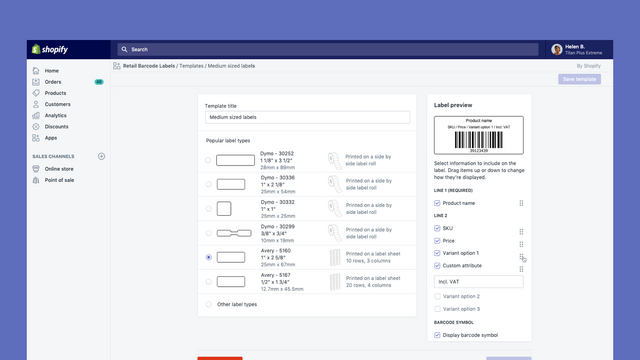
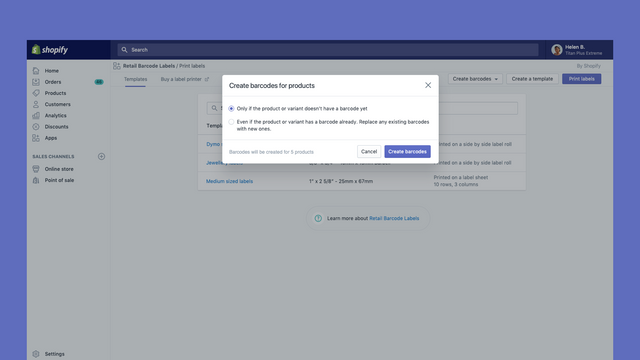
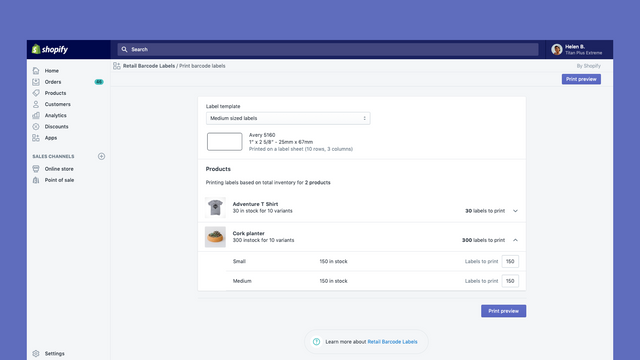
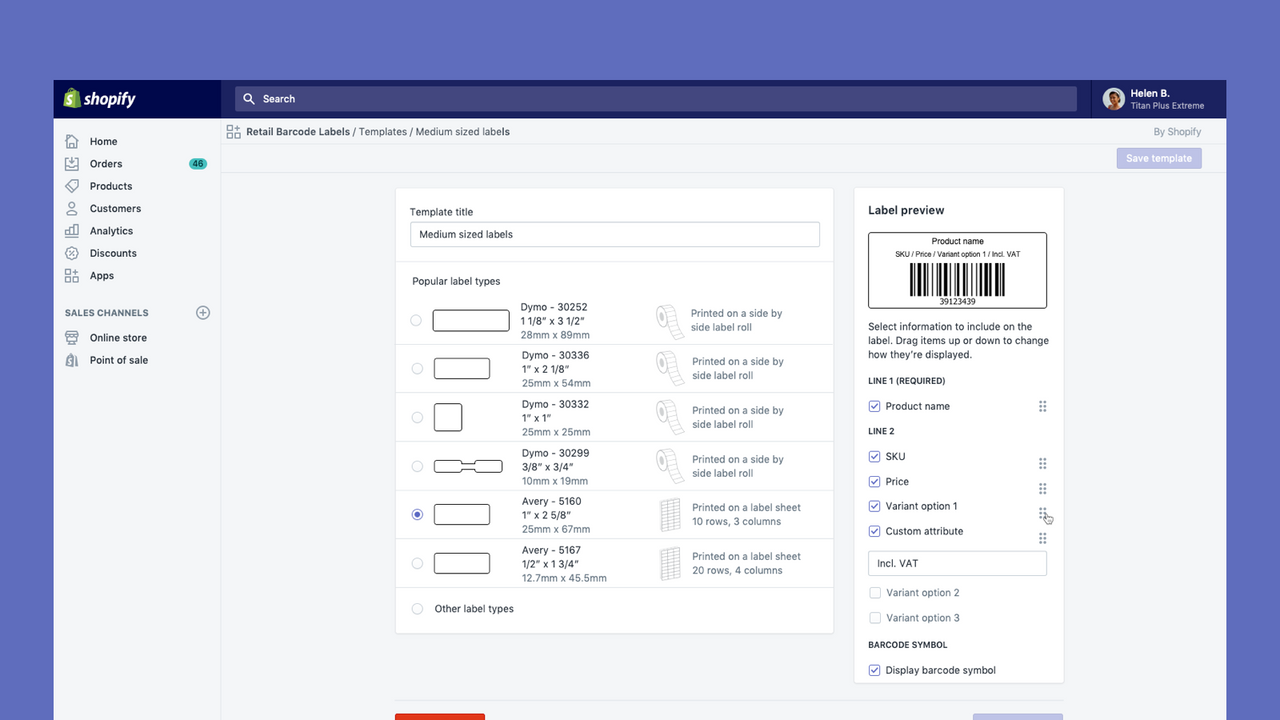


Create and print barcode labels for your products
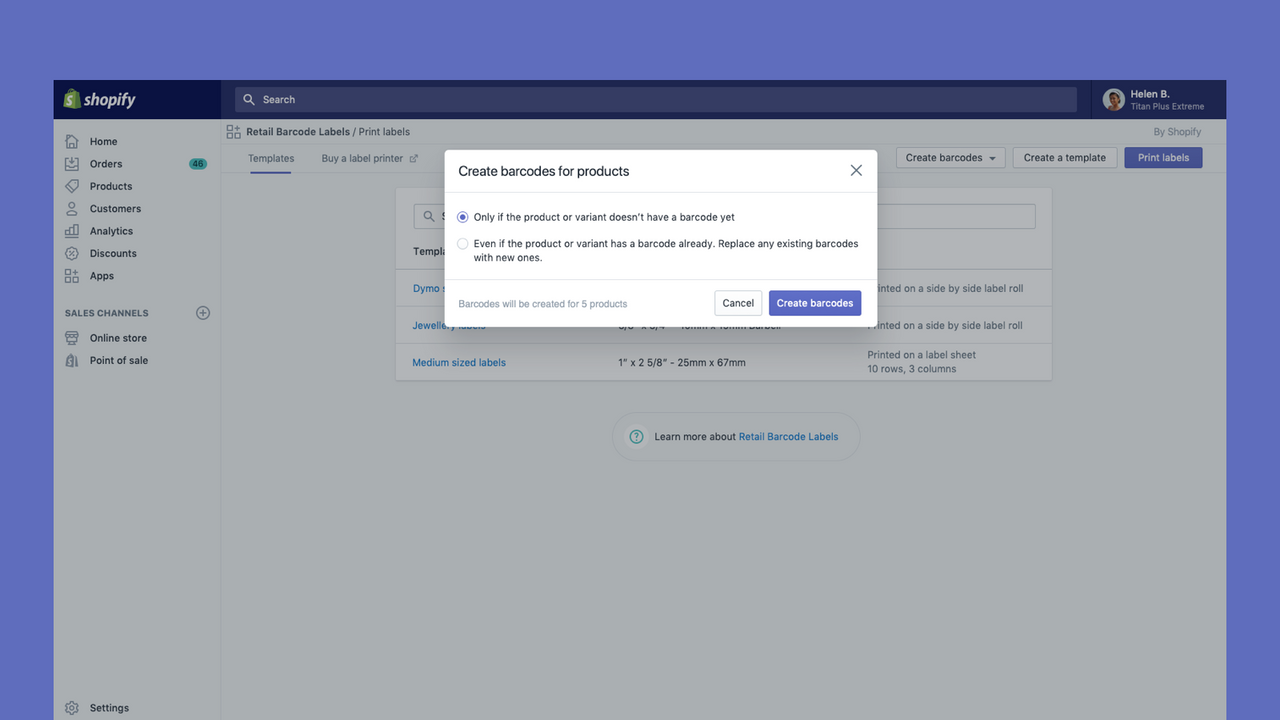
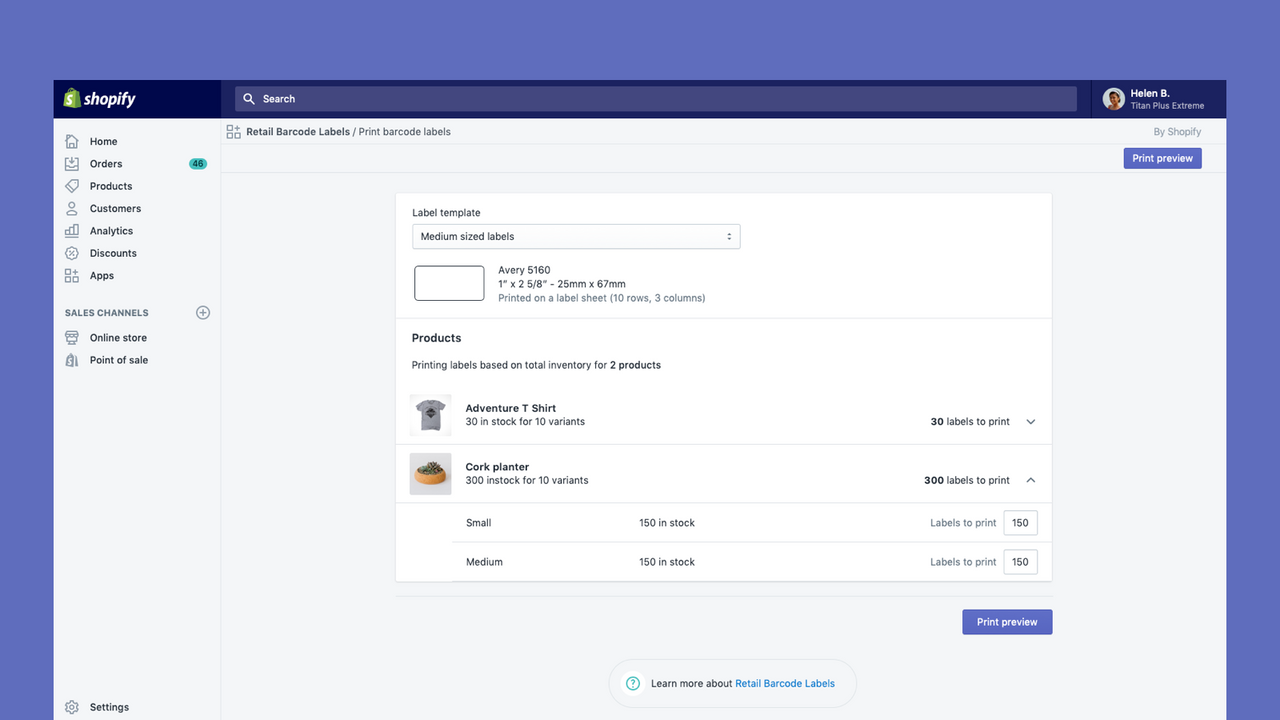
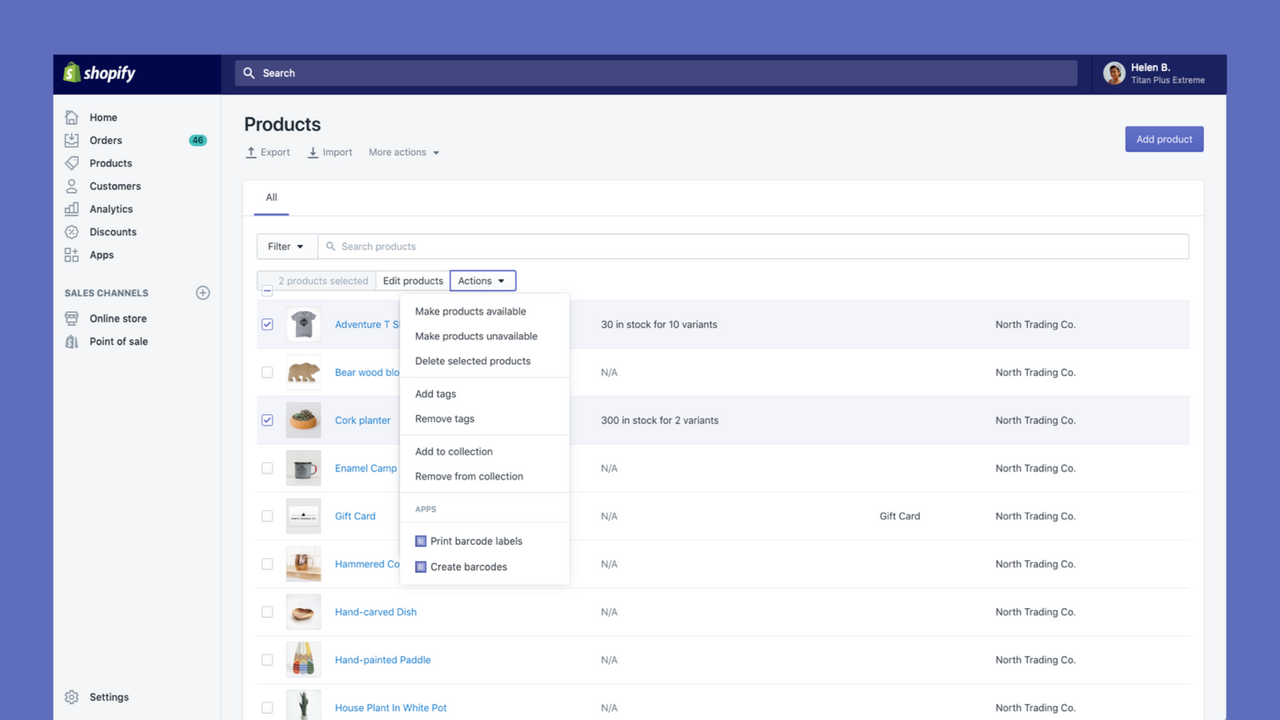
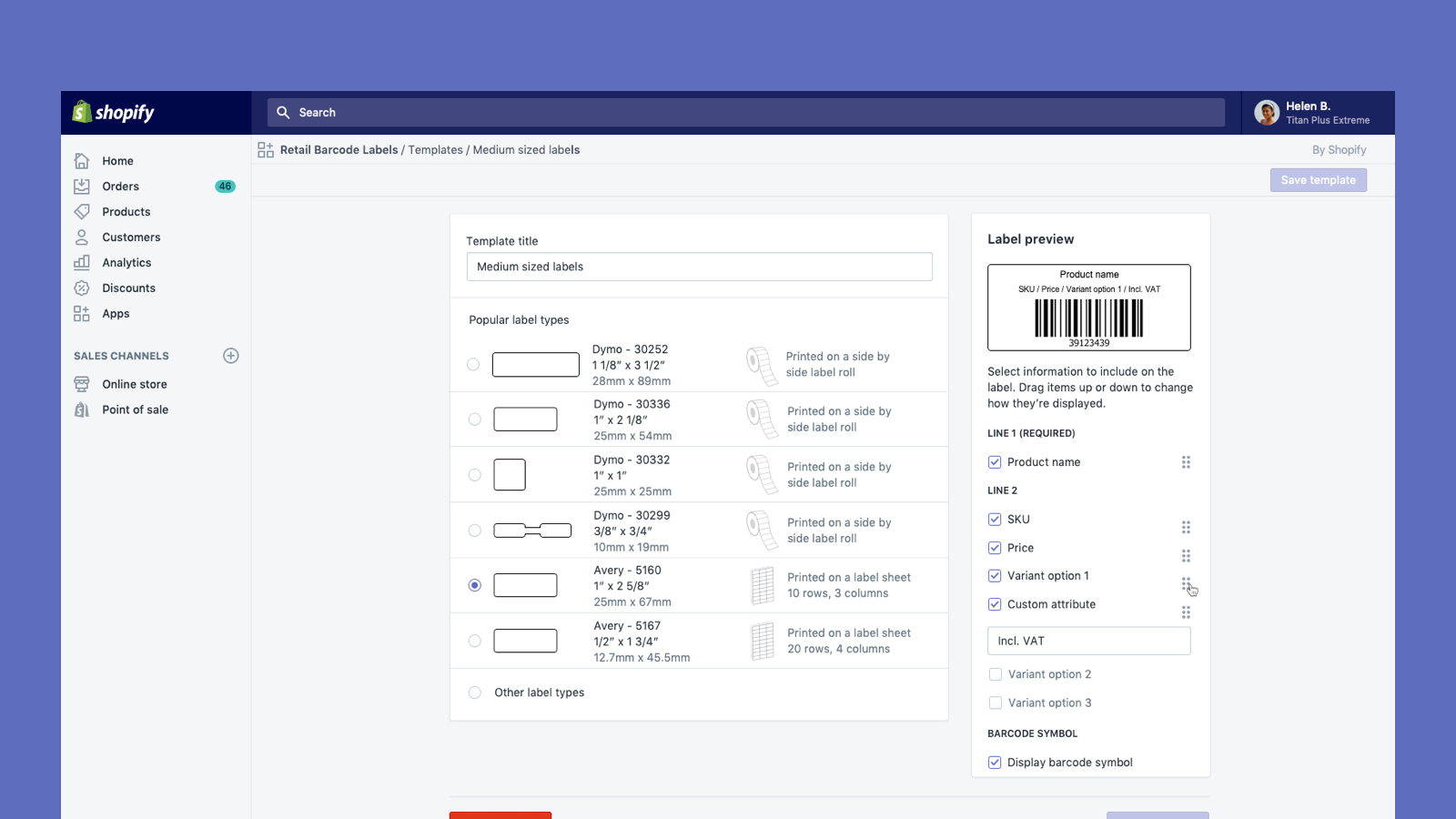
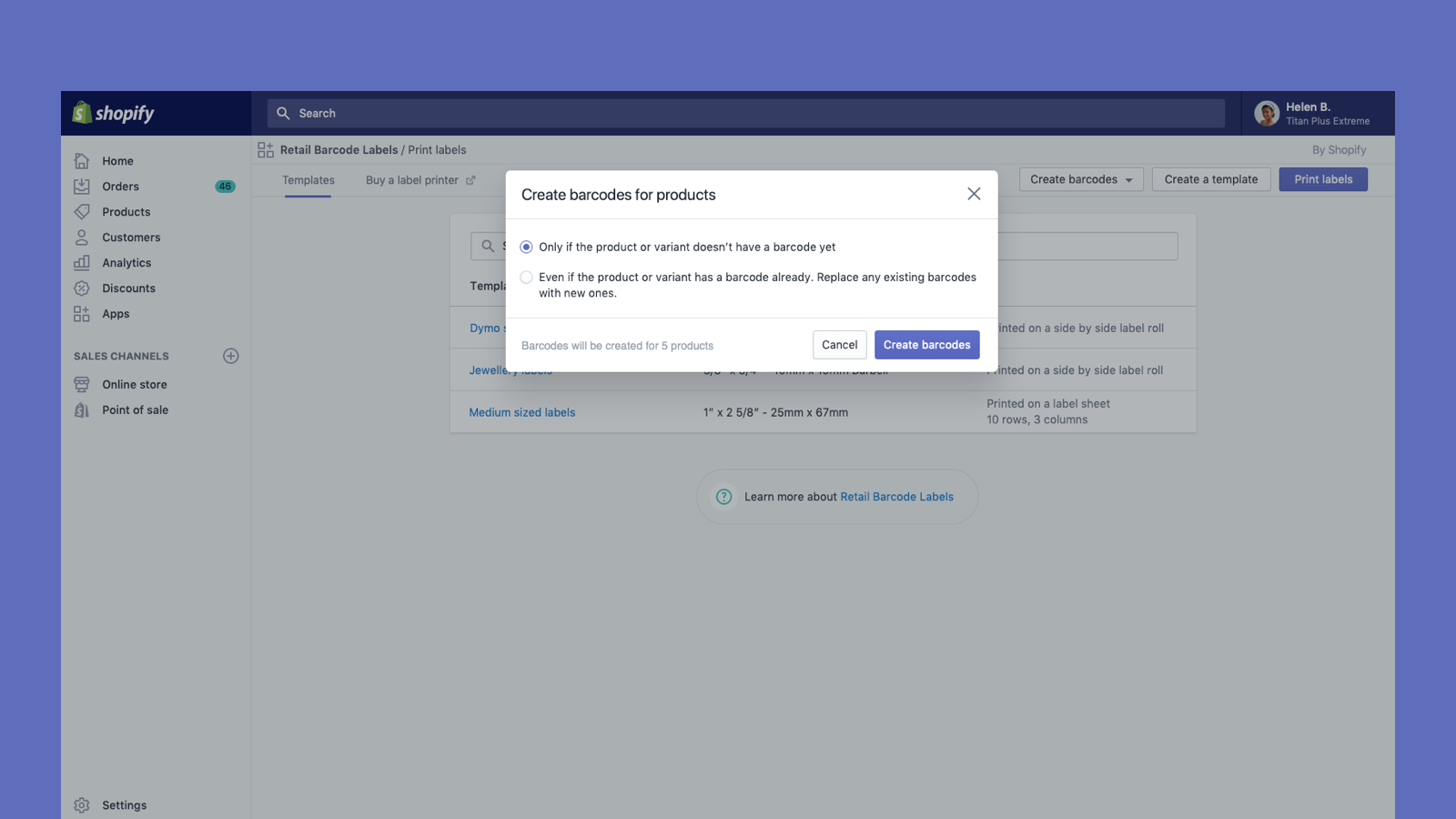
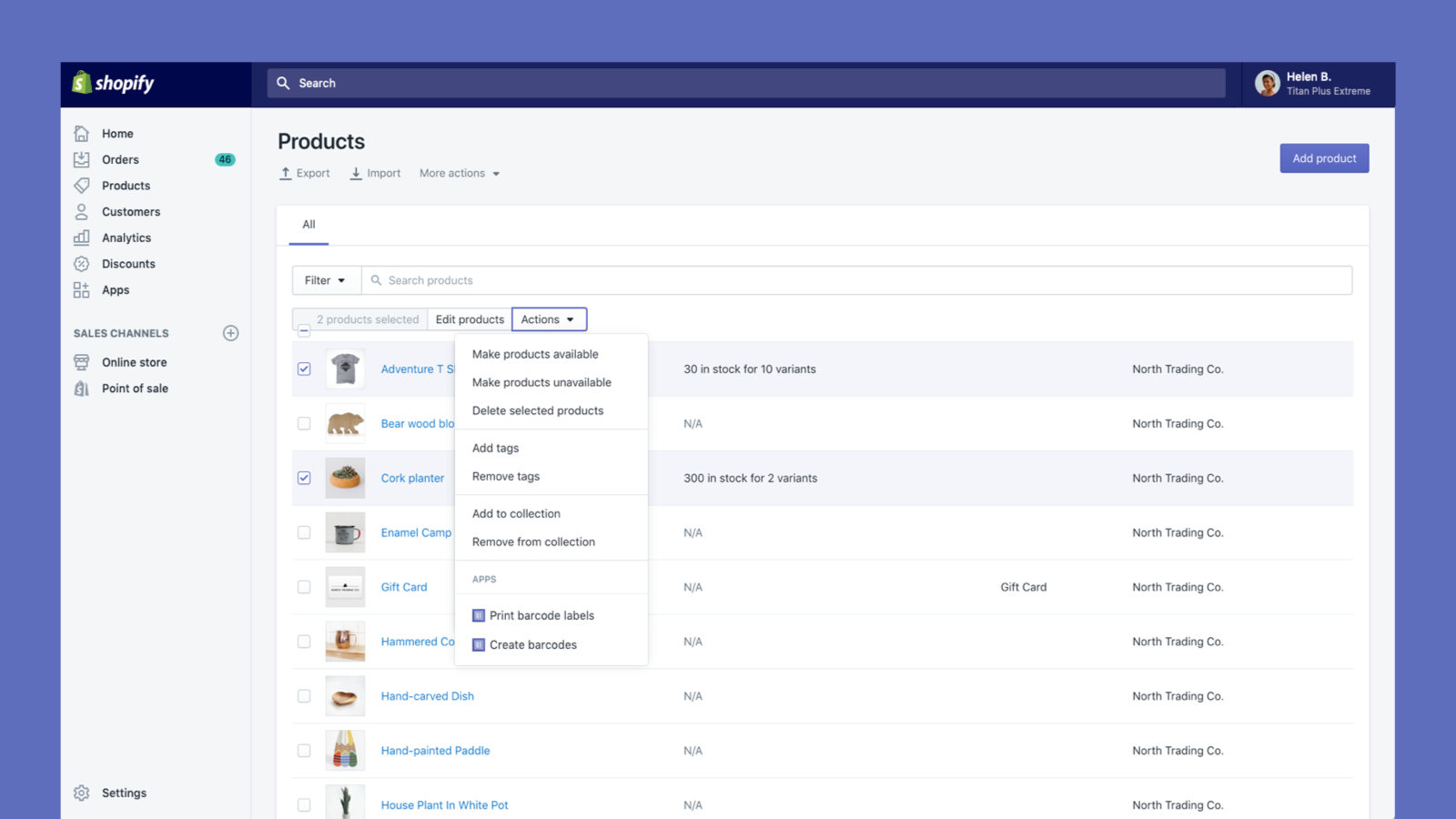
Retail Barcode Labels allows you to easily generate and print barcode labels for your products. Use the app to create label templates to suit your different products and applications. Create templates and print labels on popular paper types from Avery, Dymo, and Zebra’s ranges, including label sheets. Retail Barcode Labels supports any printer currently installed on your computer or network, including secure air-printing from mobile devices. Print labels in bulk with ease and improve your stock
- Automatically generate Code-128 barcodes for any or all of your products.
- Create custom barcode labels with prices, SKUs, variants, and much more.
- Works with Dymo Label, Zebra printers or laser/inkjet printer with Avery Labels.
- Popular with stores like yours
- Based in United States
Languages
English, Danish, German, Finnish, French, Italian, Japanese, Korean, Dutch, Norwegian, Polish, Portuguese (Brazil), Portuguese (Portugal), Swedish, Thai, Turkish, Vietnamese, Chinese (Simplified), Chinese (Traditional), Spanish, and Czech
Works with
- Shopify Admin
Categories
Editable resources
Actions
Reviews (476)
The recent Retail Barcode Labels update removed our ability to print SKU on Avery 5167 labels. We manufacture hundreds of visually similar products. Printing only barcode and price substantially increases the likelihood of mislabeling inventory. We'd like this functionality restored or our store opted out of the new template restrictions.
Thank you for laying this out so clearly. We're passing this along to the team that owns the app, and specific details like the label format and why the SKU matters for your workflow make that report much stronger. If you'd like to go through your current setup and look at options in the meantime like choosing another label size and customizing margins to allow to print on the Avery 5167), our support team is available at help.shopify.com/support.
Even though I'm using the same small Dymo template, all of a sudden my barcodes are longer and a different font. This is a major problem as it changes the whole layout of our product. How can I get my normal template back, and how can I speak to someone to help - no links or helpdesk available.
Thank you so much for sharing this feedback! I understand the recent changes to font may not be ideal and rest assured I have relayed that feedback to our development team. For the layout issue, please reach out to our Retail support team via help.shopify.com with the details and we can investigate further for you.
- Natasha, Shopify Support
I love this app, however, I am extremely displeased about the current font change. Please change it back ASAP or allow us to choose our own font. I absolutely hate that now all my labels do not match and I am literally given no choice in the matter. Please change it back or allow us to choose our own font STAT.
Hi there and thank you so much for sharing this feedback! I understand changes to font may not be ideal and rest assured I have relayed that feedback to our development team - thanks for flagging and for the suggestion of being able to choose your own! If you have encountered a specific technical issue due that change, not just a display issue, please do feel free to reach out to our Retail support team via help.shopify.com and we can investigate further for you as well.
- Natasha, Shopify Support
Support
App support provided by Shopify.
Resources
Launched
December 3, 2018
Data access
This app needs access to the following data to work on your store. Learn why in the developer's privacy policy .
View staff and contributor data:
Store owner
-
Store owner
Name, email address, phone number, physical address
View and edit store data:
Products
-
Edit products
Inventory, products, collections
-
View other data
Locales, Shopify Markets settings, translations
Featured in


More apps like this


Meets our highest standards for performance, design, and integration. Learn moreOpens in new window


Meets our highest standards for performance, design, and integration. Learn moreOpens in new window

