







About this app
Launched
February 23, 2015
Languages
English
Categories
Financial reportsWorks with
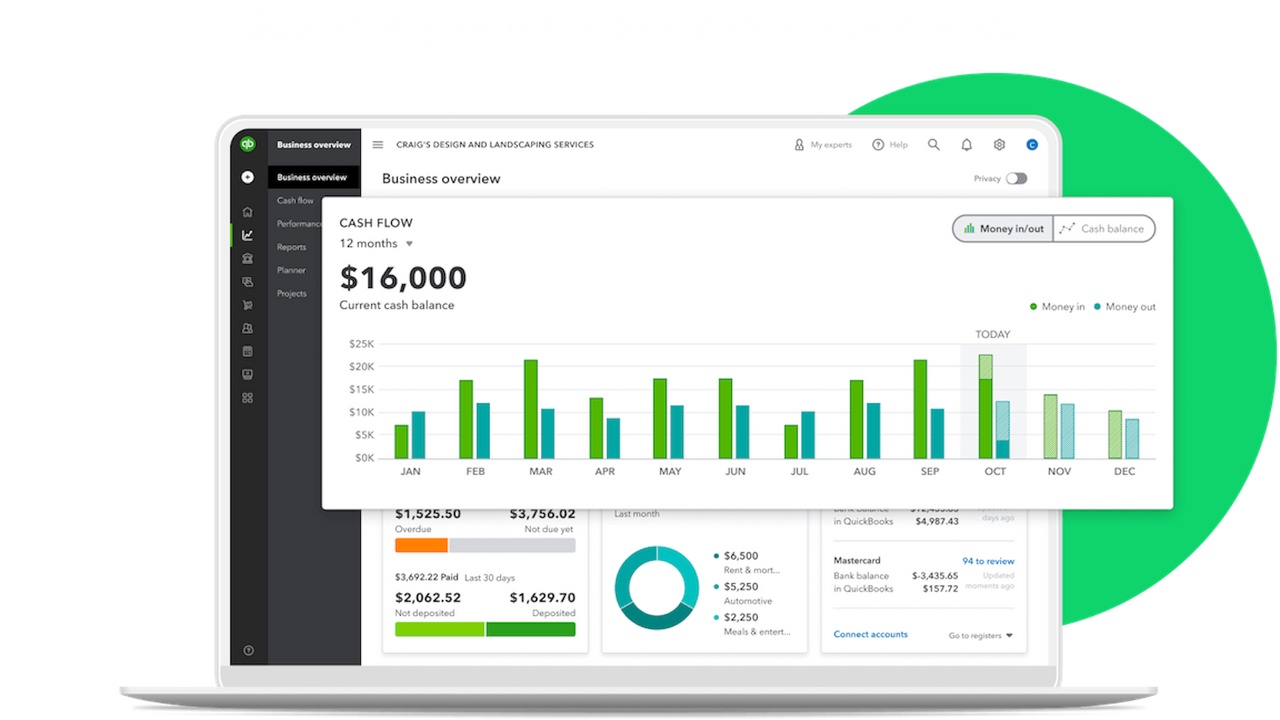
quickbooks onlineSave time and stay ahead of your bookkeeping when you integrate with QuickBooks Online International
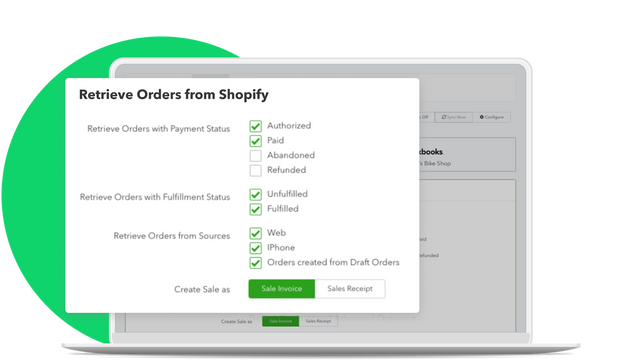
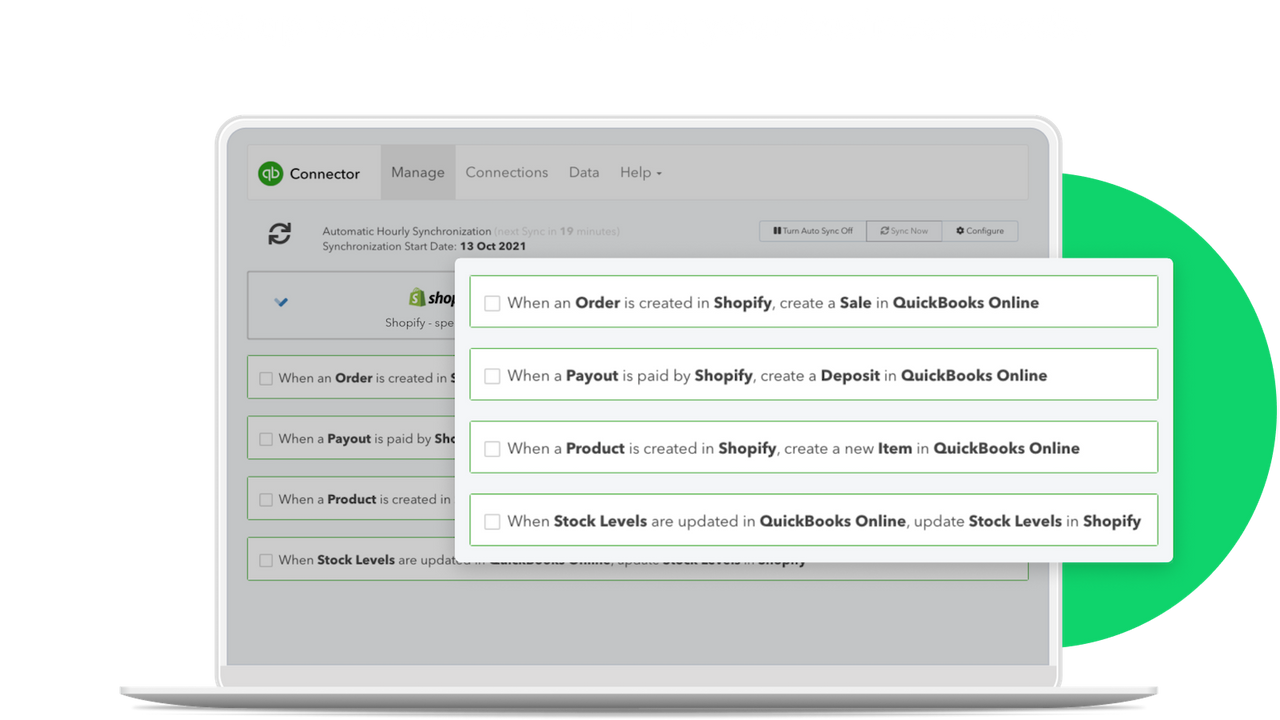
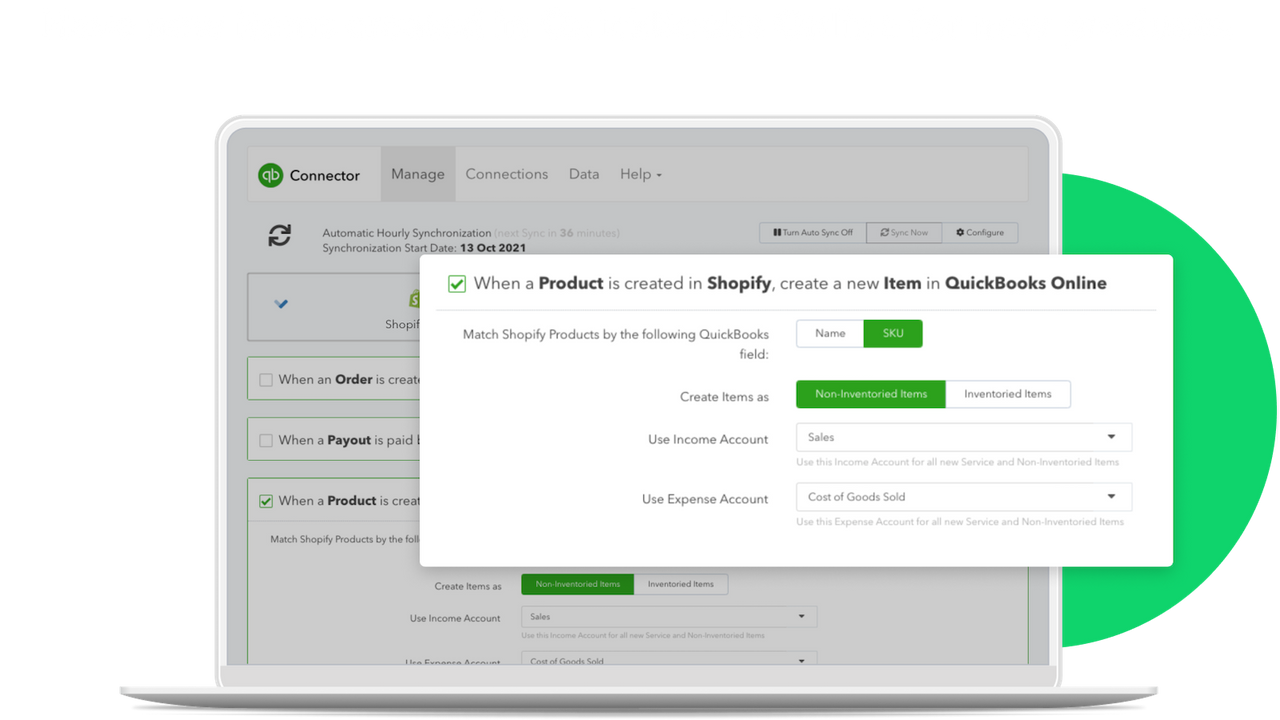
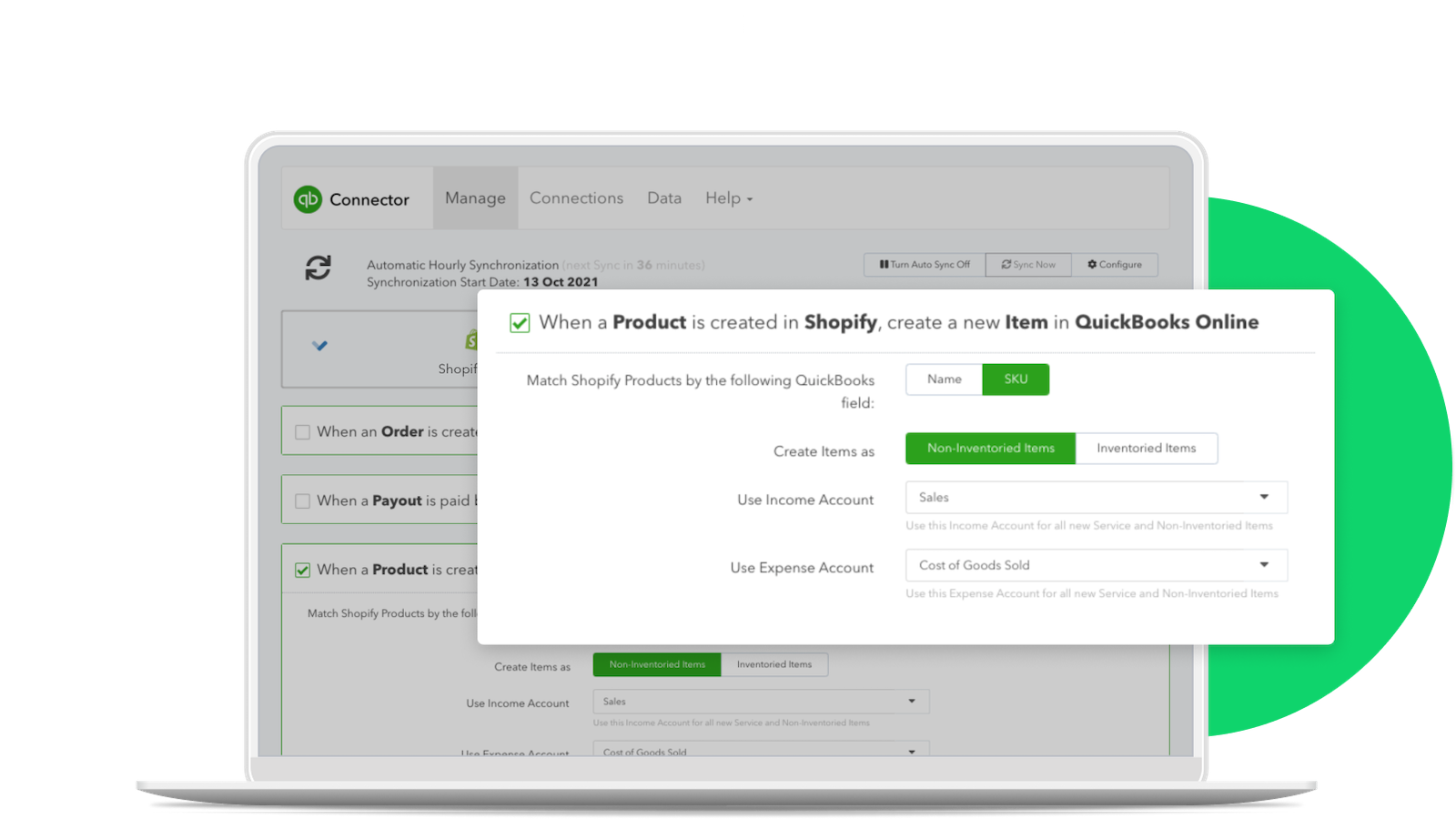
Easily manage the connection between Shopify and QuickBooks Online. For merchants that sell outside of US, connect all of your Shopify storefronts to QuickBooks Online accounting to track income and expenses and maximize tax deductions. Automate entering invoices, customers, or products by connecting Shopify and QuickBooks Online. Synchronize your inventory and accounting data between Shopify and QuickBooks Online.
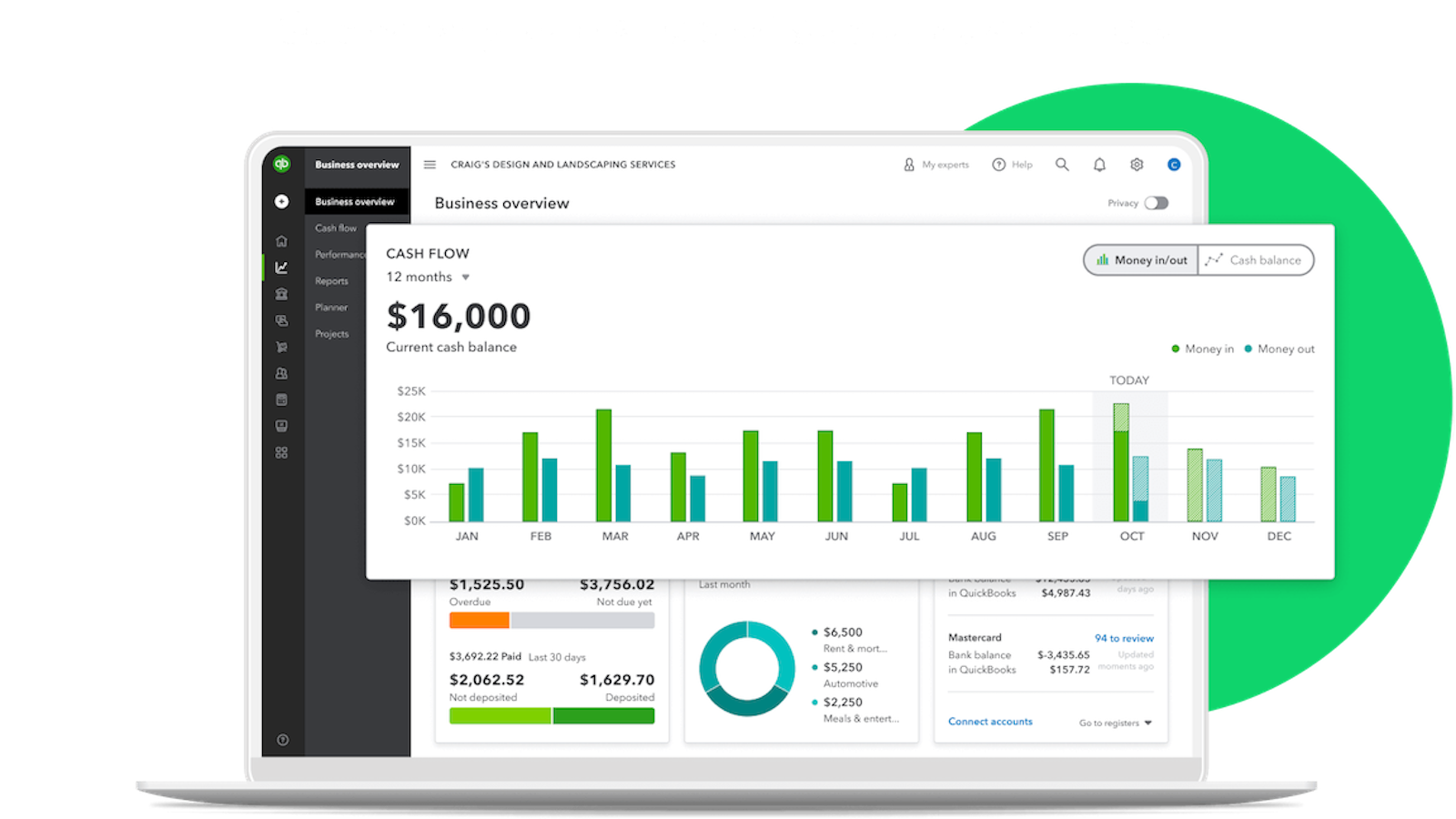
- Track income and expenses and maximize tax deductions for your Shopify business
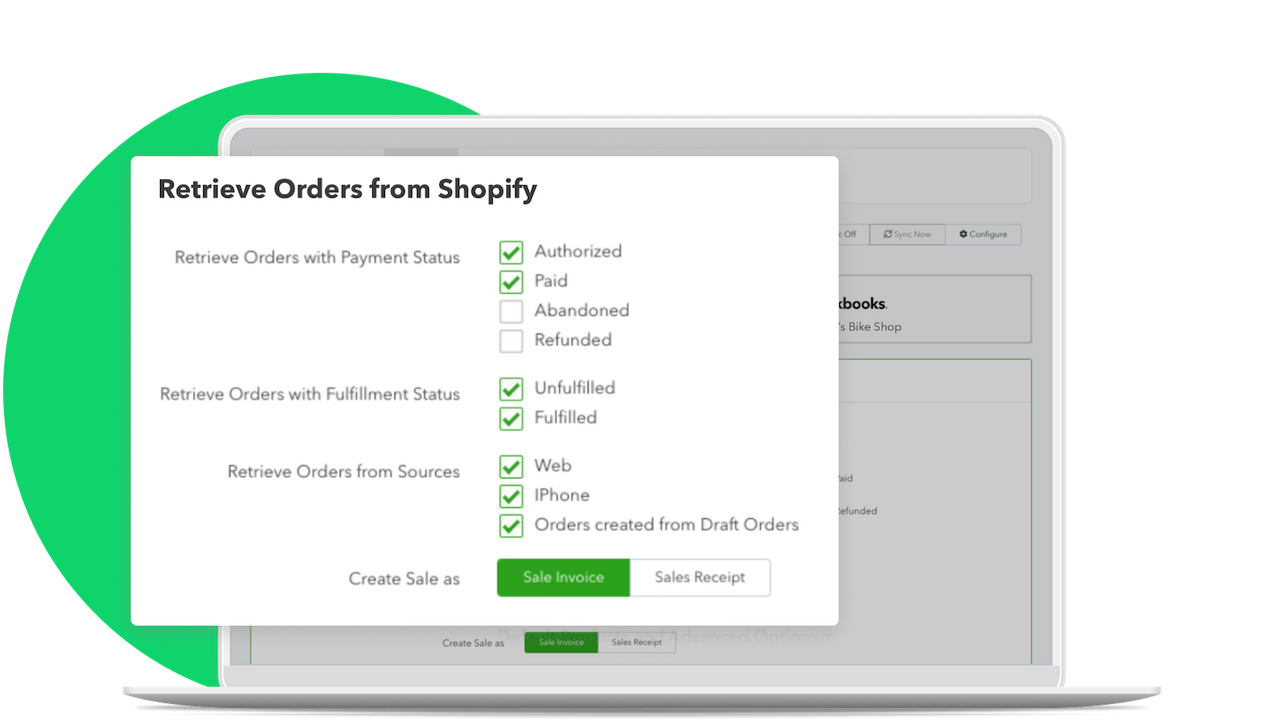
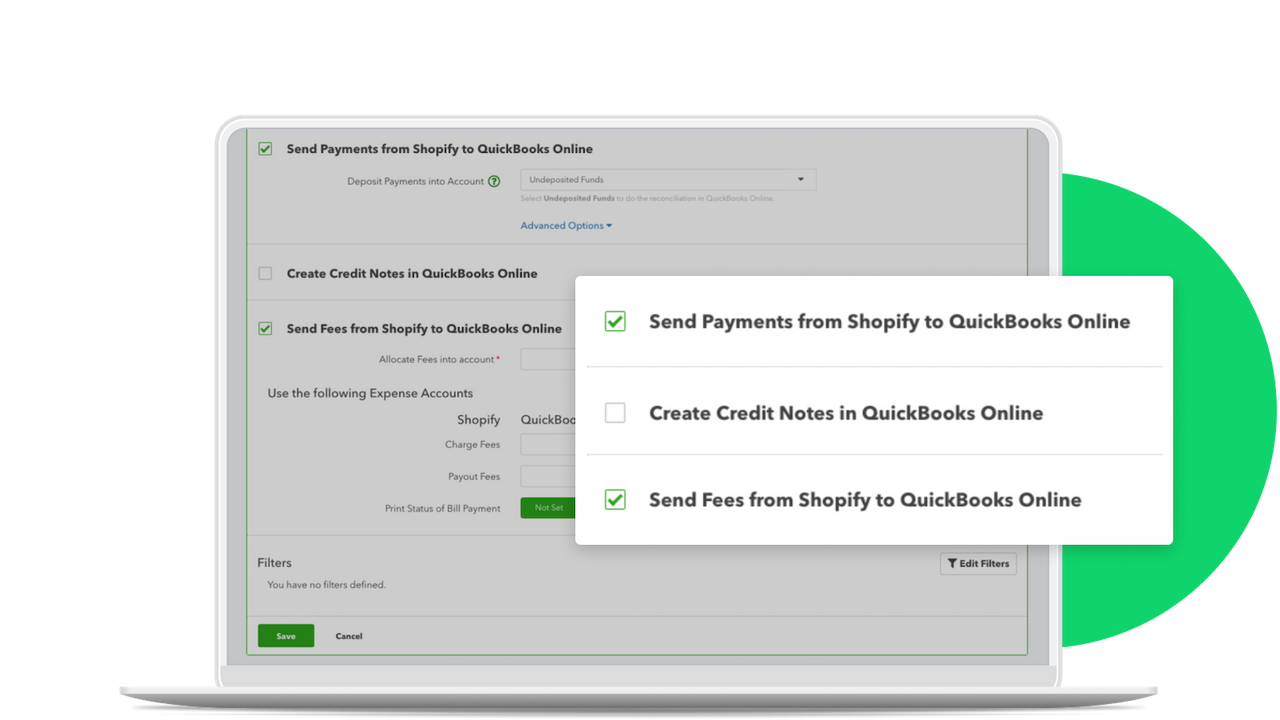
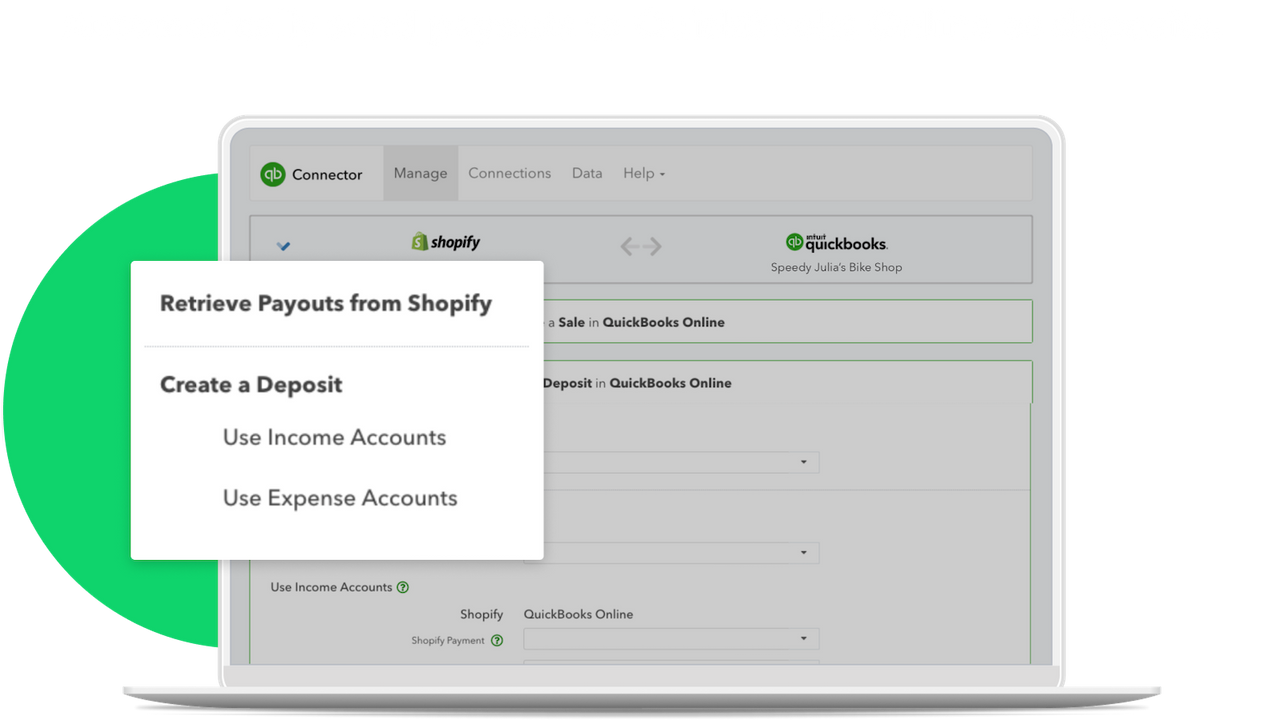
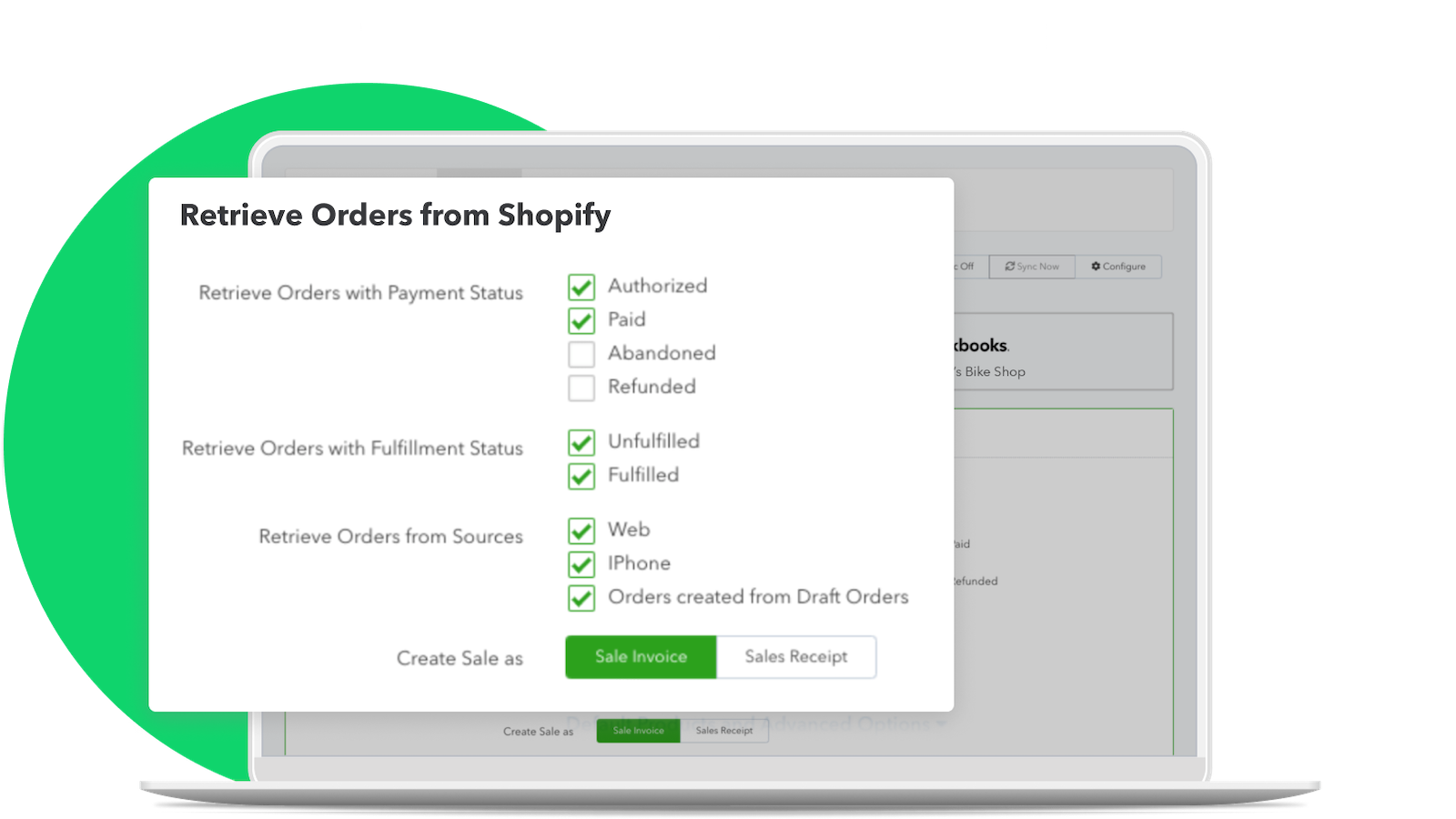
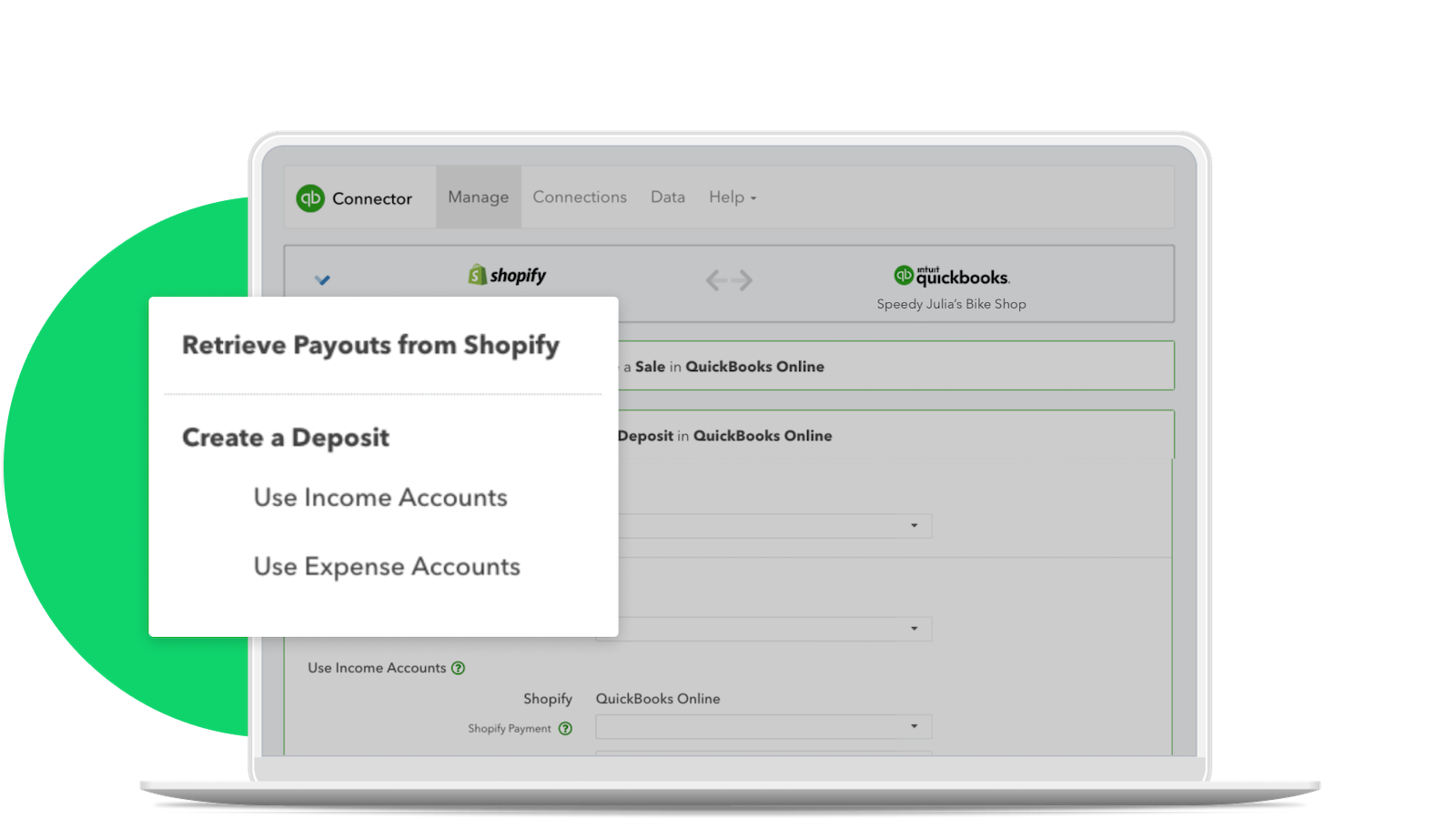
- Import sales data from Shopify to QuickBooks Online.
- Make fewer mistakes by reducing the need for manual data entry and shortcuts.
- Share added products from Shopify to QuickBooks Online.
- Update stock levels between QuickBooks Online (Plus or higher) and Shopify.
Pricing
External charges may be billed by Intuit separately from your Shopify invoice. Learn more
Existing customers
Free to install
Additional charges may apply.
- For existing QuickBooks Online users
- Track income and expenses and maximize tax deductions
- Sync your inventory and accounting data with QBO
QBO Essentials
$30 / month
Get 50% off for 3 months.
- For new users, QBO Essentials + Connector
- All QBO Essentials features
- Track income & expenses
- Invoice & accept payments
- Manage contract work
QBO Plus
$55 / month
Get 50% off for 3 months.
- For new users, QBO Plus + Connector
- All QBO Plus features plus
- Track project profitability
- 5 users
QBO Advanced
$85 / month
Get 50% off for 3 months.
- For new users, QBO Advanced + Connector
- All QBO Advanced features plus
- Manage employee expenses
- Batch invoices and expenses
- More than 5 user
Existing customers
Free to install
Additional charges may apply.
- For existing QuickBooks Online users
- Track income and expenses and maximize tax deductions
- Sync your inventory and accounting data with QBO
QBO Essentials
$30 / month
Get 50% off for 3 months.
- For new users, QBO Essentials + Connector
- All QBO Essentials features
- Track income & expenses
- Invoice & accept payments
- Manage contract work
QBO Plus
$55 / month
Get 50% off for 3 months.
- For new users, QBO Plus + Connector
- All QBO Plus features plus
- Track project profitability
- 5 users
QBO Advanced
$85 / month
Get 50% off for 3 months.
- For new users, QBO Advanced + Connector
- All QBO Advanced features plus
- Manage employee expenses
- Batch invoices and expenses
- More than 5 user
All charges are billed in USD. Recurring and usage-based charges are billed every 30 days. See all pricing options
2,339 reviews
What merchants think
This is generated by Shopify Magic. It's shown when an app has 100+ reviews and a 4.0 overall rating.
This is generated by Shopify Magic. It's shown when an app has 100+ reviews and a 4.0 overall rating.
Feedback submitted
Merchants appreciate this app for its automatic data syncing between Shopify and QuickBooks Online, reducing manual data entry and saving time. It's user-friendly and ideal for small businesses. The app's performance is reliable and the customer service is exceptional, with the support team often going above and beyond. The chat feature is also valued for providing quick help. Additionally, the app is free, making it even more attractive for small businesses.
I've been using this app for a year now since my client moved their online shop to Shopify. It works very well and considering the tens of thousand of sales being brought across I get minimal amounts of errors. On the rare occasions that I've had to use support I've also found them very helpful and get any problems I've had sorted very quickly. I particularly want to mention Nick who helped me out this morning with a syncing issue.
David solved the problem I had been dealing with for the last month quite quickly... and then even found an additional error that I needed to correct. Very happy,
I was having issues with our sync between Shopify and Quickbooks. The online chat help was so useful and Sherwin was able to answer and solve my problem quickly and effectively. I was able to get back to work in a short amount of time.
About this app
Launched
February 23, 2015
Languages
English
Categories
Financial reportsWorks with
quickbooks onlineBuilt by Intuit
About Intuit
4.9 average rating
12 years building apps for the Shopify App Store
34/1 O'Connell St, Sydney, NSW, 2000, AU
Support
Send a messagesupport@onesaas.com
Resources
More apps like this